

✨ About the Project: Scholar Lens Scholar Lens is a research assistant designed to help anyone understand academic papers — fast. Users paste in text from academic papers and choose a tone (like “layperson” or “blog-style”) to instantly get a clear, tailored summary and keywords. The goal is to make research more approachable, especially for those outside academia.
💡 Inspiration I'm not a developer — I work in the scholarly publishing industry. Day in, day out, I see people struggle to make sense of dense, technical writing. Whether it's students trying to grasp methodology or journalists hunting for a punchy quote, academic content is often impenetrable.
So I thought: what if I just tried to fix it myself?
Despite having no technical background, I decided to learn on the fly and create something that would genuinely help real people understand important ideas.
I only found out about this hackathon on June 27th, and with a full time job and childcare responsibilities, I could only work on it in the evenings. Even with those limits, I managed to ship a functioning MVP.
🛠️ How I Built It Frontend: React (via Bolt), built from scratch. Originally supported PDF uploads, but moved to a simple text input interface for speed and stability.
Backend: Supabase for:
Auth and user management
Role-Based Access with RLS
Usage tracking via stored procedures
Edge Functions (Supabase):
Handle summarization securely via OpenAI API
Enforce user-specific limits and models (GPT-3.5 vs GPT-4)
OpenAI:
Generates summaries and keywords using dynamic, tone-aware prompts
Deployment: Deployed via Netlify with environment variables securely passed from Supabase
🧩 Key Features Paste any academic text (soon: upload PDFs for premium users)
Choose tone: layperson, academic, ELI5, blog-style, social, etc.
GPT-4 support for premium users
Usage tracking and limits (via Supabase RPC)
Summaries + structured keyword output
Clean UI and user onboarding
🚧 Challenges I Faced 🧪 1. PDF Upload & Parsing Originally, users could upload PDF files, and the backend (a Supabase Edge Function) would extract and summarize them. But Supabase’s Deno environment struggled with pdfjs-dist, causing module parsing errors and timeouts.
Solution: I moved PDF parsing to the frontend using pdfjs-dist, but eventually decided to simplify and temporarily remove upload support, focusing on copy-paste input for this MVP.
Silver lining: This made me realize that PDF upload should be a premium feature, unlocking higher-tier value while keeping the free tier clean and stable.
🔐 2. Supabase Auth Timeouts Supabase sessions were hanging in Bolt and Netlify due to network restrictions and auth state race conditions.
Fixes:
Custom retry logic
Fallback timeouts
More resilient AuthContext handling
Detailed logging with emojis (✅📡🔍) for real-time feedback
🕓 3. Time & Experience This was probably the biggest challenge of all.
I started 3 days before the deadline
I’m a solo builder
I’ve never coded professionally
I have young children and a full time day job
But I shipped anyway.
I’ve learned Supabase, React, Edge Functions, and AI prompt engineering — all within a few intense nights of hacking.
📚 What I Learned You don’t need to be a dev to solve a real problem
Supabase is powerful, but requires careful setup (especially RLS + Edge Functions)
OpenAI can do amazing things — but only if you ask it right
Clean UX is essential when async processes are involved
Logging and visibility make or break debugging
✅ Outcome In just a few days, I built a working MVP that:
Converts complex academic papers into clear summaries
Tailors summaries to different tones and user types
Tracks usage limits
Supports GPT-4 for premium users
Is deployed and live — and already working on mobile!
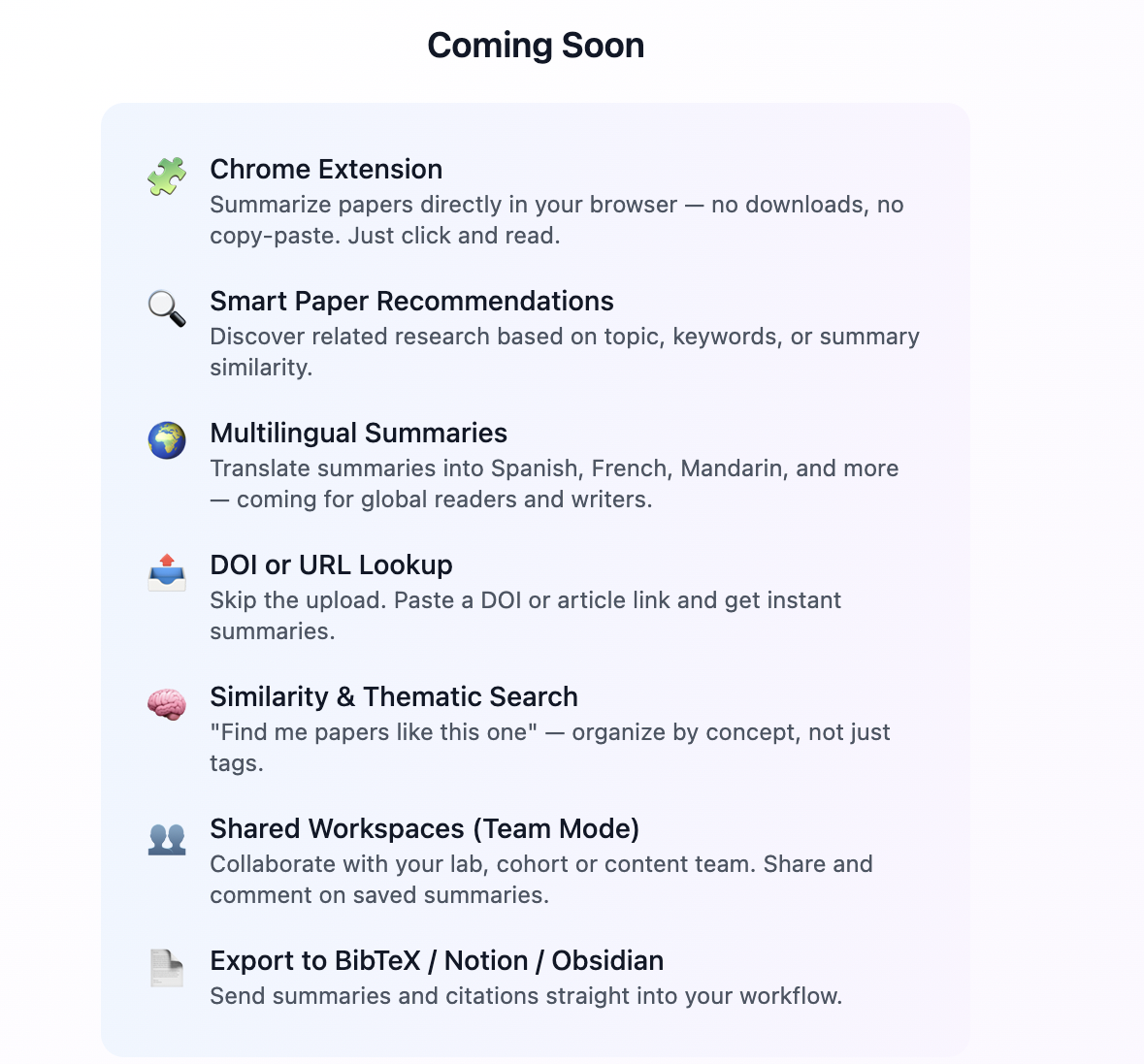
🌱 What's Next? Reintroduce PDF upload as a premium-only feature
Add citation context and auto-title detection
Ship a full onboarding flow
Add Stripe for premium upgrades
Extend summaries into tweet threads, blog posts, and more
👋 Final Thoughts This project was born from real pain points in my industry. I didn't wait for someone to build it. I taught myself what I needed and just started.
I'm proud that someone with no technical background, childcare constraints, and only a few days of hacking built this.
Thanks for the opportunity 🙏
Built With
- bolt
- netlify
- openai
- stripe
- supabase

Log in or sign up for Devpost to join the conversation.