-
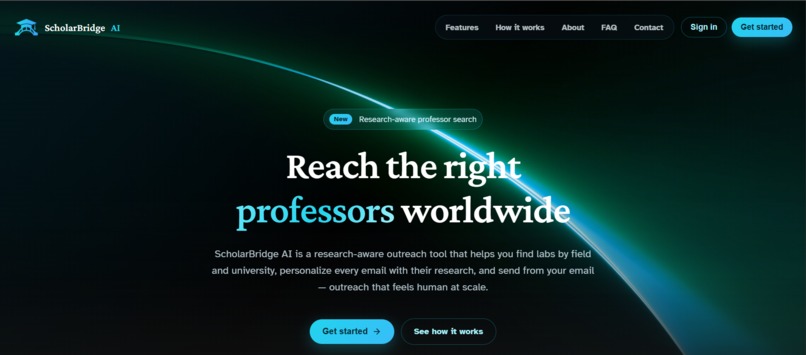
Home
-
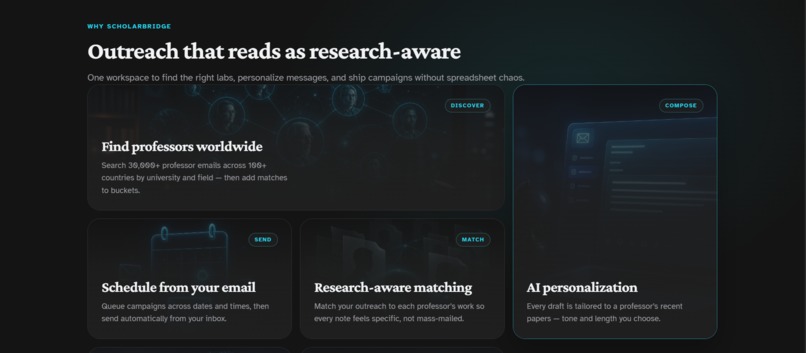
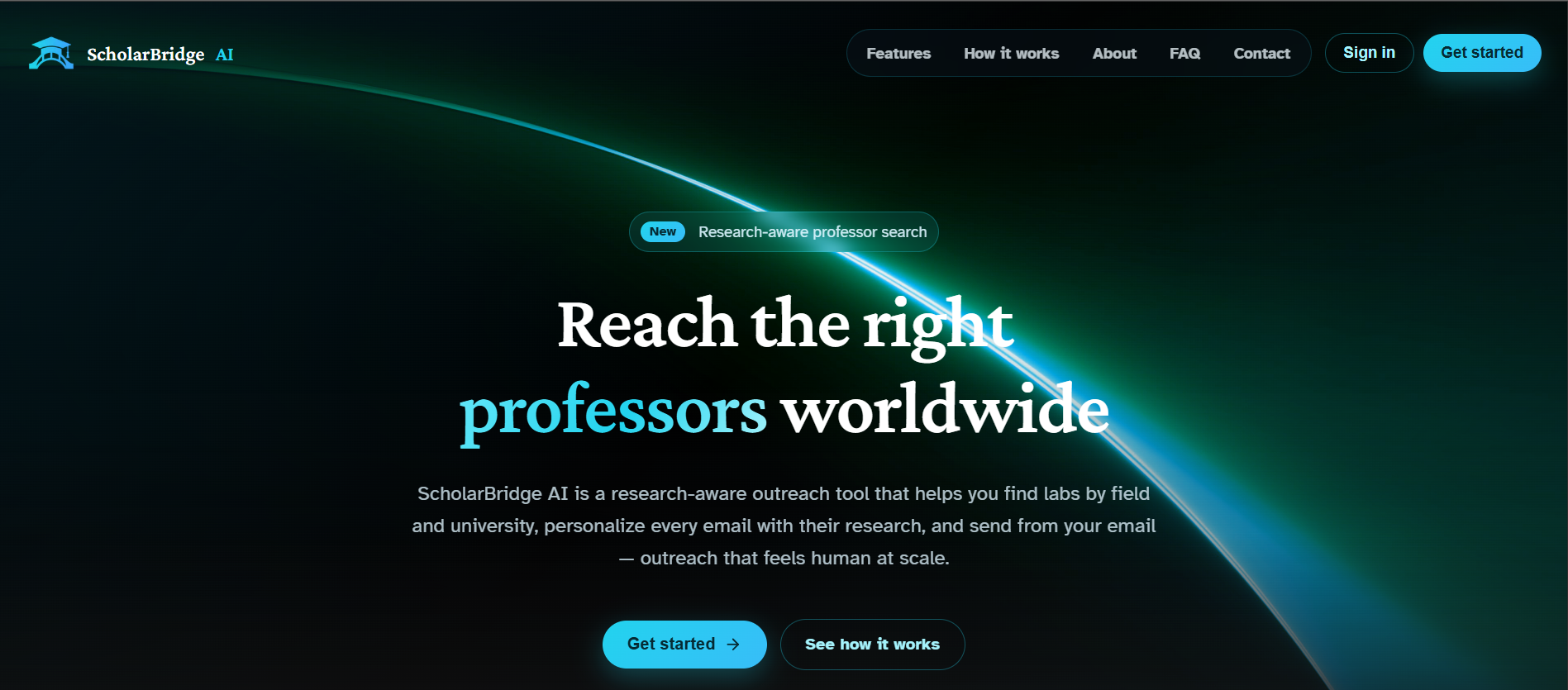
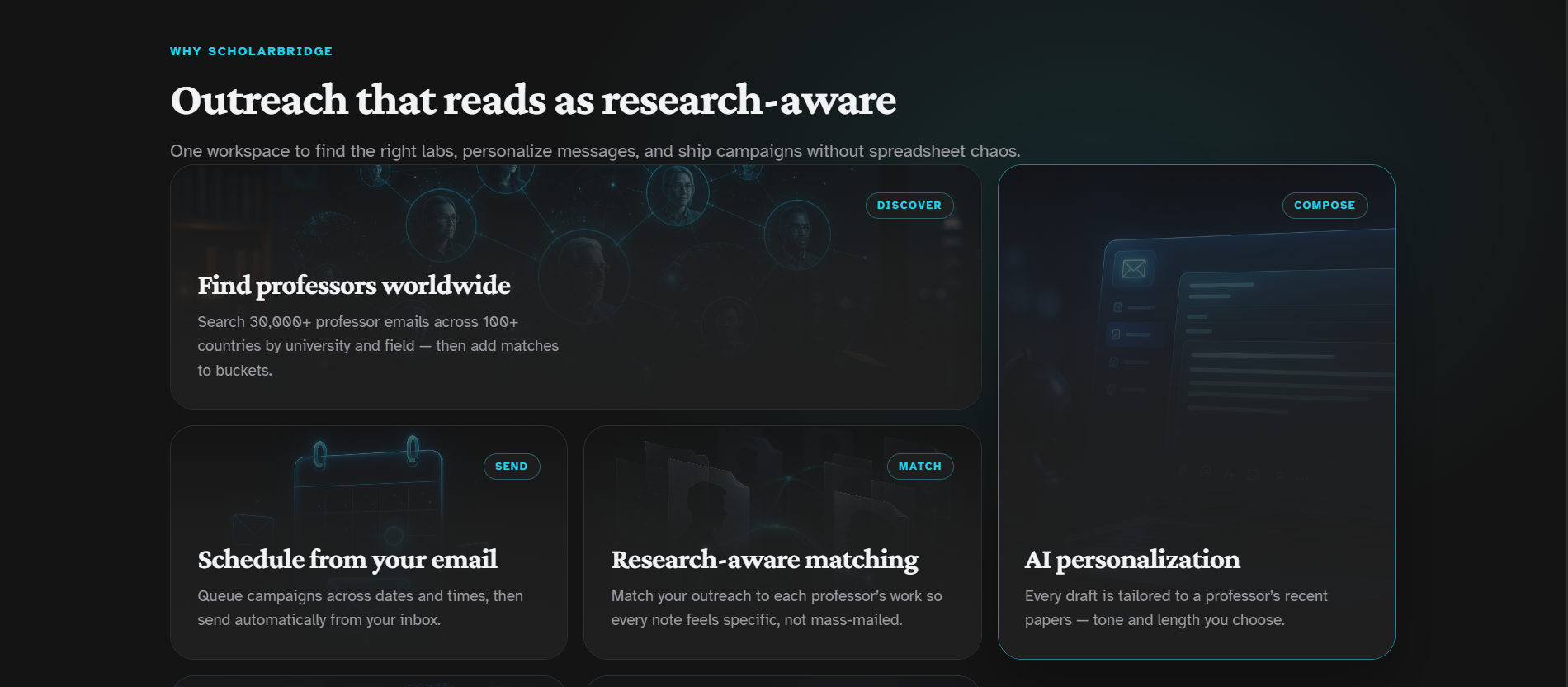
Why ScholarBridge AI
-
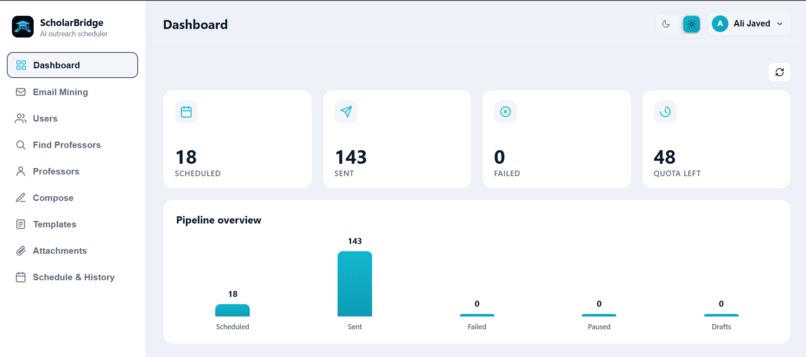
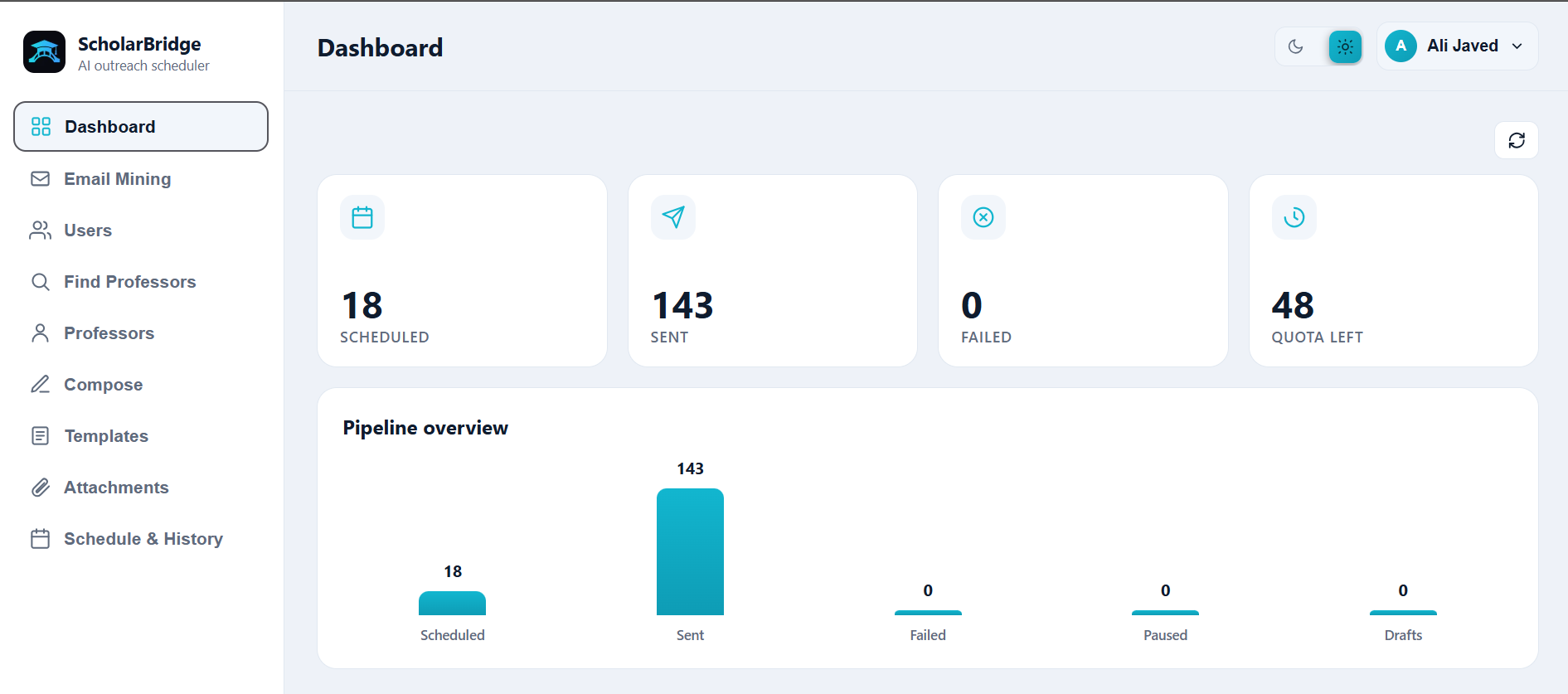
Dashboard
-
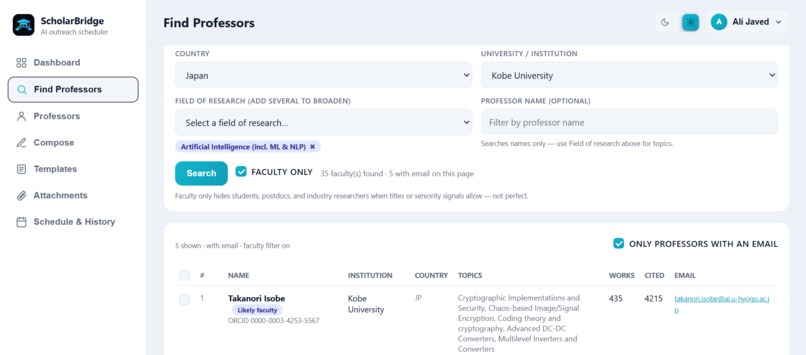
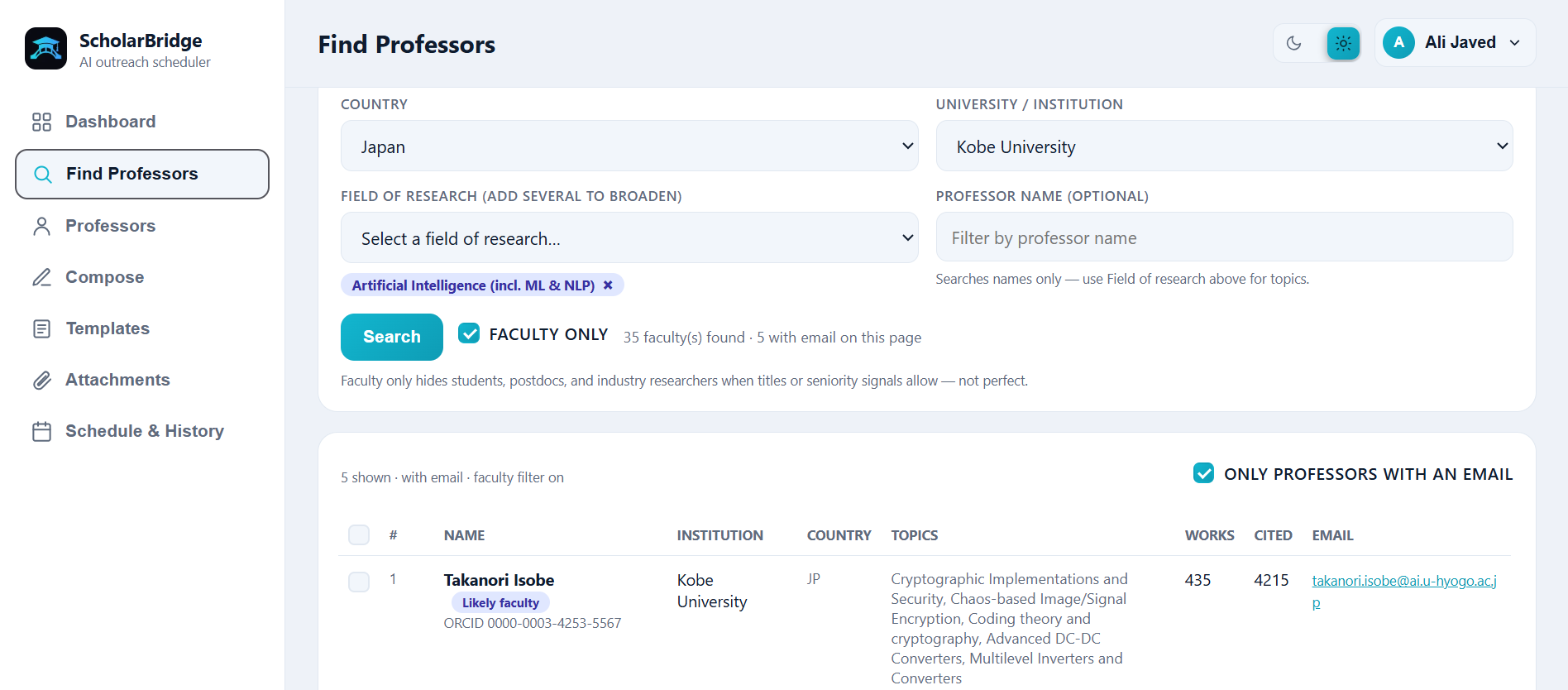
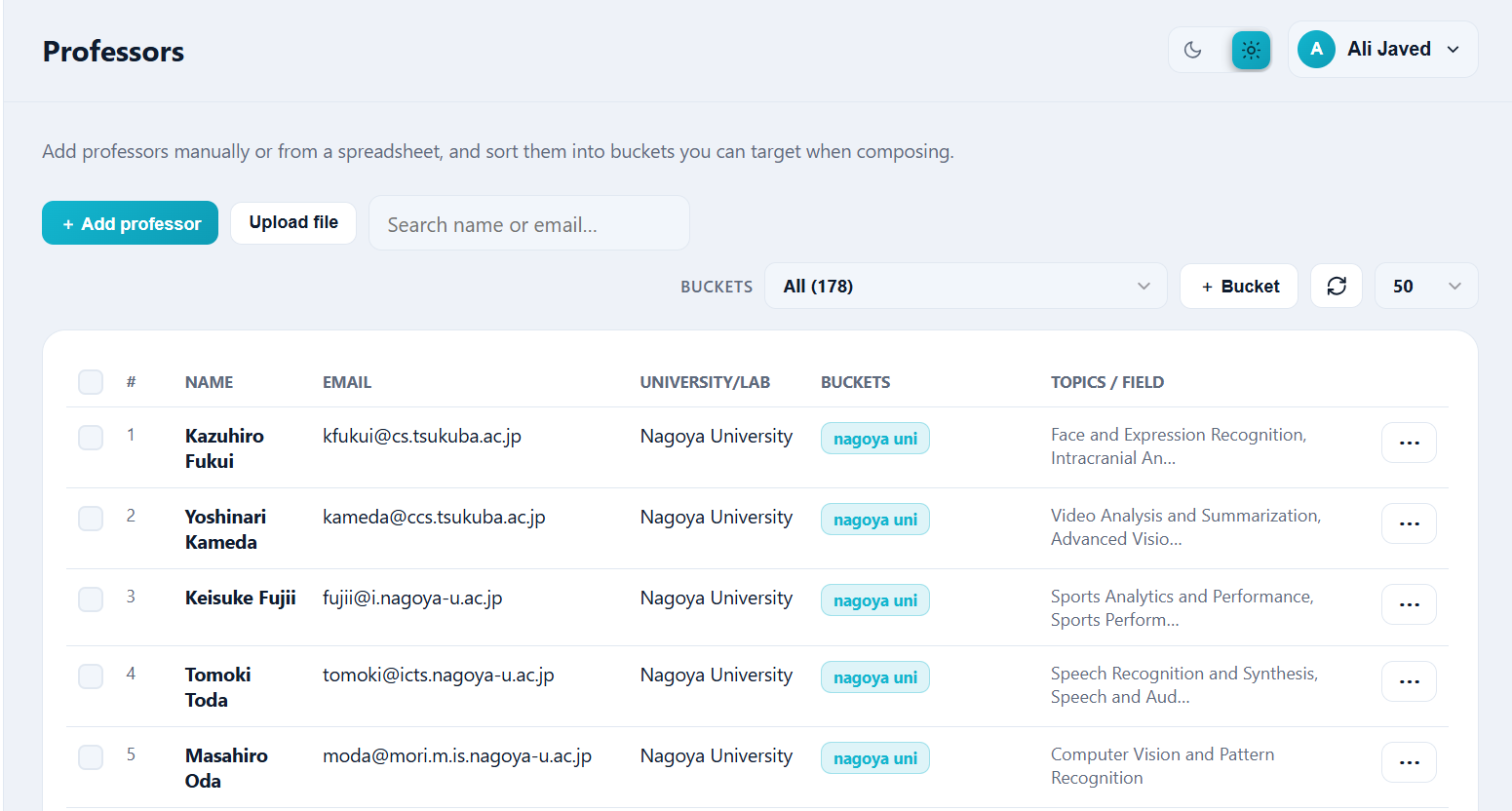
Find Professors
-
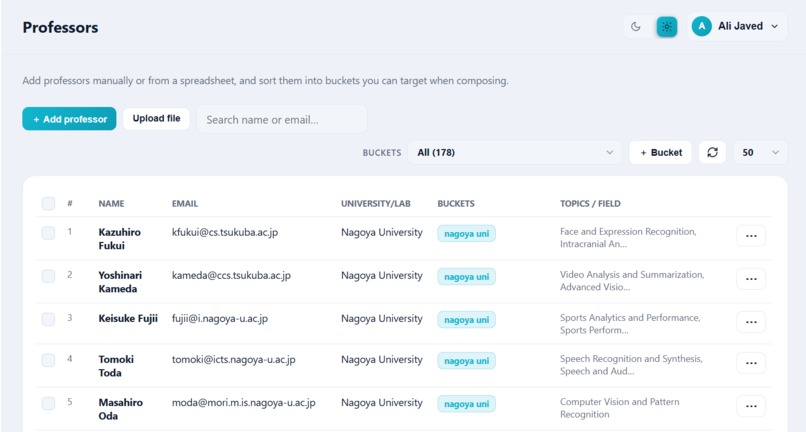
Add to Bucket or edit professors
-
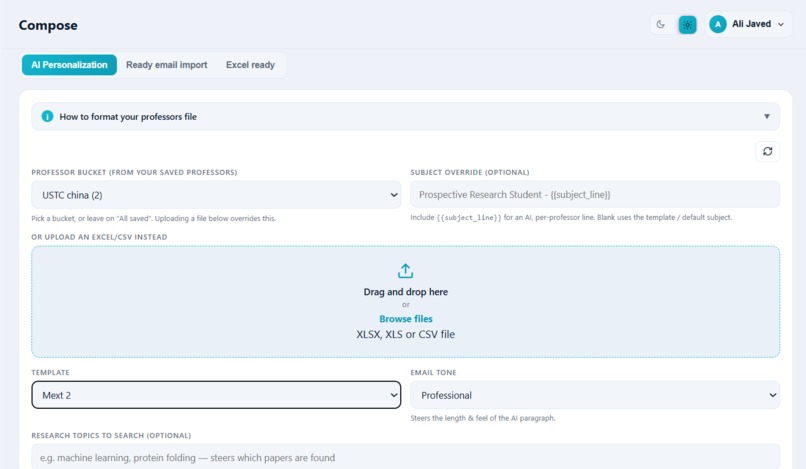
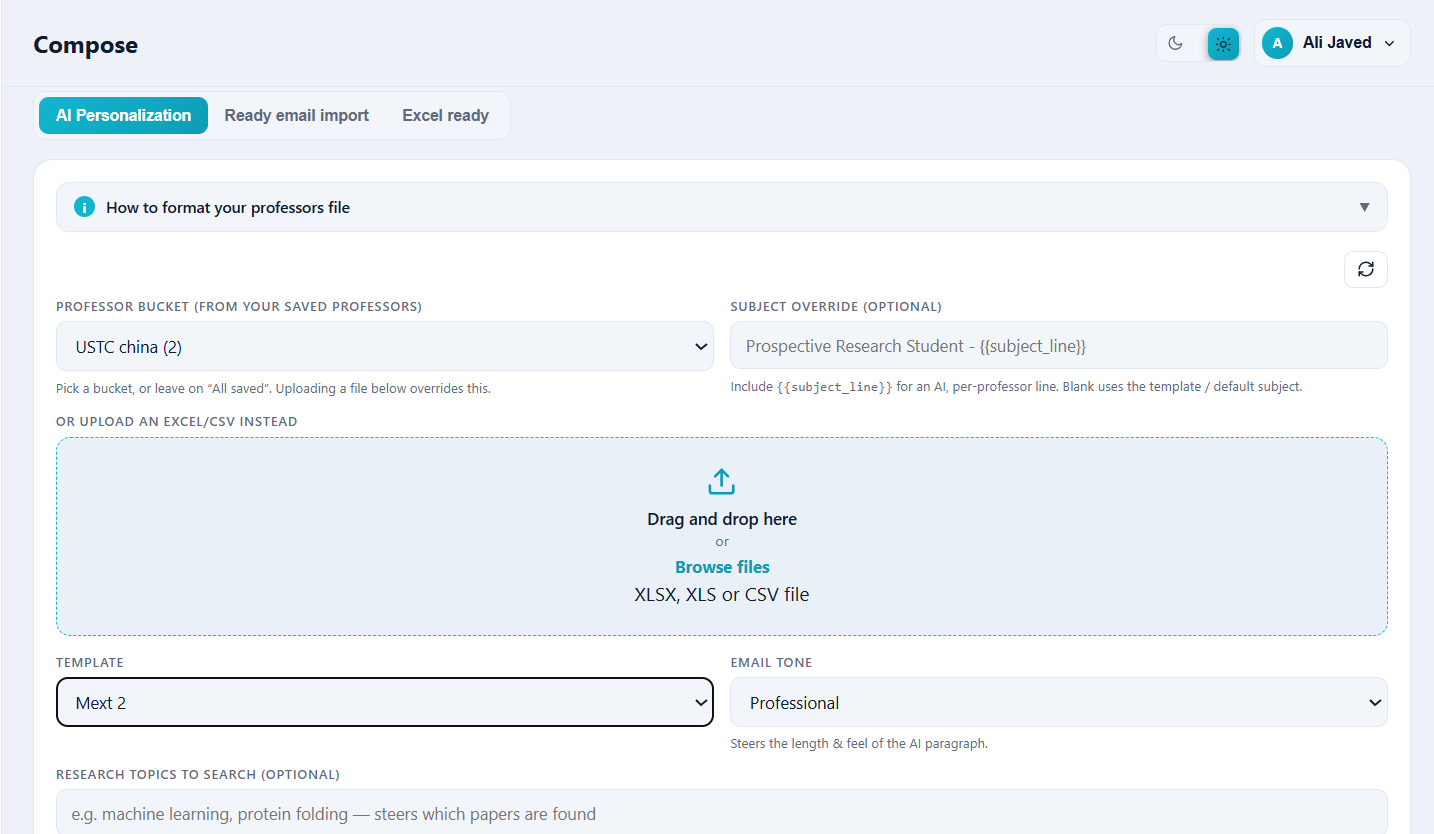
Compose Emails from bucket of professors
-
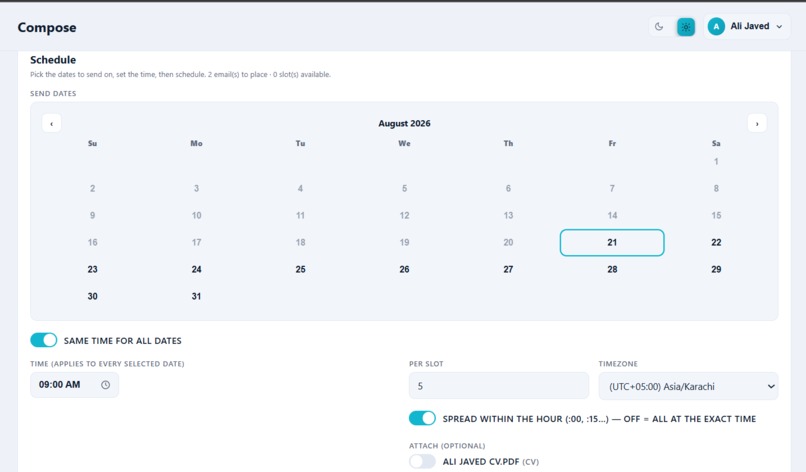
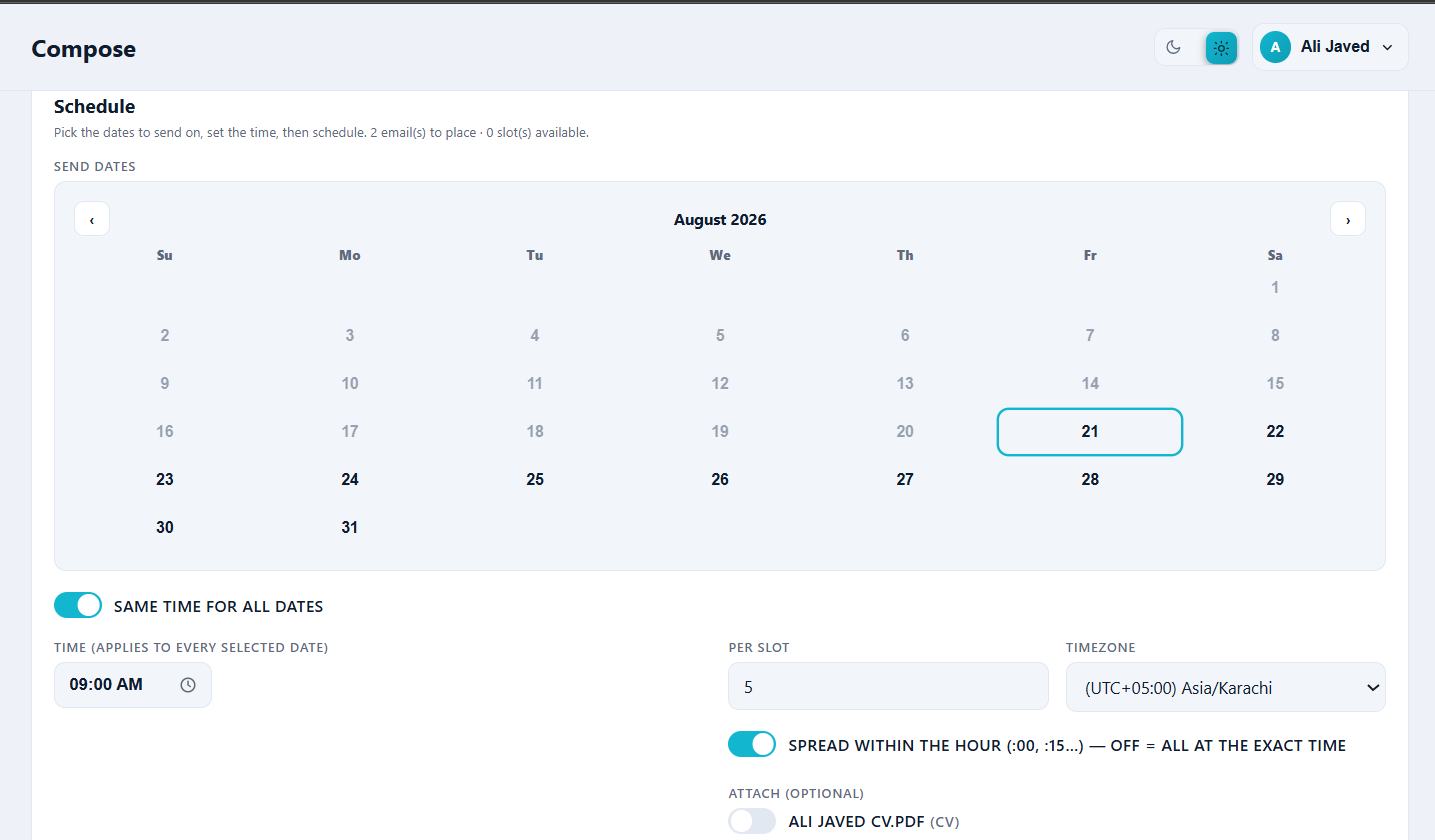
Schedule them
-
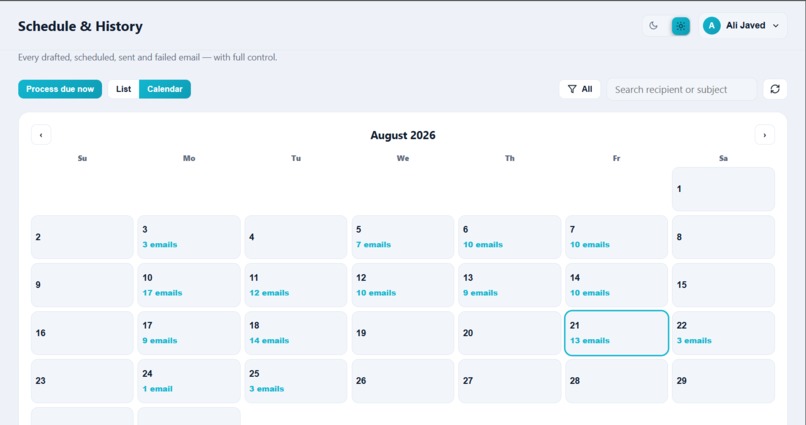
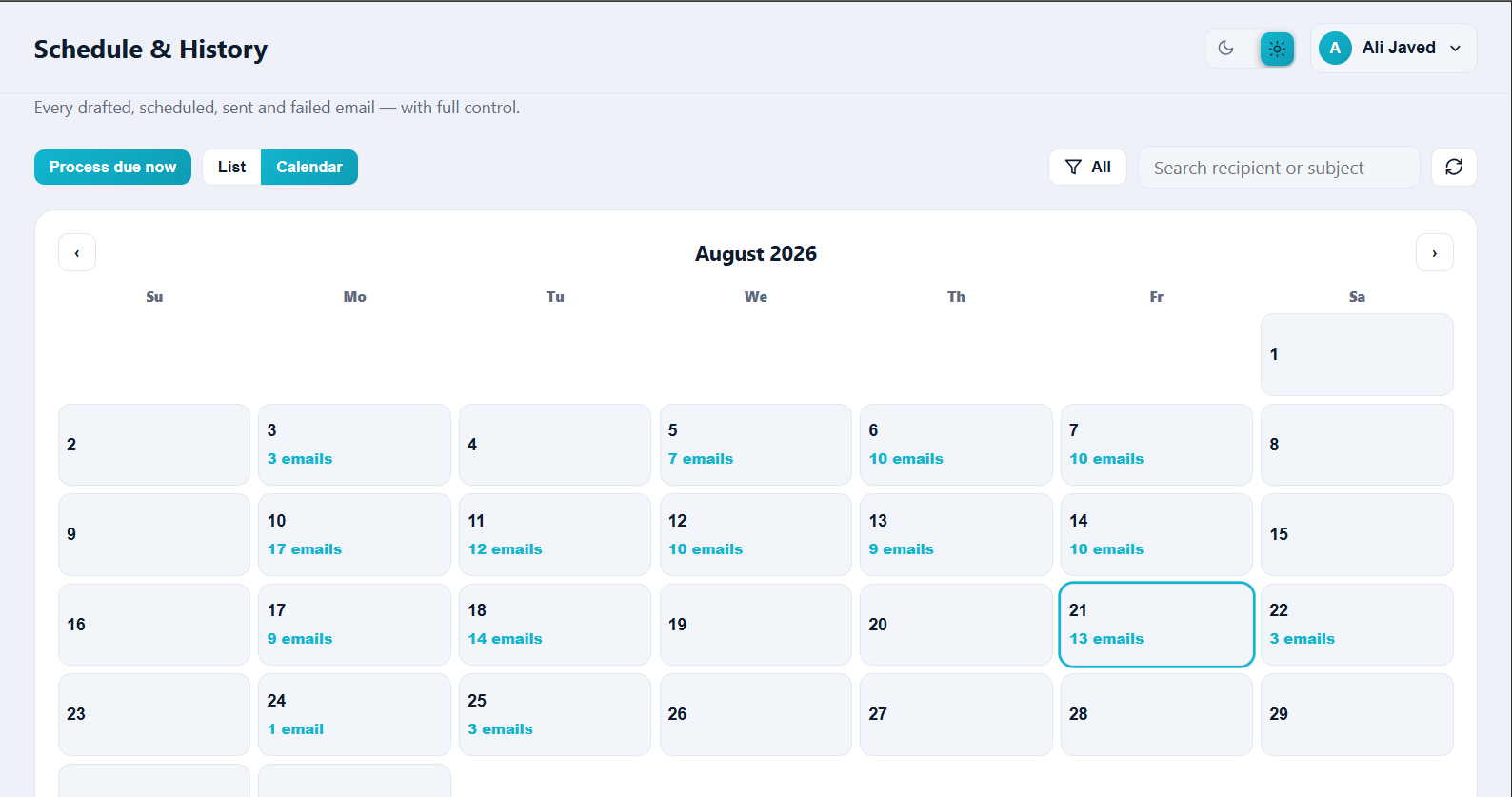
Check them in calender and list view
Inspiration
Applying to labs is not a messaging problem, it is a matching problem. I spent too many nights in the same loop: open a department page, hunt for an email, skim two papers, rewrite a “personalized” paragraph that still sounded like a template, paste it into Gmail, lose track of who I already contacted.
That friction is what inspired ScholarBridge AI. I wanted a tool that treats outreach like research:
- Find faculty by country, university, and field
- Ground every draft in a professor’s real recent work
- Send from my inbox so replies come back to me
The goal was never “more emails.” It was emails that respect the research.
What it does
ScholarBridge AI is a full outreach workspace for students and researchers:
- Search a shared cache of 30,000+ professor emails across 100+ countries
- Build lists / buckets (or upload a spreadsheet)
- Generate research-aware drafts with editable subject lines and body copy
- Attach documents, schedule campaigns, pause/resume, and send via Gmail
- Track what went out from a single dashboard
Flow in one line:
$$ \text{Discover} \rightarrow \text{Personalize} \rightarrow \text{Schedule} \rightarrow \text{Send} $$
How I built it
Stack
| Layer | Choice |
|---|---|
| App | Next.js 14 (App Router) on Vercel |
| Data / Auth / Storage | Supabase (Postgres, Google Auth, Storage, RLS) |
| Research signals | OpenAlex + Semantic Scholar |
| Drafting | LLM cascade: Gemini → Groq → OpenRouter |
| Sending | Gmail REST API with stored refresh tokens |
| Scheduling | Slot generator + Supabase Edge Function cron (process-due) |
Architecture (high level)
Next.js (UI + API routes)
        │
        ├─ research graph (OpenAlex / Semantic Scholar)
        ├─ AI personalization (multi-provider fallback)
        ├─ Gmail send (user’s own account)
        │
        └─ Supabase Postgres + Auth + Storage
                 │
                 └─ cron → Edge Function process-due → Gmail
Core product pieces
- Professor discovery & harvest — country-by-country mining from open-access scholarly signals, plus search/filter by university and field
- Compose — AI drafts that cite real paper cues (no invented titles/systems); also ready-doc and spreadsheet import paths
- Scheduler — computes
send_attimes from days, hours, timezone, and spread (e.g.6:00, 6:12, …vs all at:00) - Ownership — messages send as the user, not as the product, so the relationship stays with them
What I learned
- Personalization is a data problem first. The model only helps if paper retrieval is accurate and the prompt forbids hallucination.
- OAuth + email sending is product design. Refresh tokens expire, scopes matter, and reconnect UX is as important as the “Send” button.
- Rate limits shape UX. Free LLM tiers forced concurrency caps (around ~4 parallel drafts) and realistic batch sizes (~50–100 per sitting).
- Scheduling is harder than it looks. Timezones must be correct in UTC; a wall-clock time (t) in zone (Z) has to map cleanly so cron sends at the intended local hour.
- Specificity beats volume. One grounded paragraph outperforms a hundred generic blasts — and the UI should make editing before send the default, not an afterthought.
Challenges I faced
1. Research-grounded drafts (not “AI spam”)
Professors ignore vague praise. Matching student intent to a real paper, then writing a subject like inspired by your work on … (real cue), took careful retrieval + strict prompting so the model never invents papers or acronyms.
2. Gmail as the real sender
I needed Google sign-in with gmail.send, secure storage of refresh tokens, dry-run mode when no token exists, and a reconnect path when tokens expire. That took more iteration than the drafting UI.
3. Reliable scheduled delivery
Queued emails only matter if they fire on time. Wiring pg_cron → Edge Function → Gmail, plus pause/resume/cancel/send-now, meant treating the outbox like a real job queue — not a spreadsheet of “todo” rows.
4. Building the professor email cache at scale
Finding emails across countries without shady private-inbox scraping meant careful open-data harvesting, deduping, and field/university filtering so search stays useful as the cache grows past 30k contacts.
5. Keeping the product honest
Outreach tools can become spam factories. I constrained the product around editable drafts, research grounding, sending from the user’s own email, and open scholarly sources — so the workflow stays human.
Closing
ScholarBridge AI started from a personal pain: weeks of manual outreach that still felt impersonal. Building it taught me that good academic tooling is less about flashy AI and more about trustworthy data, careful automation, and respect for the person on the other side of the inbox.
Built With
- gemini
- gmailapi
- googleoauth
- groq
- machine-learning
- nextjs
- node.js
- openalex
- openrouter
- postgresql
- react
- semanticscholar
- supabase
- tailwind
- three.js
- typescript
- vercel


Log in or sign up for Devpost to join the conversation.