-
-
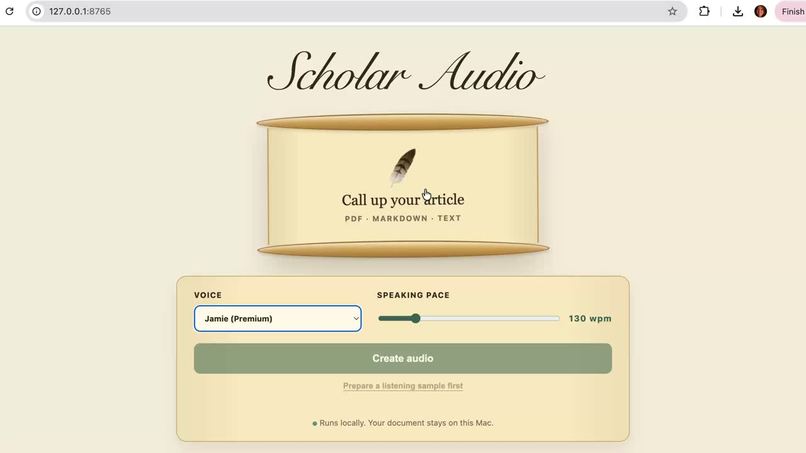
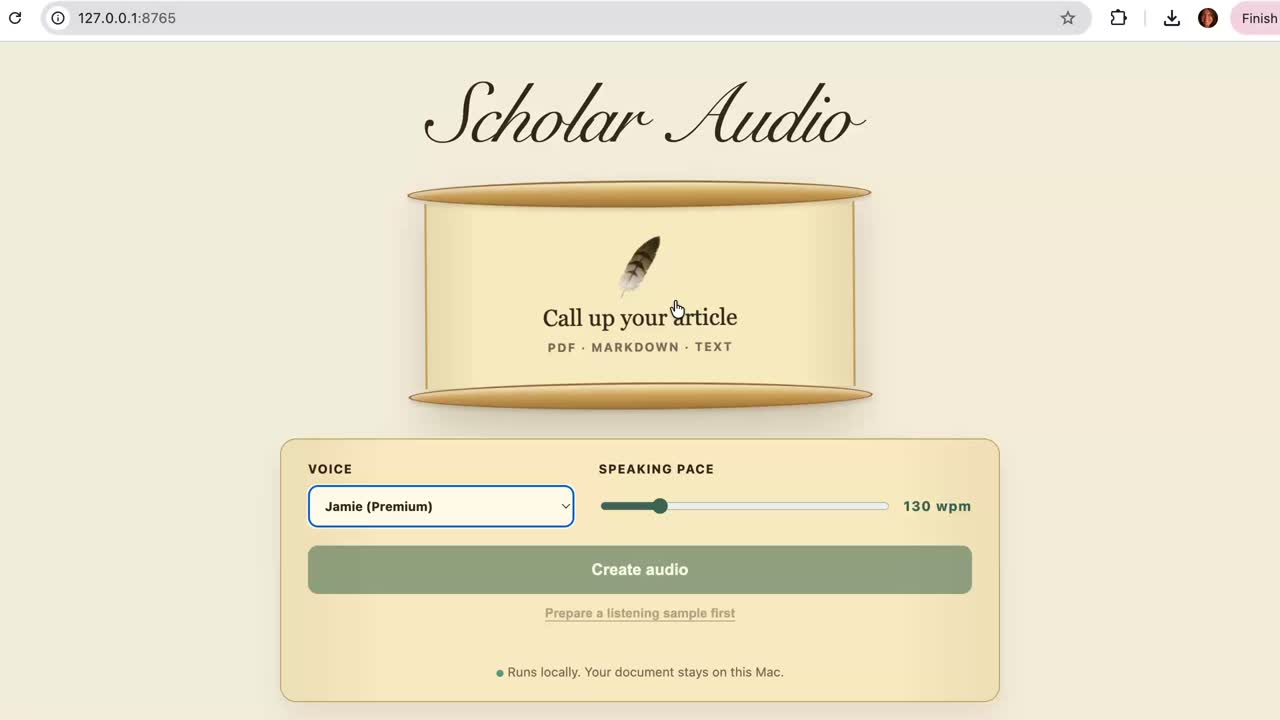
Scholar Audio Interace
-
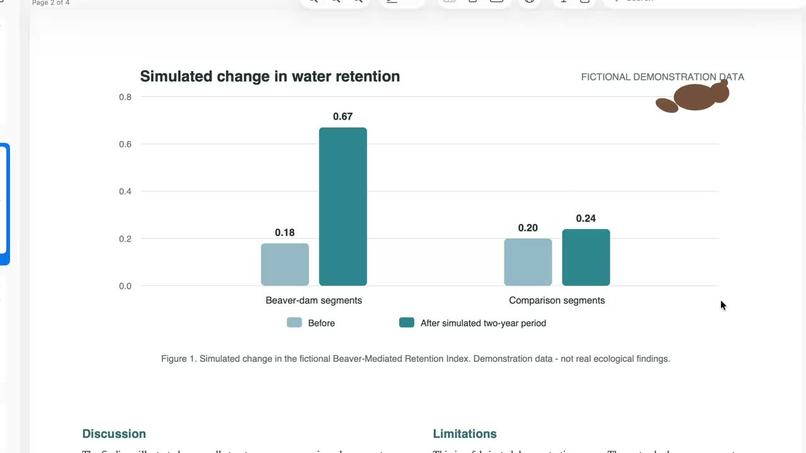
original pdf in download packet helps organize raeding
-
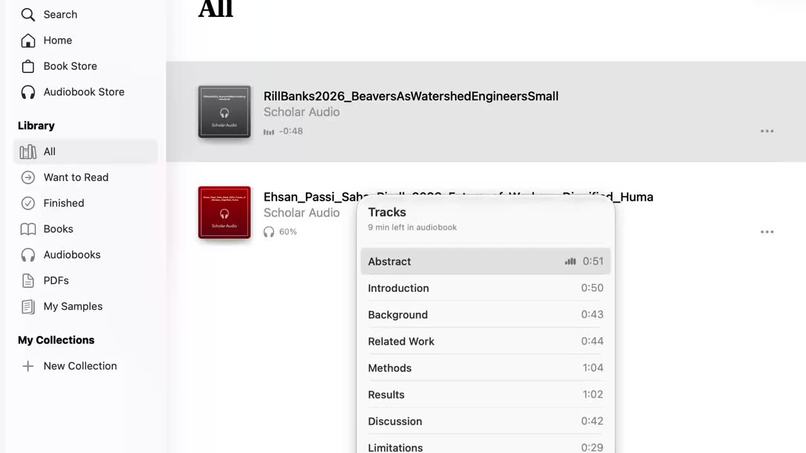
Chapter research papers
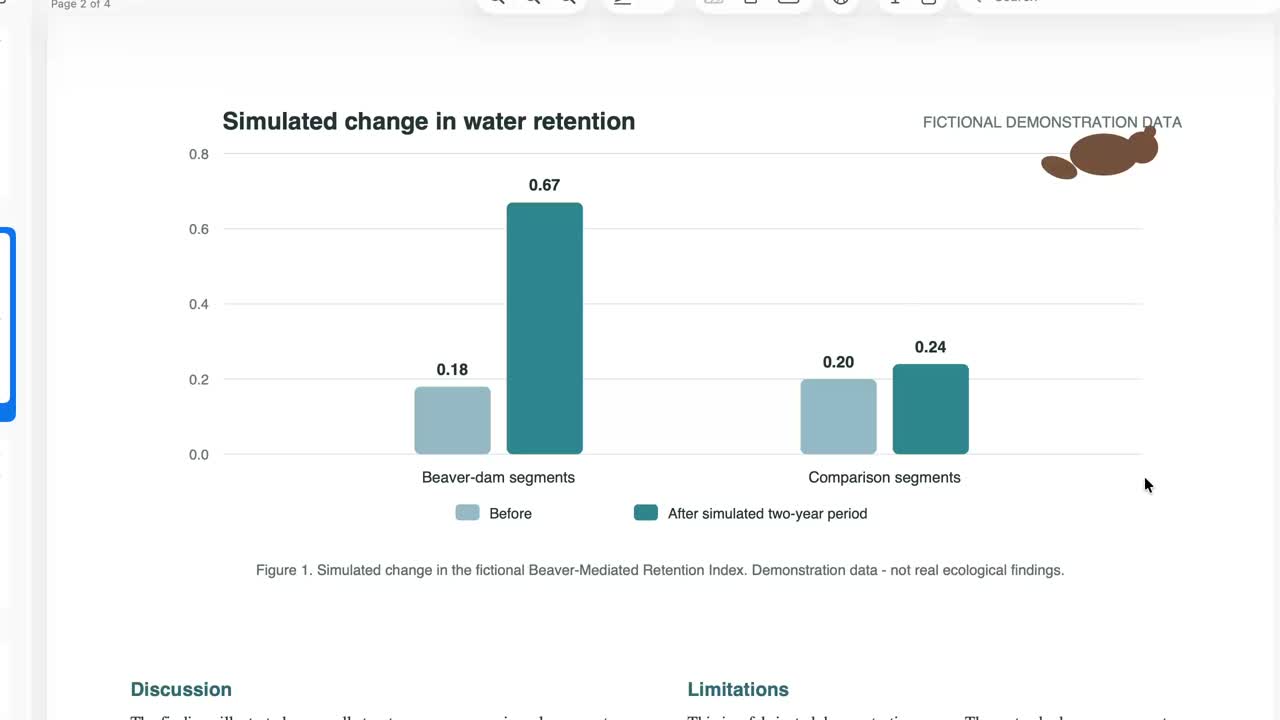
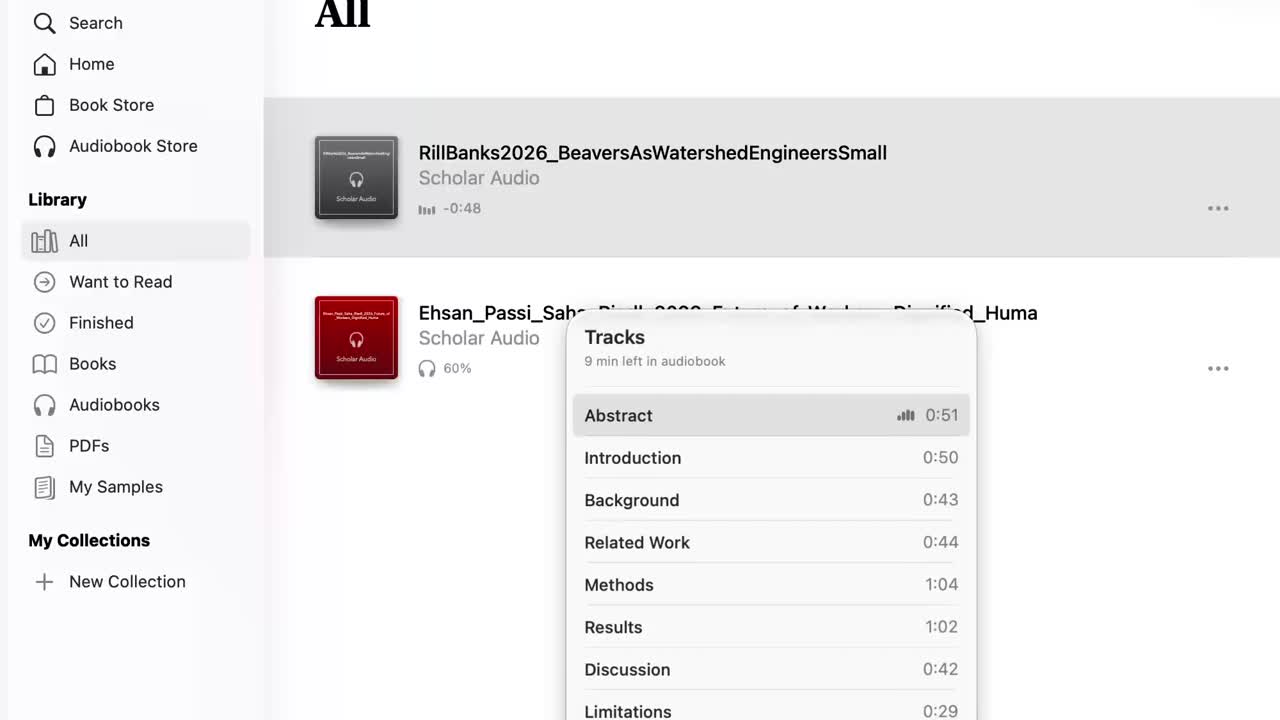
Scholarly journal articles are dense and difficult to parse. I like to absorb by listening, so I wanted a way to listen to scholarly papers without paying for another subscription or uploading private documents to a cloud service.
Before Build Week, I had tested a manual process for extracting papers, dividing them into sections, preparing a reading text with text to speech legible pauses and rate ramping for listening, and assembling chaptered audiobooks. It worked, but every paper required many separate steps. Scholar Audio turns that experiment into one repeatable local tool.
Scholar Audio turns a text-based PDF, Markdown file, or plain-text article into a complete, chaptered audiobook.
The reader drops in a document, chooses an installed Mac voice and speaking pace, and can hear a short sample from the document before starting the full render.
Scholar Audio cleans common extraction artifacts, recovers scholarly sections, and prepares the prose for listening. It adds breathing room around structural transitions, new terms, acronyms, numerical findings, dense sentences, and repeated complex Results statements.
Sections such as Abstract, Introduction, Methods, Results, Discussion, and Conclusion become named audiobook chapters. The reader can download either the audiobook alone or a listening packet containing the audiobook, original document, and a short README.
Everything runs locally on the reader’s Mac. The paper is not sent to a cloud text-to-speech service.
I entered Build Week with the reader’s problem and a tested manual workflow. Codex and GPT-5.6 helped me turn that workflow into working software.
Scholar Audio uses a Python pipeline. It extracts text from PDFs locally with pdftotext and reads Markdown and plain text directly. It removes repeated headers, broken line endings, citation noise, contact information, and other obvious artifacts while preserving the author’s argument.
The program identifies common scholarly headings and inserts available title, author, and publication-year context before the abstract. Its adaptive pacing pass changes pauses and speaking rates relative to the reader’s chosen baseline. It slows introduced terms, dense sentences, very dense sentences, acronyms, and quantitative expressions. Clusters of complex findings receive additional separation.
Each prepared section is rendered with the selected macOS say voice. FFmpeg converts the recordings into named tracks and assembles them into a single .m4b audiobook with embedded chapter markers.
Codex helped build the command-line pipeline, local browser interface, packet downloads, voice discovery, error handling, documentation, and automated tests. GPT-5.6 helped reason through the listening experience and translate my observations into consistent pacing rules.
My role was product owner, workflow designer, listener, and final decision-maker. I repeatedly listened to generated audio, identified problems in ordinary language, and decided which revisions actually improved the experience. Bruce Stephenson provided human code review and scope advice.
The hardest problem was not producing speech. It was preparing scholarly prose for the ear.
PDF extraction preserves words more readily than structure. Natural-sounding voices can still rush through unfamiliar terms, acronyms, numerical results, or several complex findings in succession. Different installed Mac voices can also interpret legacy pacing commands differently.
Listening tests were more useful than theoretical polishing. Each audible problem became a small rule, and important fixes became regression tests.
The other major challenge was scope. A pronunciation dictionary, deeper grammatical analysis, OCR, cross-platform voices, and richer playback would all be valuable. Keeping those ideas outside the MVP allowed me to submit a small, working local tool.
Accomplishments that we're proud of
- A complete local document-to-audiobook workflow
- One portable
.m4baudiobook with named chapters - Adaptive pacing designed for dense scholarly prose
- Document-specific voice and speed previews
- Private processing with no cloud TTS dependency
- Citation-style filenames and complete listening packets
- A focused interface that can be demonstrated in under three minutes
- 23 passing automated tests
Reading with the ears is different from sending raw text to a voice.
Structure, pacing, and transitions carry meaning. A short pause before a section, a slower numerical result, or extra breathing room between complex findings can make the difference between hearing words and following an argument.
I also learned that subjective listening judgments can become testable software behavior. The collaboration worked best as a cycle: generate, listen, describe the failure, convert it into a rule, test it, and listen again.
Near-term work will refine compatibility across installed Mac voices and improve handling of difficult PDFs, names, equations, tables, figures, and citations.
Later possibilities include a user-editable local pronunciation dictionary, optional local grammatical analysis, TeX and arXiv source-bundle input, careful Personal Voice testing, and a cross-platform local speech backend that preserves Scholar Audio’s privacy promise.
Built With
- and
- codex
- css
- ffmpeg
- gpt56
- html
- javascript
- macos-`say`
- pdftotext
- python

Log in or sign up for Devpost to join the conversation.