Scholar Cat: Building a Personal Academic Research Tool
The Problem
As a researcher, I struggled with manually copying scholar information from Google Scholar—names, affiliations, links, publications—into scattered documents. This repetitive work was time-consuming and error-prone, making it hard to maintain a centralized knowledge base.
Scholar Cat was born from personal necessity. It's become my most-used tool over the past two months, solving a real problem I face daily. I believe thousands of researchers, students, and professionals face the same challenge.
The Solution
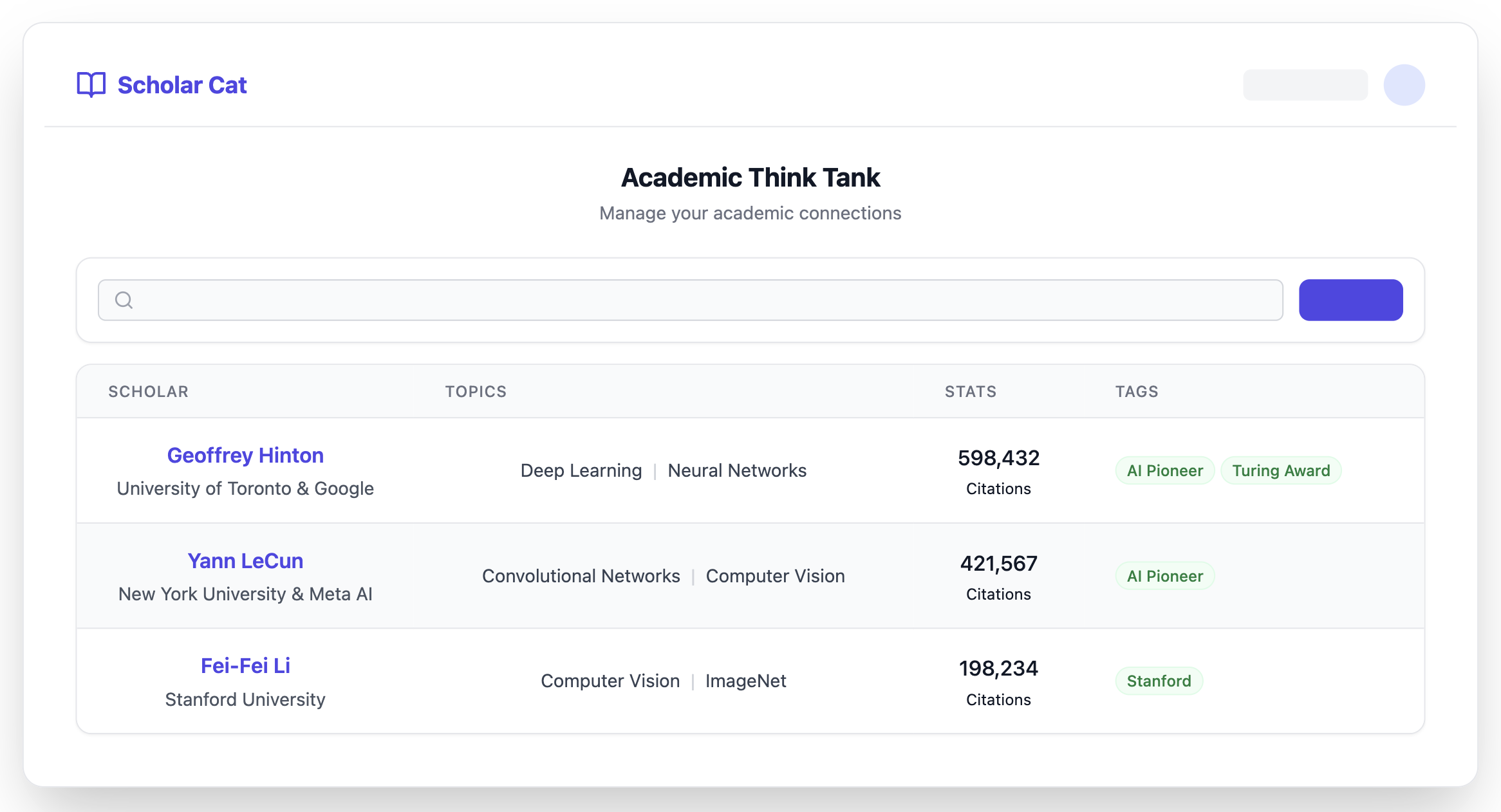
Scholar Cat is a full-stack application that lets users capture scholar profiles from Google Scholar with one click, store them in a centralized database, and access key information instantly.
Tech Stack
Chrome Extension (Manifest V3)
- Content scripts for one-click extraction from Google Scholar
- Extracts: name, affiliation, research interests, publications, citations, profile URLs
- Background service worker for API communication
FastAPI Backend (Python)
- Async RESTful API with SQLAlchemy ORM
- User authentication and data validation
- Data export (JSON/CSV)
Next.js Web App (TypeScript)
- Scholar management interface with search and pagination
- User settings and account management
- Privacy policy for compliance
Supabase
- PostgreSQL database with row-level security
- Built-in authentication
How I Built It
With Gemini AI's assistance, this was my first complete end-to-end product. I followed a phased approach:
- Infrastructure: Database setup, frameworks, authentication
- Core Features: CRUD operations, search, scholar detail pages
- UX Enhancements: Data export, user settings, privacy compliance
- Future: AI-powered insights and automated tracking
What I Learned
Coming from a research background with limited software engineering experience, this project taught me:
- Full-stack development: Frontend, backend, and database integration
- Chrome Extension development: Manifest V3, content scripts, background workers
- Modern frameworks: FastAPI, Next.js, TypeScript, Tailwind CSS
- Security: Authentication, row-level security, privacy compliance
- AI-assisted development: Using Gemini as a coding partner to accelerate learning
Key Challenges
Steep learning curve: Every component required significant learning
- Solution: Phased development, incremental learning
Chrome Extension complexity: Manifest V3 constraints and message passing
- Solution: Prototyping first, iterative development
Data extraction reliability: Google Scholar's varying HTML structure
- Solution: Robust error handling and flexible extraction logic
Security & privacy: Authentication, RLS policies, GDPR/CCPA compliance
- Solution: Leveraging Supabase's built-in features, implementing data controls
Impact
- Time savings: Minutes of manual work reduced to seconds
- Better organization: All scholar data in one searchable location
- Knowledge preservation: Never lose track of important researchers
- Scalability: Easy to manage hundreds of scholar profiles
Looking Forward
I'm excited to share Scholar Cat with the research community and help others build their personal academic knowledge bases. This project represents a journey of learning, problem-solving, and building something meaningful.
Built With
- api
- chrome
- datadog
- extension
- fastapi
- gemini
- pydantic
- python
- sql
- sqlalchemy
- supabase
- typescript

Log in or sign up for Devpost to join the conversation.