-
-
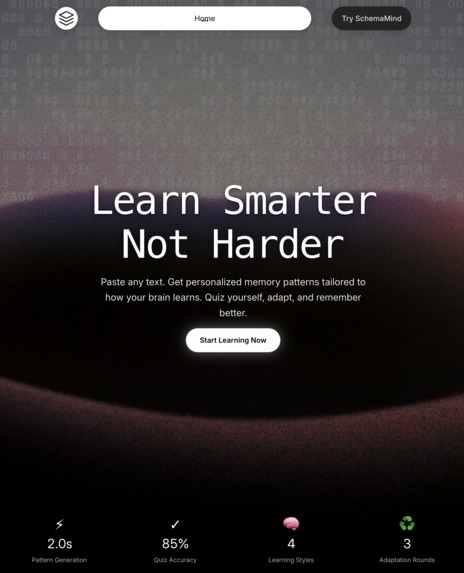
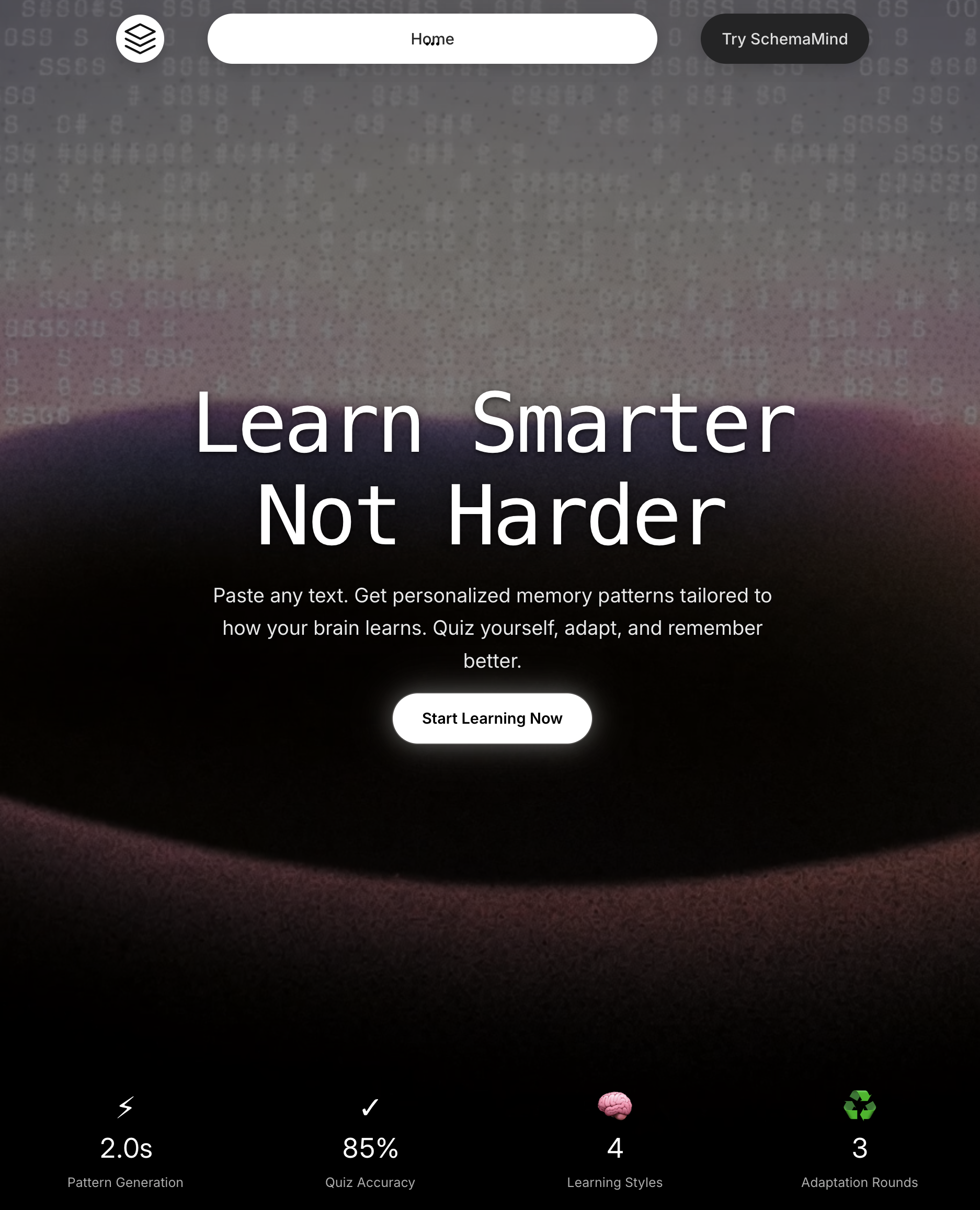
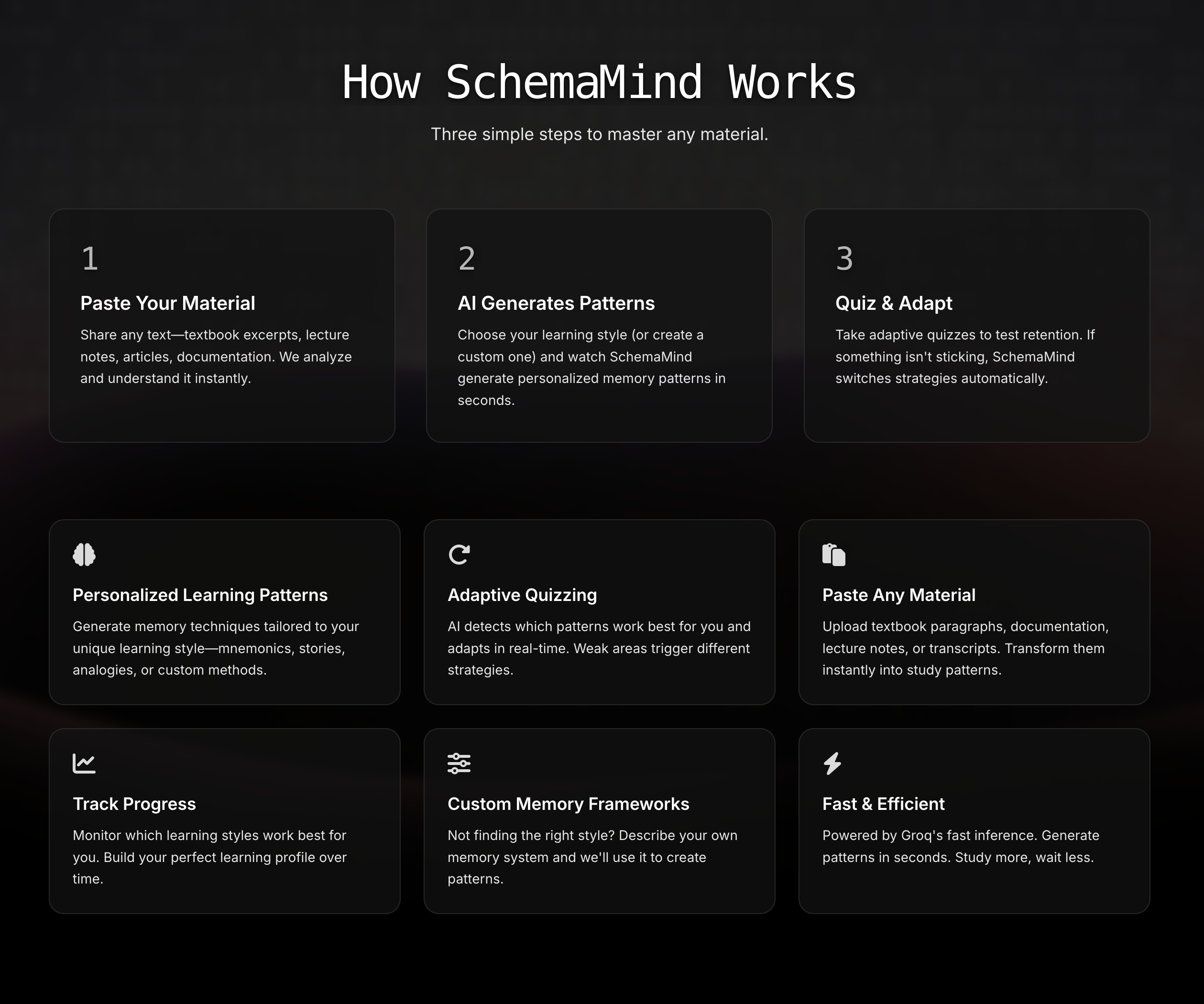
Learn smarter with personalized memory patterns, fast AI quizzes, and adaptive feedback that helps you actually remember what you study.
-
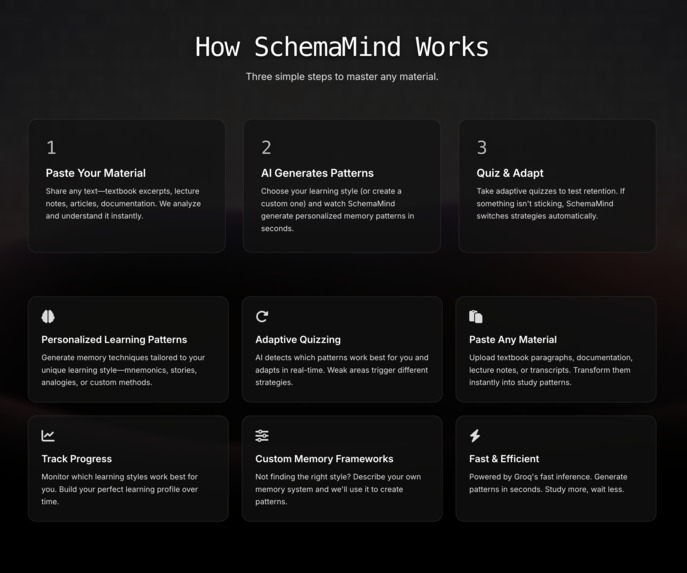
SchemaMind turns any text into personalized memory patterns and adaptive quizzes that help you learn faster and remember longer.
-
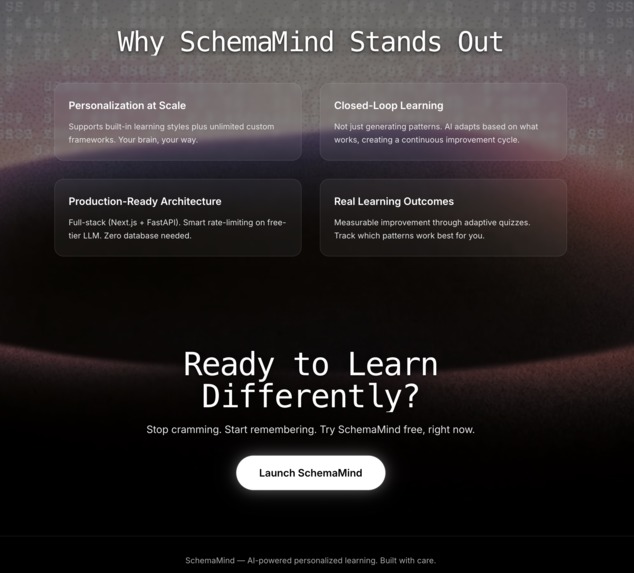
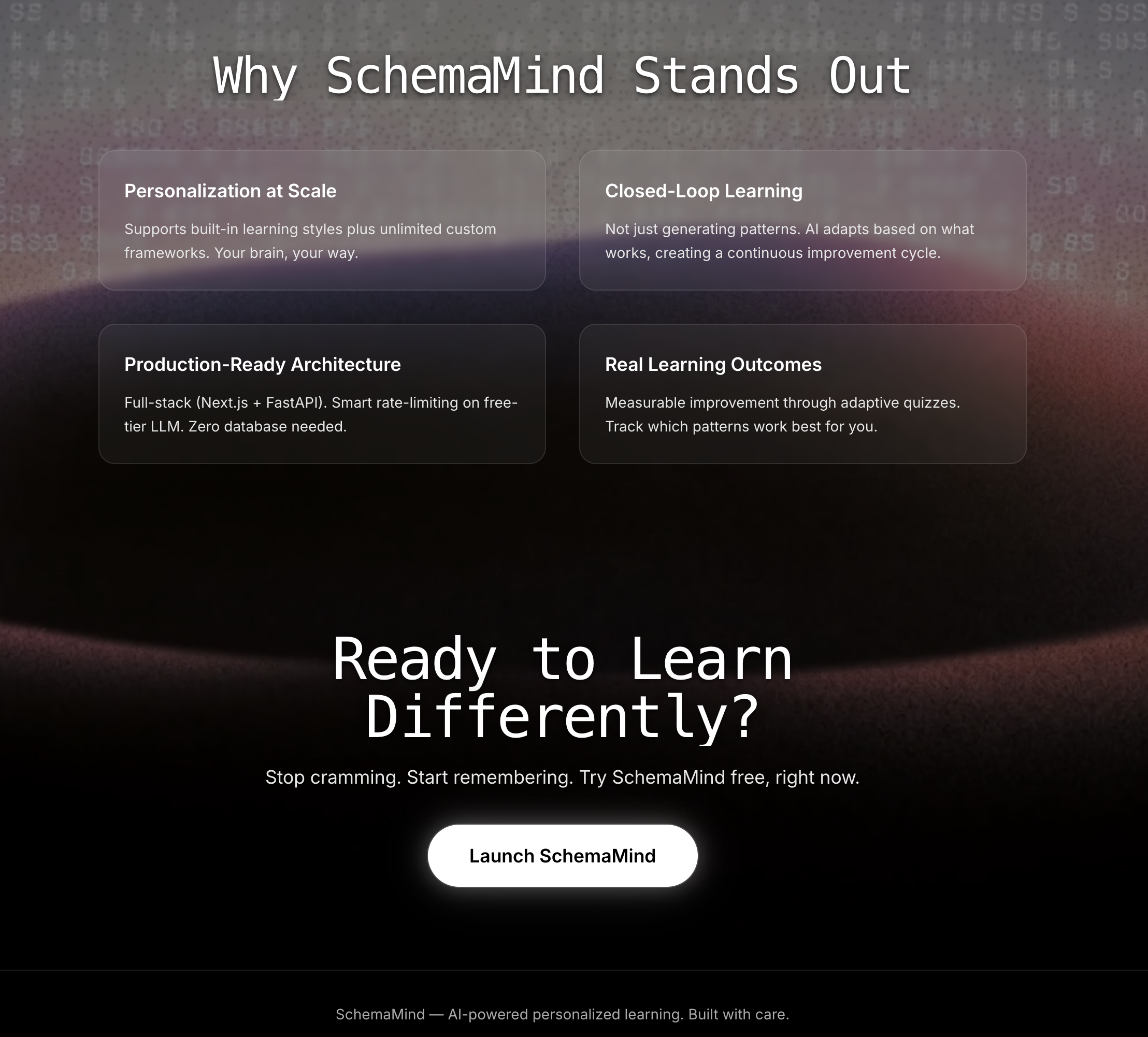
Personalized learning, closed‑loop AI, fast generation, and real progress tracking—SchemaMind adapts to how you learn.
Inspiration
I’ve always felt like studying takes way more time than it should. You can read a whole chapter, but a week later it feels like you forgot half of it. I wanted to build something that actually helps people remember what they learn, not just skim through it. That’s where SchemaMind came from — a tool that makes studying feel smarter, faster, and way more personal.
What it does
SchemaMind takes any text you paste and turns it into memory‑boosting patterns like mnemonics, analogies, stories, and more. Then it builds a quiz based on those patterns so you can test yourself. If you miss questions, the system adapts and regenerates new patterns focused on your weak spots. It’s basically a closed‑loop learning system that helps you actually retain information instead of cramming and forgetting.
How we built it
The backend is built with FastAPI and a custom Groq integration that handles token limits, retries, and structured JSON outputs. The frontend uses Next.js 14 with a clean step‑based flow for onboarding, generating patterns, taking quizzes, and reviewing results. Everything is deployed on Render and Vercel so the app feels fast and smooth. The whole project is designed to be simple for users but powerful behind the scenes.
Challenges I ran into
The biggest challenge was handling large text inputs and Groq’s token limits. At first, long requests would crash the backend, so I had to build smarter token budgeting and error handling. Getting the quiz generation to feel natural and not “AI‑weird” also took a lot of tuning. Making the UI feel clean and easy to follow was another challenge, especially with multiple steps in the learning flow.
Accomplishments that we're proud of
I’m proud that SchemaMind actually works the way I imagined it. You paste text, get personalized patterns, take a quiz, and the system adapts based on your mistakes. It feels like a real learning assistant, not just a demo. I’m also proud of the stability — even with AI models and rate limits, the app stays responsive and reliable.
What we learned
I learned how important it is to design around real user behavior. People paste huge chunks of text, expect instant results, and want everything to be simple. I also learned a lot about building reliable AI pipelines, handling JSON repair, and managing rate limits. Most importantly, I learned how to turn an idea into a full product with a clean user experience.
What's next for SchemaMind
Next, I want to make SchemaMind way more flexible with the types of notes it can understand. Right now it works great with text, but students use all kinds of formats. I want SchemaMind to accept PDFs, lecture slides, handwritten notes, and even short video explanations. The goal is to let someone upload whatever they actually study from — whether it’s a scanned worksheet, a screenshot from their phone, or a clip from a class recording — and still get personalized memory patterns and quizzes.
I also want to add saved study sessions and spaced‑repetition reminders so SchemaMind can help you review at the right time instead of cramming. A progress dashboard is another big step: something that shows how your memory improves, which pattern types work best for you, and what topics you still need help with.
Beyond that, I’m planning features that make SchemaMind feel like a full learning companion. One idea is “Smart Pattern Mixing,” where the system blends different pattern types automatically based on your learning style. Another is “Focus Mode,” which turns your patterns into bite‑sized cards you can review quickly on your phone. I also want to build a “Study Coach” that gives small tips based on your quiz history, like pointing out common mistakes or suggesting better ways to remember certain concepts.
All of these upgrades are meant to make SchemaMind more powerful, more personal, and more helpful for real students. The long‑term goal is simple: turn any kind of study material into something your brain actually remembers.
Built With
- api
- css
- fastapi
- groq
- httpx
- next.js
- pydantic
- python
- react
- render
- tailwind
- typescript
- uvicorn
- vercel
