Inspiration
Anyone who works with data knows the feeling: you need an answer quickly, but writing analytical SQL with dense window functions, CTEs, and multi-table joins takes far more time than it should.
Even worse is what happens in production. A query that looks harmless on a small dataset can easily trigger full table scans, Cartesian joins, or correlated subquery traps that spike database CPU and slow down an entire application.
I built SchemaGenie because I wanted more than just a chatbot that writes generic SQL. I wanted an assistant that acts like a senior database engineer sitting beside you—someone who understands your schema, writes clean queries in your dialect, spots performance bottlenecks before you run them, and tells you exactly which indexes to build.
What it does
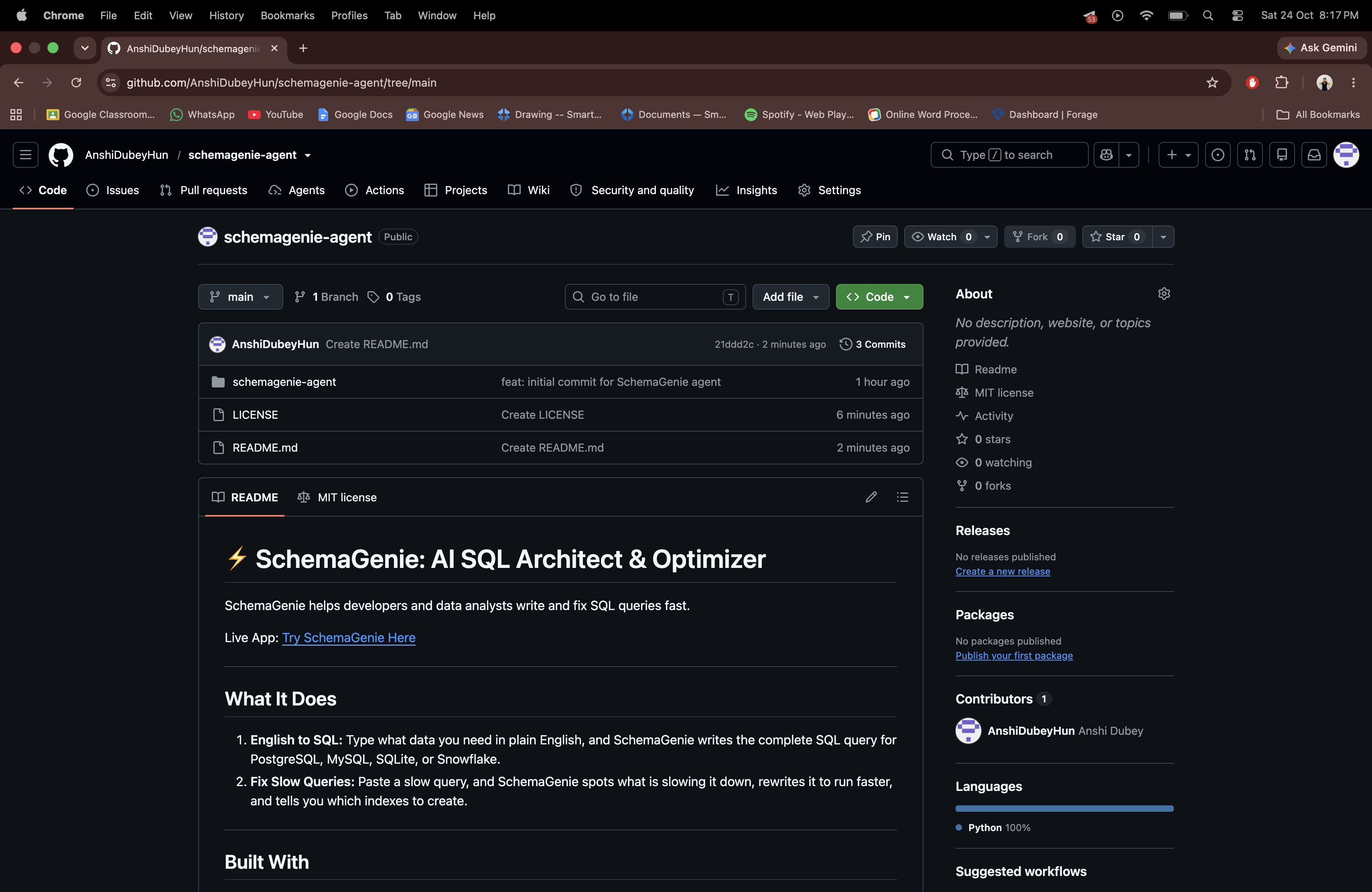
SchemaGenie gives developers and analysts a fast, dual-mode workspace:
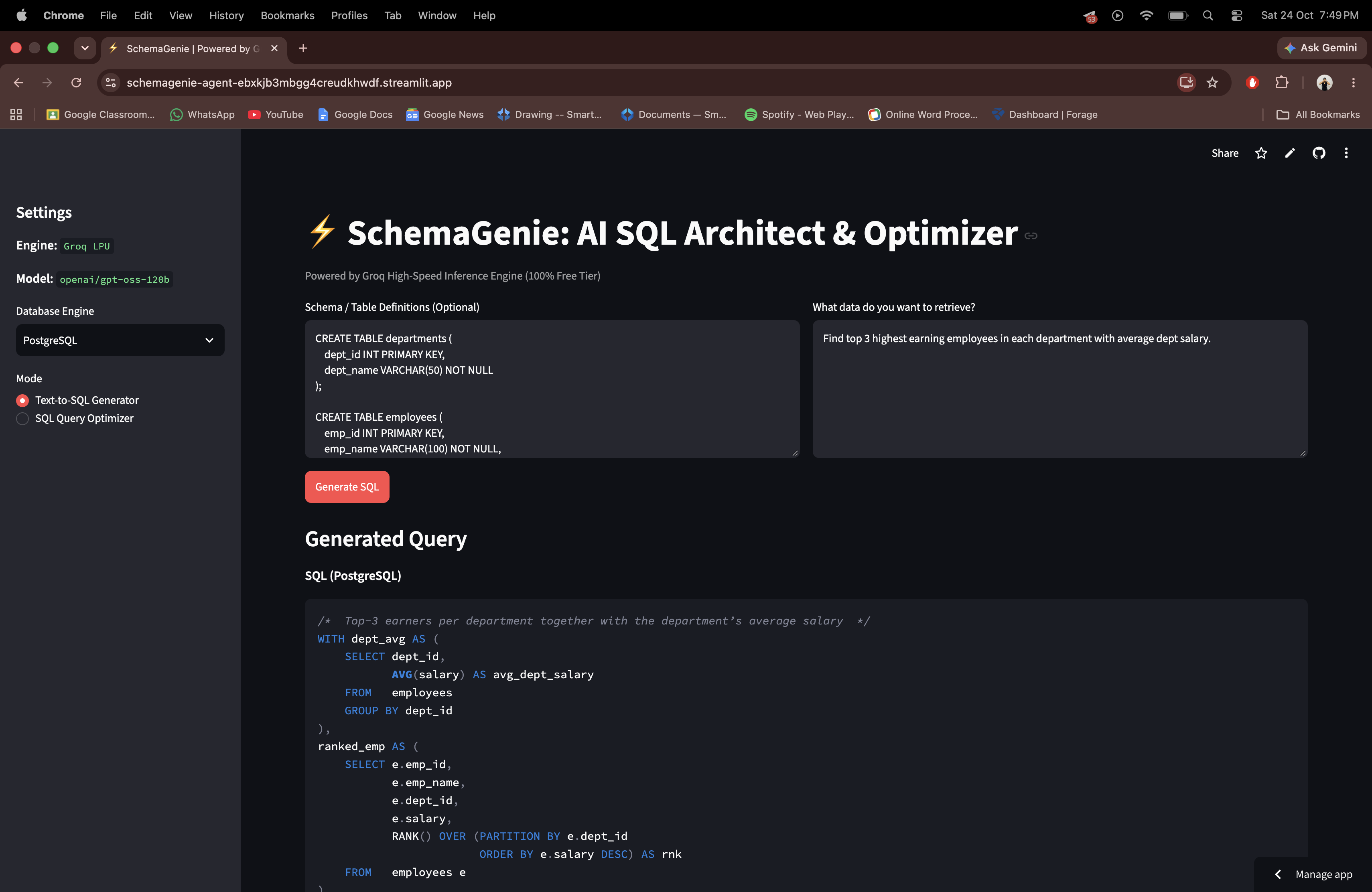
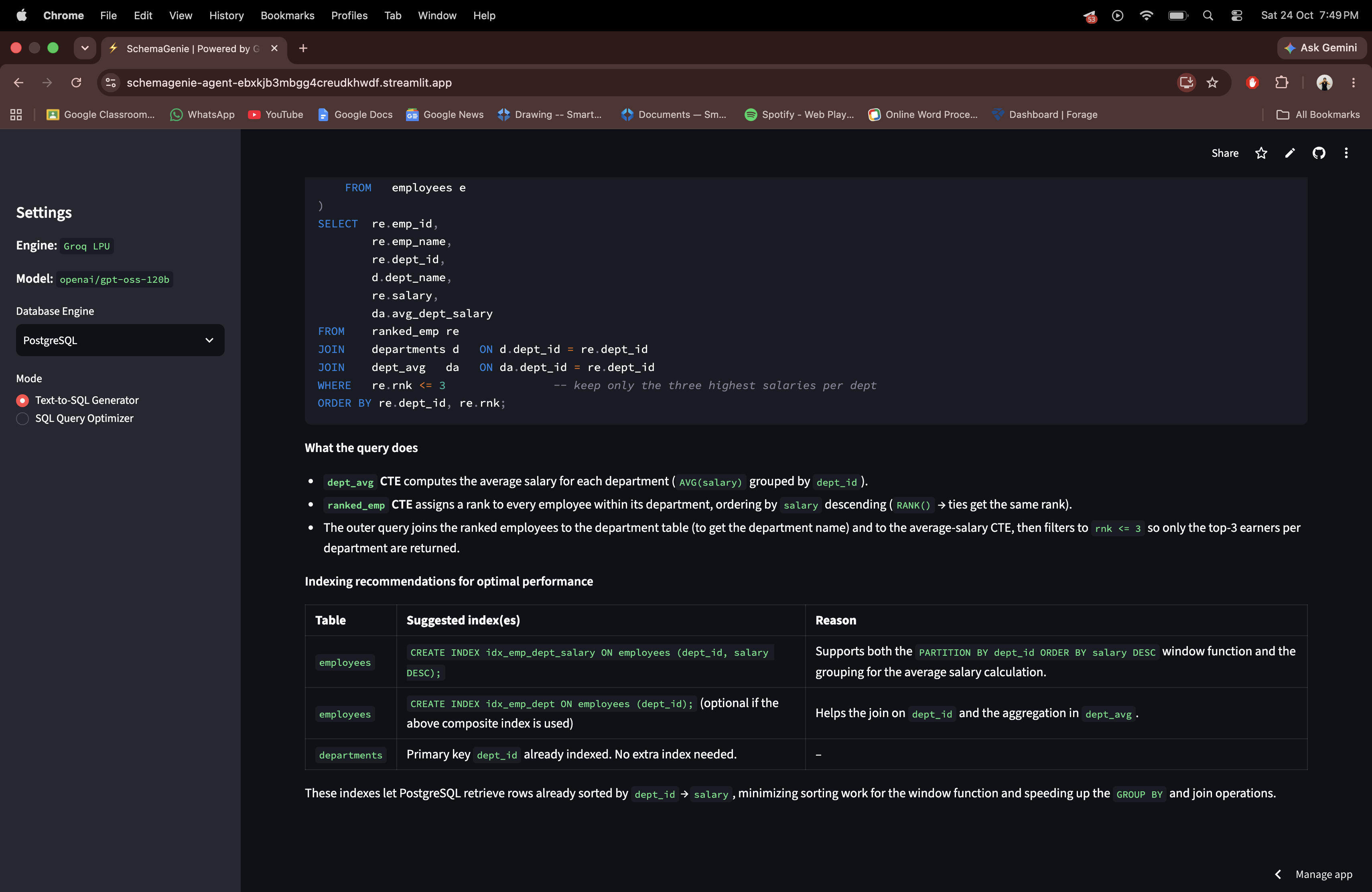
- Natural Language to SQL: Select your target engine (PostgreSQL, MySQL, SQLite, or Snowflake), provide your table definitions (or let it infer them), and type your request in plain English. SchemaGenie outputs production-ready SQL, breaks down the reasoning step-by-step, and suggests B-tree indexes for fast lookups.
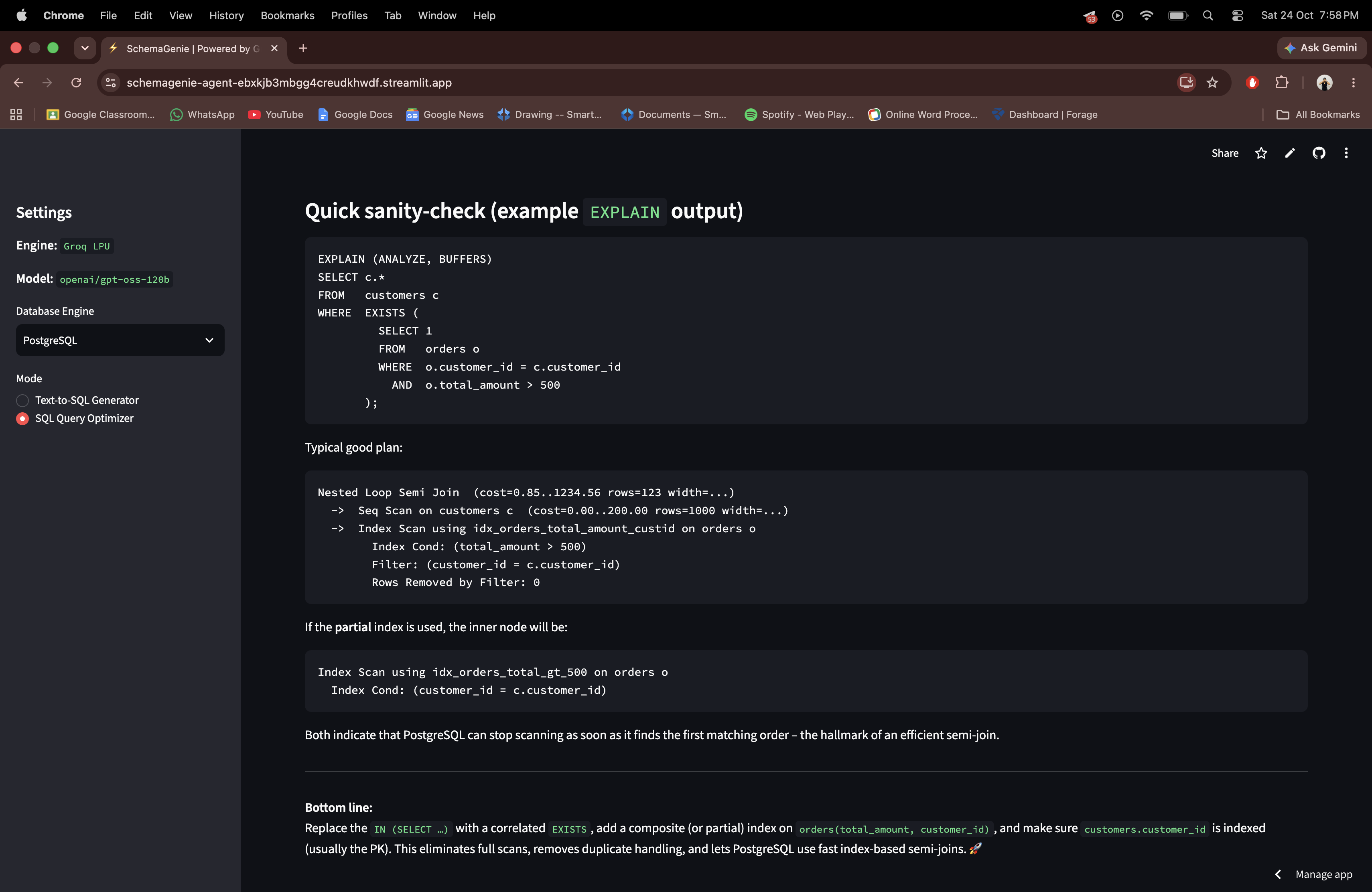
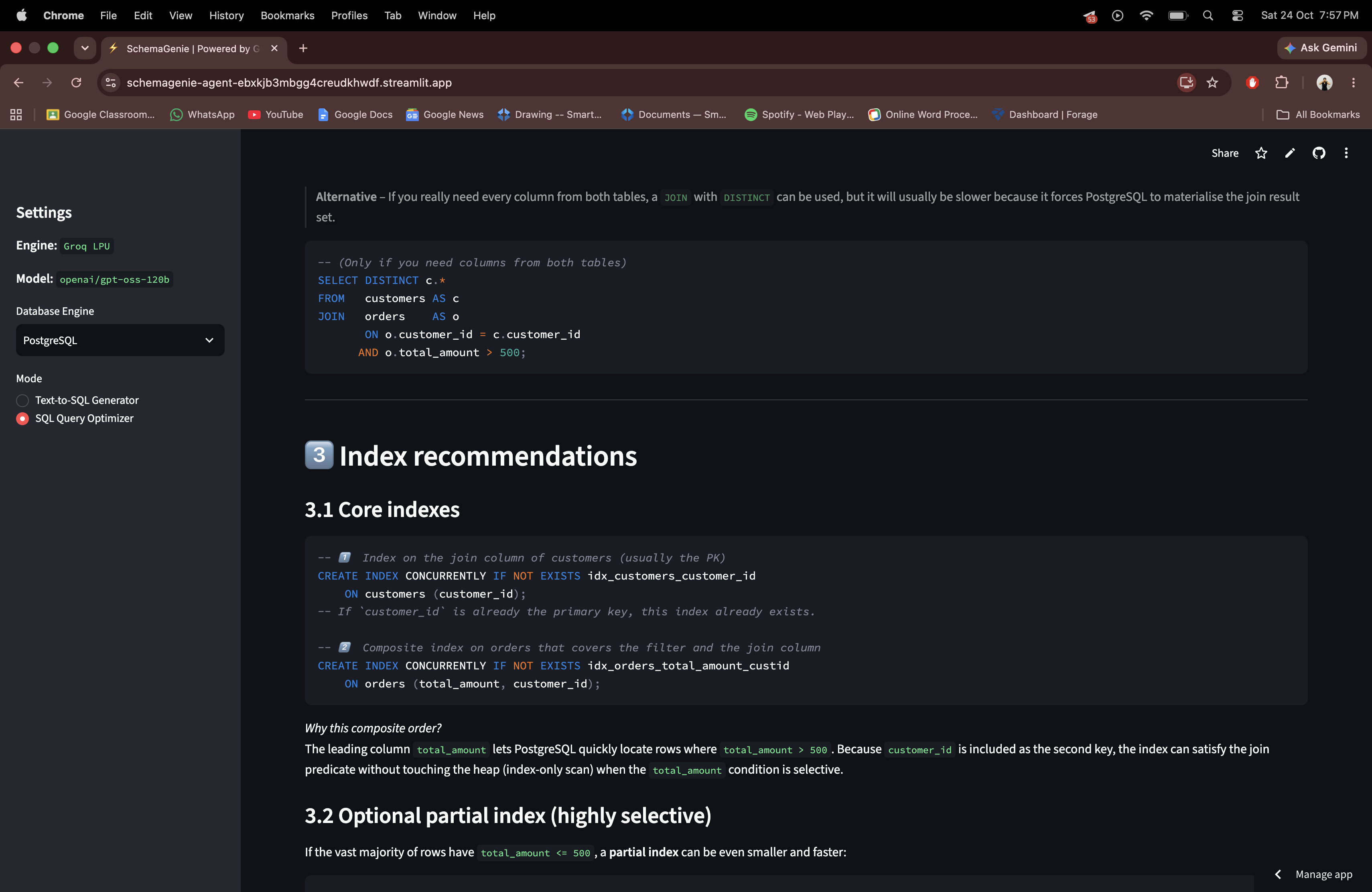
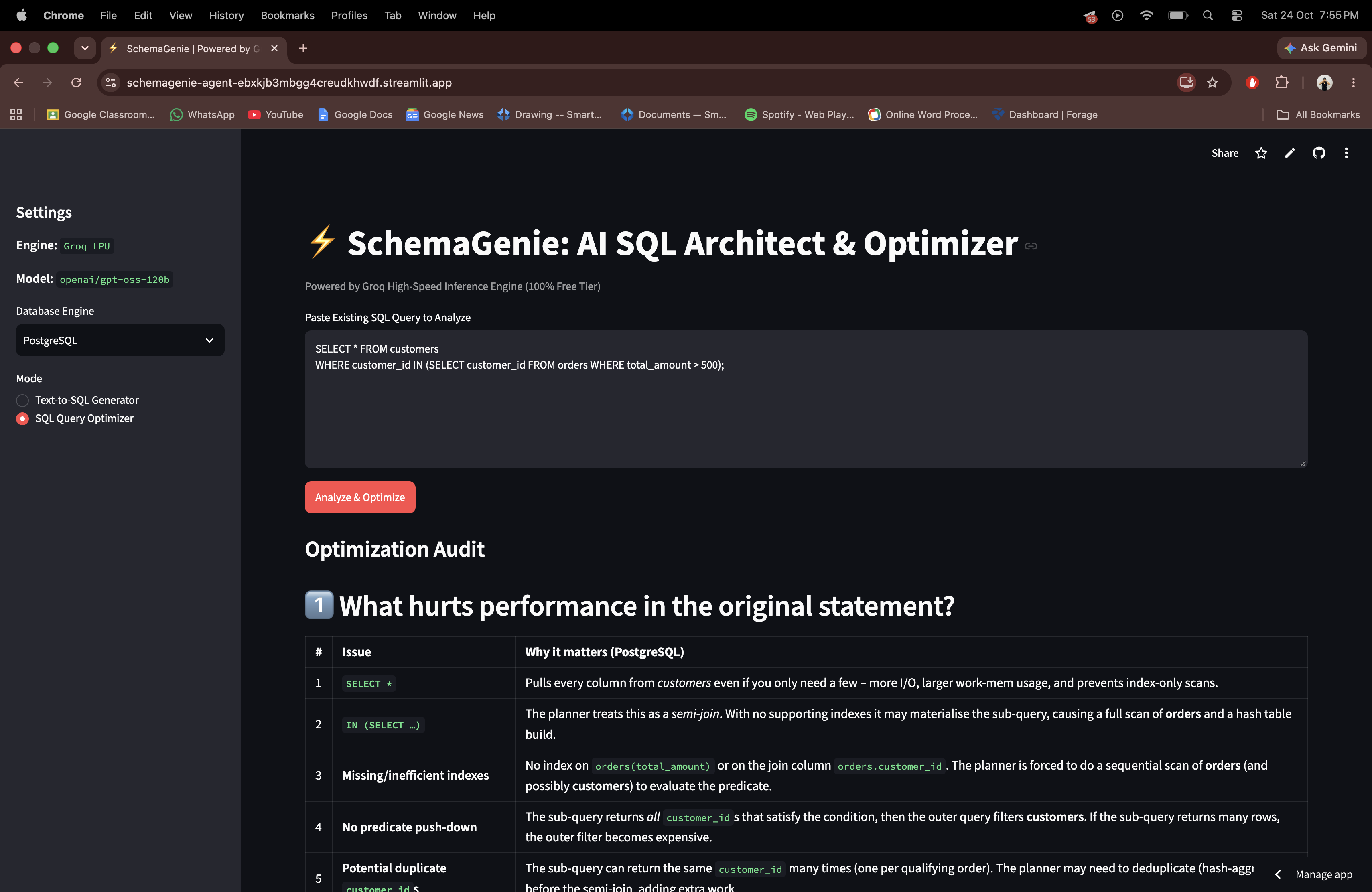
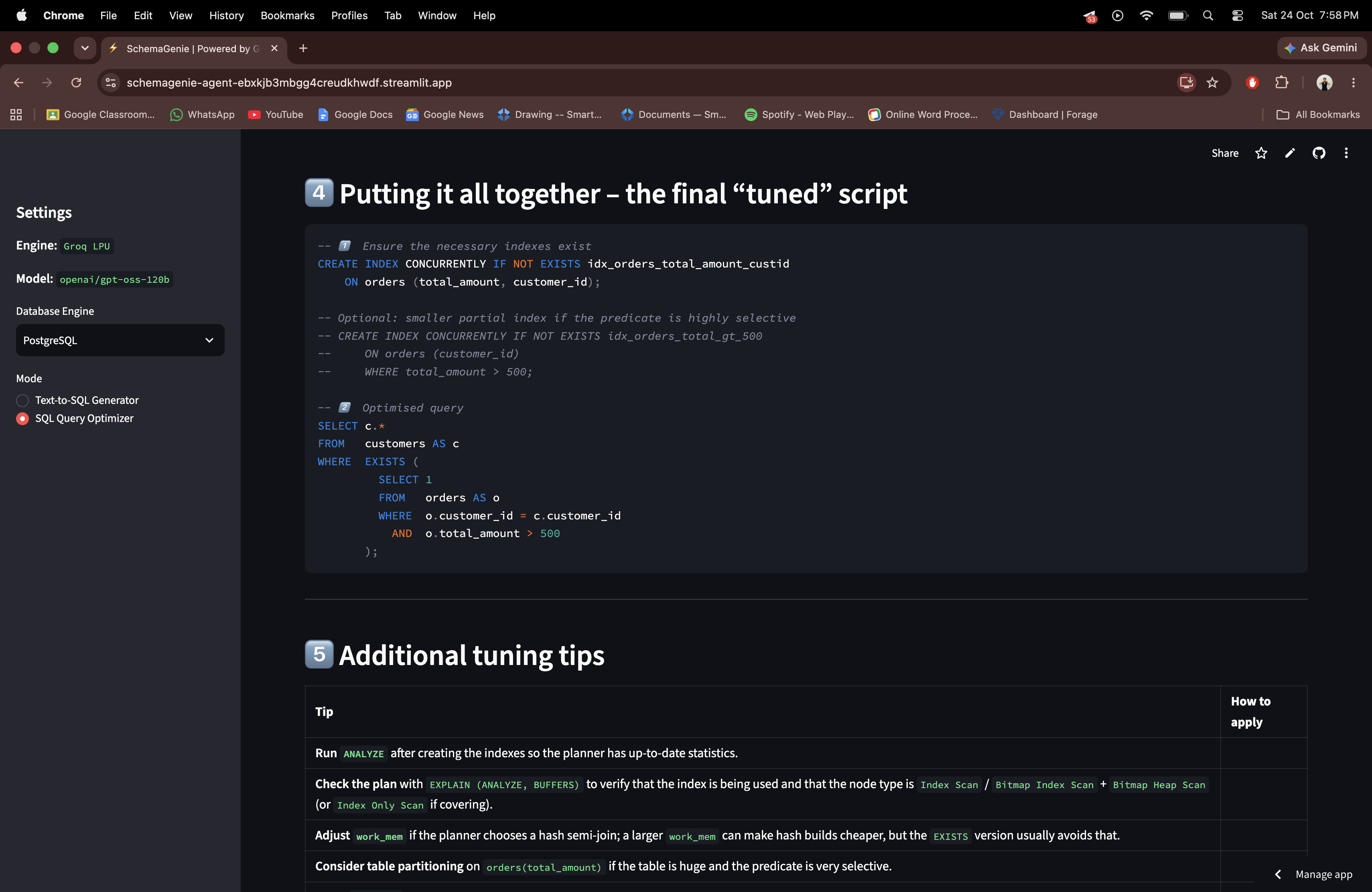
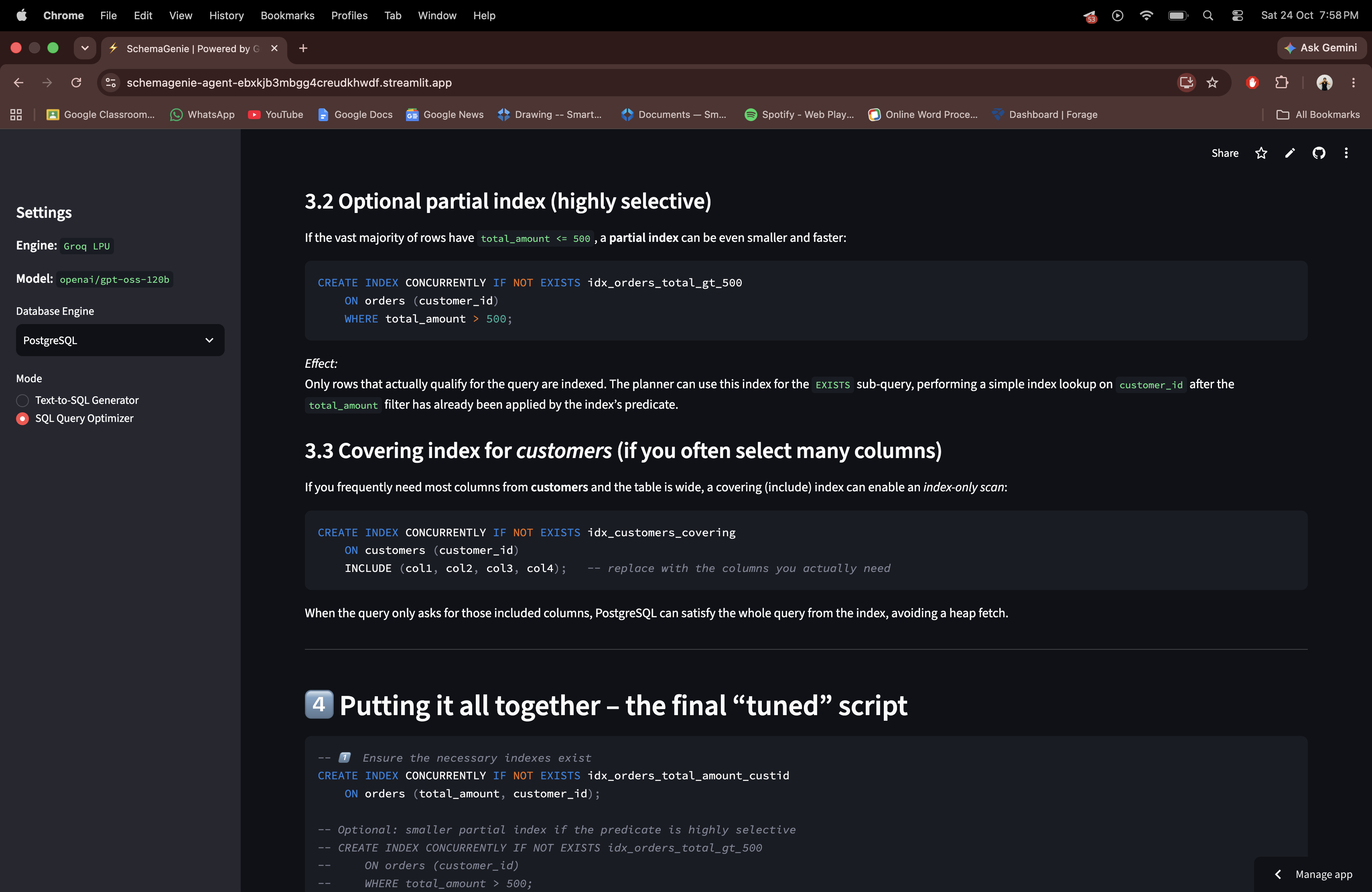
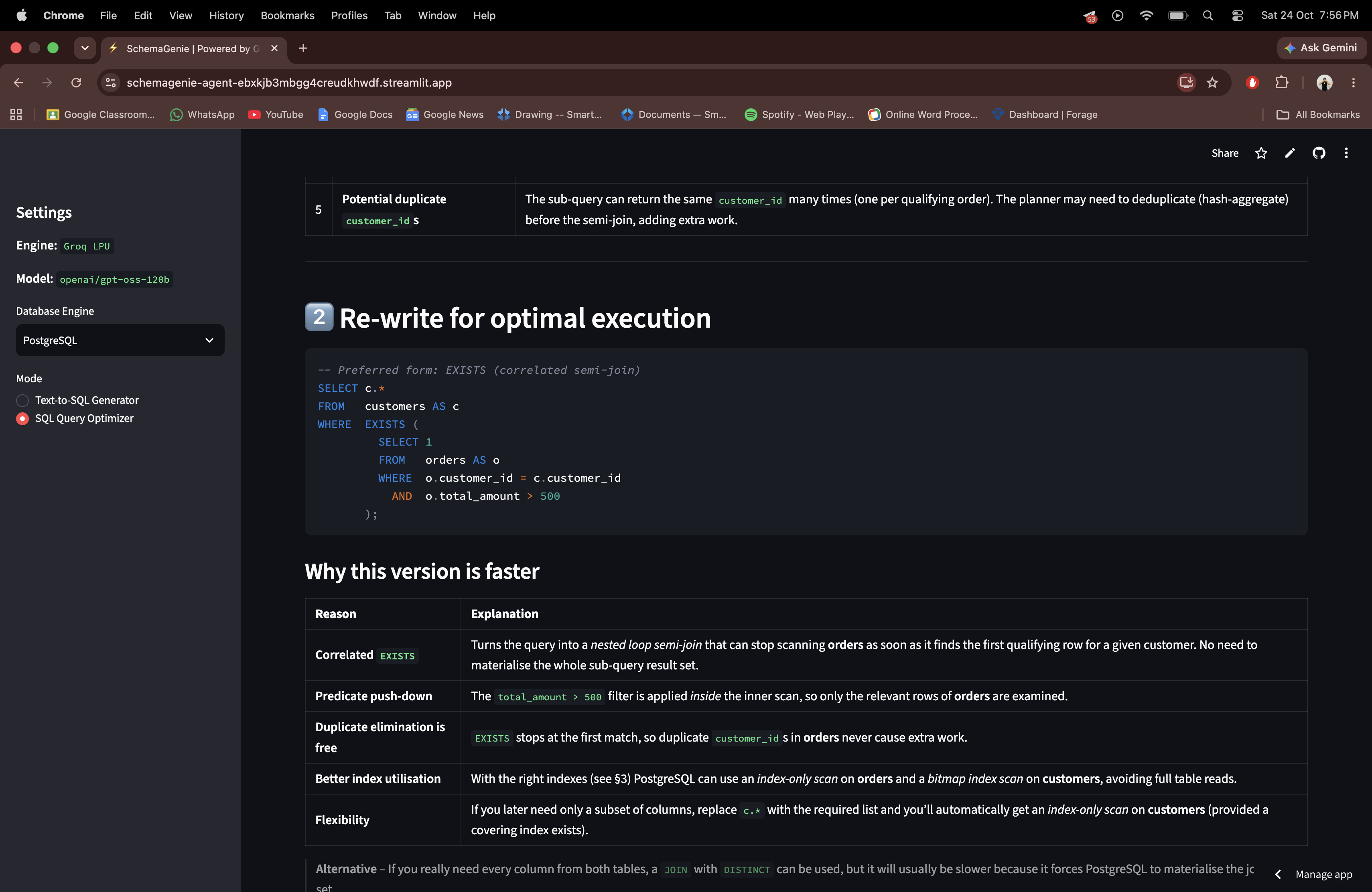
- Query Performance Tuning: Paste in any sluggish or complex query. The assistant audits the statement for performance red flags, rewrites it into an optimized execution pattern (like swapping slow
IN (SELECT ...)subqueries for clean joins orEXISTSclauses), and writes out the exactCREATE INDEXcommands you need.
How we built it
- Inference: Powered by high-parameter open-source models using accelerated inference to deliver generated queries and audits in sub-second response times.
- Frontend: Built with Streamlit in Python to keep the workflow lightweight, responsive, and completely interactive.
- Architecture: Structured with decoupled client sessions, custom prompt engineering per database dialect, and clear markdown rendering for readability.
- Deployment: Hosted live on Streamlit Community Cloud with secure environment secret handling.
Challenges we ran into
- Dialect Quirks: Every SQL dialect has its own rules—PostgreSQL handles window partitioning differently than MySQL, and SQLite has distinct limitations. Crafting prompts that produce reliable, dialect-accurate syntax without falling back to generic SQL was a fun challenge.
- macOS Environment & Routing: Debugging modern Python 3.14 SSL transport configurations and SDK dependencies on macOS required troubleshooting local client handshakes and setting clean timeouts.
- Formatting Clean Code: Getting the model to output strict SQL code blocks alongside structured bullet points without unnecessary conversational filler required careful prompt iteration.
Accomplishments that we're proud of
- Achieving near-instant query generation and optimization audits without lag.
- Building a fully functional developer tool from scratch using accessible, open-source infrastructure.
- Creating an interface simple enough for a non-technical founder to use, yet detailed enough to give actual performance value to a backend engineer.
What we learned
- How to leverage open-weight LLMs specifically for static code analysis and execution plan heuristics.
- The nuances of prompt isolation across multiple relational database engines.
- End-to-end deployment workflows: moving from local development to GitHub version control and cloud deployment with protected API secrets.
What's next for SchemaGenie
- Adding read-only connection strings to run live
EXPLAIN ANALYZEcommands on real databases. - Automatically rendering visual entity-relationship diagrams (ERDs) directly from schema DDL input.
- One-click generation of migration scripts for tools like Alembic and Liquibase.

Log in or sign up for Devpost to join the conversation.