-
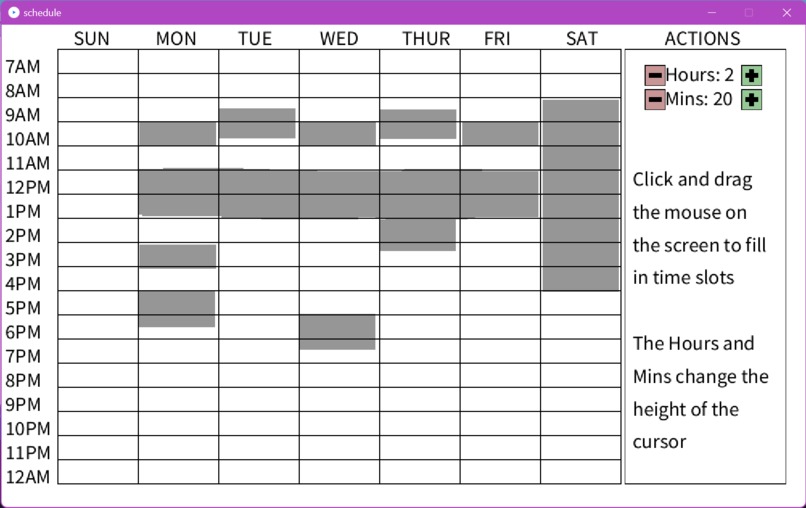
An example of how you can fill timeslots to depict occupied times
-
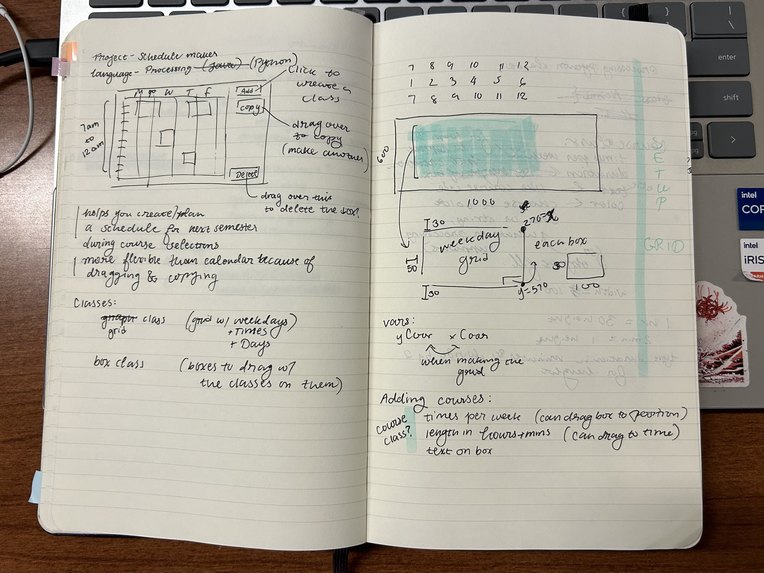
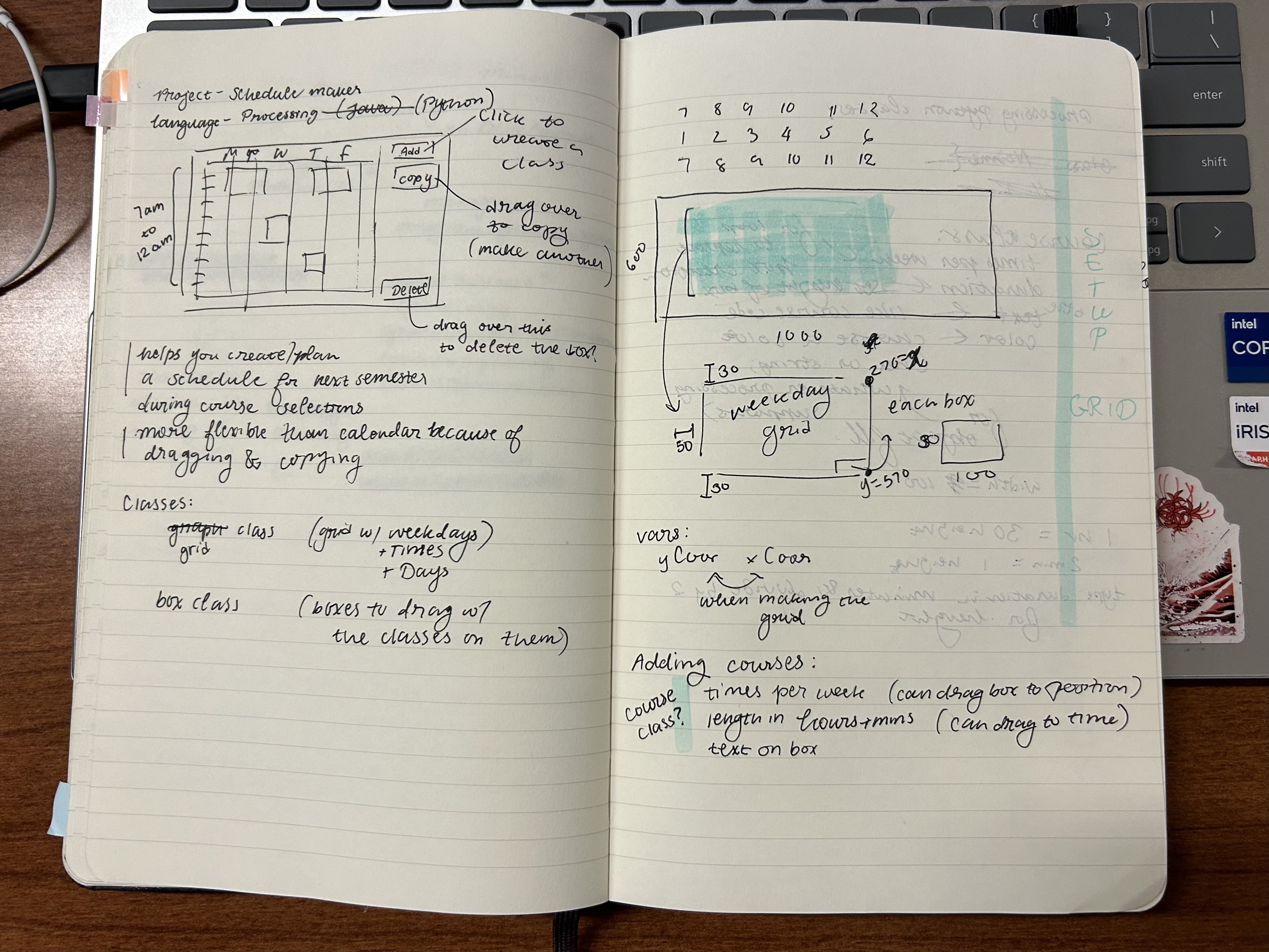
Img1 of planning for code
-
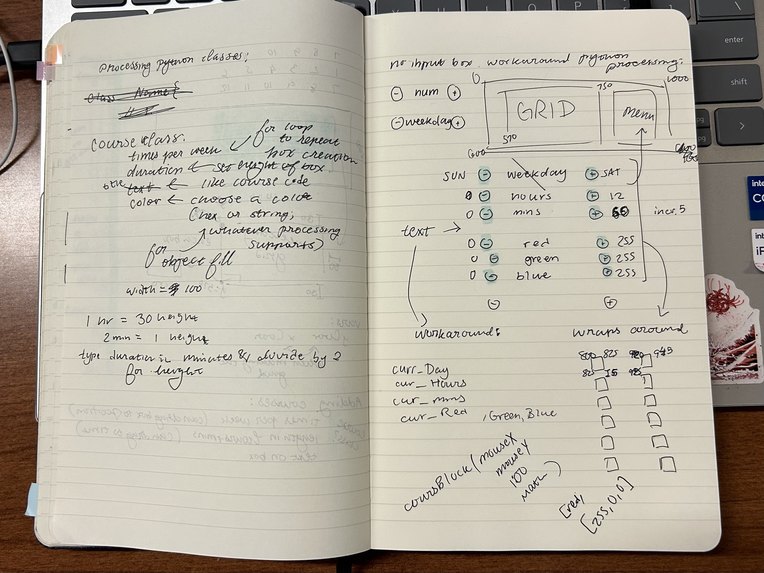
Img2 of planning for code

Inspiration
Sometimes I'd like to see when I'm free during the week. However, I don't want to add every detail of my life on a calendar app to do so.
What it does
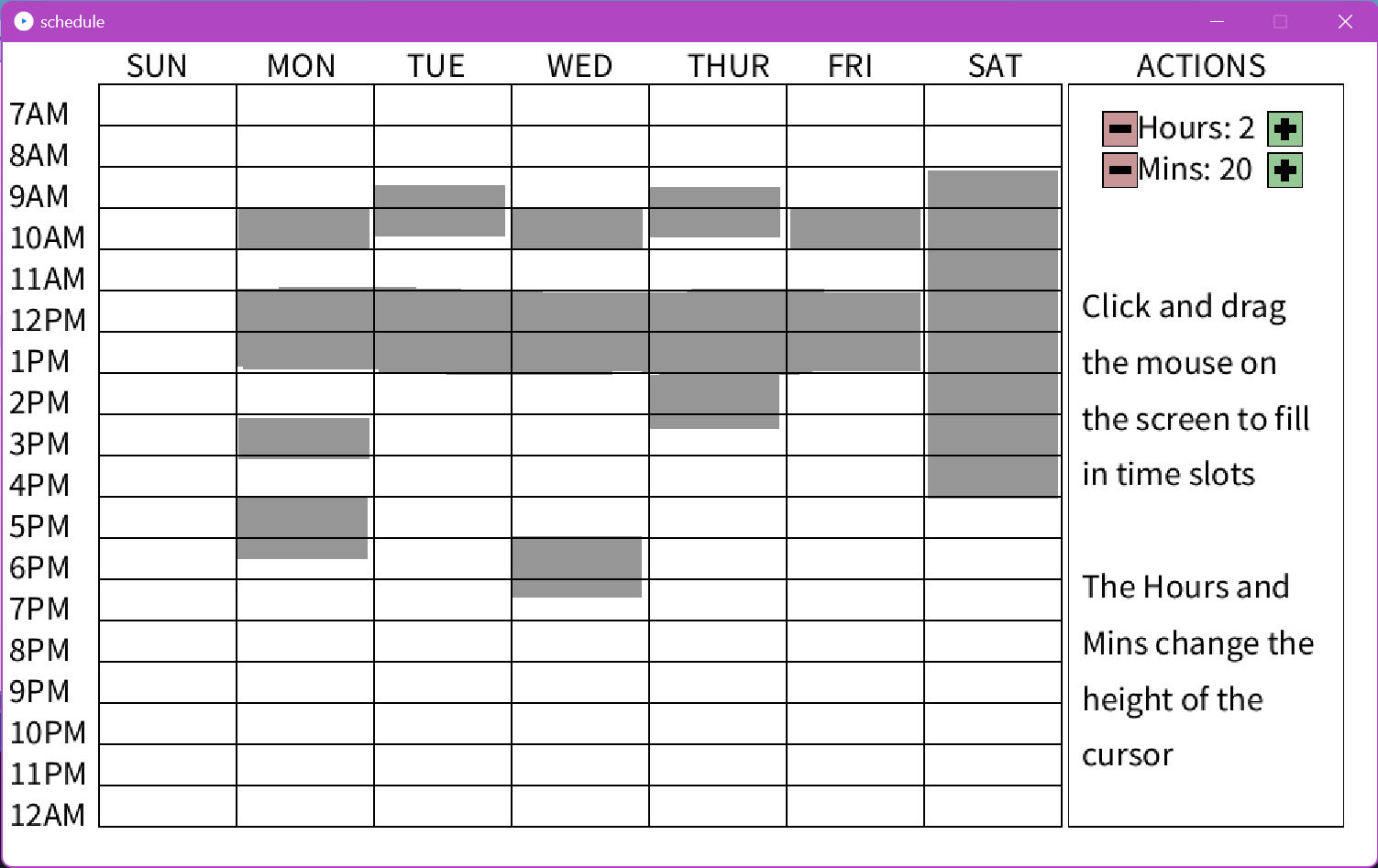
With this program, you can shade in the boxes when you're busy to better see when you're free.
How we built it
I used Processing.py, the Python version of the Processing language, to create a GUI. More information on the language here: Processing.py Documentation
Challenges we ran into
I've used Python for a few years, and Processing in Java for a short amount of time. However, I chose to use the Python version of Processing because I was better with Python syntax than Java. This resulted in having less to work with because the Python version is newer, has less features, and not a lot of documentation. My mouse clicks would also increment too many times because I was using a touchpad, so one click would register as 5-10.
Accomplishments that we're proud of
My buttons to change the hour/minutes weren't working at first. Also, the boxes would overlap weirdly and disappear due to Processing's nature of continuously redrawing the screen.
What we learned
I learned how to organize my variables in a Python Processing file to make sure they were being incremented.
What's next for Schedule Maker
I would like to add color variations for the squares because gray is a bit plain and color coding is always nice. I'd also like to add an undo function, which I can see is possible since the rectangles are stored in a list. I would also like to not use Processing for Python GUIs and go back to Tkinter because I can at least find better documentation for it and it's better built for Object-Oriented Programming.
How it works
Increment the hours and minutes on the right to change the height of the box. When you click over the calendar grid, it will create a box that reflects the changed height. You can also drag the mouse to draw really long boxes instead of drawing one box at a time.
Built With
- processing.py
- python

Log in or sign up for Devpost to join the conversation.