-
-

Schedule Genie
-
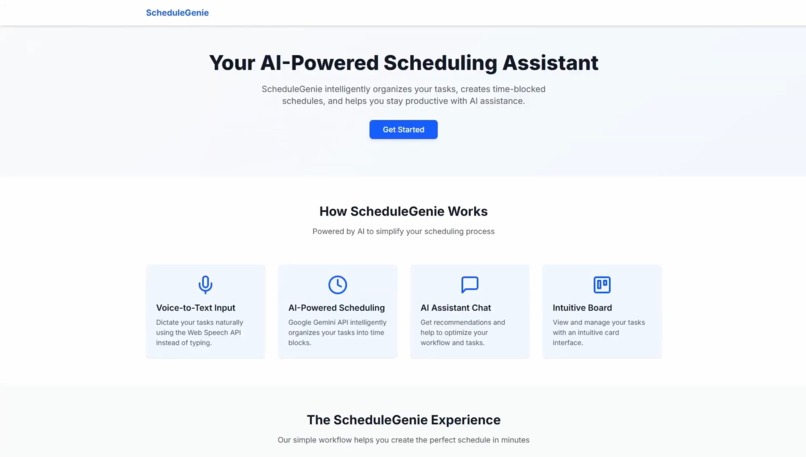
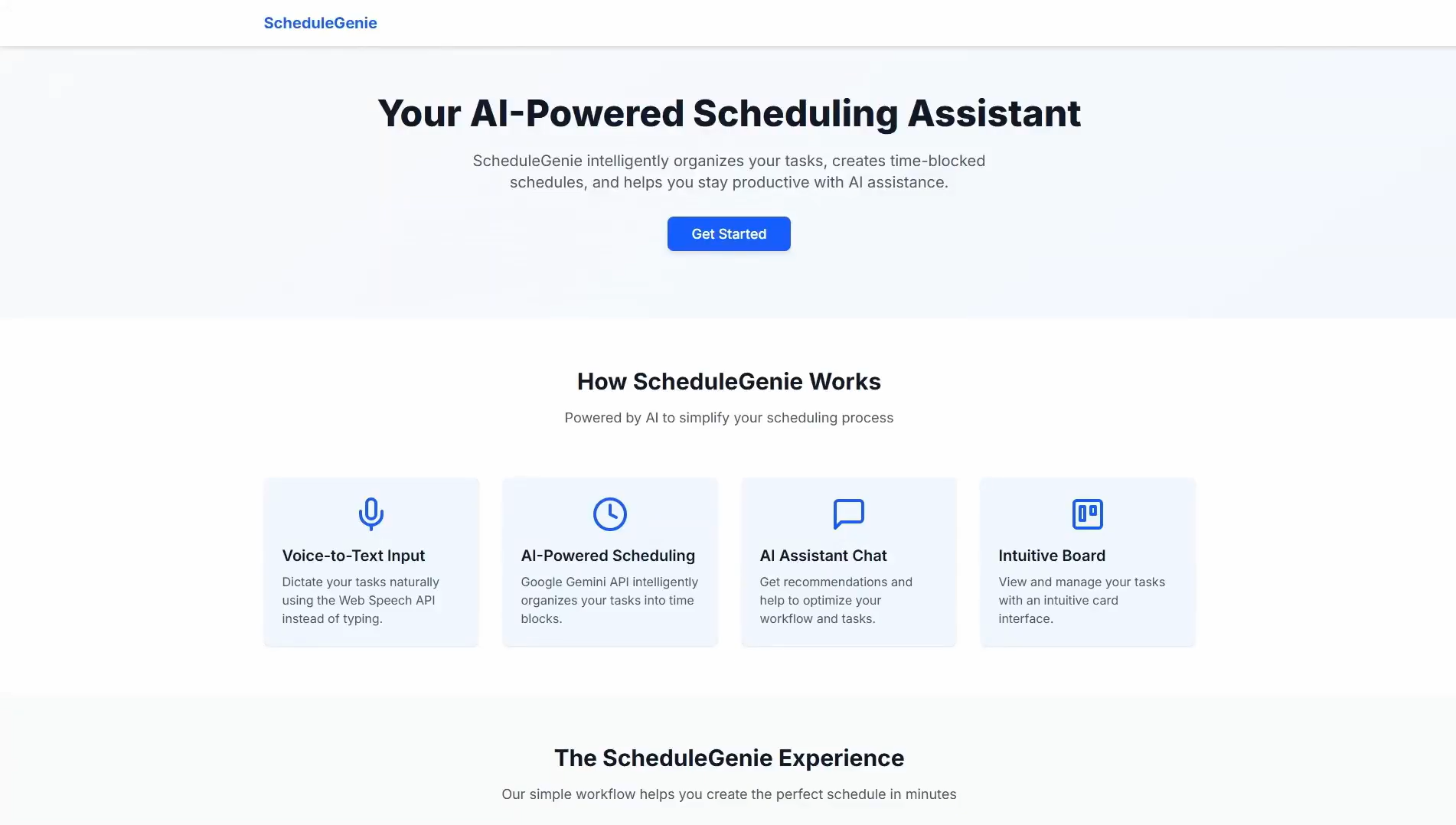
Landing Page
-
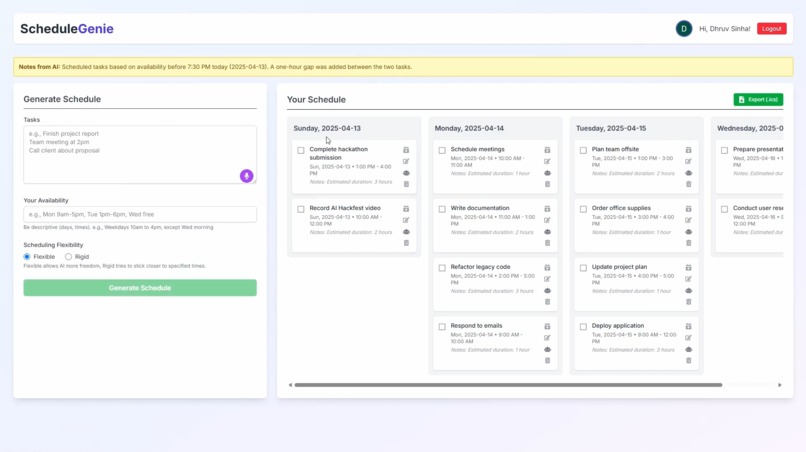
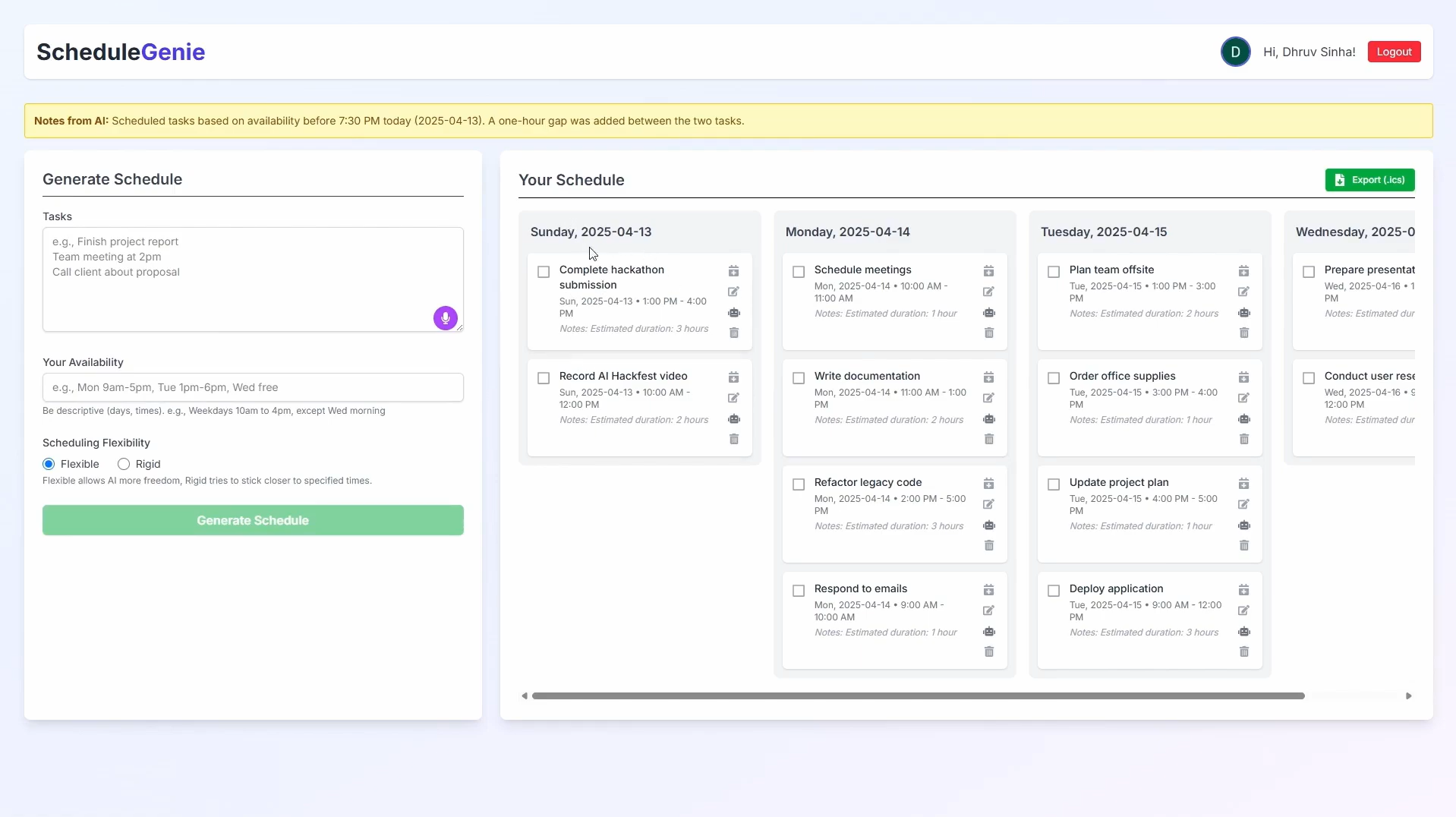
Schedule Dashboard

Inspiration
The inspiration for ScheduleGenie came from the common challenge of managing schedules and numerous tasks. Manually creating a time-blocked schedule can be tedious and time-consuming. I wanted to leverage the power of GenAI to automate this process, making scheduling more efficient and less stressful. The goal was to build an intelligent assistant that not only generates schedules but also helps users interact with and refine them.
What it does
ScheduleGenie allows users to:
- Input Tasks: Users can type or dictate (using the Web Speech API) a list of tasks they need to accomplish.
- Specify Availability: Users define their available time slots (e.g., "Mon 9am-5pm, Tue 1pm-6pm").
- Set Flexibility: Users choose between a 'rigid' or 'flexible' scheduling preference, influencing how the AI arranges tasks.
- Generate Schedule: Sends the input to the Google Gemini API, which analyzes the information and returns a structured, time-blocked schedule in JSON format.
- View & Manage: The generated schedule is displayed on a dashboard using Trello-style columns for each day/date. Users can:
- Mark tasks as complete/incomplete.
- Edit task details (content, day, time, notes).
- Delete tasks.
- AI Chat Assistant: Users can click an icon on any task card to open a dedicated chat interface, pre-loaded with the task context, to ask the Gemini AI for help, clarification, or suggestions related to that specific task. Rate limiting is implemented for the chat feature.
- Export: Users can export their entire schedule as an .ics file, compatible with most calendar applications (like Google Calendar, Apple Calendar).
How we built it
ScheduleGenie is a full-stack web application built with:
- Frontend: Next.js (App Router), React, TypeScript, Tailwind CSS for styling.
- Backend: Next.js API Routes.
- Authentication: Auth0 (
@auth0/nextjs-auth0) handles user login, logout, and session management, protecting API routes via middleware. - AI: Google Gemini API is used for both the core schedule generation logic (parsing natural language input and outputting structured JSON) and the task-specific AI chat assistant.
- Database: MongoDB Atlas stores user information, schedule details (tasks, notes), and timestamps for chat rate limiting.
- Additional: Web Speech API for voice input in the task form.
Challenges we ran into
- AI Output Consistency: Ensuring the Gemini API consistently returned valid JSON matching the required schema, especially with varied user input styles, required significant prompt refinement.
- Auth0 Middleware & API Routes: Integrating Auth0 middleware with Serverless API Routes in the Next.js App Router presented challenges, particularly with passing route parameters asynchronously and handling session cookies correctly (
getSessionrequiringreq/resin API routes). Debugging CORS errors during logout also required careful configuration of Auth0 settings and forcing standard browser navigation. - Date/Time Parsing: Handling the various ways users might specify days ("YYYY-MM-DD") and times and converting them reliably for scheduling and export (.ics, Google Calendar links) was complex.
- Asynchronous Operations: Managing loading states, pending actions (like toggling/deleting tasks), and error handling across multiple asynchronous operations (fetching data, calling AI, updating DB) on the frontend required careful state management.
What we learned
- Deep integration of multiple external APIs (Auth0, Gemini, Web Speech).
- Full-stack development practices using the Next.js App Router.
- Debugging complex interactions between frontend, backend, middleware, and external services.
- Handling authentication flows and security considerations in a modern web app.
- Advanced React state management techniques.
- Database interaction with MongoDB.
Built With
- auth0
- gemini
- mongodb
- next.js
- react
- tailwind
- typescript
- webspeech



Log in or sign up for Devpost to join the conversation.