-
-
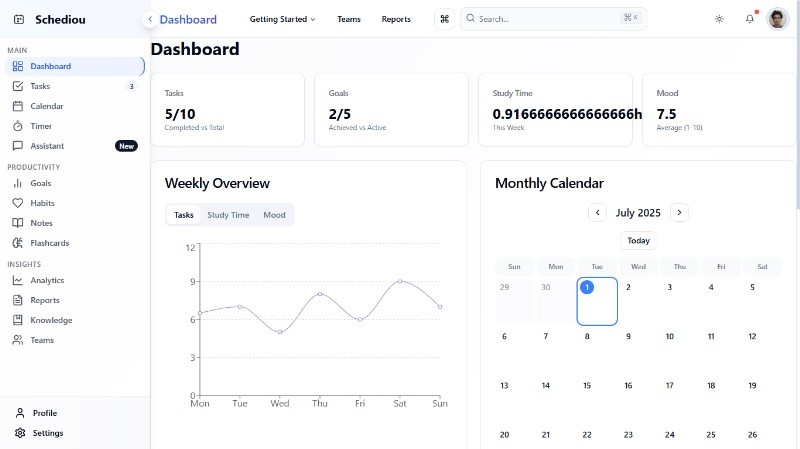
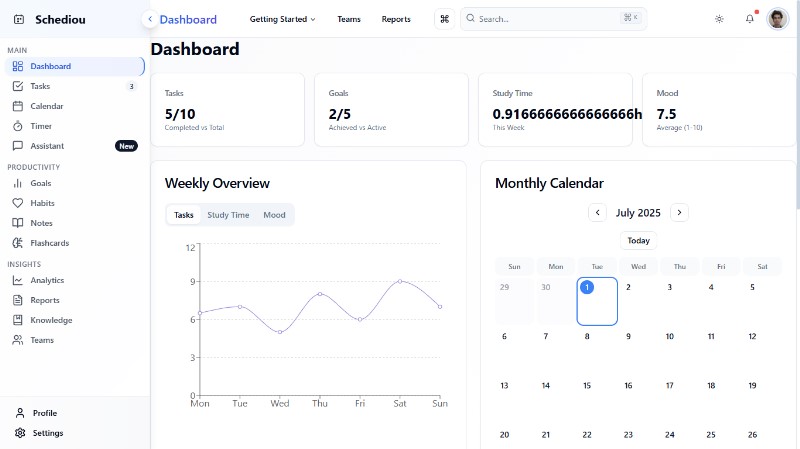
Dashboard
-
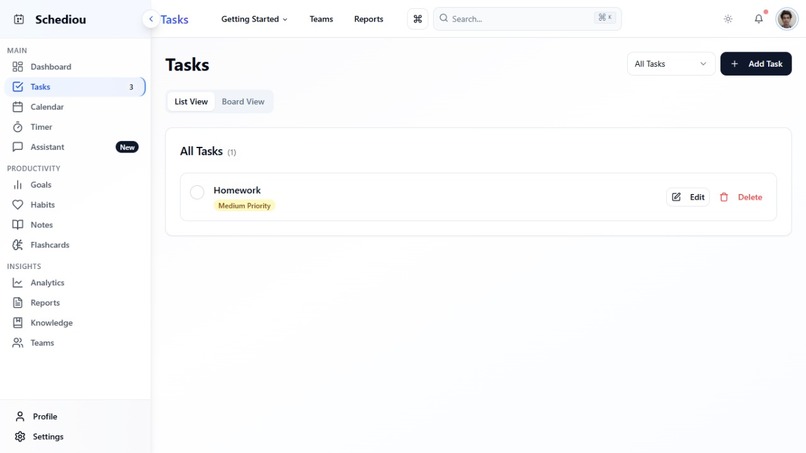
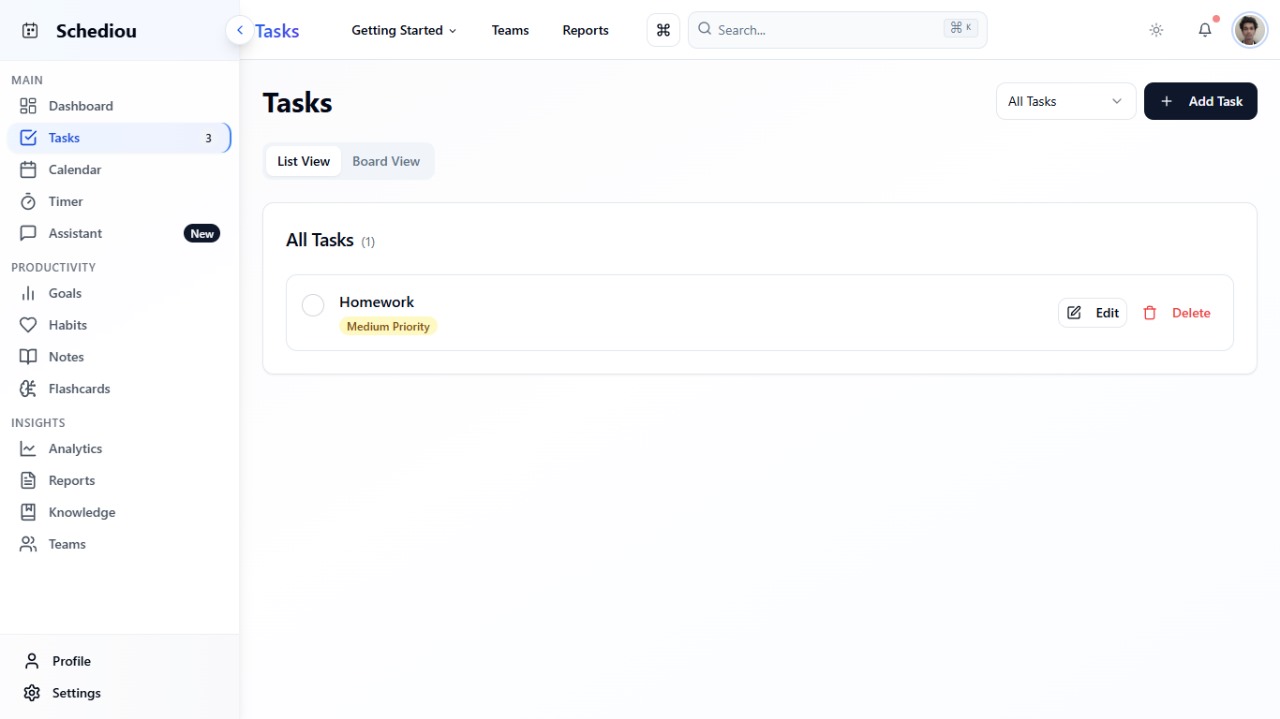
Task
-
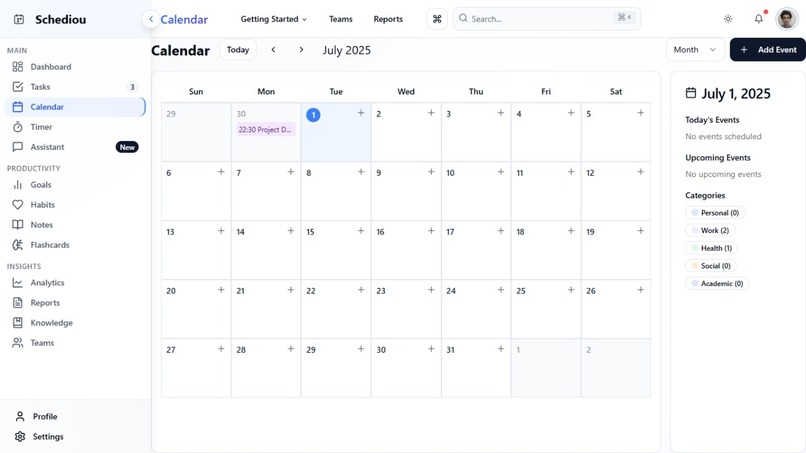
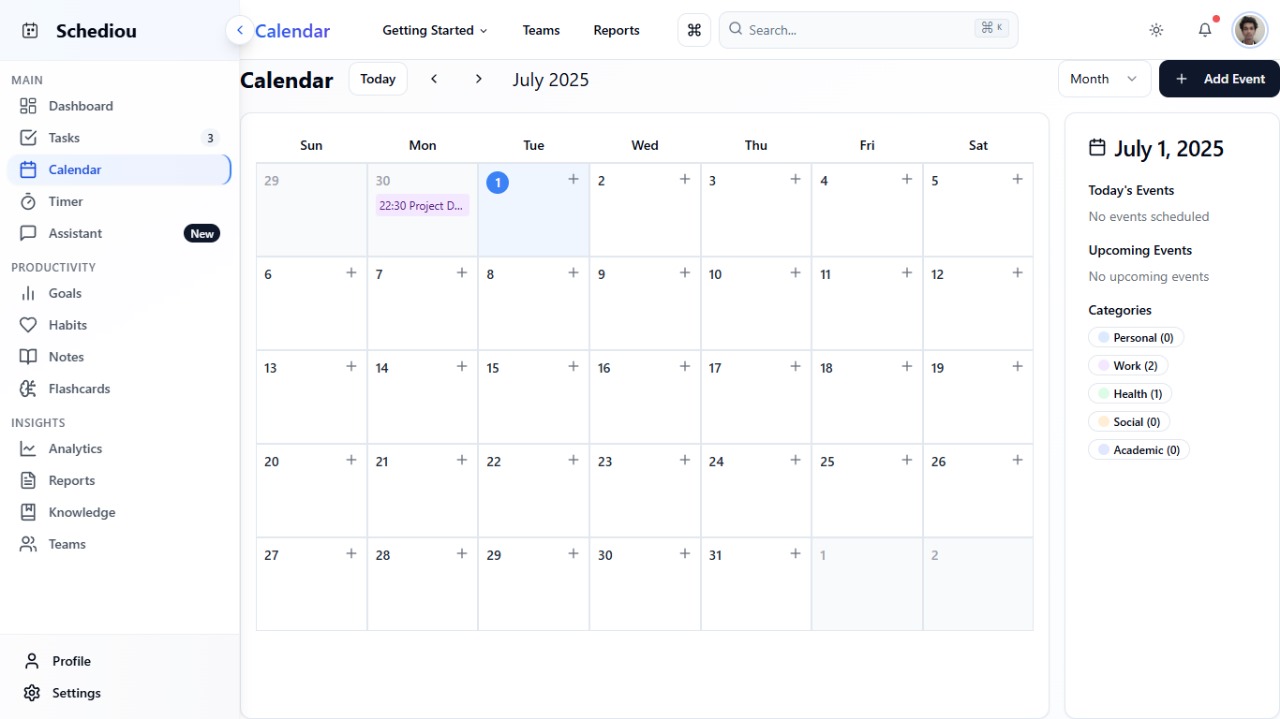
Calendar
-
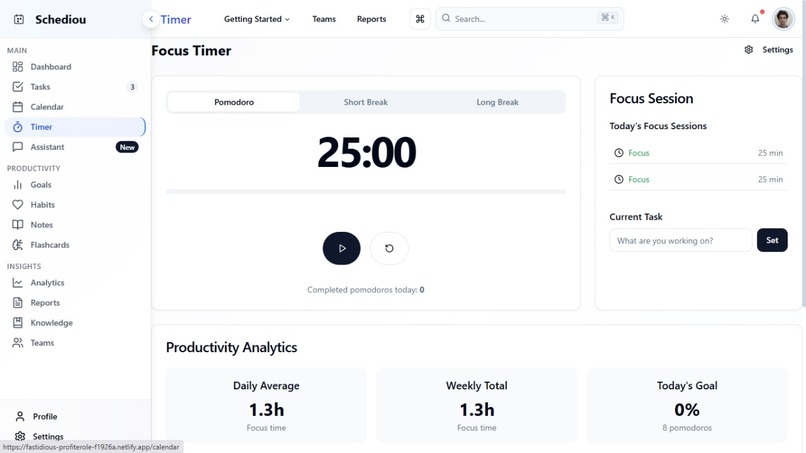
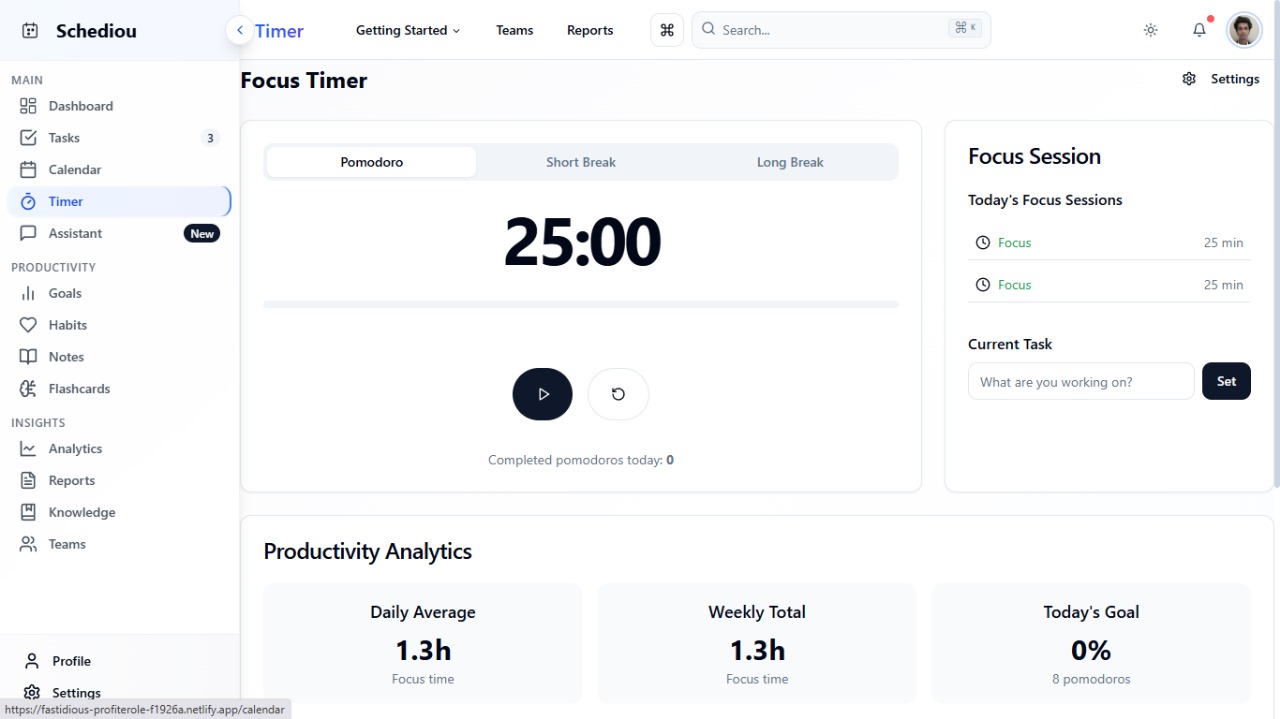
Focus Timer
-
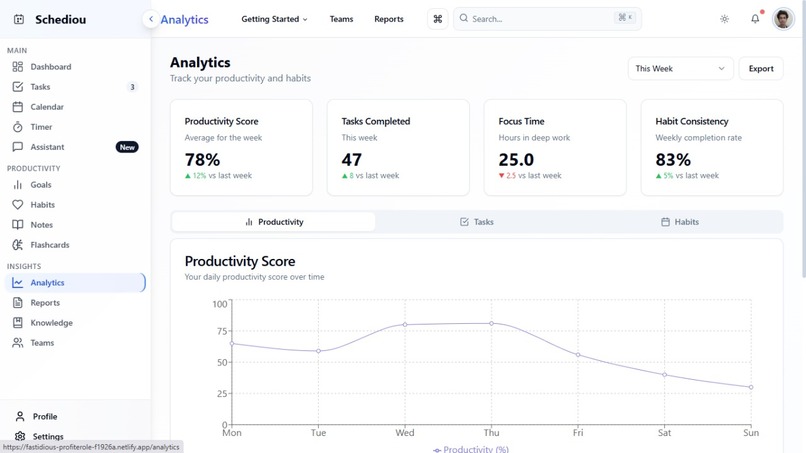
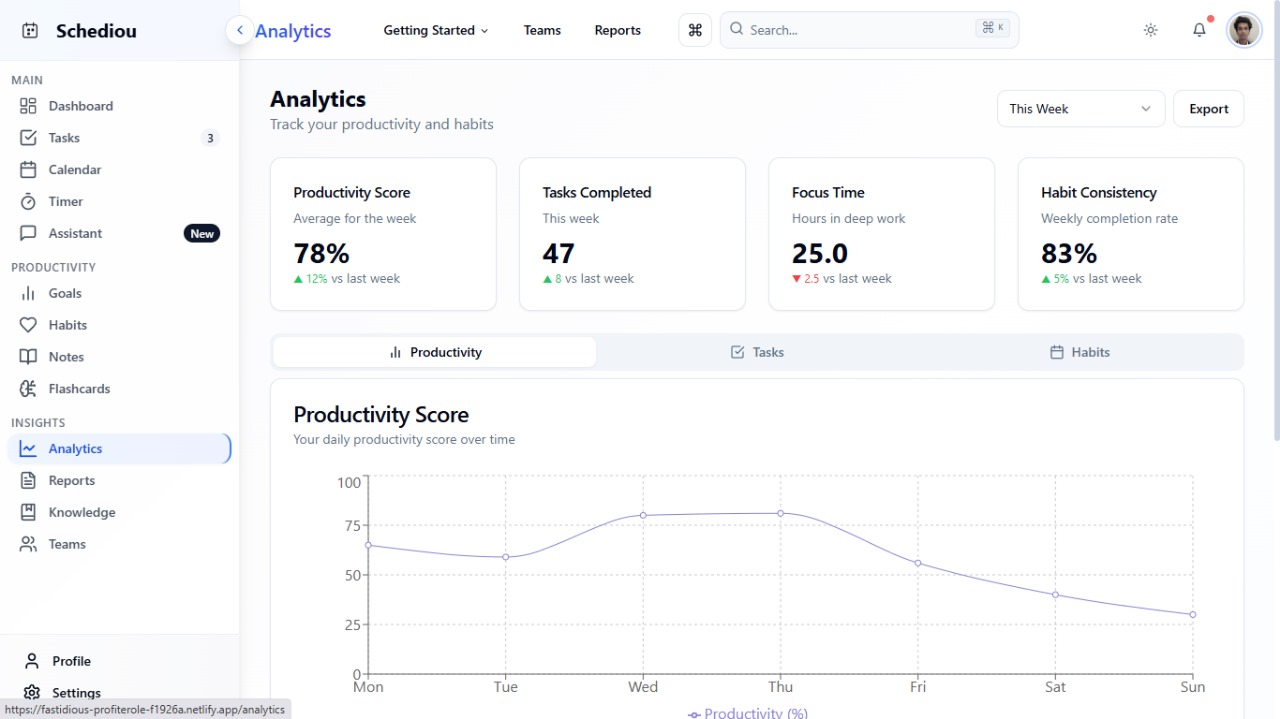
Analytics
Inspiration
In a world full of productivity apps, we noticed a big gap — most tools are either too scattered, overly complex, or narrowly focused. People juggle separate apps for tasks, calendar events, goals, study plans, and personal growth. We imagined a platform where everything is connected, minimal, and intuitive. That’s how Schediou was born — a smart, clean, all-in-one productivity hub designed to simplify planning, boost consistency, and help users stay on track, whether they’re students, professionals, or lifelong learners.
What it does
Schediou brings together all core elements of productivity in one powerful dashboard: ✅ Task & Subtask Management 🗓️ Smart Calendar with daily, weekly, monthly views ⏱️ Focus Timer with Pomodoro support 🎯 Goal and Habit Tracker with progress insights 📚 Study Planner & Course Organizer 🔌 3rd-Party Course Integration (Coursera, Udemy, etc.) 📝 Notes and Flashcards for knowledge retention 📊 Productivity Insights & Reports 🎨 Theme switcher for light/dark modes 👥 Multi-user & Teams support (beta) Schediou allows users to organize their work, plan study sessions, track progress, and manage everything — all in one place, without AI.
How we built it
We used the following tools and technologies: Frontend: Next.js + Tailwind CSS + shadcn/ui Authentication & DB: Firebase Auth + Firestore Hosting: Vercel Design: Figma + custom vector icons Planning & Ideation: Bolt.new Architecture: Modular sections for Tasks, Calendar, Goals, Notes, and more Dark/Light Mode Support Manual Assistant Logic: Rule-based command parser to automate user interactions (
Challenges we ran into
Creating a unified UX for multiple planning modules Making the interface minimal yet powerful Designing responsive UI for mobile & desktop Structuring a scalable project for future integration of APIs and automation Integrating external course platforms without official APIs Keeping performance smooth while maintaining data-rich views
Accomplishments that we're proud of
Designed a full-fledged planning ecosystem in one cohesive UI Developed a clean and modern dashboard with intuitive user flow Implemented calendar + task logic with real-time data Built a strong foundation for future AI or automation integration Made a productivity tool that users genuinely want to return to
What we learned
How modular architecture speeds up feature development Importance of user-first design in productivity apps Managing multiple data sources without overcomplicating UX How small improvements in layout and navigation improve usability How to keep a tool flexible for students, professionals, and teams alike
What's next for Schediou
📱 Build and launch a mobile-first experience 🔌 Integrate more platforms: Notion, Google Calendar, Apple Reminders ⚙️ Add more templates: study, habit, content planner, etc. 🧩 Plugin-based customization: Users can enable/disable modules 📦 Open-source core components 🛠️ Introduce keyboard shortcuts and offline mode 👥 Community board and shared planning templates 🤖 (Optional later) Introduce non-AI and AI-based planning assistant toggle


Log in or sign up for Devpost to join the conversation.