Inspiration
The idea behind Scenquira started with a simple question: when a streamer is hosting alone, who handles the production? While talking or playing, they also have to follow the chat, switch scenes, manage overlays, and decide when to bring the camera closer. I wanted to build something that could take care of some of that work without taking control away from them. That became the idea for Scenquira: a production assistant that follows the energy of a Twitch community and helps the streamer give important moments a little more attention.
What it does
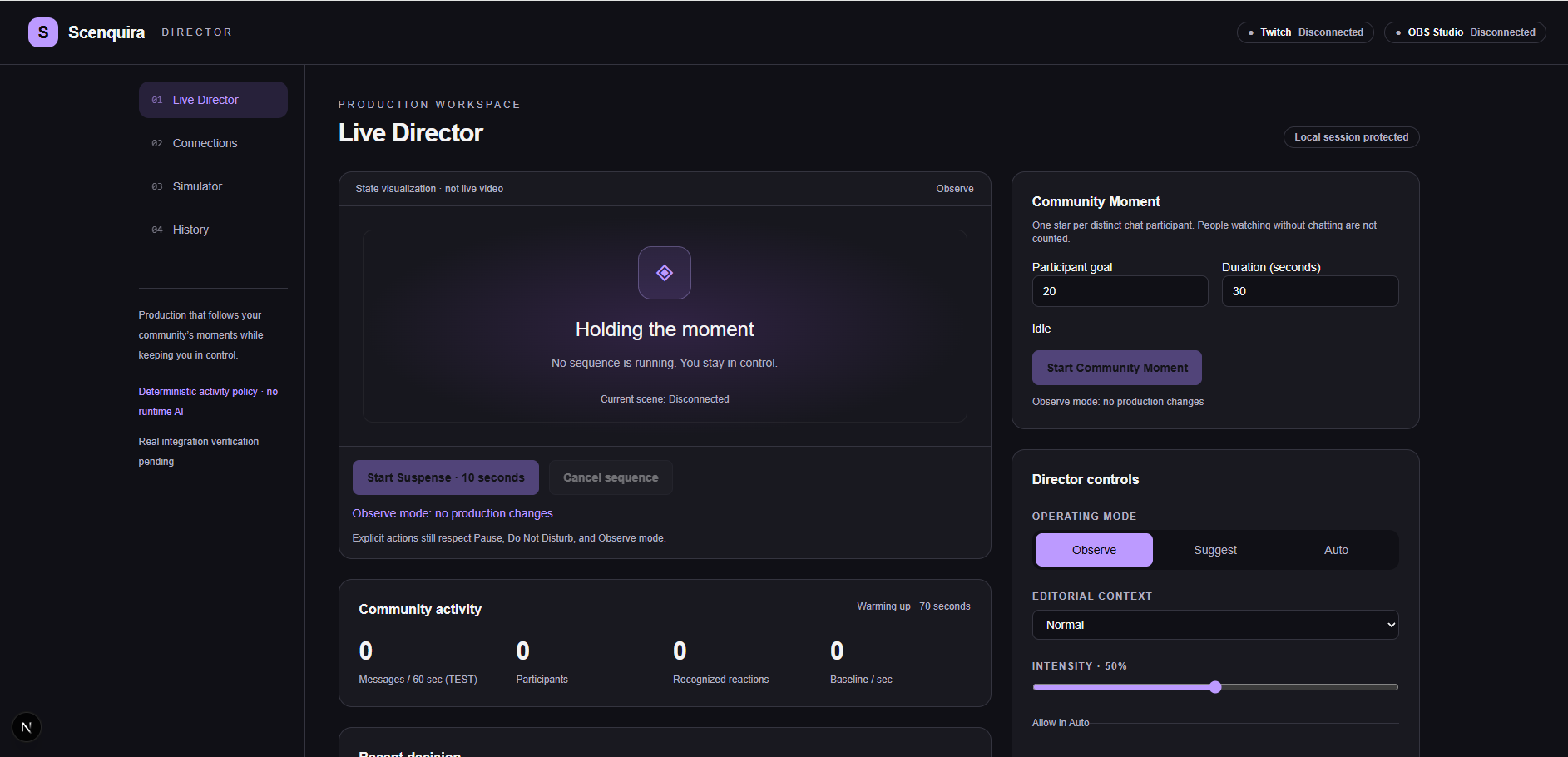
Scenquira is designed to connect Twitch activity to OBS. When several viewers react together, it can suggest a short visual effect or a subtle camera zoom. An incoming raid can trigger a welcome sequence, and the streamer can start a countdown for a suspenseful moment. The streamer chooses how much control to give it: observe activity, suggest actions for approval, or run approved effects automatically. One feature matters especially to me: Do Not Disturb. A busy chat should not automatically interrupt an important conversation. Sometimes the best production decision is to leave the scene alone.
How we built it
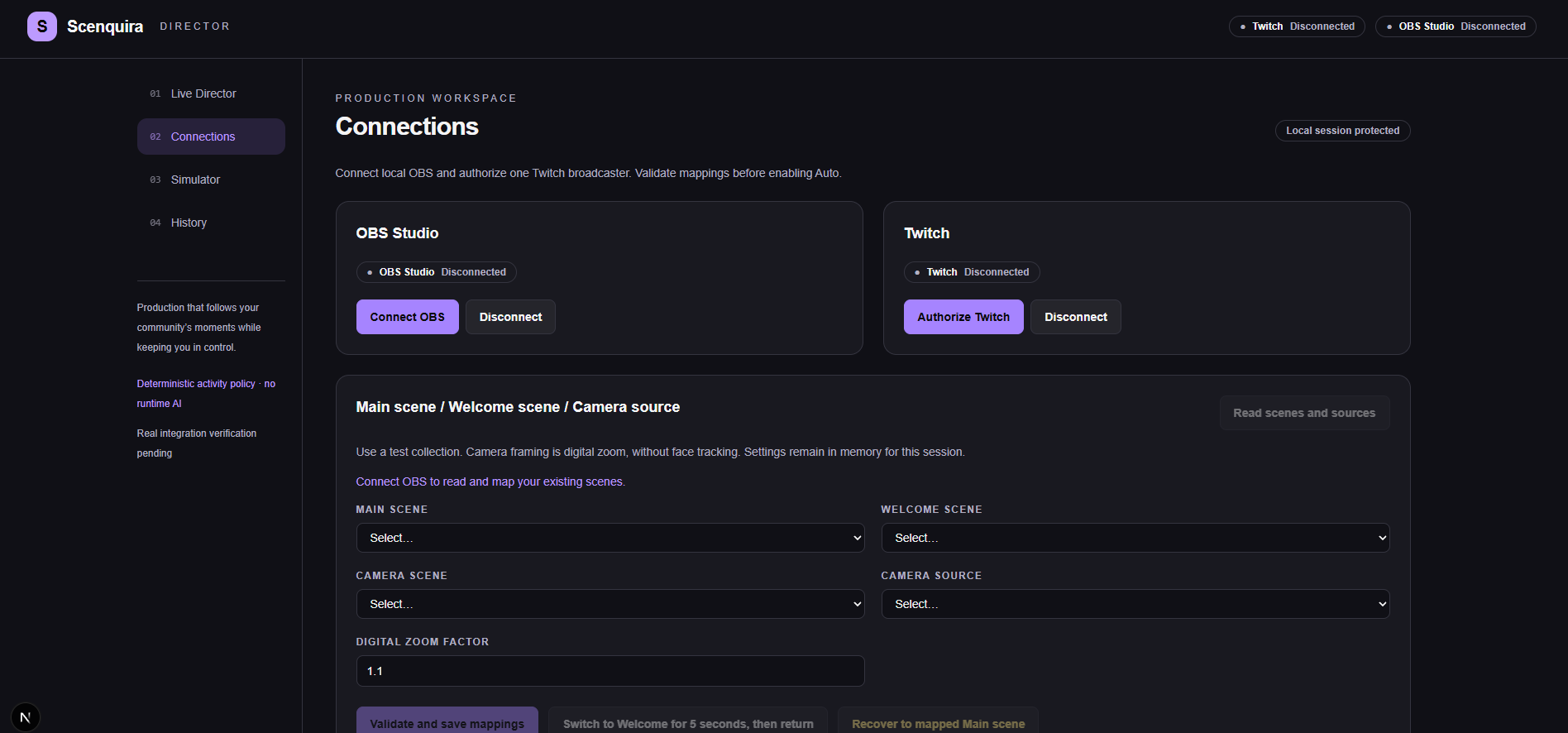
The architecture uses TypeScript, Next.js for the dashboard, and NestJS for a service running on the streamer’s computer. Twitch EventSub supplies live events, while OBS WebSocket provides scene and camera controls. I’m starting with a small set of predictable rules and three sequences: Hype, Raid Welcome, and Suspense. Contextual AI is a later addition, once the basic experience is reliable. Codex is my development partner for the project. The execution plan breaks the work into testable milestones, starting with real Twitch and OBS connections before moving on to interface polish.
Challenges we ran into
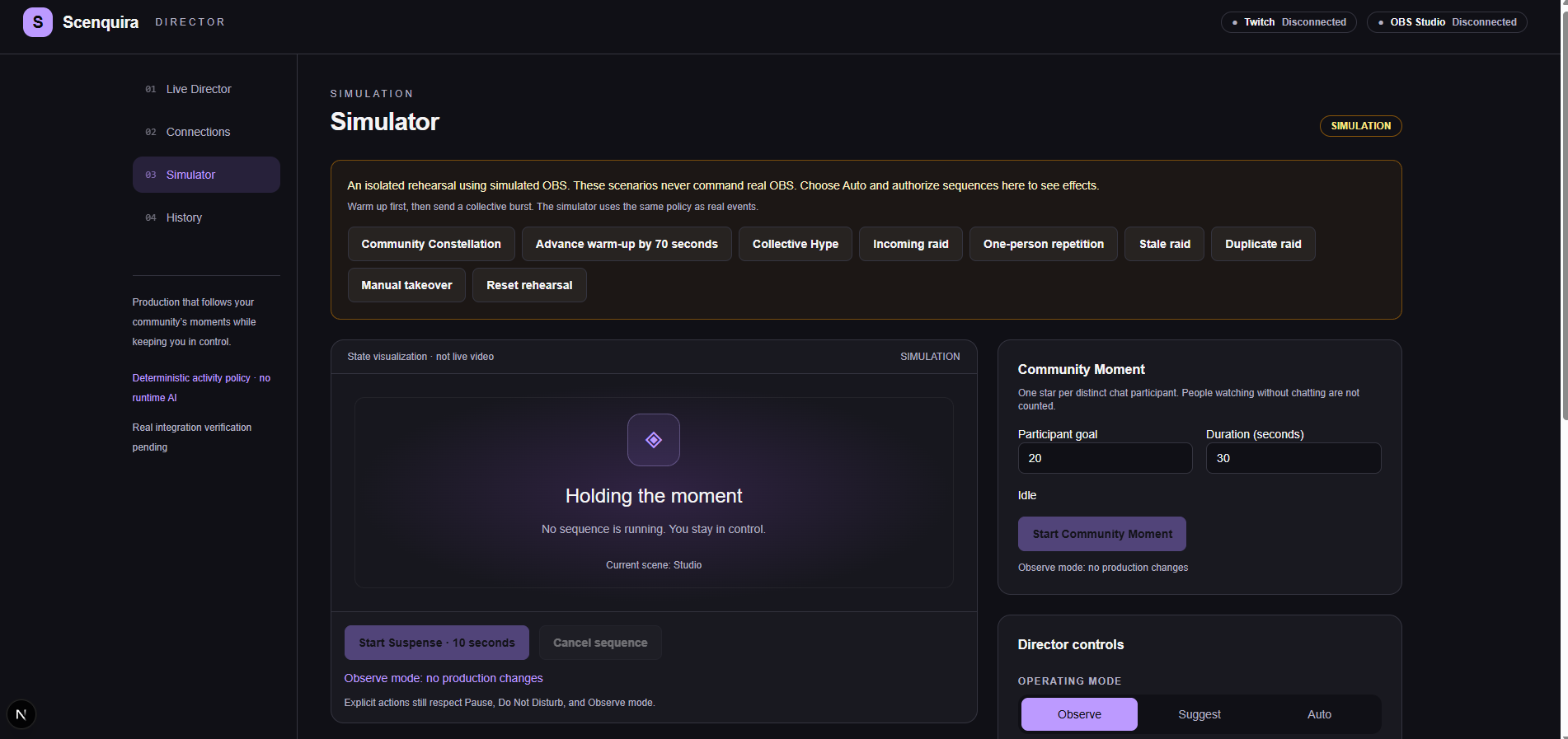
The hardest design question so far has been deciding when the assistant should stay quiet. Reacting to every burst of chat would quickly become distracting. The plan therefore considers distinct participants, limits repeated contributions, and leaves time between effects. Another important challenge is restoring a scene without undoing something the streamer changed manually. If they adjust the camera during an effect, Scenquira should respect that choice rather than force an old framing back onto the screen. These are behaviors I need to verify with real Twitch and OBS sessions, beyond the simulator.
Accomplishments that we're proud of
I’m proud of turning an ambitious idea into a focused plan with a clear purpose: helping solo streamers manage their production without giving up control. One of the most important decisions was making restraint part of the design. Scenquira should know when to suggest an effect, but also when to stay quiet and let the streamer lead. I’m also proud of keeping the first version manageable. Focusing on three meaningful sequences gives me a concrete foundation to build, test, and improve with real feedback.
What we learned
Planning Scenquira has changed how I think about automation. Triggering an effect is only part of the job. Knowing when to wait, when to cancel, and when to hand control back is just as important. I also narrowed the original idea considerably. Face tracking, emotion detection, and generated music sounded exciting, but a few well-timed effects are a better starting point for a tool someone could trust during a live broadcast.
What's next for Scenquira
My next step is to validate the complete Twitch-to-OBS workflow, then test it with streamers and viewers. I want to find out whether the effects feel natural, whether the controls are easy to understand, and whether Scenquira actually reduces the streamer’s workload.
Built With
- codex
- nestjs
- next.js
- node.js
- obs
- sqlite
- tailwind
- twitch
- twitch-eventsub
- typescript
- websockets
