-
-
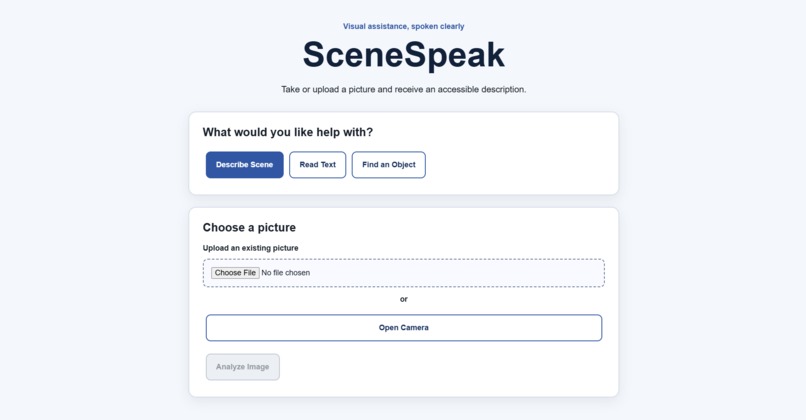
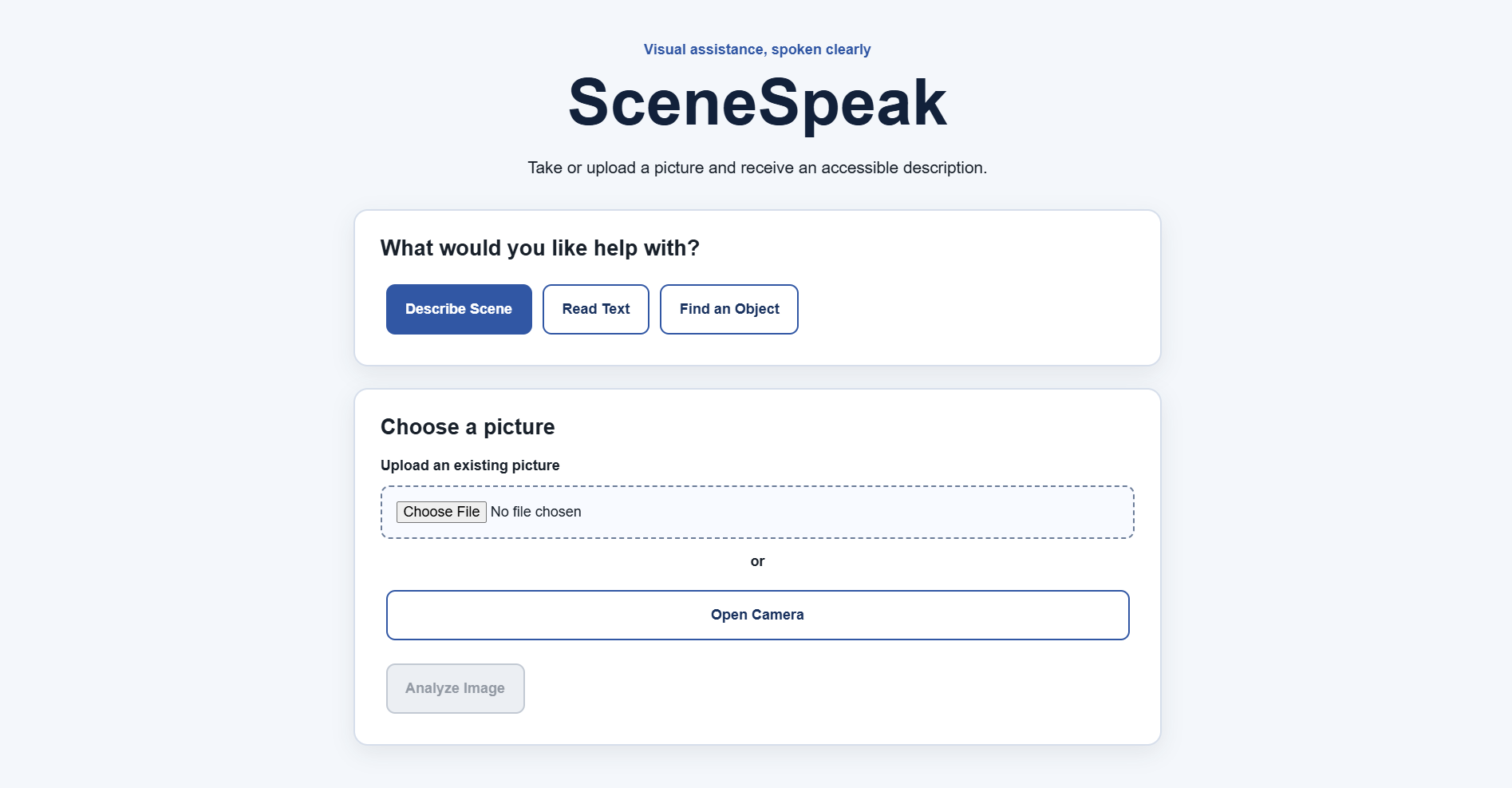
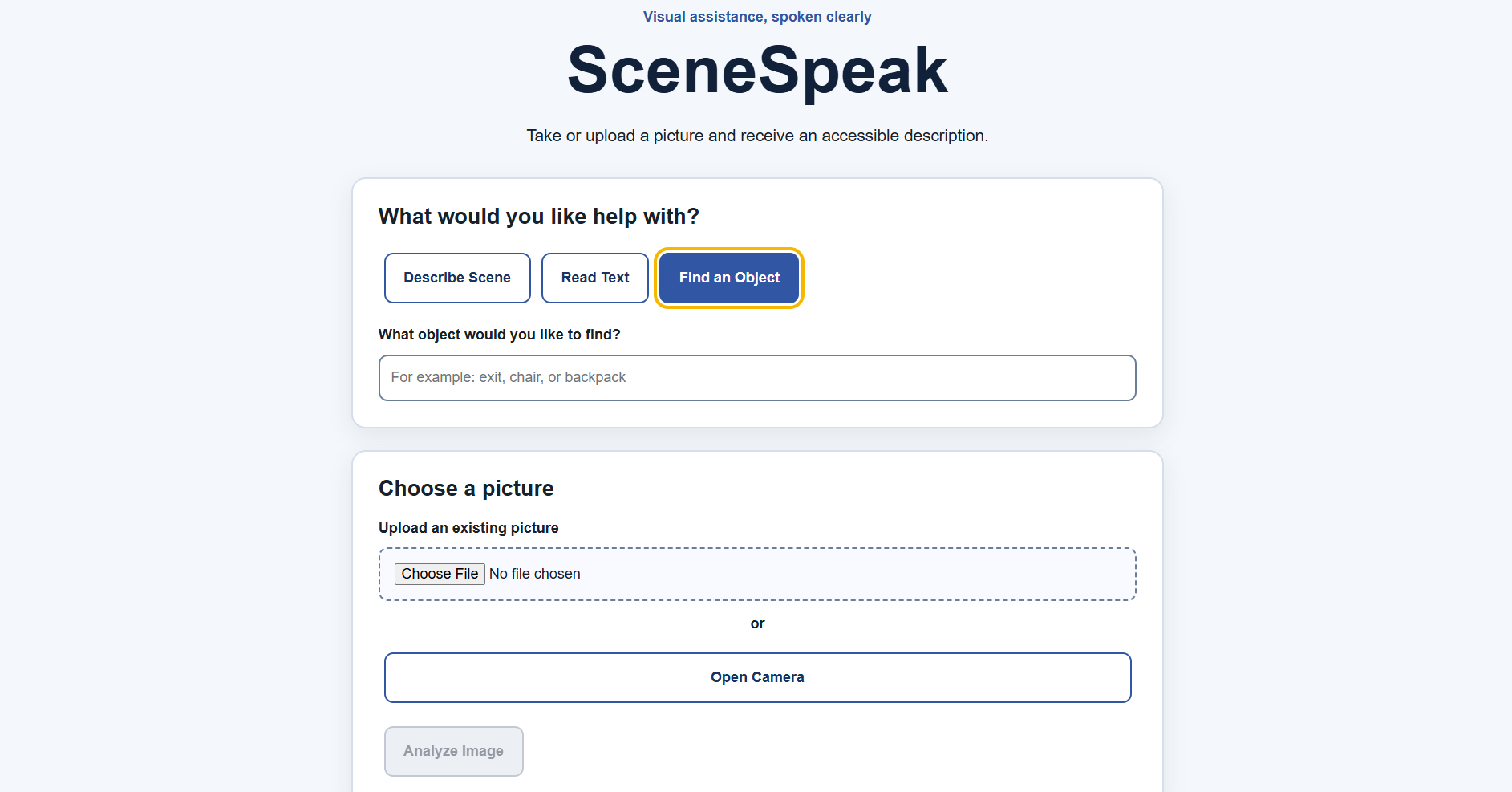
User Interface with the Describe Button
-
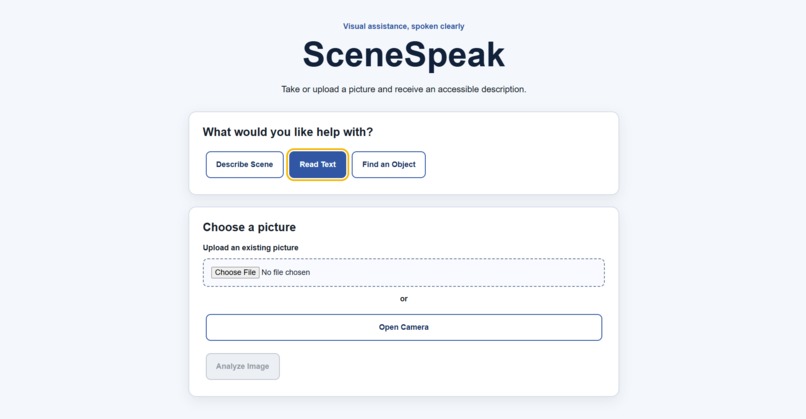
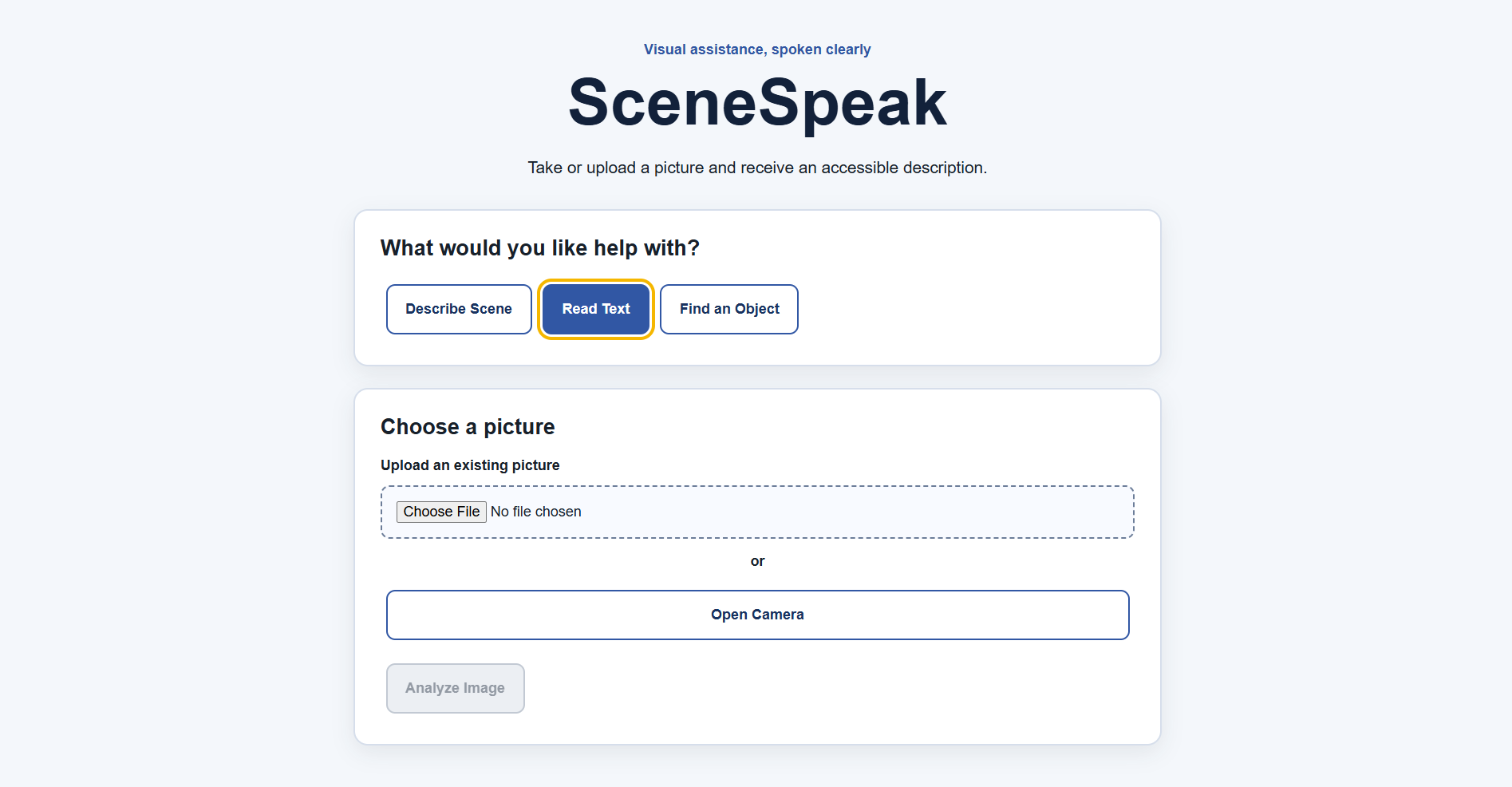
User Interface with Read Text Button
-
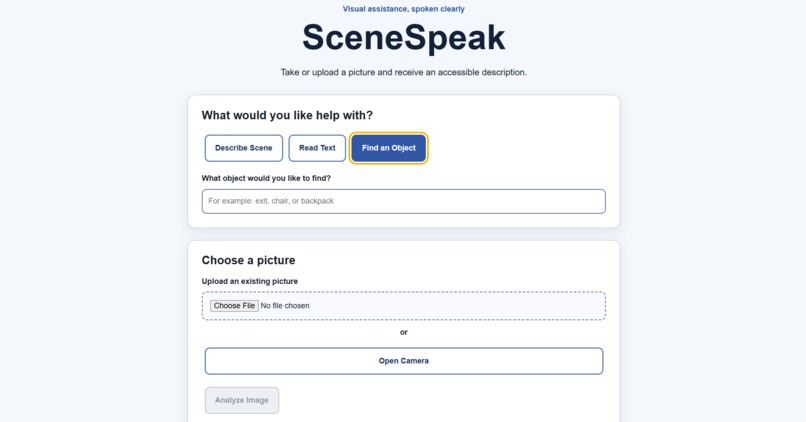
User Interface with Find an Object Button
-
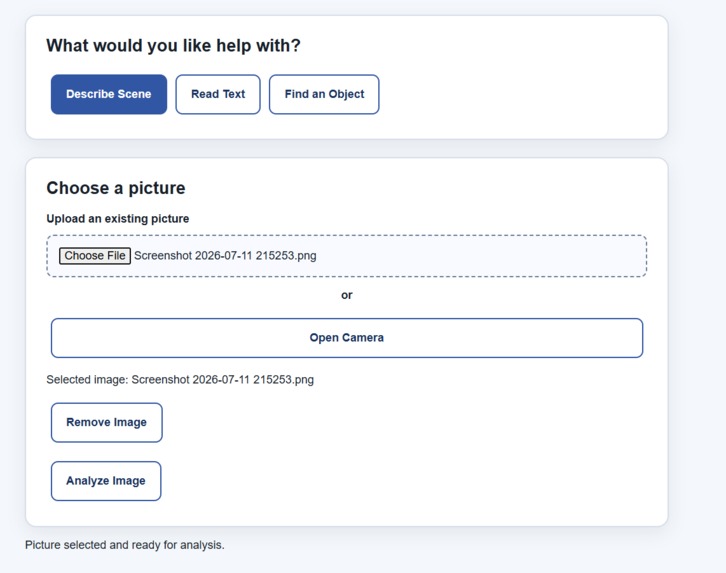
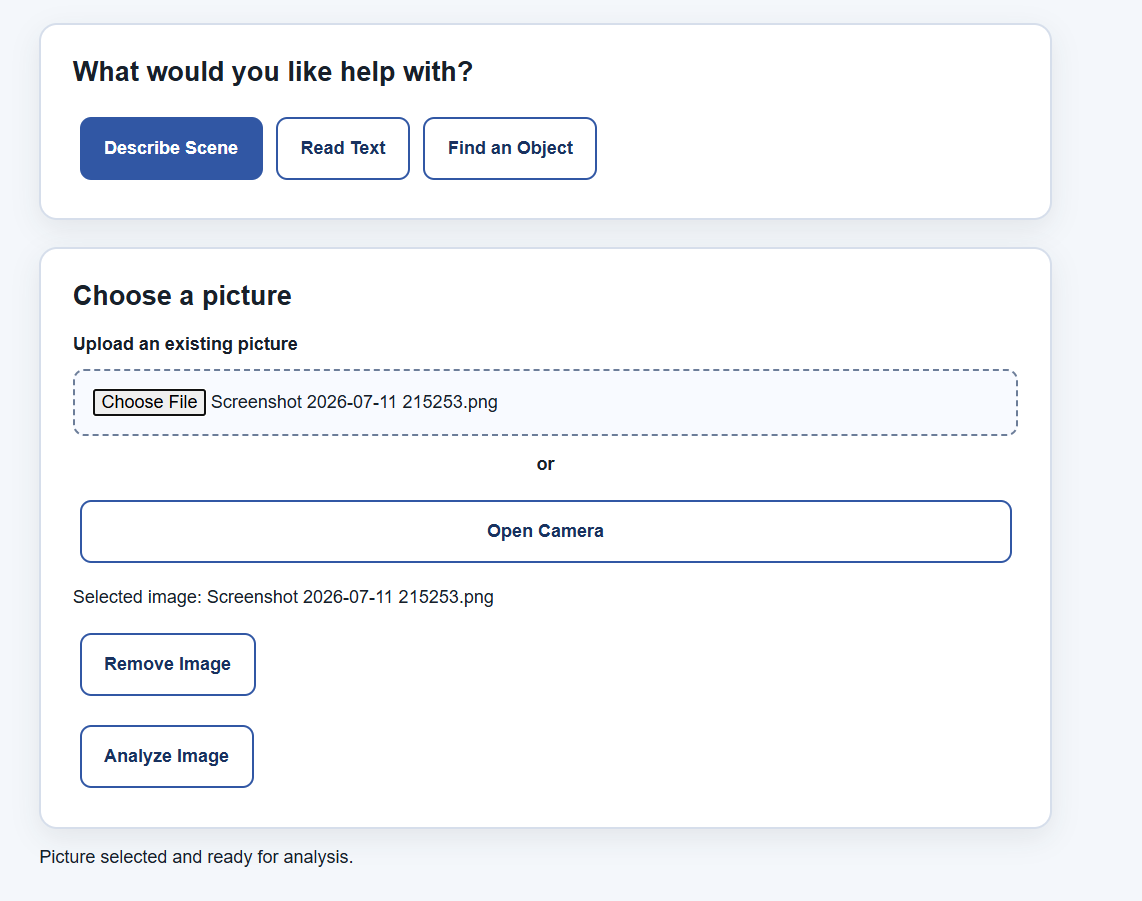
User Interface with Image Uploaded
-
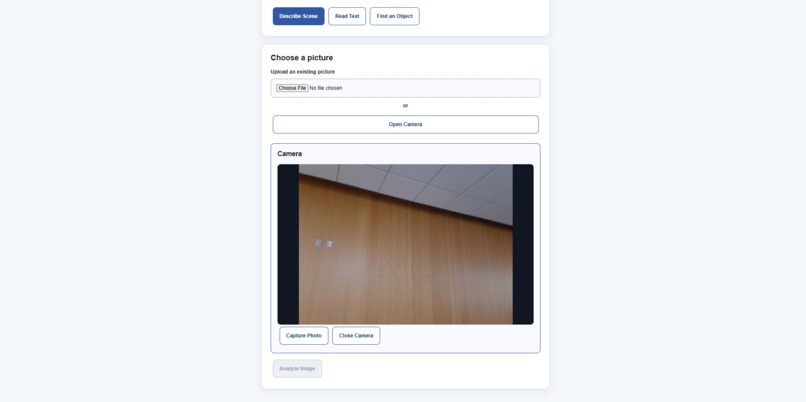
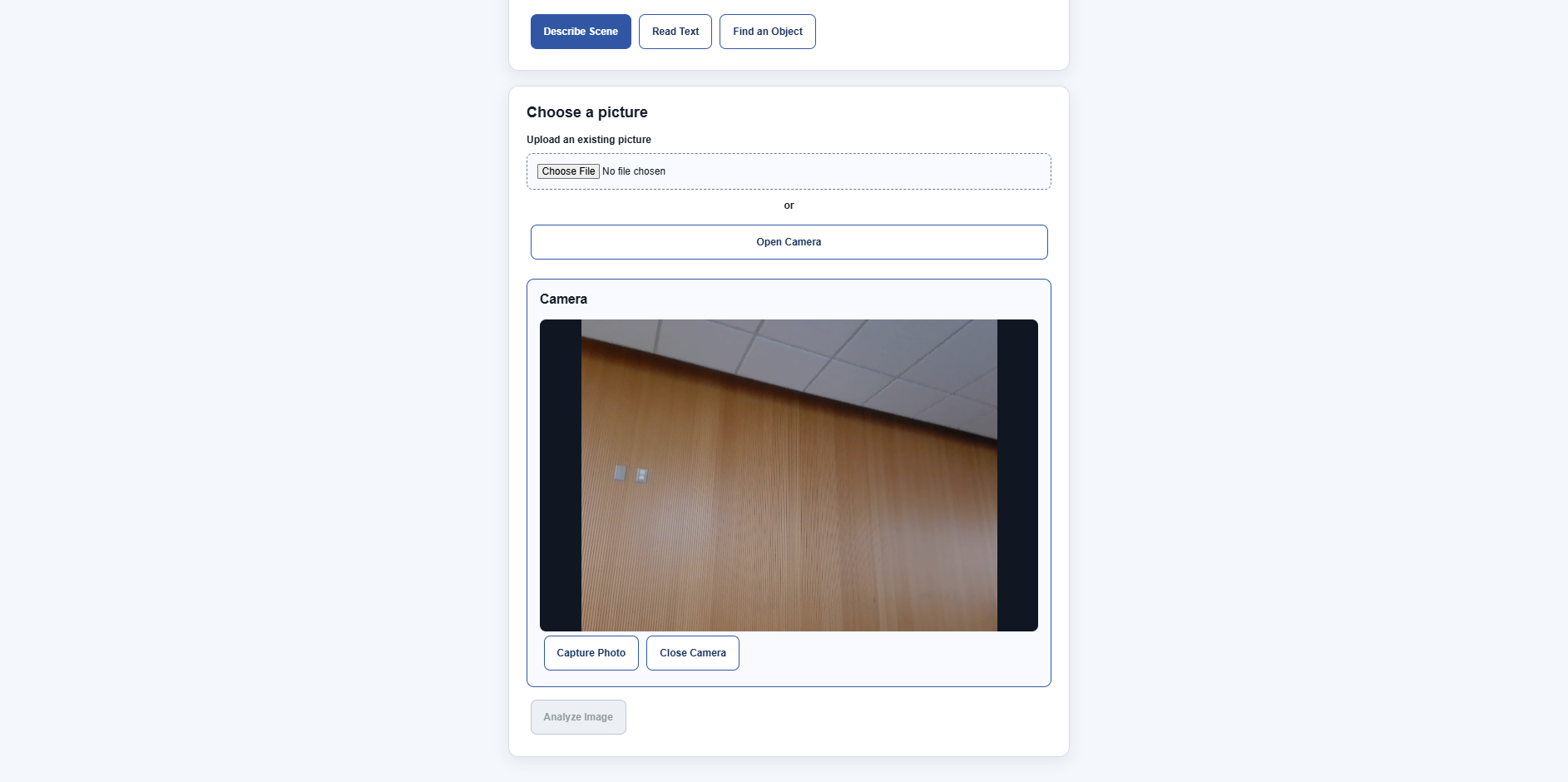
User Interface with the Camera Option
-
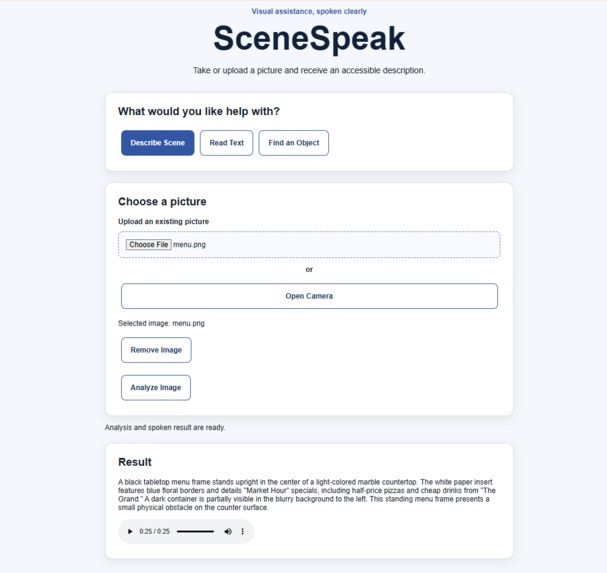
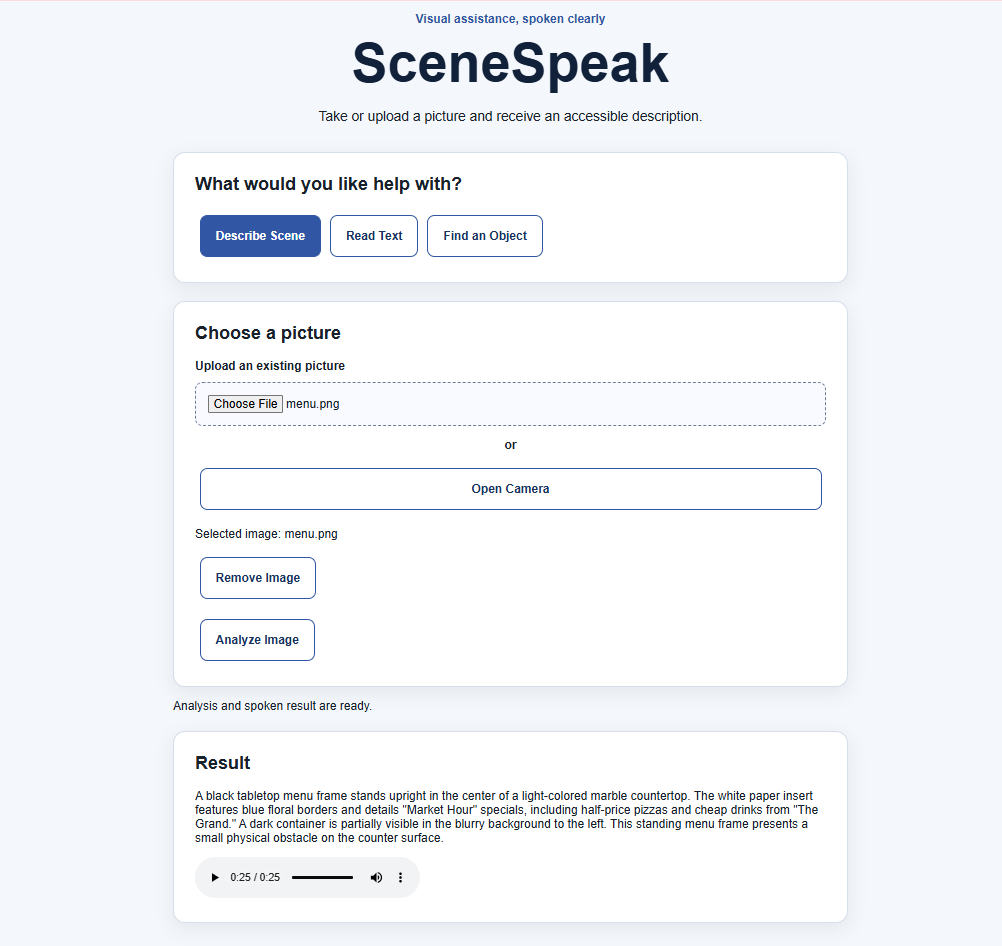
User Interface when Describing a Scene
Inspiration
Many everyday tasks—understanding a new environment, reading a sign, or locating an object—can be difficult for people who are blind or have low vision. We wanted to create an accessible tool that turns visual information into clear spoken guidance using technology people can access from a regular web browser.
What it does
SceneSpeak allows users to upload a picture or take one directly using their device’s camera. They can choose from three modes:
- Describe Scene: Explains the important objects and surroundings in the image.
- Read Text: Reads and summarizes visible text such as signs, labels, or notices.
- Find an Object: Checks whether a requested object is visible and explains approximately where it is.
Google Gemini analyzes the image and produces a concise response. ElevenLabs converts that response into natural-sounding speech so the result can be heard without relying on the screen.
How we built it
We built SceneSpeak as an accessible full-stack web application using:
- React and Vite for the frontend
- Node.js and Express for the backend
- Google Gemini for image understanding
- ElevenLabs for text-to-speech
- Git and GitHub for collaboration and version control
The interface uses semantic HTML, labelled controls, keyboard navigation, visible focus indicators, clear status messages, and high-contrast styling. Users can either upload an existing image or open their device’s camera and capture a new one.
We divided the backend into separate services and routes. One handles Gemini image analysis, while the other handles ElevenLabs speech generation. This structure allowed us to work independently and combine our features through GitHub.
Challenges we ran into
This was our first hackathon, so one of our biggest challenges was learning how to organize a full-stack project while working on different Git branches. We also had to think carefully about accessibility. It was not enough for the application to generate spoken results—the controls used to take a photo and request help also needed to be accessible.
Other challenges included managing camera permissions, keeping API keys secure on the server, coordinating frontend and backend development, and designing useful AI responses without overwhelming the user.
Accomplishments that we're proud of
We are proud that SceneSpeak provides both file upload and live camera capture in an accessible interface. We also created three focused analysis modes instead of returning the same generic description for every image.
Most importantly, we built a project with a clear real-world purpose while learning React, Express, API integration, accessible design, Git branches, and collaborative development.
What we learned
We learned how frontend and backend systems communicate, how to organize API logic into routes and services, and how to protect secret API keys using environment variables. We also learned that accessibility should guide the complete user experience from the beginning rather than being added after development.
What's next for SceneSpeak
Future improvements could include automatic spoken status updates, multilingual output, faster image processing, improved object-location descriptions, user-selectable voices, and more extensive testing with blind and low-vision users. We would also like to explore continuous camera assistance while maintaining clear privacy and safety protections.
Built With
- ai
- css3
- elevenlabs
- express.js
- github
- google-gemini
- html5
- javascript
- node.js
- react
- text-to-speech
- vite


Log in or sign up for Devpost to join the conversation.