Inspiration
You’re focused on the game and talking to your audience. Meanwhile, your webcam covers an important control, your microphone is muted, or your capture source has stopped working. Everything can look fine from your side while viewers are missing something essential.
Solo streamers carry two responsibilities: entertaining their audience and managing the production. Every technical interruption takes attention away from the experience they want to create.
I built SceneSense to take some of that production work off their hands. The interaction should be simple: tell Sense what you need, see the change, and keep creating.
What it does
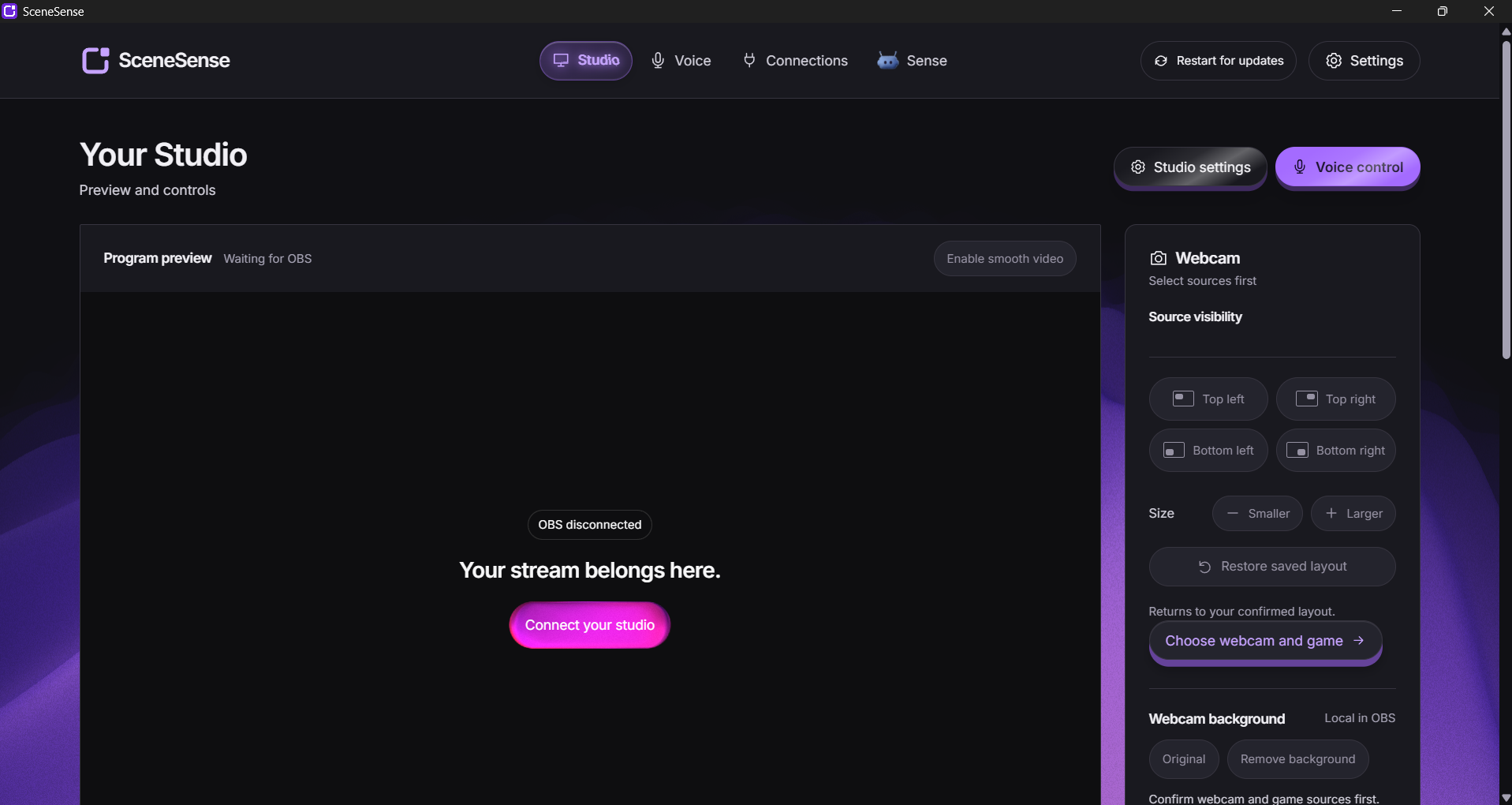
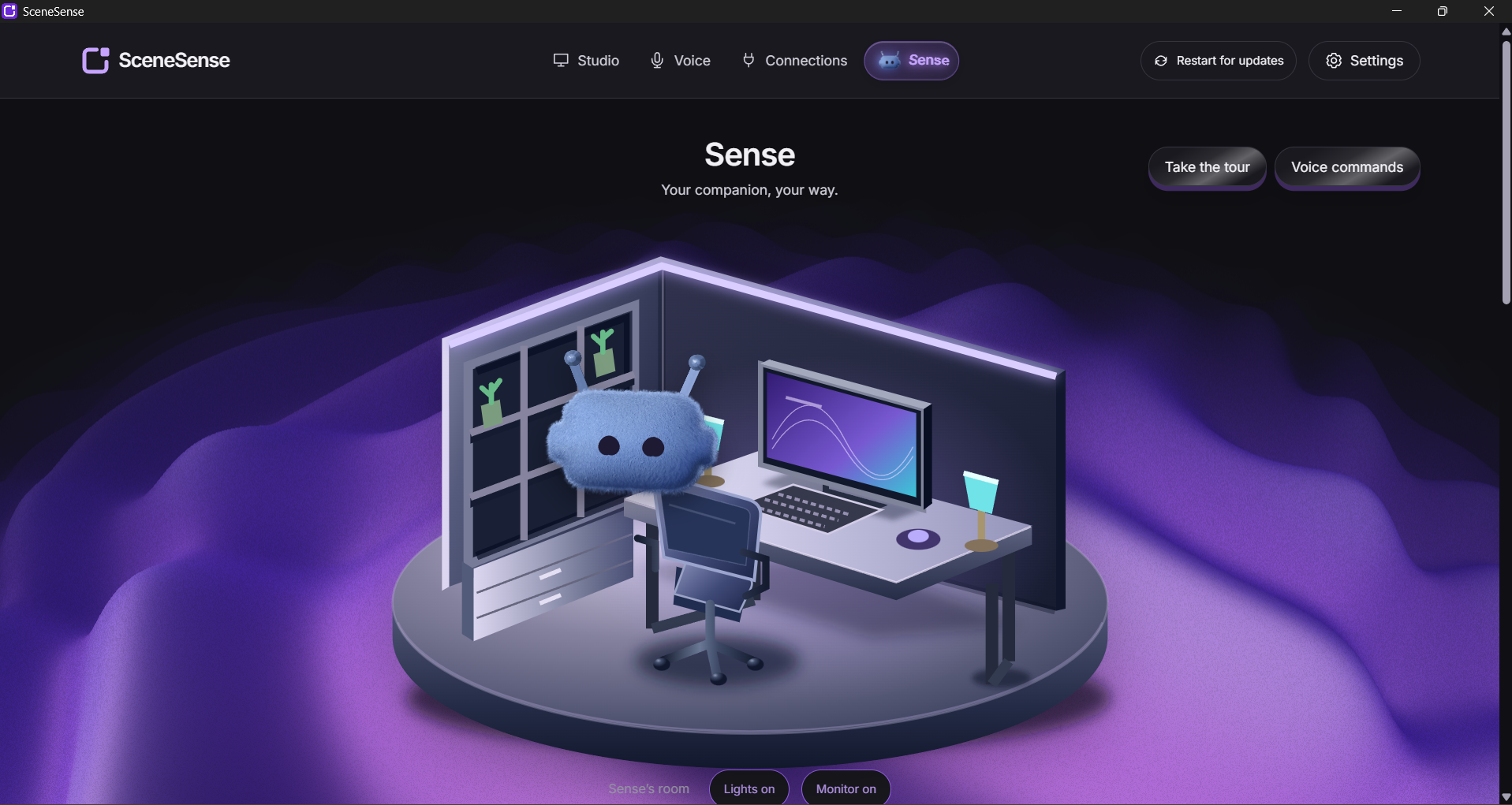
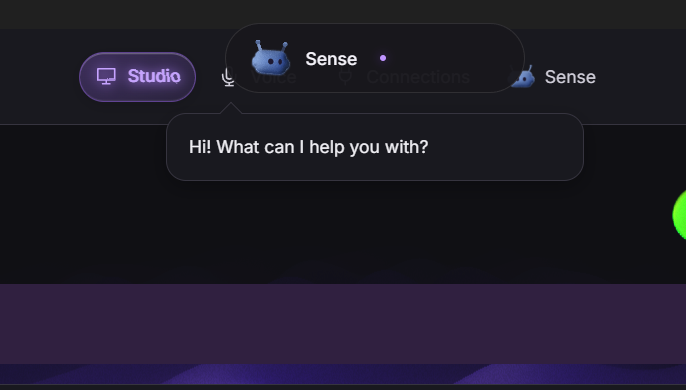
SceneSense is a Windows desktop companion for OBS and Twitch. Its mascot, Sense, combines voice control, scene awareness, and stream supervision in one workspace, helping creators prepare, manage, and troubleshoot their streams.
Voice control
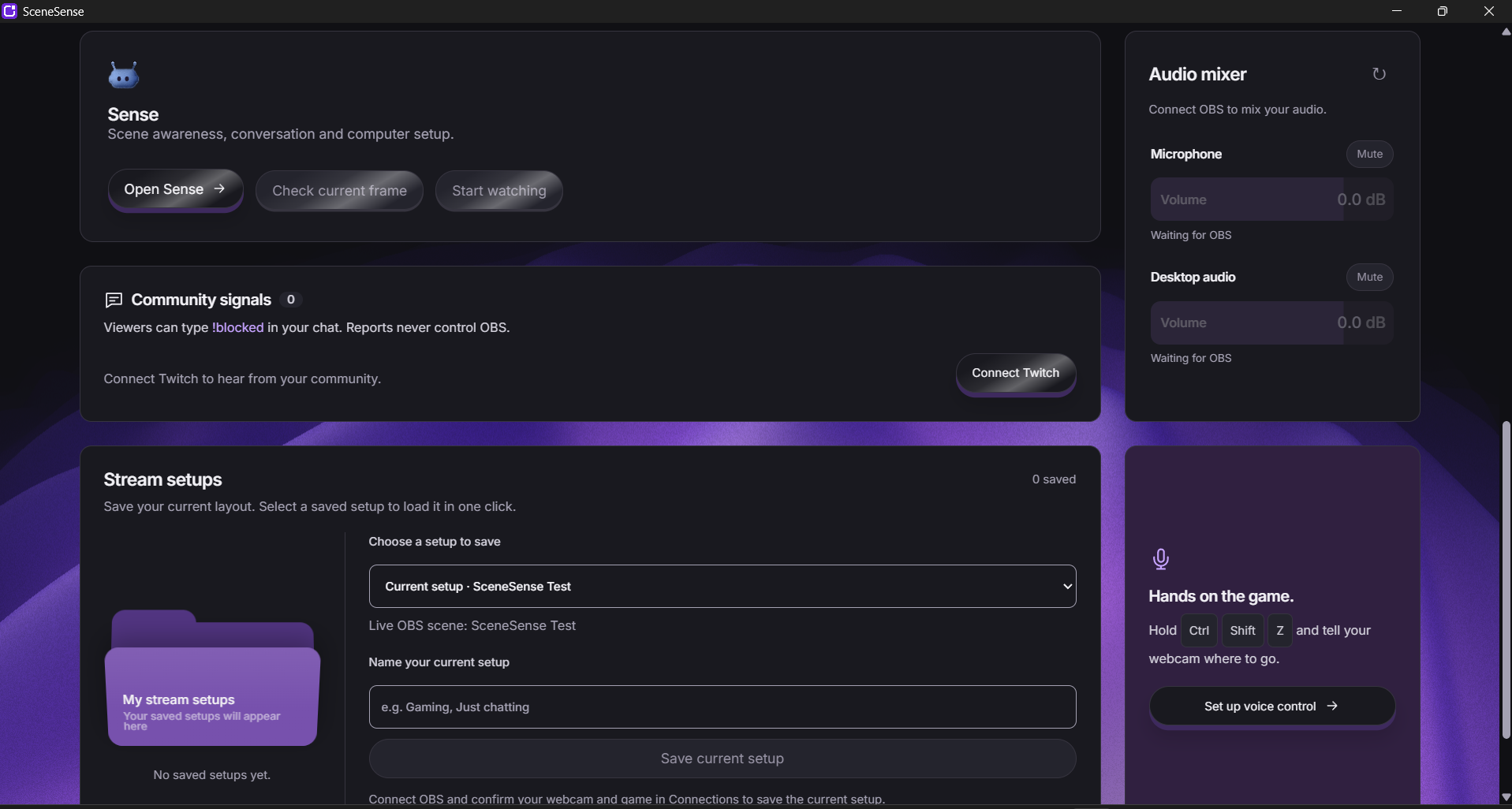
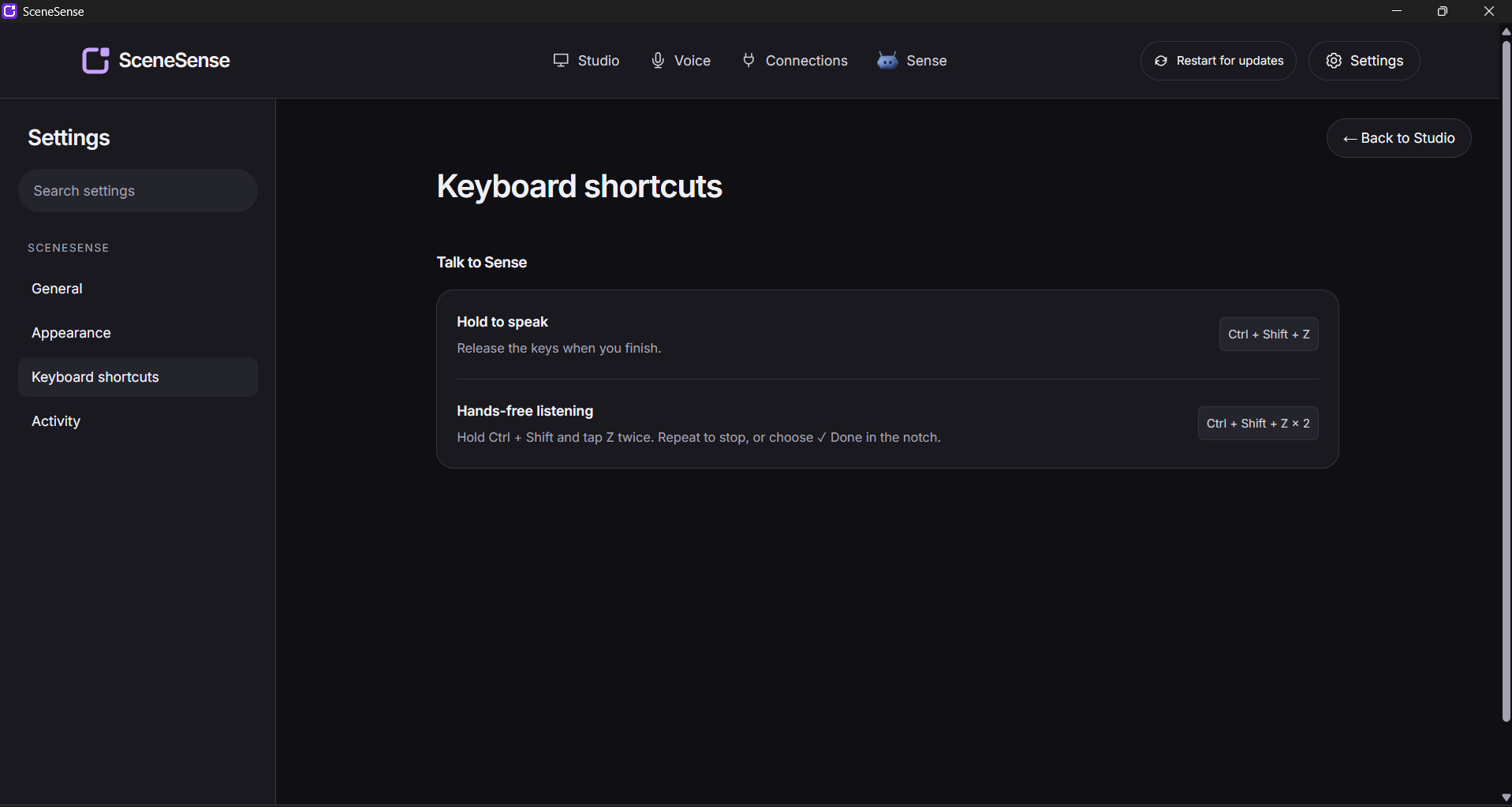
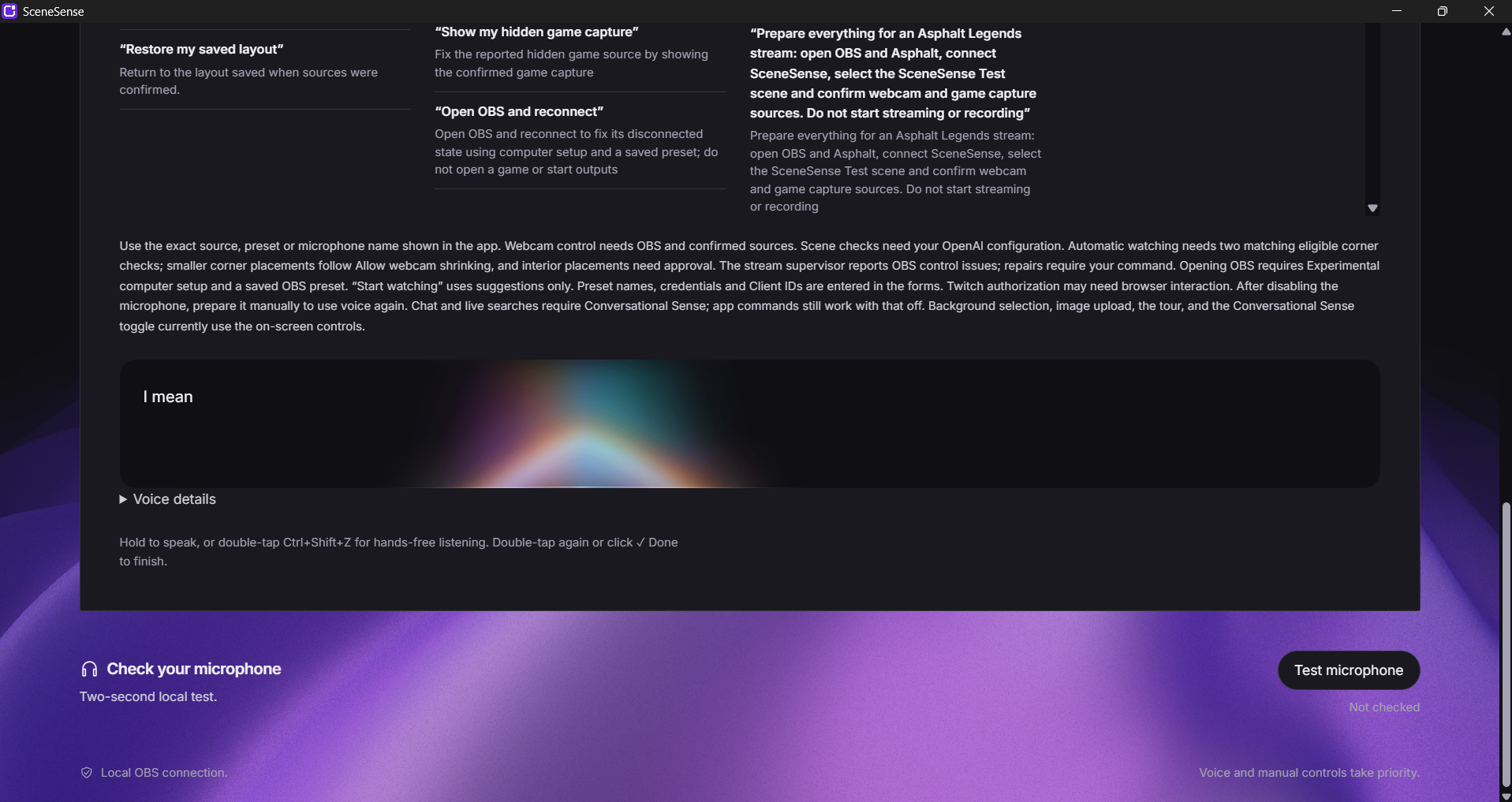
Creators can hold Ctrl+Shift+Z to speak, or double-tap Z while holding Ctrl+Shift for hands-free listening. Voice commands move and resize the webcam, operate supported app controls, and request OBS repairs. A desktop notch displays listening and processing status, even when another application is in front.
Scene awareness
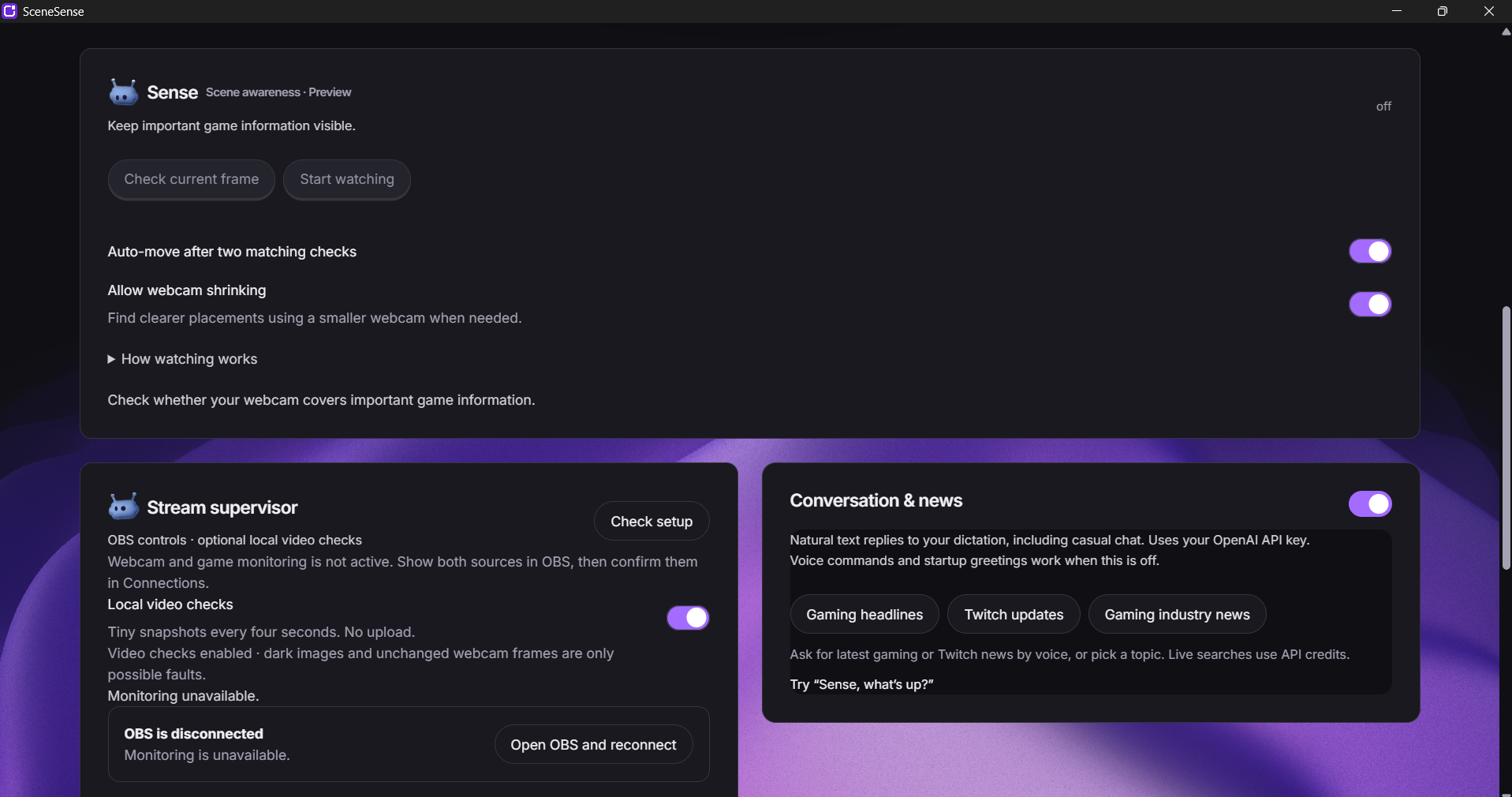
Your webcam should leave the important parts of the game visible. Sense examines game-source snapshots, identifies content covered by the webcam, and suggests a clearer placement.
It checks corners first, then searches other positions. Creators can permit shrinking, preview suggestions, keep their current layout, or undo a Sense move. Eligible automatic placements require two matching checks; interior placements require approval. Voice and manual controls take priority, and changing scenes cancels pending analysis.
Stream supervisor
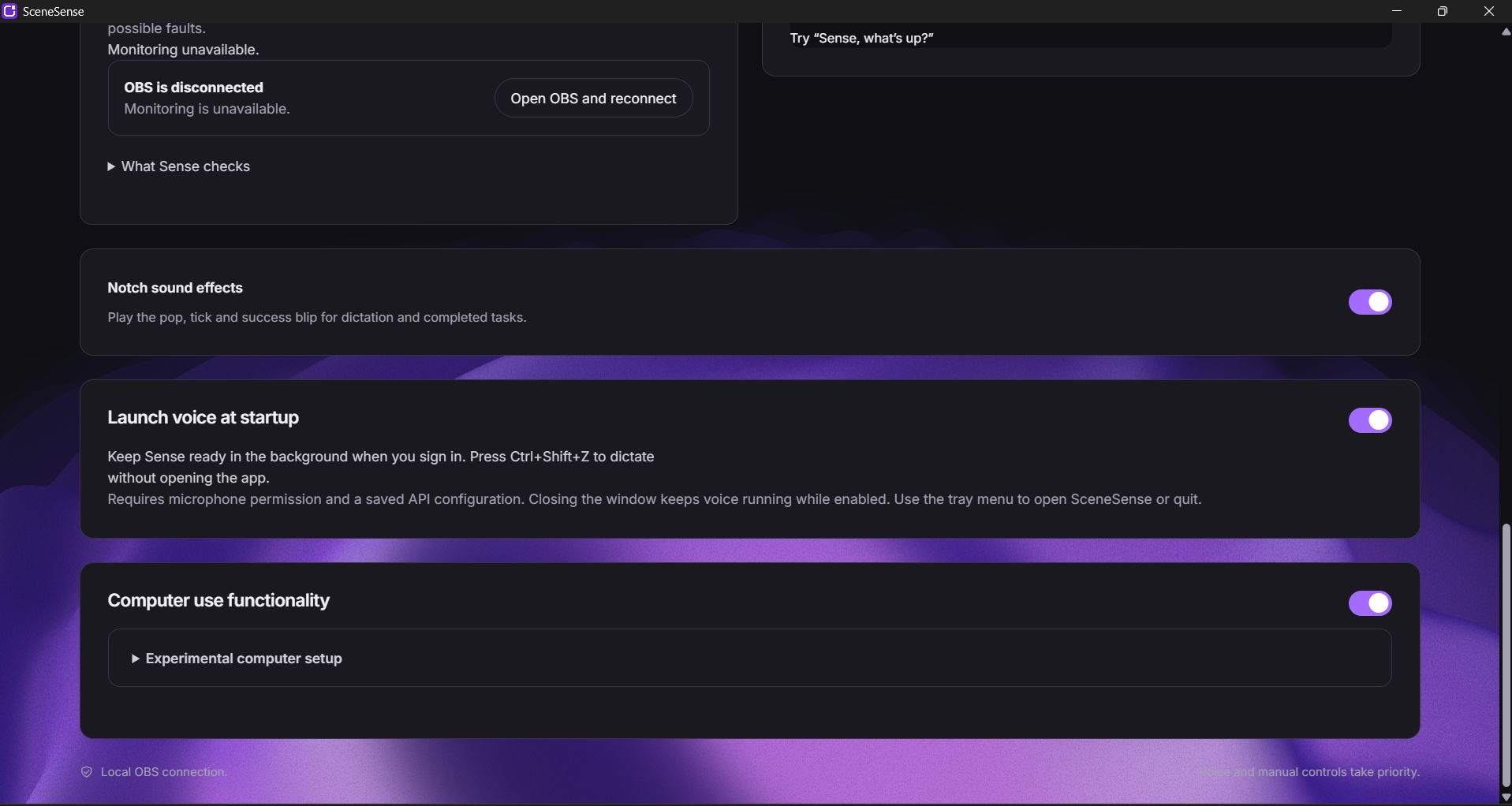
Sense helps creators catch problems before those problems become prolonged interruptions. It monitors the selected OBS microphone, source visibility, and connection state. Optional local video checks flag possible black captures or frozen webcam images.
On request, Sense can unmute the monitored microphone, show hidden sources, address multiple supported issues, or open OBS and reconnect using a saved preset. When a problem needs investigation, it opens the relevant source properties. Opening settings is never reported as a verified repair.
Local background removal
A native DirectML video-matting filter removes the webcam background without a physical green screen. The prototype provides useful results, while difficult boundaries and movement can still expose imperfections.
Twitch community signals
Viewers can help identify what the creator misses. Device authorization and EventSub connect the creator’s own-channel chat, allowing reports such as !blocked inventory to appear inside SceneSense.
This flow has been tested with real Twitch chat. Reports inform the creator; they do not directly control OBS.
How I built it
I built SceneSense solo with OpenAI Codex, using React, TypeScript, Electron, and OBS WebSocket. Codex helped translate product decisions into working components, implement integrations, investigate bugs, and write regression tests.
The native background-removal pipeline uses C, ONNX Runtime, DirectML, and a pretrained Robust Video Matting model. Voice functionality uses OpenAI APIs, with optional Sarvam transcription. Twitch integration uses device-code OAuth and EventSub WebSockets.
The architecture separates the interface, interpretation, and execution. Commands pass through bounded application actions. Before making OBS changes, SceneSense checks the scene context; afterward, it reads the resulting state back to verify what actually happened.
That verification matters: creators need confidence that a command produced the intended result.
Challenges and what I learned
The hardest problems appeared where features met.
Background removal required improvements to the frame pipeline, not simply a different model. Starting OBS from a closed state required waiting for its server to become ready. Placement suggestions needed consistent expiry rules. Natural conversation had to remain separate from tool execution so a chat response could not contradict a verified repair.
Live testing revealed problems that isolated tests missed. I tested menu obstructions, automatic placement during Asphalt gameplay, undo after stopping, voice and manual overrides, scene changes, supervisor repairs, and the combined load of gameplay, voice, watching, and background removal.
The central lesson was that useful autonomy must be predictable and reversible. Creators need to understand when Sense will act, when it needs approval, and whether a requested change actually happened.
Accomplishments
During a combined acceptance session on my laptop, the prototype handled automatic webcam repositioning during real gameplay, combined voice repairs, and local background removal without noticeable lag.
Real Twitch chat reports also reached SceneSense through EventSub, connecting audience feedback to the creator’s workspace.
Together, these results demonstrated the core experience: a creator can keep playing while Sense helps manage supported production tasks, with visible results and clear control.
What’s next
The next steps are broader game and OBS-layout support, better background-removal quality across hardware, clearer diagnostics, and simpler distribution.
The long-term goal is a dependable production companion that helps independent creators deliver better streams without needing a production team—giving them more attention for their content, their game, and their audience.
Built With
- css3
- directml
- electron
- javascript
- node.js
- oauth
- obs-studio
- onnx
- openai
- openai-codex
- react
- twitch
- typescript
- vite
- websockets

