Inspiration
We often watch a movie scene and wonder: Who is that actor? What movie is this from? What did that moment mean? SceneScribe began as a way to turn those questions into a more interactive viewing experience.
What it does
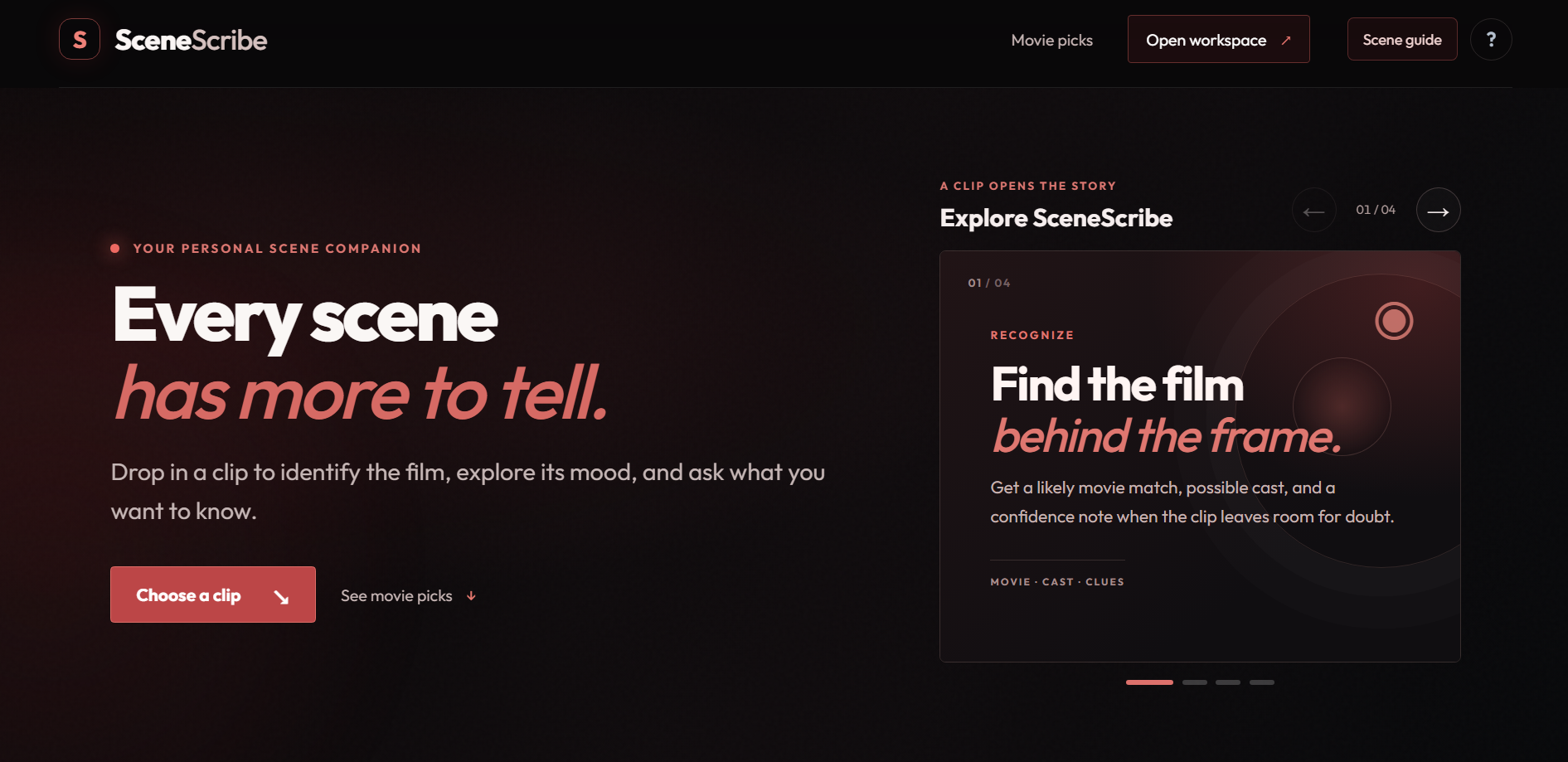
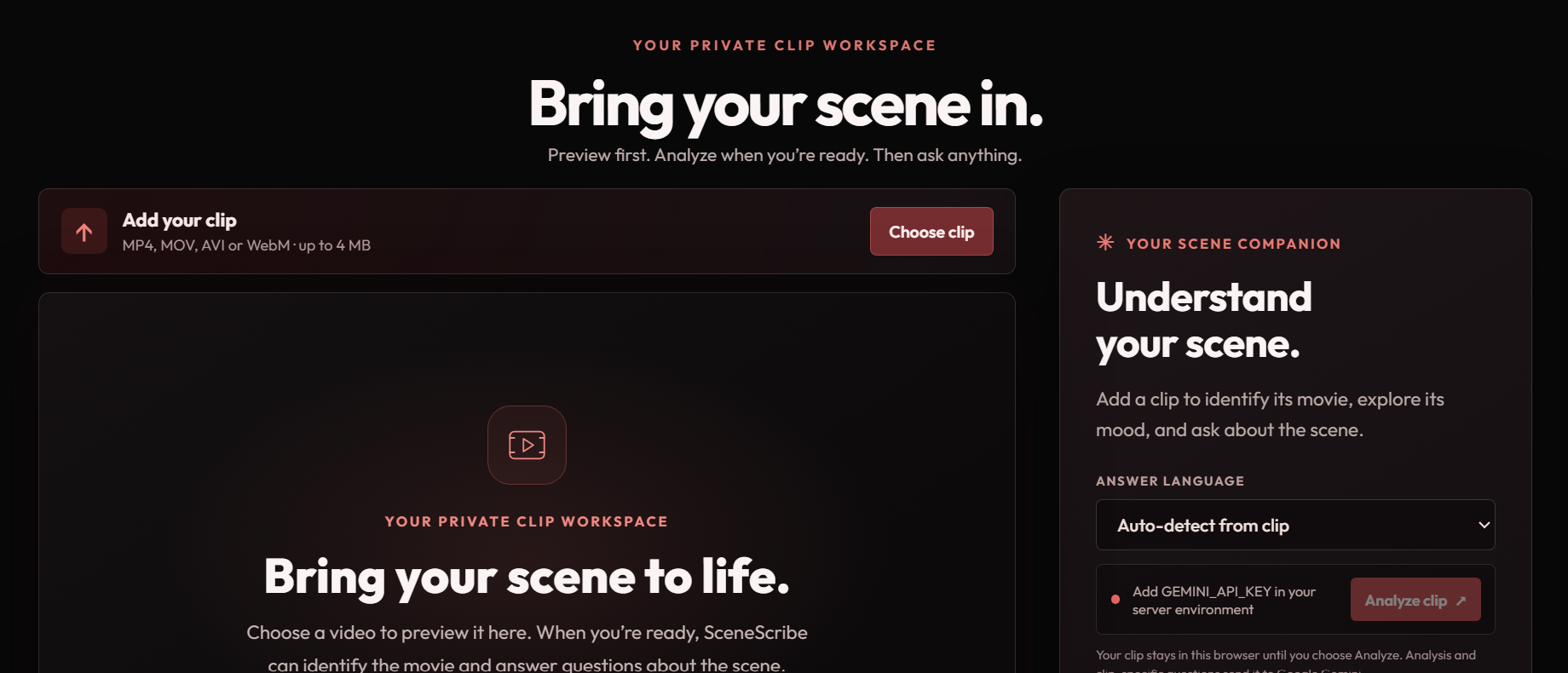
SceneScribe lets you upload a short video clip, preview it, and choose when to analyze it with Google Gemini. It can suggest a possible movie match, describe the scene, identify possible actors, and generate questions about what appears in the clip. You can also ask your own questions, change the response language, and explore related movie recommendations.
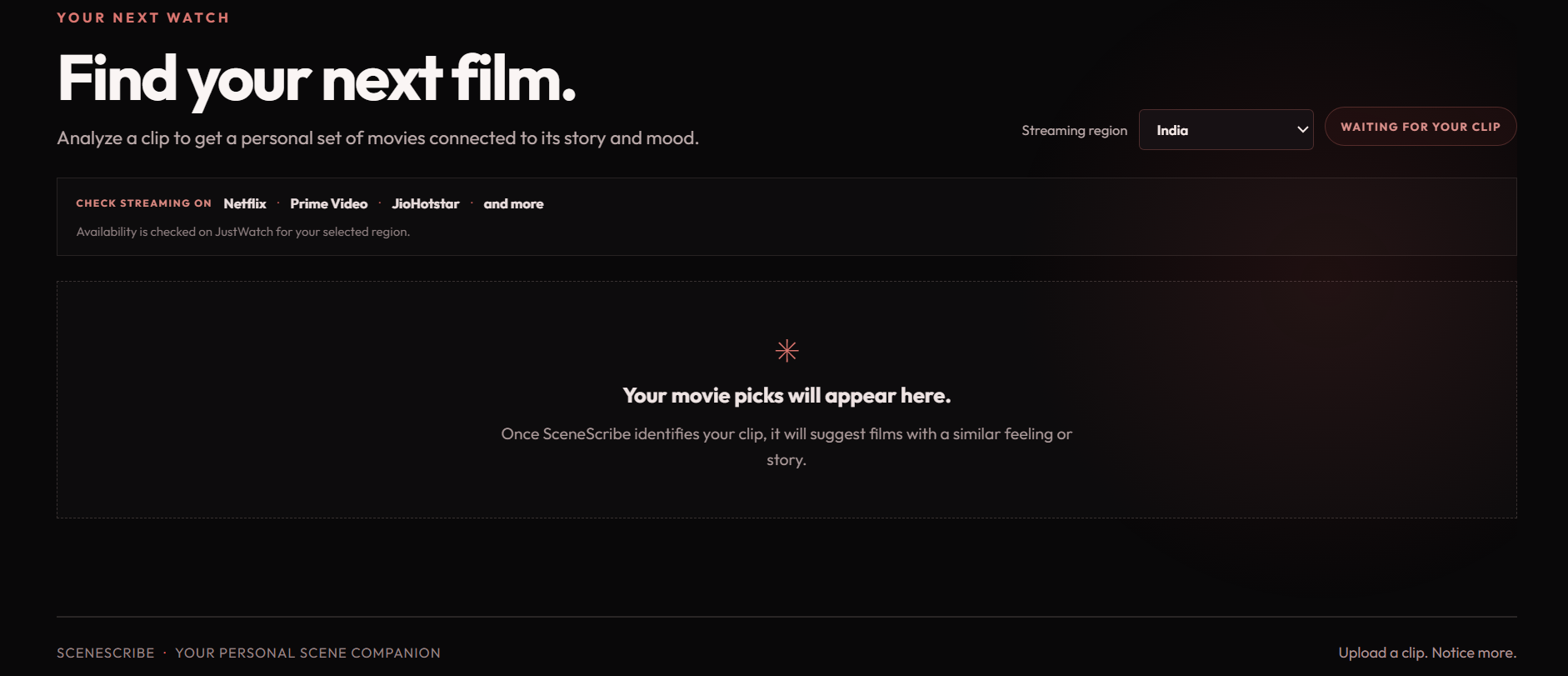
The interface adapts its colors and typography to the mood of the analyzed clip. For recommended films, you can choose a region and follow a link to check streaming availability on JustWatch.
How we built it
We built the interface with HTML, CSS, and JavaScript, with a Node.js and Express server connecting it to Gemini. The browser previews the selected clip locally; it is sent for analysis only after the user chooses Analyze clip. Gemini returns structured information that the site uses to display the movie match, scene questions, mood, and recommendations.
We also designed the experience around a simple flow: introduce SceneScribe, bring the clip into the workspace, and then explore the scene and related films.
Challenges we ran into
Movie identification is difficult when a clip has no recognizable dialogue, actors, or visual clues. We had to make room for uncertain matches instead of presenting every AI guess as fact. We also worked through incomplete AI responses, changing clips without leaving old scene information on screen, and making sure the questions refer to the currently selected clip.
Accomplishments that we're proud of
We’re proud that SceneScribe works with a user’s own video instead of relying on a preloaded demo scene. It combines clip analysis, scene-specific questions, language selection, mood-based styling, and related movie discovery in one experience. The interface also makes uncertainty visible when a movie match is only a guess.
What we learned
We learned that multimodal AI can make useful observations, but short or generic clips can be hard to identify reliably. Clear prompts, structured responses, and honest confidence labels matter. We also learned how much the experience depends on keeping the interface synchronized with the selected clip and making upload behavior clear to the user.
What's next for SceneScribe
We’d like to improve identification for difficult clips, make recommendations more tailored to the story and mood, and add richer ways to revisit scene notes and answers. We also want to explore more direct streaming availability data while keeping recommendations transparent and easy to verify.
Built With
- css
- dotenv
- express.js
- generative-ai
- google-gemini-api
- html
- javascript
- movie-discovery
- multer
- multimodal-ai
- node.js
- responsive-web-design
- video-analysis
