Inspiration
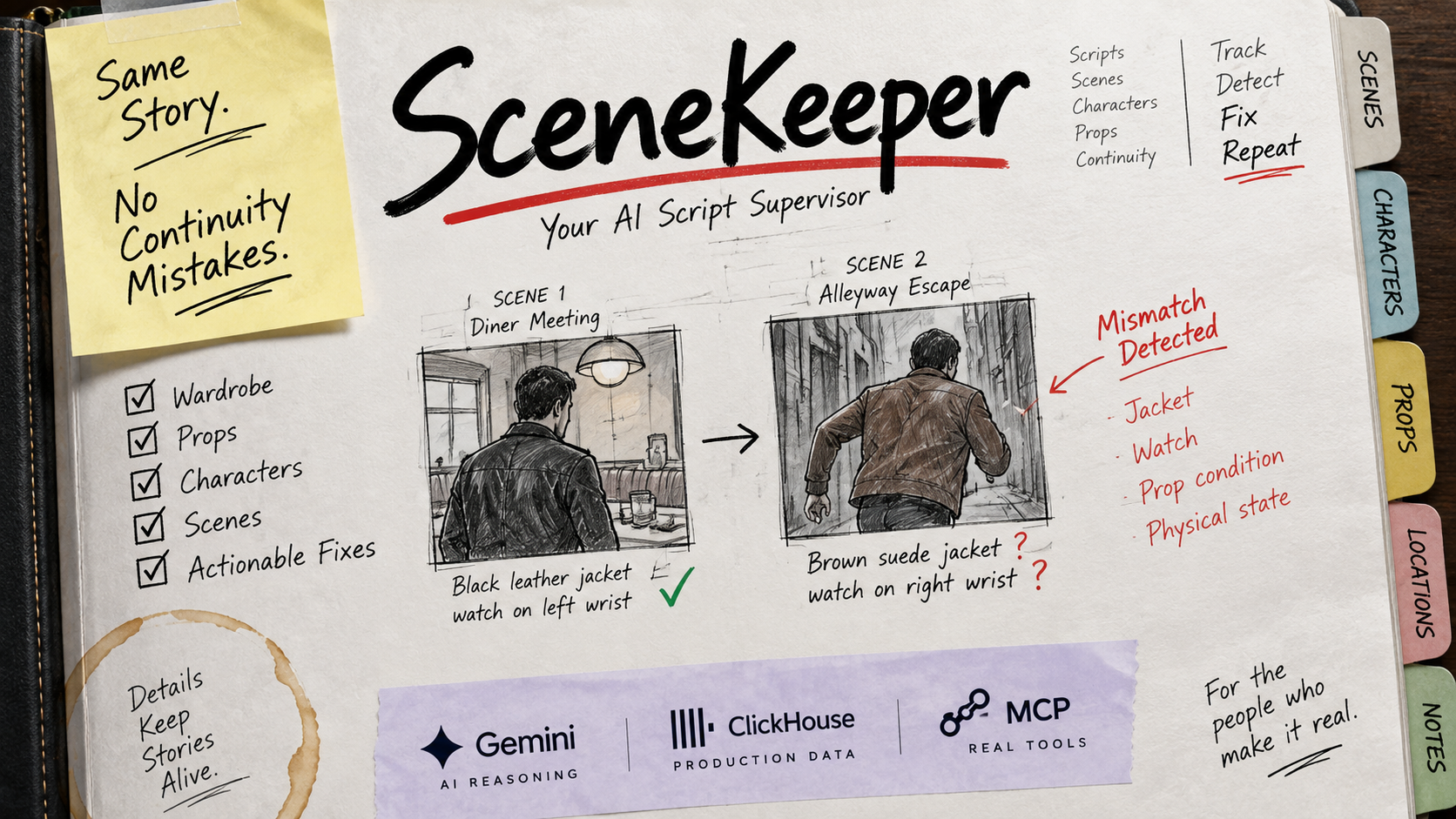
Continuity mistakes in films can be surprisingly small but very noticeable. A jacket changes between shots, a watch moves to the other wrist, a prop suddenly appears somewhere else, or a character has an injury that wasn't there a moment before.
I started thinking about how difficult it must be to keep track of all these details when a production has many scenes, characters, props, costumes and shooting days. That became the idea behind SceneKeeper: an extra set of eyes for the script supervisor and production crew.
What it does
SceneKeeper helps film crews find continuity problems inside a screenplay before those mistakes become problems during production.
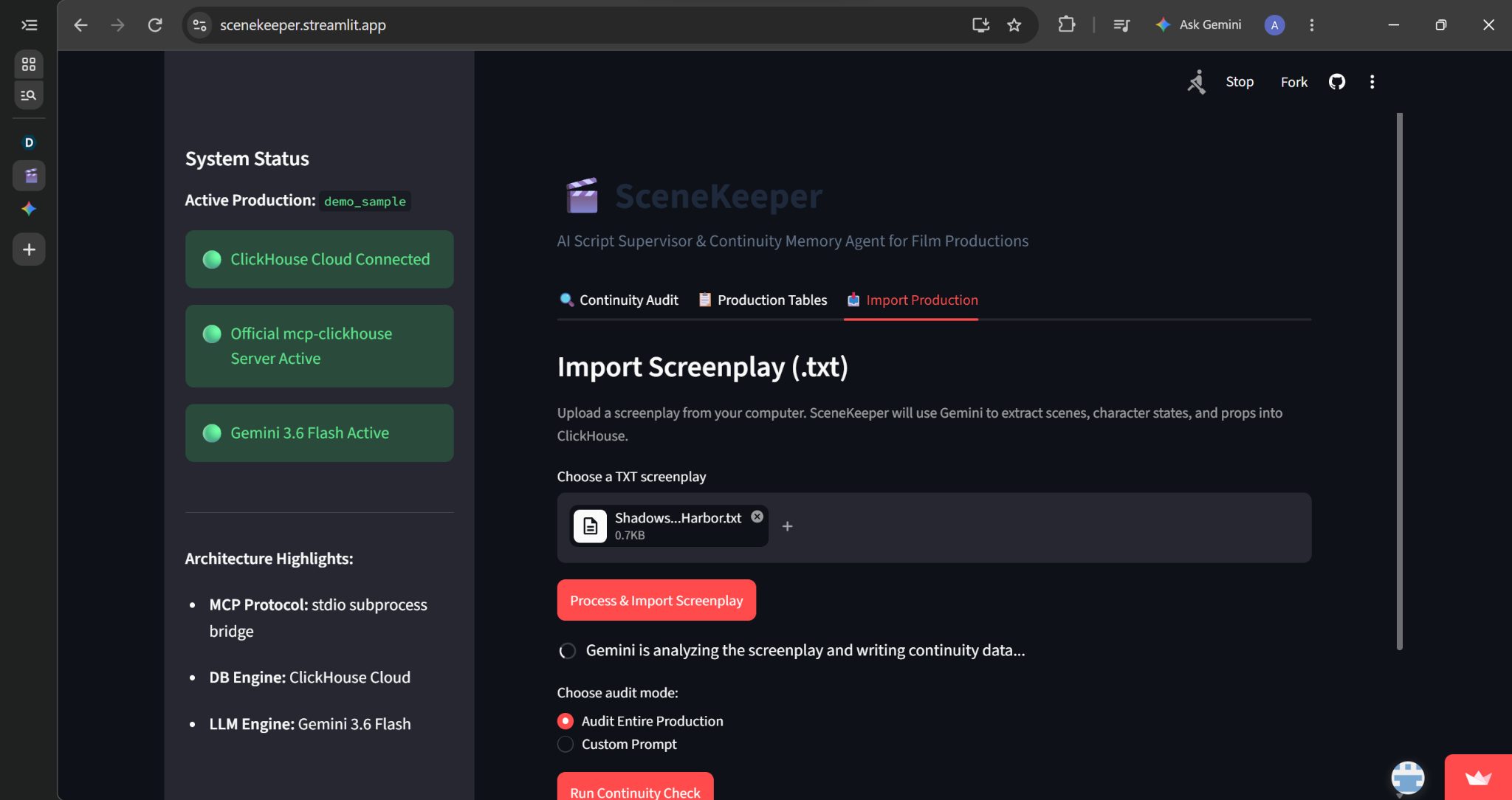
A user can upload a screenplay directly into SceneKeeper. Gemini reads the screenplay and extracts the scenes, characters, character states and props. That information is stored as production memory in ClickHouse.
In my demo, I upload a screenplay called Shadows of the Harbor. Across its scenes, details about the characters and props change. SceneKeeper can audit the entire production without the user having to tell it what changed.
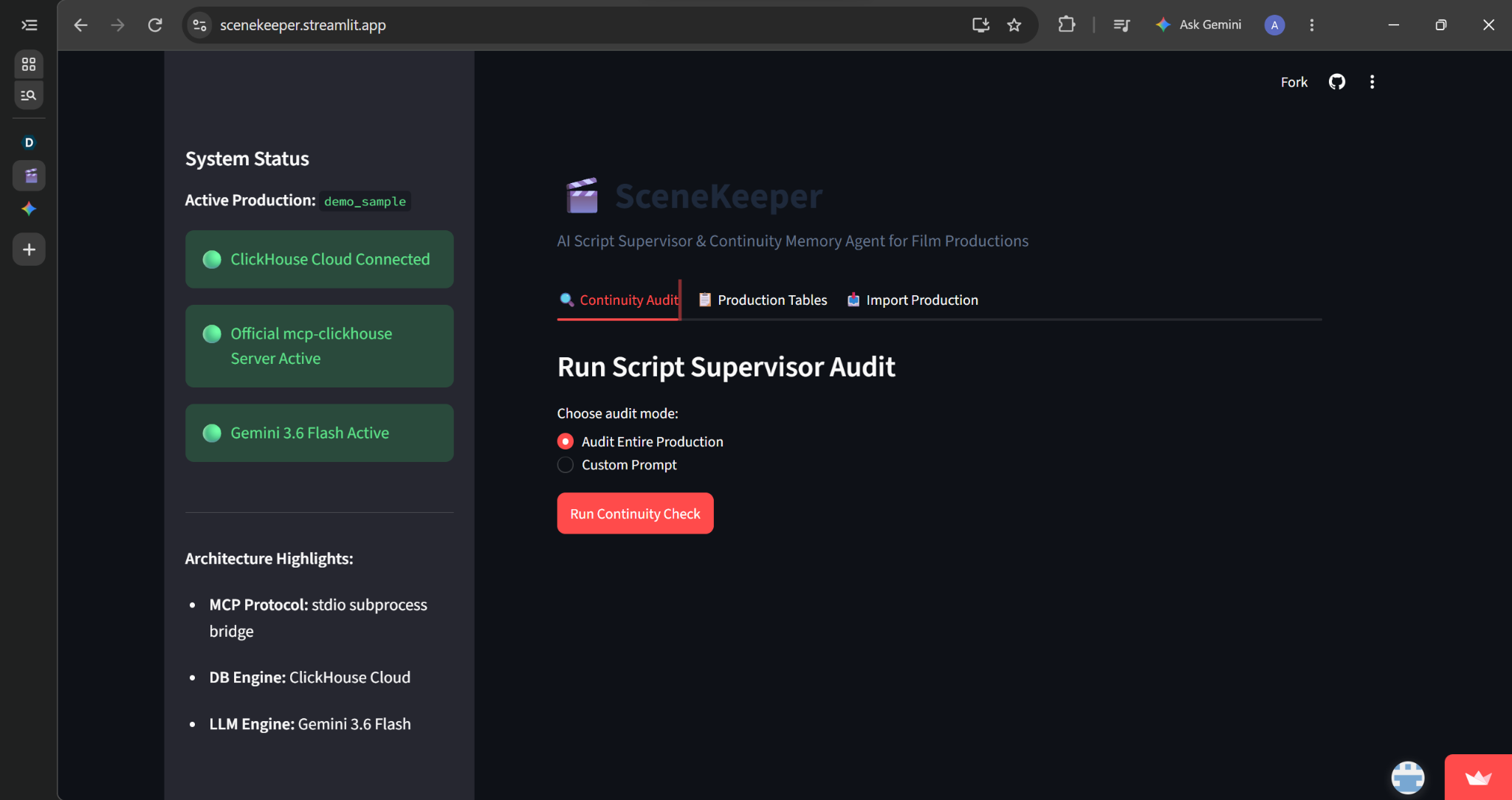
The agent retrieves the relevant production information through the official mcp-clickhouse MCP server and uses Gemini to compare what happens across the scenes. It then produces a script supervisor continuity audit report showing critical continuity inconsistencies, verified consistent elements and recommended production actions.
There is also a custom prompt option when the crew wants to investigate something specific instead of auditing the entire production.
The idea isn't to replace the script supervisor. It is to give them an extra memory that can keep track of production details as a screenplay and its production grow.
How we built it
SceneKeeper uses Gemini for the agent's reasoning and ClickHouse Cloud as its production memory.
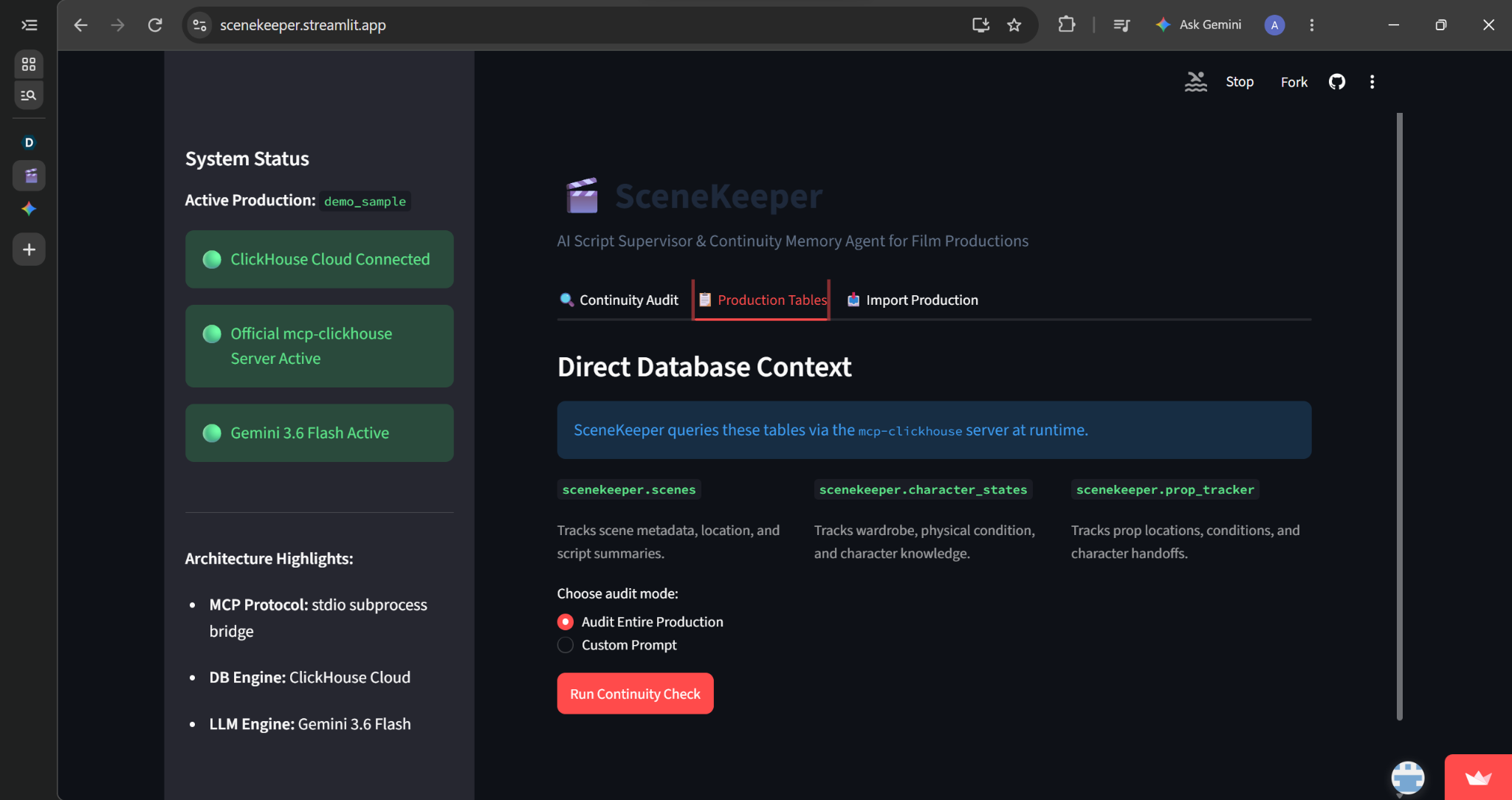
The production data is stored in ClickHouse, including scenes, character states and props. When someone asks SceneKeeper to run a continuity check, Gemini decides what production information it needs. The agent queries that information through the official mcp-clickhouse MCP server, compares what happened between scenes, and produces a continuity report.
I also added live MCP execution logs to the application so it is possible to see the queries being made instead of the database work happening invisibly in the background.
The working interface is built with Streamlit and is deployed publicly.
Challenges we ran into
Getting the different parts to work together reliably was probably the hardest part.
I had connection problems between the application and ClickHouse, including one very small hostname mistake that caused a lot more trouble than expected. I also had to get the MCP subprocess communication working correctly and deal with Gemini occasionally being busy or needing more than one tool call before it had enough information to produce the report.
Deployment brought another problem because my local Windows environment and Streamlit's Linux environment handled one dependency differently.
Each of those problems forced me to understand the actual path the data was taking through SceneKeeper instead of just making the interface look like it worked.
Accomplishments that we're proud of
I'm most proud that SceneKeeper isn't just showing a prepared continuity report.
The deployed application actually queries ClickHouse through the official MCP server, gives the retrieved production information to Gemini, and generates the report from that information.
The demo can catch several different kinds of continuity problems at once and turn them into practical instructions for different departments on set.
I also made the MCP activity visible in the interface. Anyone testing SceneKeeper can open the execution logs and see the database queries and results behind the final report.
What we learned
The biggest thing I learned is that continuity is really a memory problem.
A single scene is easy to understand. The difficulty comes when information has to remain consistent across dozens or eventually hundreds of scenes.
I also learned a lot about MCP, tool calling, ClickHouse and how an agent can retrieve information when it needs it instead of putting everything into one huge prompt.
What's next for SceneKeeper
The current version can already import a screenplay, use Gemini to extract scenes, character states and props, store that production memory in ClickHouse, and audit the production for continuity problems.
The next step is expanding the types of production material SceneKeeper can understand, including shooting scripts, call sheets and other production documents. I would also like to add image-based continuity checks so SceneKeeper could compare what was actually filmed with what the script and production records say.
Long term, I see SceneKeeper becoming a shared continuity memory for the whole production. Script supervisors, wardrobe, props, makeup and other departments could all work from the same production history instead of keeping important details scattered across separate notes.

Log in or sign up for Devpost to join the conversation.