-
This image is currently processing. Please be patient...

-
Inspiration
When visiting the doctor, we get to take our XRay scans home. But what about 3D scans?
What it does
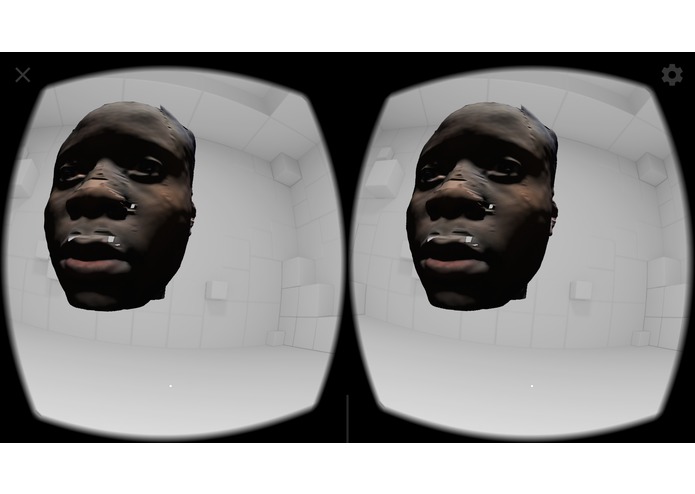
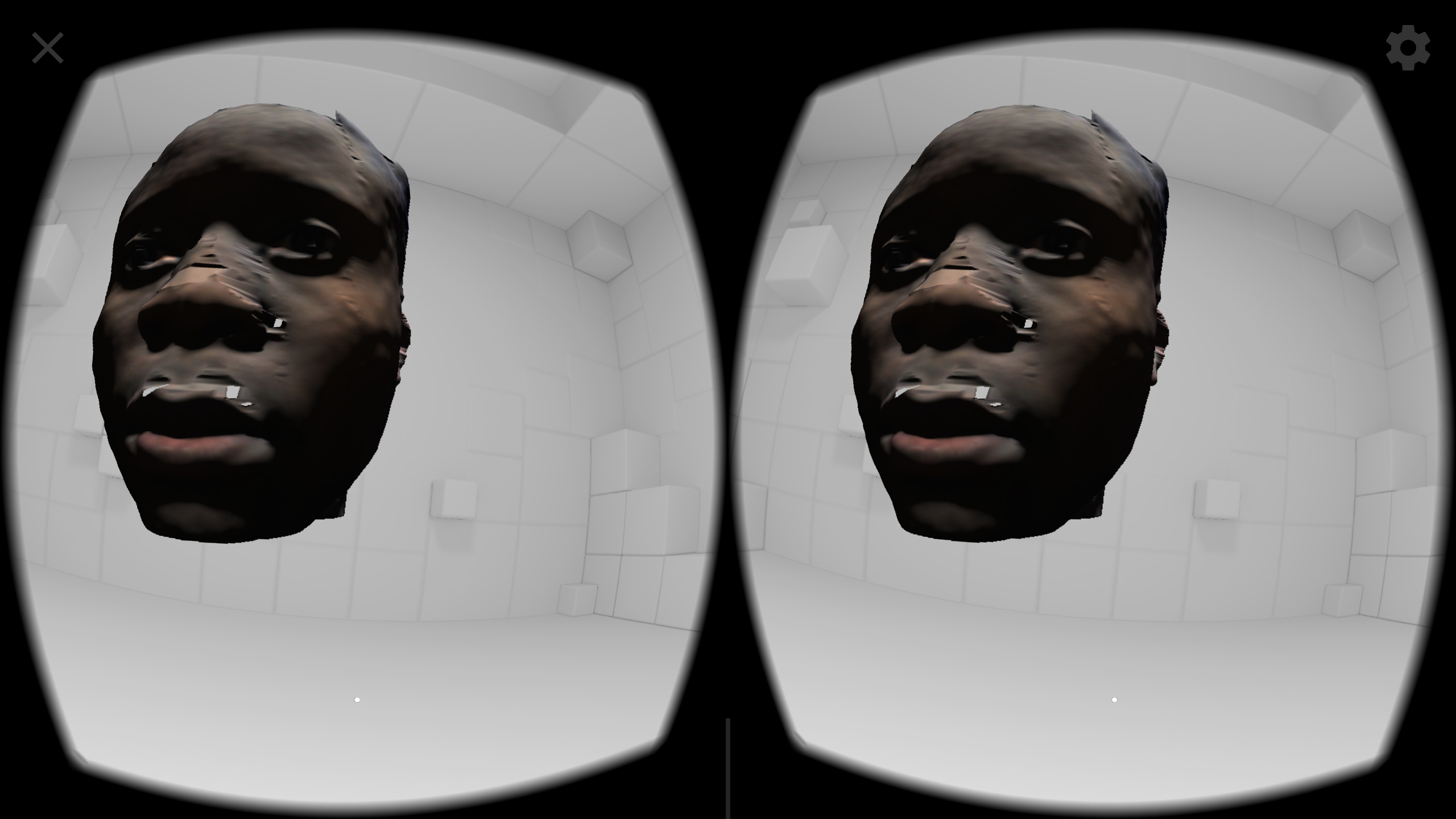
With this app, you can view the 3D scans you took at the doctors office home, in your own smartphone. Additionally, if you have a VR headset such as Google Cardboard or Samsung VR, you can experience your scans in Virtual Reality
How I built it
I took a 3D scan of myself at Planmeca stand and after some work I inserted it in my Android VR app. I used MeshLab to edit the scan and export the way I needed it, and Unity to create the app and use the scan.
Challenges I ran into
Learning Meshlab, editing the texture of my scan to make it look better, coding the dynamic rotation of the scan in VR
Accomplishments that I'm proud of
WOW reaction as I gave my peers around me the chance to try my demo
What I learned
3D formats, Meshlab and how to edit 3D meshes, difference between 3D meshes, materials,shaders, and textures and how to work with them in Unity. How to program for the google daydream controller
What's next for MyScans
Develop it until it's ready to be used by clinics and hospitals or test centers, so that they can offer their clients the chance to view their scans at home.


Log in or sign up for Devpost to join the conversation.