-
-
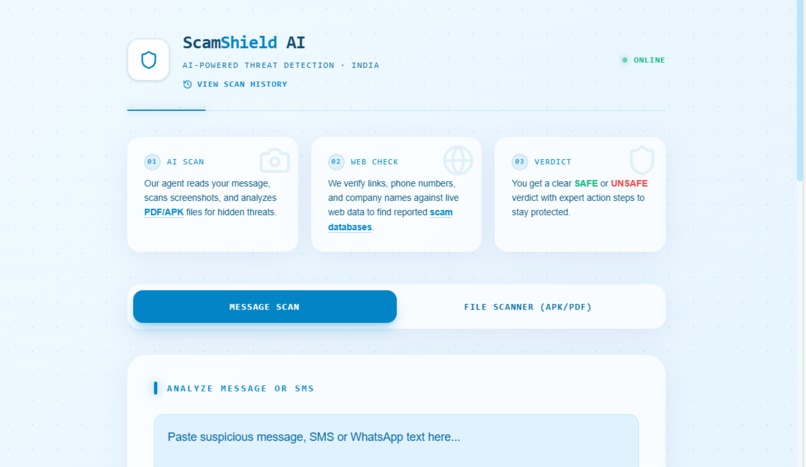
AI-powered threat detection identifying suspicious links
-
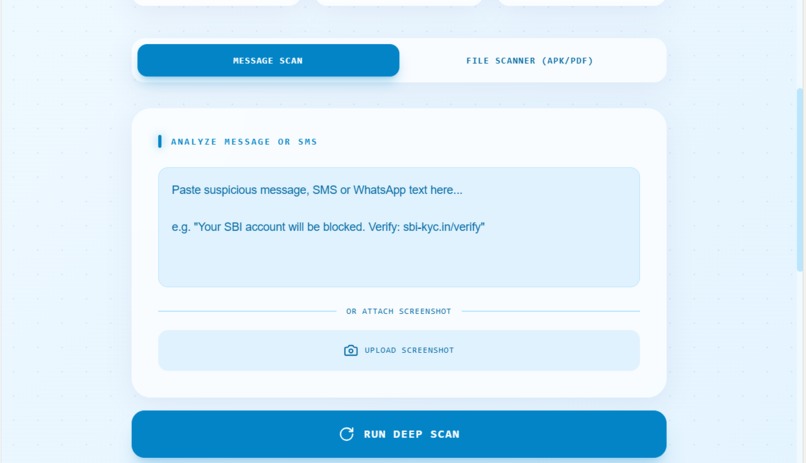
Real-time URL scanning engine powered by AI algorithms
-
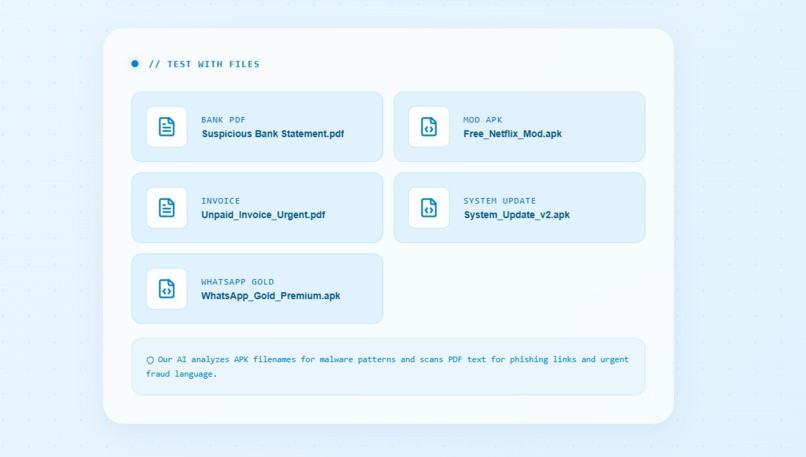
ScanShield core engine — analyzing web content for security risks
-
-
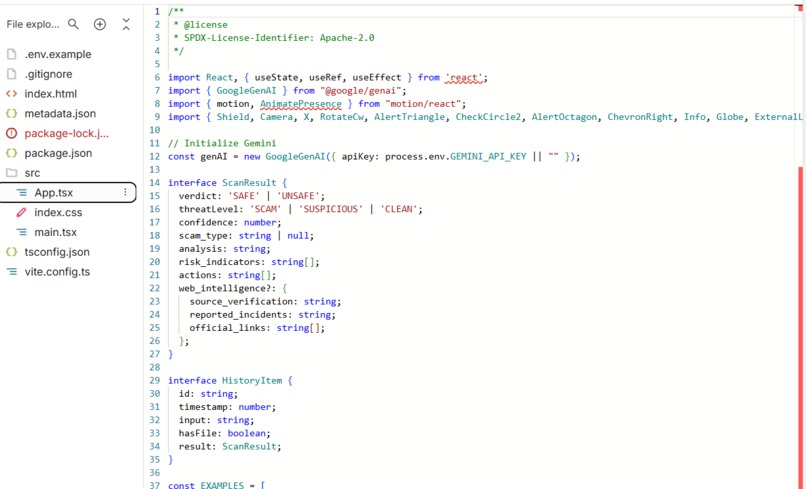
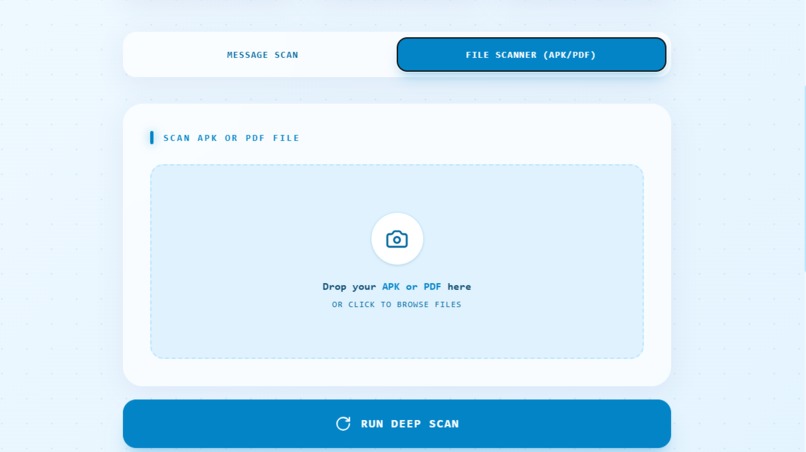
ScanShield AI — Backend logic detecting malicious links in real-time
Inspiration
ScanShield AI was inspired by the constant stream of OTP scams, fake job offers, phishing bank messages, and shady APK links that friends and family in India receive every day on SMS and WhatsApp. I wanted an AI agent that behaves like a smart friend who can quickly sanity-check a message or file before someone taps a link or installs an app. The goal was to make security feel approachable and visually bright instead of like a complex “cybersecurity console.”
What it does
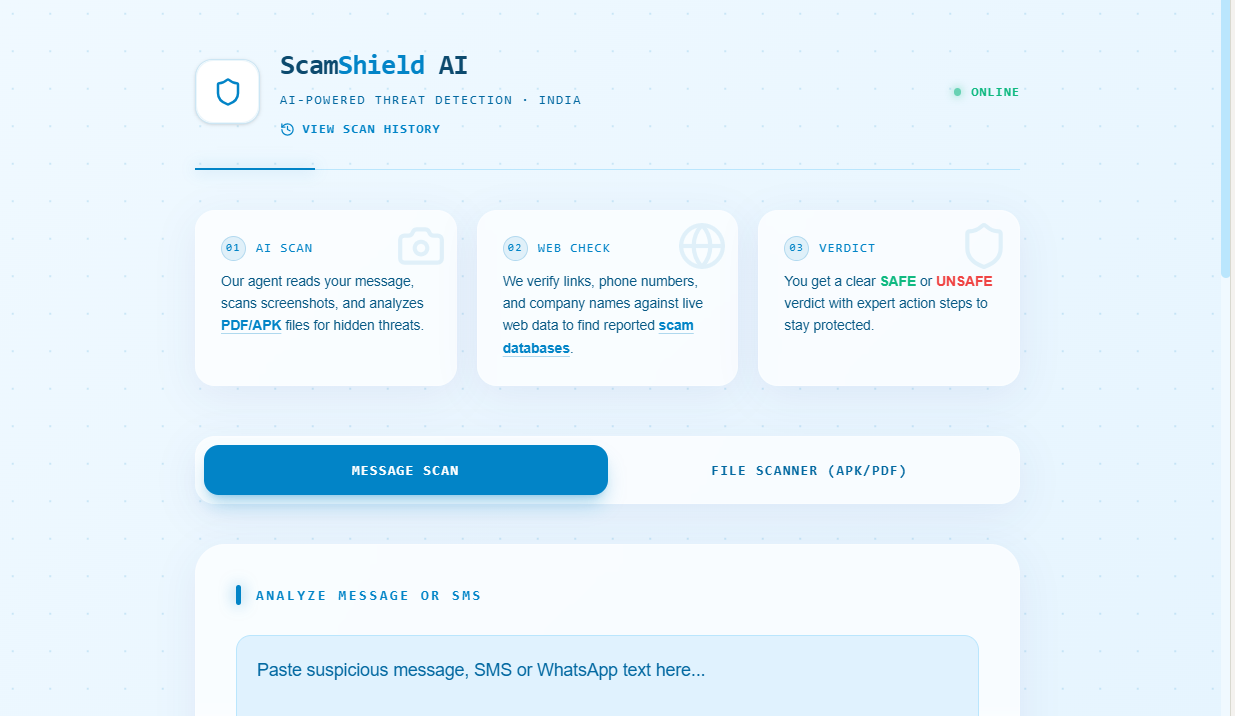
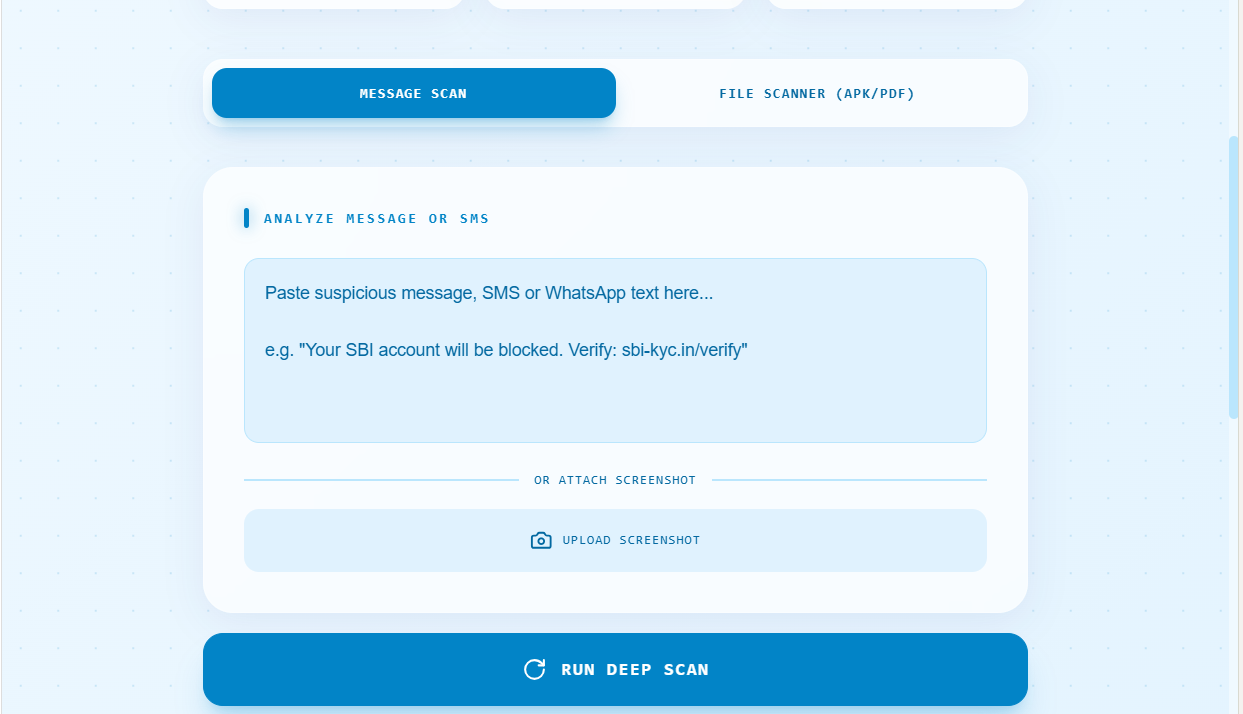
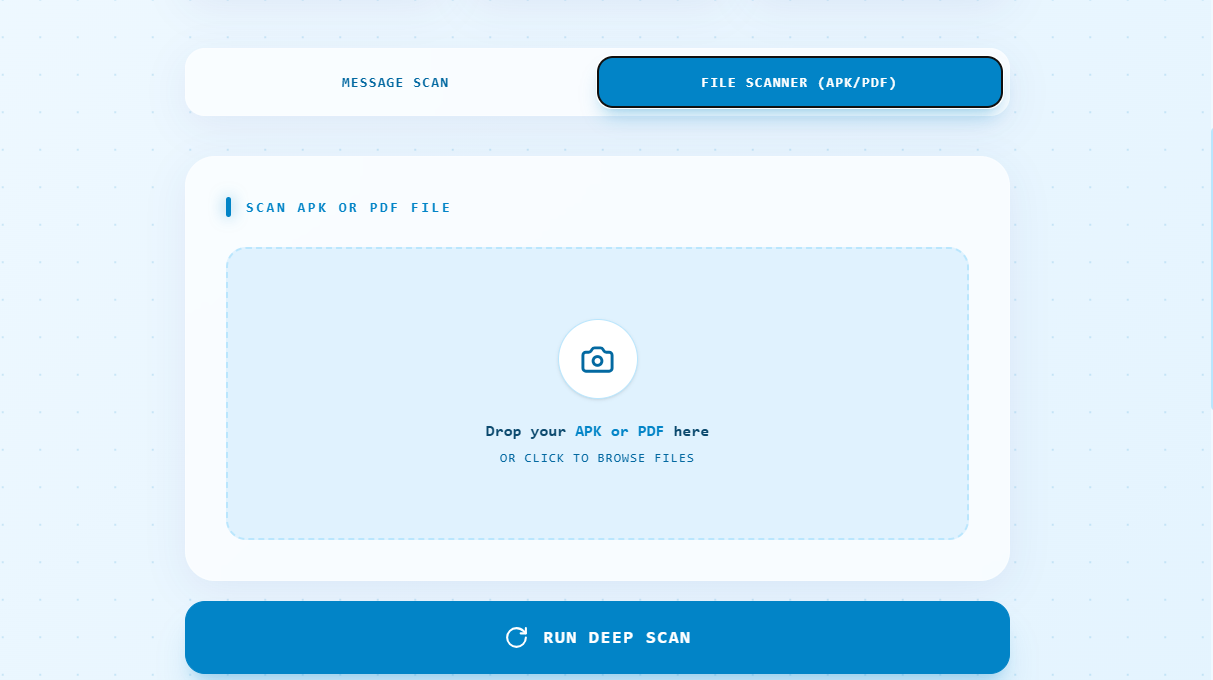
ScanShield AI lets users paste suspicious messages, upload screenshots, or drop PDFs/APKs and then uses a Gemini-powered agent to scan for scam signals. The agent looks for urgent or fear-based language, fake domains, shady APK names, and phishing-style PDF content, then returns a clear SAFE/UNSAFE verdict with concrete next steps. The UI is a very bright blue glassmorphism interface with separate modes for “Message Scan” and “File Scanner (APK/PDF)” so users always know what they are scanning.
How we built it
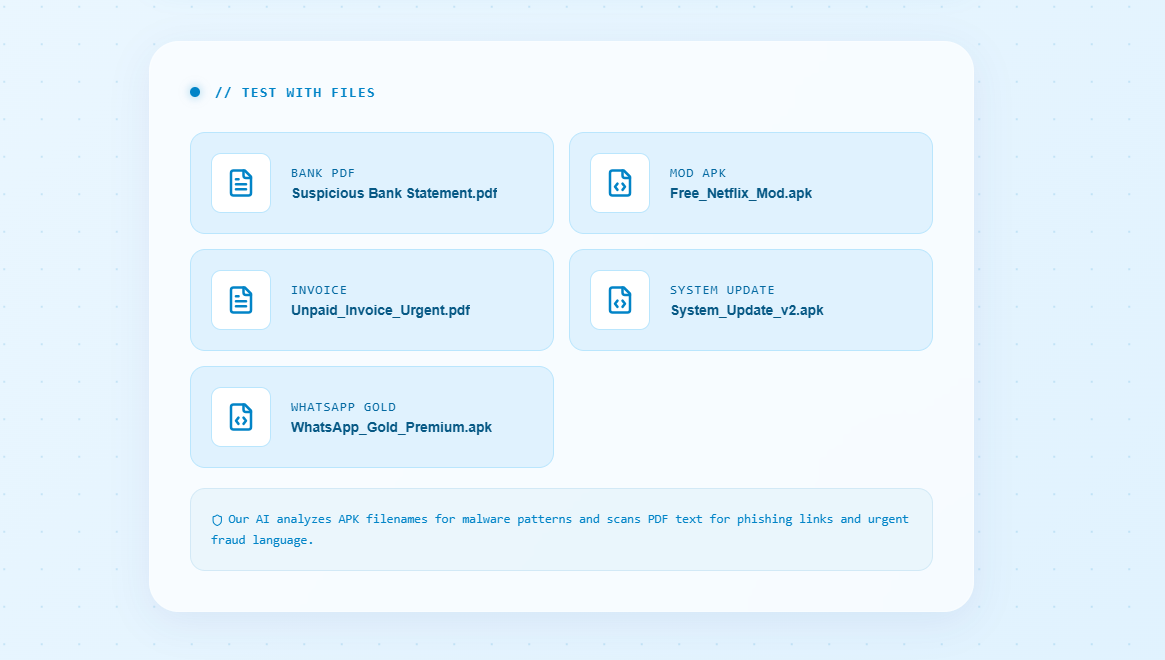
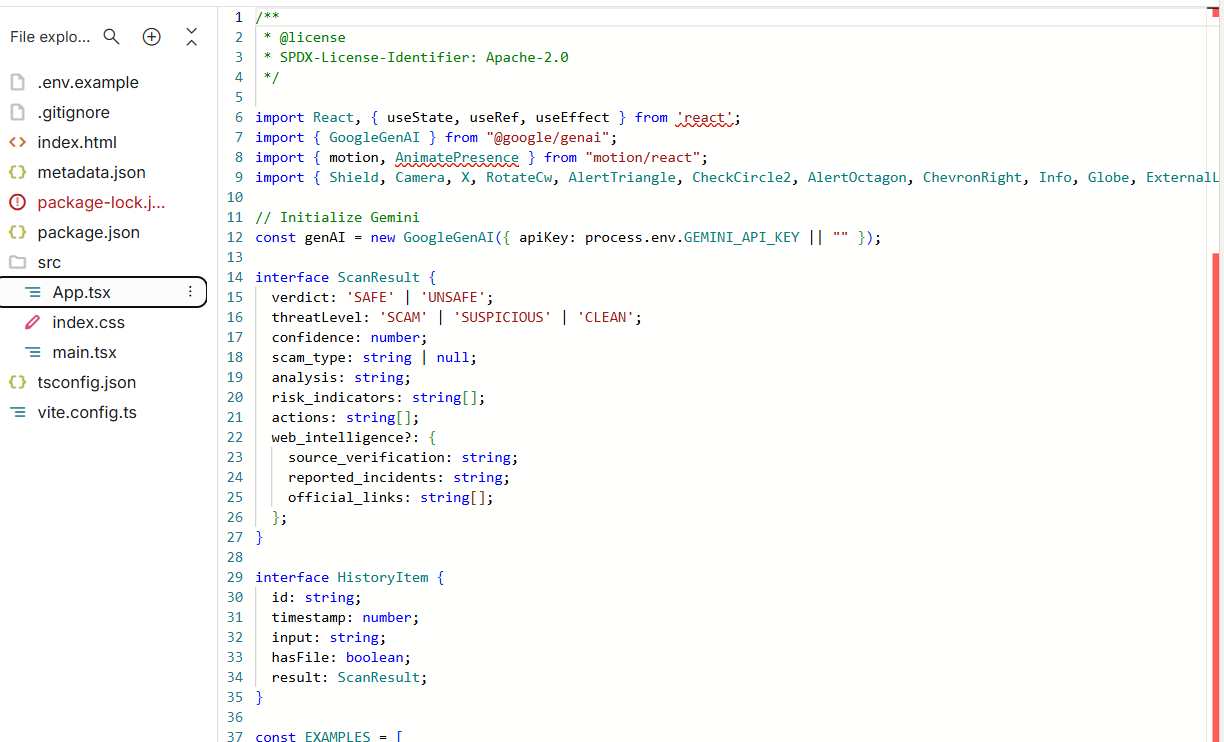
We built ScanShield AI as a React app (TypeScript) with a vibrant bright-blue theme implemented via custom CSS and glassmorphism-style cards. On top of this UI, we wired Google AI Studio and Gemini 3 Flash as the analysis engine, with different prompt flows for text, screenshots, and file uploads. The File Scanner mode was designed with a dedicated dropzone for APK/PDF files plus curated test examples like “Free_Netflix_Mod.apk” and “WhatsApp_Gold_Premium.apk” to validate the agent’s behavior. A lot of iteration went into the copy and layout so the three-step flow (AI Scan → Web Check → Verdict) is clear and trustworthy.
Challenges we ran into
One major challenge was prompt tuning: early versions either over-flagged legitimate notifications or missed cleverly written scams, so we had to iterate on many real-world-style examples. Handling APKs was another challenge because the AI cannot execute or reverse-engineer binaries, so we had to design metadata- and filename-based checks while clearly communicating limitations to users. On the front end, getting the “very bright blue and good looking” theme to still pass readability and contrast expectations required multiple redesigns of colors, gradients, and shadows. Balancing visual flair (glassmorphism, glows) with performance and clarity on lower-end devices was also a careful trade-off.
Accomplishments that we’re proud of
We’re proud that ScanShield AI compresses a complex security workflow into a friendly three-step experience: AI Scan, Web Check, and Verdict with guidance. The bright blue glassmorphism design makes a security tool feel welcoming, while still surfacing serious warnings when something is unsafe. We’re also proud of the dedicated File Scanner mode for APK/PDF, which brings accessible, AI-driven checks to file types that many users are genuinely confused or anxious about.
What we learned
We learned how important it is to design AI agents around specific user journeys rather than generic “ask me anything” flows. Prompt engineering for security requires careful handling of false positives and false negatives, plus clear explanations so users understand why something was flagged. On the UX side, we saw how much trust is influenced by small details: consistent colors, clear labels, simple language, and honest communication about the system’s limits (especially for APK analysis).
What’s next for ScanShield AI
Next, we want to add a basic timeline of scans so users can see their recent history and learn patterns in the scams they receive. We also plan to refine the AI prompts with more localized scam datasets from different Indian languages and regional fraud patterns. Longer term, we’d like to explore browser/phone integrations (e.g., share-sheet or extension) so users can send content to ScanShield AI directly from their messaging apps with one tap.
Built With
- css3
- flash
- gemini
- glassmorphism
- html5
- javascript
- react
- typescript
- ui
- vite


Log in or sign up for Devpost to join the conversation.