Inspiration
All of us are busy high school students and we tend to forget the events sent in our messages. We realized many of us face this problem and thought we could solve it with a program that automatically adds events to our calendar: Scalendar!
What it does
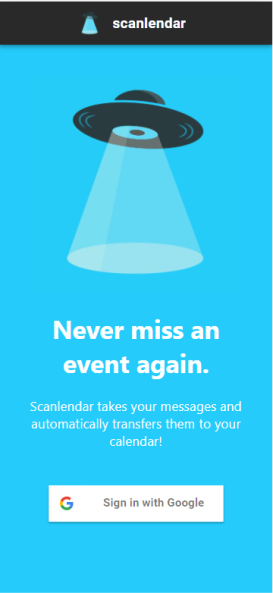
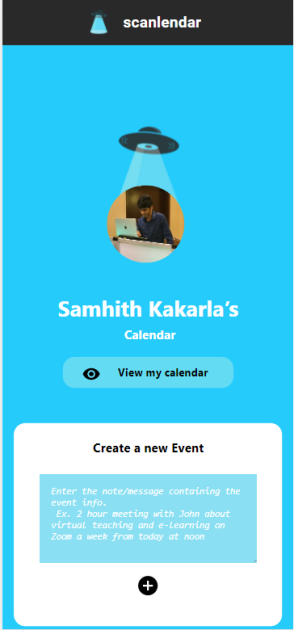
Scanlendar scans the messages sent and looks for events sent in the chat. It then directly connects to the Google Calendar API and adds the event from the chat to your Google Calendar. You will no longer forget your events!
How we built it
We built Scanlendar using many libraries and programs. We used the Python nltk library to take the text data and translate it to an event. The Google Calendar API connects the messages to the calendar. We combined these libraries along with React for the front end development, and fastAPI for the backend development,
Challenges we ran into
We spent a lot of time figuring out how to use NLP NLTK for the language processing portion of our project. We ended up figuring out how to use it , and using advanced language recognition software to idenitify the events that need to be added to the Scanlandar.
Accomplishments that we're proud of
We now know how to fully use the NLP NLTK language processing software to do tasks such as identify what someone is asking. Because of this, we furthered our problem solving abilities, creativity, and programming knowledge.
What's next for Scanlendar
We would like to depart it on the app store as we feel it is useful to many aduls and young teens with busy schedules who could use a calendar that automatically adds events, as there is no other app that does this right now.
Built With
- api
- fastapi
- firebase
- google-calendar
- javascript
- materialui
- python
- react


Log in or sign up for Devpost to join the conversation.