-
-
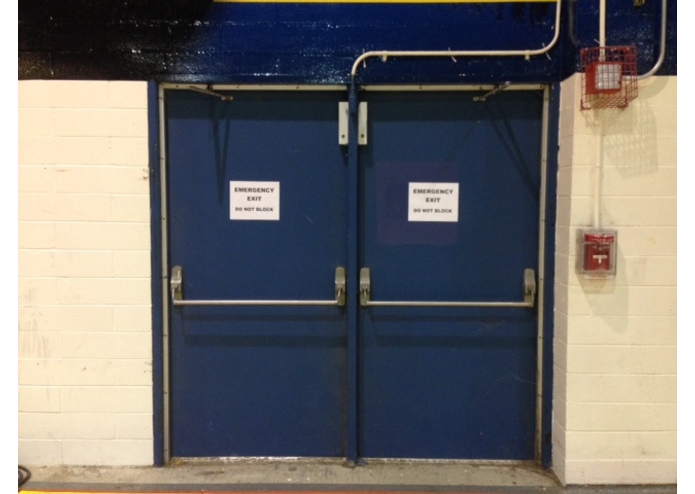
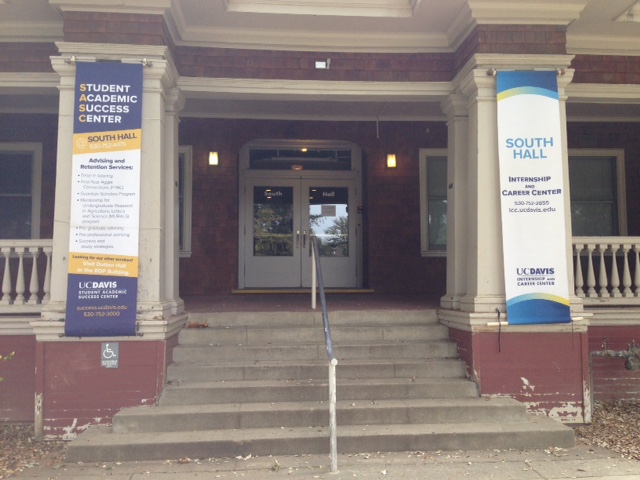
This was my main testing image throughout most of the Hackathon.
-
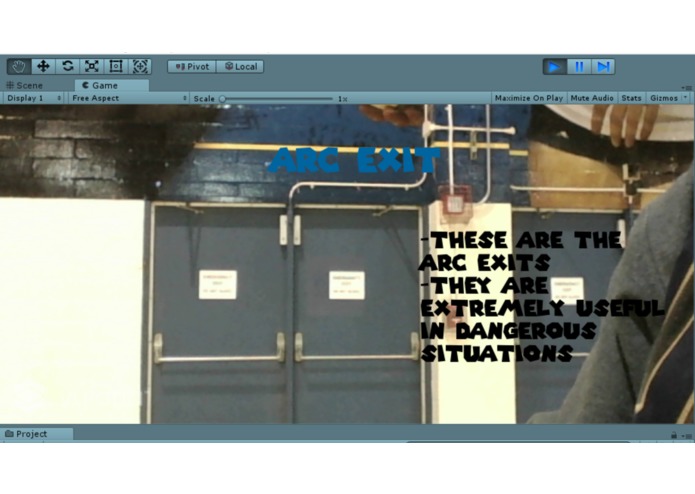
It was a success!
-
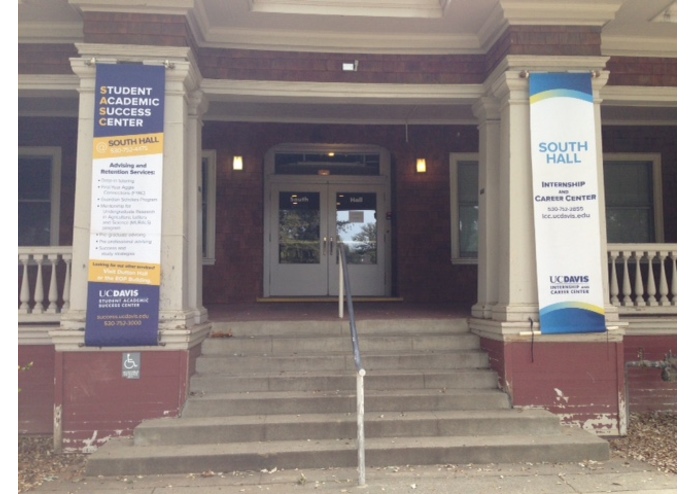
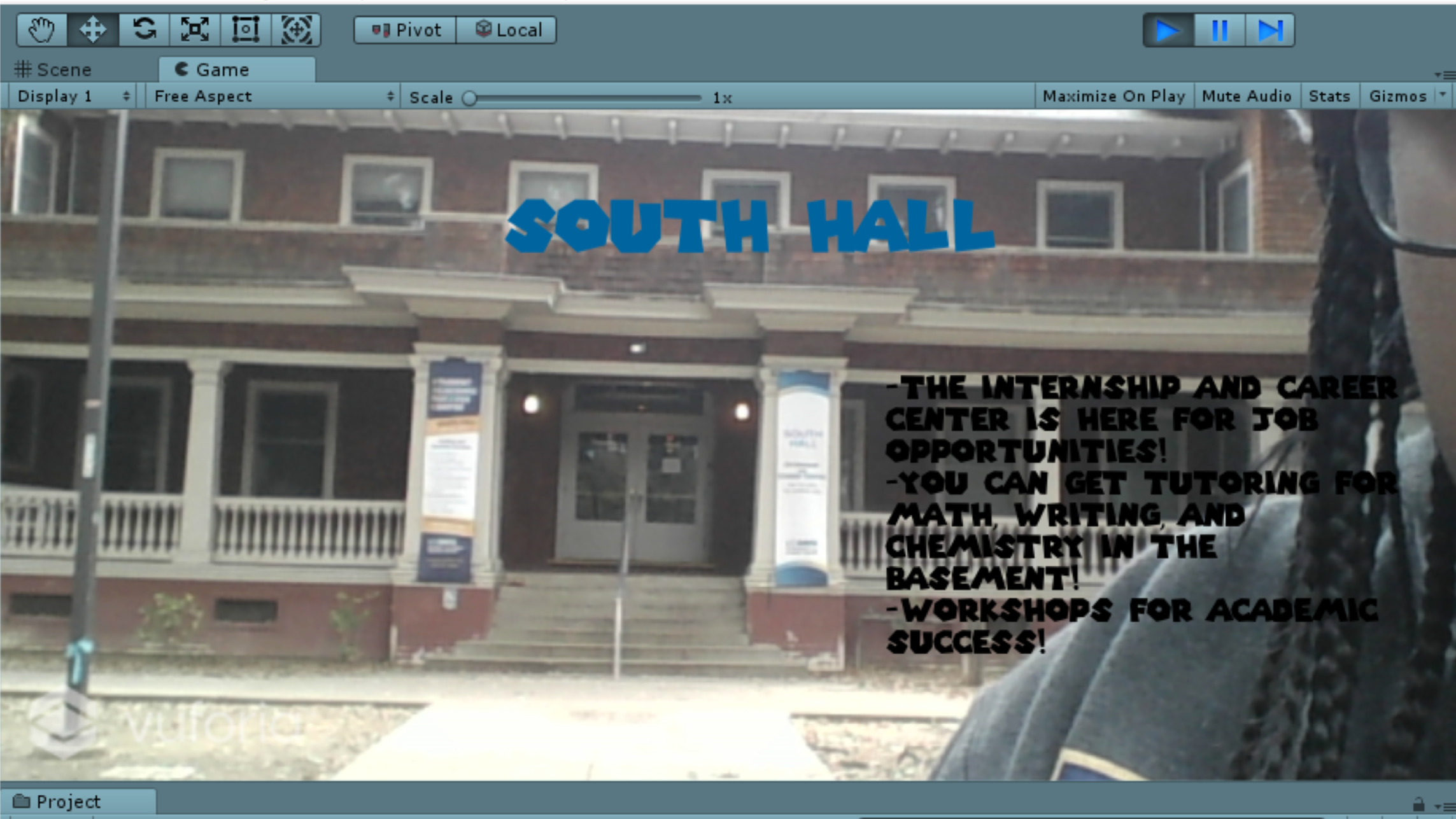
But I wanted to try an actual building that had useful resources for students, such as South Hall.
-
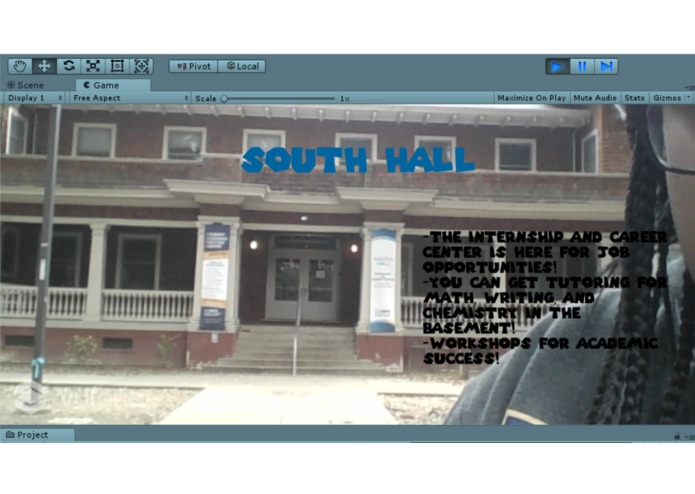
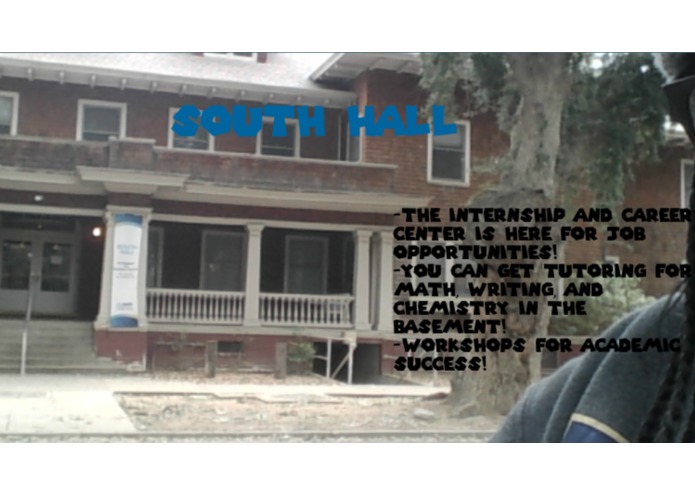
As you can see, the image tracker is scanning all of the key features of the building and matching it to my set image in the database.
-
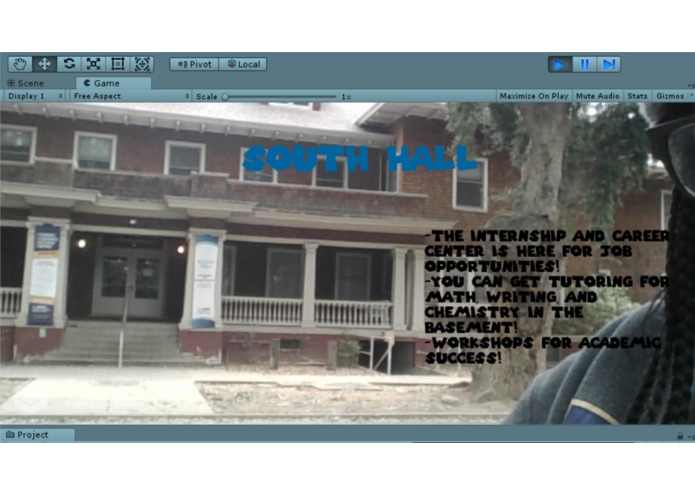
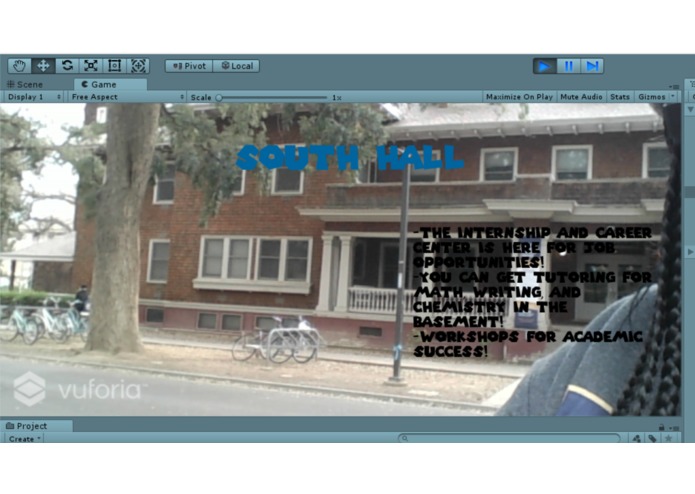
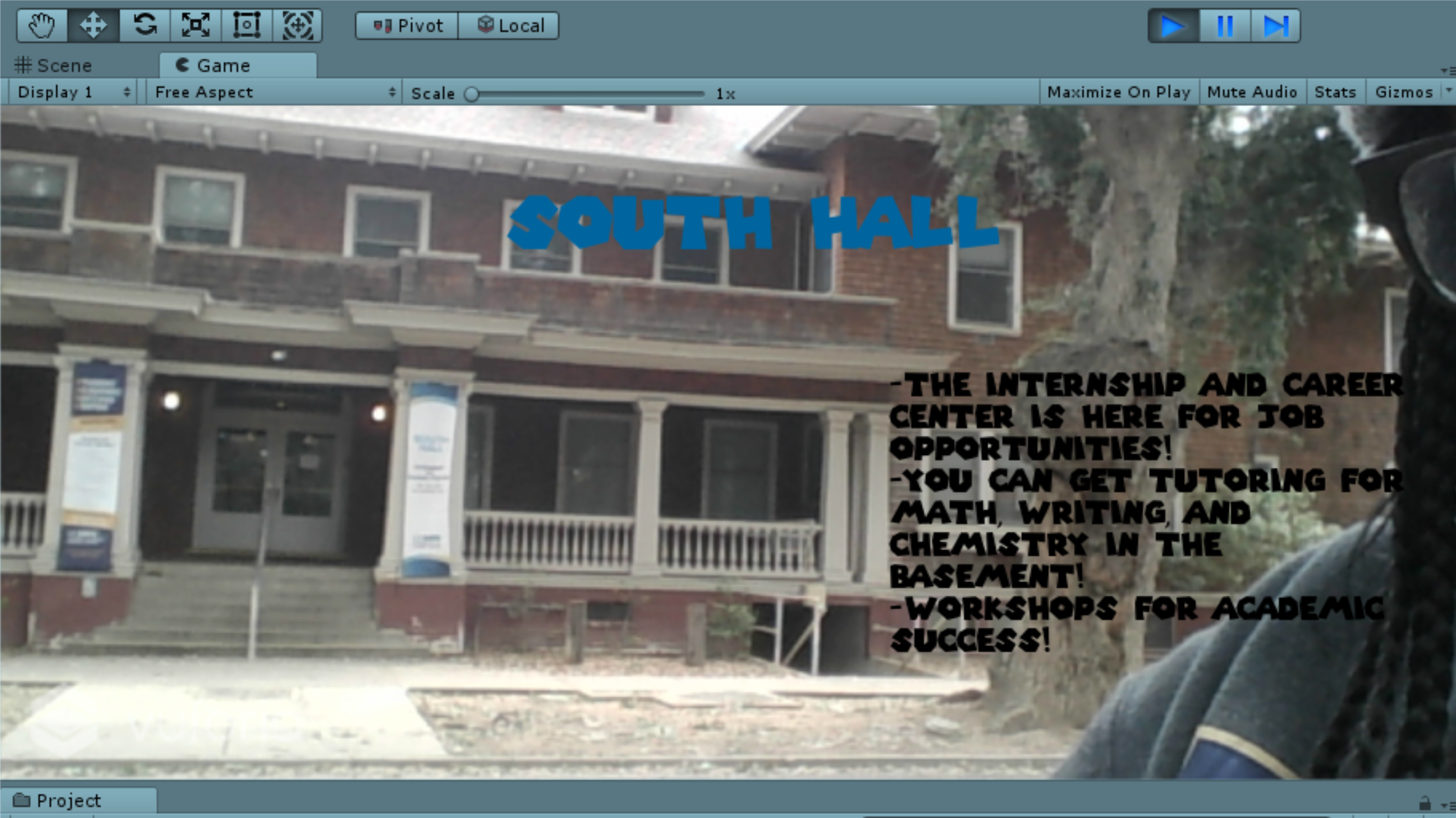
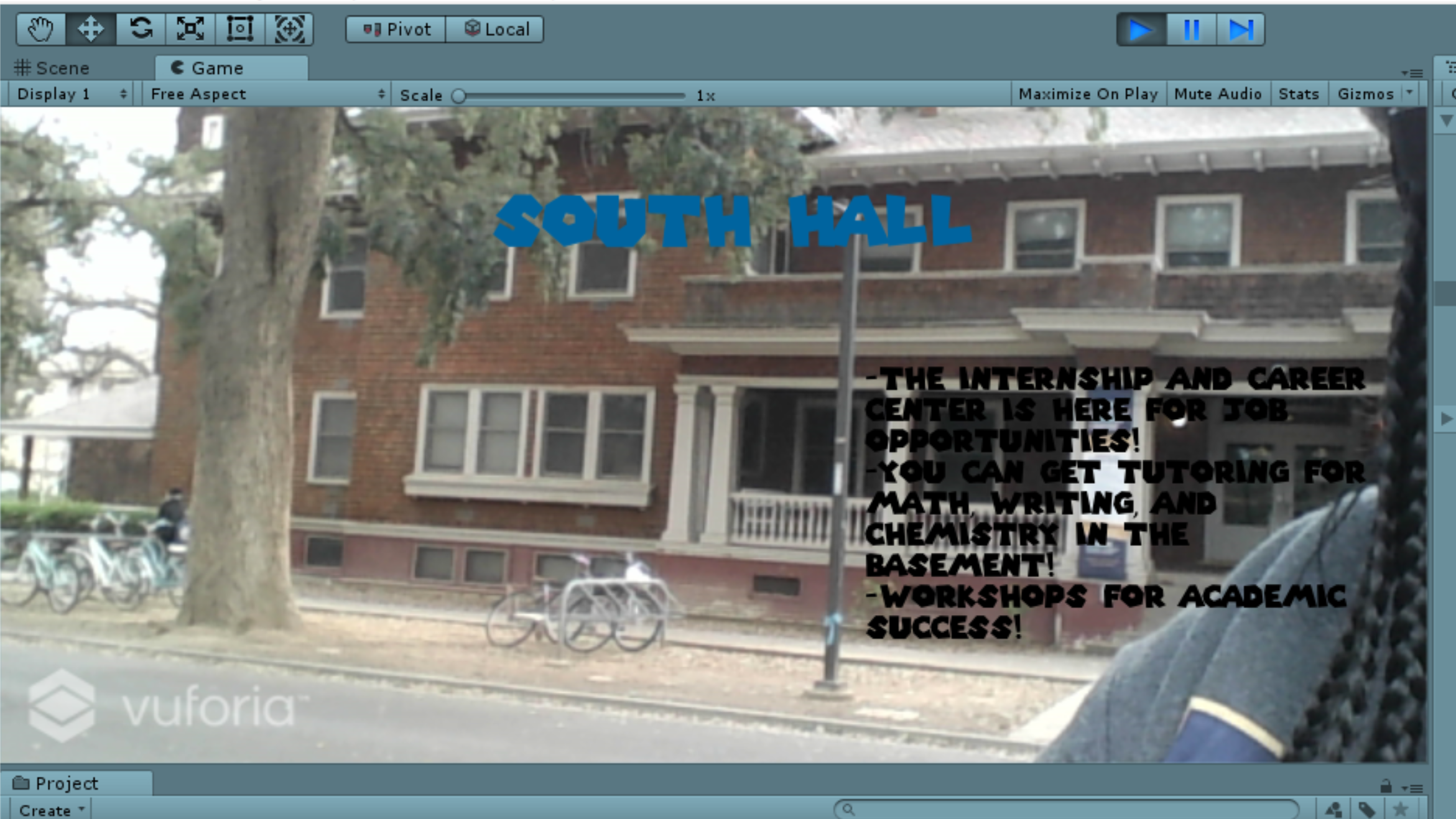
I walked further across the street and moved from side to side to test different angles.
-
-
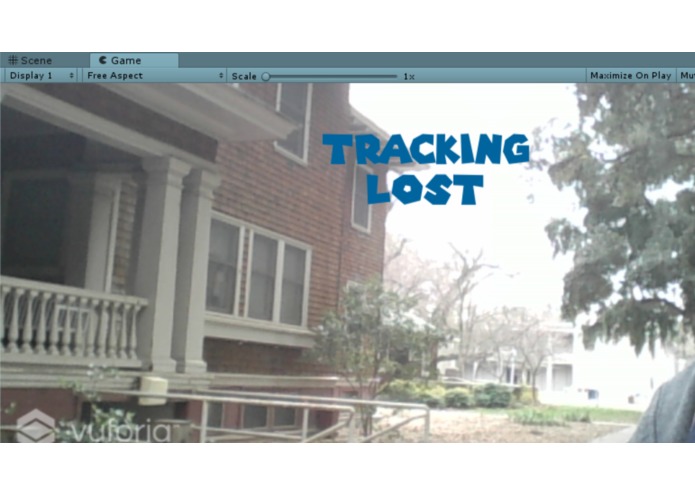
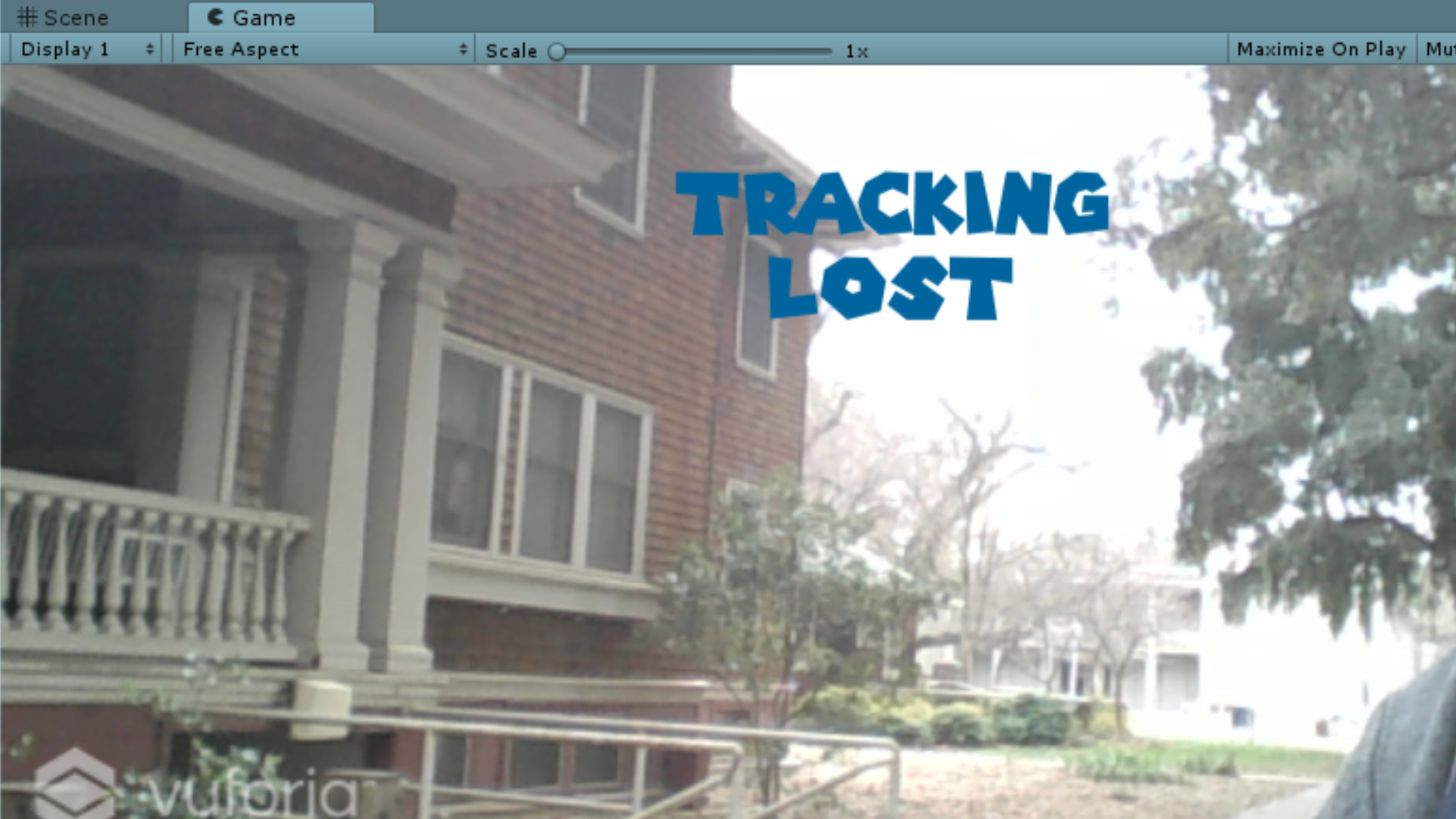
And if the image was clearly not a close match, tracking loss would be displayed.
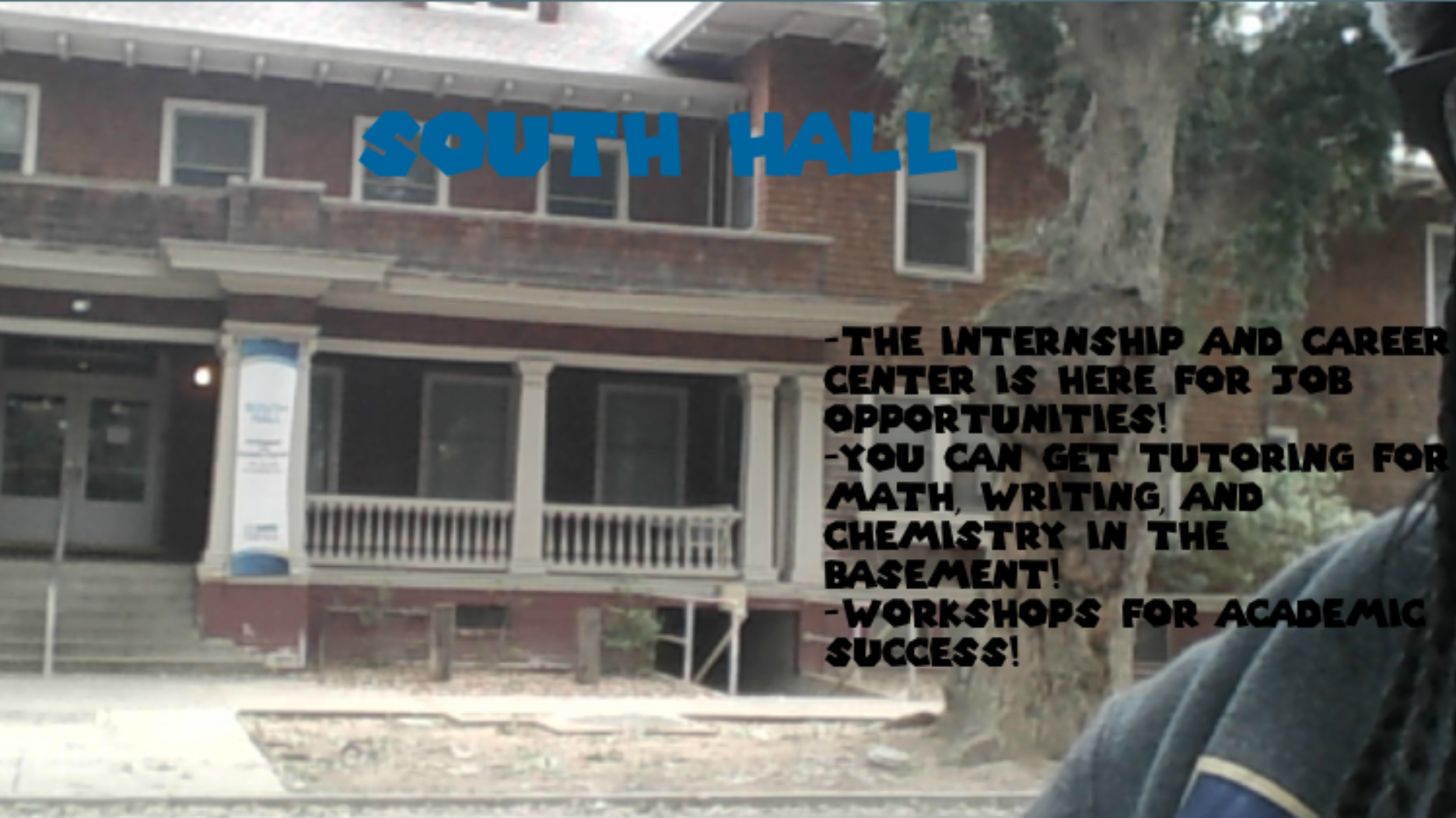
Inspiration When I first came to UC Davis as a freshman, I didn't realize how huge this campus actually was, especially when it came to trying to find my classes and any useful resources. The most help I got for navigating through the first week of classes was by using a paper map that they handed out for free at the dorms, and the use of google maps which wasn't always the best help. Therefore, I decided (and attempted) to create an application that allows for students to scan buildings on their phones, therefore displaying the title and description of that specific building.
What it does Upon using your camera as if you were taking a picture, the application will read that specific building based on the database of pictures I created within Vuforia and then display the name of that building and what types of resources it has to offer based on image tracking. Most shots can be taken from far away and don't have to be extremely close, but if the shot is rarely close to the image within the database, a "Tracking Lost" text will be displayed.
How I built it I mainly used Vuforia, an Augmented Reality SDK, and the Unity Game Engine in which it was already integrated in. I mainly had to manipulate some of the C# that was given through the Vuforia scripts and add some of my own lines of code as well.
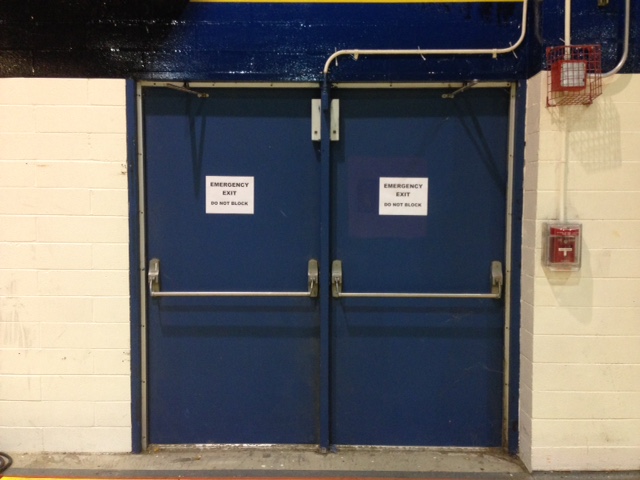
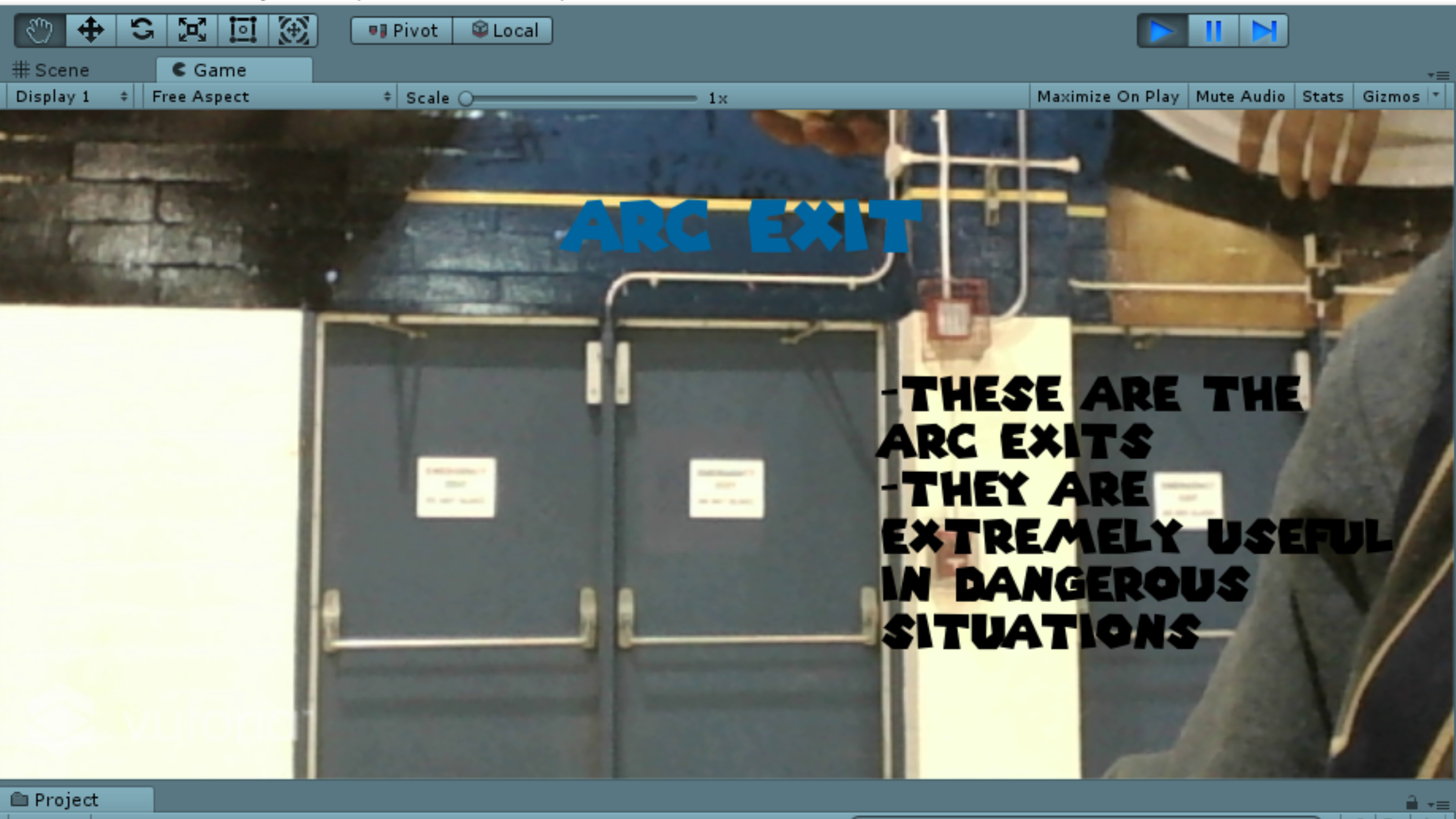
Challenges I ran into Mainly just figuring out how to display text without having to display AR 3D objects within the certain image that was being scanned, as most tutorials and documentation only represented these types of examples. Another main issue I had for a few hours, and still have, is trying to track and scan more than one building with different information. I attempted to test this out with basic items within the hackathon space, such as the exit doors and a chair for comparison, but unfortunately was not able to complete this aspect of the project. I also could not test out my app on a mobile device, therefore I could only use my laptop camera for field testing.
Accomplishments that I'm proud of At first I thought I wouldn't be able to work with Augmented Reality because of how advanced it looked in app stores, and because I assumed I needed machine learning and advanced API knowledge. However, I'm really proud that I was able to pull off this project by myself, and succeeded in my goal of getting one building to work with the image tracking.
What I learned That failure only helps you reach true success in the long run and that Augmented Reality isn't as scary as I once thought.
What's next for Scan Me For Help! I'd mainly like to get more than one building to scan, and maybe even add some Machine Learning aspects to it in the future to make it more advanced.

Log in or sign up for Devpost to join the conversation.