📘 Project Story: Scan Barcode/QR on Product for Instant Review & Traceability
💡 Inspiration
The idea came from a common real-world problem:
- Consumers often don’t trust whether a product is original or fake.
- Sellers and manufacturers rarely get instant, meaningful feedback on their products.
I wanted to build something that could bridge the gap between physical products and digital feedback. By simply scanning a barcode or QR code, users could instantly trace the product and give feedback. That was the spark behind this project.
🚀 What it does
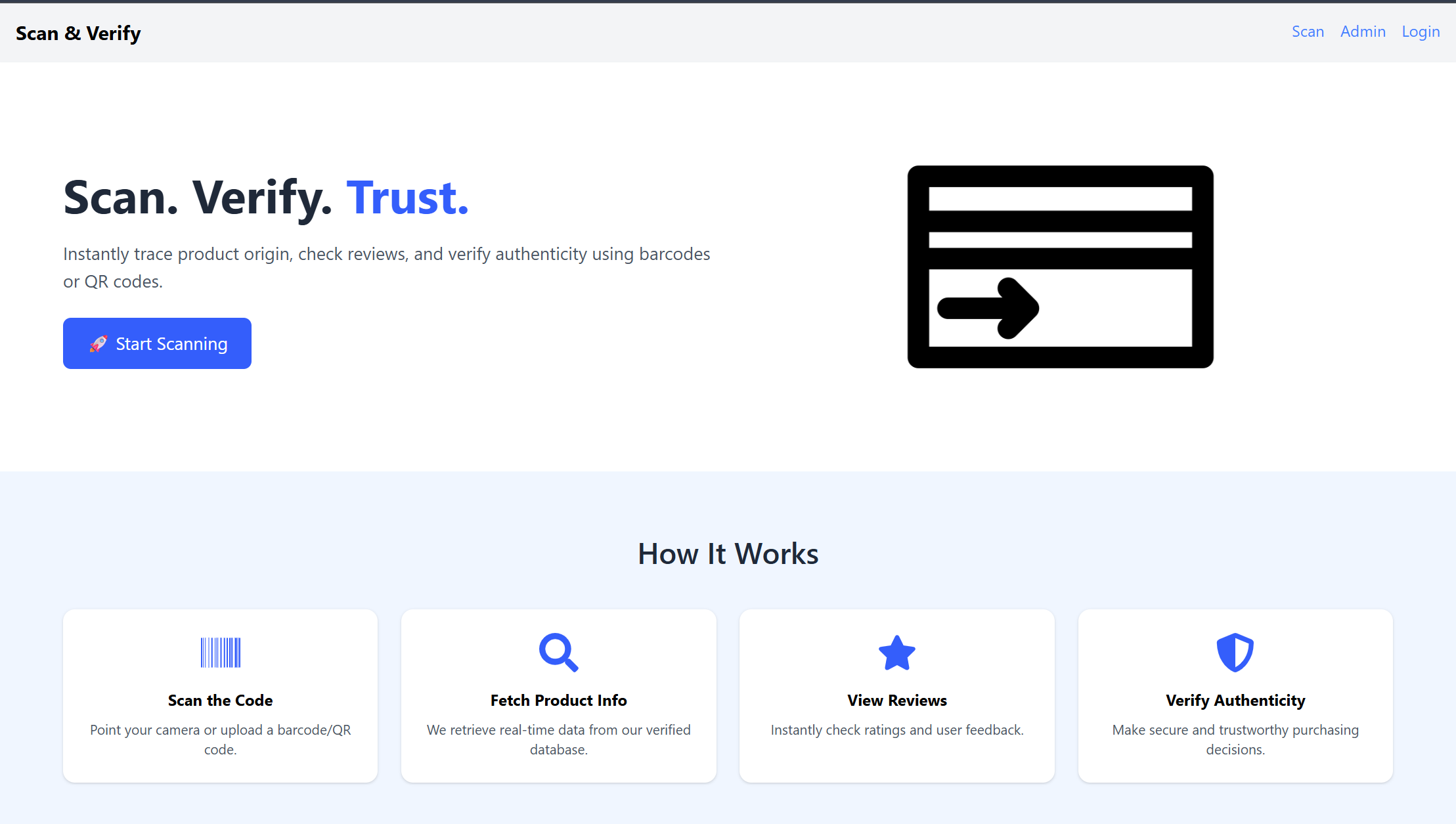
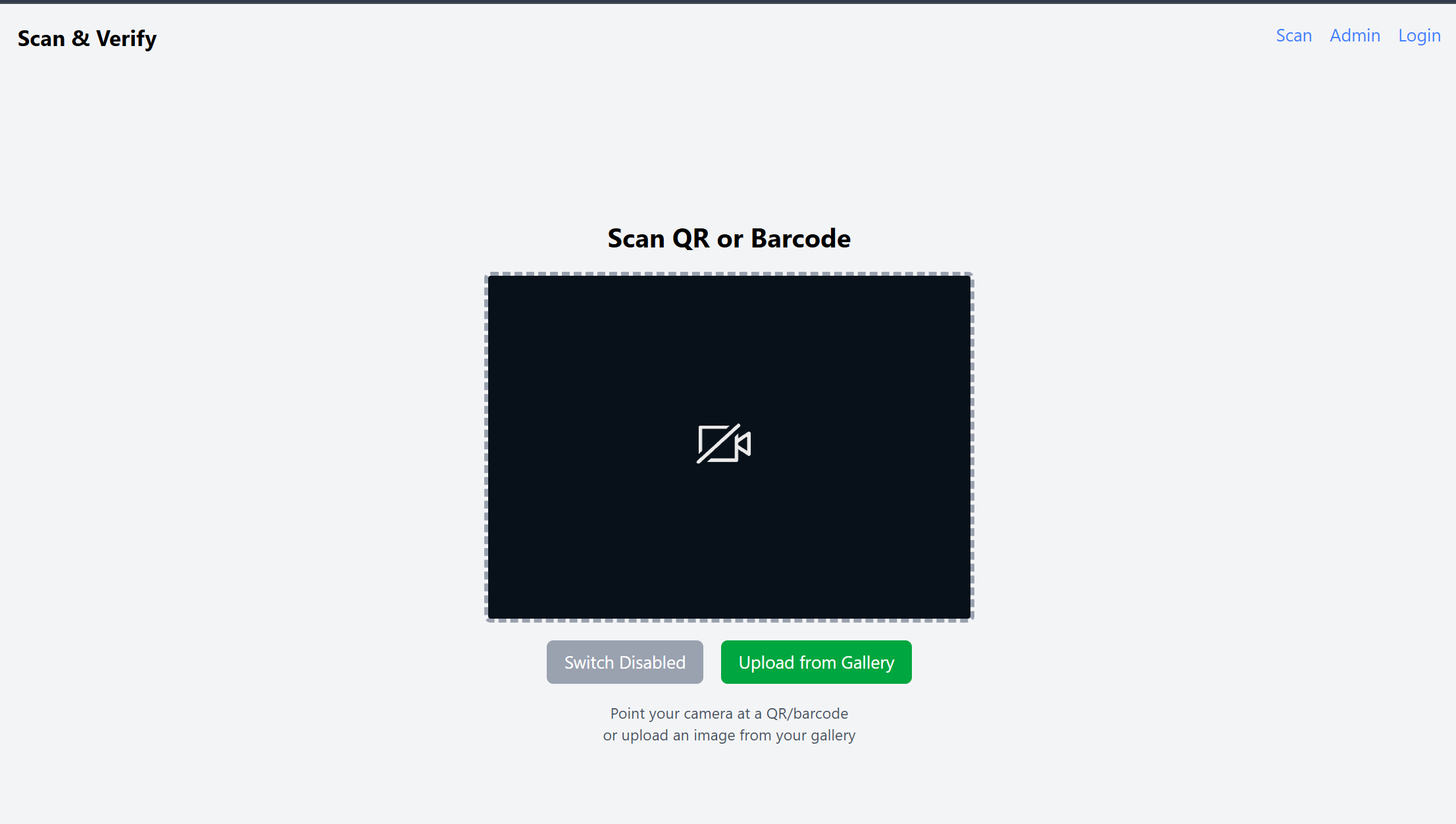
- 📷 Scans QR codes or barcodes using a device camera.
- 🔍 Instantly retrieves product details from MongoDB.
- 🌐 If not found in the database, fetches data from an external API, then stores it for future use.
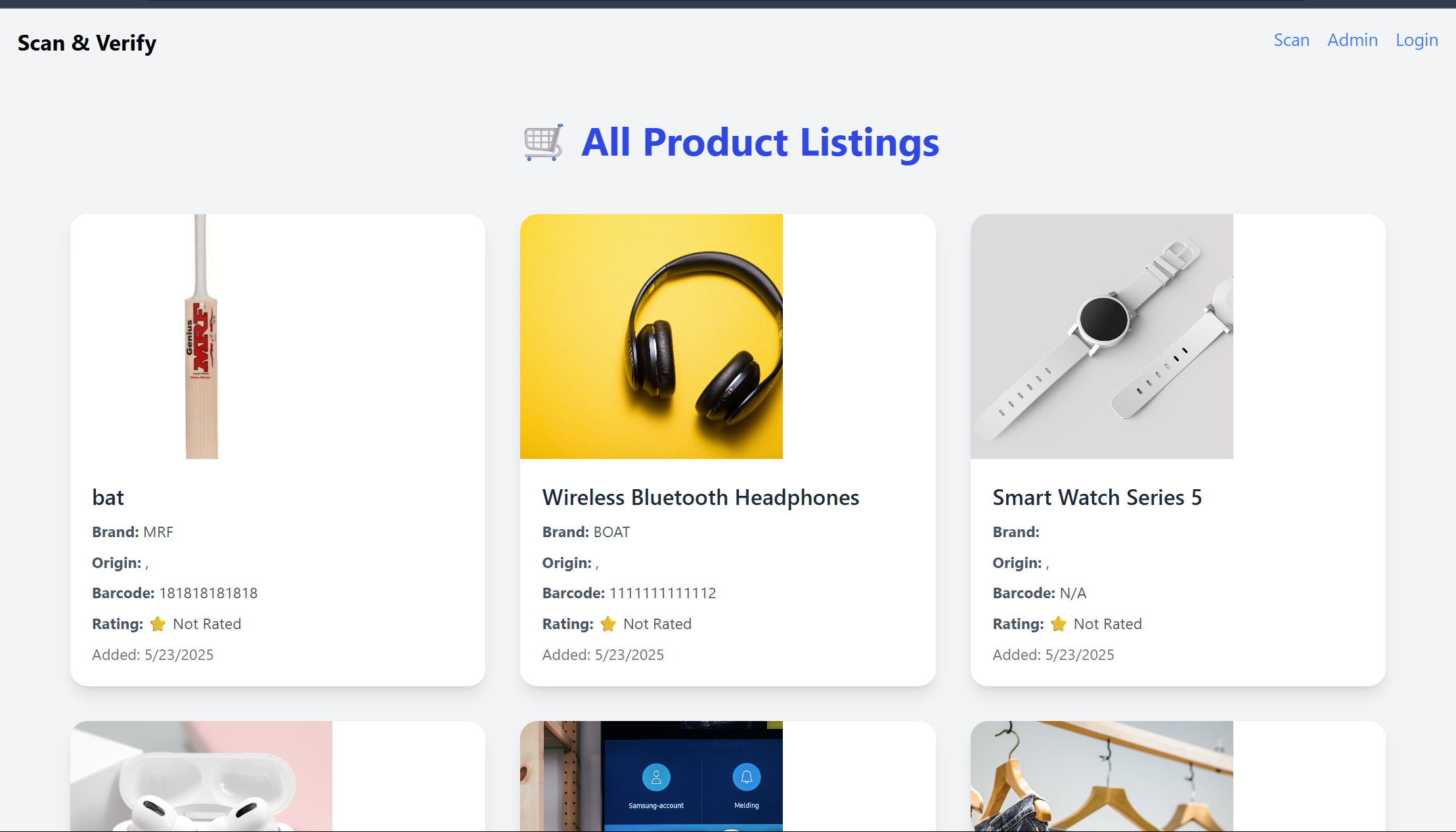
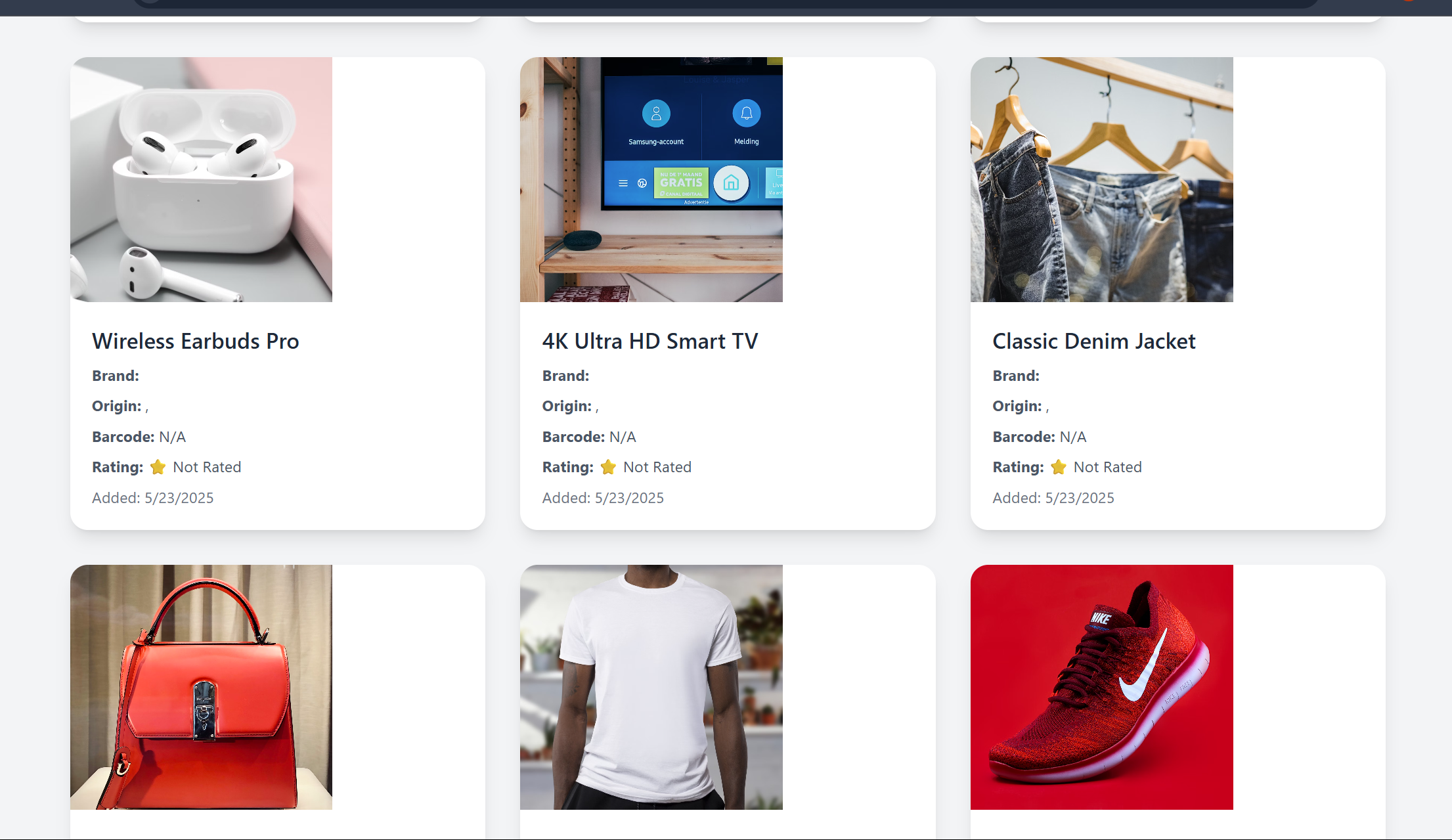
- 📄 Displays the scanned product’s name, image, and other metadata.
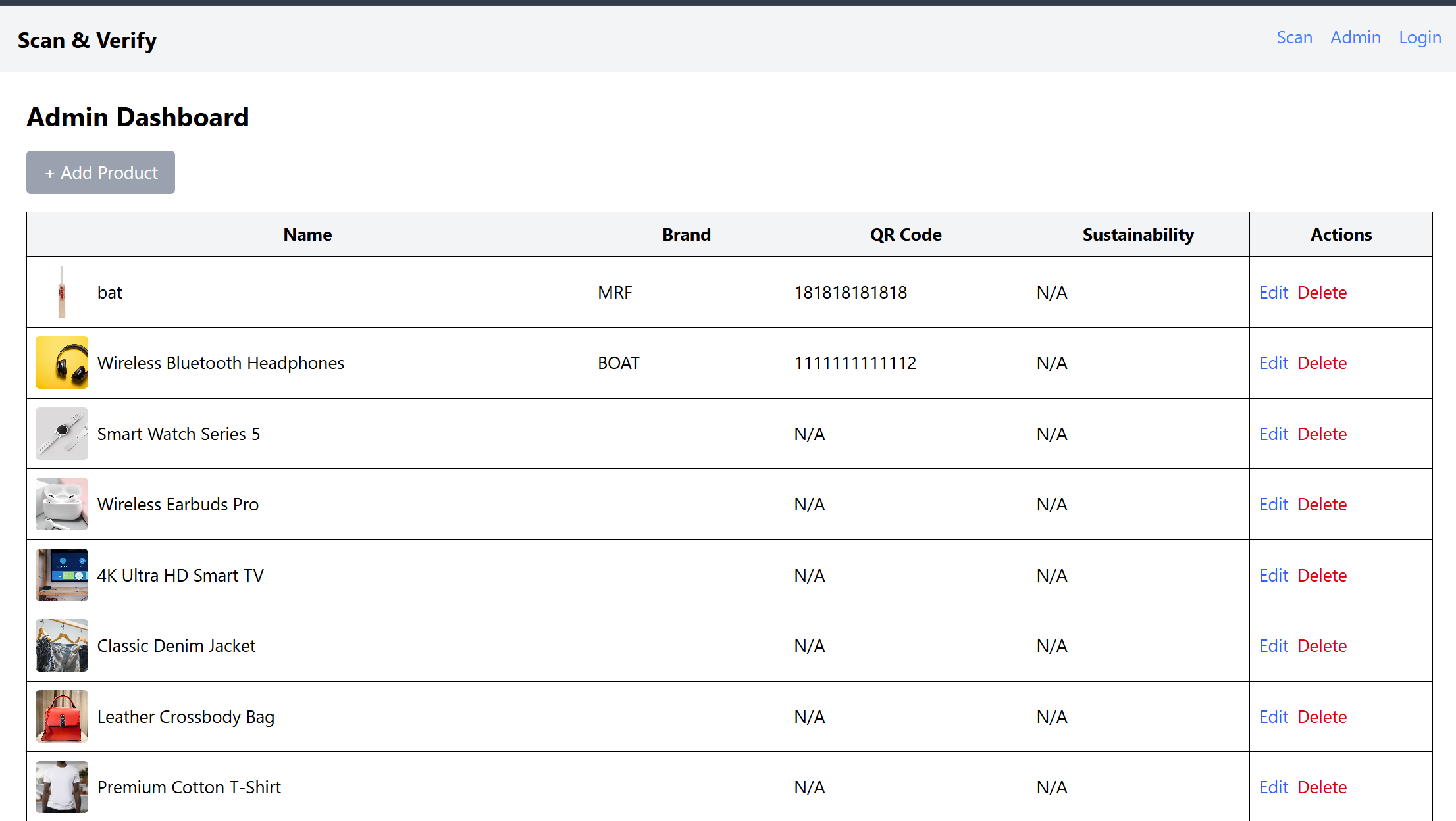
- 🛠 Admin dashboard automatically updates with scanned product entries.
- 💬 (Coming soon) Users will be able to submit reviews and feedback directly after scanning.
🛠️ How we built it
🔧 Tech Stack
- Frontend:
React.js,Tailwind CSS - Backend:
Express.js,Node.js - Database:
MongoDBwithMongoose - QR/Barcode Scanning:
zxinglibrary - External API: Used for product details if not found in our DB
- Hosting:
Vercelfor frontend,Vercelfor backend
💡 Architecture Overview
User scans QR/barcode with zxing scanner
Code sent to backend via API call
Backend checks MongoDB:
If found → send product info to frontend
If not → call external API → save product to DB → return data
Admin panel auto-displays new product entries
🧩 Challenges we ran into
- 📸 Handling camera permission issues across devices
- 🧠 Barcode decoding errors and scanner sensitivity
- 🌐 Managing external API limits and failed responses
- 🔄 Avoiding duplicate entries in MongoDB
- 🎨 Making the scanner and product detail page responsive and user-friendly
🏆 Accomplishments that we're proud of
- ✅ Fully functional scan-to-database product system
- 🔄 Automatic database update when a scanned product is new
- 🧑💼 Admin dashboard that reflects product info in real-time
- 📱 Smooth and responsive experience on both desktop and mobile
- 🔍 Reliable scanning performance using the
zxinglibrary
📚 What we learned
- How to integrate real-time scanning in a web app using the
zxinglibrary - Backend data handling with Express.js and MongoDB
- Managing fallback logic when product data is missing
- Real-world UI/UX patterns for scanning interfaces
- Clean API design and frontend-backend communication
🔮 What's next for Scan Barcode/QR on Product for Instant Review
- 💬 Add product review/feedback form so users can share their experience
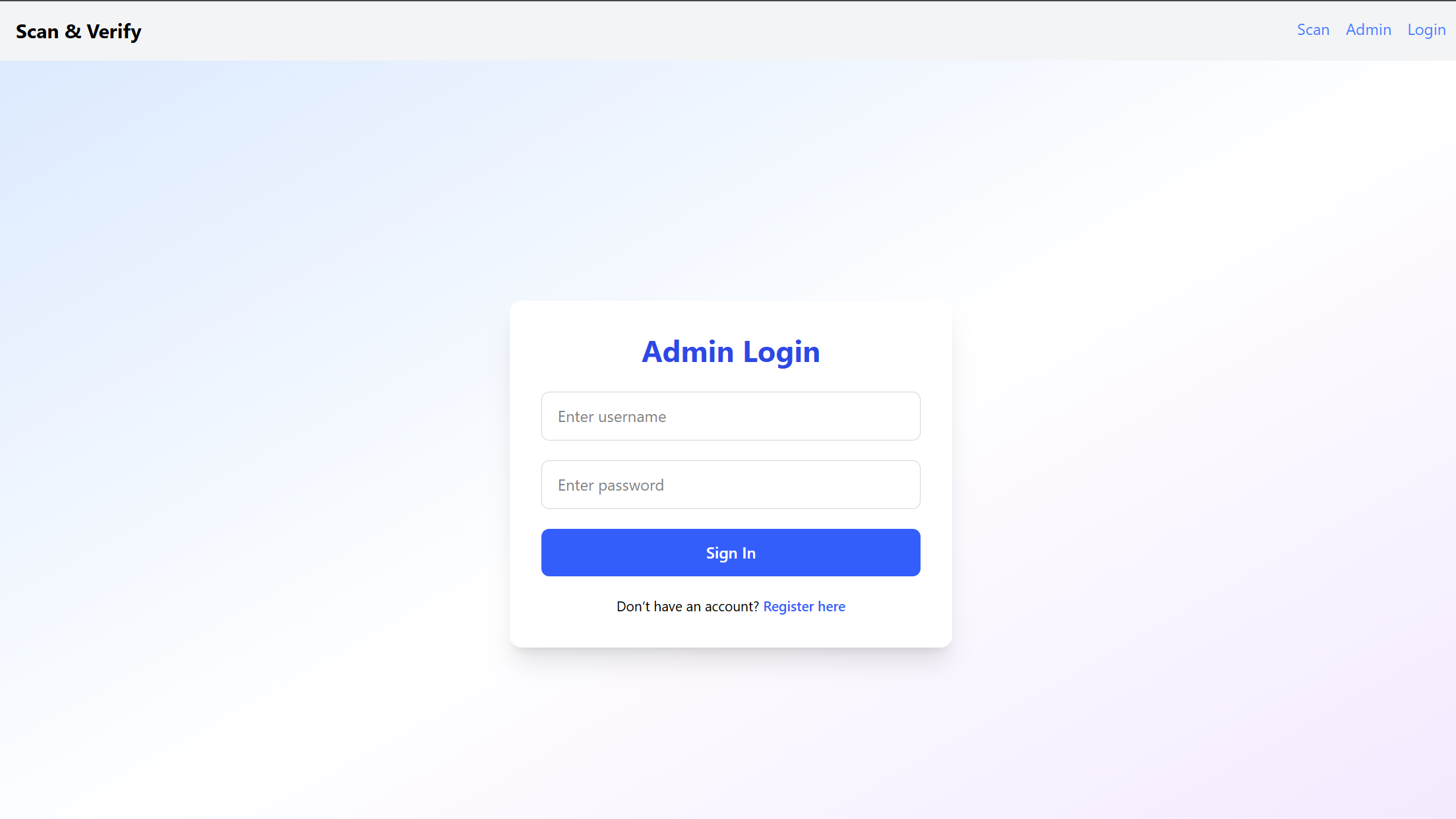
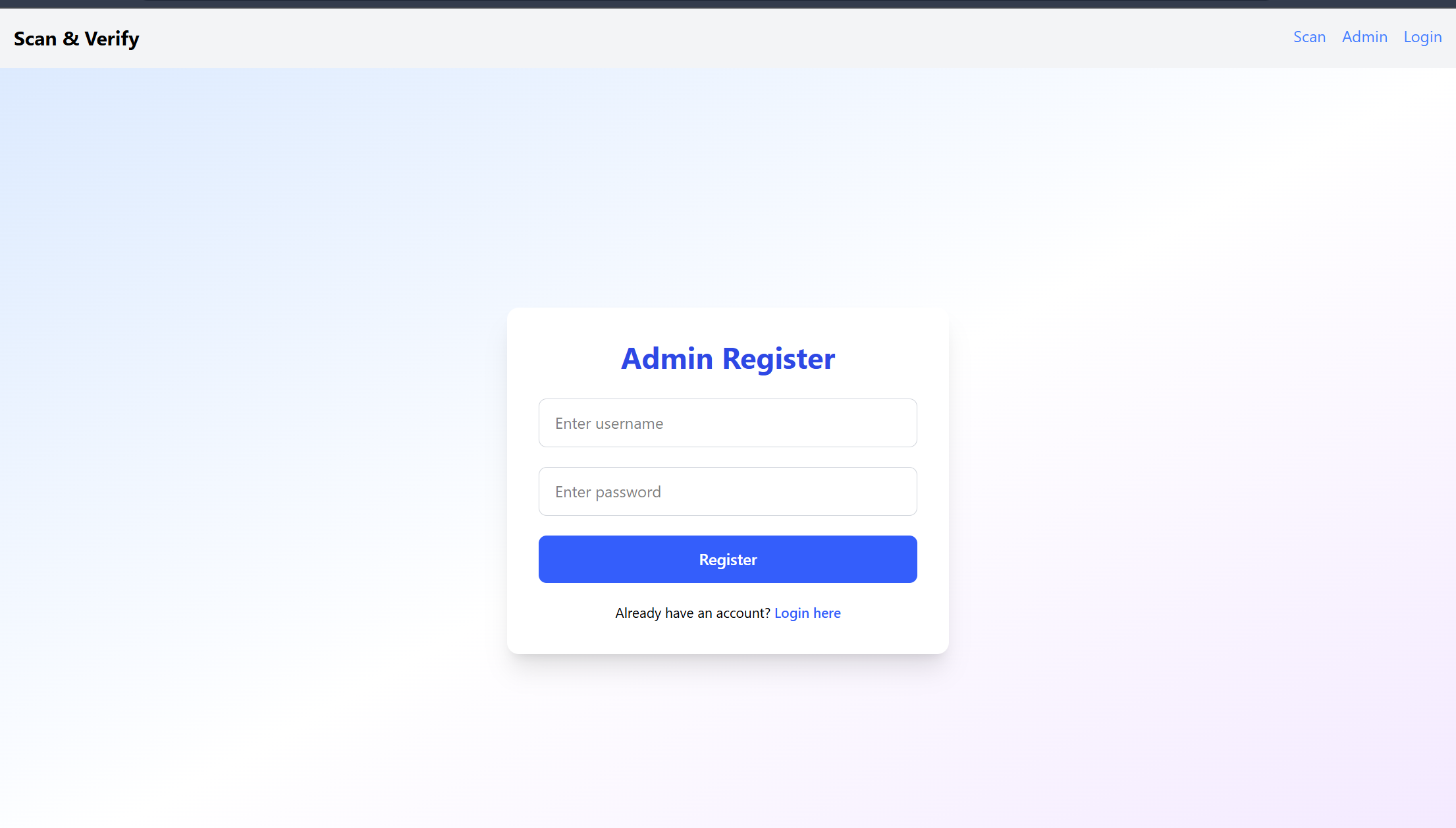
- 🧑⚖️ Introduce user and admin roles for secure access
- 📍 Implement product trace history (from manufacture to shelf)
- 📊 Build analytics: most scanned products, feedback trends, and scan location
- 📱 Optional offline mobile app version with sync-to-cloud support
- 🧠 Integrate OpenAI API to auto-generate user-friendly product descriptions, summaries, and taglines — especially when data from external APIs is limited or too raw
- 🧾 Auto-categorize products using AI based on name/brand/description for better organization in the dashboard
"""


Log in or sign up for Devpost to join the conversation.