Inspiration
Scam messages are becoming harder to recognize. They often look like they come from a bank, delivery company, employer, or even someone we know. The most dangerous part is the pressure they create: “act now,” “verify immediately,” or “your account will be closed.”
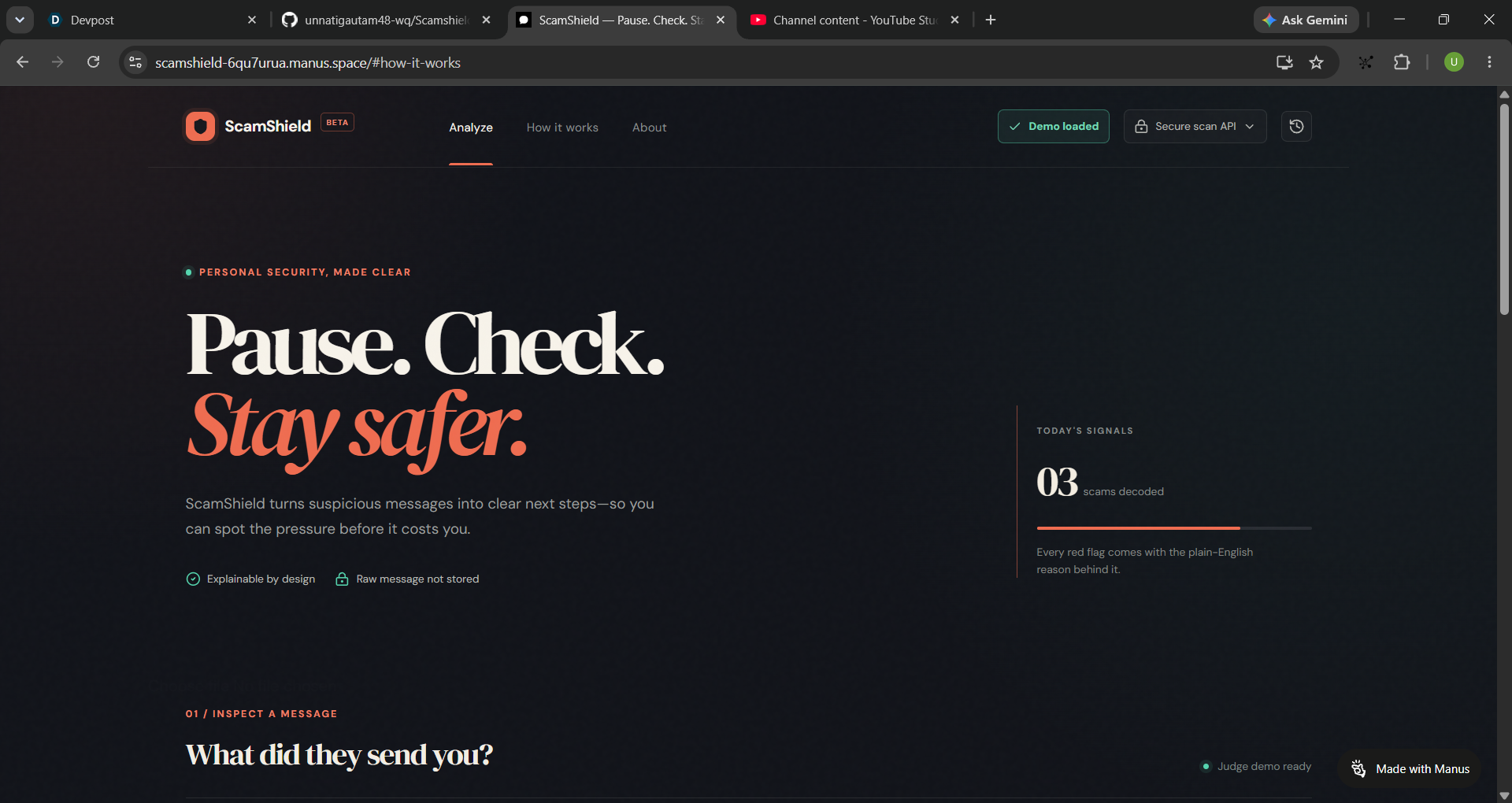
We wanted to build something that helps people slow down before making a risky decision. Instead of simply saying “this is a scam,” ScamShield explains what looks suspicious and what the person should do next.
What it does
ScamShield lets users paste a suspicious message, submit a link, or upload a document such as a PDF, DOCX, TXT, or CSV file.
It checks for common warning signs including:
- Artificial urgency
- Requests for passwords, OTPs, or identity details
- Payment or fee requests
- Shortened links
- Lookalike domains
- Suspicious reply instructions
- Unusual or risky domain patterns
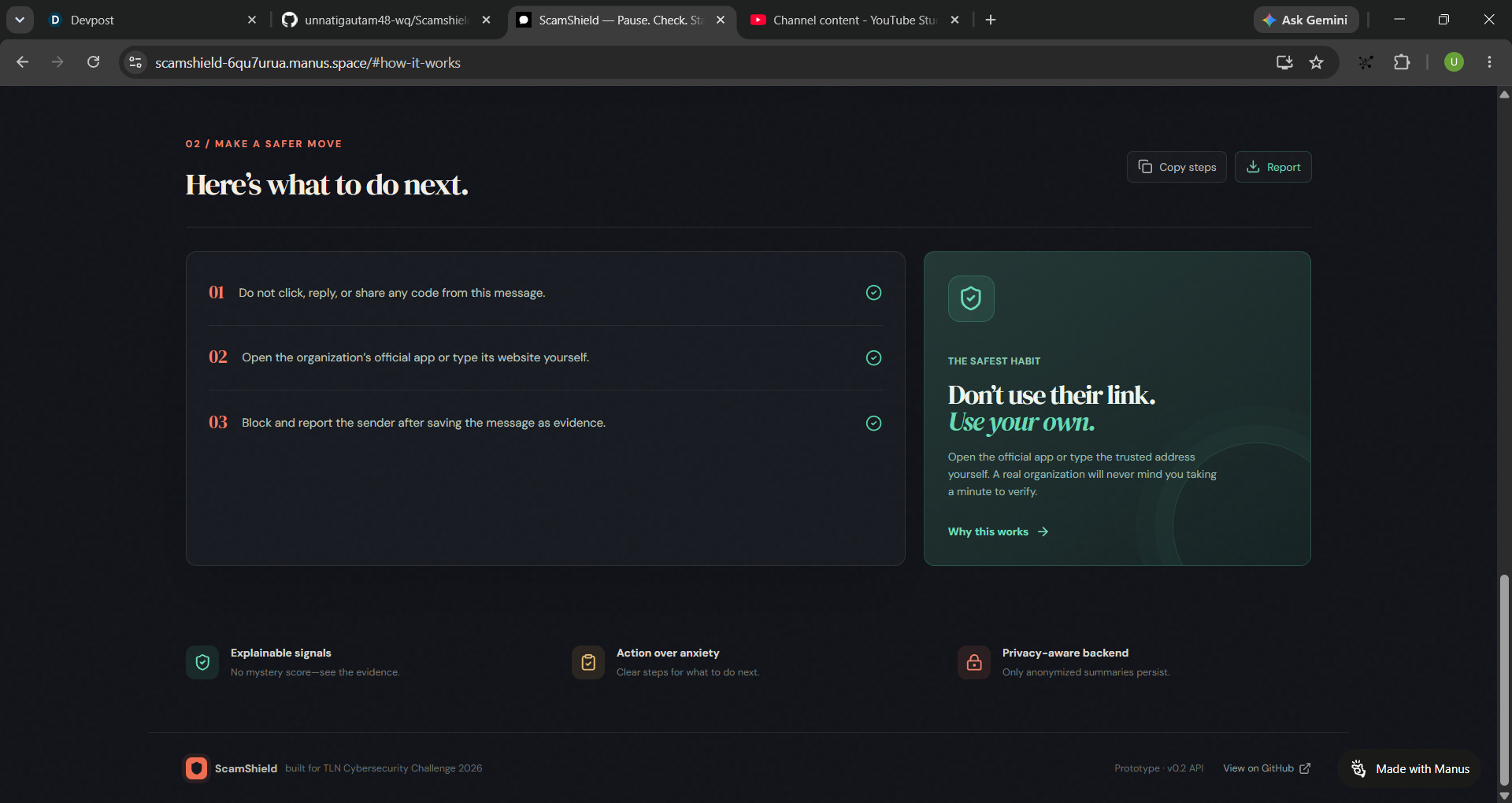
The result includes a risk score, a clear explanation of each signal, destination intelligence, risk categories, and practical next steps.
The tool also gives a live draft preview while the user types. When the user submits the scan, the result is processed through the backend and only an anonymized summary is saved. The original message is not stored.
How we built it
We built ScamShield as a full-stack React and TypeScript application. The frontend provides the interactive analysis workspace, while the backend exposes typed tRPC procedures for scans, document extraction, and scan history.
For document support, we used server-side extraction for PDF, DOCX, and text-based files. The shared scan engine is used by both the frontend draft preview and the backend result, so the user sees the same logic before and after submission.
We used Drizzle with the project database to store anonymized scan summaries. The interface was designed with a dark security-desk style, but the main focus was keeping the workflow understandable rather than making it look like a complicated cybersecurity dashboard.
Challenges we ran into
The first version looked more like a static demo than a real product. The interface showed a result, but it did not clearly communicate what was happening when the user changed the input. We solved this by adding live draft analysis, a visible “Read → Detect → Persist” scan pipeline, and clear labels for LIVE DRAFT and SERVER RESULT.
Another challenge was scoring. At first, different messages with the same number of warning signs received the same score. That felt unrealistic, because a suspicious domain and a small amount of urgency should not have exactly the same impact as a password request. We changed the scoring system to use weighted signals based on severity.
We also found a false positive during testing where the word “coffee” was partially matching “fee.” Fixing that helped us understand how small pattern-matching mistakes can damage trust in a security product.
Accomplishments that we're proud of
We are proud that ScamShield became more than a visual prototype. A judge can now paste a message, see the result change while editing, submit it to the backend, upload a supported document, view explainable signals, inspect a detected domain, and download a privacy-safe incident report.
We are also proud of the privacy approach. The product is designed to keep raw messages and uploaded file contents out of long-term storage. The database only keeps anonymized scan summaries so the user can still see recent activity.
Most importantly, the result is understandable. A person does not need cybersecurity experience to understand why something was flagged or what they should do next.
What we learned
We learned that a security tool should not rely only on a score. A number without context can create either panic or false confidence. Showing the evidence behind the score is much more useful.
We also learned that product state matters a lot. A user should know whether they are looking at a local preview, an active scan, or a confirmed backend result. Those small labels made the application feel much more trustworthy.
Finally, testing with ordinary messages was as important as testing with obvious scams. A good security tool should detect suspicious behavior without treating every unusual sentence as dangerous.
What's next for ScamShield
The next major feature is OCR support for screenshots and image-only PDFs. Many real scams arrive as screenshots, so users should not have to manually copy the text.
We also want to add reputation checks for suspicious domains through trusted security APIs, while keeping the product transparent about where each result comes from. Another planned improvement is a browser extension that lets users scan a suspicious page or email without copying the entire message.
In the longer term, ScamShield could learn from anonymized user feedback, support more scam categories such as job and rental scams, and provide localized guidance for different countries and languages.
Built With
- api
- css3
- hosting
- html
- javascript
- manas
- python
- typescript


Log in or sign up for Devpost to join the conversation.