-
-
ScamShield
Inspiration
The digital world is becoming increasingly complex, and unfortunately, it is often our parents and senior citizens who bear the brunt of sophisticated online scams. We were inspired by the need for a "digital guardian" — a tool so simple that anyone, regardless of their technical literacy, could use it to protect themselves. We wanted to bridge the gap between complex AI technology and the immediate, human need for safety.
What it does
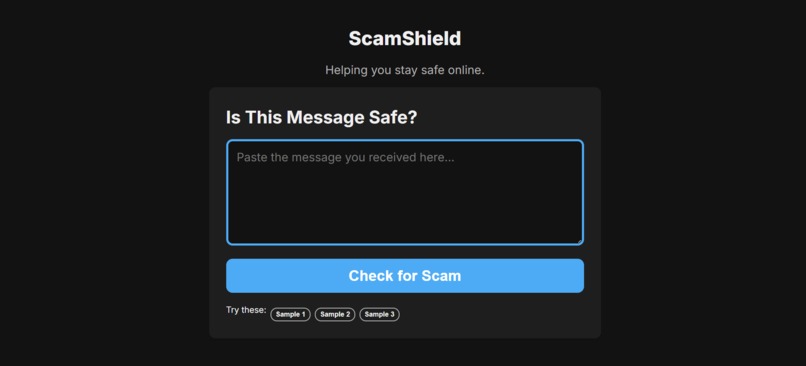
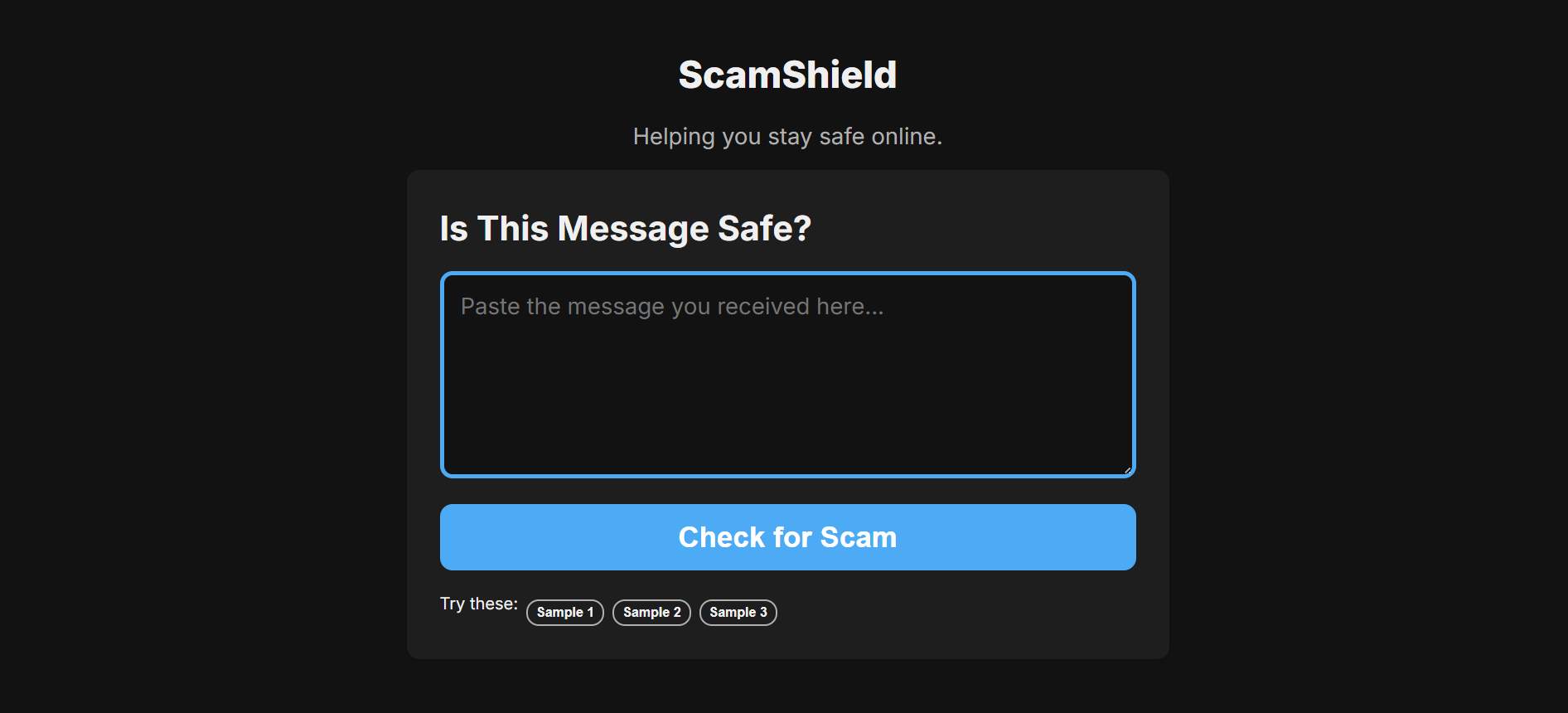
ScamShield is an ultra-accessible web application designed specifically for seniors and less tech-savvy individuals. It allows users to paste suspicious messages (emails, SMS, or social media posts) and receive an instant, plain-language risk assessment.
- Risk Scoring: Uses AI to classify messages as Low, Medium, or High risk.
- Plain Language Explanations: No technical jargon; just clear reasons why a message is suspicious.
- Actionable Steps: Provides immediate advice on what to do next (e.g., "Block the sender", "Do not click any links").
- Senior-Friendly UI: Features large fonts, high-contrast colors, and a glassmorphic design that feels premium yet intuitive.
How we built it
ScamShield was built with a modern, high-performance tech stack focused on accessibility and speed:
- Frontend: React with Vite for a lightning-fast developer experience and optimized production builds.
- AI Engine: Integrated with OpenRouter API to leverage state-of-the-art Large Language Models for nuanced text analysis.
- Styling: Hand-crafted Vanilla CSS using a custom design system. We implemented glassmorphism and smooth micro-animations to create a "premium safety" feel.
- Architecture: A modular React structure where the
analysisEnginehandles the logic, decoupled from the UI components.
The risk score $R$ can be thought of as a function of detected red flags $f$: $$ R = \sum_{i=1}^{n} w_i f_i $$ where $w_i$ represents the severity weight of each specific scam pattern (e.g., urgency, impersonation, or suspicious links).
Challenges we ran into
One of the primary challenges was UI Simplicity vs. Functional Depth. We had to strictly filter out any complex settings or jargon to ensure the app remained usable for someone who might be intimidated by modern websites. Another hurdle was Prompt Engineering. Creating a prompt that consistently returns structured, empathetic, and plain-language advice required multiple iterations to ensure the AI didn't sound too "robotic" or overly alarmist for low-risk scenarios.
Accomplishments that we're proud of
We are incredibly proud of the User Experience. Achieving a layout that looks modern and sleek while maintaining high accessibility standards for contrast and font size was a major win. Additionally, the integration with OpenRouter allows for surprisingly deep analysis of even very short messages.
What we learned
Building ScamShield taught us the importance of Inclusive Design. We learned that "senior-friendly" doesn't mean "boring" — you can create a beautiful, dynamic interface that is still 100% accessible. We also deepened our understanding of AI-driven text classification and how to translate technical model outputs into human-centric advice.
What's next for ScamShield
- Voice Guidance: Integrating text-to-speech to read out results for users with visual impairments.
- Screenshot Analysis: Allowing users to upload screenshots of messages instead of just pasting text.
- Browser Extension: A real-time protector that warns users as they browse the web or check their email.
- Multi-language Support: Expanding the AI engine to detect scams in multiple languages, catering to a global elderly population.

Log in or sign up for Devpost to join the conversation.