-
-
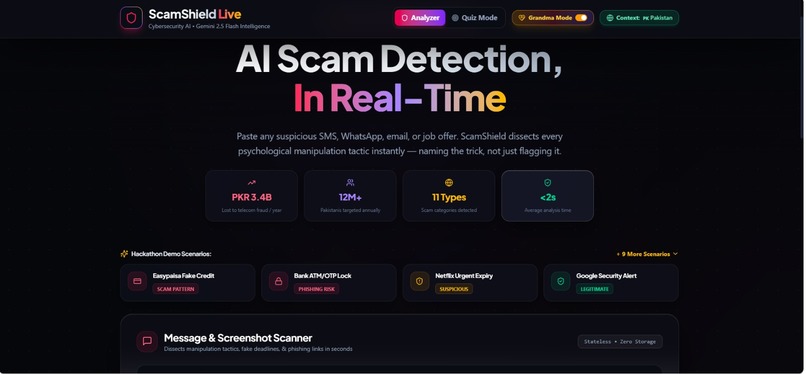
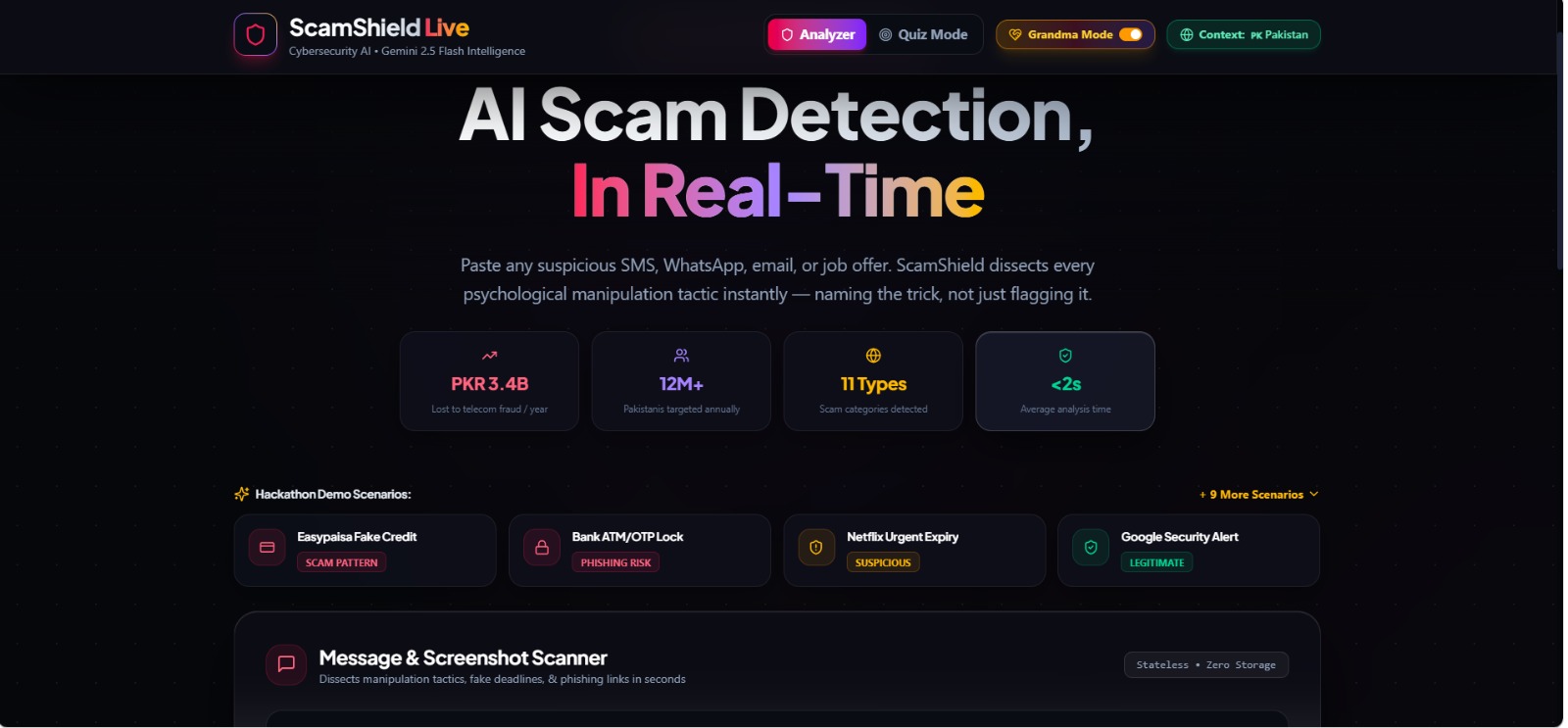
Hero / landing page
-
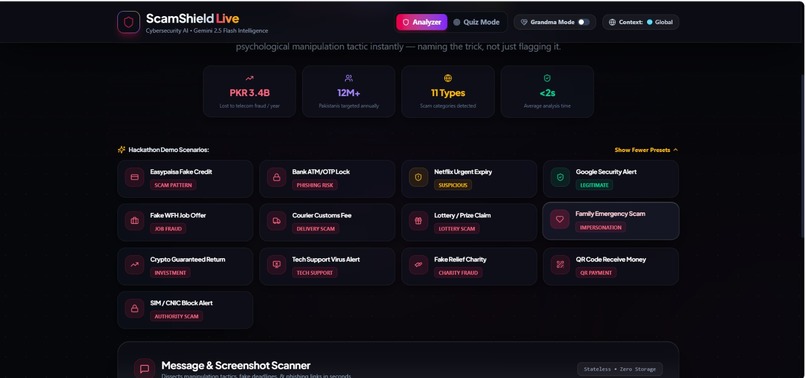
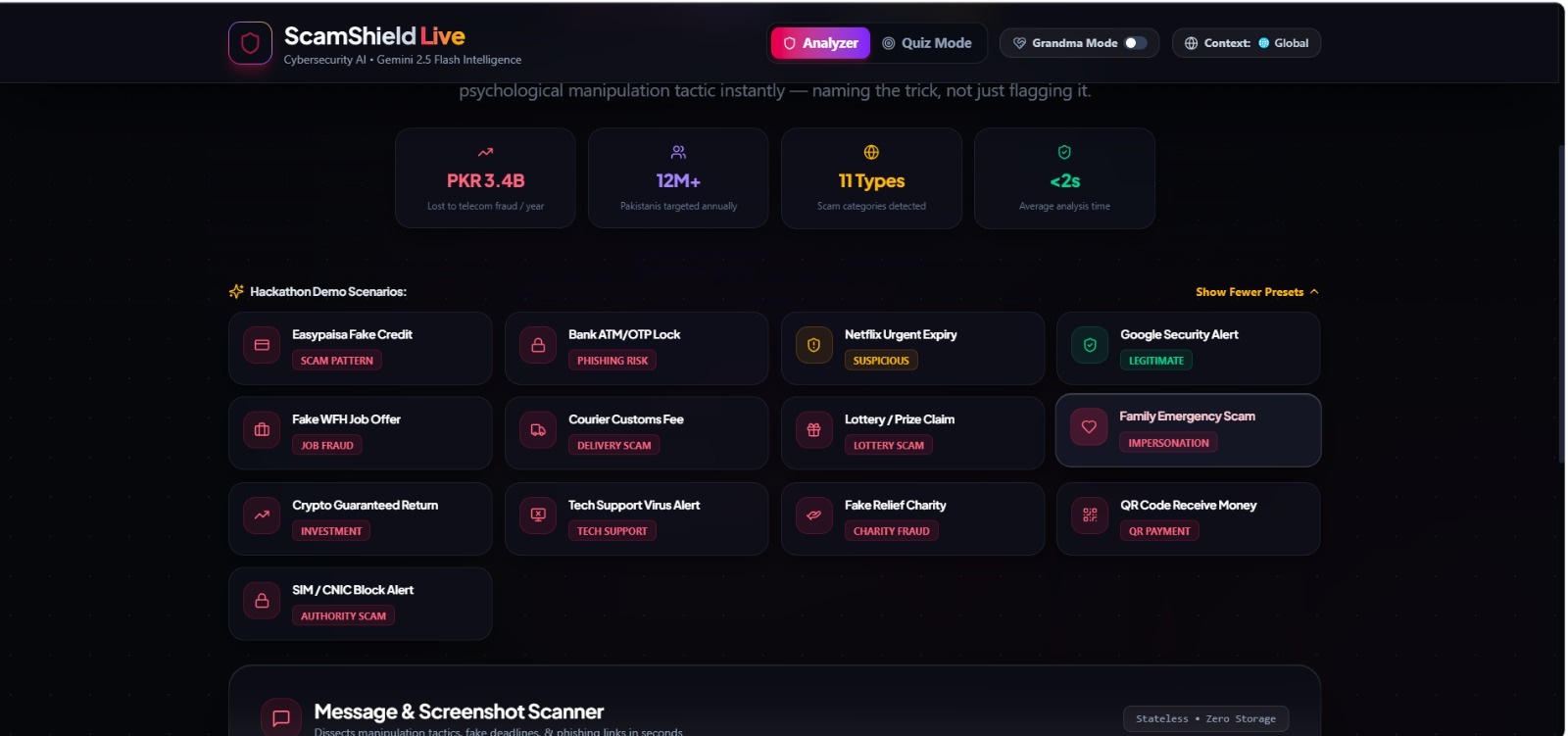
Hackathon Demo Scenarios grid
-
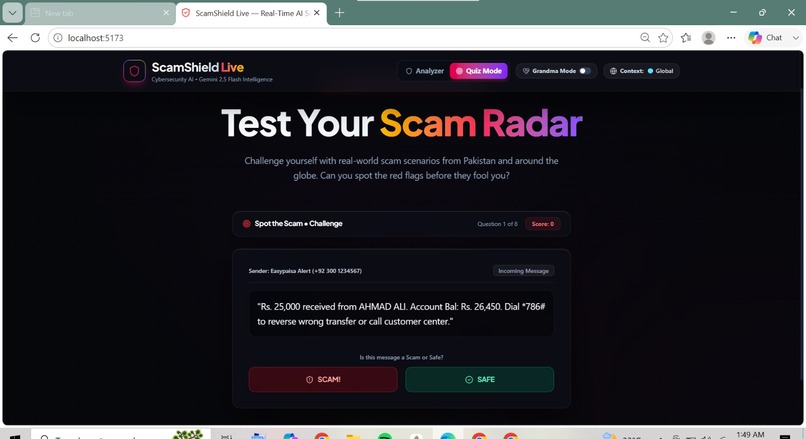
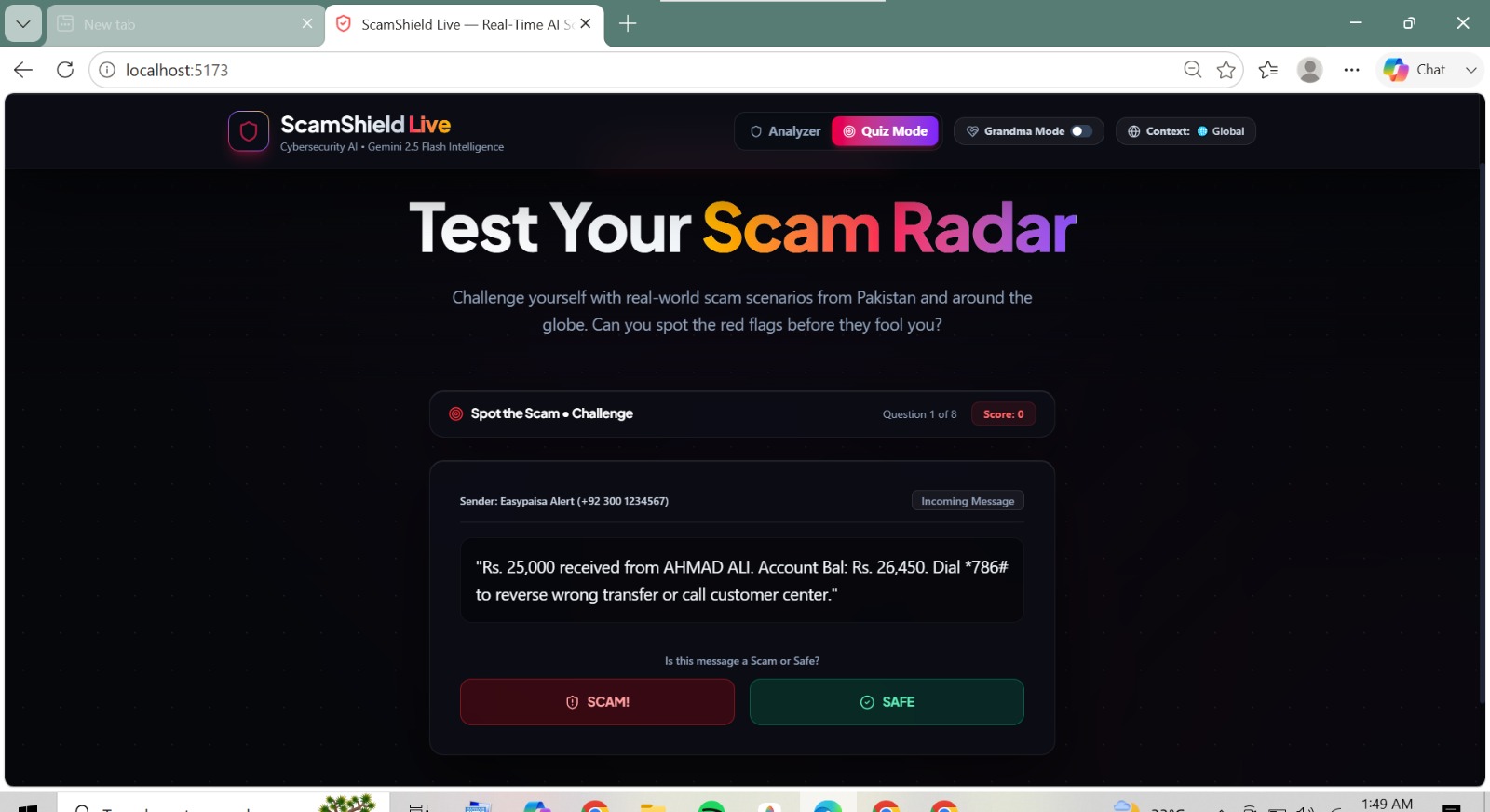
Quiz Mode
-
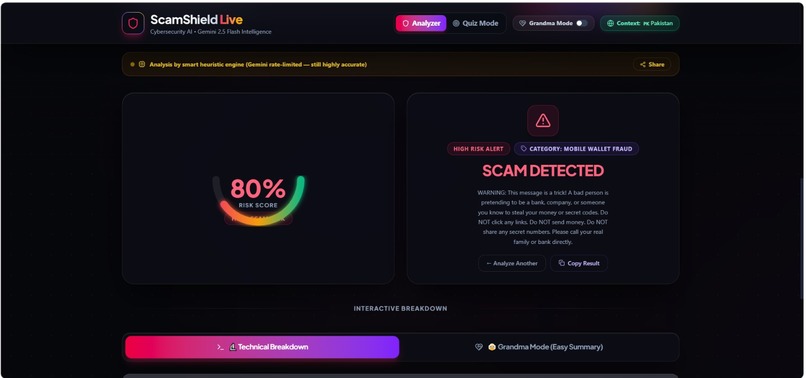
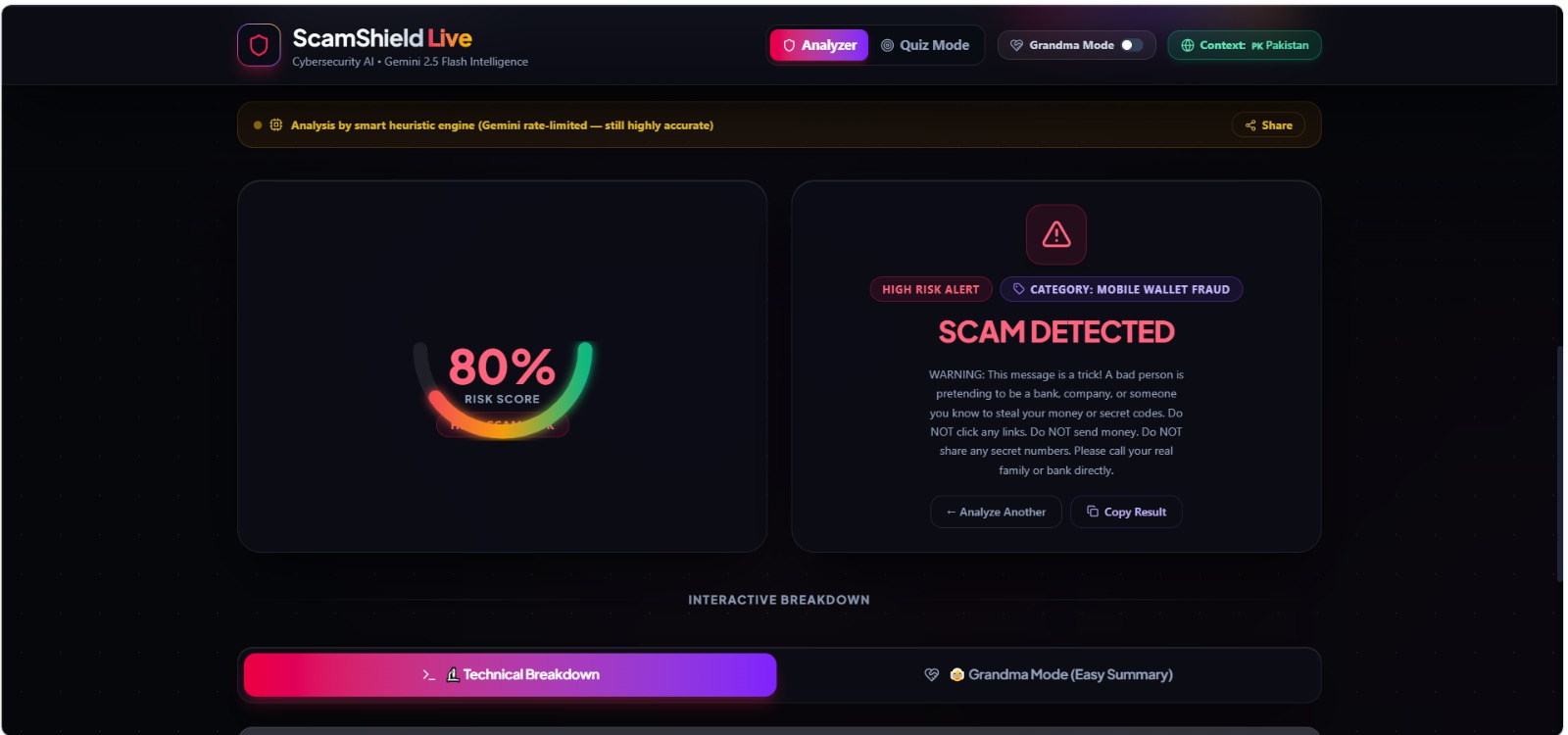
Analyzer verdict (80% risk, Mobile Wallet Fraud)
-
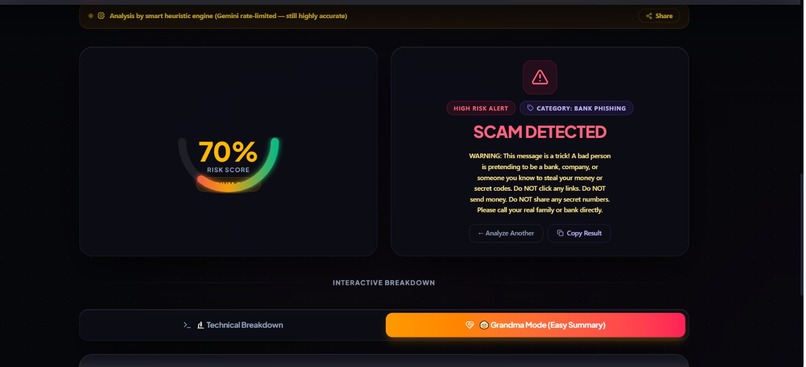
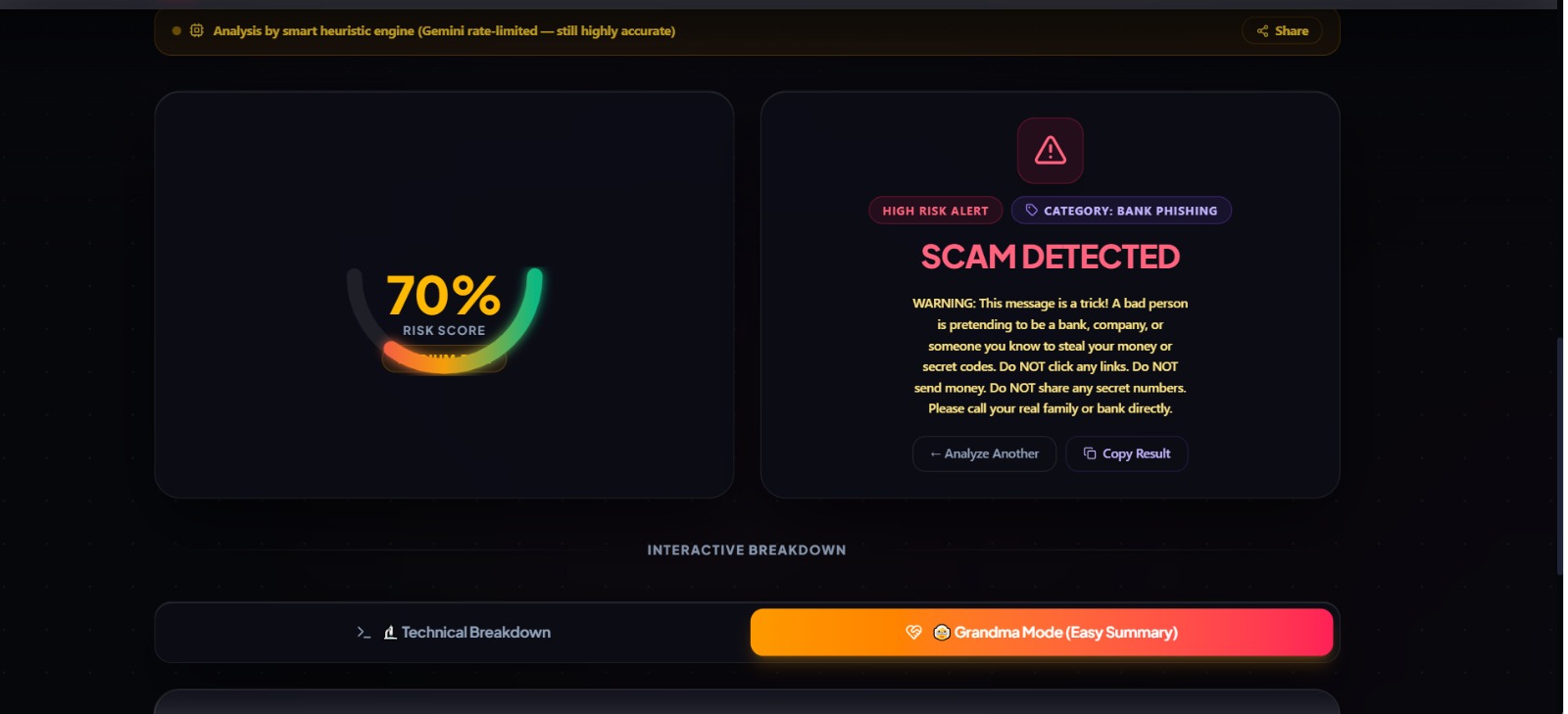
Analyzer verdict (70% risk, Bank Phishing)
-
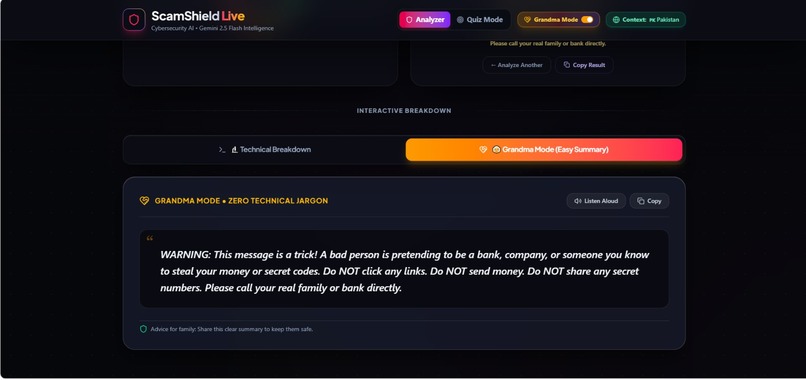
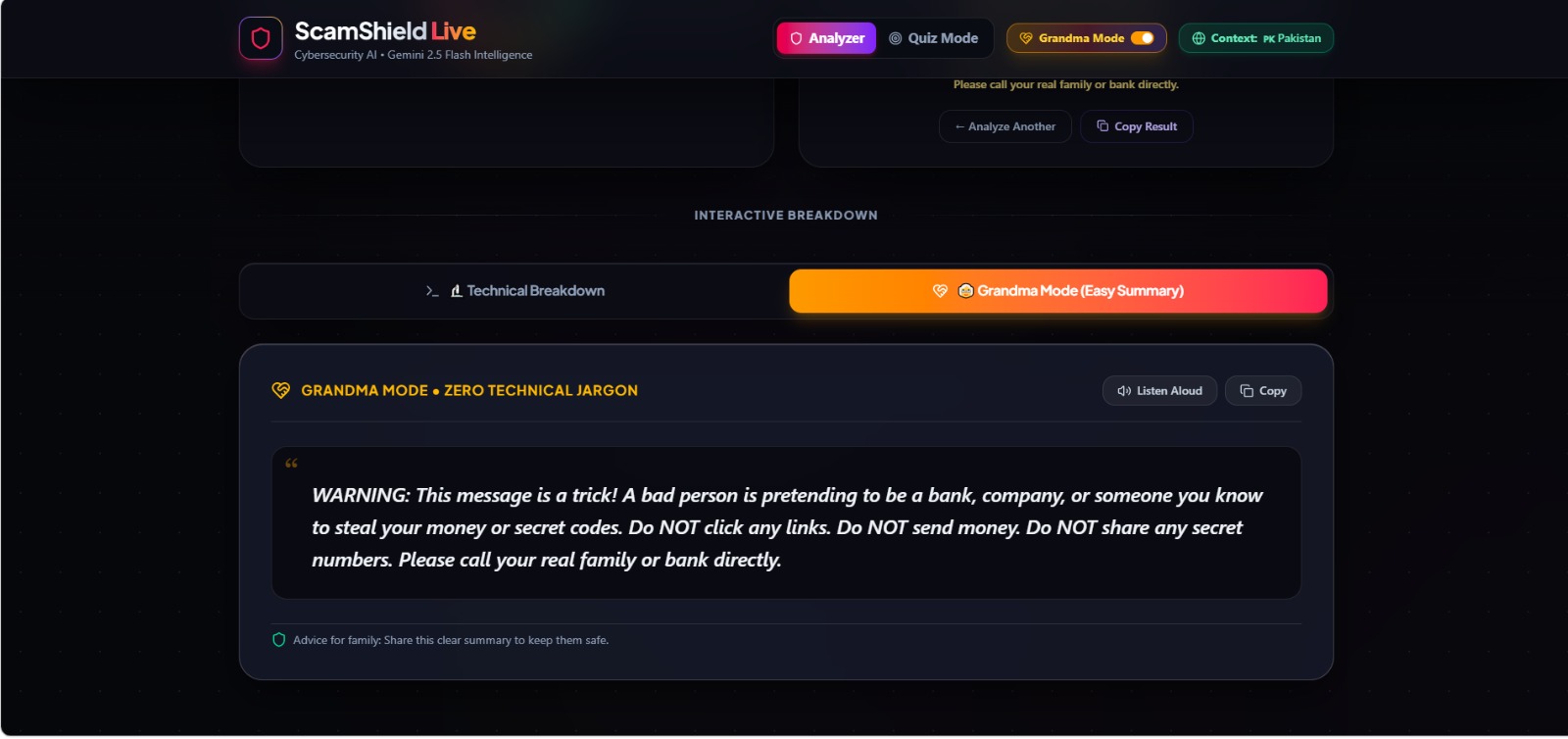
Grandma Mode toggle
-
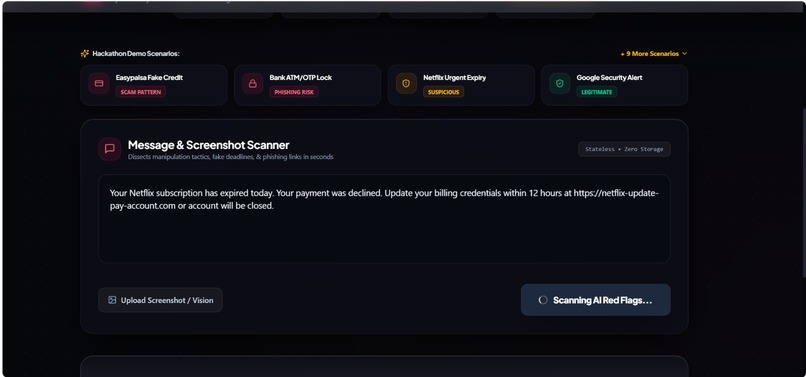
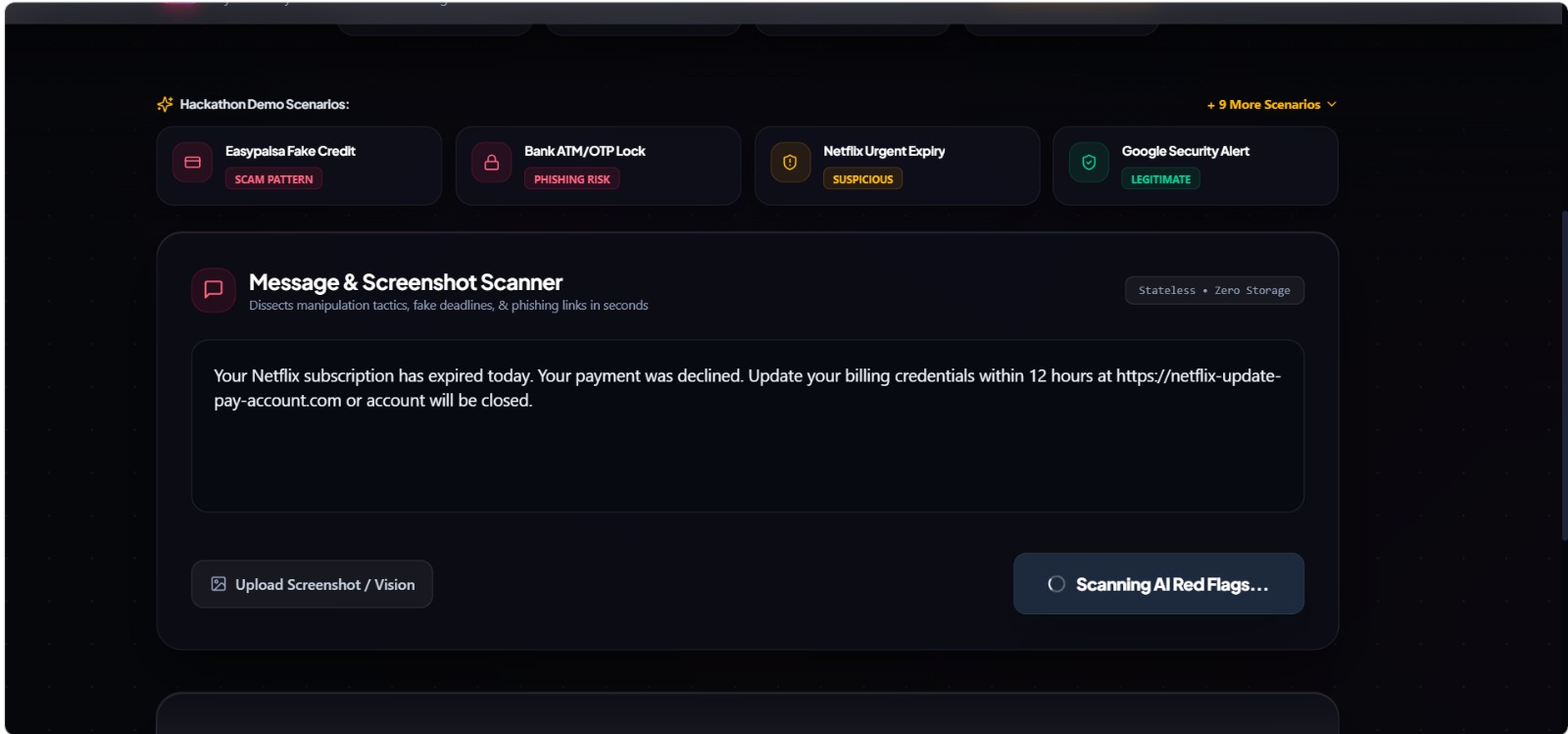
Message scanner (Netflix phishing, scanning)
-
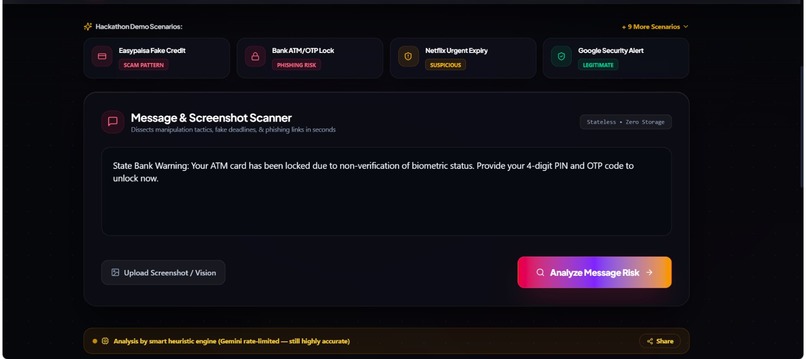
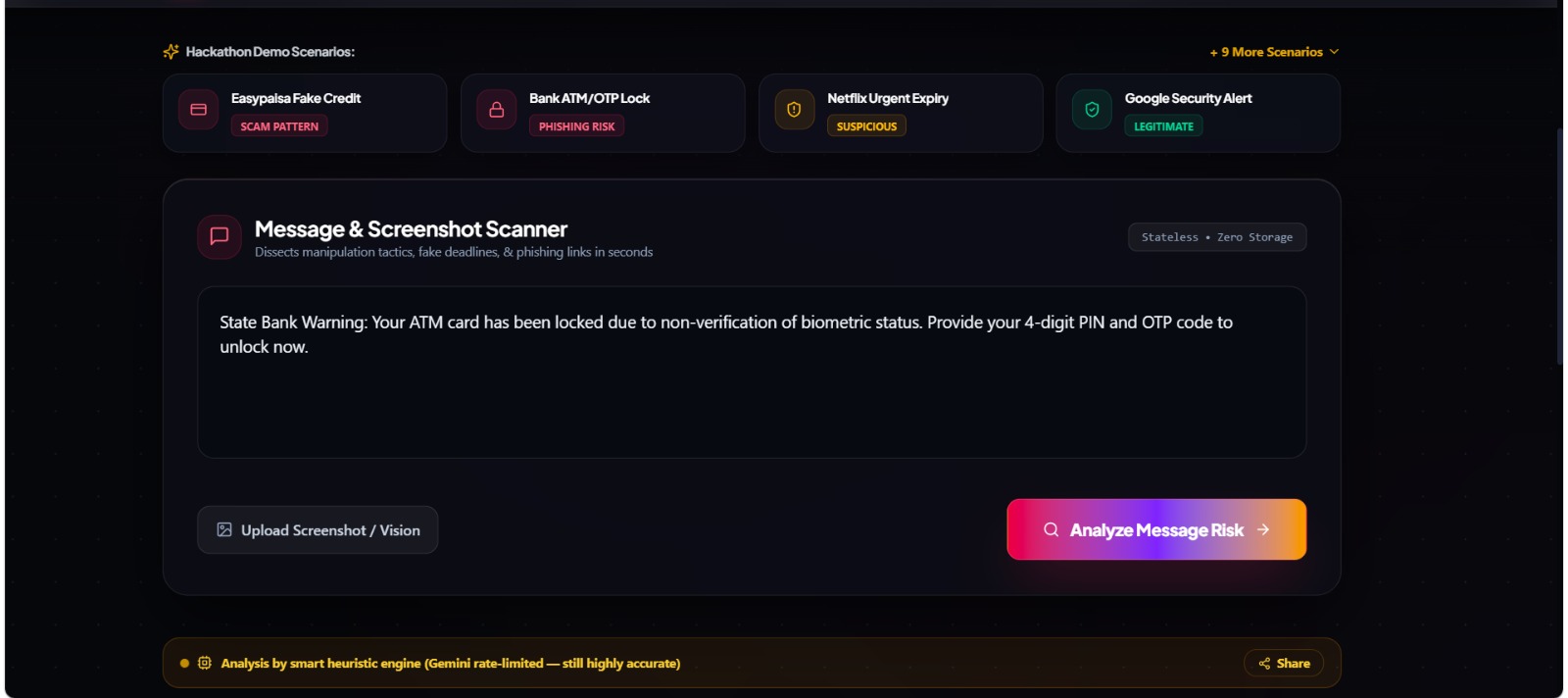
Message scanner ready to analyze
Inspiration
We've all received scam texts that feel just real enough to make you pause — fake Easypaisa credit alerts, urgent "your account will be locked" bank SMS, too-good-to-be-true job offers. What inspired us was realizing that most people, especially elderly relatives or first-time smartphone users, have no fast way to verify these messages beyond "does this feel off?" We wanted to build something that doesn't just say "this is a scam," but actually teaches people to recognize the manipulation tactics themselves, in language they can understand.
What it does
ScamShield Live analyzes any pasted message and returns an instant verdict (Scam / Suspicious / Likely Safe) with a confidence score, highlighting the exact phrases used to manipulate the reader — and naming the specific tactic behind each one, like "Manufactured Urgency" or "Phishing Link & Credential Harvesting." A built-in "Grandma Mode" rewrites the analysis in plain, jargon-free language for less tech-savvy users, and a Quiz Mode lets people practice spotting scams themselves. It also recognizes region-specific patterns relevant to Pakistan, like Easypaisa, JazzCash, and HBL-related scams.
How we built it
We built the backend with Python and Flask, using Google's Gemini API to analyze message text and return structured JSON output identifying scam indicators, flagged phrases, and named tactics. We also built a heuristic fallback so the app stays fully functional even without an active API key. The frontend was built with React and Tailwind CSS for a clean, dark-mode interface with animated risk gauges and highlight effects. We designed the analysis prompt carefully so it wouldn't just flag suspicious phrases, but would name the actual psychological tactic being used — that became the core differentiator of the project.
Challenges we ran into
Getting the AI to return consistent, correctly structured output took real trial and error — early on, we ran into a bug where the risk score appeared stuck at the same value regardless of input, and we had to dig into the network requests and backend logic to confirm the AI was actually processing each message individually rather than falling back to a default. We also hit a wall getting our project pushed to GitHub — repeated authentication failures between two different GitHub accounts cost us a good chunk of time until we sorted out personal access tokens and account permissions properly.
Accomplishments that we're proud of
We're proud that we built a genuinely useful safety tool that works reliably on real scam examples we tested ourselves (like OTP-sharing scams and fake prize messages), not just staged demos. We're also proud of the Grandma Mode feature specifically — it came from wanting this to actually help someone in our own families, not just look impressive to judges.
What we learned
We learned how to design effective prompts to get structured, reliable output from an AI model, and how much iteration that actually takes to get right. We also learned a lot about connecting a Python/Flask backend to a React frontend, debugging real API responses through browser dev tools, and the practical side of getting a project properly version-controlled and pushed to GitHub under time pressure.
What's next for ScamShield Live
Next, we'd like to add multi-language support (especially Urdu and Roman Urdu, given our region), a browser extension for real-time scanning of messages as they arrive, and expanded coverage of scam categories beyond our initial set — including job scams, courier/delivery scams, and investment fraud — backed by a growing database of regionally common scam patterns.

Log in or sign up for Devpost to join the conversation.