Inspiration
Every day, people in India lose money to scams that look completely ordinary: a "KYC expired" SMS, a fake courier fee, a "digital arrest" call, a job offer that asks for a registration fee. Most existing tools just say spam or not spam. They don't explain why, they rarely cite anything trustworthy, and they are usually English-only, while many victims read and speak Hindi or Kannada.
We wanted a tool that works like a calm, knowledgeable friend: it checks the message, shows its reasoning, backs claims with official sources, and tells you exactly what to do next if you've already shared an OTP or paid.
What it does
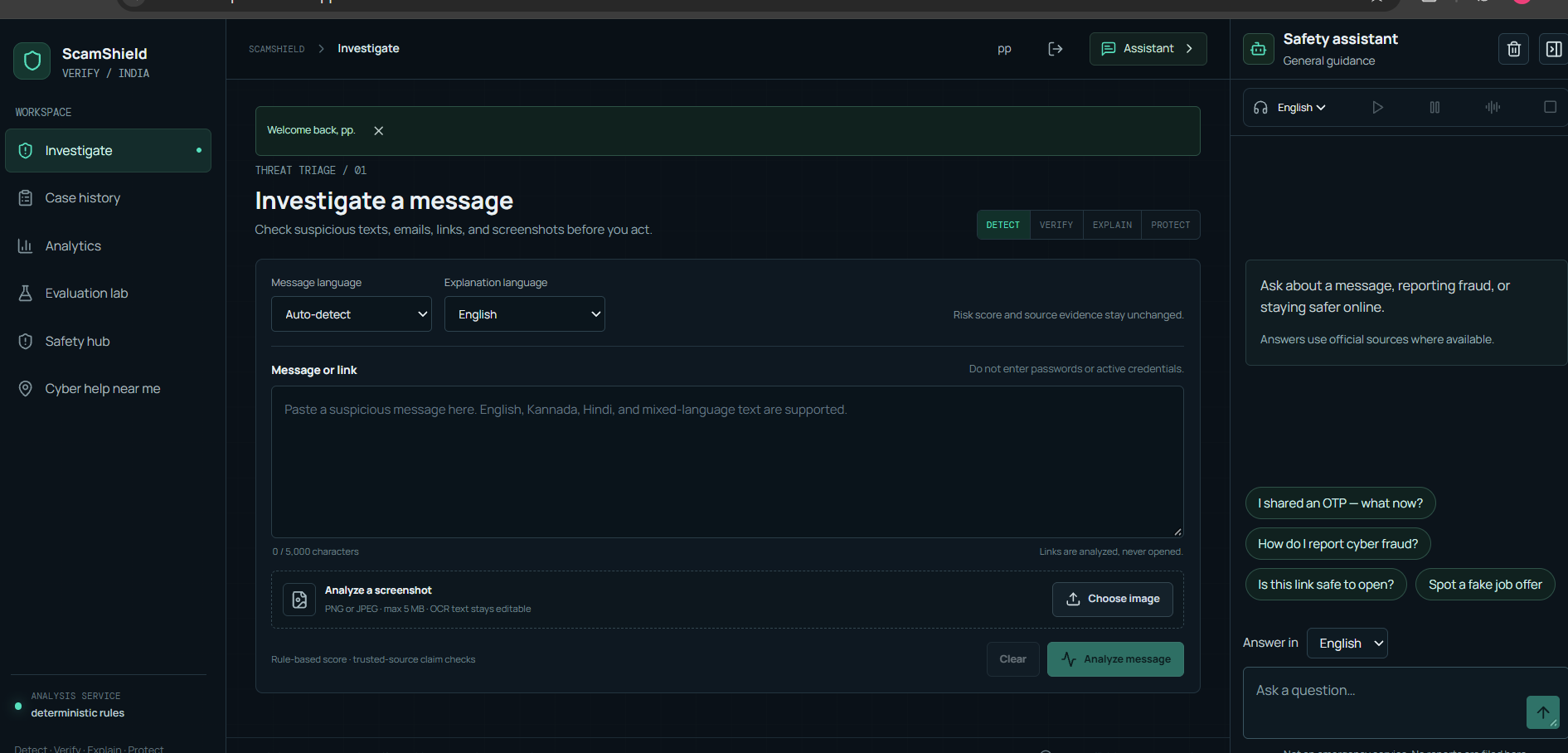
ScamShield Verify is a cyber-safety investigation workspace.
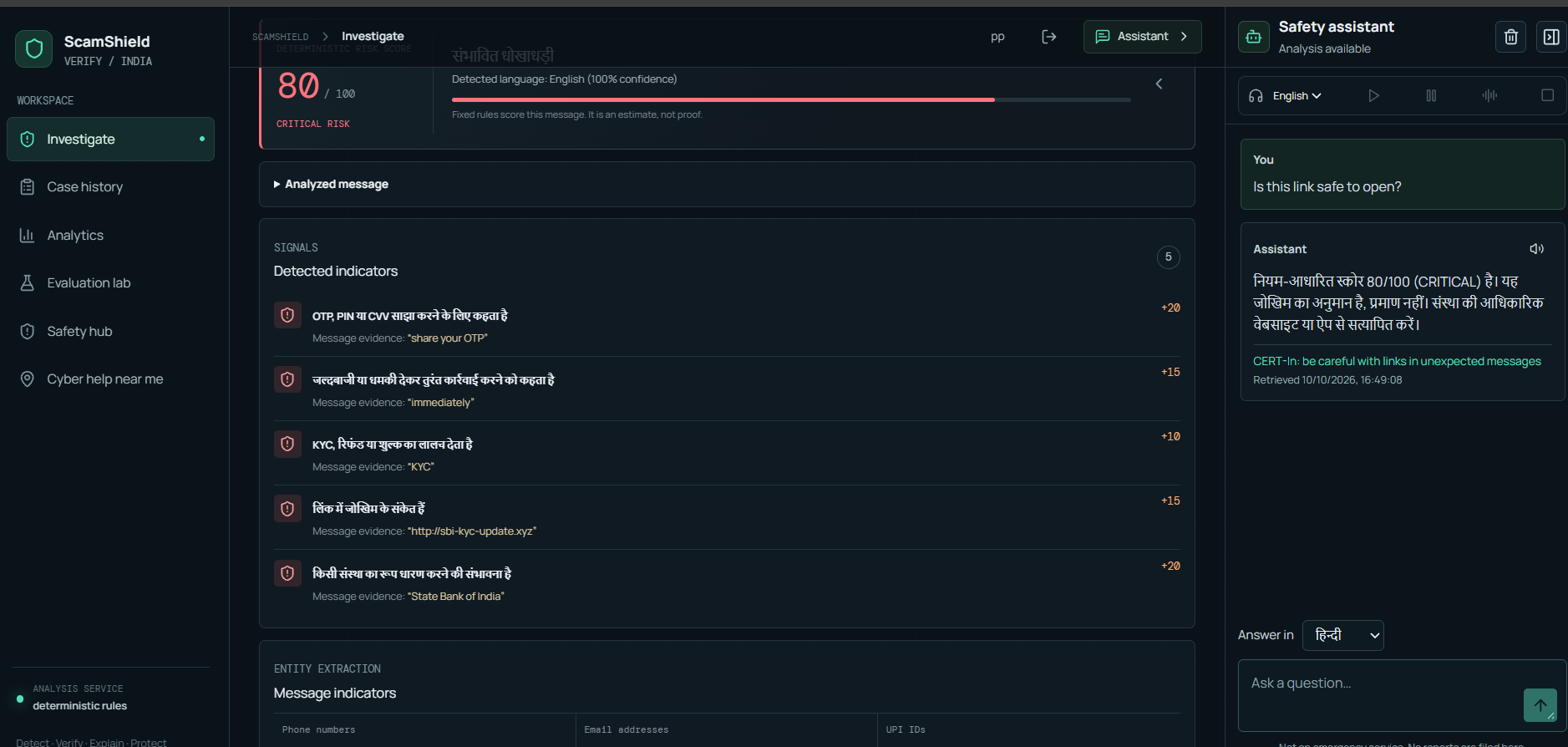
- Analyze pasted messages, links, or screenshots (OCR) and get a risk score with the reasons behind it.
- Verify claims in the message against a catalogue of trusted official sources, with citations.
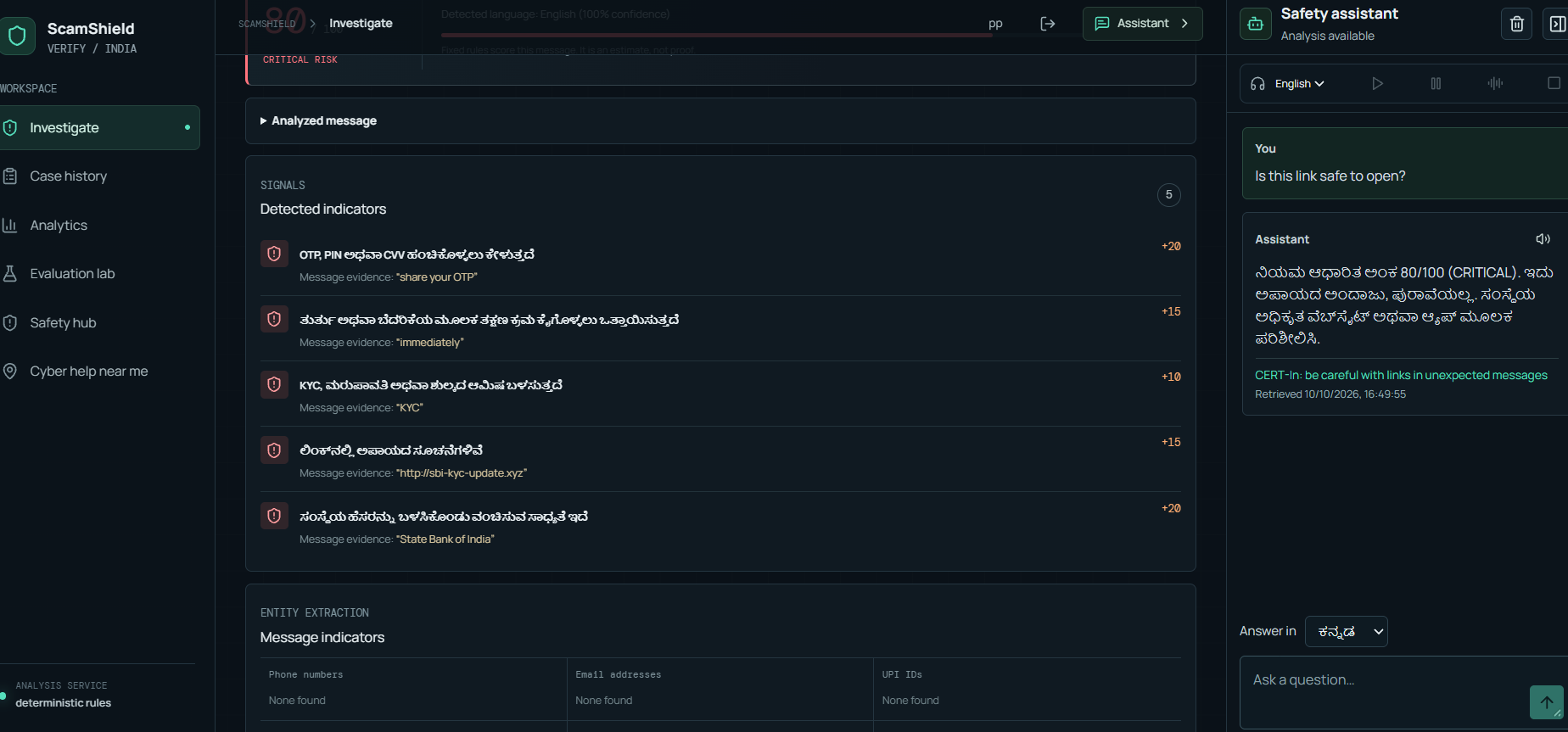
- Explain and read aloud results in English, Hindi and Kannada.
- Safety assistant: a chat panel for questions like "I shared my OTP, what now?", answering from official guidance.
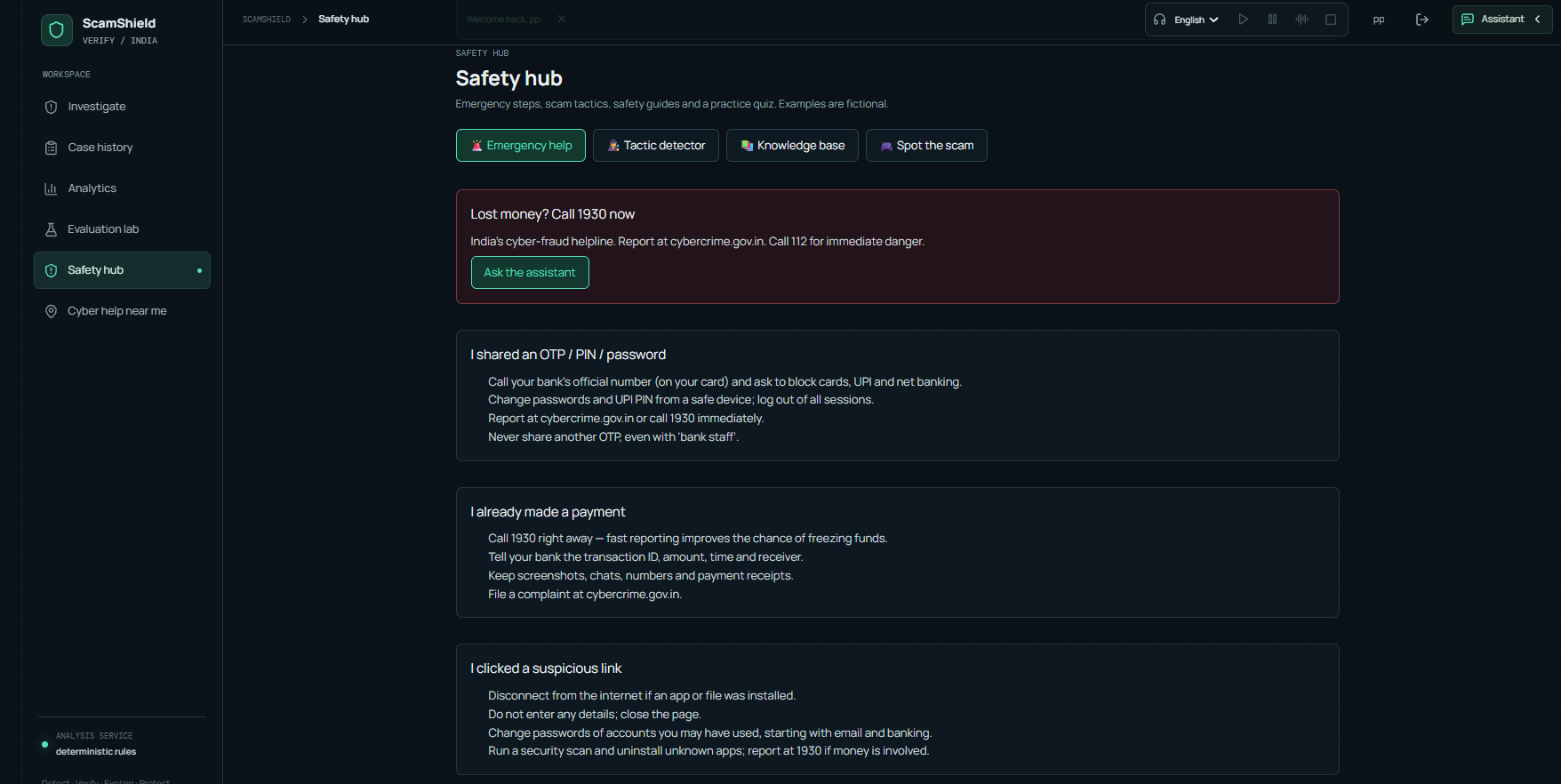
- Safety hub: emergency steps, a scam-tactic detector, a knowledge base (UPI, banking, fake jobs, delivery, government impersonation) and a "Spot the scam" quiz.
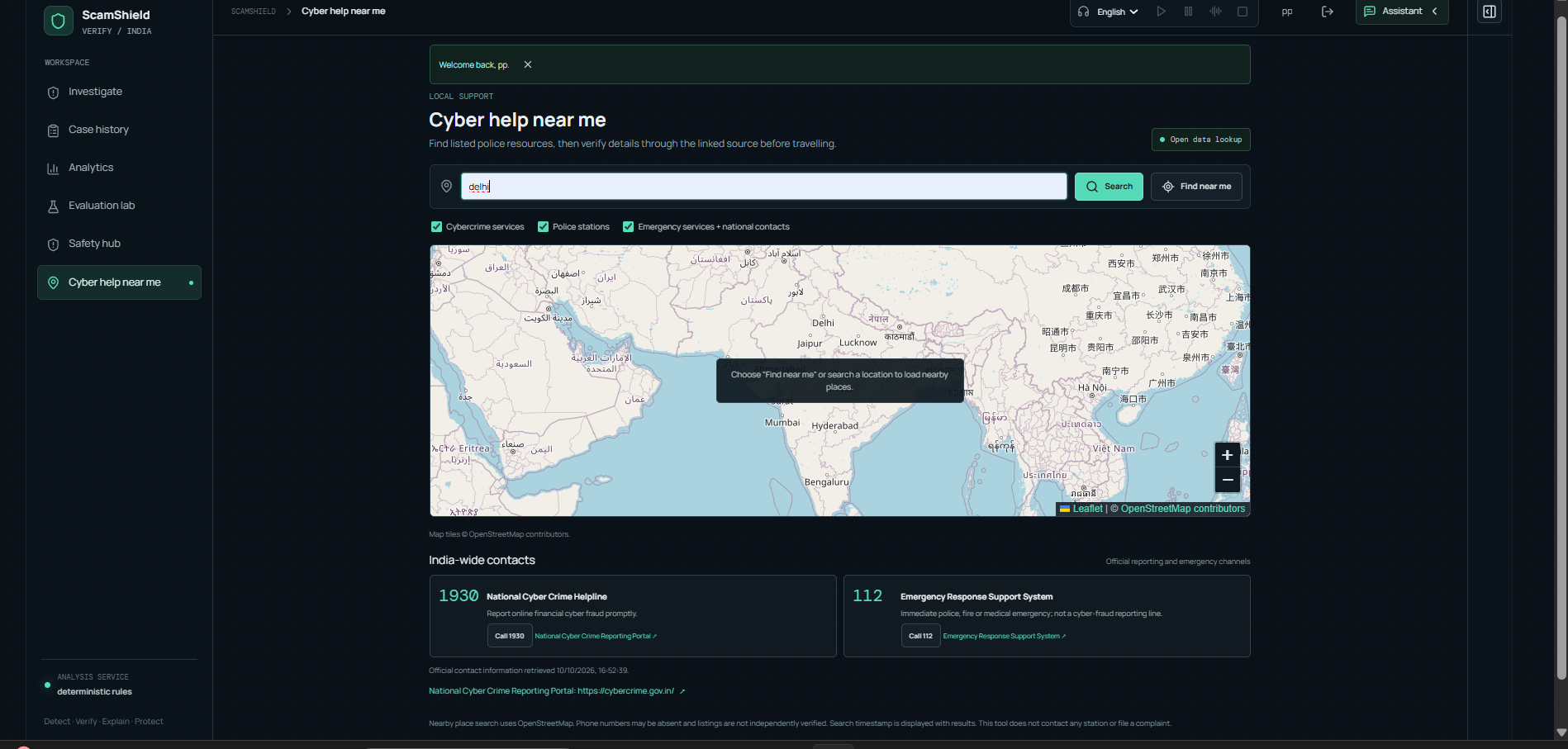
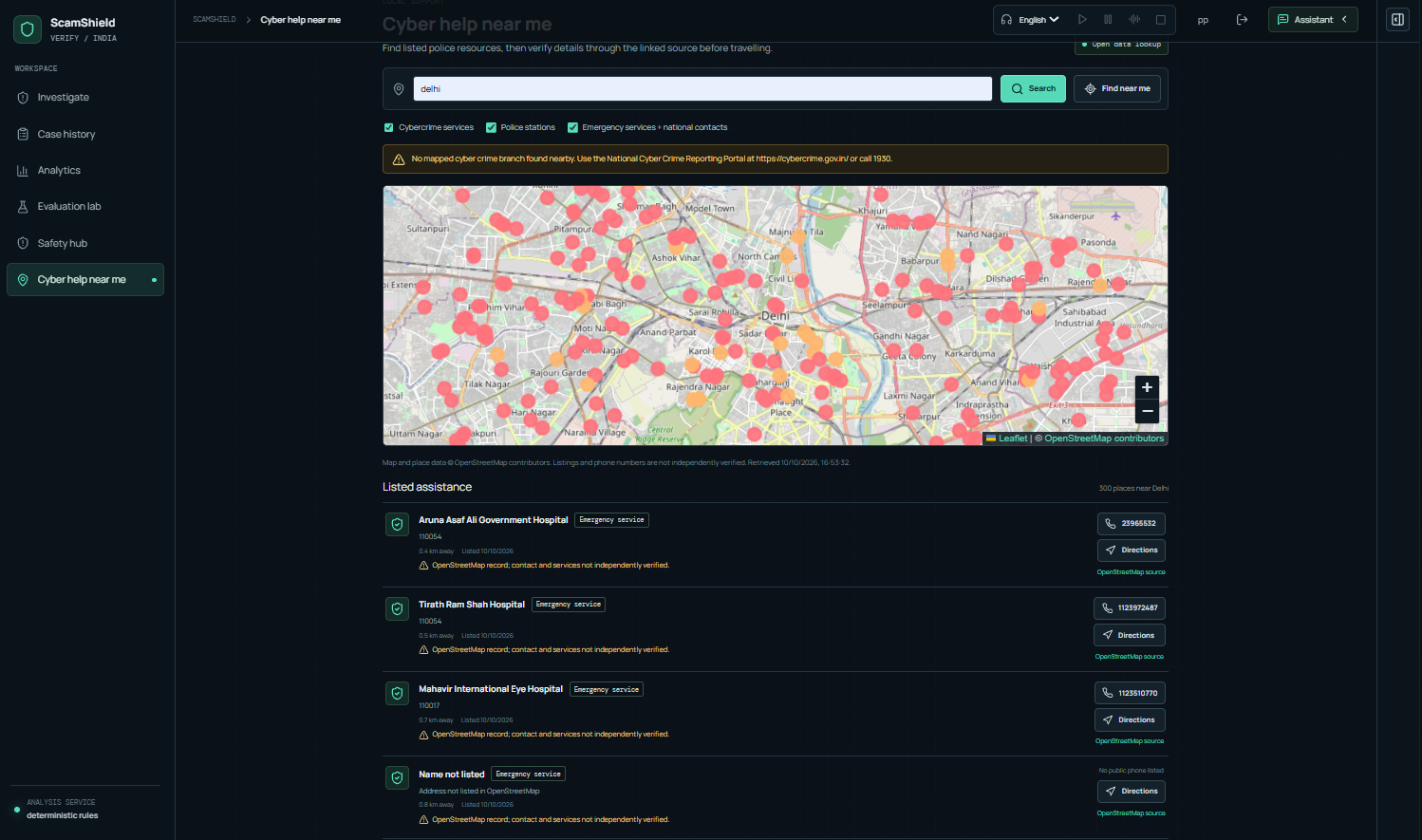
- Cyber help near me: nearby police, cybercrime and emergency services on a map, plus India-wide helplines (1930, 112).
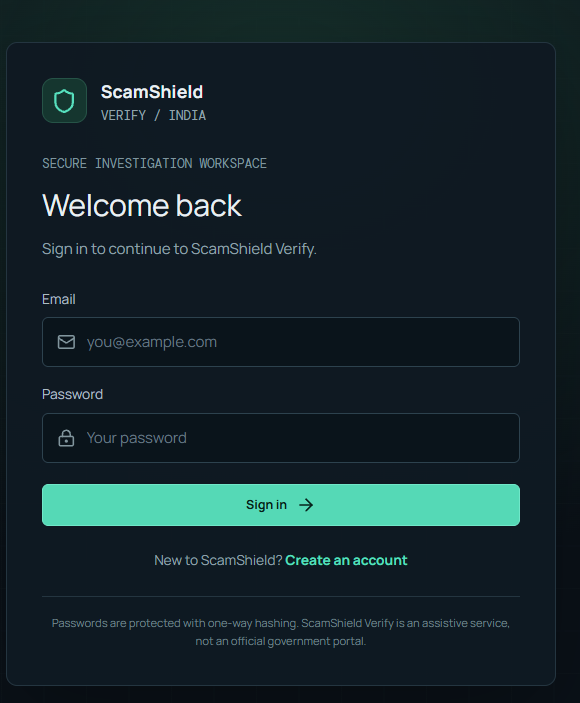
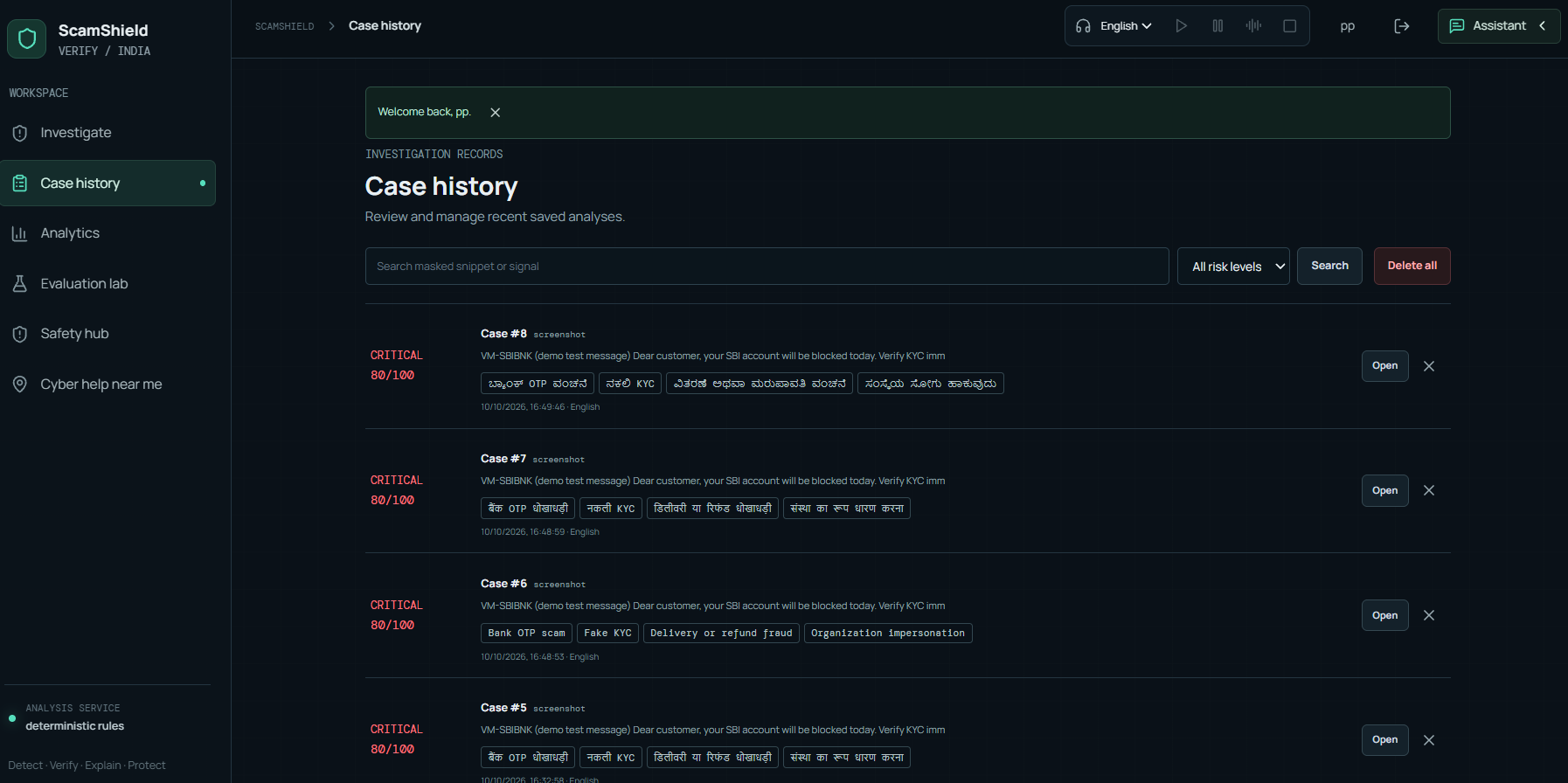
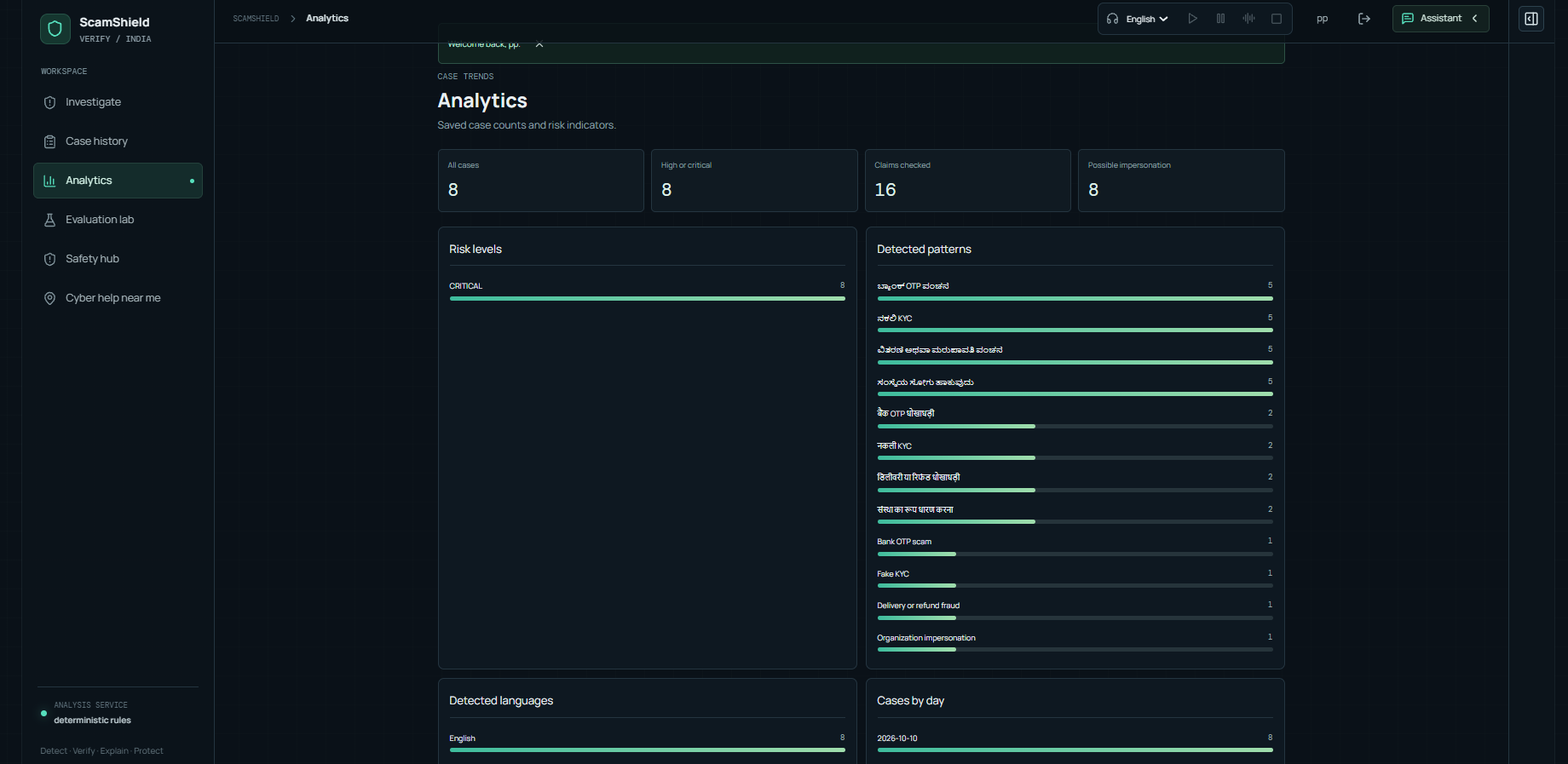
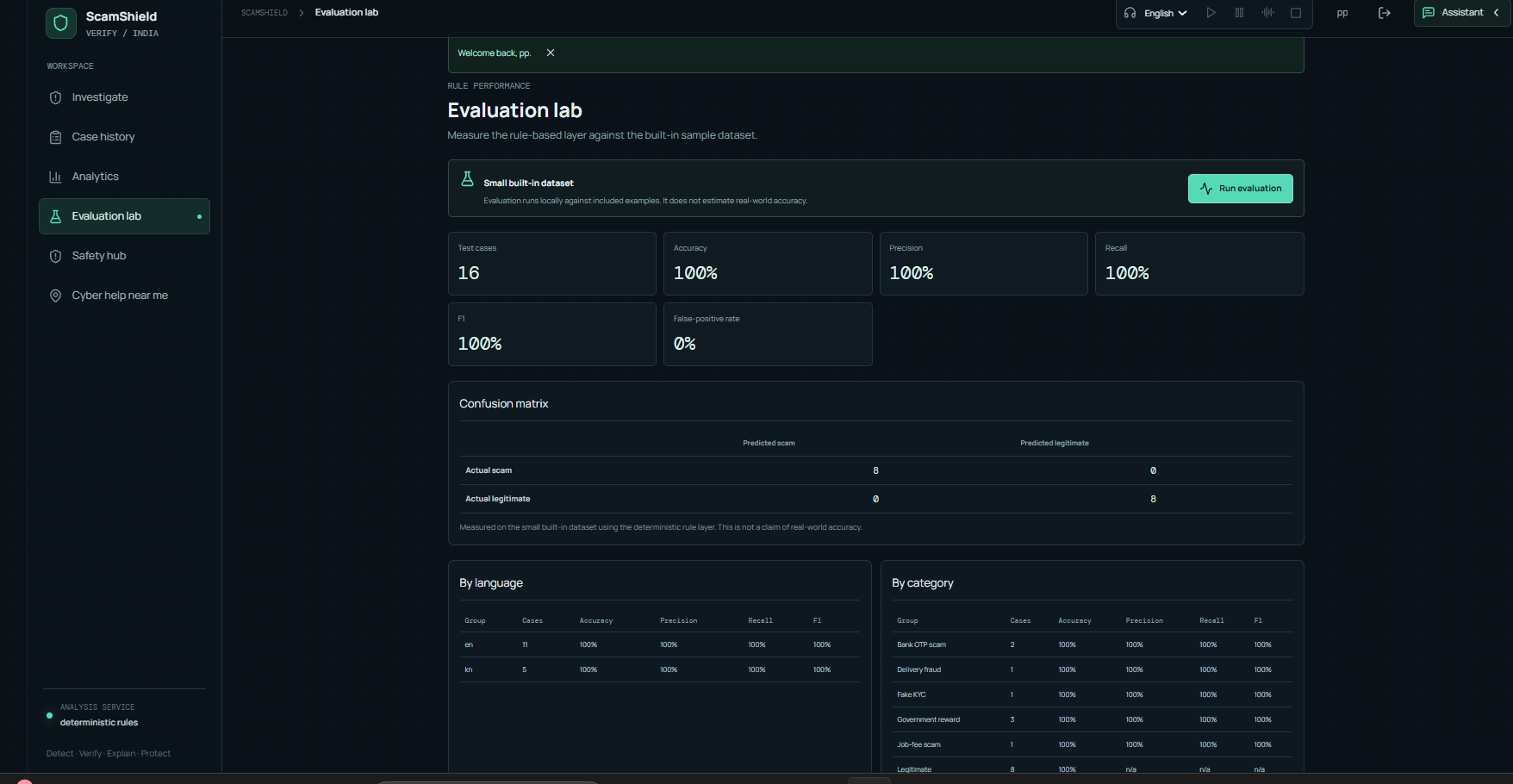
- Evaluation lab and case history with per-user accounts.
- MCP server that exposes message analysis, URL checking and safety guidance as tools for compatible AI assistants.
How we built it
- Frontend: React 18, TypeScript, Vite, Tailwind CSS, Leaflet for maps, lucide icons.
- Backend: FastAPI with Pydantic, SQLite for case history and accounts.
- Scoring: a deterministic rule-based engine, so the same message always gets the same score and every point is explainable. An LLM is optional and only used for the assistant's wording.
- Claim verification: retrieval over a small trusted-source catalogue.
- OCR: Tesseract with English, Hindi and Kannada data, run in a Docker container.
- Voice: browser speech synthesis with an online gTTS fallback for languages the browser doesn't have a voice for.
- Security and privacy: salted PBKDF2 password hashing, session tokens stored as hashes, HTTP-only cookies, rate limiting, per-user case isolation. The original message is not stored, and links are analyzed, never opened.
- Deployment: frontend on Vercel, backend on Render, with
/apirewritten between them.
Challenges we ran into
- Layout bugs: the assistant panel overlapped the main workspace. We fixed it with a state-driven grid, a collapsible panel, and a drawer on tablet and mobile.
- Language and voice: the answer language, the speech language and the browser's installed voices were three separate things, so Hindi text was being read in an English voice. We tied them together and added an online voice fallback.
- OCR in production: Tesseract is a system program, not a Python package, so it failed on the standard hosting runtime. We moved the backend to a Docker image that installs it.
- Deployment: a committed
node_modulesfolder broke the build, and a stateless host meant careful thinking about where accounts and history live. - Being honest about scoring: the risk score is an estimate, not proof. We designed the interface and wording to say so.
What we learned
- Explainability builds more trust than accuracy claims alone.
- Language support has to cover the whole flow (text, assistant and voice), not just a translated label.
- Small details decide whether a safety tool is usable under stress: clear emergency steps, readable text and an input that's always visible.
What's next
- Precision, recall and false-positive reporting in the Evaluation lab
- Persistent cloud storage for case history
- More languages and a larger trusted-source catalogue
- Voice input for questions
Built With
- docker
- fastapi
- gtts
- leaflet.js
- mcp
- ocr
- openstreertmap
- pydantic
- pytest
- python
- react
- render
- sqlite
- tailwindcss
- tesseract
- typescript
- vercel
- vite
- web-speech-ai

Log in or sign up for Devpost to join the conversation.