-
-
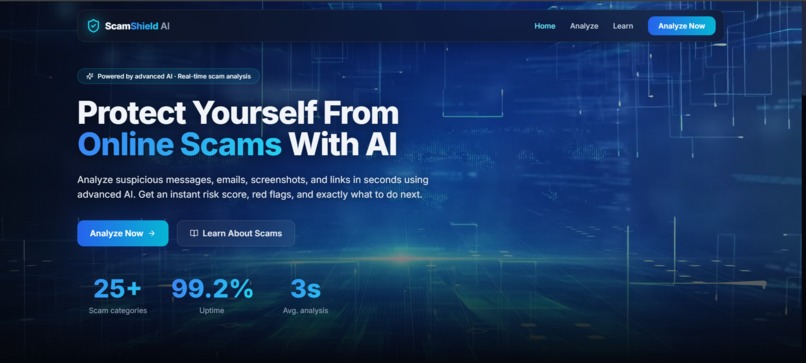
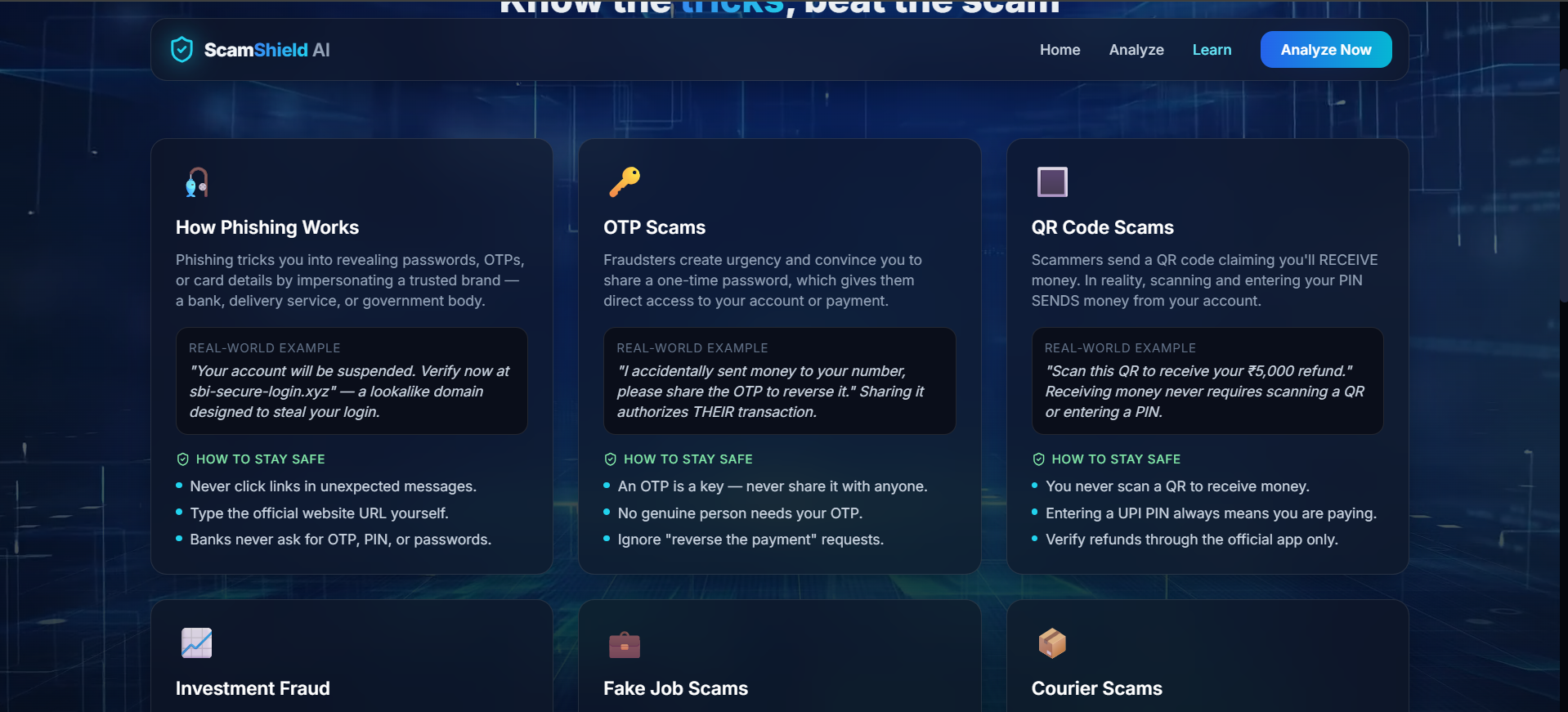
Home page
-
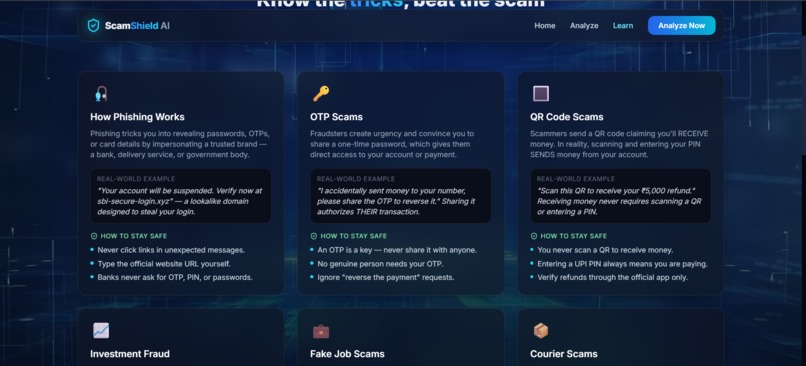
Learning page
-
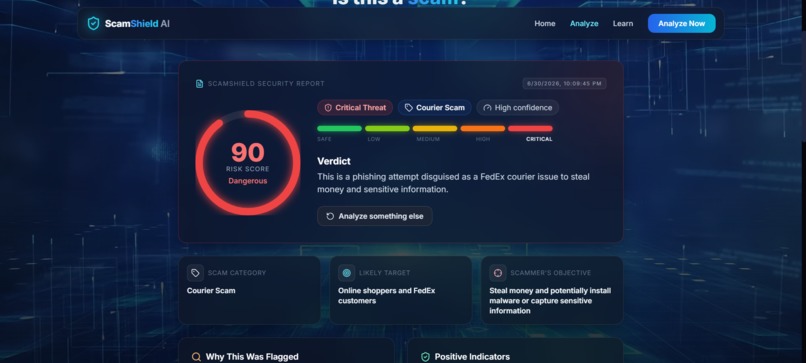
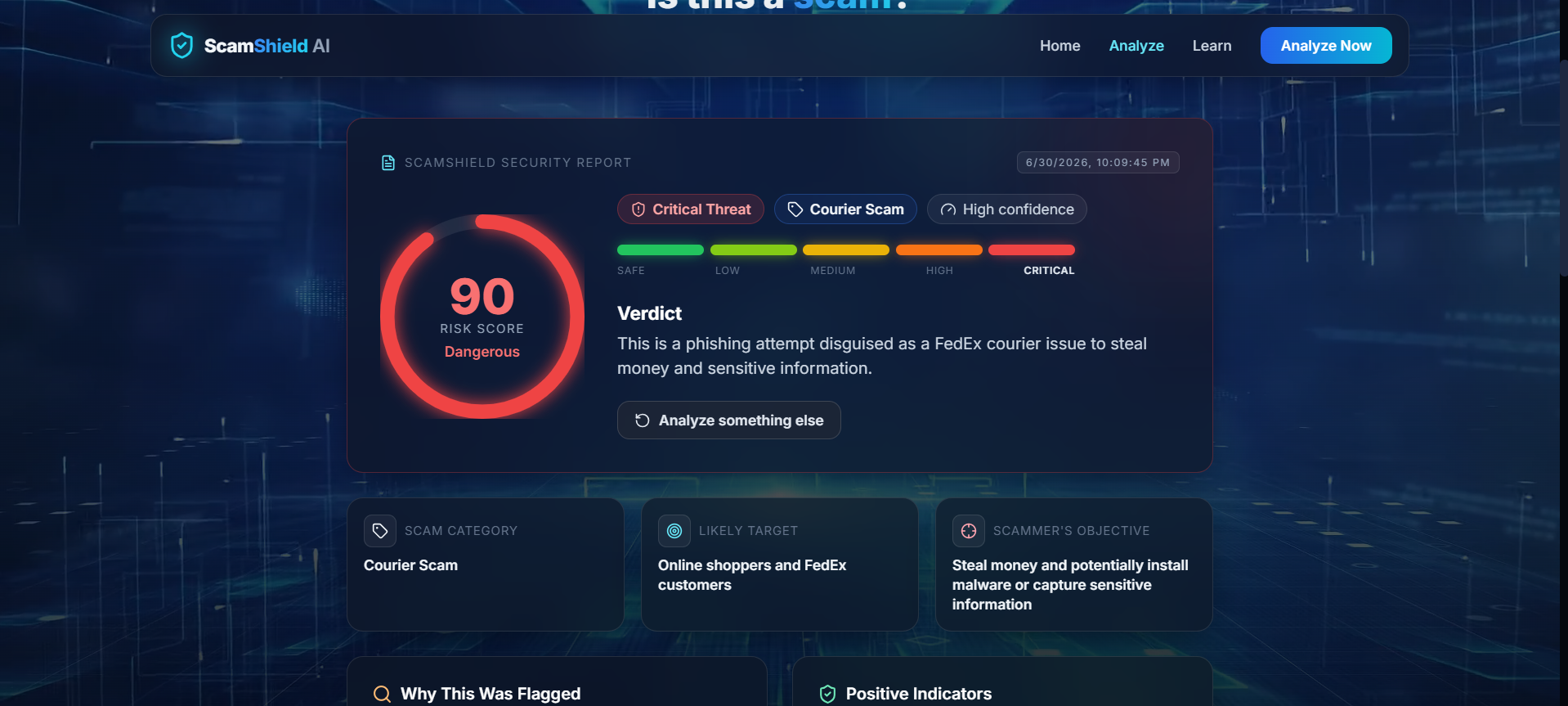
Scam Analysis
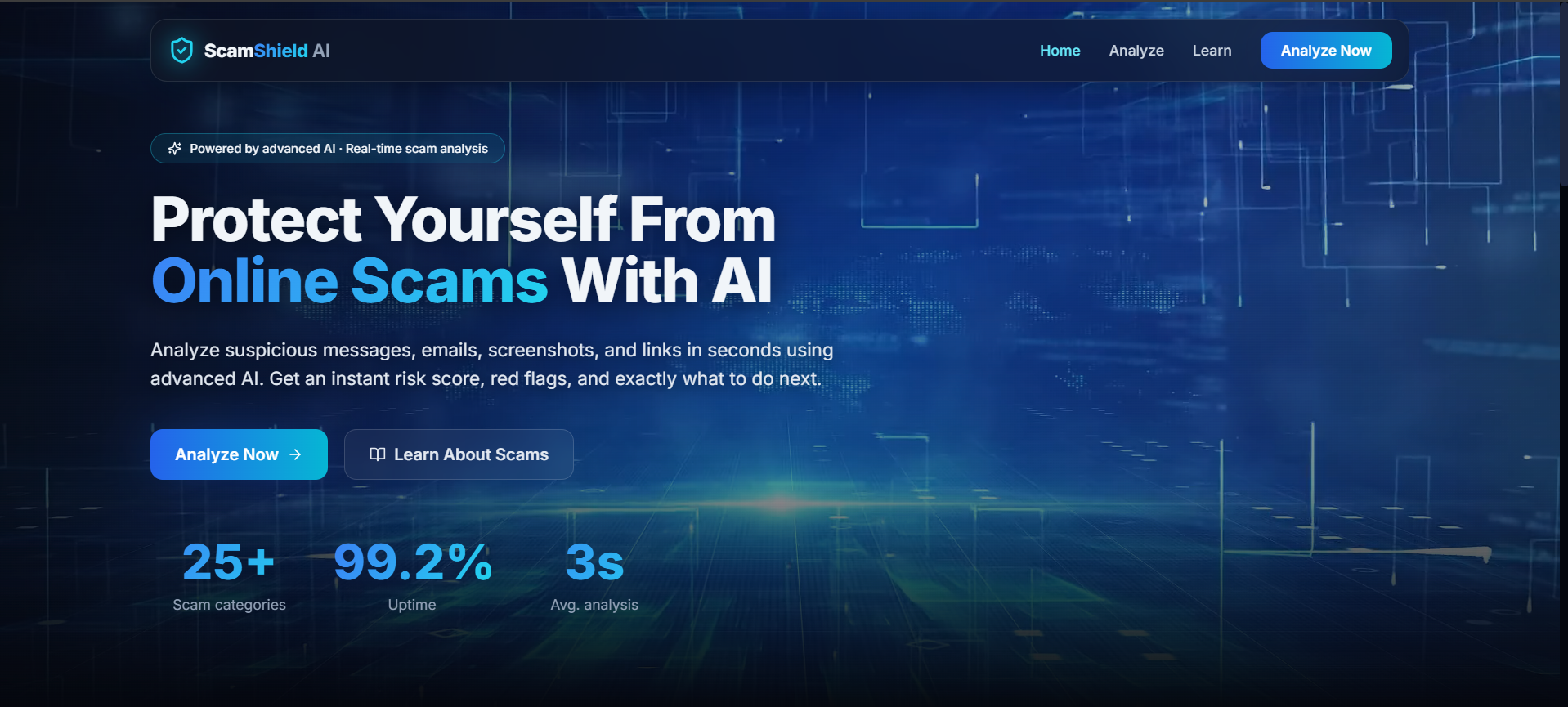
Inspiration
It seemed that everybody I knew — whether family, friend, or someone who does not know much about technology — would fall victim to these scams or be almost falling victim to them since they seemed to come from legitimate sources and could trick even the best of us into thinking they were genuine: fake bank notifications, "your package is being held" messages, or job openings that seem too good to be true. Every time, the question remained: "Is this real or is this not real?" There was never an easy way to verify it, and most people realized the truth too late.
What it does
You can enter your suspicious message, email, or website URL, or you can upload a screenshot using ScamShield AI, which will give you a verdict right away in the form of a 0-100 risk rating, threat level, scam type (phishing, banking scam, job scam, UPI scam, romance scam, and 10 more), all specific warning signs it found, detailed explanations, and actions to take ("do not click," "verify with an official app," and more). The screenshot is analyzed only using your device via OCR technology; hence, no images will be sent from your browser.
How we built it
Frontend is built using React + Vite, Tailwind CSS and Framer Motion for animations in the risk gauge and glass-card UI design while Tesseract.js performs Optical Character Recognition (OCR) on screenshot images. Backend uses a minimalist, stateless Node.js + Express API with only one core API endpoint which sends the recognized text to Groq’s LLaMA 3.3 70B model after prompting it to respond with strict JSON. Response is then safely parsed, normalized and passed back to the frontend to render. I have intentionally avoided using any databases or authentication systems.
Challenges we ran into
Making sure that the LLM could spit out a consistent JSON response every time, without any inconsistencies or unnecessary text, was difficult and required a lot of prompt tuning and a parsing step on the back end to deal with edge cases. The third technical problem I encountered involved doing OCR on the client side; while trying to maintain accuracy, it was important to keep the process fast and not to block the user interface. The final problem involved making sure my categories for calculating risk scores were actually helpful and specific.
Accomplishments that we're proud of
This is something I am very proud of because the whole process, from an unprocessed screenshot to a colored, animated final decision, is done in mere seconds with no need for logging in or storing any information. Furthermore, this solution has very good accessibility, meaning that it does not give the user a complicated technical explanation but rather gives him or her a clear and concise answer he or she can use right away.
What we learned
A lot of information on prompt engineering for structured and reliable output in JSON format by LLMs has been gained, along with the amount of schema design and validation required when AI output drives a UI in the real world. The significance of on-device processing was also learned - for privacy reasons, and for simplicity and statelessness of the backend too. Product-wise, I learned that the most important thing is not the AI model, but its explanation in calm manner.
What's next for ScamShield AI
After that comes a browser extension that will protect the user while browsing, a mobile application to check on the move, email inbox scanner and multilingualism that will enable the application to reach those people who speak different languages. In the long run, I will be adding a community driven scam database to detect new scamming patterns, an enterprise dashboard, and an artificial intelligence voice scam detector.


Log in or sign up for Devpost to join the conversation.