-
-
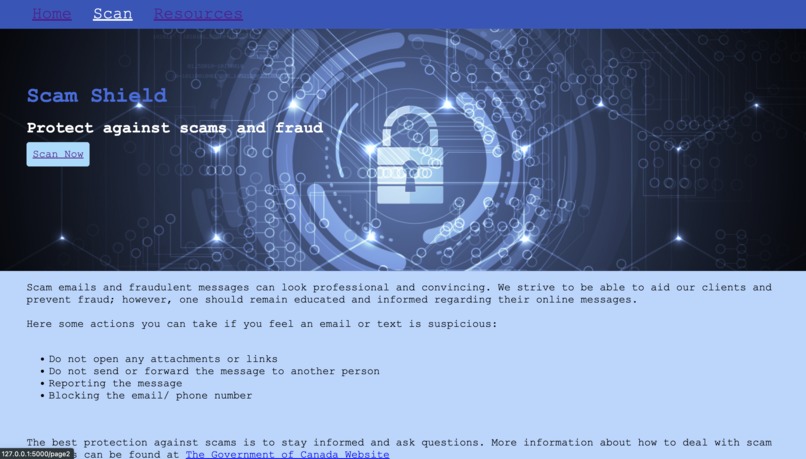
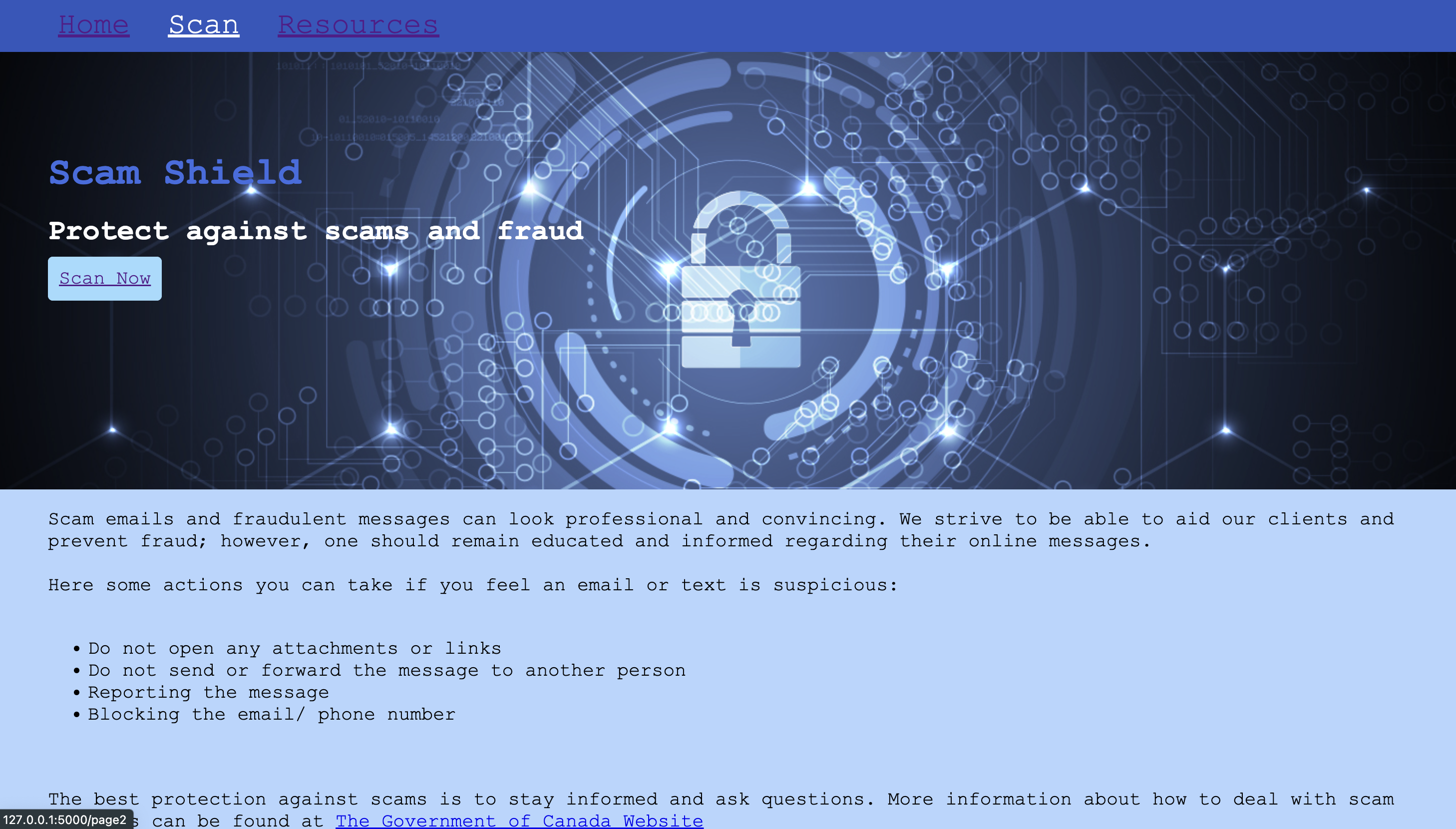
Home Page part 1
-
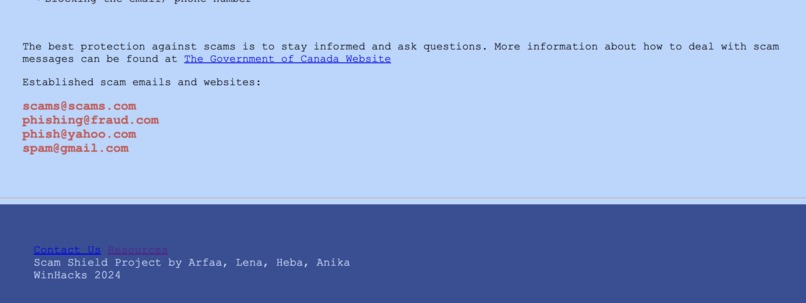
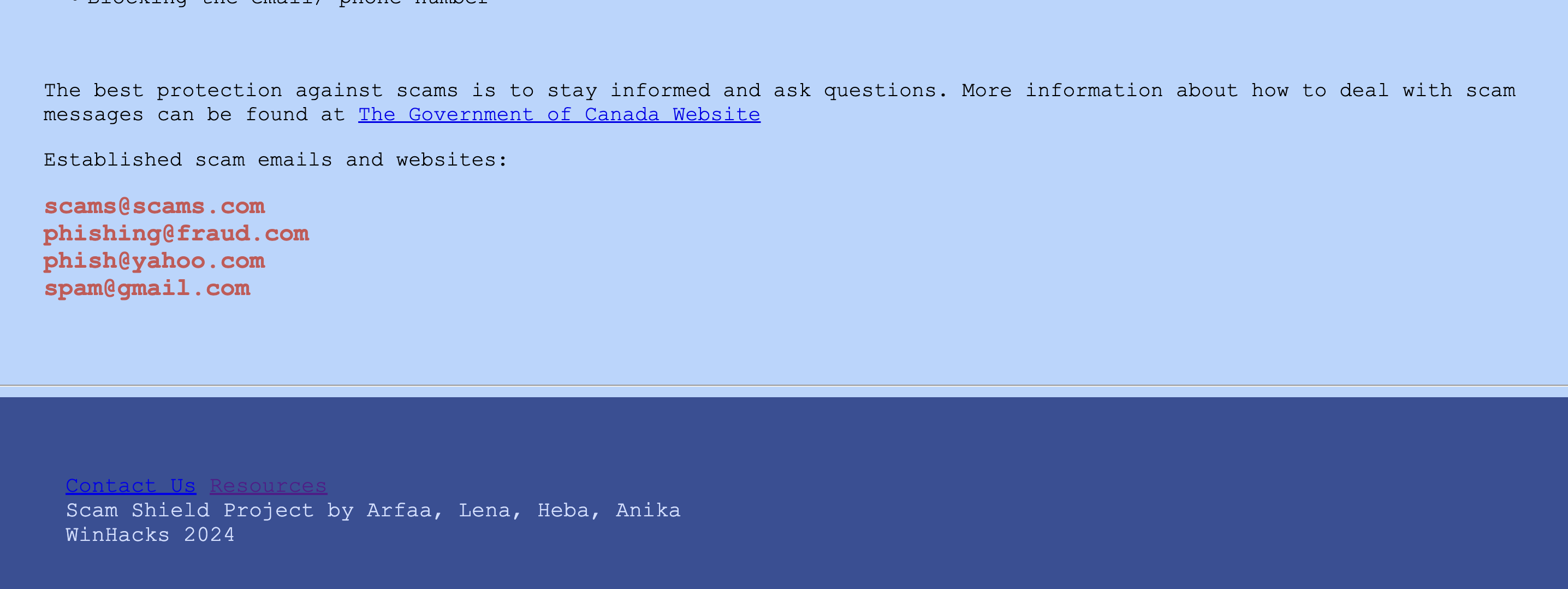
Home Page part 2
-
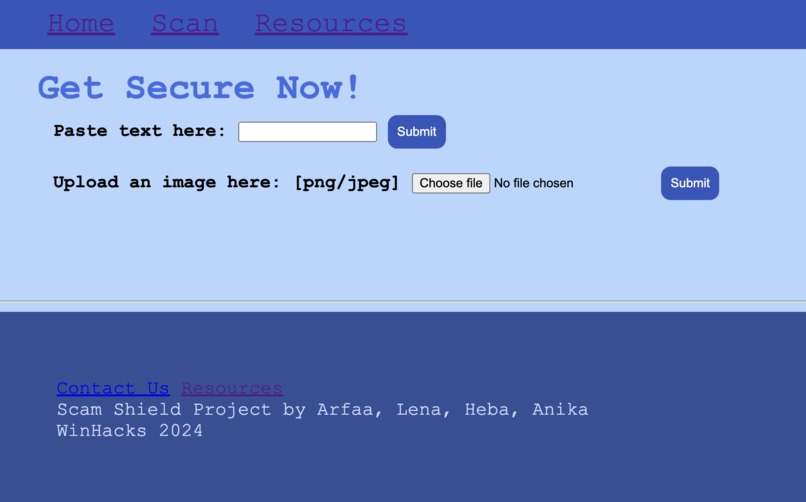
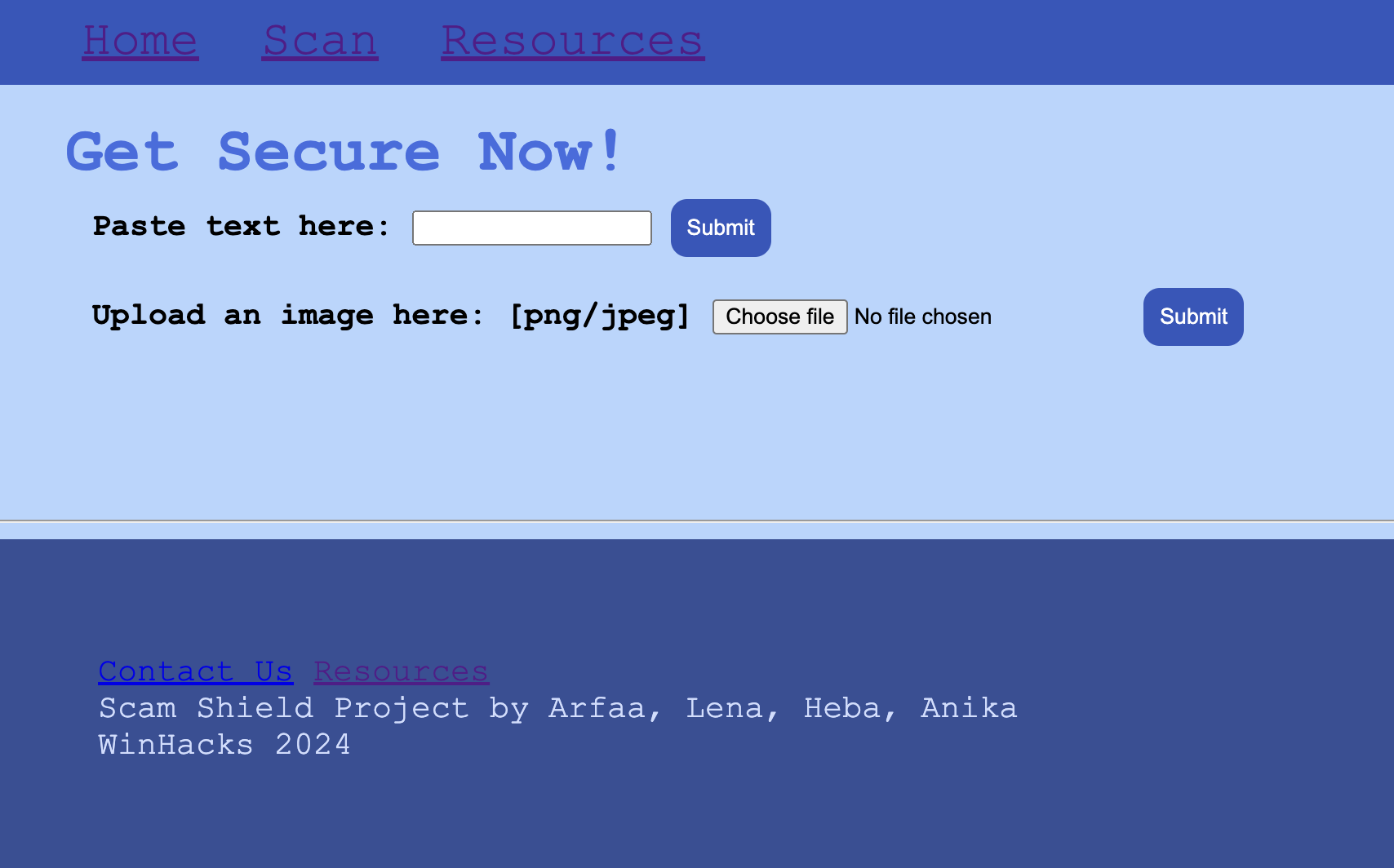
Scan Page / page 2
-
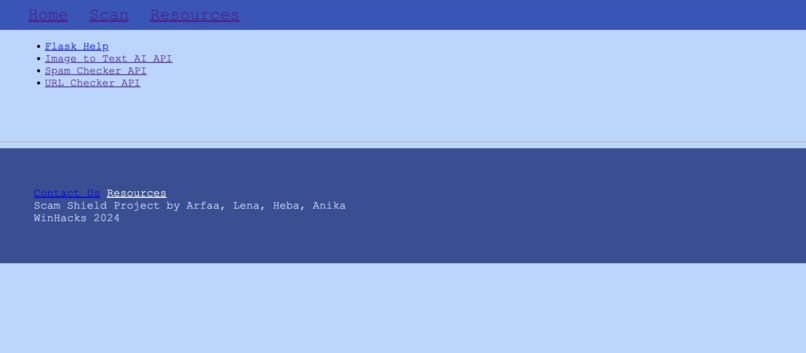
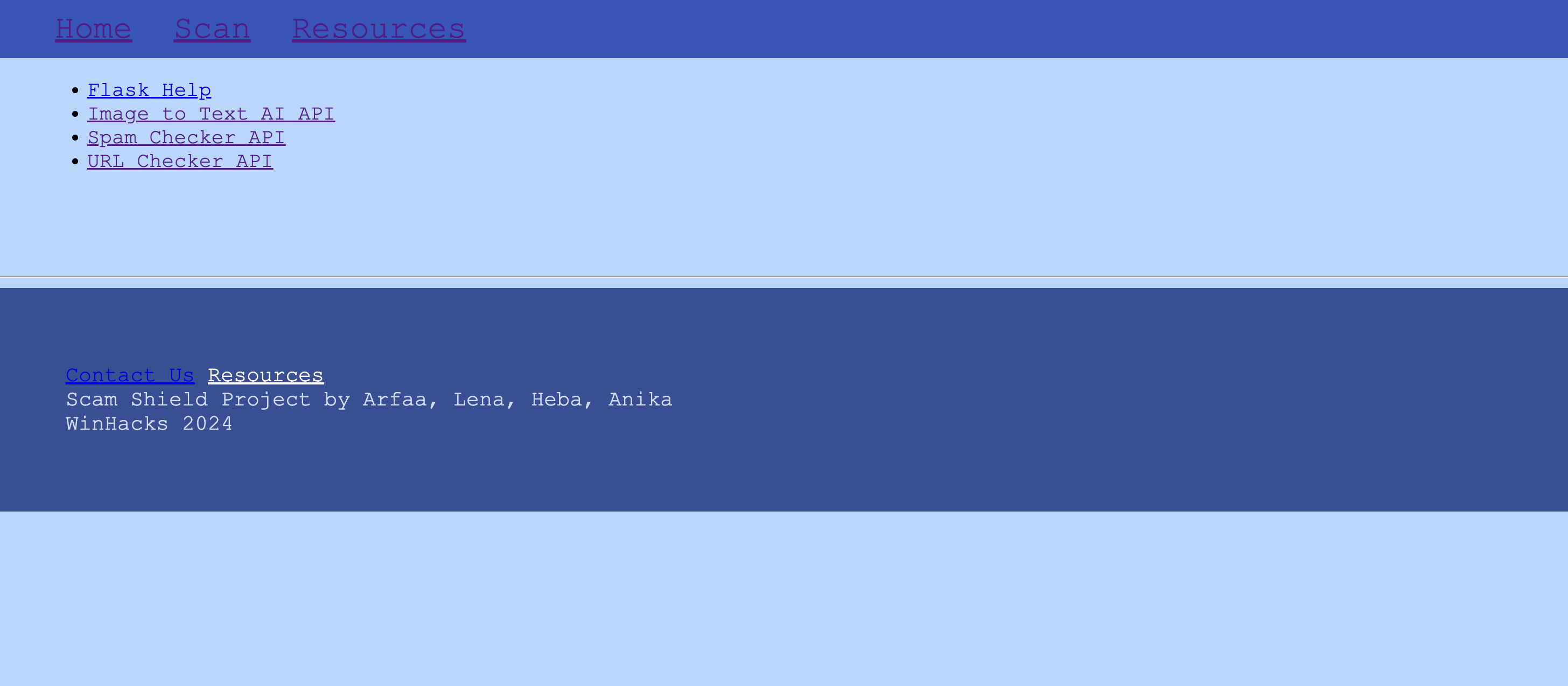
Resource Page/ page 3
Our project focused on the Social Media App: Fraud and Scam Prevention challenge. This challenge in particular was close to us as we all had experience helping our parents out with scam emails and how to better identify them in the future. Our web app, Scam Shield, hopes to make it easier for people like our parents who want to stay safe online but cannot keep up with the ever-advancing digital world.
Our web app allows seniors to input their email as text or image and get feedback on the likeliness of it being a scam. We wanted to not only prevent financial fraud but also give seniors the ability to detect and protect independently. Scam Shield works to empower seniors, one click at a time.
We ran into many challenges trying to get our APIs to work as we wanted them to. If we had more time we would've looked for better APIs. The time constraint was a challenge for us too as we would've wanted to update our database with the results of our app.
We are very proud of getting the API to work and how our project turned out overall. It was very difficult for us but we made it work and are very proud of the results.
Our web app, Scam Shield, was designed to be easy to use and simple to understand. Our goal was to make it easy for seniors to be able to access even without much tech knowledge. Our main page includes a navigation panel, that directs to the scan page and further resources, and a short message outlining the steps one can take when faced with a potential scam.
The scan page includes a text box for the copy and paste option, where one could copy their email and then paste the contents into the app, and a drop box for the file upload option, where one could screenshot their email then upload the picture to the app. Clicking the enter button runs the program and outputs either “This message seems safe” or “This message seems unsafe.”
Scam Shield uses 3 APIs to make this possible. First, we used an Image to Text API that uses AI-based optical character recognition algorithms to convert the uploaded image to text. Second, we used a Spam Check API that uses scoring algorithms and Bayesian filtering to measure the integrity of the message to further check for hidden intentions. Lastly, we used a URL Reputation API to verify and analyze links in search of phishing content and suspicious domains within the text.
We also implemented a database using SQLite to maintain a blacklist of domains that are known to be unsafe. This database could be queried before analysing the message, and if a message the client inputs is found to be unsafe, it could also be added to this database.
The final page includes our list of resources and what we used to help us make Scam Shield. The framework we used was Flask so the page included our Flask help resource and our 3 APIs. For our front-end we used HTML and CSS.

Log in or sign up for Devpost to join the conversation.