-
-
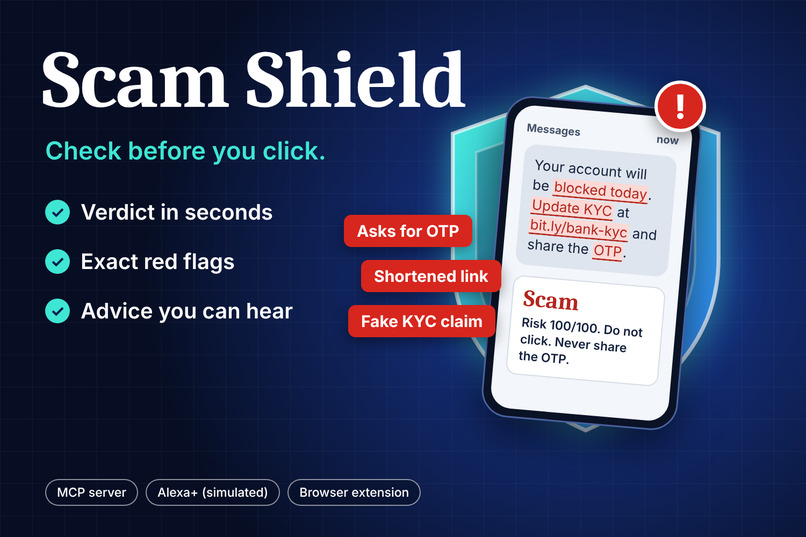
Scam Shield is second opinion on any suspicious SMS, WhatsApp message or email, with the red flags and what to do next.
Inspiration
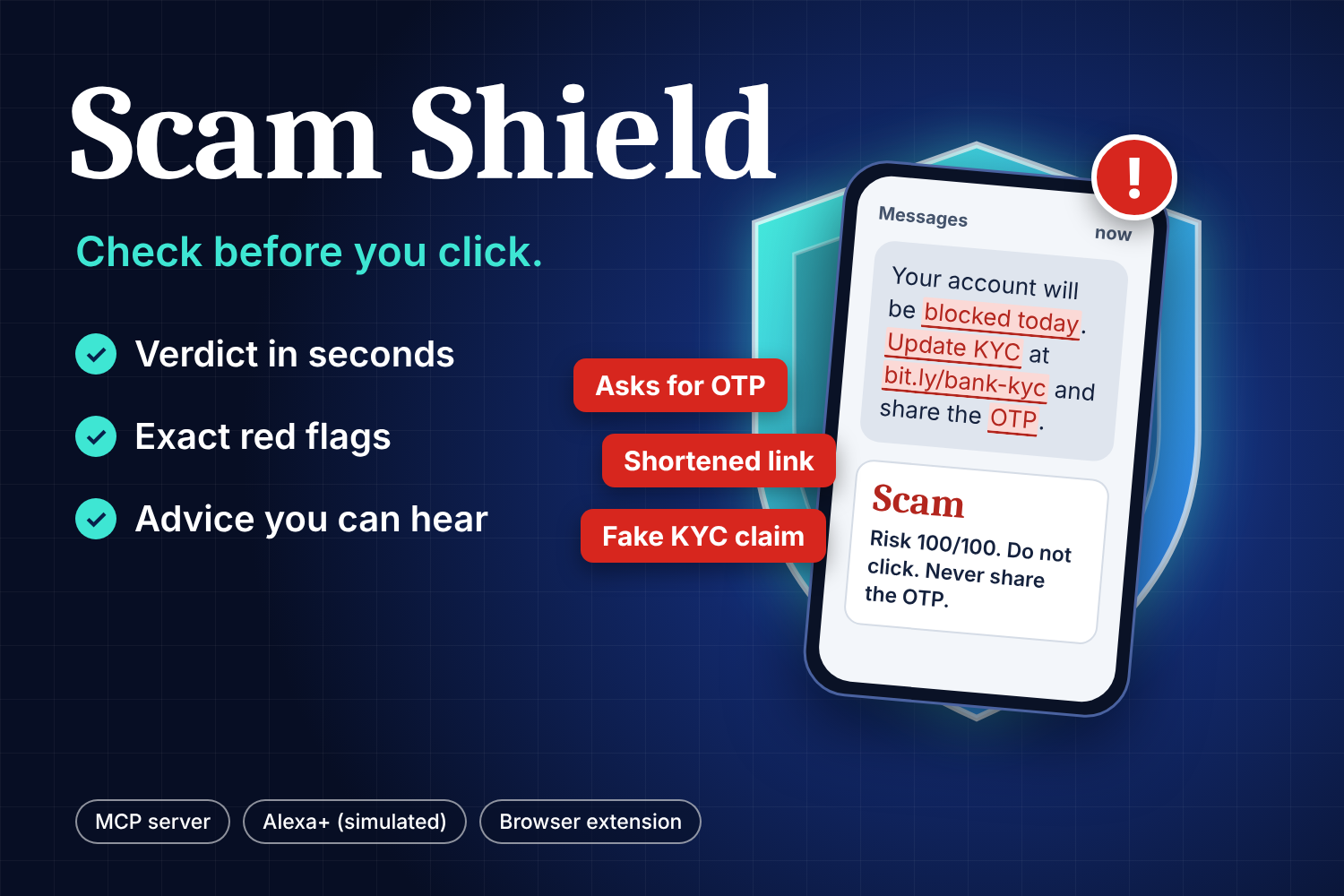
Most scams don't break into anything. They pressure a person into acting before they think: "your account will be blocked today", "share the OTP", "you have won a prize". The people hurt most are often the ones with nobody nearby to ask. I work in banking IT audit and cybersecurity, and I see the same patterns again and again: fake KYC updates, OTP theft, lottery and refund bait, courier-fee traps.
I wanted to give everyone a calm second opinion in a few seconds, by voice or with one click: is this message safe, and what should I do?
What it does
Scam Shield checks a suspicious SMS, WhatsApp message or email and answers in plain language:
- a verdict: Safe, Suspicious or Scam
- the exact red flags it found, and a risk score out of 100
- clear next steps, such as "don't click, don't share any codes, report at cybercrime.gov.in"
- a short spoken summary written for a voice assistant
You can use it in three ways:
- MCP server for Alexa+: one tool,
check_message, exposed over Streamable HTTP at/mcp, so any agent or voice assistant can call it. - Simulated Alexa+ experience: a demo page where you paste or pick a message, see the verdict, and press Hear it spoken to have the reply read aloud.
- Browser extension (Manifest V3): it detects the email open in Gmail, Outlook, Yahoo or Proton Mail and checks it in one click. On any other site you can select text and right-click Check with Scam Shield , or see a tooltip verdict appear next to your selection. Scam verdicts also trigger a desktop notification.
It gives advice only. It never blocks, deletes or reports anything on its own.
How I built it
Backend. Node.js and TypeScript with Express. The same checkMessage() function powers the MCP tool, the REST endpoint /api/check used by the demo page, and the browser extension, so all three always give the same answer. Inputs are validated with Zod and capped at 2,000 characters.
Rules engine. Eight explainable rules, each with a weight, cover the patterns I see most often in Indian scams:
- OTP, PIN, CVV or password requests (weight 40)
- urgency and block threats (20)
- fake KYC or account-update claims (25)
- any link (15)
- shortened or raw-IP links (20)
- prizes, refunds and easy money (30)
- remote-access apps such as AnyDesk, or APK installs (35)
- held parcels and customs fees (20)
How the risk score works
Scam Shield looks for eight warning signs in a message. Each one that appears adds points to a risk score, and the score is capped at 100.
Warning signs and their points
- Asks for an OTP, PIN, CVV or password: 40 points
- Claims a prize, refund or easy money: 30 points
- Asks you to install an app or share your screen (like AnyDesk): 35 points
- Claims your KYC or account details must be updated: 25 points
- Creates urgency or threatens to block your account: 20 points
- Uses a shortened or raw-IP link (like bit.ly): 20 points
- Mentions a held parcel or customs fee: 20 points
- Contains any link: 15 points
What the score means
- 60 or more: Scam
- 30 to 59: Suspicious
- Below 30: Safe
Example 1: a fake KYC message "Your account will be blocked today. Update KYC now: bit.ly/xyz and share the OTP."
- OTP request: 40
- Block threat: 20
- KYC claim: 25
- Link: 15
- Shortened link: 20 That adds up to 120, which is capped at 100 , so the verdict is Scam .
Example 2: a lottery message "You have won a lottery prize!"
- Prize claim: 30 The score is 30 , so the verdict is Suspicious .
Amazon Bedrock. The rules decide the verdict. Bedrock only writes the short explanation: it is called through the Converse API with a strict system prompt, low temperature ($0.2$) and a 150-token limit, so the answer stays short enough to be spoken. The message is wrapped as untrusted data in the prompt, and the model is told never to follow instructions inside it. If no model is configured or the call fails, a built-in template writes the explanation instead, so the tool always answers.
Browser extension. A Manifest V3 extension with a service worker for the context menu, a popup, and a content script. The content script knows the page structure of Gmail, Outlook, Yahoo and Proton Mail and falls back to generic selectors elsewhere. The CORS-enabled API lets it work from any site.
Challenges I ran into
- Real bank alerts look like scams. A genuine message saying "Your OTP is 482913. Never share this OTP with anyone" contains the word OTP. I added a context check so a "never share" warning cancels the OTP flag, and I covered it with a test.
- The message is untrusted input. A scammer could write text that tries to instruct the AI. So the model never decides the verdict, it only explains it, and the message is clearly fenced as data in the prompt.
- Emails are messy. Email pages are full of layout text, image placeholders and odd characters. I built a text cleaner that collapses whitespace, strips image markup, base64 data and non-printable characters, and trims to the length limit. The same stripping is applied again before anything is sent to the model.
- Reliability. Making the AI step optional, with a fallback, meant one failed call can never break the answer.
- Voice needs different writing. Text that reads well on screen is too long when spoken, so the spoken summary is a short explanation plus one clear action.
- Real-world setup bugs. Static file paths behaved differently on Windows, and I first opened the page from a static preview server instead of the real one. Fixing both taught me to test on the same kind of machine a user would use.
What I learned
- How to build and expose a tool over MCP so a voice assistant can call it
- Why a hybrid design (transparent rules plus an LLM for wording) is more trustworthy than letting an LLM make the call alone
- How to design for non-technical people: short answers, no jargon, one next step
- How to bring one engine to several surfaces (voice, web, browser) without duplicating logic
What's next
- Call Check: guidance during a live suspicious phone call
- Family safe word: a private code word against voice-clone and "I'm in trouble, send money" scams
- More Indian languages, and a larger library of real scam patterns
- Hosting the API on AWS so the extension and Alexa+ can use a live endpoint
Built With
- alexa+-(simulated)
- amazon-bedrock-(converse-api)
- chrome-extension-(manifest-v3)
- css
- express.js
- html
- javascript
- model-context-protocol-(mcp)
- node.js
- typescript
- zod

Log in or sign up for Devpost to join the conversation.