-
-
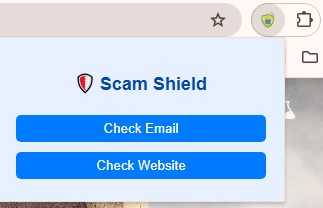
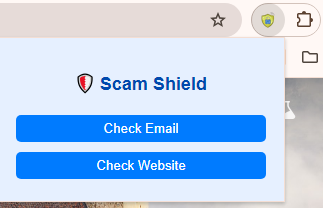
extensionpopup view
-

extension logo
-
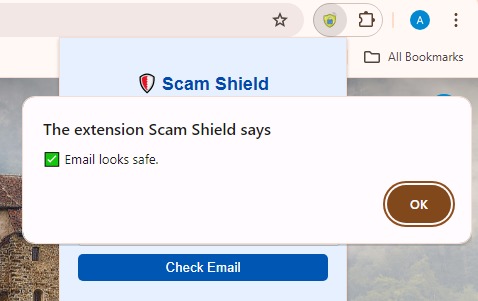
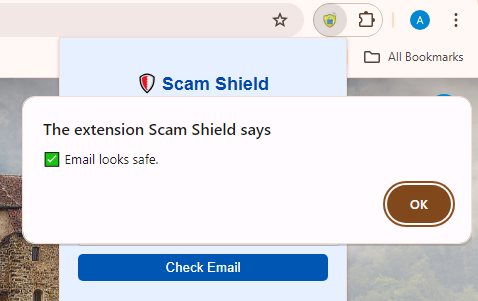
result

Inspiration
Every day, I receive an overwhelming number of emails, some of them may suspicious. I wanted a quick, simple way to detect scams. To solve this, I decided to create Scam Shield, a simple Chrome extension that helps detect scam emails and suspicious websites with just a single click. This isn't a highly advanced system, it's just a basic, beginner-friendly idea to help detect scams and raise awareness with just a few clicks.
What it does
- Scam Shield is a Chrome extension with two features:
- Scam Email Detector — Paste a suspicious email and get an instant risk analysis
- Scam Website Detector — Check any URL and find out if the website is safe or possibly malicious.
- A clean, blue-themed interface makes it beginner-friendly so non-technical users can stay protected with ease.
How I built it
- I built the Chrome extension using:
- HTML, CSS, and JavaScript for structure, design, and functionality
- Chrome Extensions API for seamless browser integration
- Basic threat detection logic with pattern matching and keyword analysis
- Results are shown in a visually appealing popup, keeping the process simple and free of technical jargon.
Challenges I ran into
- Balancing simplicity with effective scam detection
- Designing a user-friendly interface within Chrome’s popup limitations
- Handling various email formats and tricky URL structures
Built with
- HTML
- CSS
- JavaScript
- Chrome Extensions API

Log in or sign up for Devpost to join the conversation.