Inspiration
Almost everyone has a scam story: a fake bank KYC alert, a parcel-fee link, a "work from home" job that asks for a registration fee. The people who suffer most are older family members and first-time smartphone users, who can't tell what's fake in the moment. And checking a message with an online tool means uploading private text to someone's server. I wanted a checker that is simple enough for a grandparent and private enough that nothing ever leaves the device.
What it does
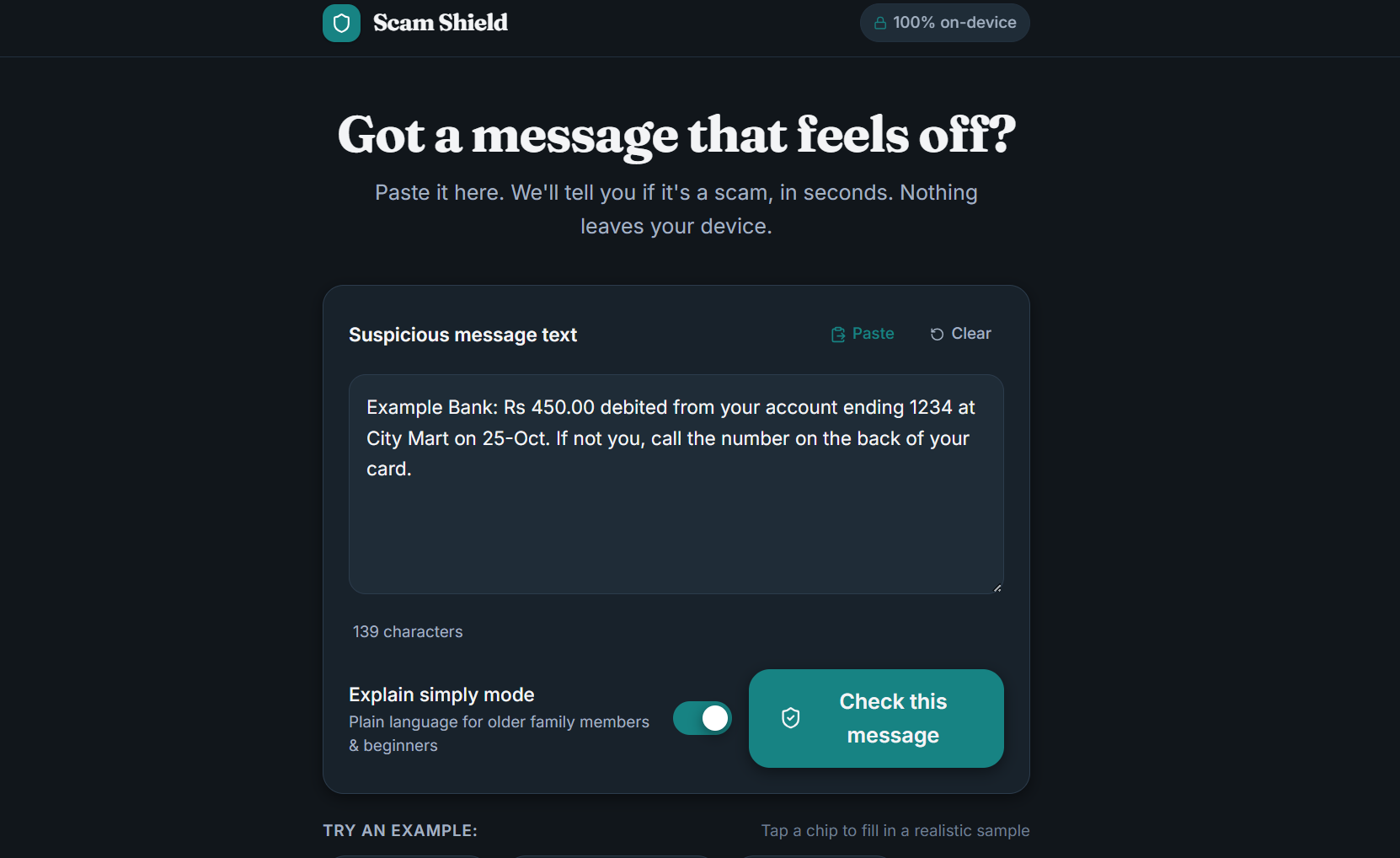
Paste a suspicious message and Scam Shield gives you:
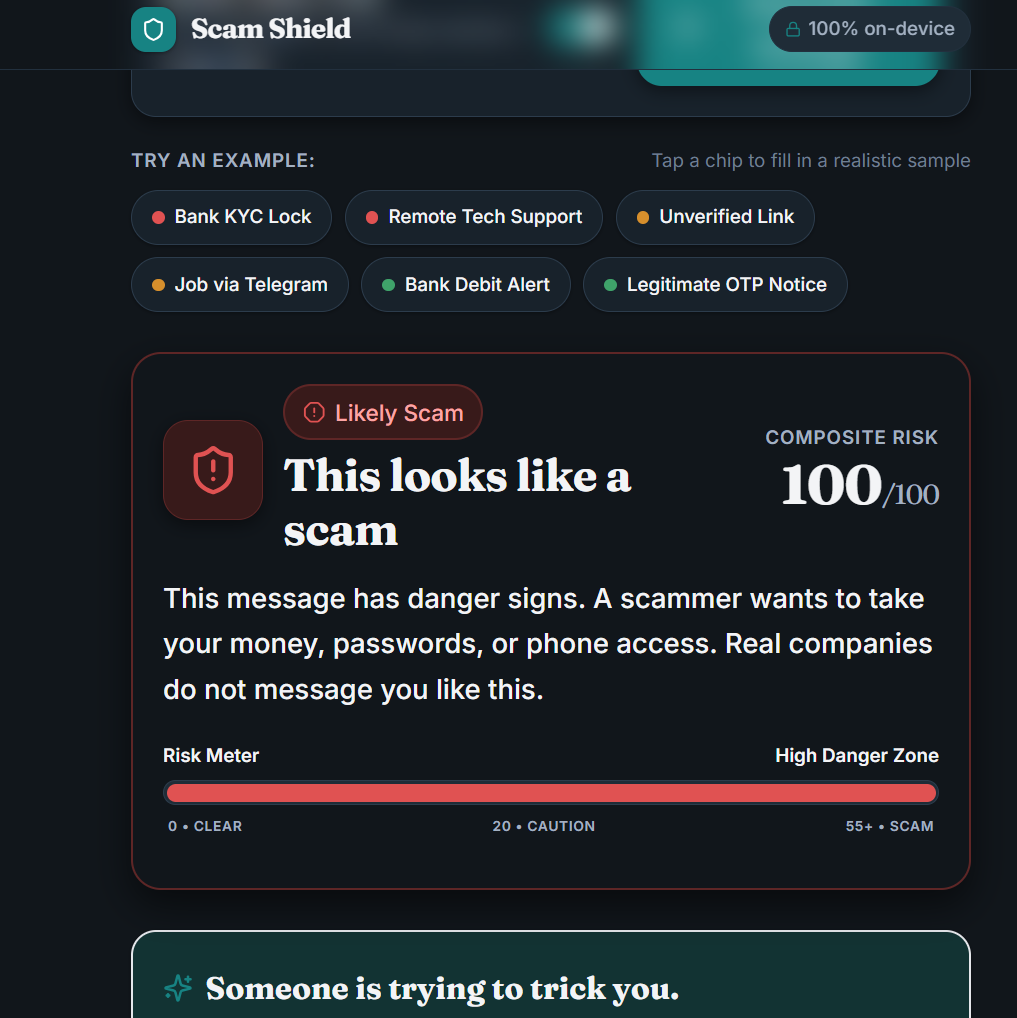
- A clear verdict: Likely Scam, Suspicious or Probably Fine
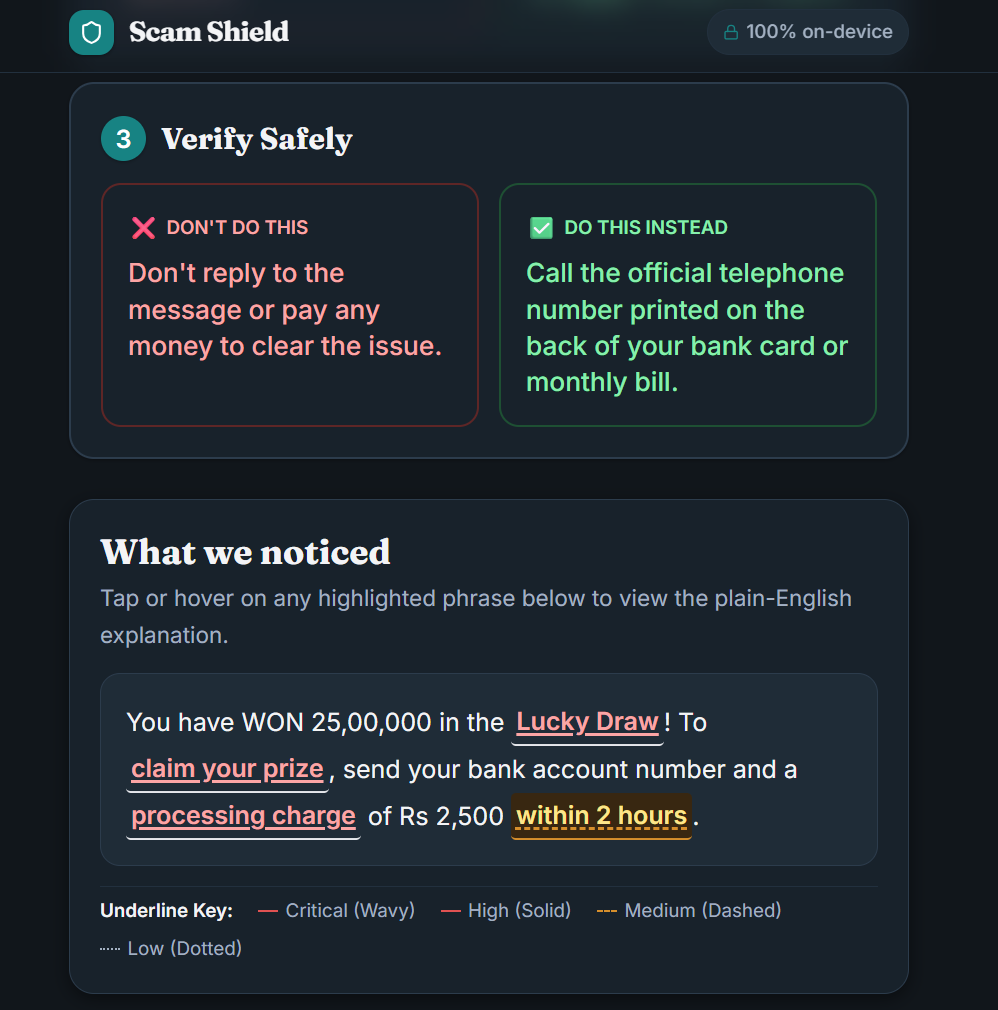
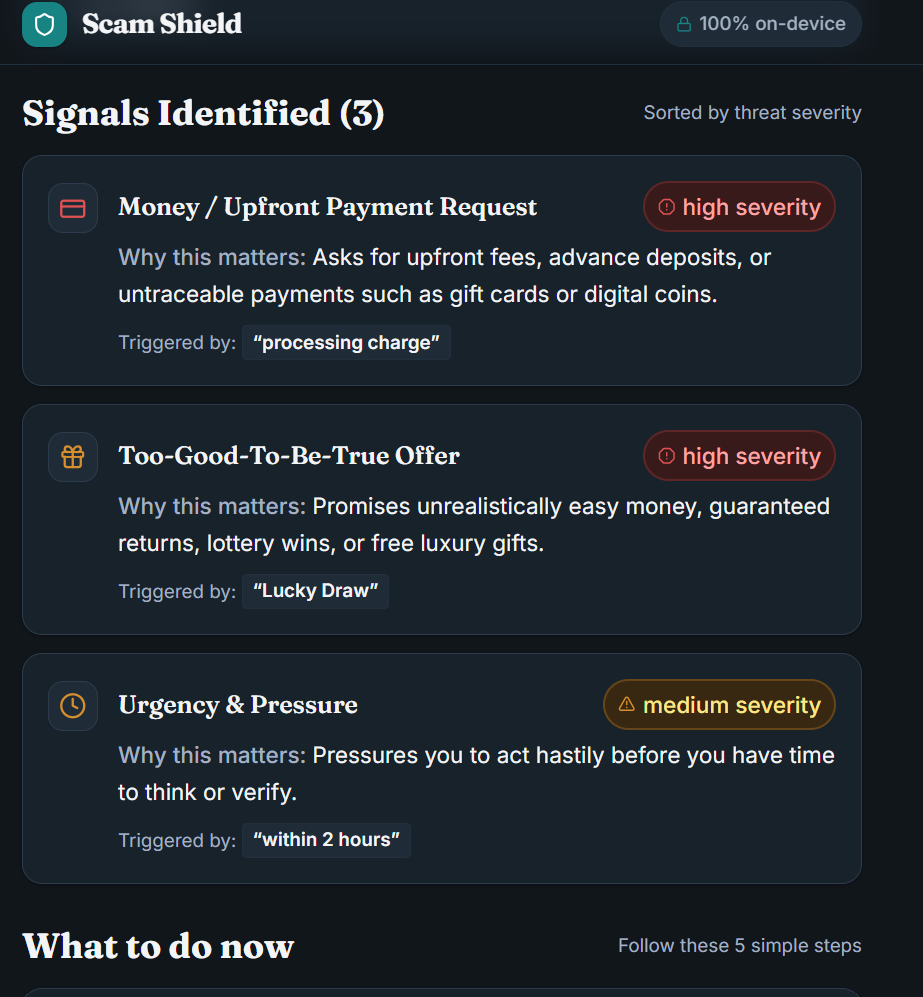
- The exact phrases that triggered warnings, highlighted, each with a plain-English reason
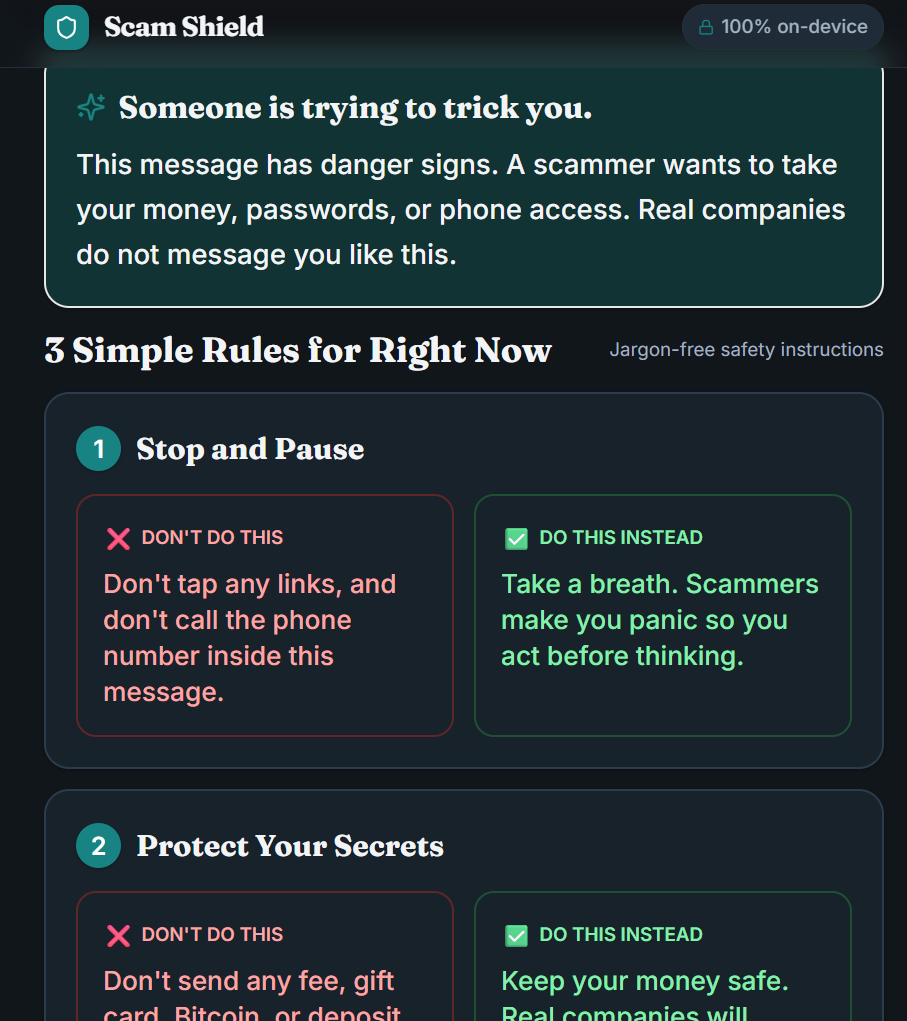
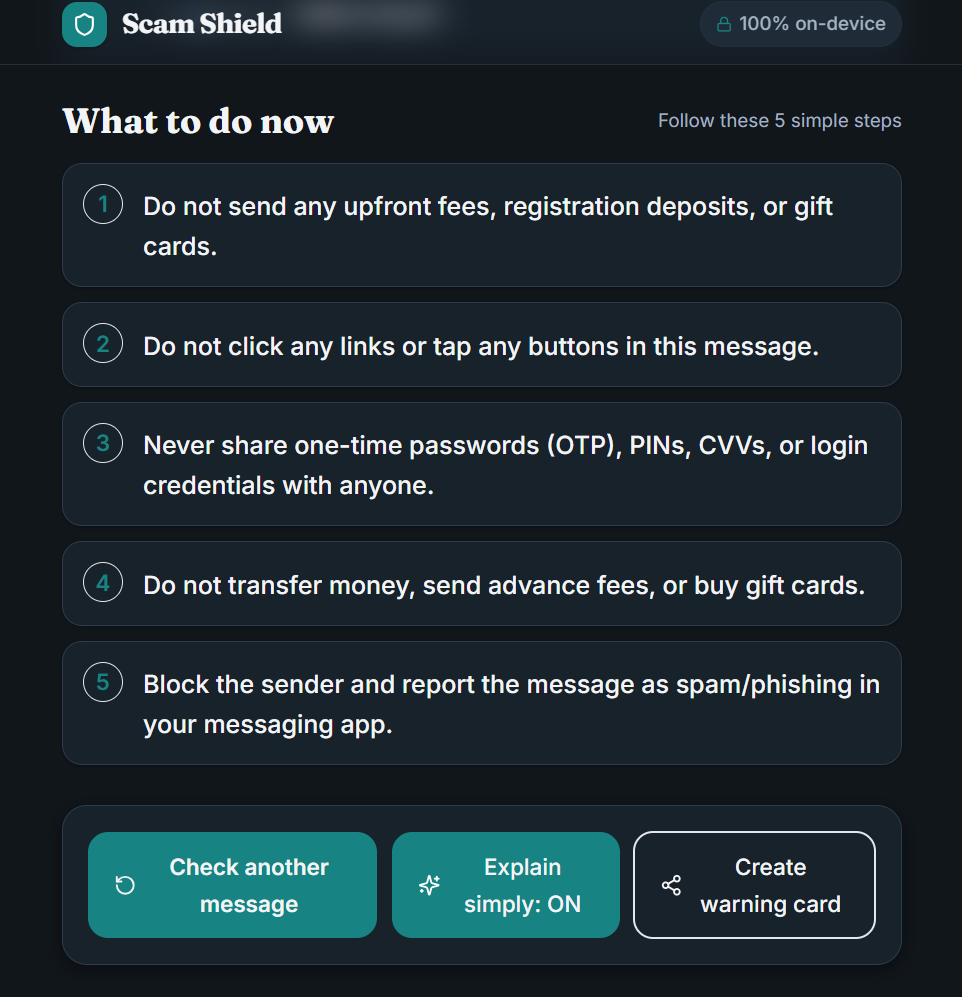
- A short checklist of what to do next (don't click, don't share the OTP, call the number on your card)
- Explain simply mode: bigger text, short sentences, a Do / Don't layout
- A shareable warning card (1080x1350 image) for a family group chat. It leaves out your message text unless you opt in.
How I built it
I started from an empty folder and used the Devpost Learn Skill Pack in a coding agent. The skills' questions helped me turn a vague idea into scope.md, prd.md and spec.md, which are in the repo. The stack is React, TypeScript, Vite, Tailwind CSS and Vitest.
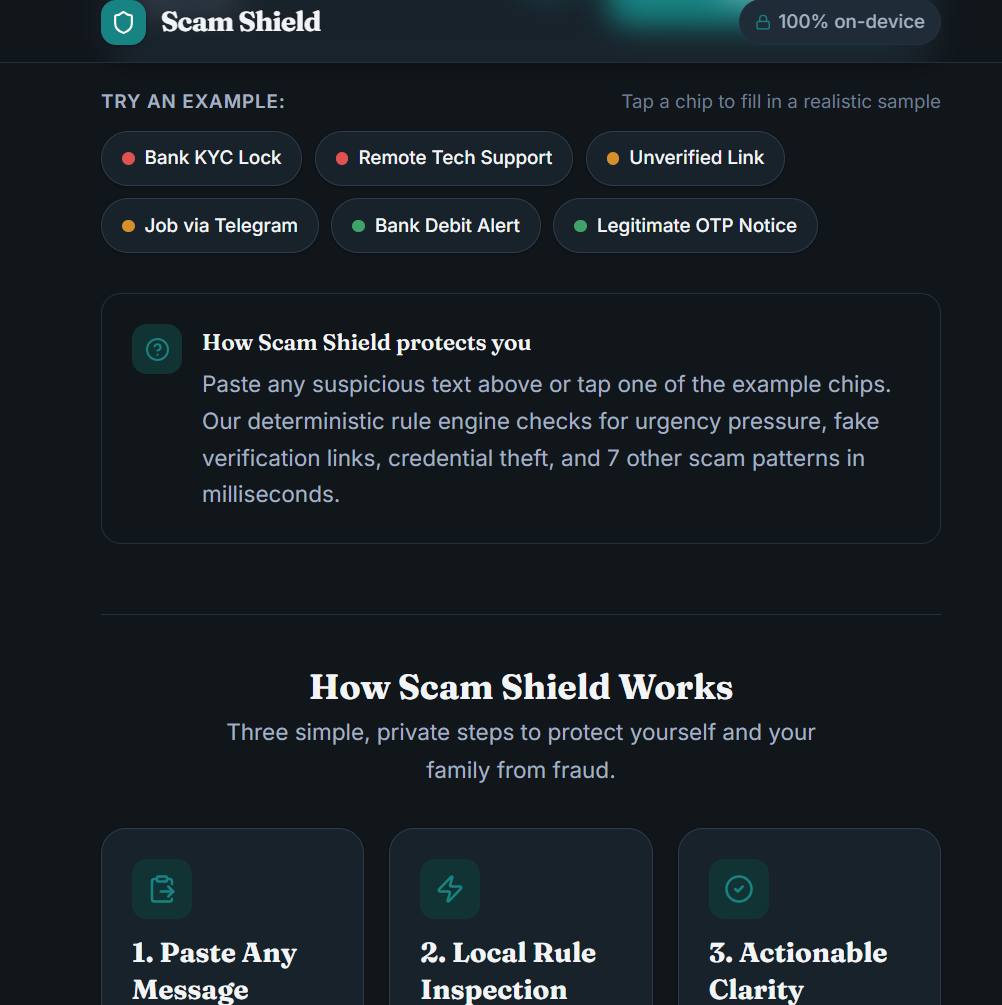
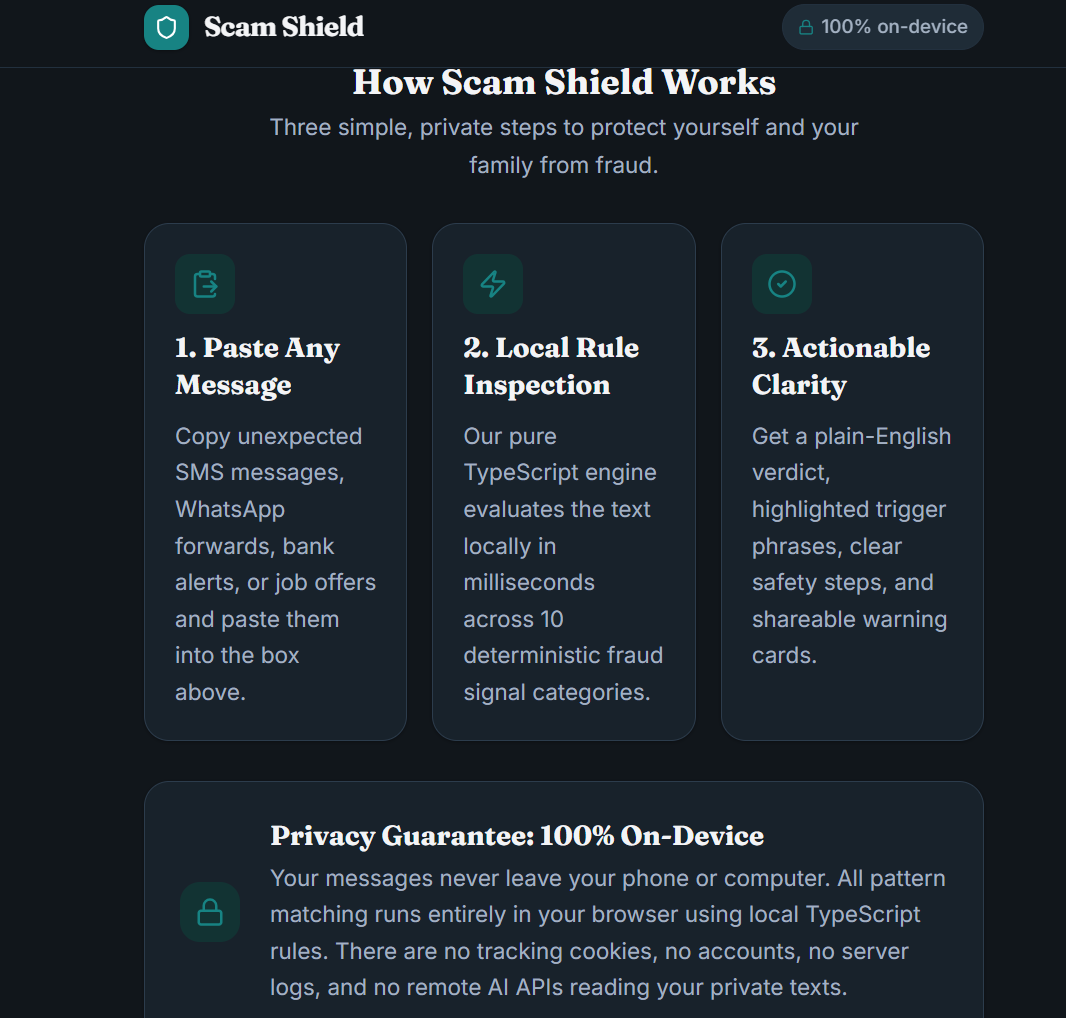
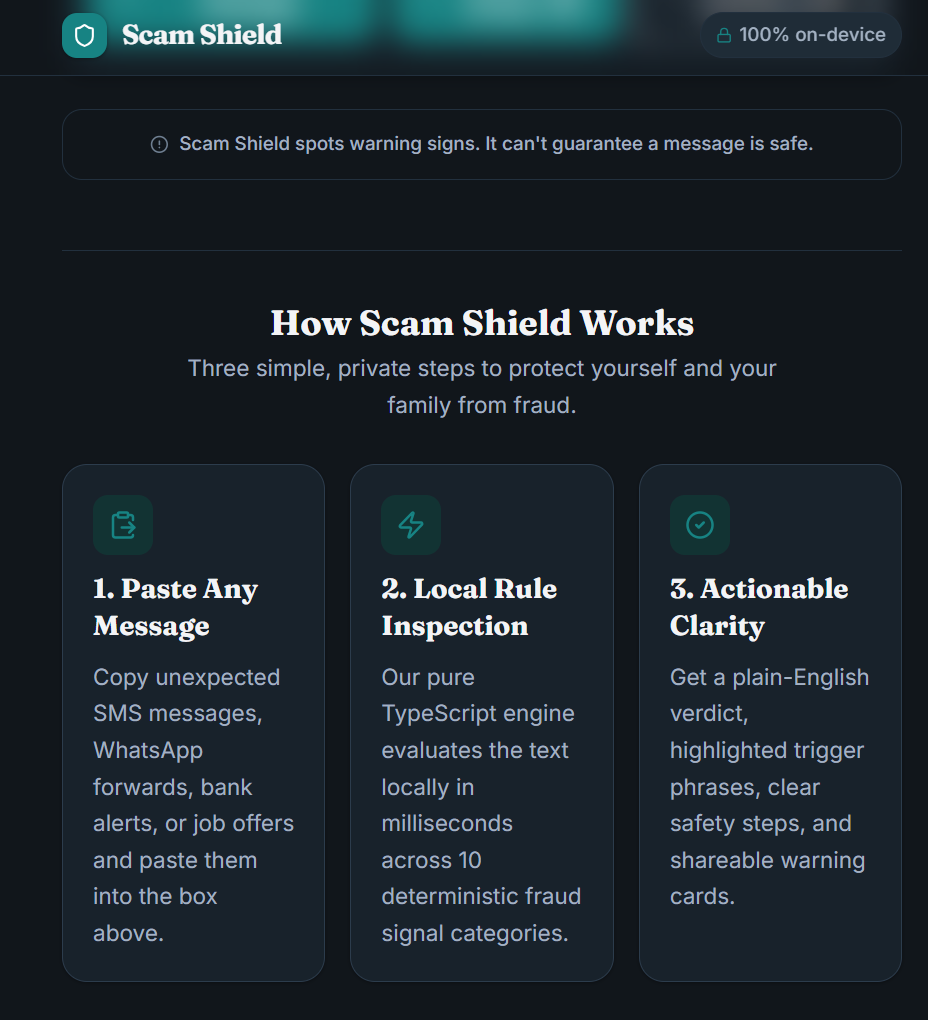
There is no backend. A deterministic rule engine runs in the browser and tests the message against 10 signal detectors: urgency, OTP/PIN requests, money requests, threats, suspicious links, impersonation, too-good-to-be-true offers, unsolicited KYC, remote-access requests and off-platform chats. Signals combine, so an OTP request plus urgency scores higher than either alone, and every signal explains why it fired.
Privacy and security
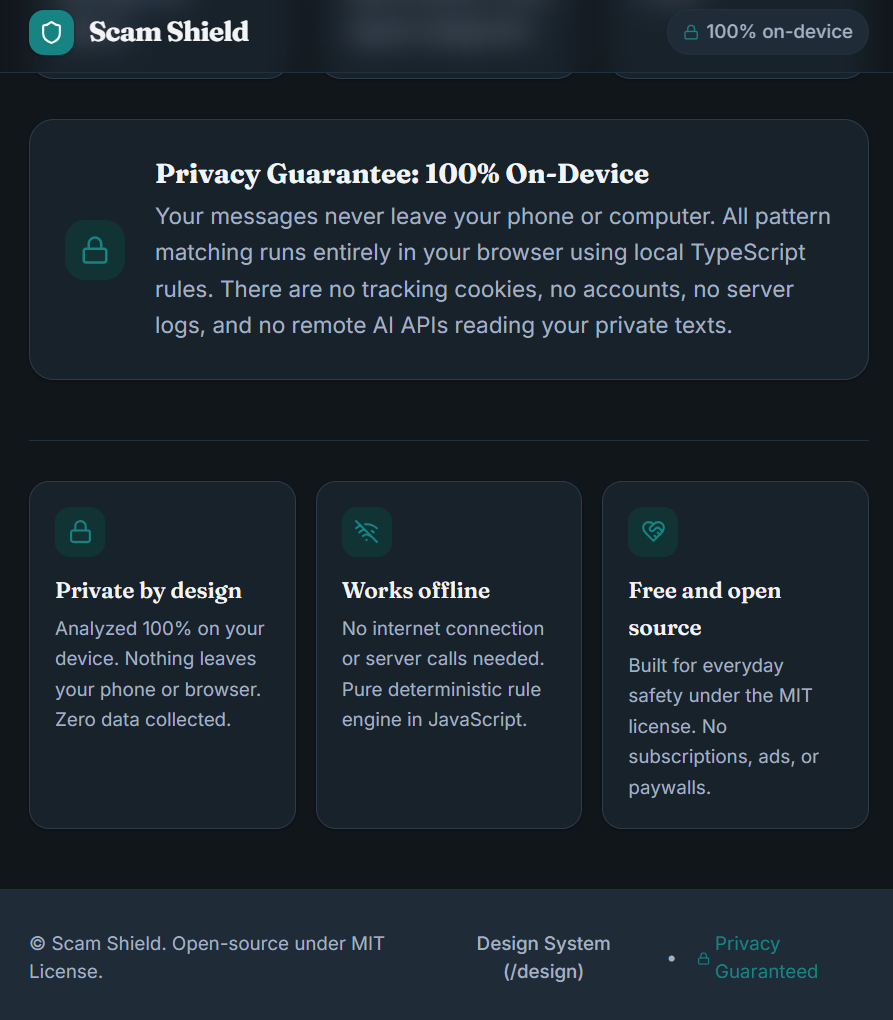
No accounts, no API keys, no analytics and no network calls during analysis. User text is never rendered as HTML, input is capped at 5,000 characters, a strict Content-Security-Policy is set, and tests check these. 92 tests pass, including a benchmark of 24 fictional messages (scam and legitimate) and security tests.
Challenges
- Hitting the coding agent's usage quota mid-build. Because the plan was in the repo and I committed in small steps, I could switch accounts and continue without losing the thread.
- Avoiding false alarms: legitimate bank alerts and "do not share this OTP" messages must not be flagged as scams, so I added legitimate fixtures to the tests.
- Keeping the product honest. Scam Shield spots warning signs; it can't guarantee a message is safe, and the app says so.
What I learned
Planning before building kept the AI from rewriting the same code, and tests made security claims checkable instead of just promised. Small commits and docs in the repo made it easy to continue after the agent hit its limit.
What's next
Optional opt-in AI analysis for unusual messages, more languages, and screenshot input with on-device OCR.
Built With
- antigravity-cli
- devpost-learn-skill-pack
- fontsource
- github
- html-to-image
- lucide-react
- react
- tailwindcss
- typescript
- vite
- vitest


Log in or sign up for Devpost to join the conversation.