Inspiration
When a blind student gets maths homework as typed text, their screen reader reads every symbol. For the quadratic formula
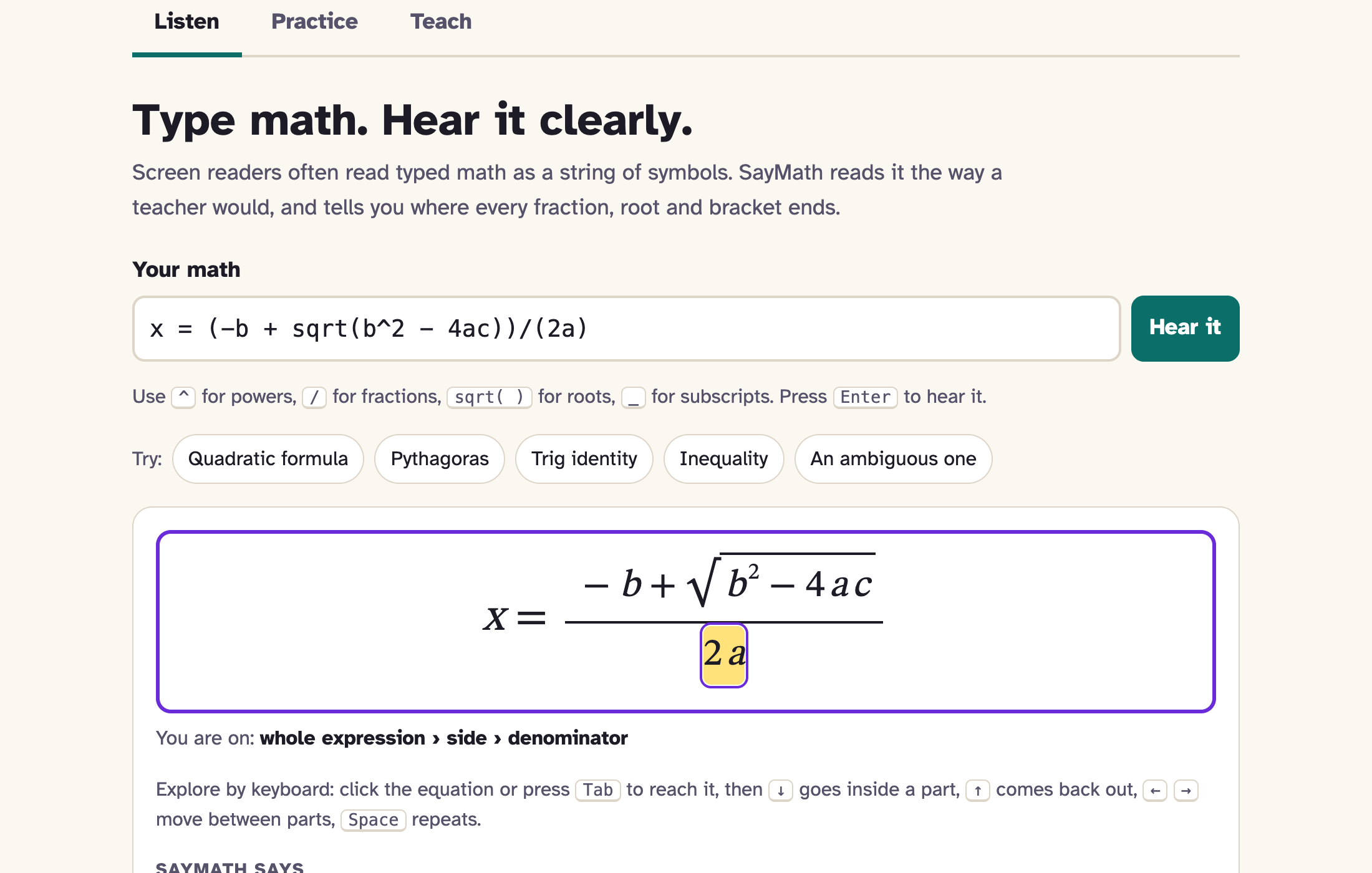
$$x = \frac{-b + \sqrt{b^2 - 4ac}}{2a}$$
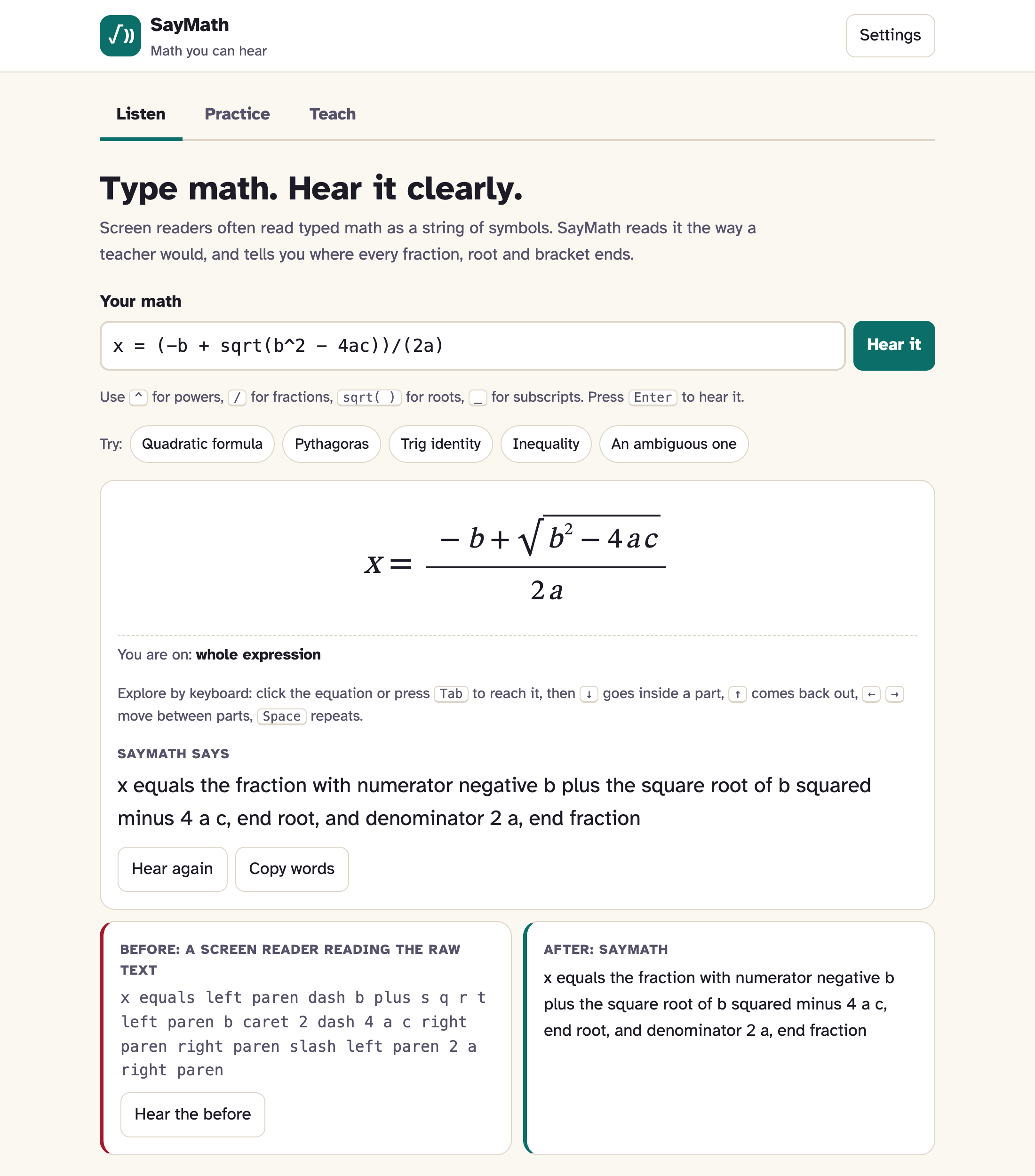
typed as x = (-b + sqrt(b^2 - 4ac))/(2a), it says:
"x equals left paren dash b plus s q r t left paren b caret 2 dash 4 a c right paren right paren slash left paren 2 a right paren"
The student has to hold every bracket in their head and rebuild the fraction. A sighted classmate sees it at a glance. Spoken maths can also be ambiguous: "square root of x plus 1" could mean $\sqrt{x} + 1$ or $\sqrt{x+1}$. In India the problem is bigger, because students in Hindi-medium schools learn maths in Hindi, while every tool reads it in English. I wanted to remove that barrier with something that works on a cheap phone, offline, with no sign-up.
What it does
SayMath reads typed maths the way a teacher would:
"x equals the fraction with numerator negative b plus the square root of b squared minus 4 a c, end root, and denominator 2 a, end fraction"
- Listen: type any equation and hear it read clearly. A before/after panel plays what a screen reader says for the raw text next to SayMath's version.
- Explore: arrow keys walk through the equation part by part. ↓ goes into the fraction, → moves to the denominator ("denominator: 2 a"), ↑ comes back out. Sighted users see the current part highlighted, with a breadcrumb trail.
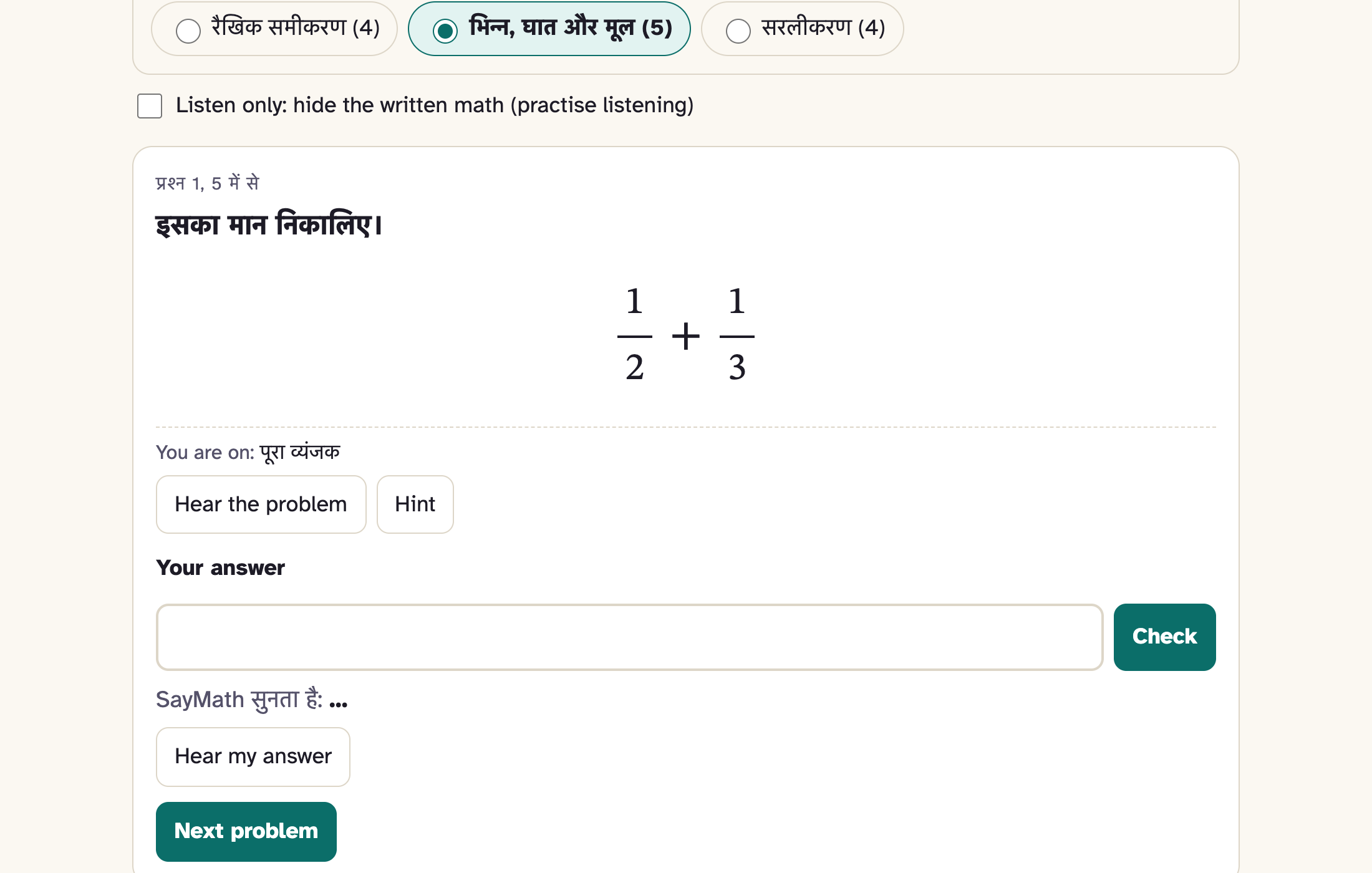
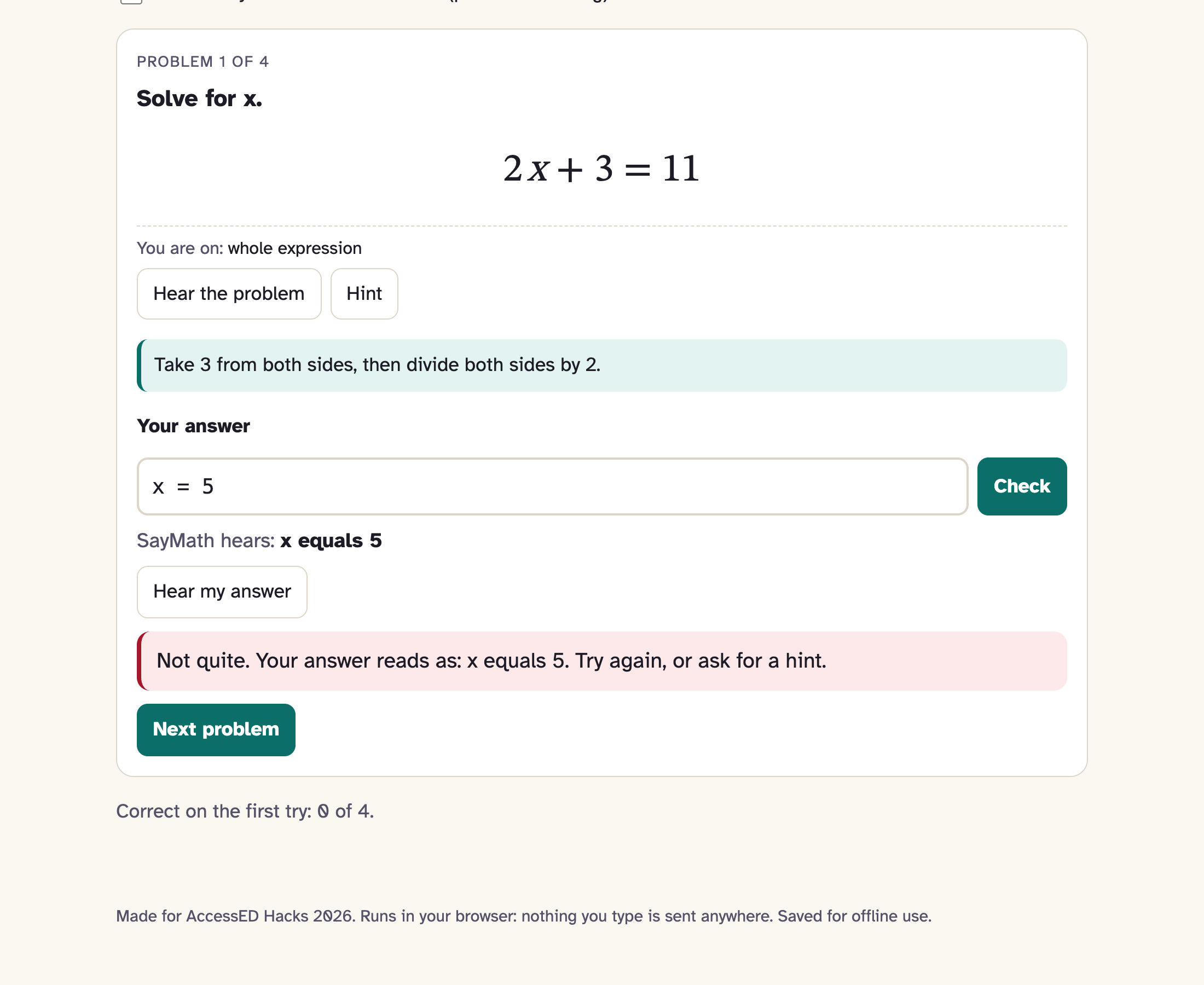
- Practice: 13 problems. SayMath reads your answer back as you type, so you know it understood you. It checks answers by value, so
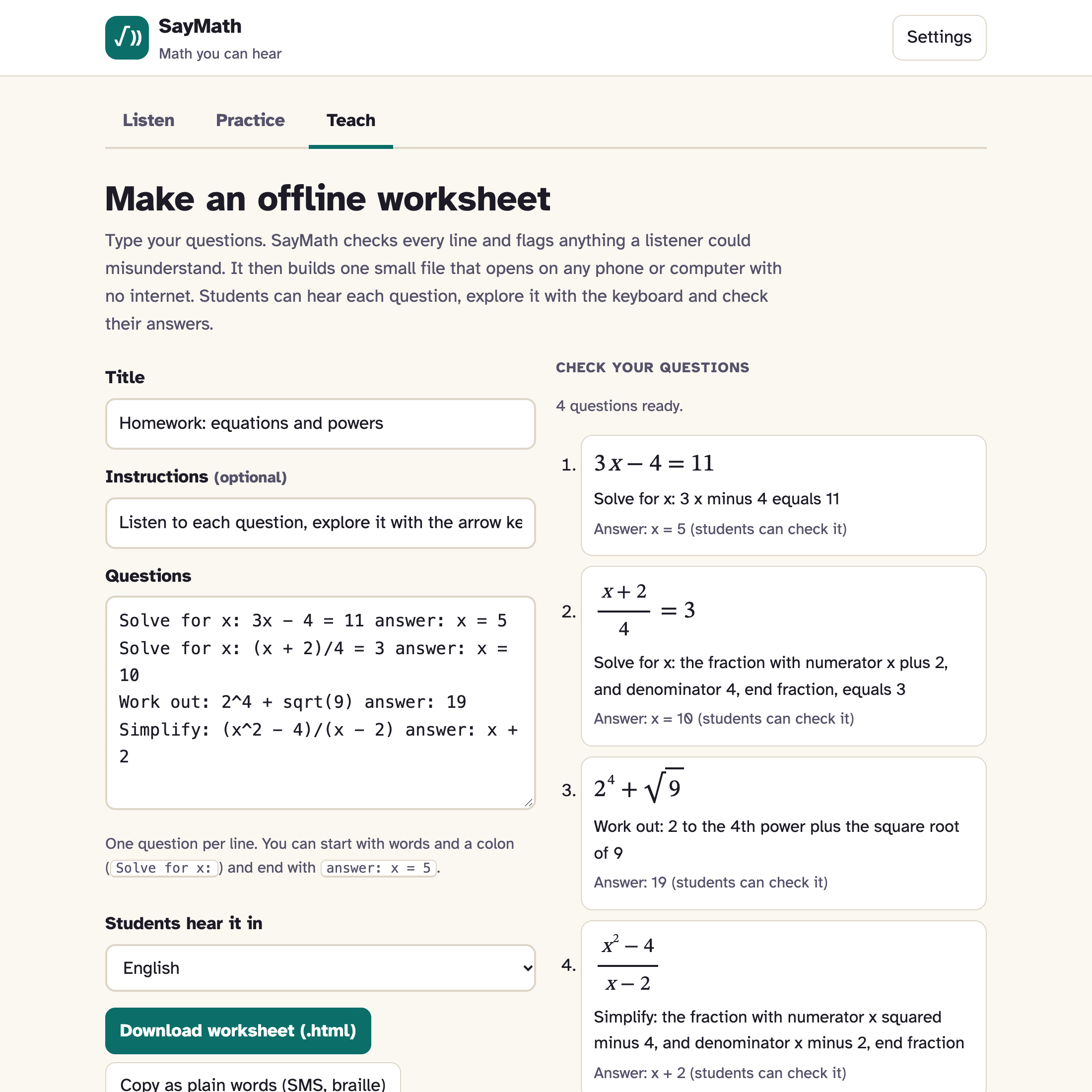
8/2counts as 4. Hints are in English and Hindi. - Teach: teachers type questions, one per line. SayMath flags anything a listener could misunderstand, like
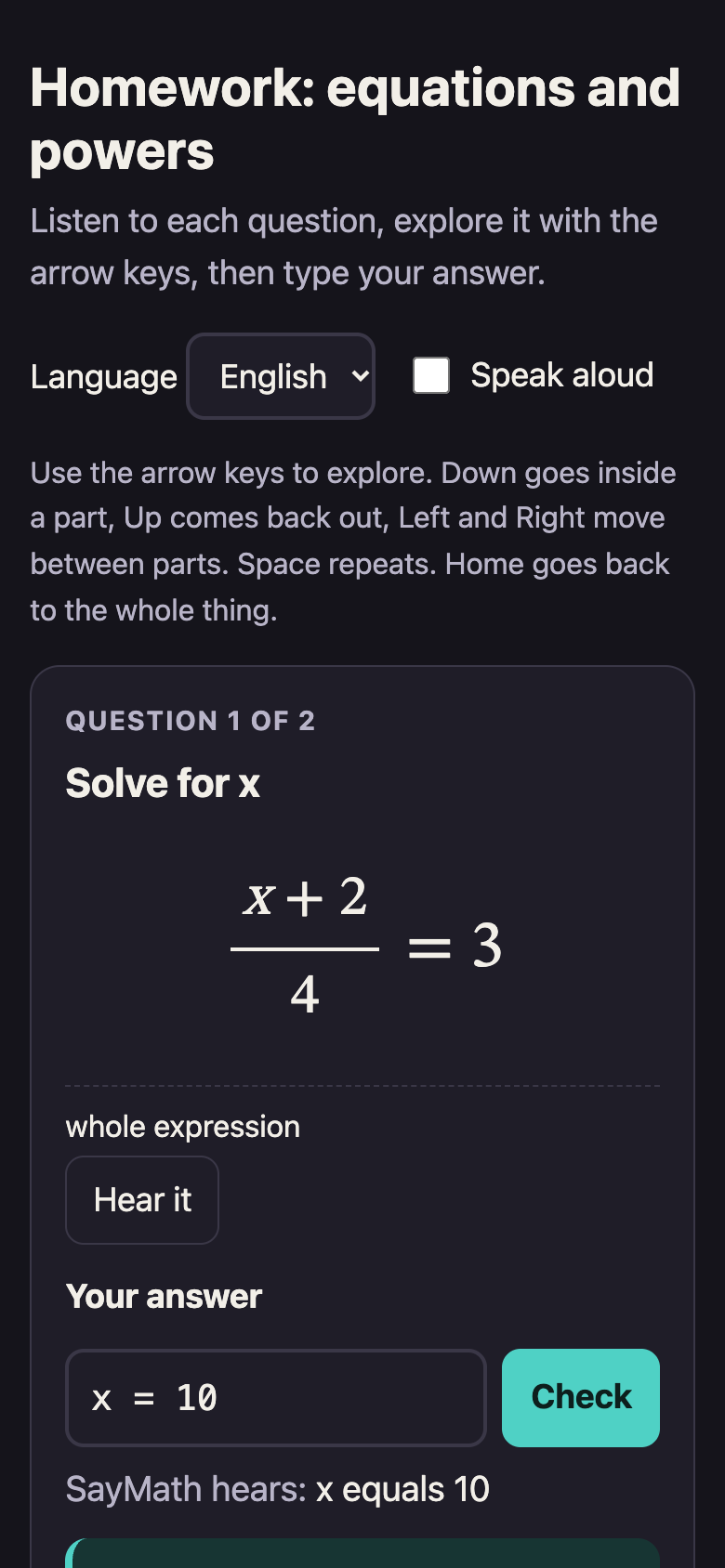
1/2x, then builds a single 53 KB offline HTML worksheet, small enough to send on WhatsApp. The worksheet reads, explores and checks answers with no internet. - Hindi: the maths is spoken in Hindi word order (एक्स का वर्ग, ए बटा बी), not translated word by word.
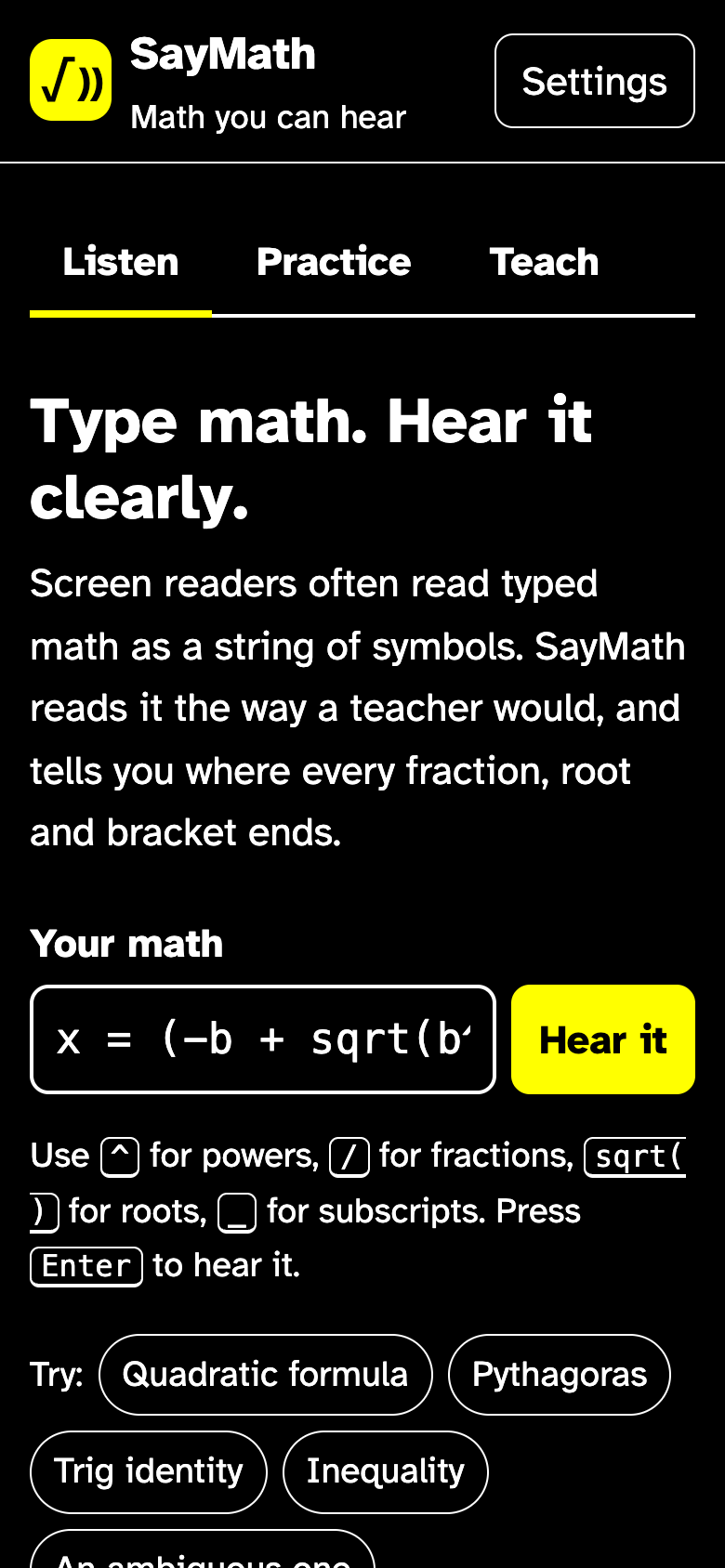
- Readable and offline: Atkinson Hyperlegible font, large text, dark and high-contrast themes. The app works offline after the first visit.
How I built it
I used plain JavaScript modules, with no framework, build step, server or API keys. Nothing a learner types leaves their device.
- A parser turns typed maths into a tree. It handles implicit multiplication ($2x$), Unicode symbols (x², √, ≤), and friendly error messages that point to the exact character.
- A speech engine walks the tree using a language phrasebook (English or Hindi), so adding a language means writing a new phrasebook, not new code.
- A renderer draws the equation with one element per part, which the keyboard explorer moves through.
- An evaluator checks answers by testing them at several values, so any equivalent answer is accepted.
- For worksheets, I wrote a small bundler that puts the whole engine inside one HTML file.
- A service worker makes the app work offline.
I used Claude Code (Anthropic) as an AI assistant for planning, writing code and tests, and drafting text. I reviewed and tested everything myself.
Challenges I ran into
- Making speech clear without making it slow. If every group says where it ends, speech gets long. My rule is: a group says where it ends unless it holds a single number or letter. I also found phrasings that end themselves: "x to the n-th power" needs no "end power", and "sine squared of x" avoids confusion with $\sin(x^2)$.
- Hindi word order. Hindi puts powers and roots after the base, so I couldn't just swap English words for Hindi ones. The phrasebook had to use whole sentence patterns. For example, $x < 5$ becomes "एक्स, 5 से कम है".
- Fitting everything into one small file. The offline worksheet needed the parser, speech, explorer, Hindi and answer checking. It came out at 53 KB.
- Flaky tests. My browser tests sometimes failed for no clear reason. The cause was the local test server dropping connections when the app loaded many files at once. I replaced it with a tiny Node server.
Accomplishments that I'm proud of
- 27 unit tests and 46 browser checks run on every push. They press real keys, open the worksheet with zero network requests, reload the app offline, and check a 390px phone screen.
- 0 accessibility violations in an axe-core audit across every tab in light, dark and high-contrast themes.
- Ambiguity warnings for inputs like
1/2x, which a sighted reader might misread too. - The whole tool runs offline from a file smaller than most photos.
- I tested it myself with VoiceOver on macOS: the equation, the arrow-key explorer and Practice feedback all worked with the screen reader.
What I learned
Accessibility work is mostly about removing ambiguity. A sighted reader gets grouping for free from the layout. A listener needs it said in words. I also learned that automated tests prove the app does what I designed it to do, but they can't prove the design is right for real learners. That needs real users.
What's next for SayMath: Math You Can Hear
- Testing with blind and low-vision students, and with Hindi-medium maths teachers
- Reading equations from photos of printed worksheets
- Bharati braille maths output
- More Indian languages: Marathi, Tamil, Bengali
- Hindi labels and buttons for the whole interface
