Inspiration
The lack of good native screenshot tools for Windows was the main motivation behind creating Savvyshot. While MacOS users have apps like Xnapper, Windows users were left with fewer options to enhance their screenshots. I wanted to build an app that provides an intuitive, fast, and beautiful screenshot editing experience for both Windows and MacOS users.
What it does
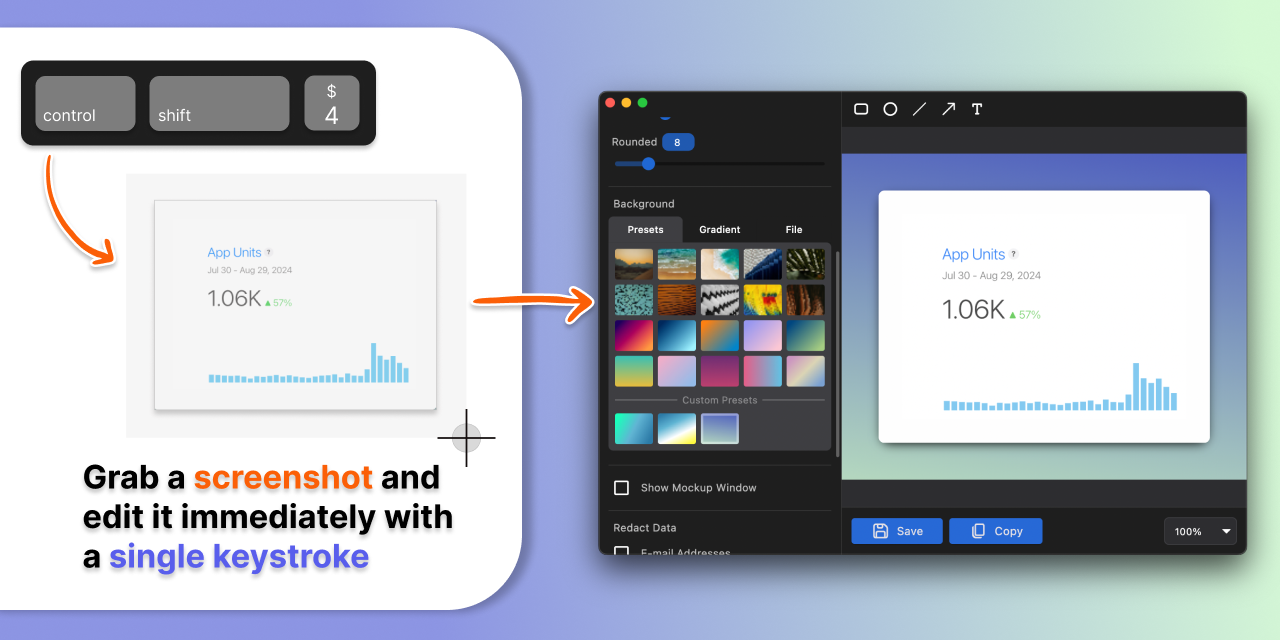
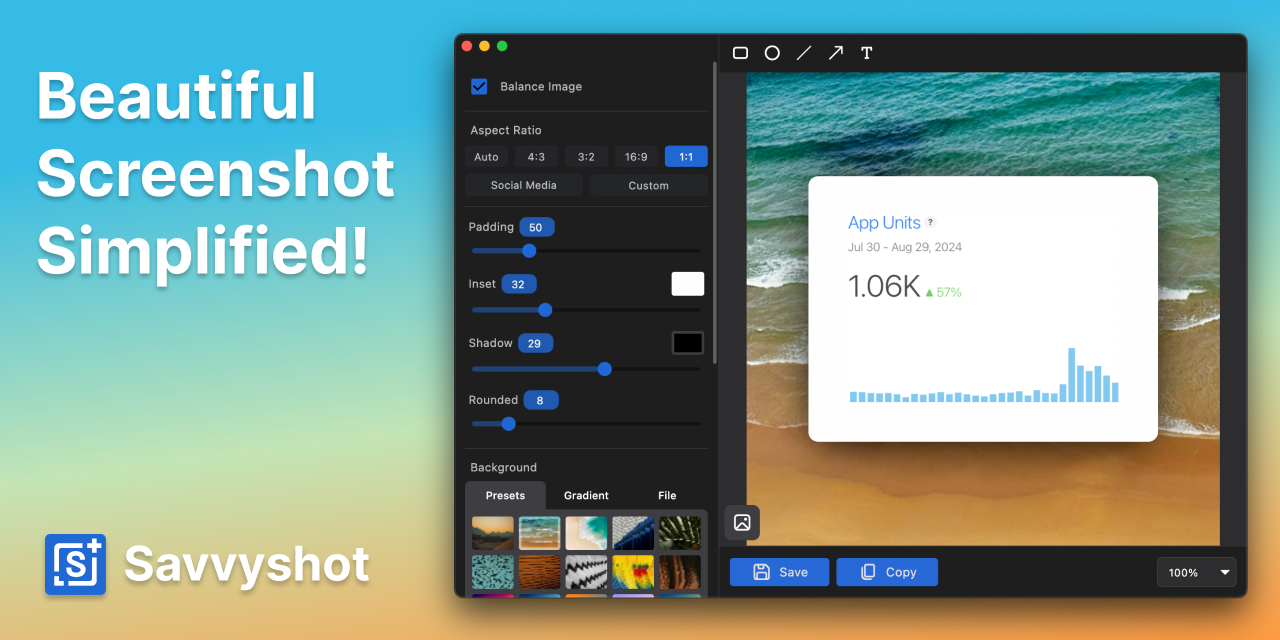
Savvyshot is a screenshot beautifier app that makes it easy to take, edit, and share professional-looking screenshots.
Key Features:
- Easy screenshot and editor: Capture and edit screenshots effortlessly.
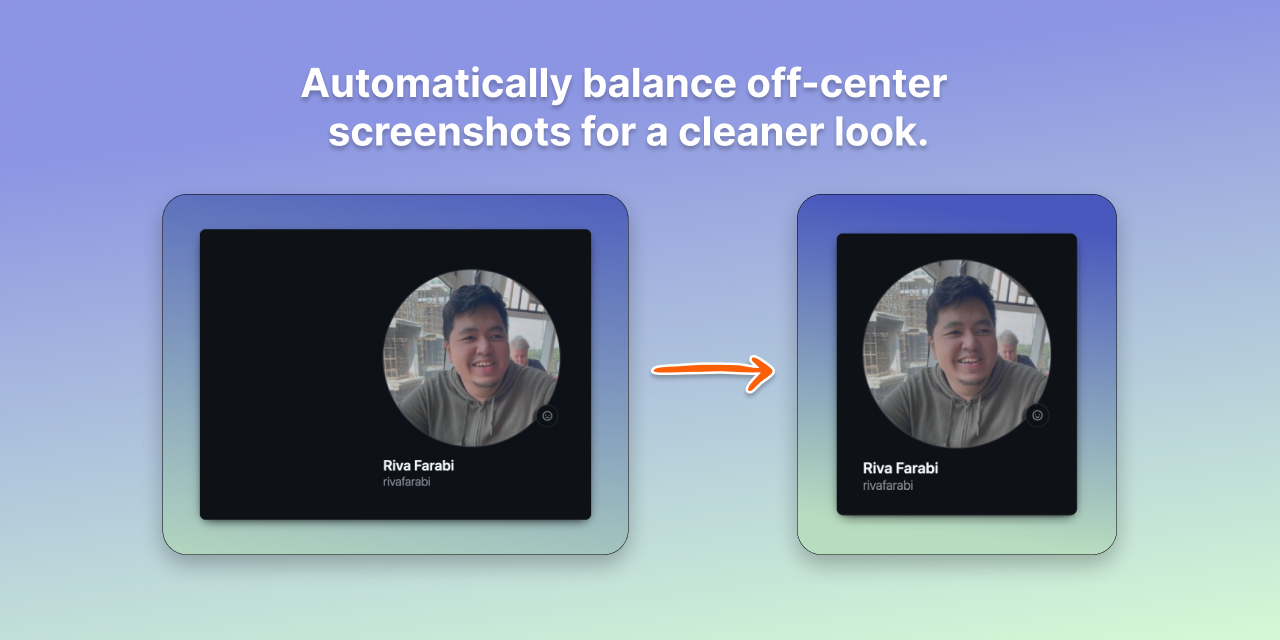
- Image balancing: Automatically balances off-center screenshots to create visually appealing results.
- Auto-redaction: Quickly redact sensitive data to protect privacy.
- Lightweight performance: Fast and responsive while consuming minimal memory.
How I built it
I developed Savvyshot using Flutter, enabling a seamless cross-platform experience for both Windows and MacOS. The app's core functionality includes efficient image processing, intuitive user interface design, and optimization for high performance across both platforms.
Challenges I ran into
The biggest challenge was ensuring smooth performance and low memory usage while maintaining advanced features like auto-redaction and image balancing. Adapting Flutter to cater specifically to desktop apps, particularly for Windows, required significant effort and debugging.
Accomplishments that I'm proud of
- Winning Product of the Day on Product Hunt after its launch.
- Seeing early adopters appreciate how Savvyshot makes their workflow easier and faster.
- Successfully bridging the gap between functionality and speed without sacrificing the user experience.
What I learned
This project reinforced the importance of user feedback and iterative improvement. Building for two platforms showed me how crucial it is to optimize for platform-specific quirks while maintaining a unified user experience.
What's next for Savvyshot
- Expanding features to include more customization options, such as fonts and styles for annotations.
- Building a cloud-based library to sync screenshots and edits across devices.
- Exploring a mobile version to complement the desktop app.
- Continuing to optimize and gather feedback to ensure users have the best experience possible.
Built With
- flutter
- supabase
