-
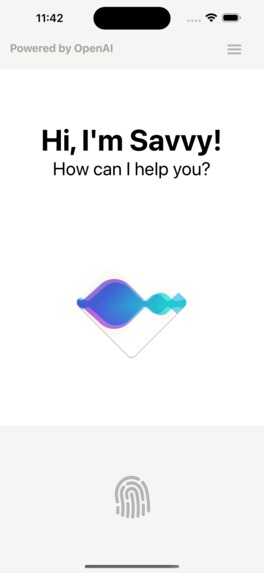
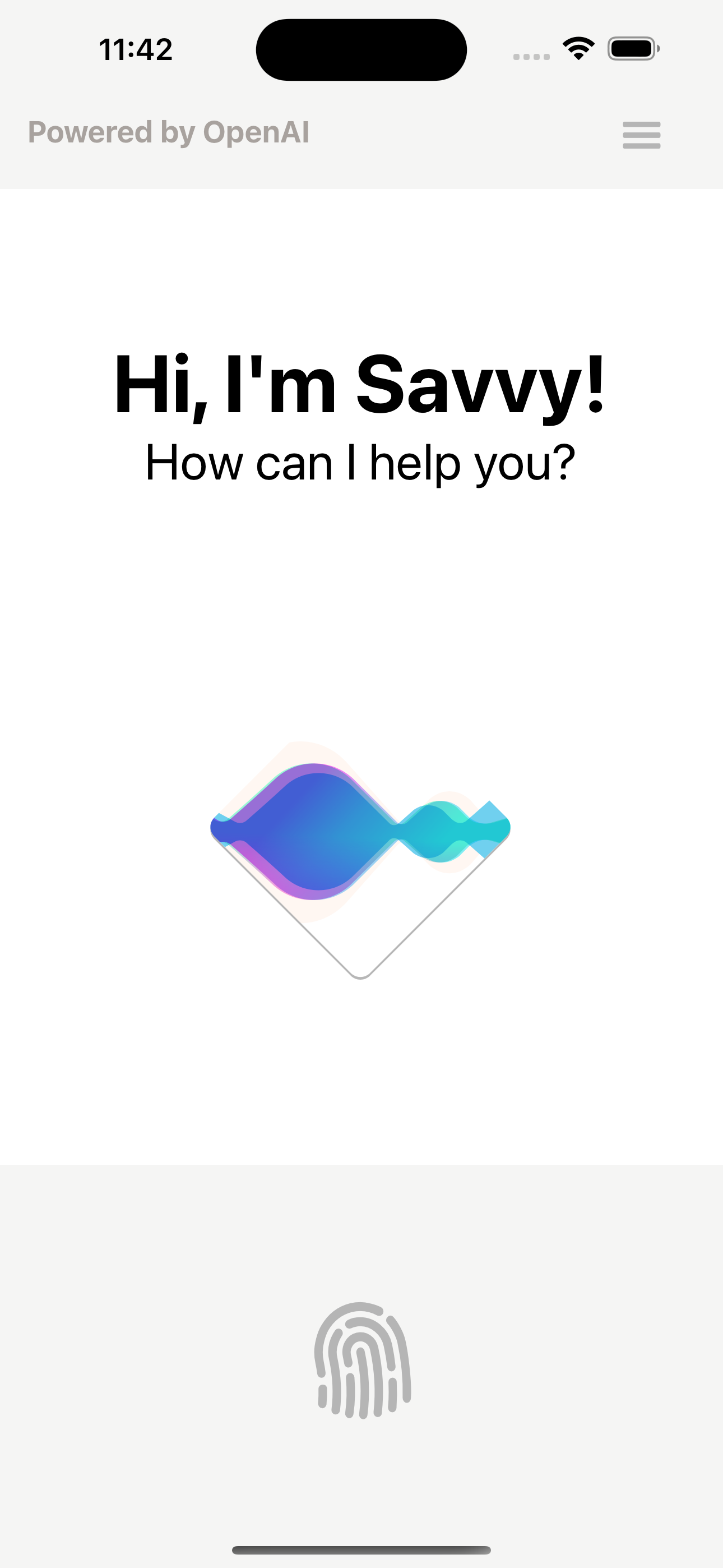
App UI
-

Logo
-
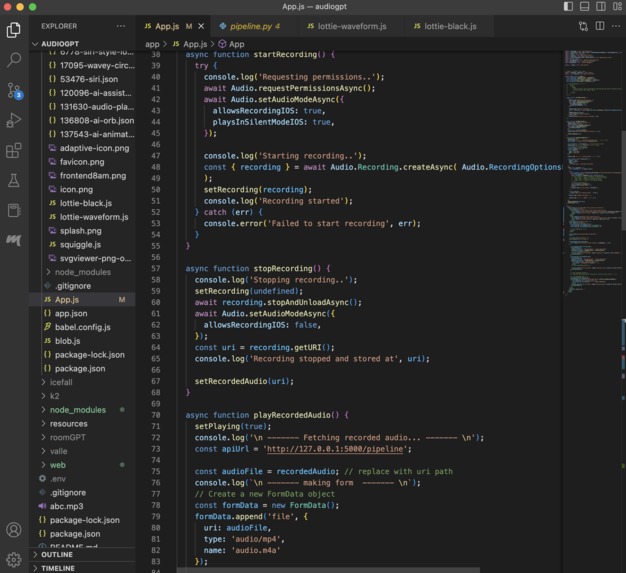
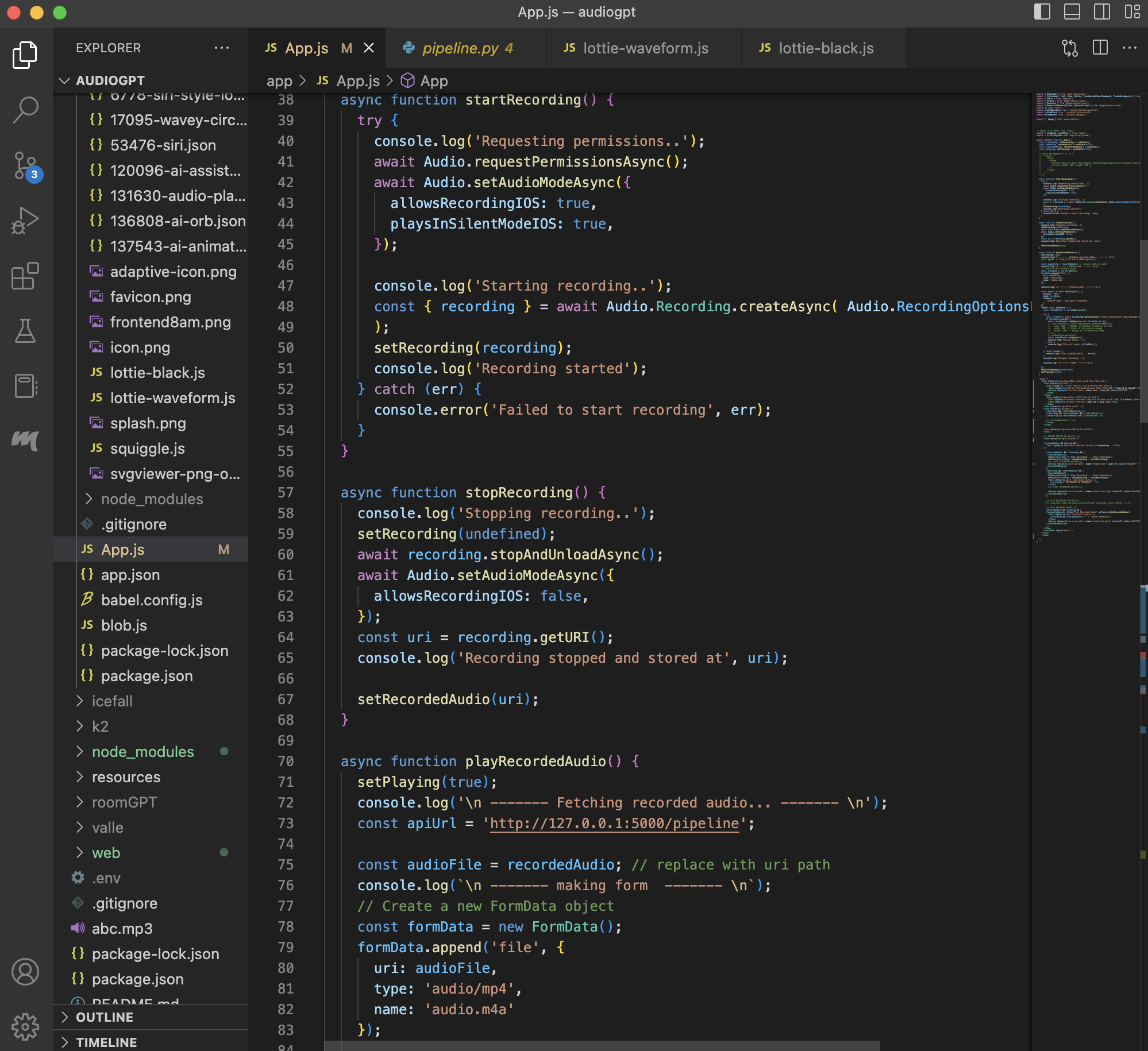
Code

Inspiration
We were inspired by the recent release of the OpenAI Whisper and ChatGPT APIs. The OpenAI API allows users to connect to the OpenAI servers and run queries on LLMs through their apps. The Whisper API allows users to send voice data to OpenAI for them to transcribe. We realized that when we combined these APIs, we could provide a more immersive AI conversation experience than anyone has achieved before.
What it does
The app allows users to record their voice and send it to ChatGPT, which will then respond to them through speech. This gives the user an immersive experience of conversing with the AI almost like they would with a normal human.
How we built it
We built an API pipeline that converts spoken audio to text, sends text to ChatGPT, and plays its response in audio. We use the Whisper API for audio to text, ChatGPT for text prompt and response, and Google' s Text-to-Speech services for text to speech.
Challenges we ran into
We used the React Native and the Expo framework to design an app to do this. Getting the Expo framework to work on our computers was a challenge, as it's computationally intense. Getting all the APIs strung together was also a challenge. At one point, we wanted to make the AI response play automatically after you' re finished recording, but the way that Flask handles API requests made this impossible for us.
Accomplishments that we're proud of
-Getting our original goal done -Making the UI look good -Combining three different API
What we learned
-Flask -Expo -React Native -JavaScript -Tailwind -How to work in a team
What's next for Savvy
-Connect it to more APIs, such as VALL-E -Submission to the App & Google Play store -Text prompt processing -Added integration with other apps such as calendar, messages, etc.


Log in or sign up for Devpost to join the conversation.