-
-
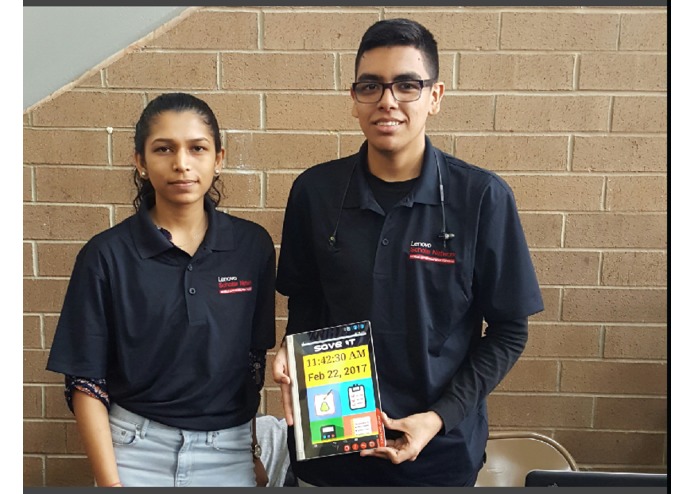
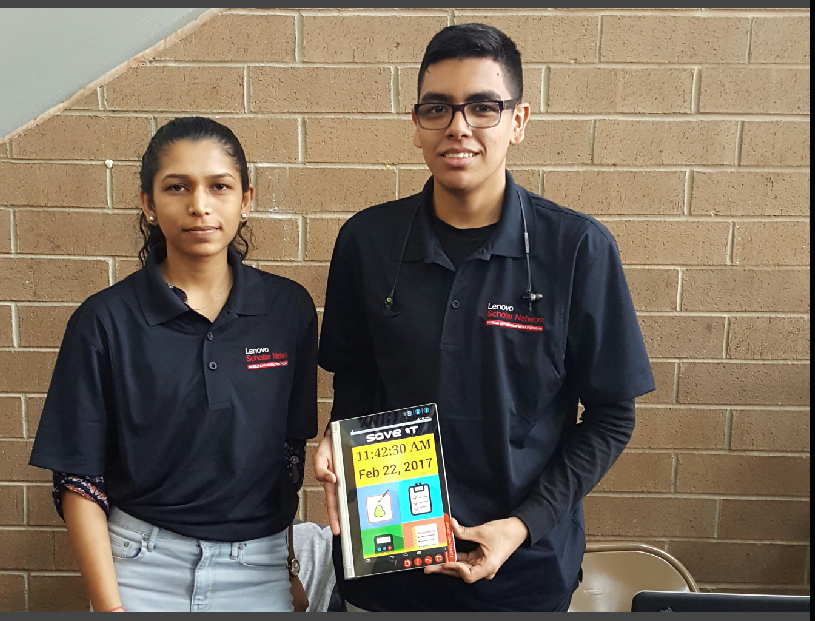
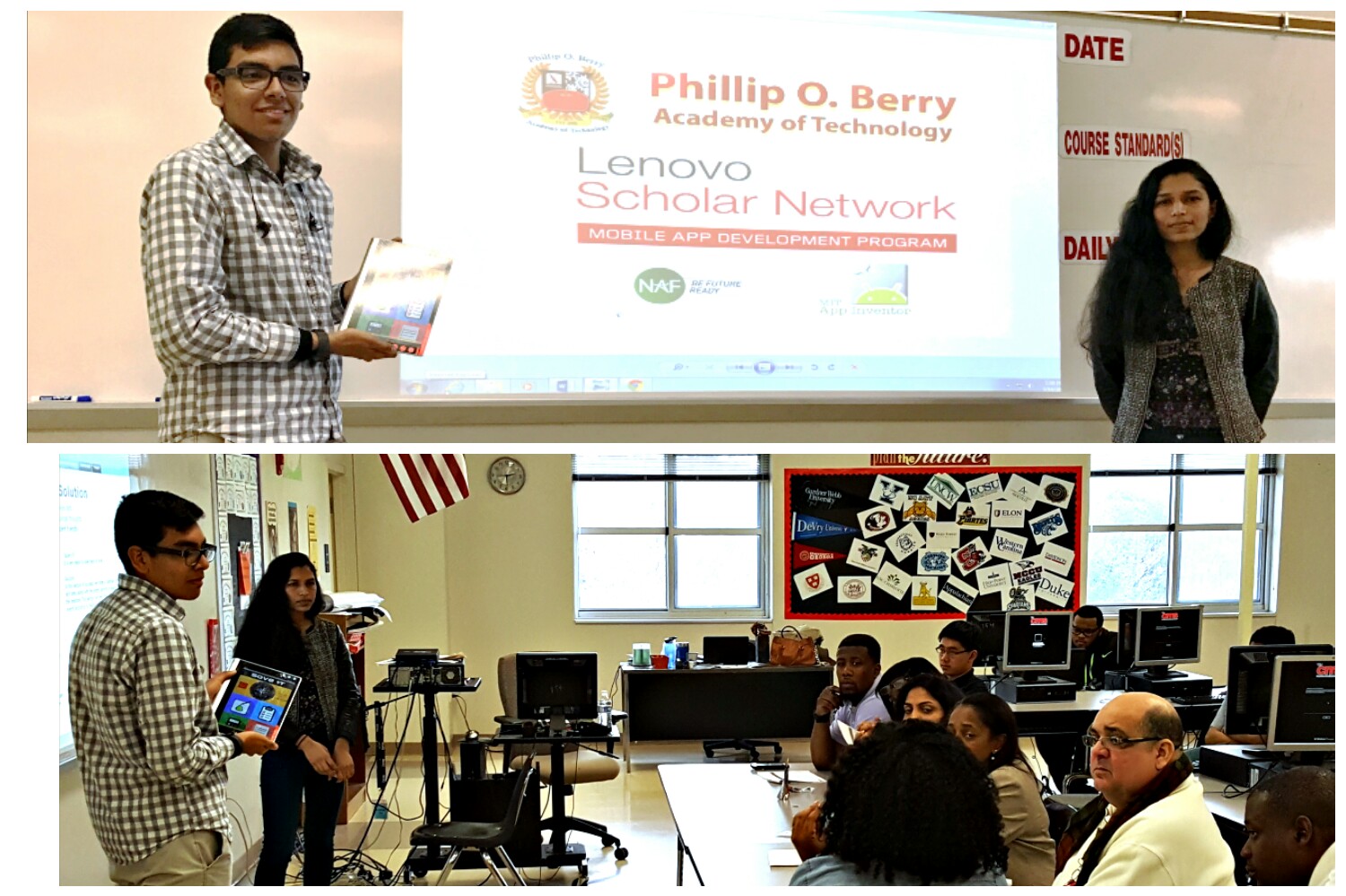
The team 'SaveIt'
-
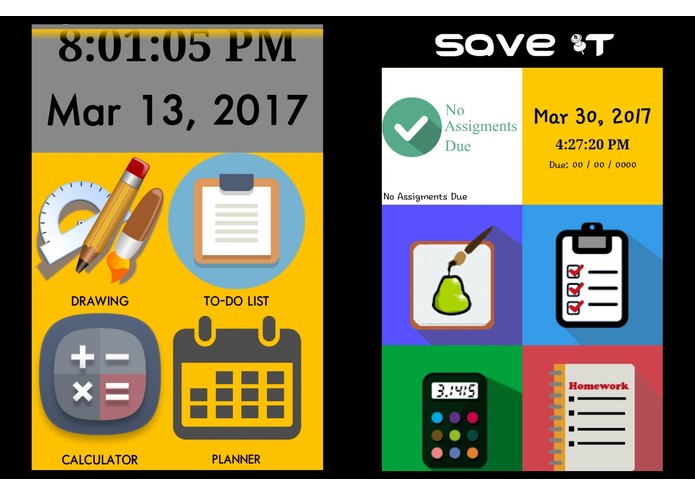
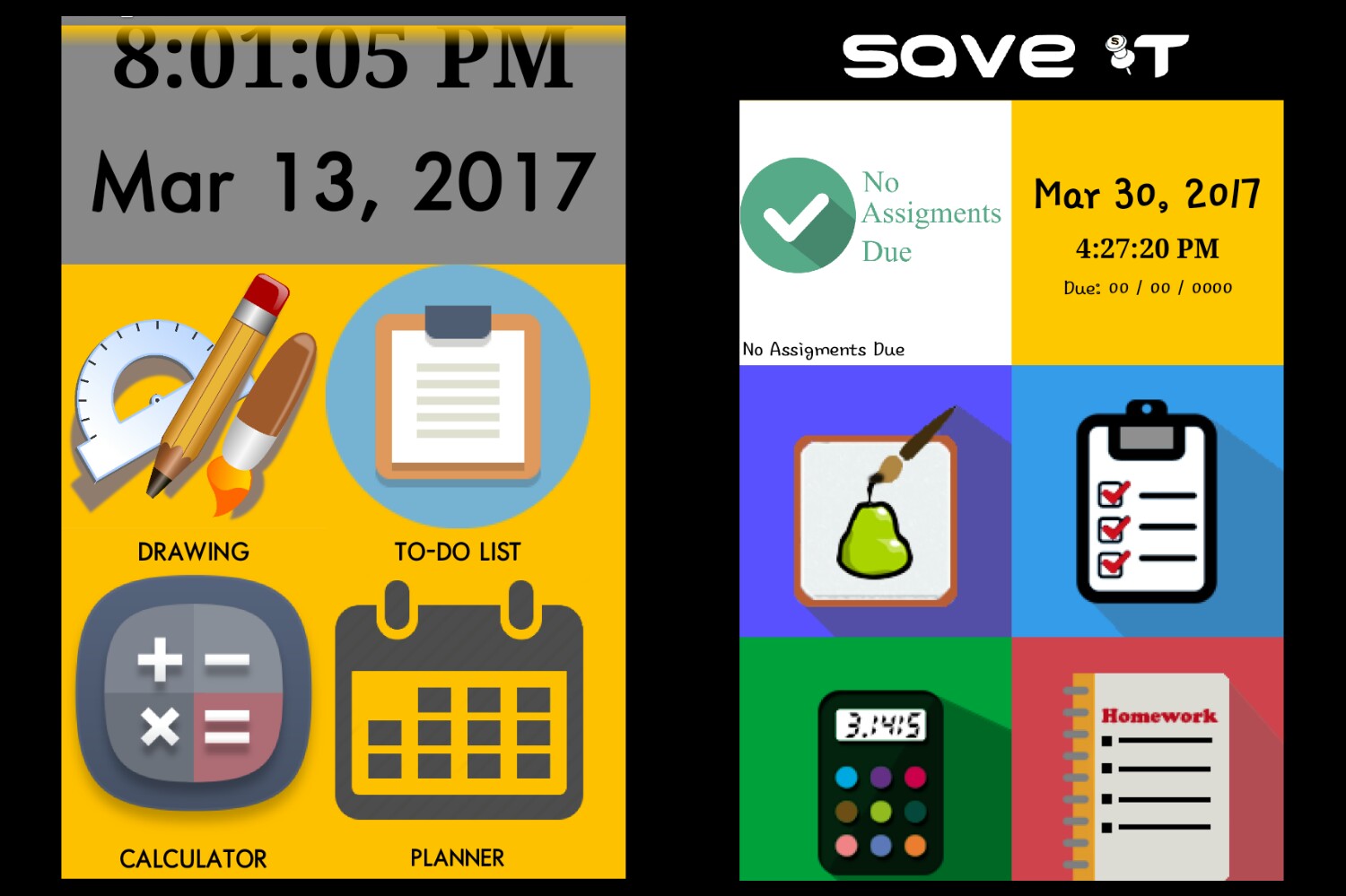
Before & After
-
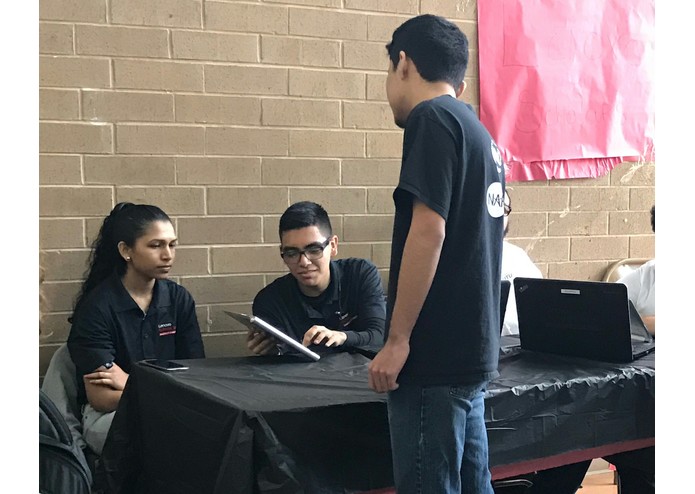
App showcase at school level
-
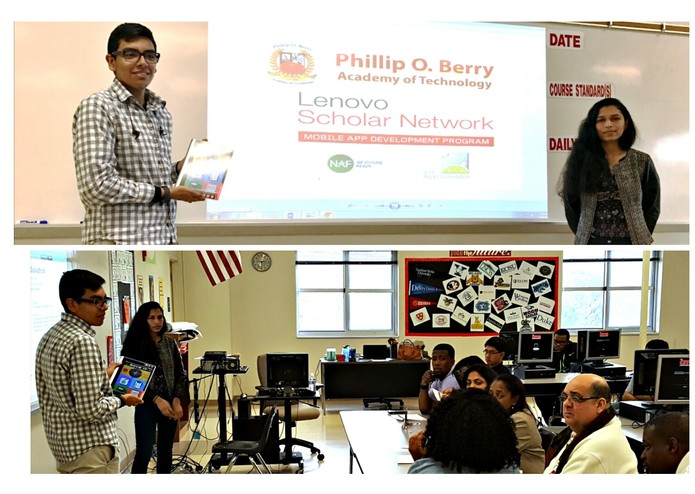
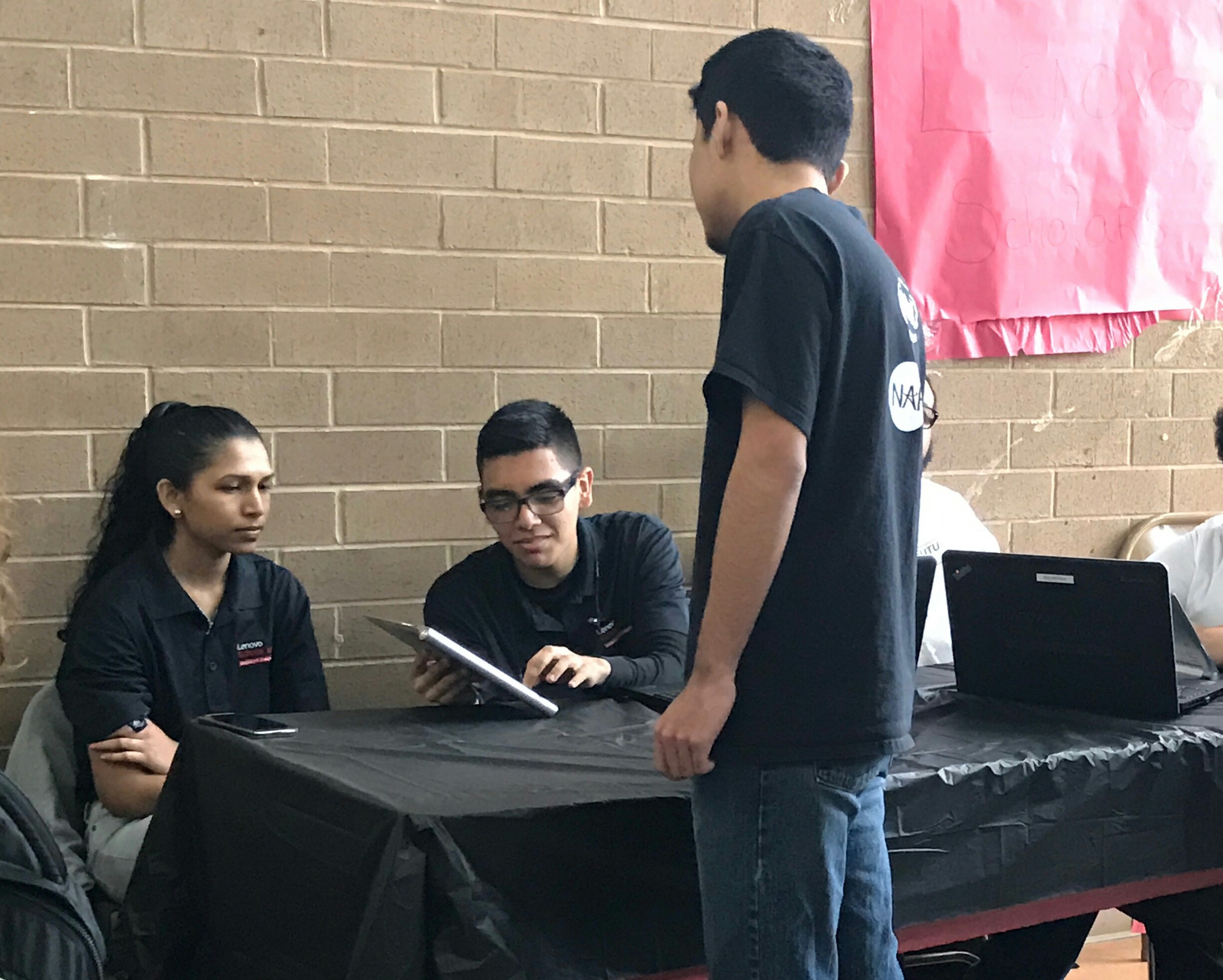
Presenting the app in front of panel of judges-school level
-
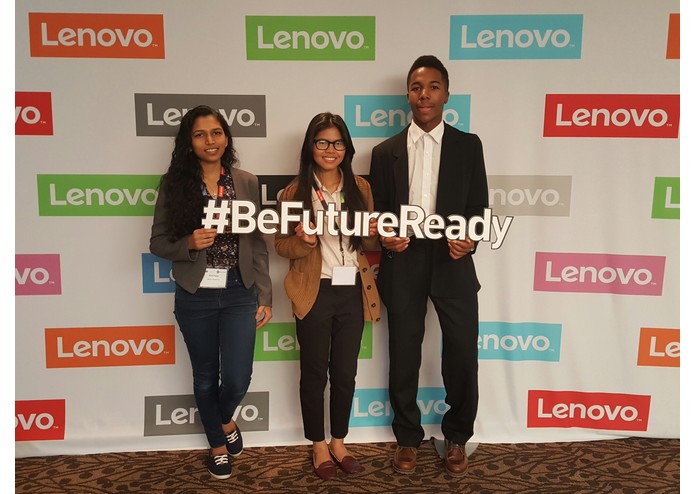
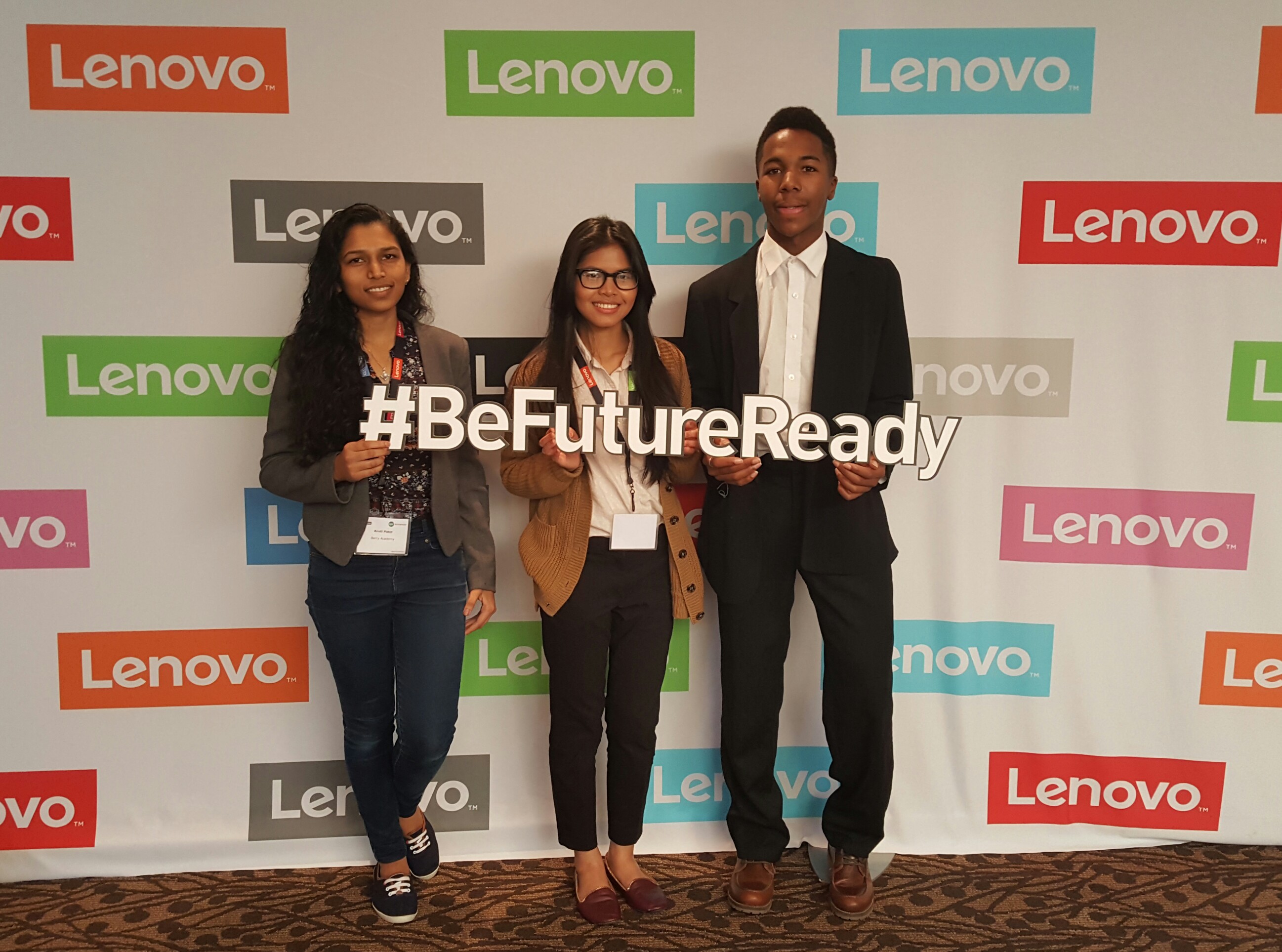
Lenovo event in Durham
Inspiration
The problem of organization is quite common among many students our age. Keeping track of assignments, and not to mention the due dates. It may become difficult remember everything. So, we thought why not make an application where students can personalize their schedule and keep track of all the tasks and activities.
What it does
'SaveIt' is user based app, which allows individuals to organize their thoughts and ideas. The app starts off with a login screen so that the users would be able personalize the app. After logging in, the app will bring the users to the home screen which has five main functions, on which the app is based. The drawing function allows individuals to brainstorm ideas or sketch rough draft for a project. The second is the notes function, which is further divided into passwords, notes and to-do list. The password section lets the user save passwords for specific sites. The notes section allows to take notes and the to-do list section is similar to a shopping list, by which people can add items to a list and remove the item, once the task is completed. The third main function in the app is the calculator function included formulas from the subject area of math and physics. This section was built to assist with the hassle of memorizing the formulas. The fourth function of the app is built with the idea of digitizing the physical planner. This section enables the users to keep track of assignments according to the due dates. In this way, each function in the app was developed with the thought to assist students become organize and help them save any important information that they might be prone to forget. The fifth and final section of the app if the notification function, located in the upper left corner of the home screen. This function was made so that the users would easily be able to see the upcoming assignments that were entered in the planner section.
How we built it
To start off with, we used tinyDB to store the usernames and passwords into the memory. Moving on to the four main functions, we used canvas for the drawing function. We used list view for the section of notes, so that the users would be able see their previous notes of passwords that they saved. We primarily used the math function for the calculator section of the app. We used horizontal and vertical arrangement create the interface of the application. We also used the tinyDB component for recording the activities on planner. Since our app was based around the idea of saving, and storage, tinyDB was a major component used throughout the app.
Challenges we ran into
There were many challenges that we stumbled over, but we managed to find our way around the problems. The first problem was that our team had many great ideas that we wanted to include, but confusion about how to implement the ideas into our app. But after brainstorming, and putting our heads together we were able to resolve the issues. Another major issue we came across was that the screen had difficulty being displayed, as the QR code was scanned, the screen would just show error before even opening. We tested if the problem only applied to the specific device, to whether is applied to any device. Nothing was happening in our favor.
Accomplishments that we're proud of
This was our first time working on the MIT app inventor extensively. Considering the starting idea and the final product, I think that itself is a big accomplishment for us.
What we learned
From some of the problems we came across, we learned that there is usually an more than one way to fix the problem, or to make the functions work in our favor. So if there is no clear solution, it can be useful to use the previous knowledge to come up with the code.
What's next for SaveIt. Don't forget it, just save it.
The next step for 'SaveIt' to work on getting the notifications to work, so that the users would be notified if they are approaching a deadline. In the future, we were set on the idea of using encryption as a tool to protect sensitive information, like passwords, on the application.


Log in or sign up for Devpost to join the conversation.