-
-

logo
-
-
-
-
-
-
-
-
-
-

Inspiration
We kept copying the same useful things over and over: links, text snippets, screenshots, recipes, addresses, documents, and client information. These items were scattered across Notes, Messages, browser tabs, and screenshots, making them difficult to find and reuse. SaveCross was inspired by a simple idea: save something once, then use it anywhere.
What it does
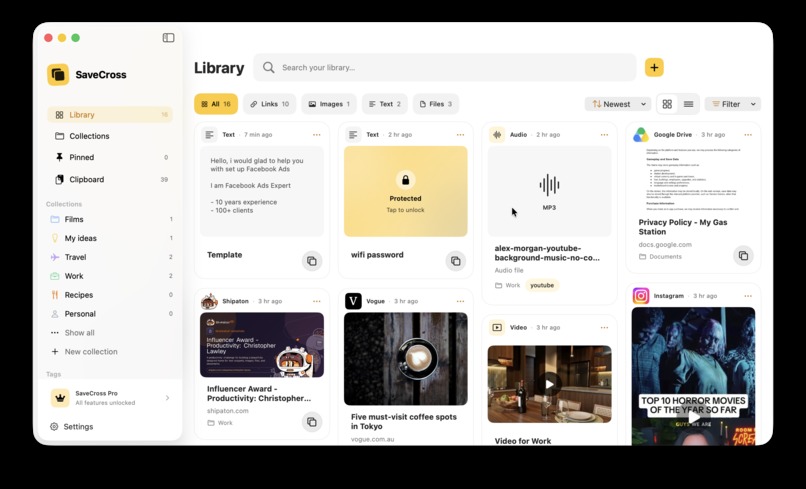
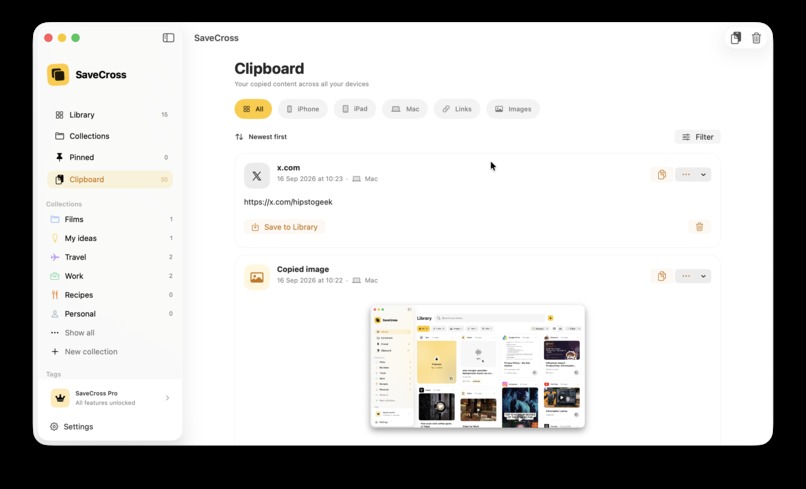
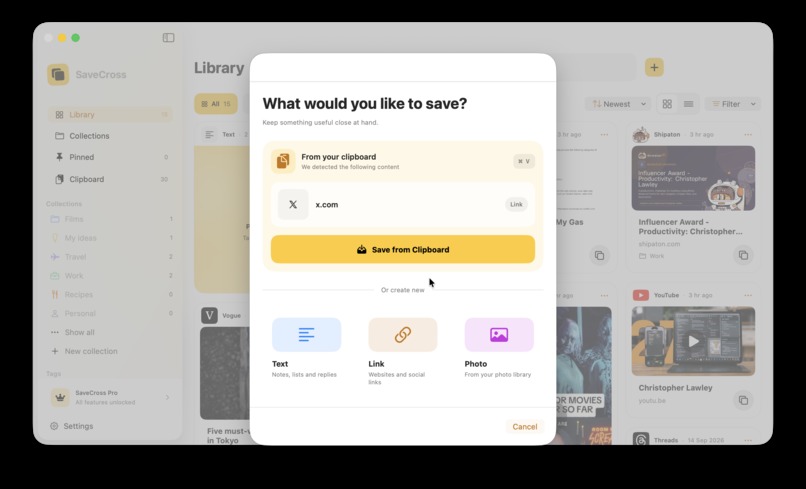
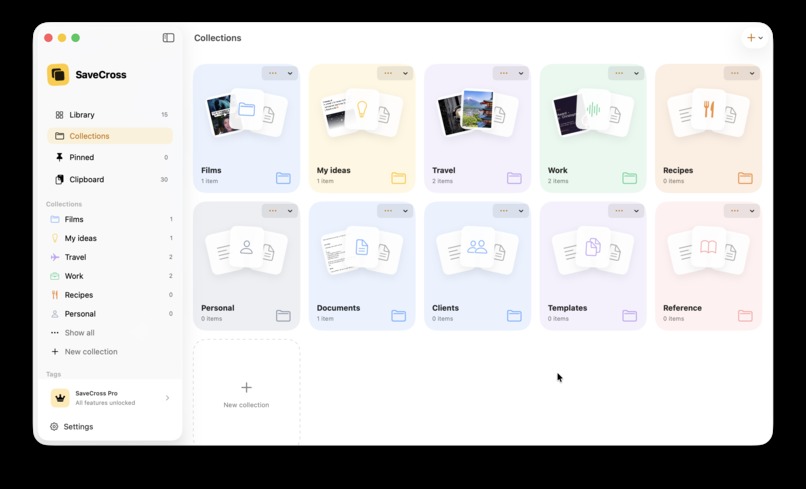
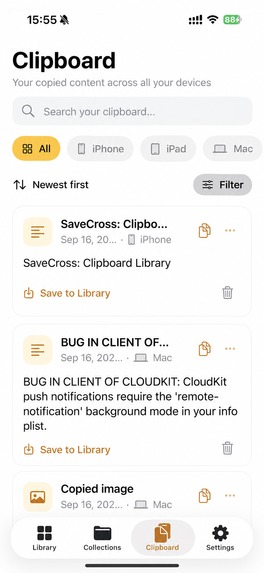
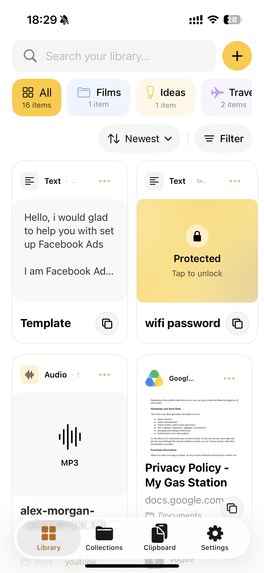
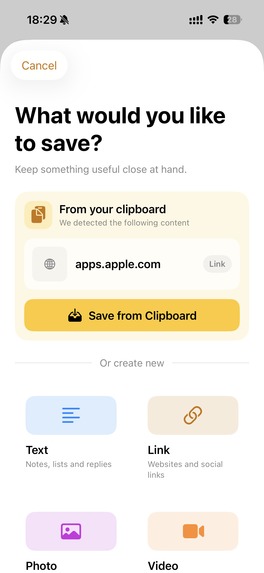
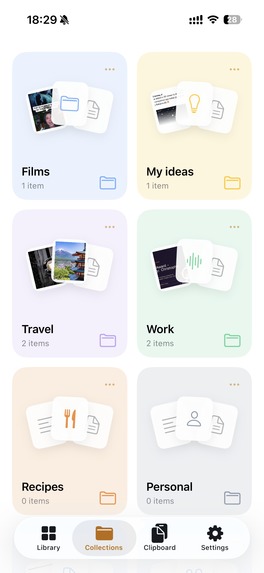
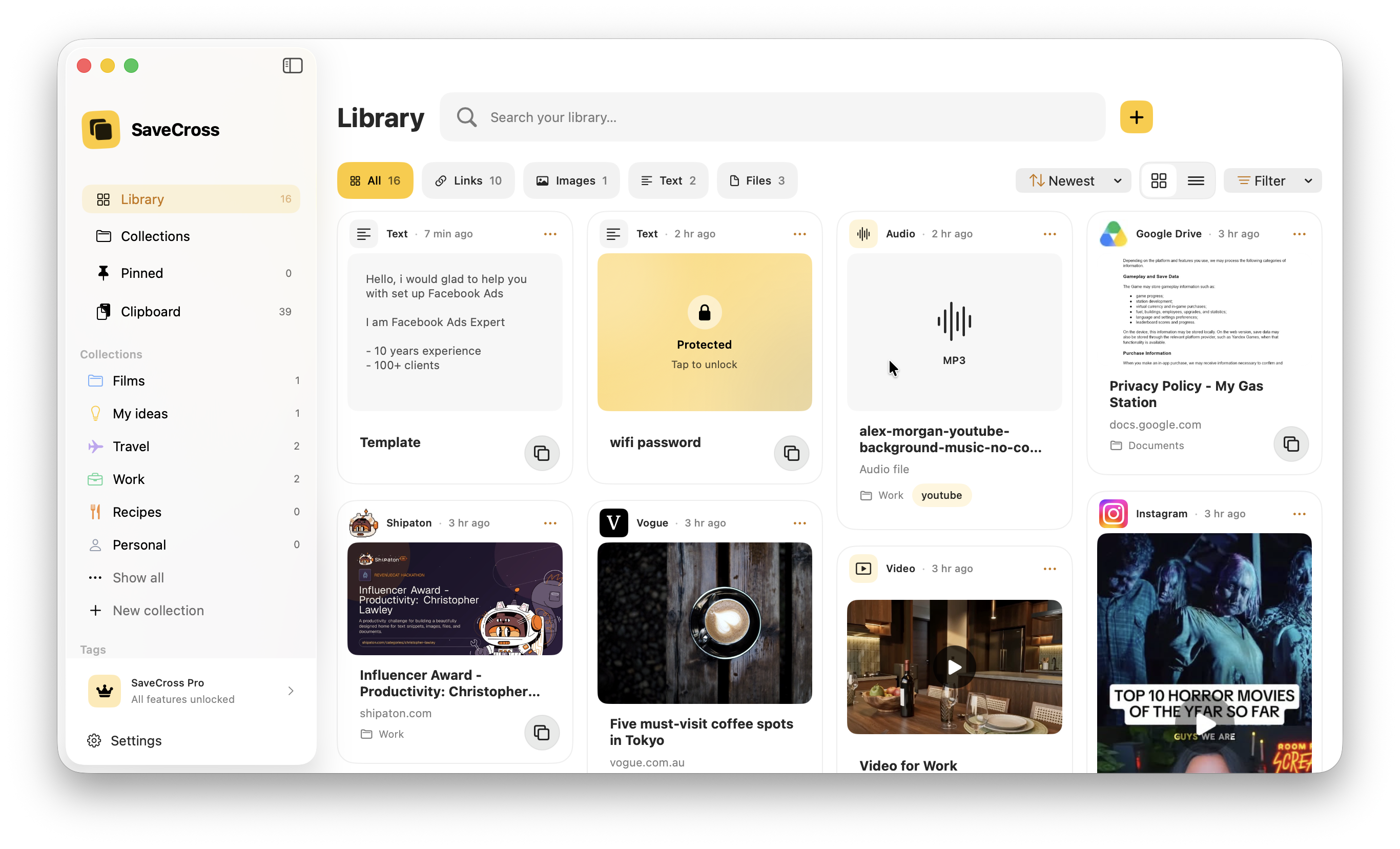
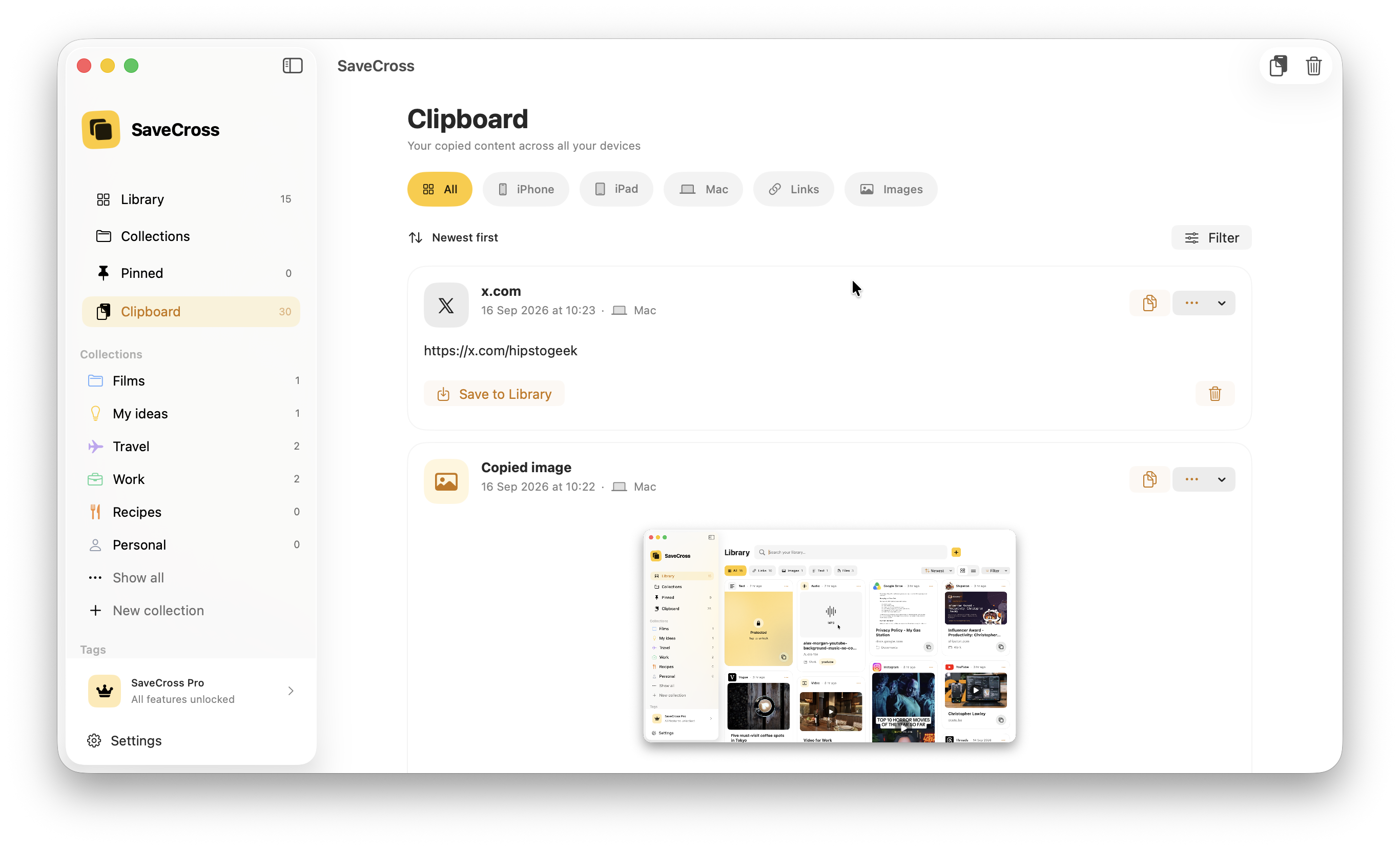
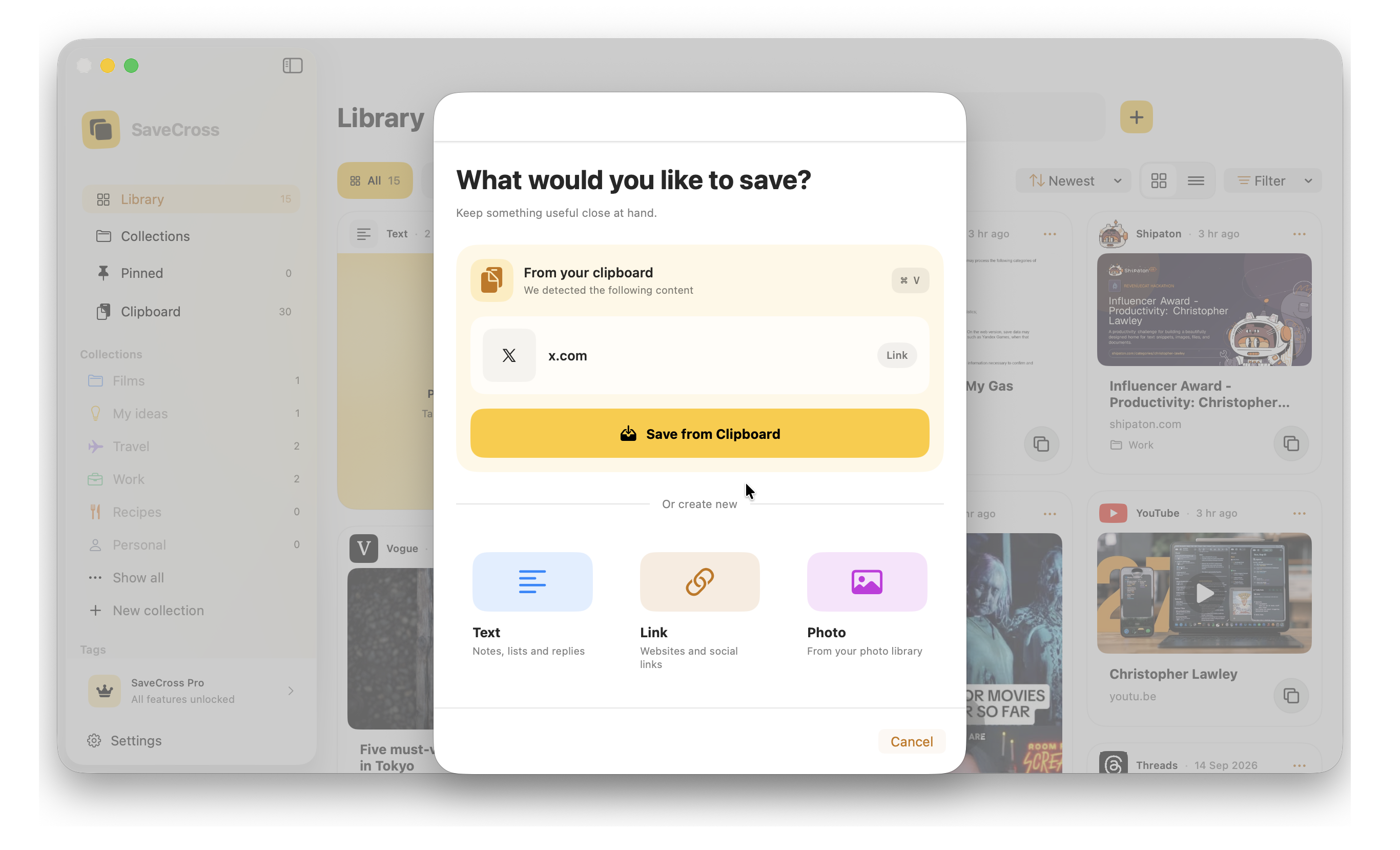
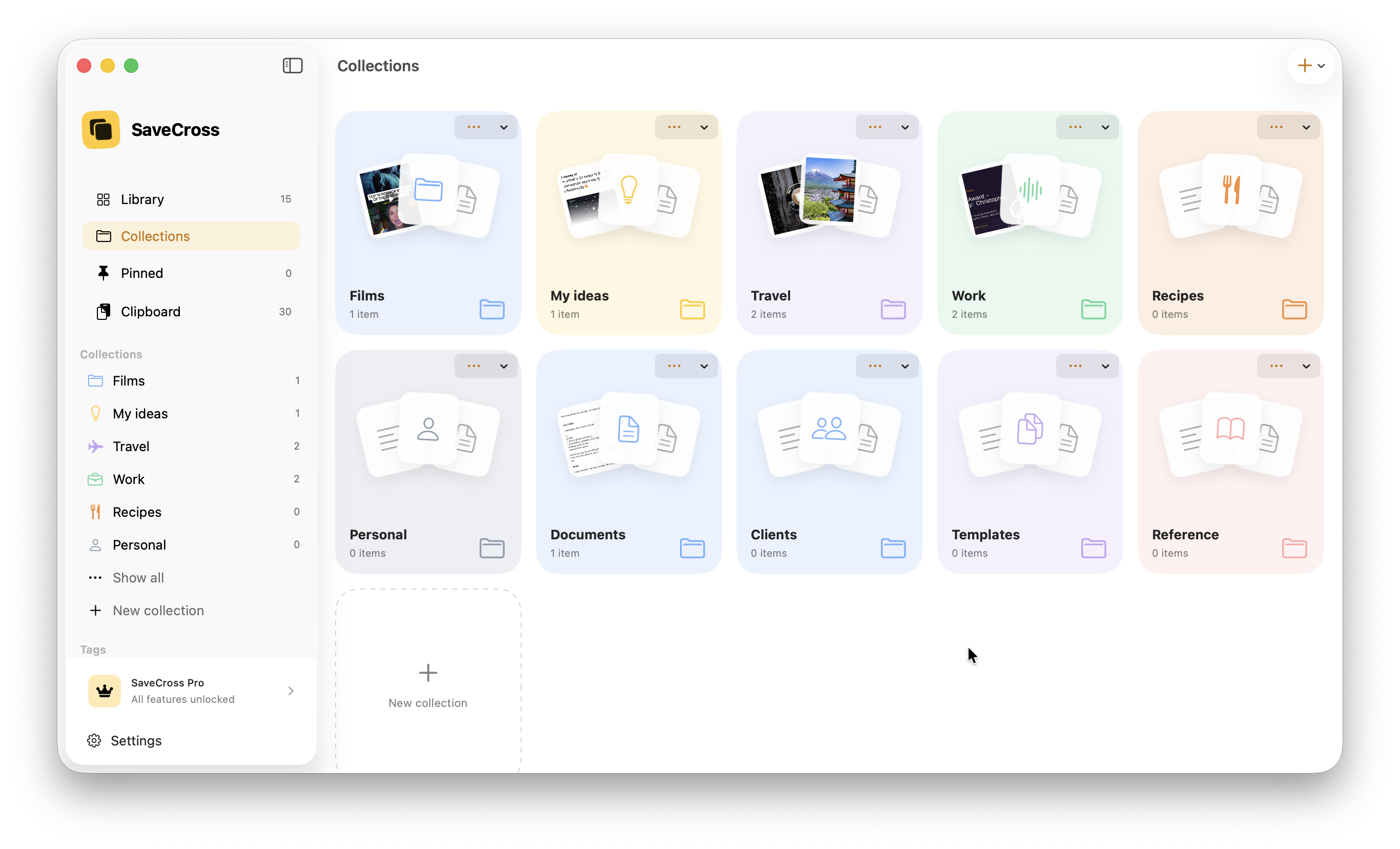
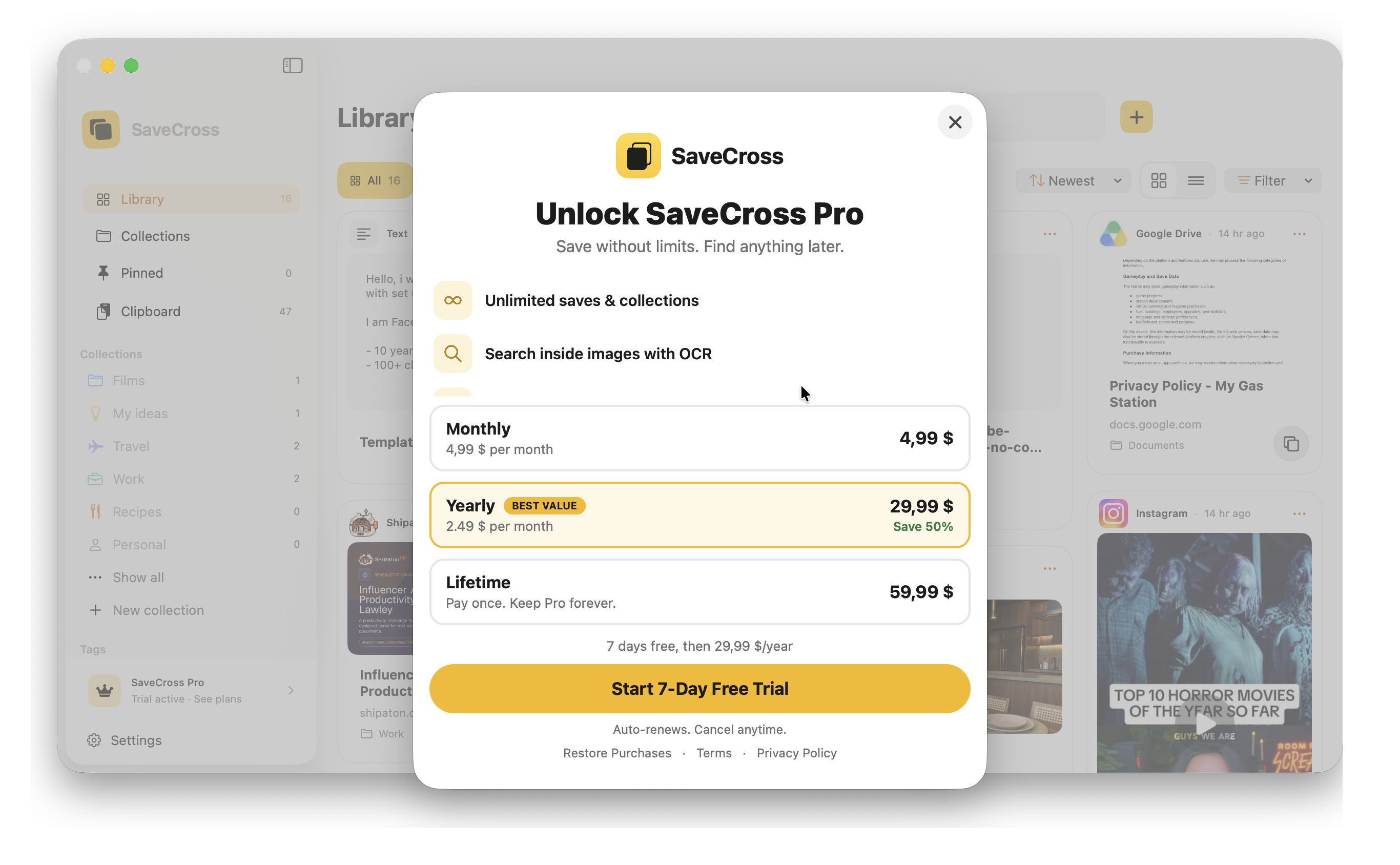
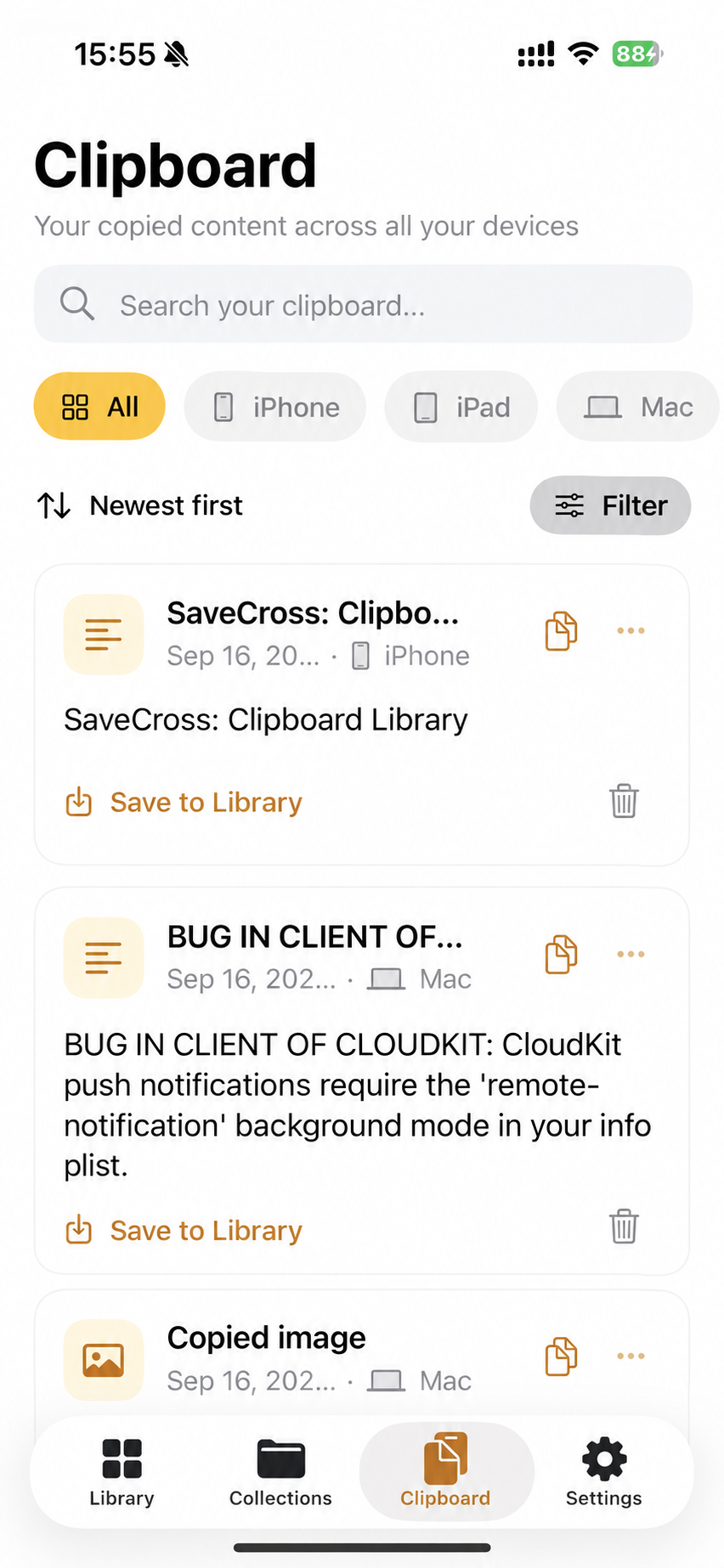
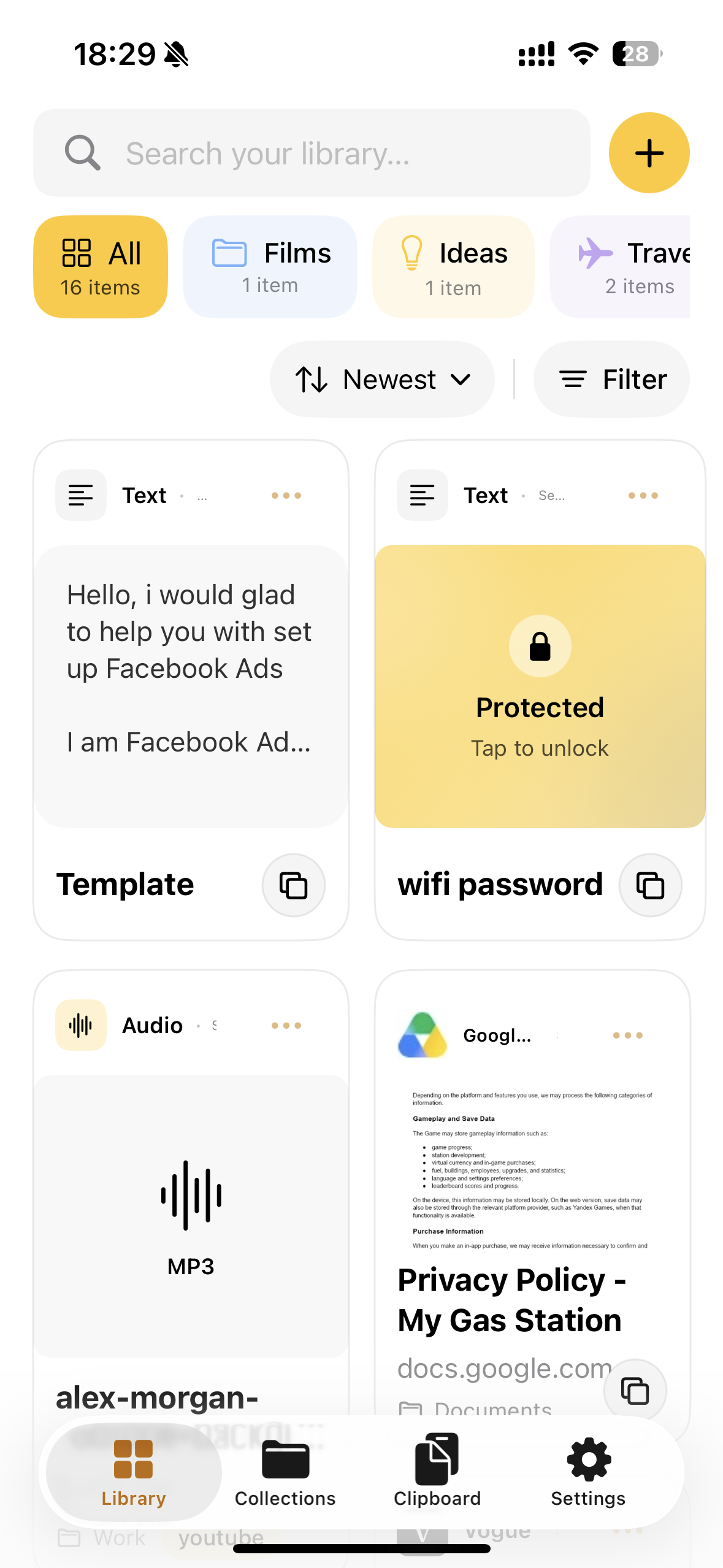
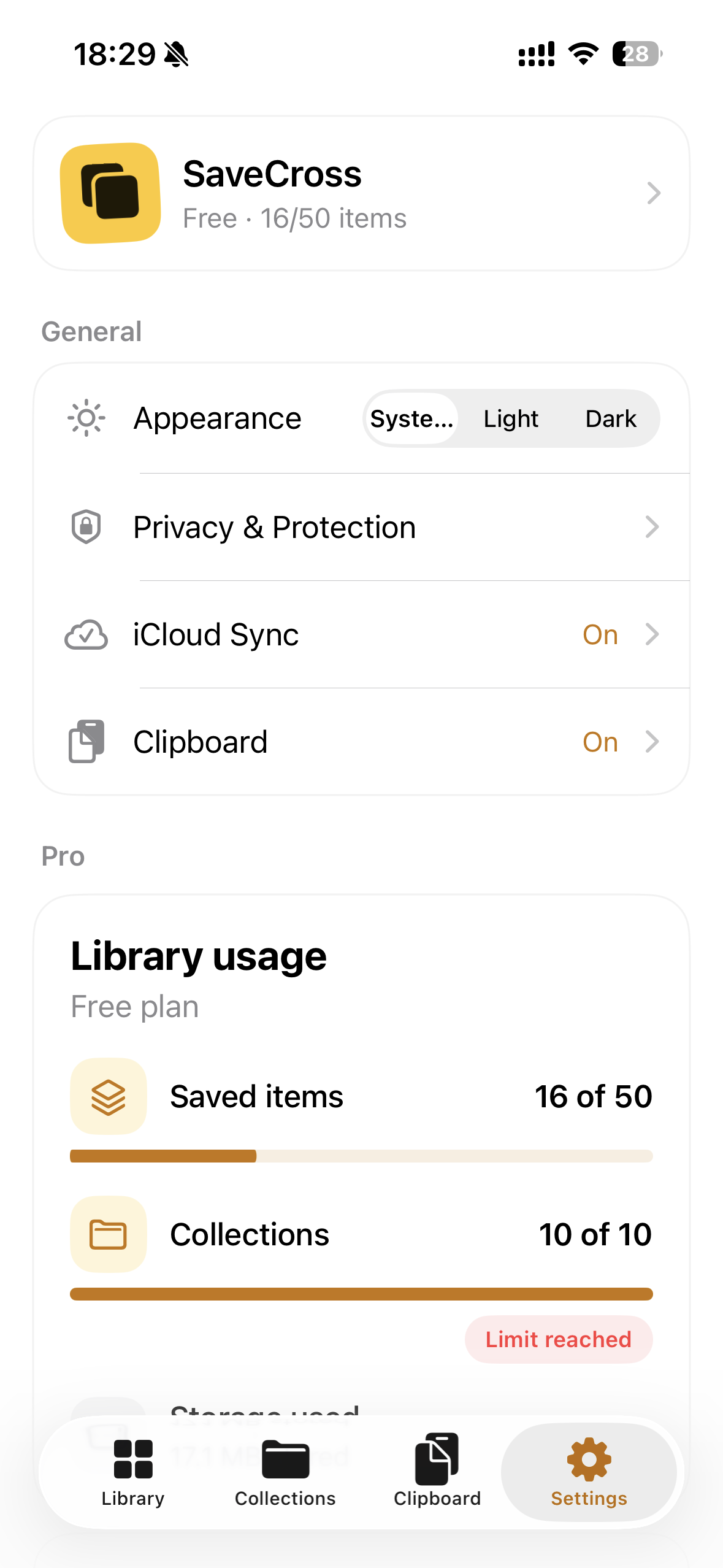
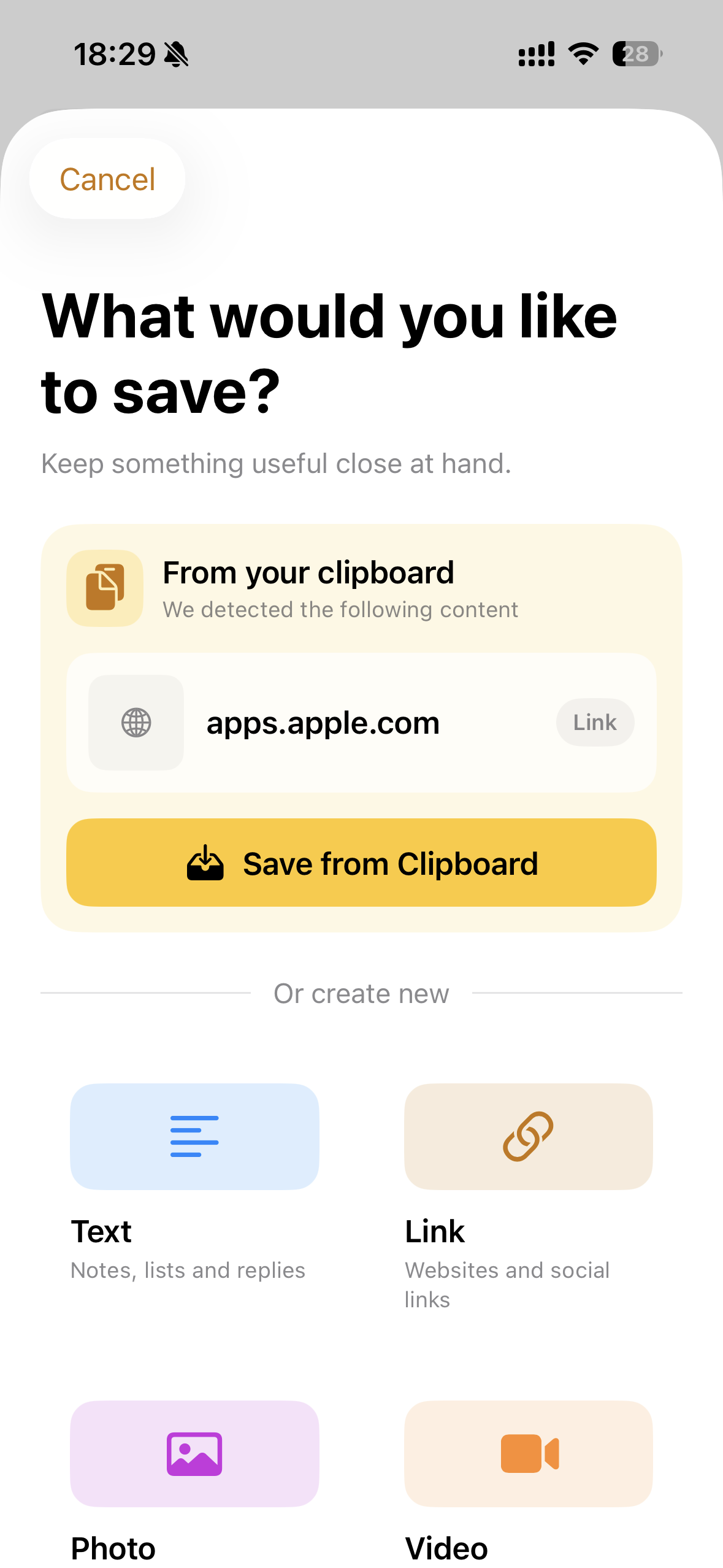
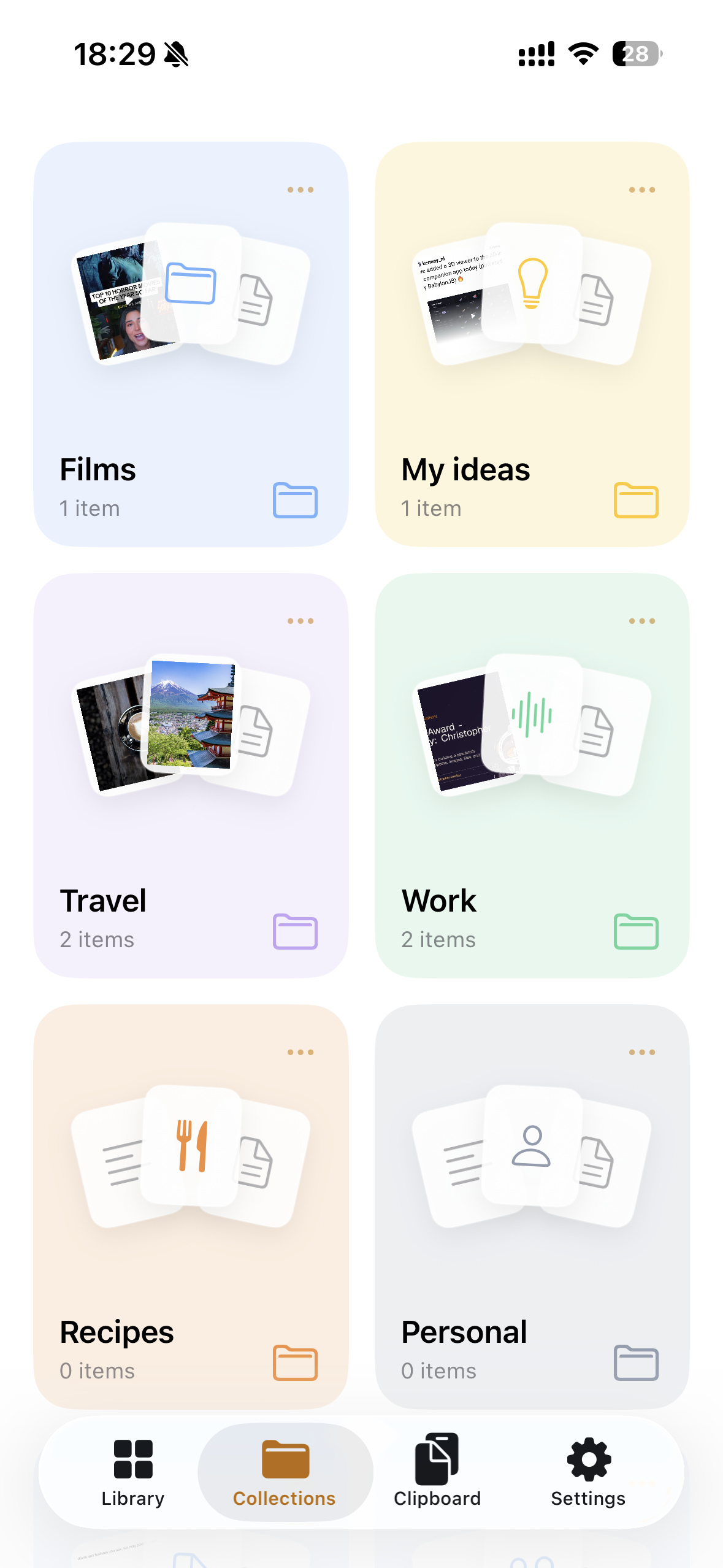
SaveCross is a personal library for reusable content. Users can save text, links, images, PDFs, videos, and files from iPhone, iPad, or Mac using the Share Extension, clipboard, or Shortcuts. Content can be organized into collections, tagged, searched, favorited, and copied or opened again in seconds. Clipboard History provides a separate, searchable space for recent copies across devices. Pro features add OCR, PDF text extraction, and Smart Capture for turning saved content into recipes, places, or notes.
How we built it
SaveCross is built natively with SwiftUI, SwiftData, CloudKit, and Apple’s Share Extension APIs. The same adaptive interface supports iPhone, iPad, and macOS.
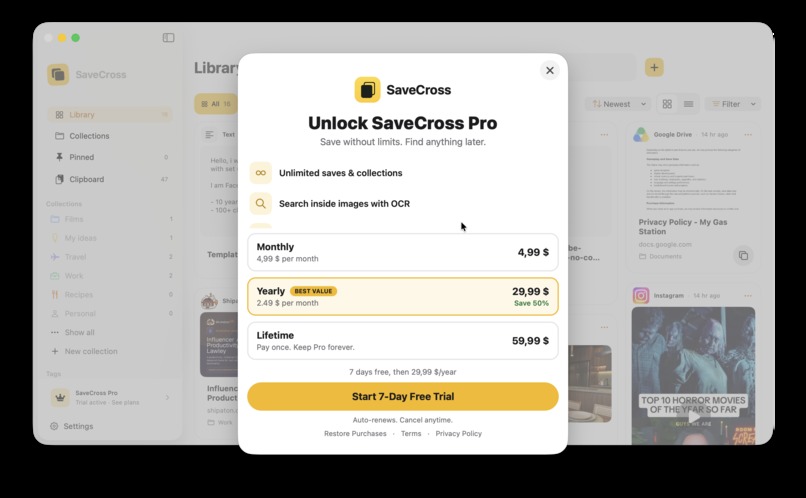
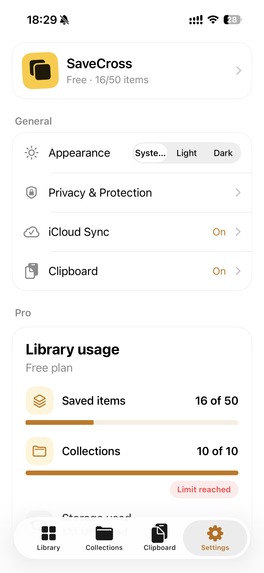
We use App Groups for communication between the Share Extension and the main app, Spotlight for system-wide search, App Intents for Shortcuts, Vision for on-device OCR, and Foundation Models for Smart Capture. RevenueCat handles the optional Pro subscription.
We also used ChatGPT throughout development as a coding and product-development partner—for architecture decisions, SwiftUI implementation, debugging, testing ideas, documentation, and refining the user experience.
Challenges we ran into
The hardest part was making saving feel immediate while keeping data reliable. Share Extensions have limited lifetimes, temporary files can disappear quickly, and imports can be interrupted. We built a staging and inbox system with atomic writes so content is not lost or partially imported.
We also had to carefully handle CloudKit synchronization, clipboard privacy, duplicate links, cross-device state, and different interaction patterns across iPhone, iPad, and Mac.
Accomplishments that we're proud of
We built a complete, native cross-platform experience rather than a simple list of saved links. SaveCross supports rich content, collections, search, tags, favorites, clipboard history, Share Extension capture, Spotlight indexing, Shortcuts, OCR, file previews, and private iCloud synchronization. We are especially proud that the app focuses on reuse: every saved item is designed to be found, copied, opened, or transformed again with minimal friction.
What we learned
We learned that one product can serve Mac, iPhone, and iPad through a shared native architecture and a consistent user experience. Building the platforms together allowed us to reuse the same data model, synchronization, features, and design system.
We also learned that a unified subscription experience is possible across platforms, giving users access to the same Pro library wherever they use SaveCross. This makes the product simpler to understand and more valuable than maintaining separate apps with disconnected accounts and plans
What's next for SaveCross: Clipboard Library
Our next step is to continue developing and promoting SaveCross: Clipboard Library. We plan to prepare the project for release, showcase its cross-device workflow through short demos and real use cases, and reach users interested in productivity and Apple apps. We will use feedback from early users to improve clipboard search, organization, widgets, and cross-device reuse. Our goal is to turn SaveCross into a trusted everyday tool for saving and reusing information across Mac, iPhone, and iPad.

Log in or sign up for Devpost to join the conversation.