-
-
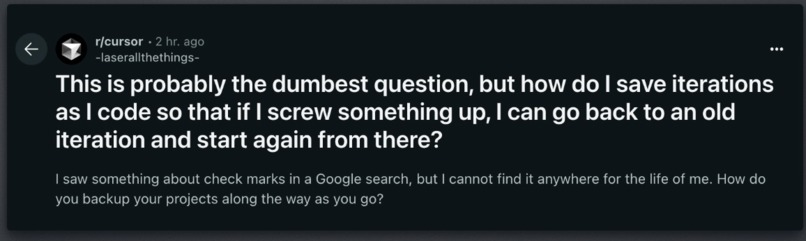
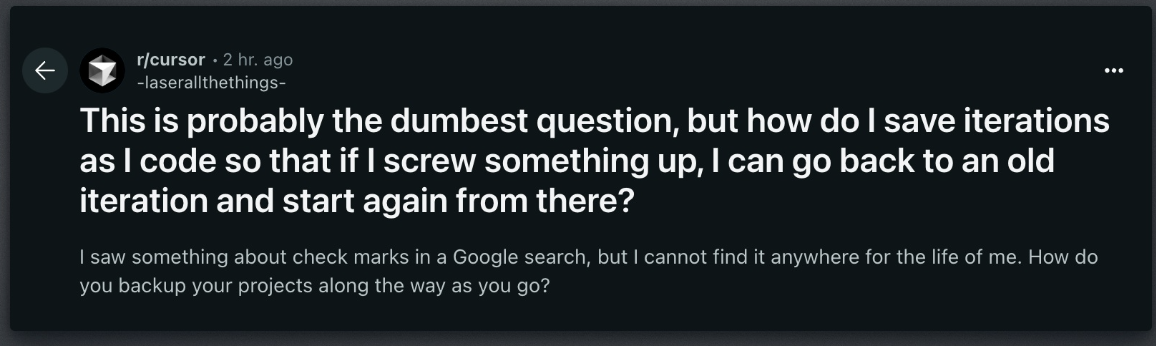
The proble
-
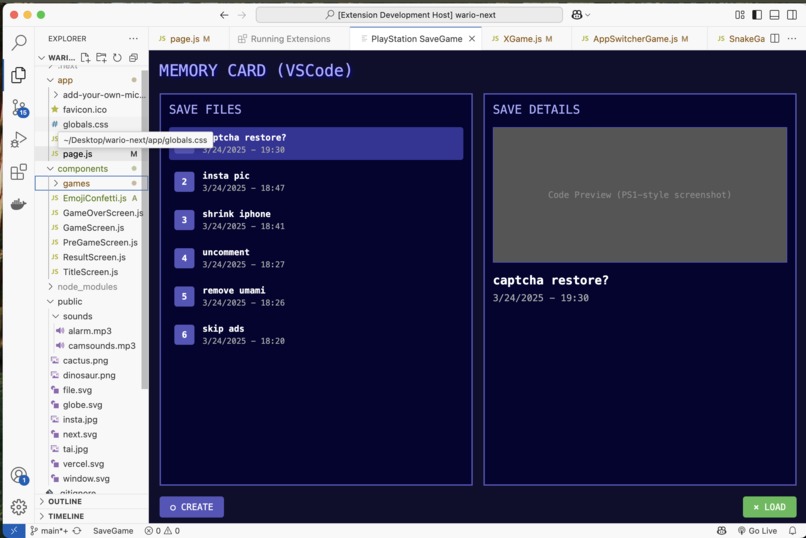
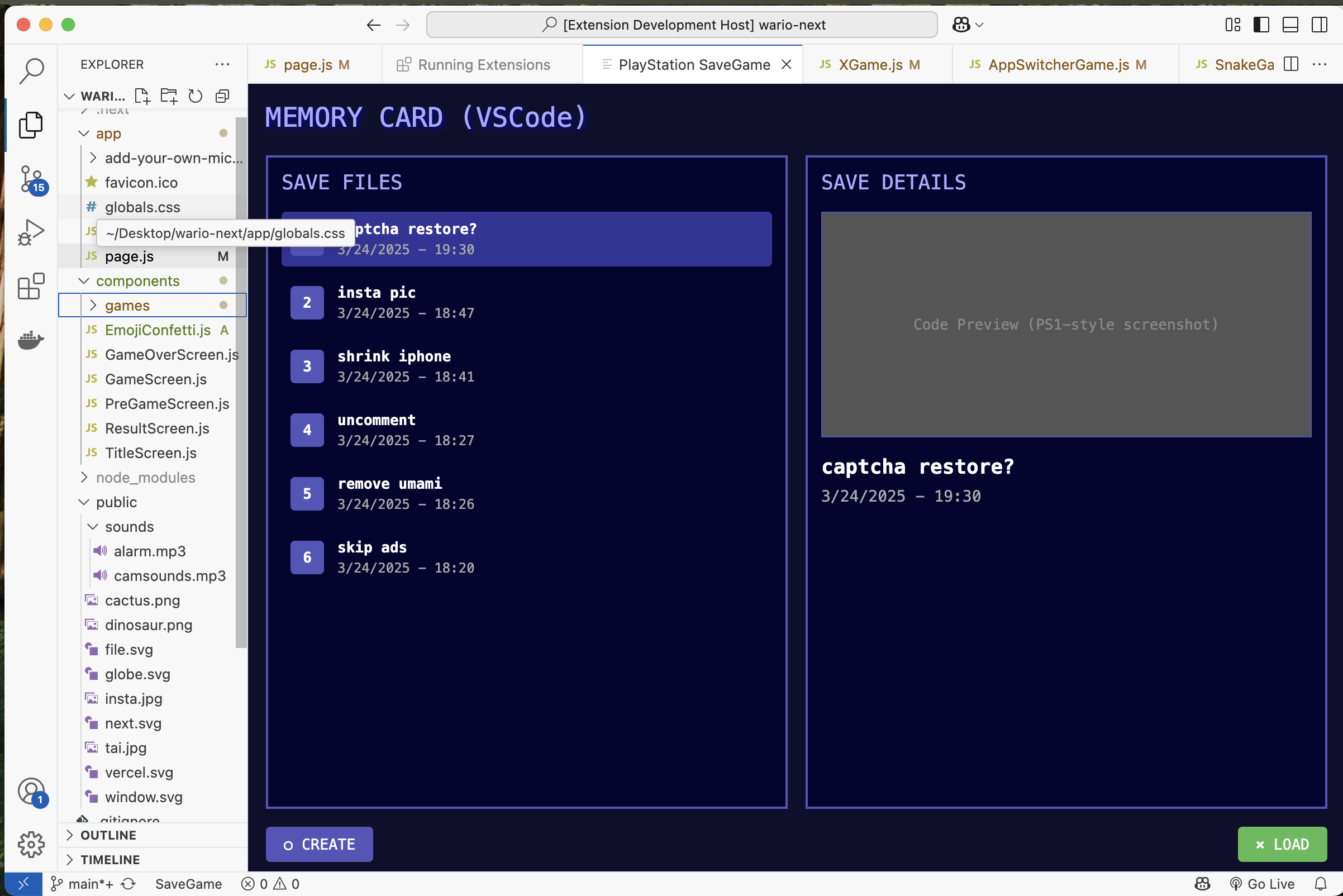
Main UI is familar to anyone whos saved a ggame
-

Add save game to VSCode

Save The Vibe
Adds a 'Save Game' button to VSCode
Vibe coders are running into a problem we've all faced:
Messing up.
We all make mistakes.
Thankfully we have Git.
I can't count how many times Github has saved me from wrecking projects.
But Git is complicated.
So I decided to simplify it for a new generation of makers
Save The Vibe is like adding a "save game" to VSCode
Why We Made It
Coding is changing. AI tools are bringing more people to code every day. Vibe coding is great -more and more people can solve problems and be creative. However these new tools can make mistakes. If you're not familiar with the intracies of git this can ruin your work,
Git and GitHub are great but an be intimidating.
Save the vibe abstracts away the terminal and typing in commands in favor of a metaphor everyone knows
The Save Game Screen
Goals
- Making saving dead simple – one click and you're done
- Showing your saved work in a way that makes sense
- Letting you jump back to any point when things break
- Keeping the tech stuff hidden so you stay in your flow
No commands to learn. No confusion. No stress.
Just save your work, keep your vibe, and code with confidence.
Challenges
I've never built a VSCode extension before so it was an interesting project and I wouldn't have attempted it without the help from CoPilot which did most of the heavy lifting.
Tools like copilot have transformed my coding experience and given me more confidence to code things I would never have attempted before,
it helps me get over the not knowing what you don't know problem:
when you're faced with a new technology it's intimidating when you don't even know what questions to ask or the relevant vocab to search with.
I think these new generation of Ai tools go a long way to solving that and can hold your hand when exploring new areas of creativity
I hope Save the Vibe can help people discover the transformative power of software development and explore how making your own tools can empower positive change and creativity
Built With
- azure
- copilot
- github
- javascript
- node.js
- vscode

Log in or sign up for Devpost to join the conversation.