-
-
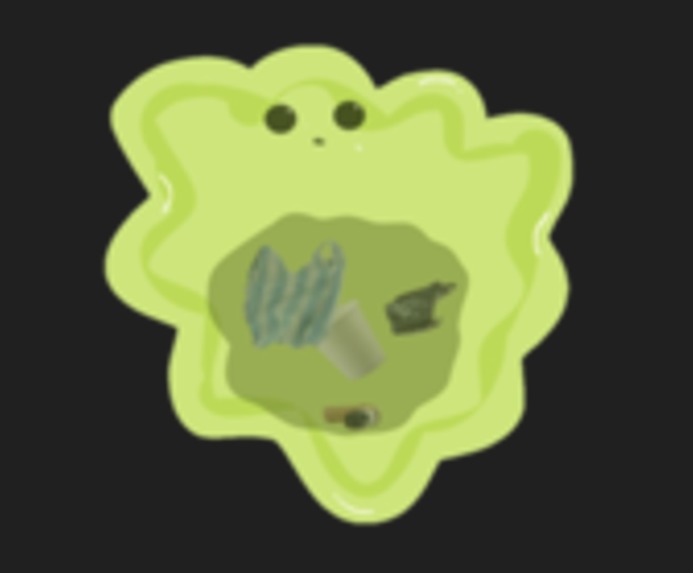
Bleh the Monster
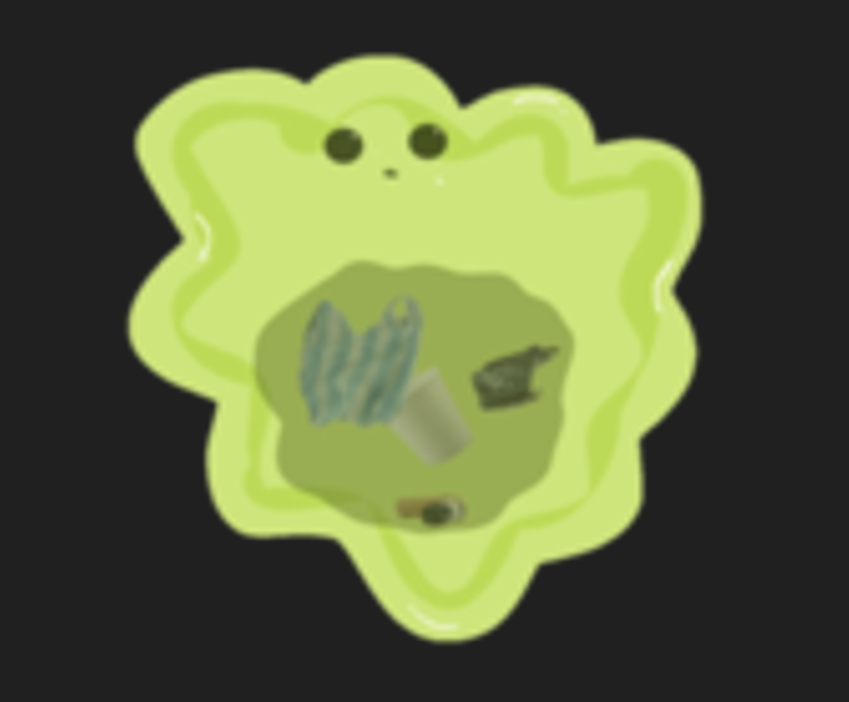
Inspiration
A viral video of a turtle caught with a plastic straw up its nose and injuring the turtle sent an alarming message to the world about the dangerous consequences of human littering. A littering crisis is taking over our world, unnecessarily hurting and killing other animals and contributing largely to the unprecedented levels of air pollution and climate change. However, most people seem to have forgotten about the poor turtle and the millions others affected by our littering and continue to leave out their trash or throw the trash in the wrong garbage can. As trash continues to pile up on streets and beaches, it becomes imperative that the younger generations learn how to properly put away trash and make our world a cleaner place for all. Since technology is becoming an increasingly prevalent part of our lives, with the younger generations even being dubbed “iPad kids”, I concluded that a video game would be the best way to engage with them and teach them. That's why I decided to create an interactive video game where children can visually learn which trash can different trash belong in as well as build up the habit of throwing trash away.
What it does
This game teaches younger children that littering is harmful for Earth and how to properly throw their trash away. A monster at the top of the screen will spew out random trash onto random places on the screen. The player will have to drag the trash into the correct trash can at the bottom of the screen (paper, metal, general, and plastic). If the trash is placed in the wrong trash can, the player’s score and the Earth’s health will decrease. The Earth’s health is shown on the top right of the screen and it darkens as it loses health. Additionally, the longer trash stays on the screen without being put in the trash can, the Earth also loses health. When the Earth dies, the game is over. The top five scores will be displayed at the end of the game, and the player can then decide to play the game again or exit the application.
How we built it
I began by working on the trash. I created a trash prefab, which was essentially the blueprint and would allow for multiple copies of the same thing and changing the prefab would change all of its copies. I used the built in EventSystem on Unity to add the dragging function to the trash and added the collider and RigidBody functions as well, which are built-in Unity functions that make the trash sensitive to collisions with other objects. I also used enum to label the different trash (e.g. paper, plastic, metal, general).
I then made the trash cans. Similarly, I used enum to define what each trash can was (paper, plastic, metal, general) and selected the collider and Rigidbody functions, along with an additional isTrigger function that could sense if the trash collided with the trash can. I attached a code to the trash that compared the trash can’s label to the trash’s label to determine whether the trash was in the correct trash can. If the trash was in the correct trash can, I added points to both the game score (the one displayed to the player) as well as the Earth’s health points (not displayed numerically to the player but ends the game when it reaches 0). If the trash was in the wrong trash can, the score and health would be subtracted. I used another script, GameData, to keep track of the score, health, and the level, which I will explain more about below. The GameManager, another script, was used to control the game status (playing, game over, pause, etc) and would end the game when Earth’s health reached 0.
I created a monster object and attached a Monster script to it. The script would randomly select one of the trash in the collection and move it from the monster’s mouth to a random place on the screen. The amount of trash as well as the frequency of spitting out trash onto the screen increases with increasing levels. I used another script called Level Design to change the level once the score reached a certain value.
I used another script called UIManager to control the interface. This included when to display the different texts (introduction, game over, score/level display during the game, etc) and buttons (play, pause, resume, exit, play again) that make up the start screen, playing screen, and game over screen by essentially turning the texts and buttons on/off using the SetActive() function. I created the buttons using a built-in button script from Unity. The UIManager also played the background music, which is on a loop throughout the entire game. It was also used to exit out of the entire application when the player pressed the Exit button at the end of the game.
I used a separate SoundManager that contained short methods that defined the different sound effects for when the player put the trash in the correct/incorrect trash can. I then called these methods in the GameData script to actually play the sound at the correct time. The GameData script was in charge of adding/subtracting from the score, so I decided to play the sound right after adding to the score to ensure consistency and that the player had indeed put the trash in the correct bin. Likewise, the “wrong” sound’s play method was also called right after the score was subtracted.
Finally, I decided to create a leadership board that kept track of and displayed the top five players’ scores. I kept track of the players’ names and scores through a Json file. In the C# script, I used SaveAndLoad to load the previous top five data, then if the player had scored in the top five, to save the new data.
Challenges we ran into
A challenge I ran into was about dragging the trash. At the beginning, if the player is dragging a trash but the monster throws a trash into the same place that the cursor is at, the cursor/player automatically starts dragging the new trash instead. This could cause confusion and the player might drag the trash into the wrong trash can if they didn’t realize the trash had changed. It would also be difficult and annoying to not be able to drag the original trash into the correct place. To solve this, I turned off the trash’s collider (which would detect if the trash collided with something else) on the originally selected trash until it reached the trash can. However, this created a new problem which was that now when a new trash spawns in the same place as the cursor while the player is already dragging a trash, the original trash couldn’t be dragged anymore. My new solution was to create two different layers: a trash layer and a drag layer. I designed it so that the drag layer would always be on top/before the trash layer so that if the new trash spawns in the same place as the currently-being-dragged trash, the new one would appear behind the original one and not get selected by the cursor.
Another challenge was that at first, the moment the trash touched a trash can, the trash immediately disappeared and the game would recognize that trash as being put into that trash can even while the player was still holding down the cursor and supposedly selecting the trash. This is a very inconvenient characteristic as players don’t have a chance to switch choices before letting go of the cursor and deselecting the trash, and they might accidentally put it in the wrong trash can by dragging the trash over another trash can while on its way to the correct one. To fix this, I checked when the cursor was still selecting the trash so that the answer is only finalized once the player lets go of the cursor.
Accomplishments that we're proud of
I am most proud of turning something educational into a game that I continually improved to make more attractive. Some appealing aspects of this game is that, like classic games such as Tetris, there is no limit to the game and it runs until the player, or in this case, the Earth, dies. It can then be played as many times as the player wants after losing. The top scorer board will keep players motivated to continue playing and pushing for a higher score. Additionally, since there are different types of trash and they appear at random places, the randomness and spontaneity keeps the game exciting. Additionally, as the level increases, the games become faster paced, another factor which helps keep the player attracted to the game and not become bored. I am also proud of the final organization of the different scripts and objects that I used in my game as it now makes growing the game (e.g. adding different trash, different scenes/environments, different characters/trash cans, etc) very easy.
What we learned
I learned that functionality and making the game fun to play were two different things. When I started out designing and creating the game, I hadn’t factored in the fun of it and was more focused on just making it functionable. However, after playing it, although the game could technically run, there were lots of small details that just overall made the game less appealing. For example, as described earlier, I found it quite annoying when the trash would automatically disappear once it passed over a trash can even though I was still selecting it. Although the game could still function like this, after changing it so that the trash would remain selected while the player was still pressing down on the button made more sense and thus made it easier to play. Additionally, I hadn’t originally added music or sound effects, but after adding in these sounds, the game felt more complete and I could stay focused on the game for much longer while having fun.
I also learned about the importance of organization. I started out with just two C# scripts, and I tried to write all of my code there. However, as it grew longer, I became very confused very quickly, so I spent some time just creating different scripts that had specific purposes, such as having a script just for changing levels, then another for keeping track of data, etc. Even though I ended up with a lot of different scripts and some scripts were quite short, I was able to work more efficiently and I was always able to find where everything was. This made adding in more features, such as sound effects, and eventually if I want to grow the game even more, much easier.
What's next for Save the Planet
To further enlarge this game, the game could include more trash. An interesting way to make this game more interactive and customizable would be to add a function where players are able to input their own images for trash. For example, parents or teachers could add pictures of trash that are specific to their environment and use this game to teach children where those trash belong. They could also customize their own trash cans to suit their situation. Another way to enlarge this game is to create different environments and have the trash that’s piling up depict the different consequences litter can have on our planet. For example, if the background is at a beach, instead of the Earth slowly darkening, the trash could hurt or injure marine animals. An animation/short clip with a fish getting stuck in a plastic bag could play when the game is over. This would teach the kids exactly why littering is so detrimental and allow them to comprehend the significance of throwing away trash properly. Other potential ideas for this game could be to make this multiplayer so kids can have even more incentive to focus on the game and play more. Additionally, to really cement the educational purpose of this game in teaching children to throw away trash, the game could encourage real-life challenges where they have to actually clean up in real life. For example, there could be a function to keep track of how much trash the kids helped throw away (kids could press a button each time they threw away trash), and there would be a leaderboard for the real life results alongside the videogame leaderboard.


Log in or sign up for Devpost to join the conversation.