-
-
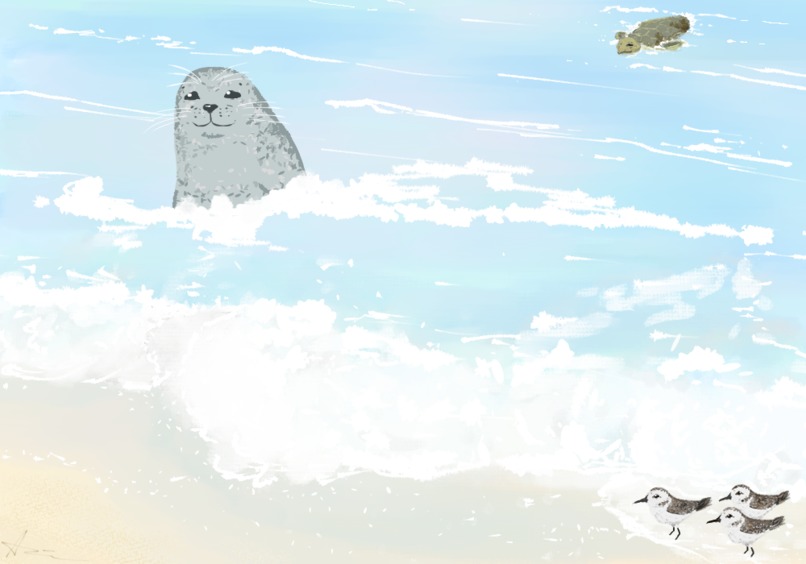
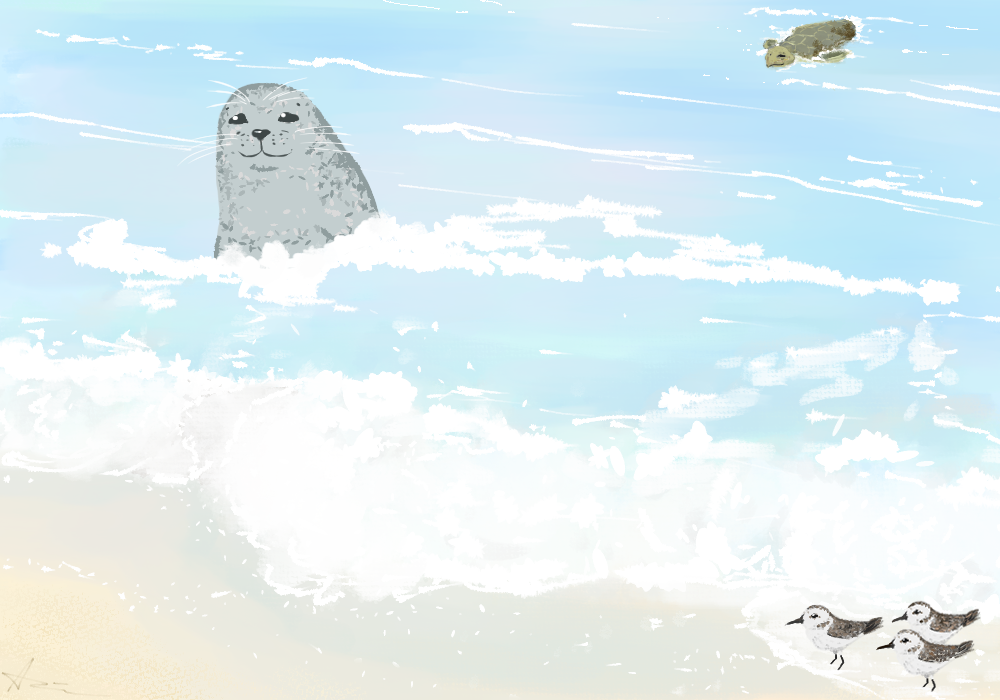
Main Background for the game.
-
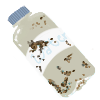
Trash that is collected by the user to increase their score.
-
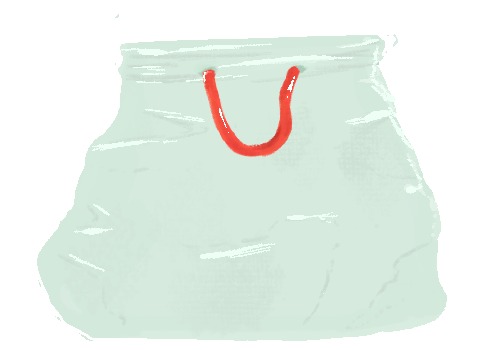
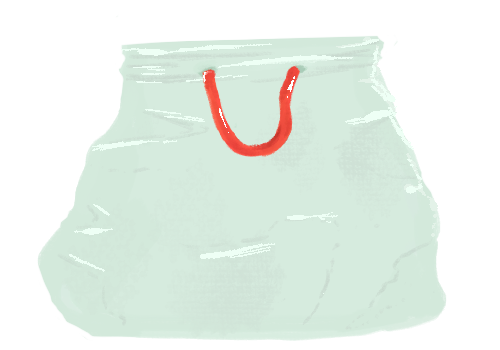
Trash bag that the user manipulates to collect trash to increase their score.
-
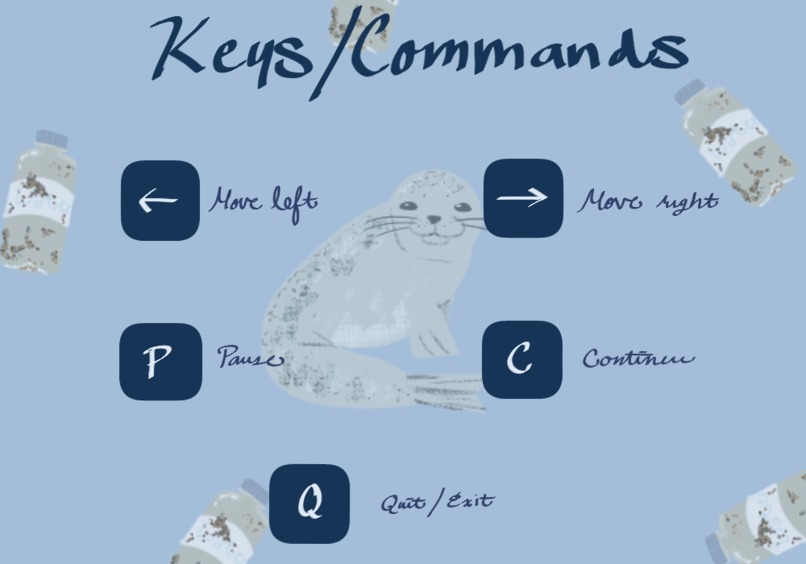
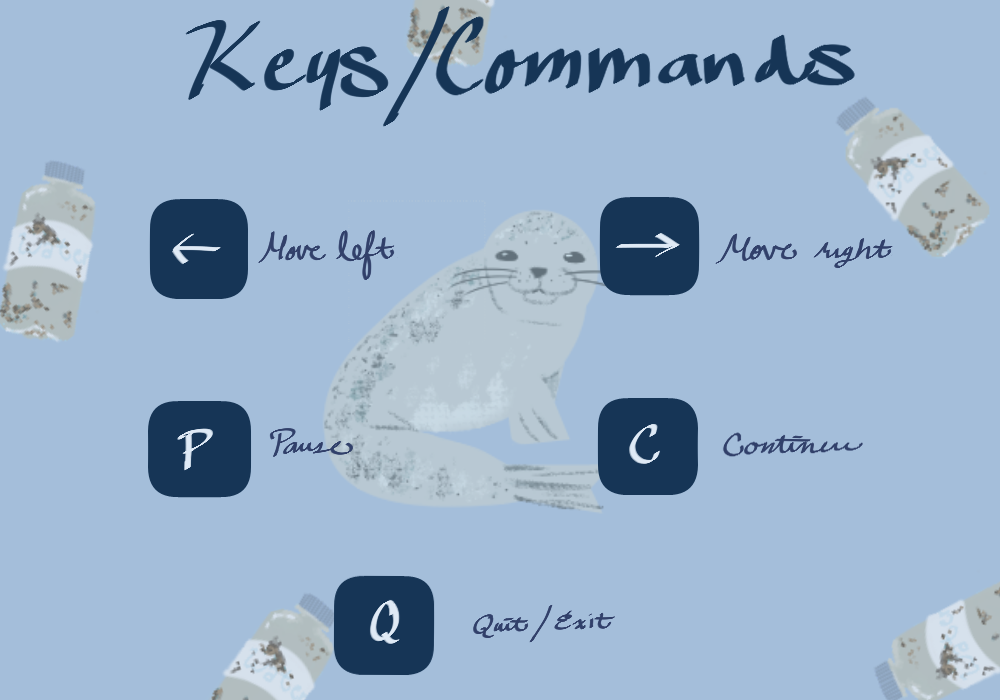
Keys/Commands the user will utilize.
-
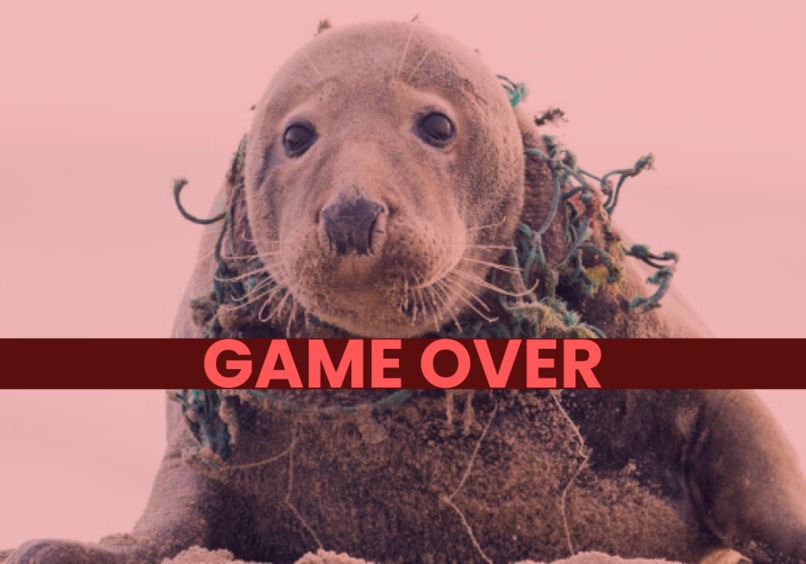
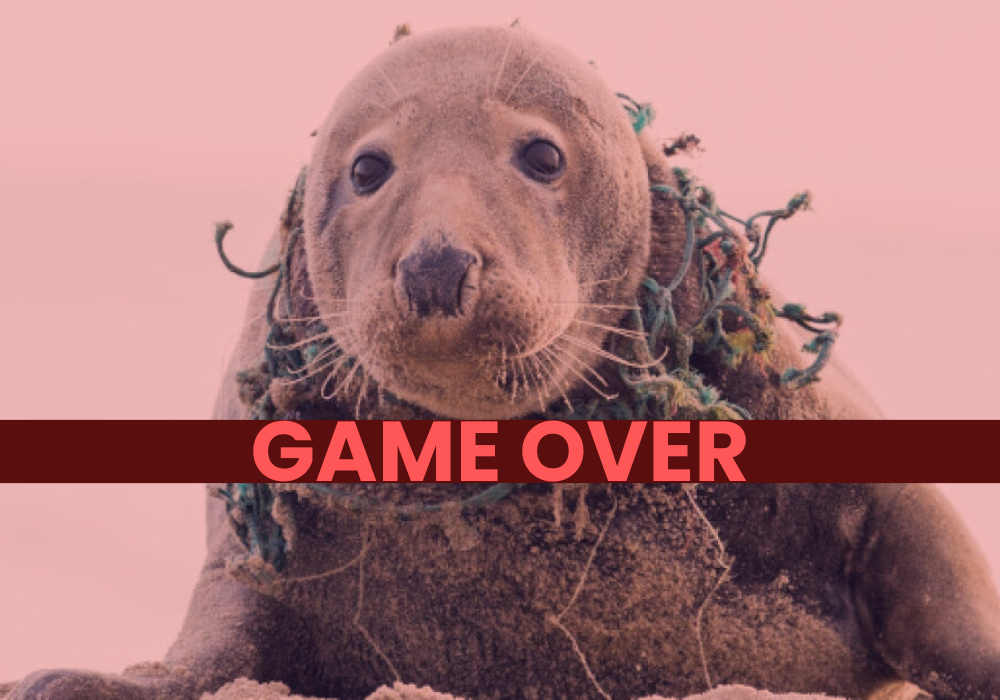
Game over screen display.
-
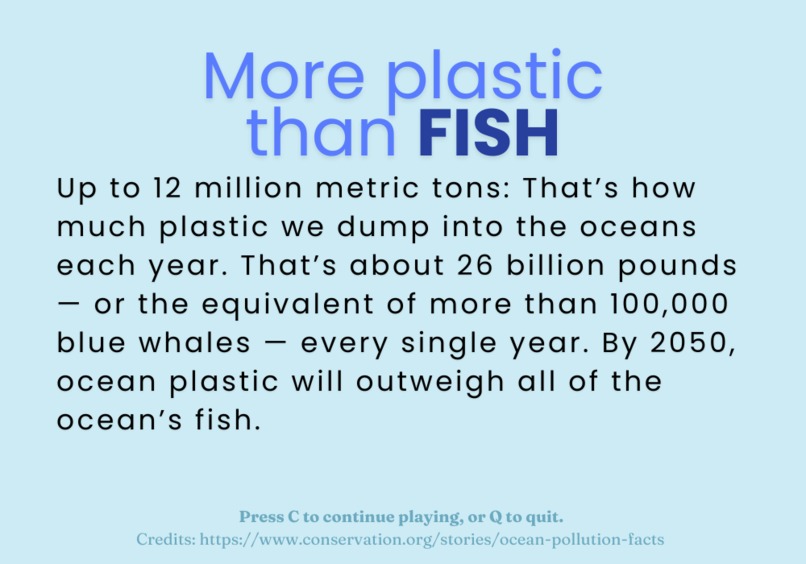
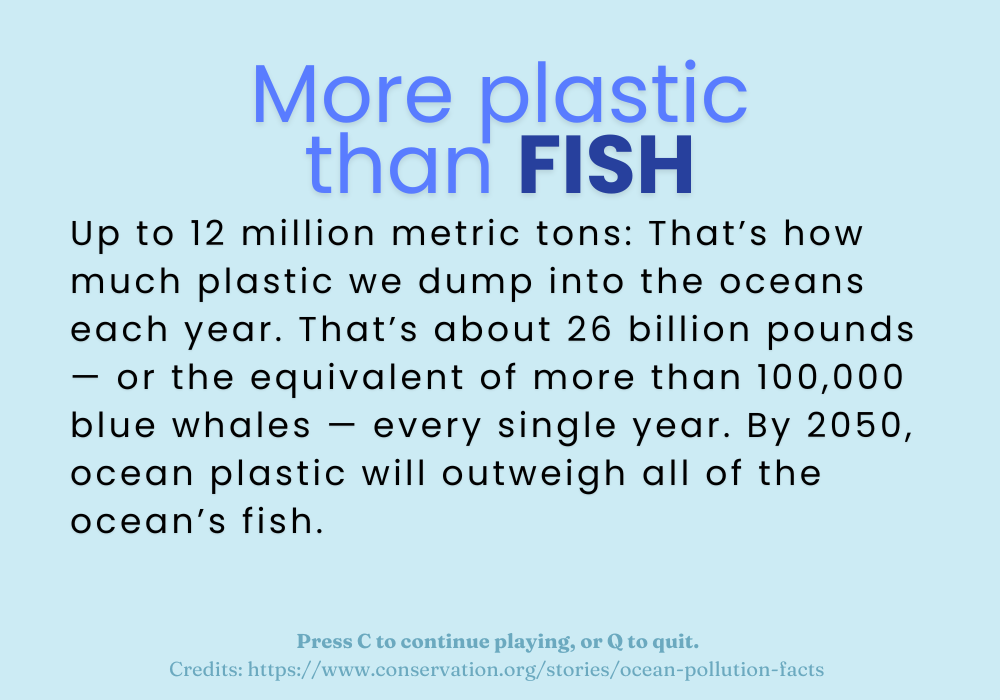
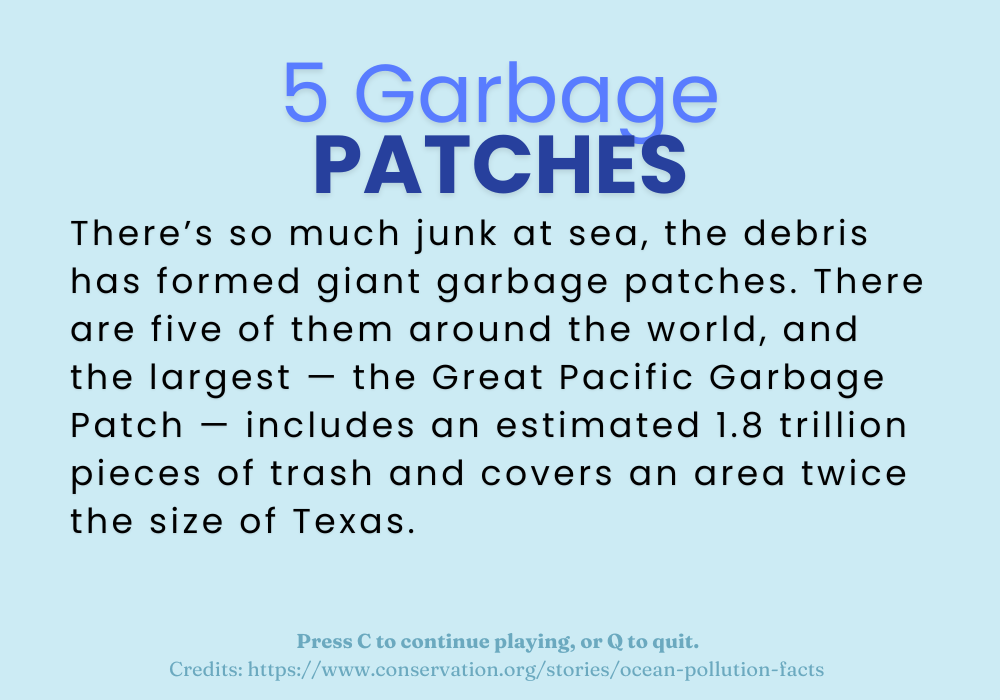
Fact presented to user when achieving Milestone 1.
-
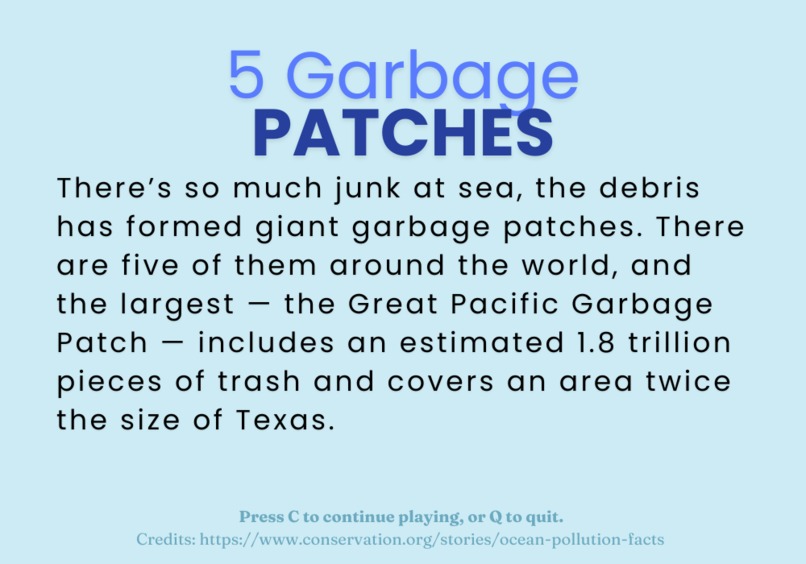
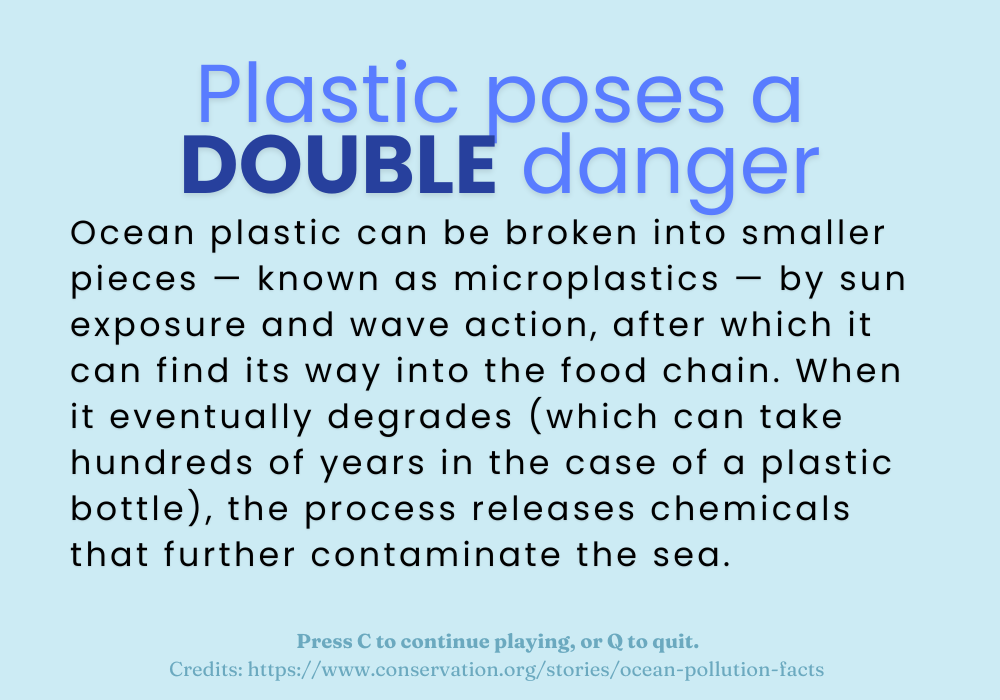
Fact presented to user when achieving Milestone 2
-
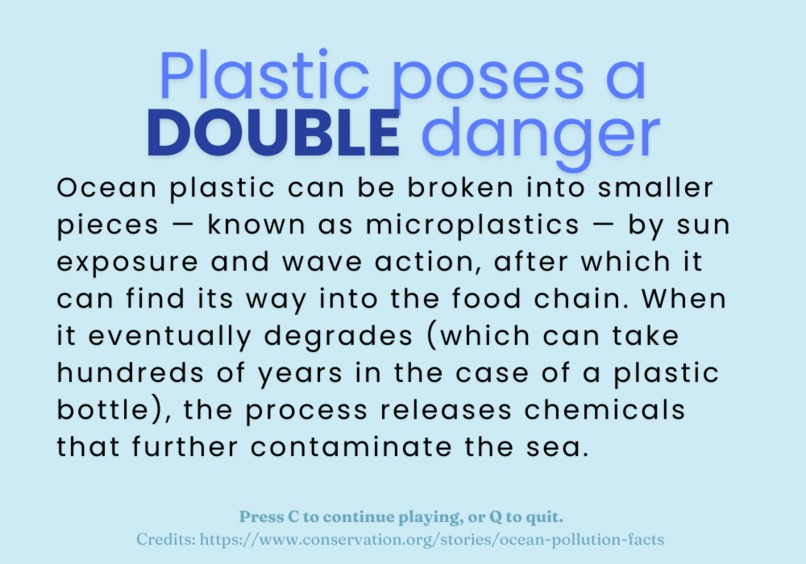
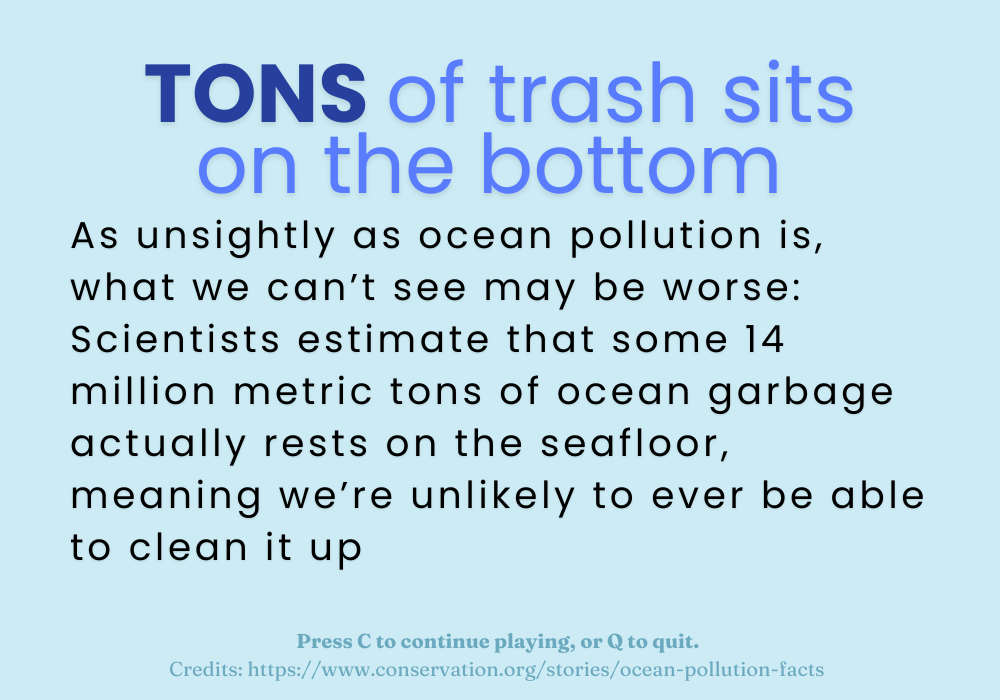
Fact presented to user when achieving Milestone 3
-
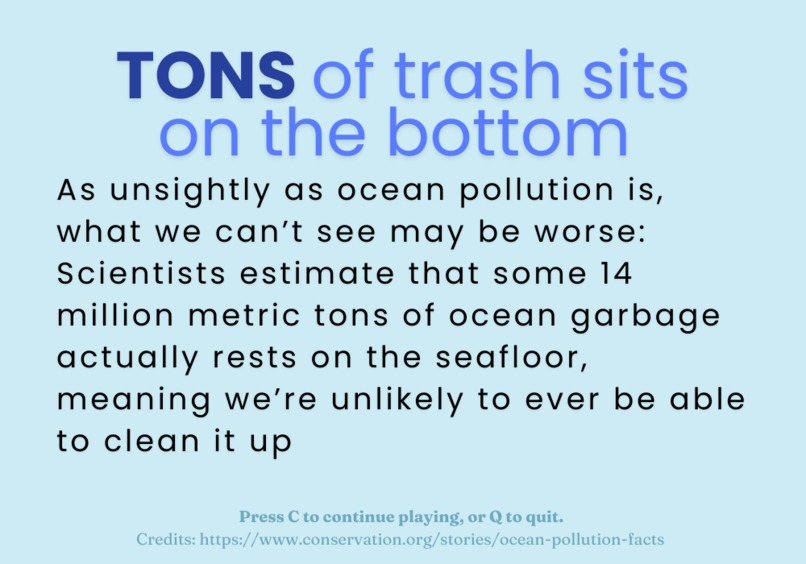
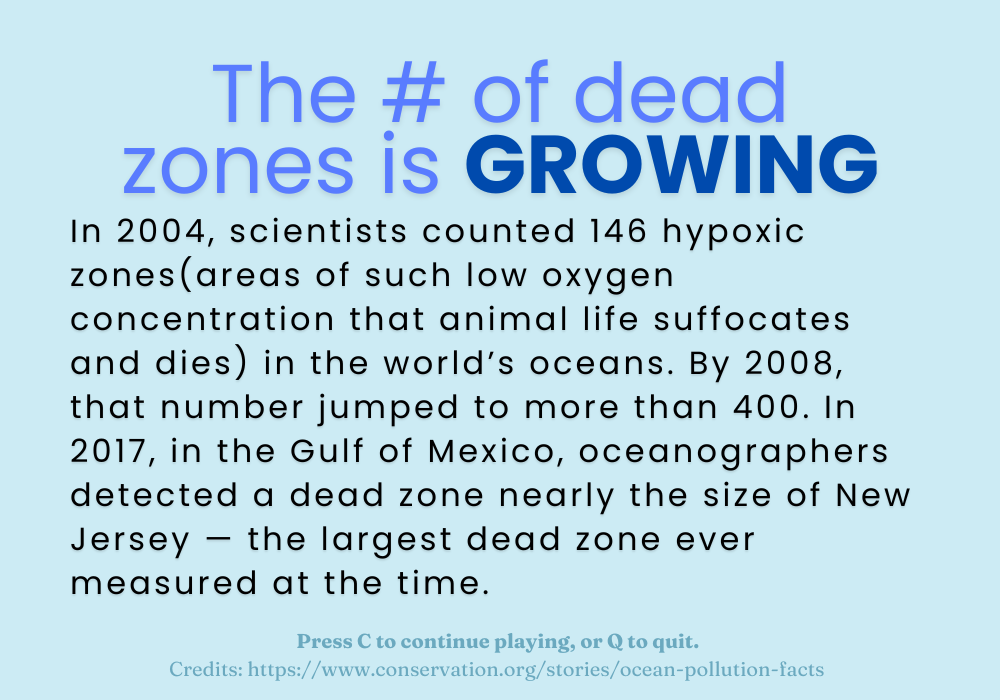
Fact presented to user when achieving Milestone 4.
-
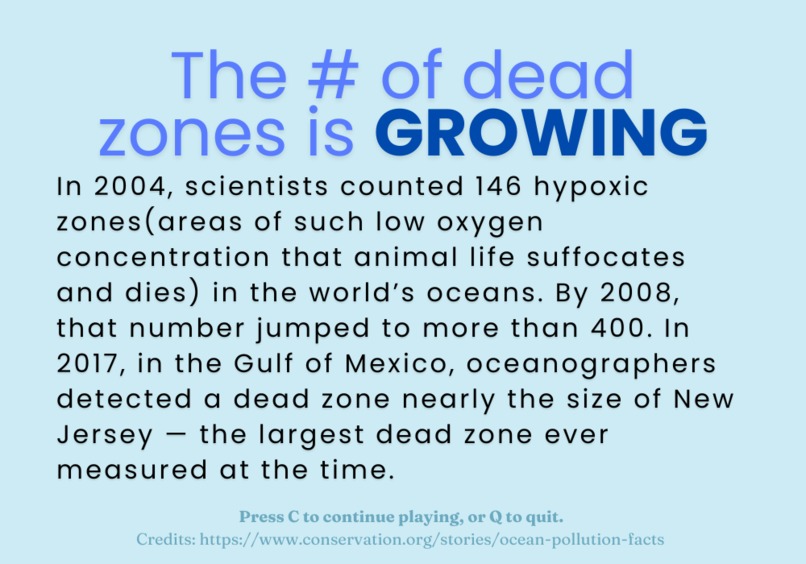
Fact presented to user when achieving Milestone 5
Inspiration
We were inspired by the off-handed thought of cute animals during our initial project discussions. We wanted to create an animal-focused project at first and then while researching landed upon pollution and the effects it has on sea animals and the ocean.
What it does
The goal of the game is to bring awareness to the effects pollution has on the ocean and marine life in a cute and fun format. This game takes user input from the keyboard and uses this input to output the movement of the trash bag onto the screen. It then increases the score if trash was successfully collected by the player and decreases the score if they fail and accounts for each piece of lost trash in a lost trash score. Every 1000 points a fact is displayed on the screen with all the facts being centered around ocean pollution. At 5000 points the user wins and is then asked if they would want to play again. In the case that the player's lost trash score exceeds 50 before hitting the win condition they are faced with a game over screen and a background change.
How we built it
This game was built using the Python and the Pygame library. The background, trash, and trash bag images were all hand-drawn by our team member Ashley Ramirez. Before even attempting to start this project, we debated as to what language our game should be coded in and ultimately found Python and the Pygame library best suited to our needs. To start this project, we needed to learn Pygame's commands and which ones were needed to create our game. We then needed to decide what the actual theme for our game was and how we wanted it to be operated/controlled by the user. After we decided this, we constructed a rough outline using comments and spacing to decide what functions, variables, and loops were needed for this code. From there we were able to code our project out and then proceed with debugging and finalizing any details.
Challenges we ran into
Neither of us was very skilled in Python before deciding on this project so on top of learning how to navigate through a large library in Python we also had to touch up on and refine our basic Python. We struggled with getting our game to end without force exiting the display window so we could display the end-game text. When we thought of a temporary solution, our game kept running in the background even though it no longer appeared to be running in the foreground. We were then able to find a solution and our game now runs as intended.
Accomplishments that we're proud of
We are proud of how much we have learned in basically an entirely new language and that we were able to create a project that not only looks amazing, but functions as intended.
What we learned
We learned the steps to developing a game from scratch and how you cannot just jump straight into coding a project but need to establish a plan, framework, and clear goals for a project. We have also learned how to code in Python and use the Pygame library proficiently.


Log in or sign up for Devpost to join the conversation.