Inspiration
We wanted to build a controller-free combat experience for Meta VR Glasses where your own hands and eyes replace buttons and joysticks. Our core idea was simple: drawing creates the spell, and looking chooses its target.
Video
What it does
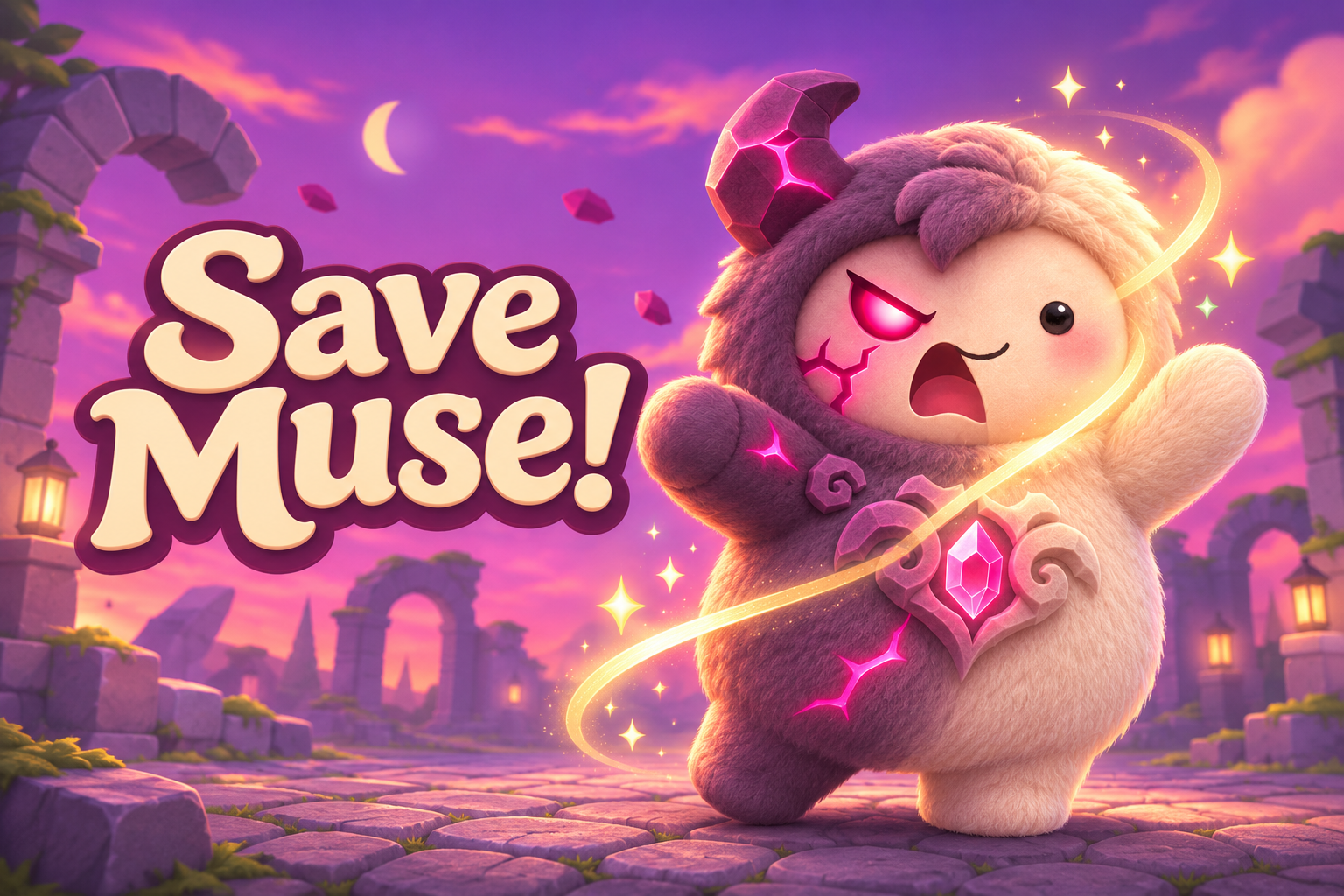
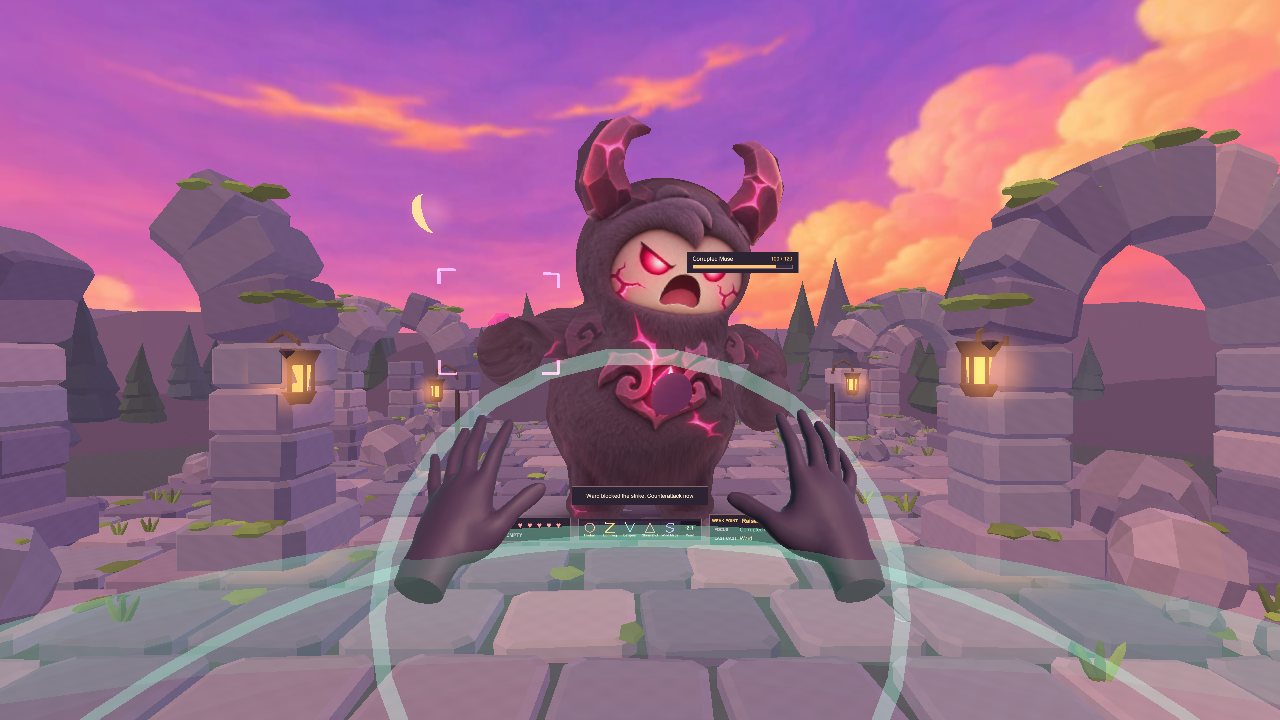
Save Muse! is a short, intense boss duel where you free Muse from a dark curse using pinch gestures and eye gaze:
- Pinch & Trace Spells: Pinch your thumb and index finger to draw elemental runes in the air—Fire, Lightning (
Z), Ice, Rock, Wind, and a horizontal Barrier—then release to cast. Repeat a shape while pinching to charge elemental spells up to Level 3. - Gaze Targeting: Look at Muse's five weak points (chest gem, right hand, horns, or raised fist) to aim. Hold your gaze during her raised-fist wind-up to expose a target.
- Interrupt & Block: Cast Lightning (
Z) at a glowing weak point to interrupt her strike and bring her to her knees for double weak-point damage, or trace a horizontal Barrier just before impact to deflect the blow and open a counterattack. - Enraged Phase & Purification: Below half health, Muse switches to faster, heavier red strikes. Break the curse to restore Muse to her pure white form and earn an S, A, or B rank based on your remaining hearts.
How we built it
- Engine & XR Stack: Built in Unity (Universal Render Pipeline) with C#, OpenXR, and the Meta XR Interaction SDK, targeting Meta VR Glasses on Android.
- Rune Recognition: Implemented
RuneRecognizerto project each pinch stroke onto a stable Y-up view plane and match it against geometric rune templates, alongside lenient loop detection for multi-lap spell charging. - Pinch Stability: Built
RuneveilPinchDetectorwith hysteresis (separate start/release thresholds) and a release grace period so brief hand-tracking flickers don't accidentally drop a spell mid-stroke. - Gaze & Combat Tuning: Integrated eye-gaze weak-point locking (with torso hit fallback when gaze isn't on a weak point), per-spell cooldowns, and Meta XR Simulator (
Look and Pinch) + Desktop Preview workflows for rapid iteration.
Challenges we ran into
- Tracking Flickers Mid-Stroke: Fast hand movements can cause momentary pinch-tracking drops. We tuned hysteresis thresholds and added a release grace window so strokes stay intact while still feeling snappy on release.
- Balancing Gaze & Gesture Timing: Players have to read Muse's 2.4-second wind-up, hold gaze on a weak point, and finish drawing a rune under pressure. Adding a short post-release confirmation window for clutch Lightning interrupts made the combat feel fair and responsive.
- Clean VR Glasses HUD: Conveying spell guides, cooldowns, and target-lock cues clearly without cluttering the player's view of Muse.
Accomplishments that we're proud of
- Making hand-drawn spellcasting and eye-gaze aiming feel natural together with zero controllers.
- Creating genuine risk-reward boss combat—choosing between charging a Level 3 spell, timing a last-second Barrier, or sniping a weak point with Lightning to stun Muse.
- Delivering a complete, replayable duel loop with pinch-based title/rematch controls, custom SFX and music, and Muse's cleansing transformation on victory.
What we learned
- Controller-free XR action depends on forgiving gesture recognition paired with deliberate timing windows (grace periods, dwell locks, and interrupt buffers).
- Iterating across both the Meta XR Simulator and live Editor previews is essential for tuning gaze dwell times and pinch ergonomics.
What's next for Save Muse!
- Playtesting with new players to measure how quickly they learn their first cast and read Muse's attack cues under pressure.
- Expanding the experience with additional cursed bosses, new rune combinations, and deeper progression.
Built With
- meta-xr-sdk
- unity

