-
-
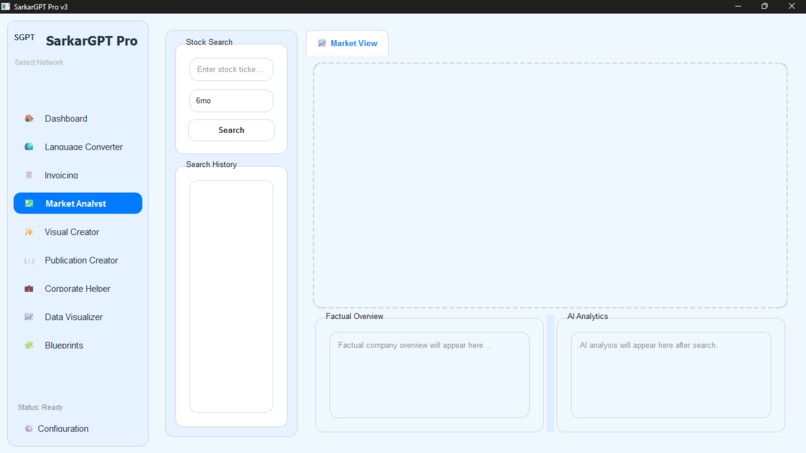
trading assistant
-
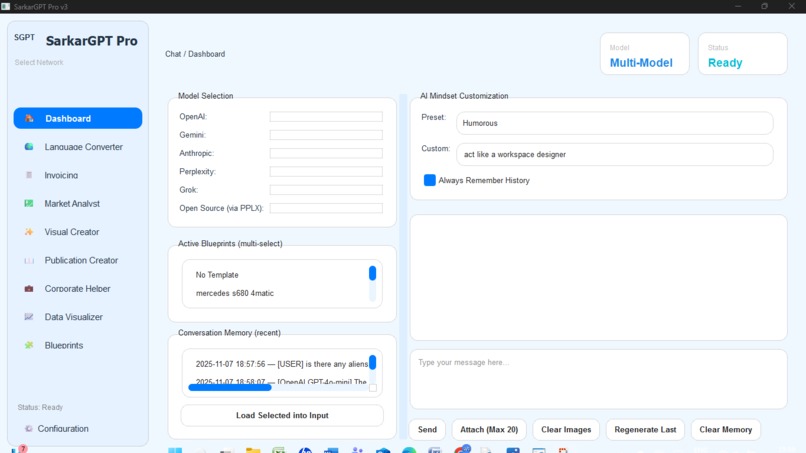
dashboard
-
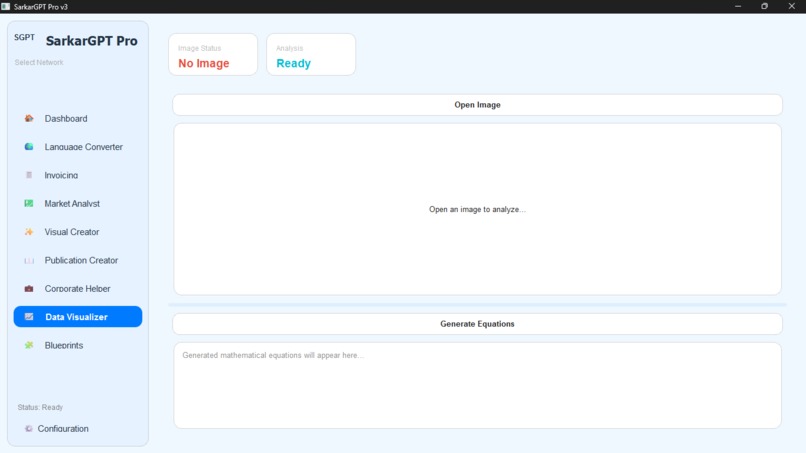
tabs
-
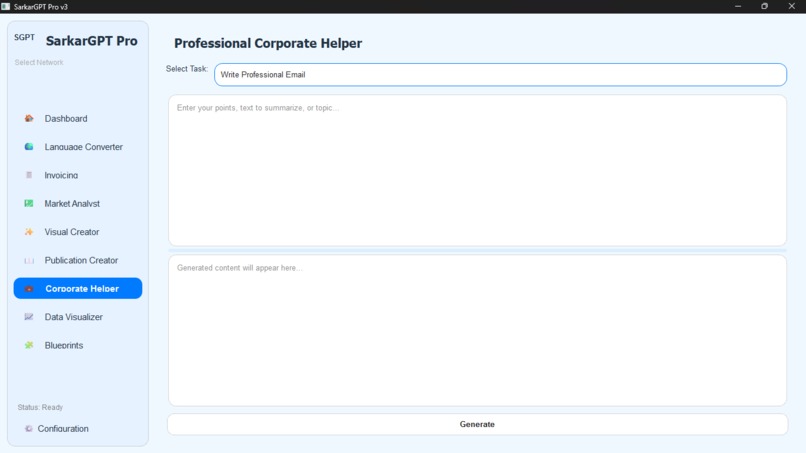
tabs
-
tabs
-
another theme
-
another theme
-
tabs
Inspiration
Honestly, this project started from my own frustration.
My workflow was a mess. I'd have a browser window open with 20 tabs: one for ChatGPT for coding, one for Claude for writing, one for Gemini to get a different take, another for Google Translate, one for my stock portfolio, one for DALL-E to make an image, and an online tool for making invoices.
I was spending more time juggling tabs than getting work done.
I just thought, "This is ridiculous. What if all the tools I actually use every day lived in one place? On my desktop, fast, and secure, without a browser."
I didn't just want to build another AI wrapper. I wanted to build a command center for my entire workflow. That's how SarkarGPT Pro was born.
What it does
At its heart, SarkarGPT is the "command center" I always wished I had. It's not just one tool; it's a whole toolbox:
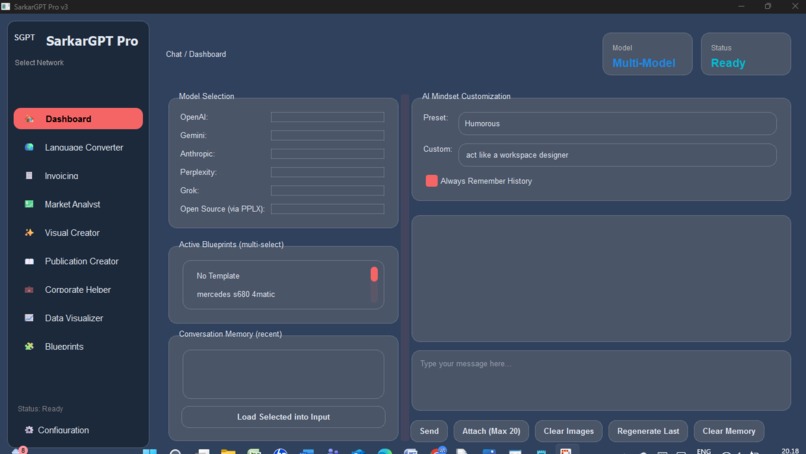
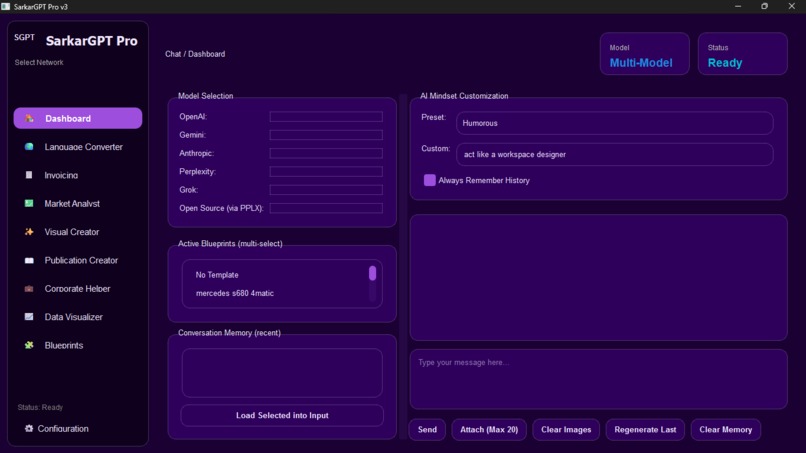
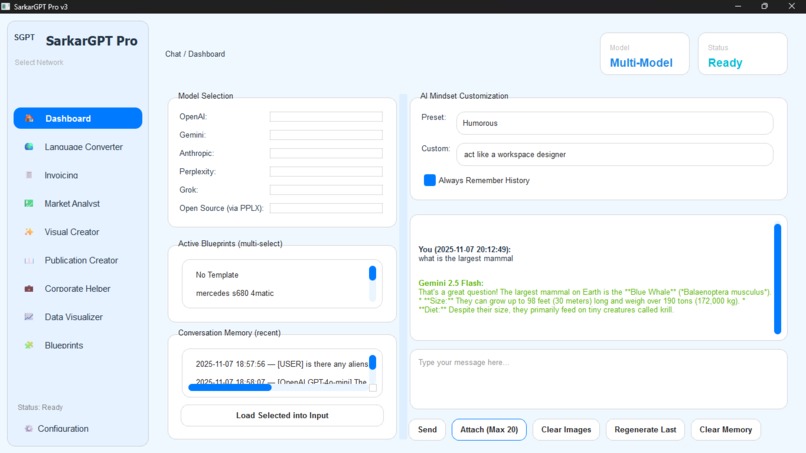
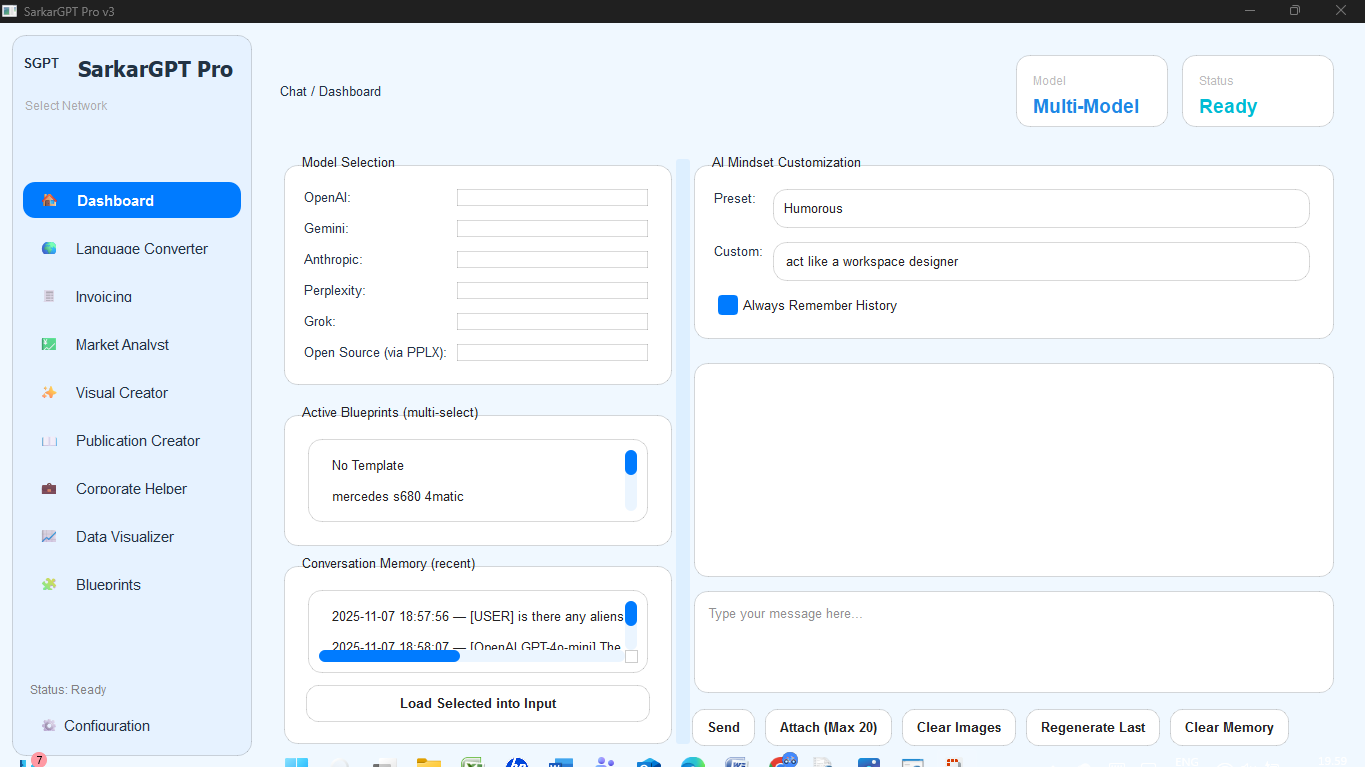
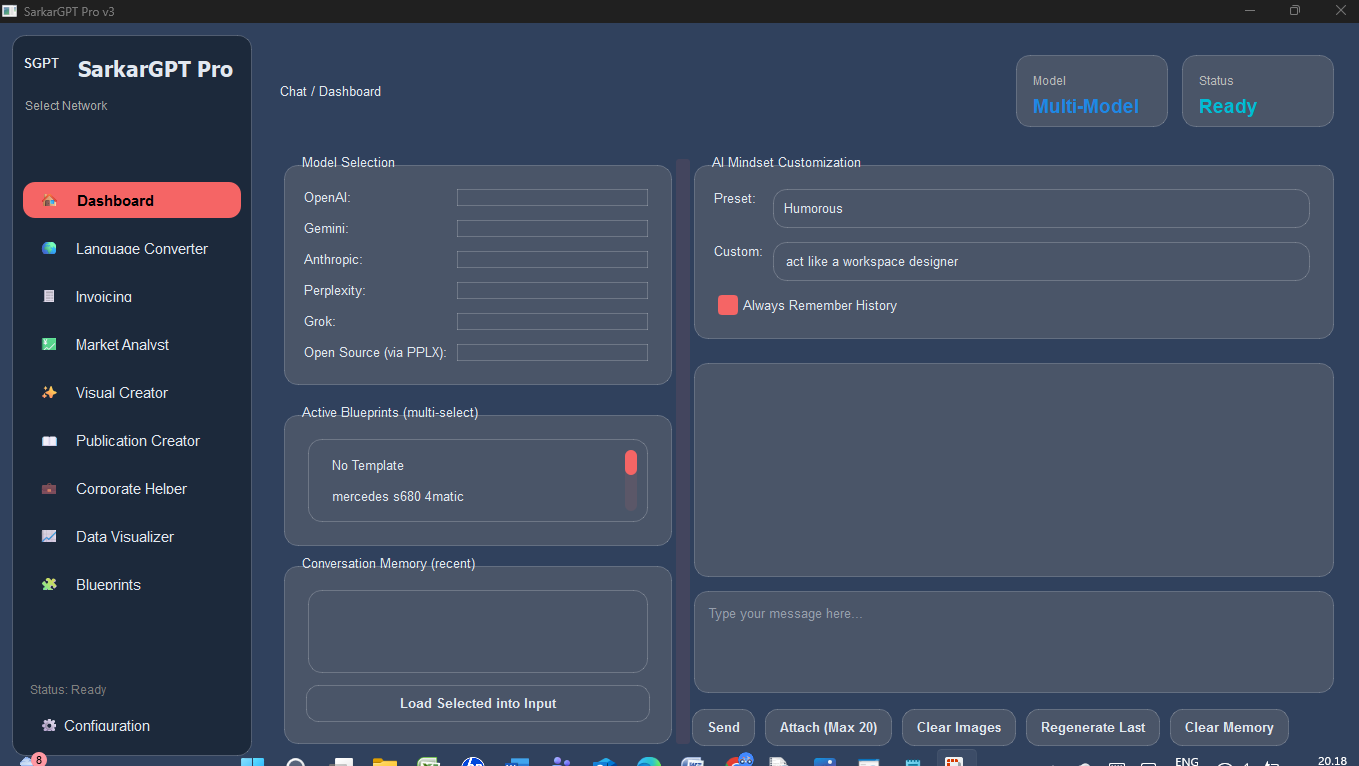
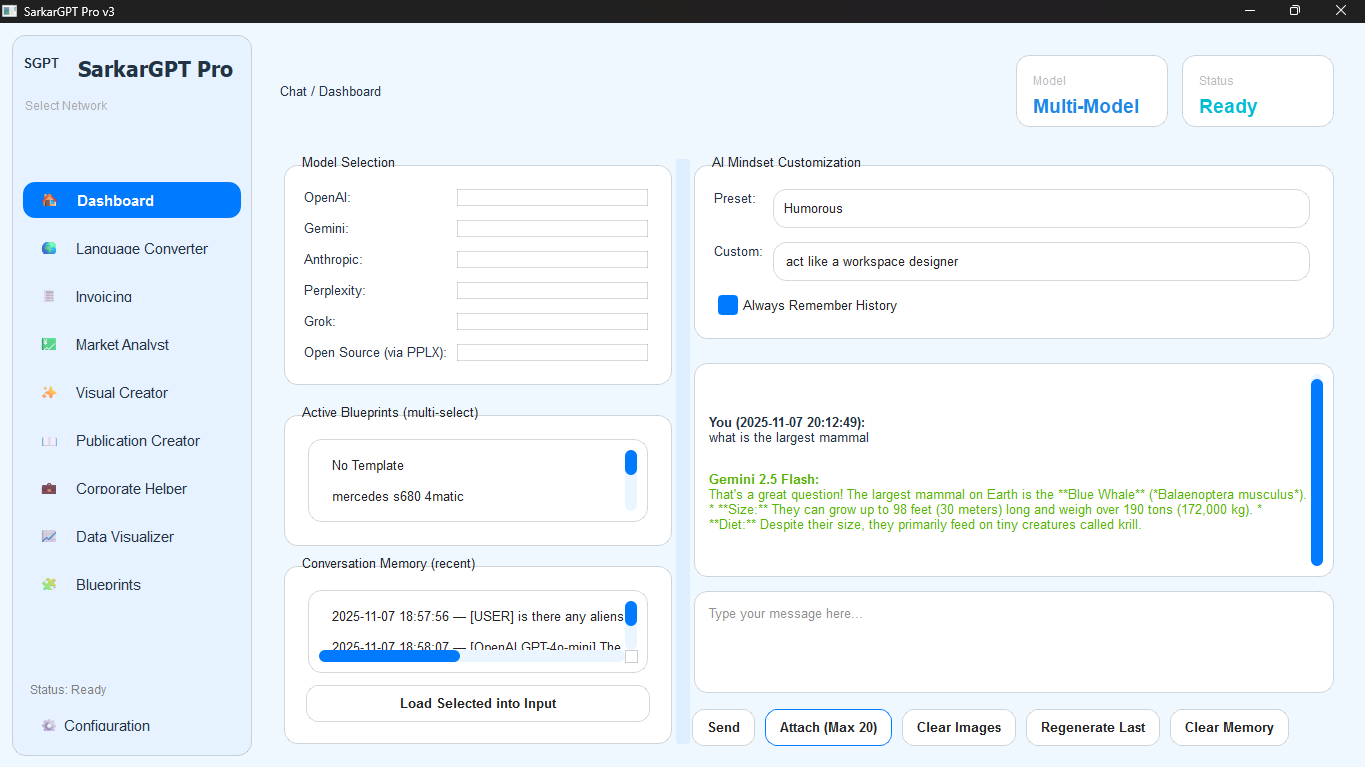
A Unified Dashboard: You can talk to all the major AIs (OpenAI, Gemini, Claude, Perplexity) from one chat window and compare their answers side-by-side. You can even attach images and customize the AI's personality, from "Sarcastic" to "Formal."
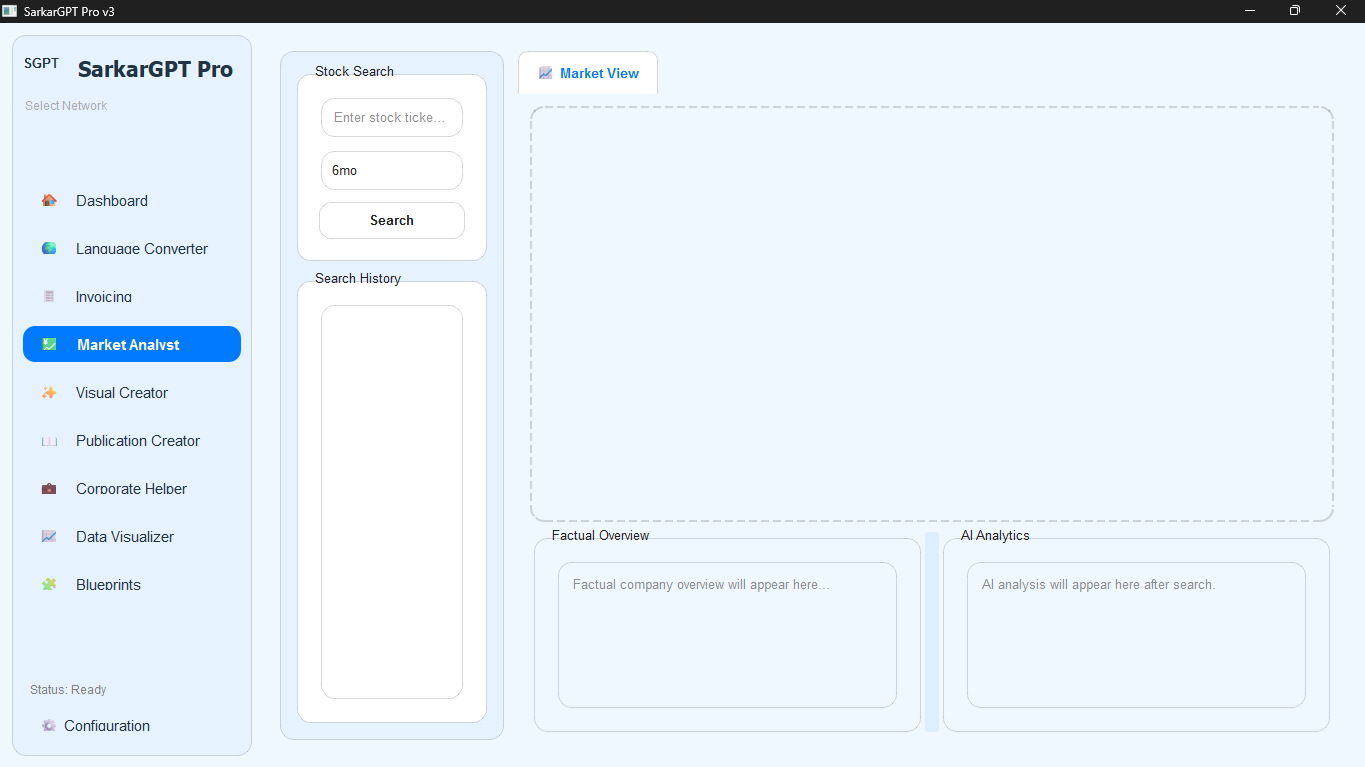
A Market Analyst: It pulls real stock data, draws candlestick charts, and even uses AI to give you a summary of recent market sentiment.
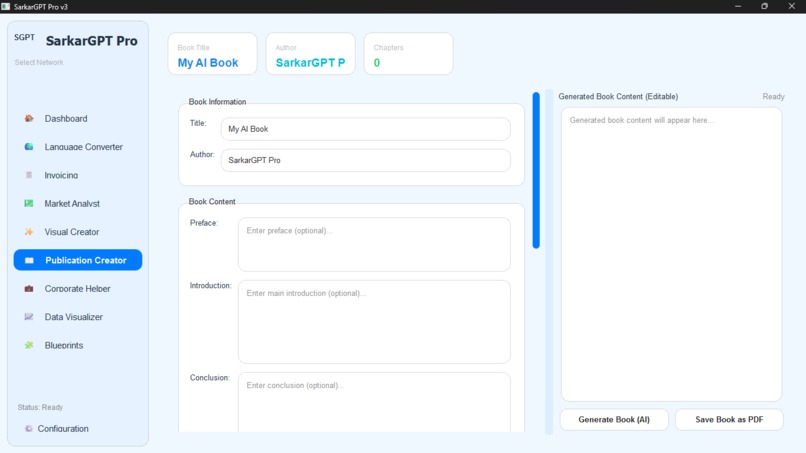
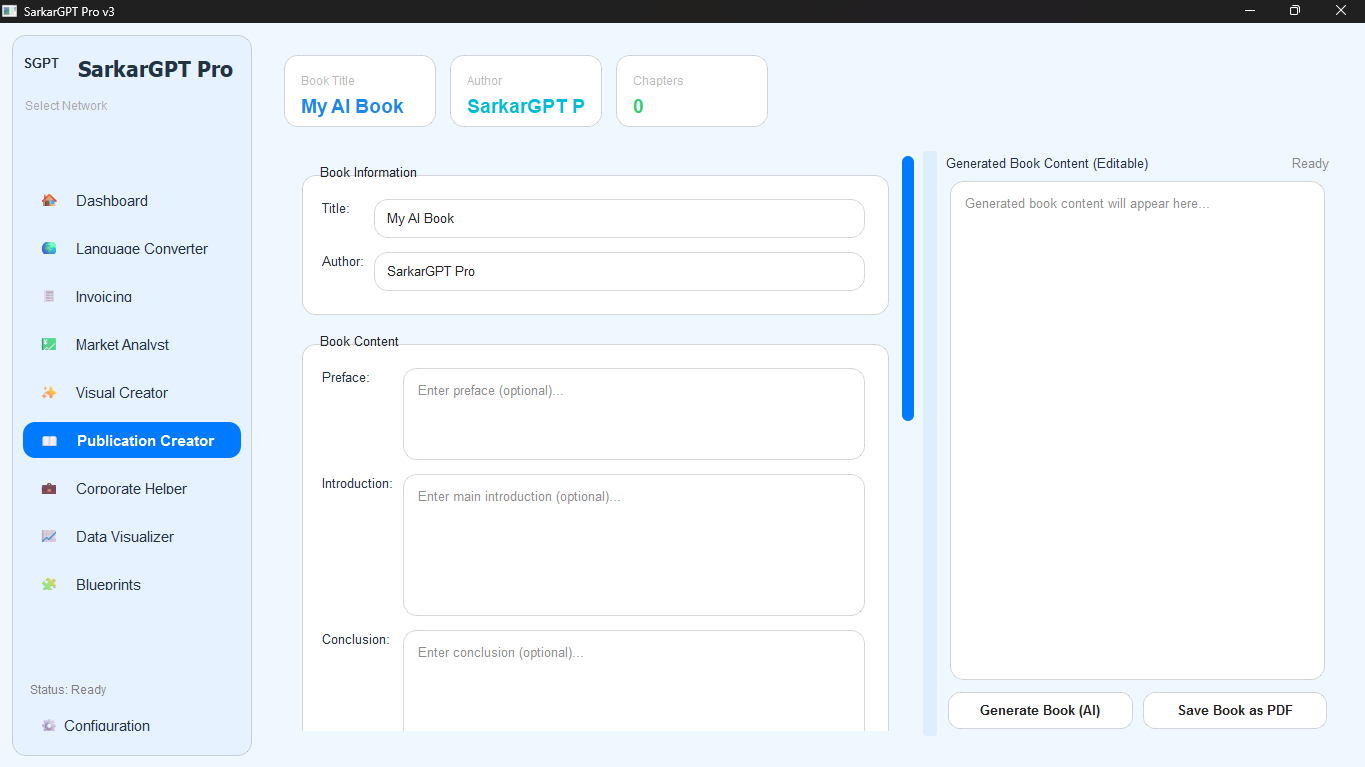
A Publication Creator: This is one of my favorites. You can outline an entire book, have the AI write the content chapter by chapter, and then export the whole thing as a print-ready PDF.
A Visual Creator: It's a built-in DALL-E 3 studio for generating images without ever opening a browser.
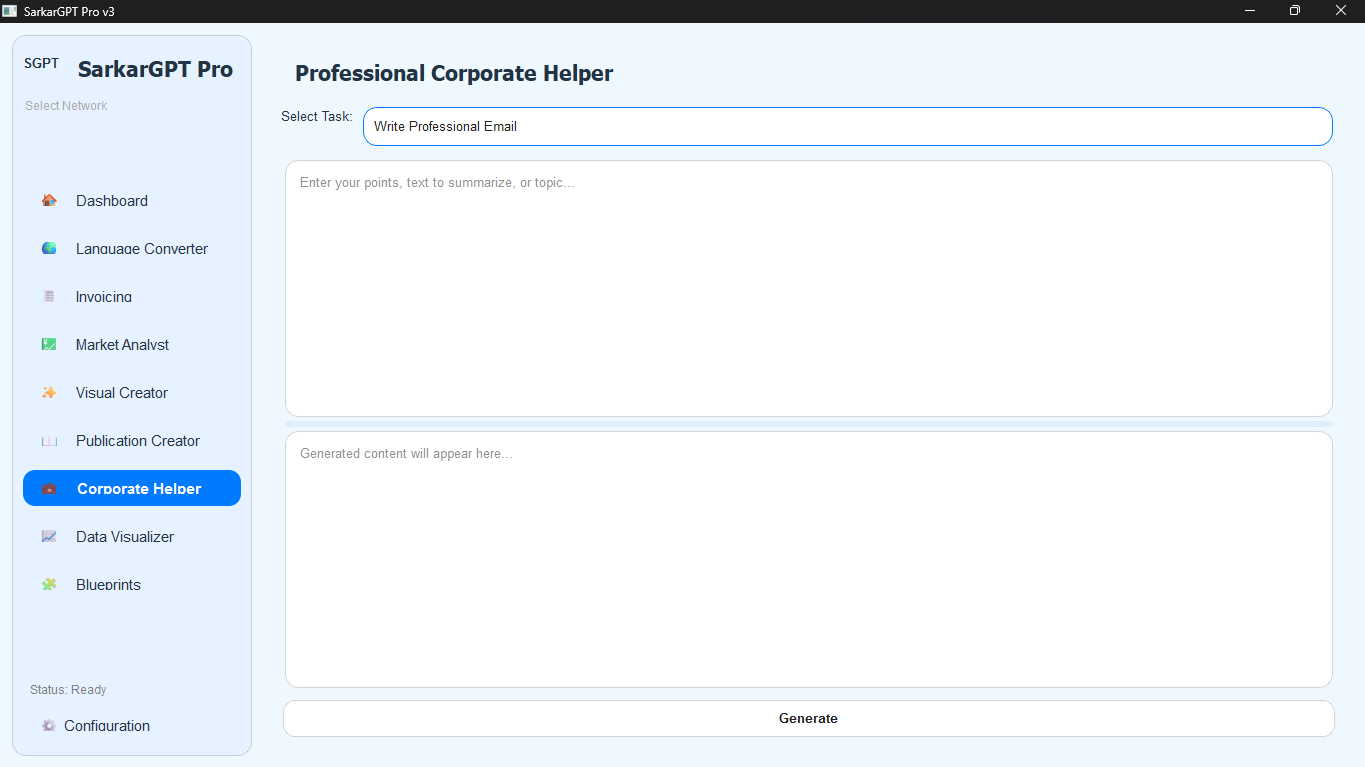
A Corporate Helper: This has pre-built tools for common business tasks, like writing professional emails, drafting SWOT analyses, or summarizing long-winded text.
An Invoicing Tool: It lets you add line items, calculates tax, and generates a professional PDF invoice you can send to clients.
A Language Converter: A simple, quick tool to translate text between dozens of languages.
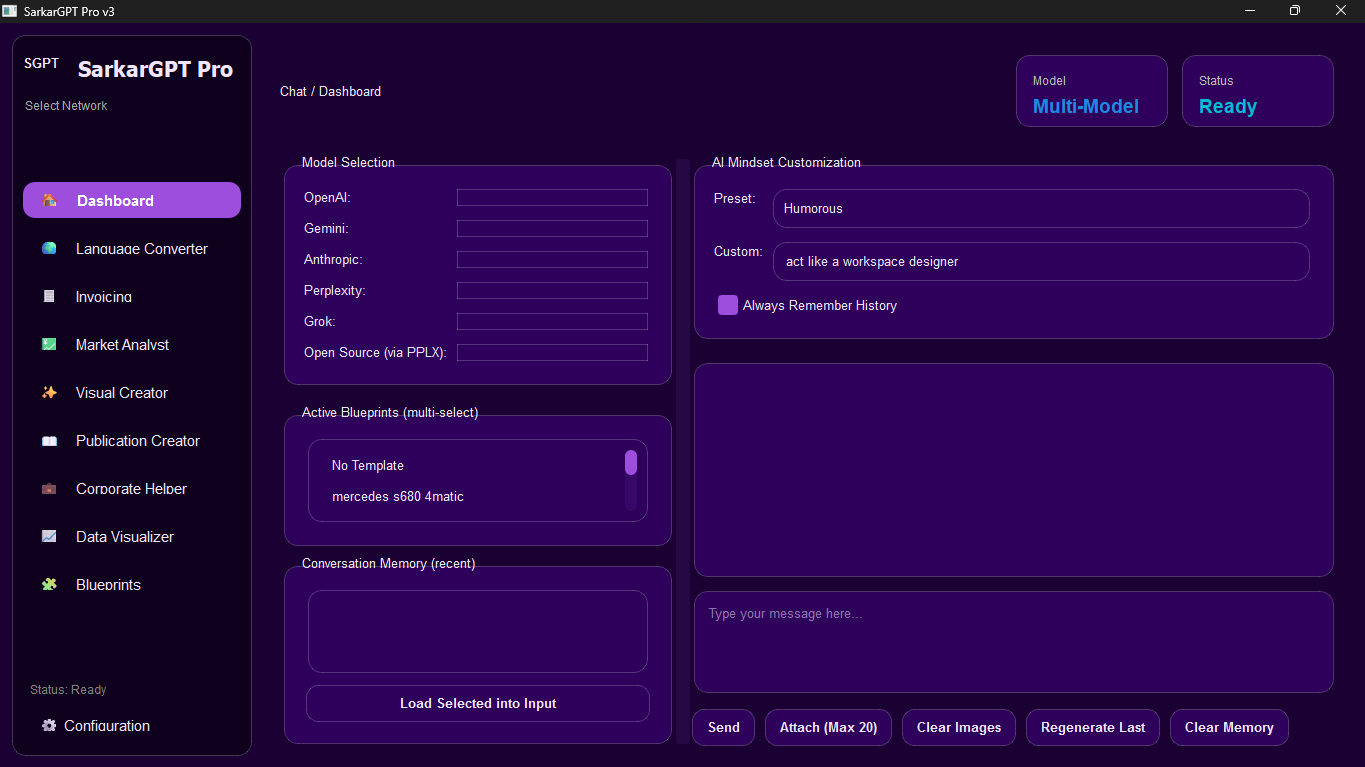
Full Customization: You can create your own prompt "Blueprints" to save time and change the entire app's look and feel with built-in themes.
How we built it
This project is a big integration effort. The entire user interface, from the buttons to the sidebar, is built to feel like a solid, responsive desktop app.
Under the hood, it's an orchestra of different technologies working together:
The Interface: I used a robust framework to build the actual windows, buttons, and layouts that you see and click on.
The "Messengers": I used libraries to handle all the API calls, sending your prompts to the different AI models (like OpenAI, Gemini, etc.) and getting their responses.
The "Financial Analysts": I pulled in special libraries to grab live stock data from the internet and then draw those detailed candlestick charts.
The "Printing Press": I used a powerful library to generate all the PDF documents from scratch for both the Invoicing and Publication Creator tools.
The Backstage Magic (Threading): This is the most important part. It's what lets the app make five different AI requests at the same time without freezing the interface, so you can keep working.
Challenges we ran into
Oh, this project fought me. The biggest challenge, by far, was threading. My first version of the app would just freeze completely for 30 seconds while it waited for an AI to respond. It felt broken. I had to rip it apart and rebuild the entire API system to run every single request on a separate thread. It was a massive headache, but it's what makes the app feel so fast and smooth now.
The second challenge was just the sheer scope. This thing got huge. Keeping all the features from "talking over" each other and making sure the code was clean (over 6,000 lines!) was a massive test of discipline.
Finally, making it look good was a project in itself. The styling for the themes, especially making the dark and light modes look professional, was way more complex than I expected.
Accomplishments that we're proud of
I'm incredibly proud that it's not just a "wrapper." It’s a truly integrated suite of tools. The fact that you can get AI-driven market analysis right next to the real-time stock chart is a perfect example of this.
The Publication Creator feels like a real piece of "magic" software. Going from a simple outline to a 50-page, formatted PDF e-book with a single click is something I'm immensely proud of.
And honestly? I'm just proud that I finished it. This was a massive undertaking, and seeing it all come together—from the multi-model chat to the custom themes—feels like a huge accomplishment.
What we learned
A Good UI is Not an Option: A powerful tool that's ugly or confusing won't get used. I learned that taking the time to build the themes and make the interface intuitive is just as important as writing the backend logic.
You Must Learn Threading: For any modern app that touches the internet, threading isn't a "nice to have"; it's a "day one" requirement. I learned this the hard way.
Build Your Own Tools: The best way to learn is to solve your own problems. This project was successful because I was building something I desperately wanted to use every single day.
What's next for SarkarGPT v2 Your ultimate assistant
This is just the beginning. The foundation is strong, but now it's time to build up.
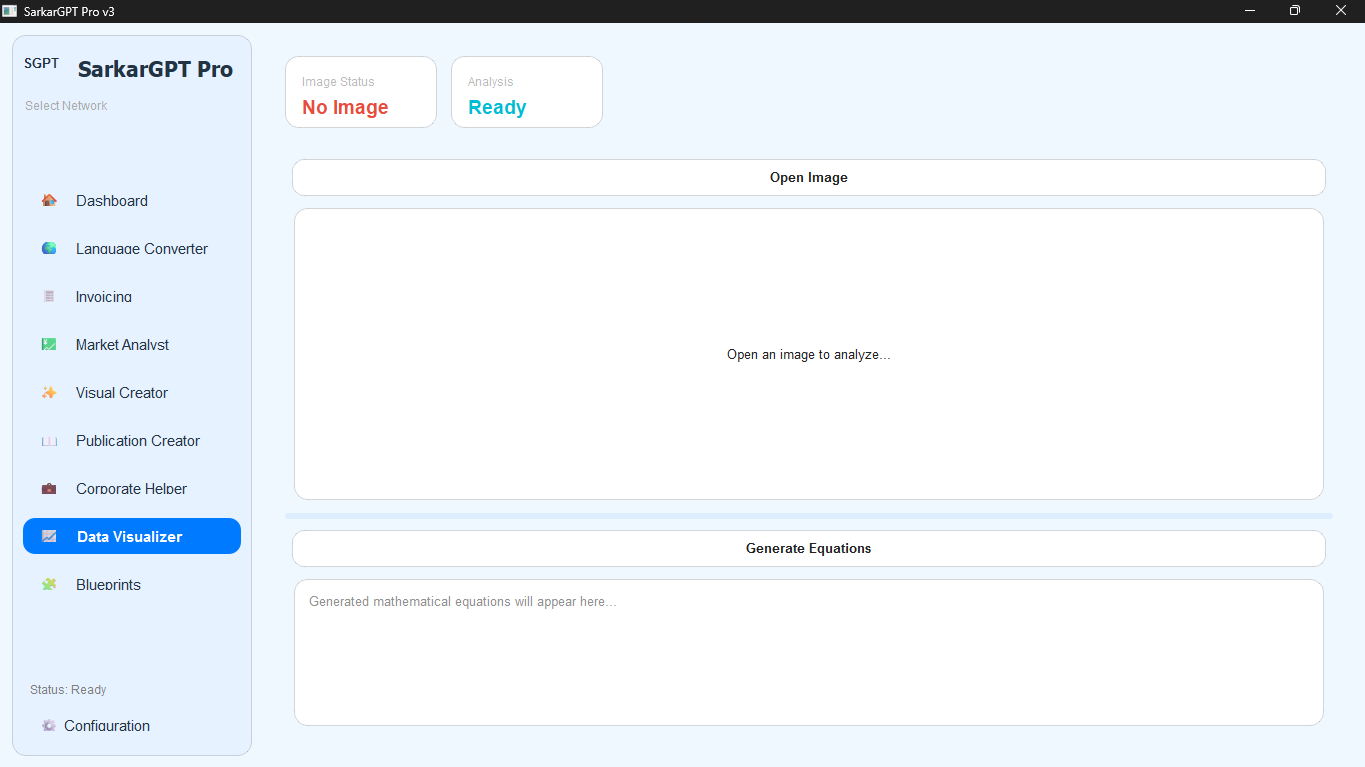
The immediate plan is to keep adding more models as they're released (Grok, new open-source models, etc.). I also want to make the Market Analyst tool even smarter, perhaps by letting the AI analyze the chart data directly.
But the real "v3" dream is to build a plugin system. I’d love for users to be able to build their own mini-tools and add them to the sidebar, turning SarkarGPT from my personal command center into a platform that everyone can customize.

Log in or sign up for Devpost to join the conversation.