-
-

Saral Logo
-
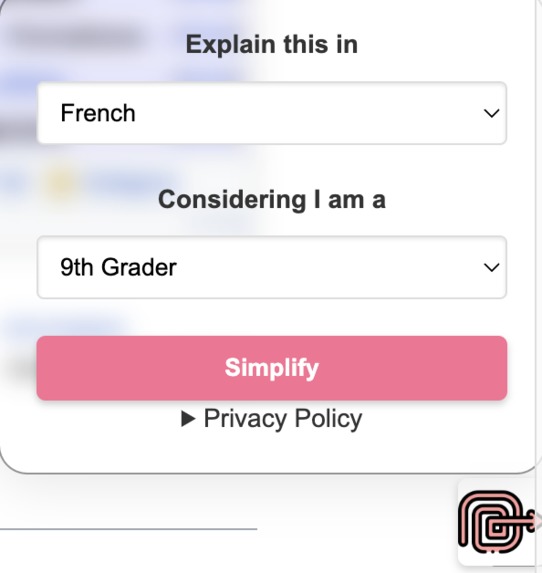
Chrome Extension
-
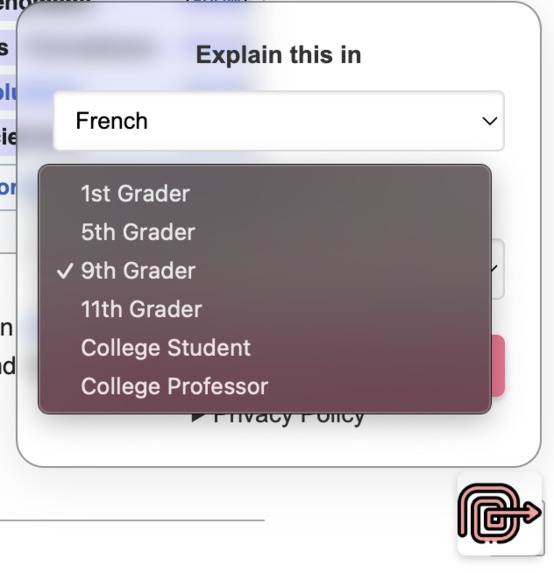
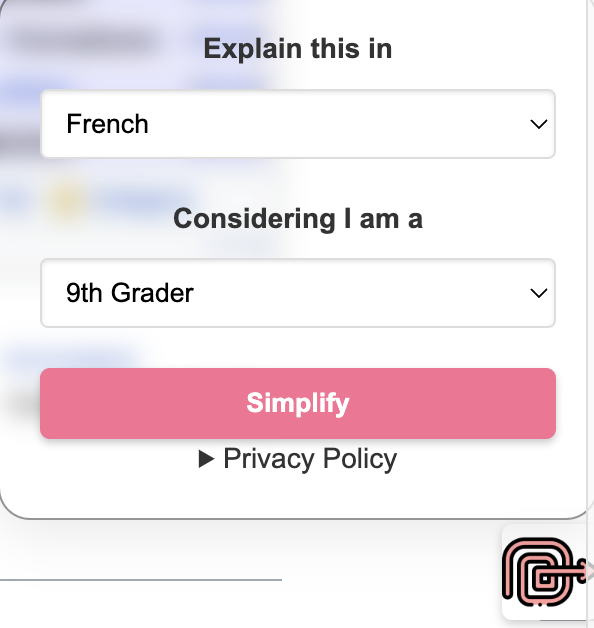
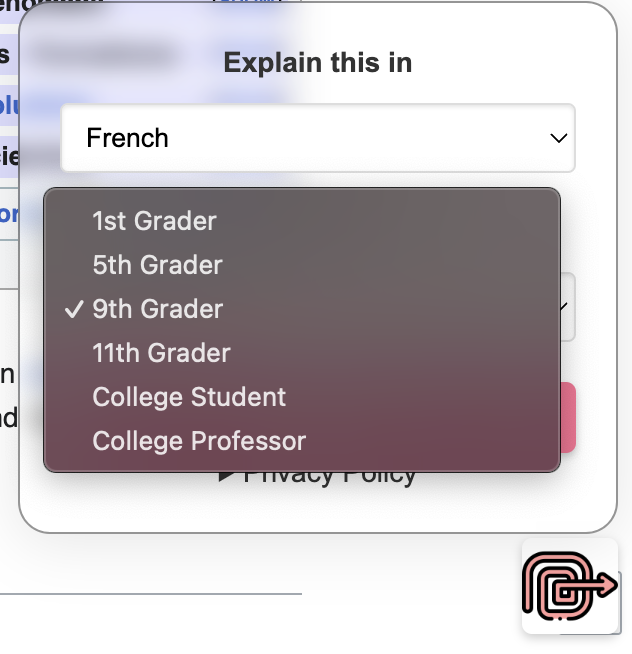
Level Options
-
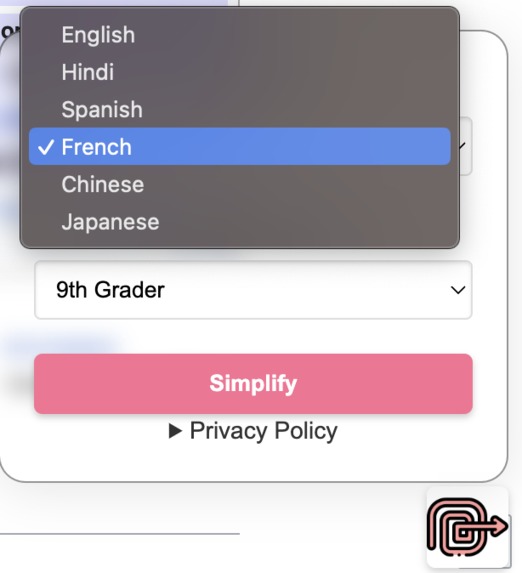
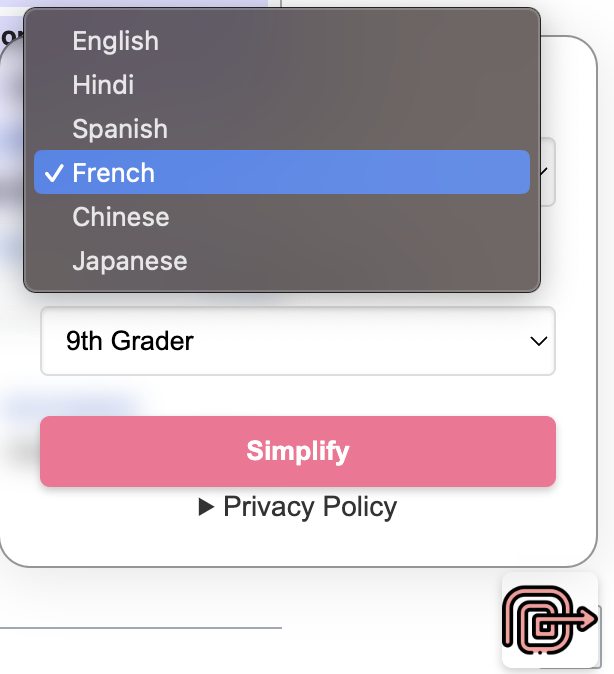
Language Options
-
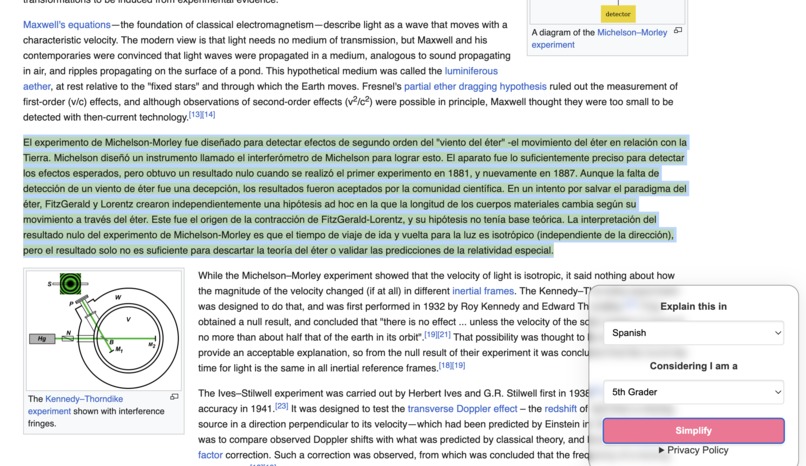
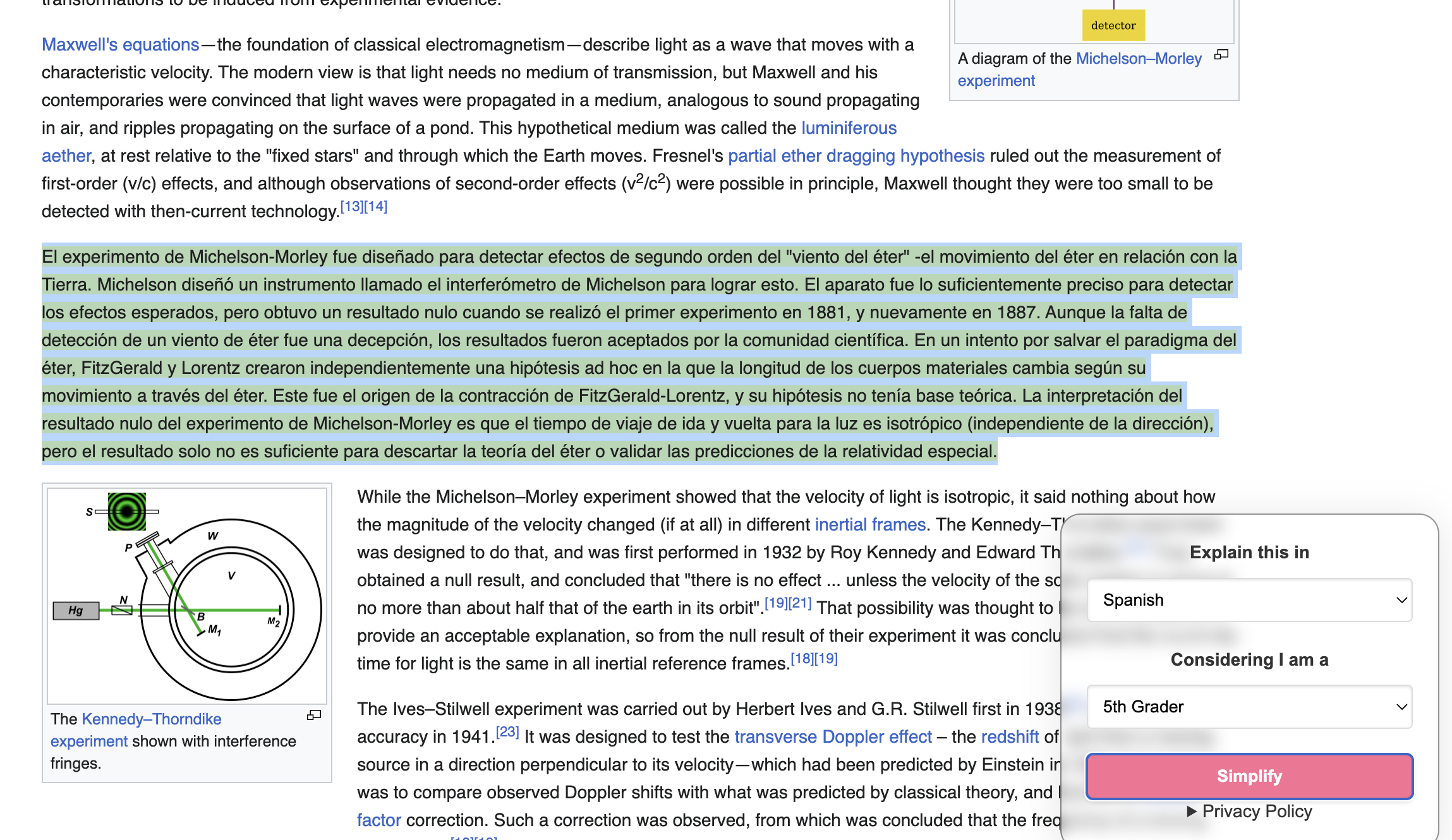
Transform Text
-
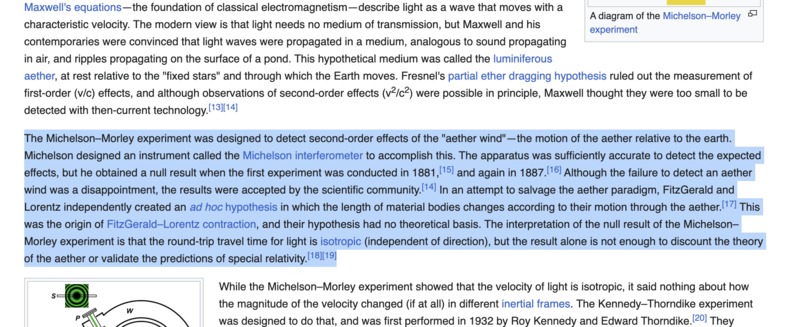
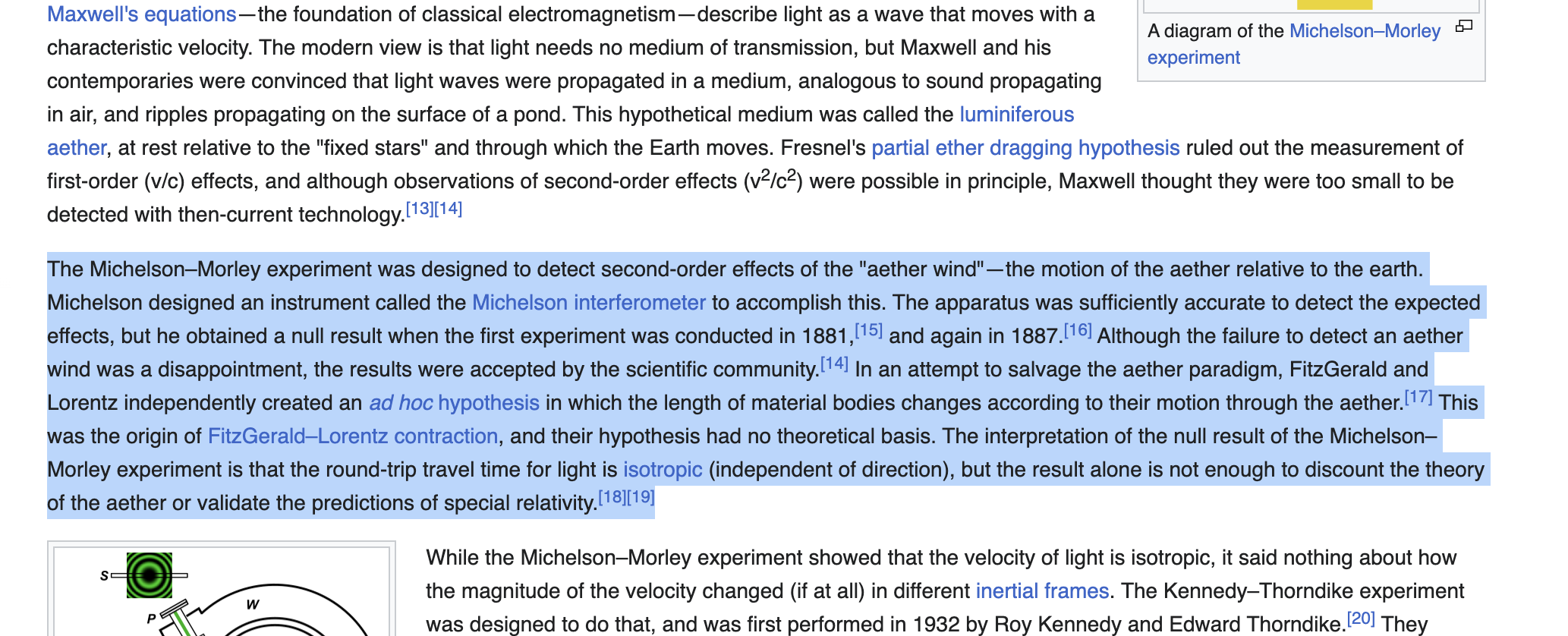
Select Text
Problem Statement
Despite advancements in technology, individuals with disabilities often encounter significant challenges when accessing digital content and services. Whether it's navigating websites, interacting with software applications, or utilizing smart devices, barriers such as inaccessible interfaces, lack of assistive technologies, and limited compatibility persist. The challenge is to develop AI-powered solutions that enhance accessibility across a broad spectrum of technologies, empowering individuals with disabilities to fully participate in the digital world.
Real world application
Saral is an innovative Chrome extension crafted to enhance web accessibility by offering users the ability to translate selected text into their preferred language and simplify it to their desired comprehension level. Powered by AI, Saral serves as a vital tool for over a billion individuals encountering literacy obstacles. By breaking down language barriers and providing simplified translations, it facilitates comprehension for non-native speakers and learners with diverse literacy levels, thus fostering inclusivity and understanding across the web.
Features
- Translate text in language of user's preference
- Simplify level of language and technical complexity
How we built it
We built a lightweight chrome extension using Google Chrome Extension and JavaScript. For language translation and simplification, we used OpenAI API. The extension helps user select a range of text and use OpenAI API to simplify the text in user preferred and level of complexity.
Challenges we ran into
The greatest challenge we ran into was creating a very lightweight solution that can be easily shipped and adopted by the users. Google chrome extension is a robust framework for achieving the same. While developing the chrome extension, we had to be mindful to keep the code as light as possible, as well as honor user privacy. Thus, we made sure to share only piece of text selected by user to be shared to external API.
Accomplishment that I'm proud of
- Developing a lightweight solution which can be easily installed by users
What I learned
I learned how to created Google Chrome extension as well as how to setup and access OpenAI API.
Built with
Javascript, Chrome developer extension
Built With
- chrome
- javascript
- openai

Log in or sign up for Devpost to join the conversation.