-
-
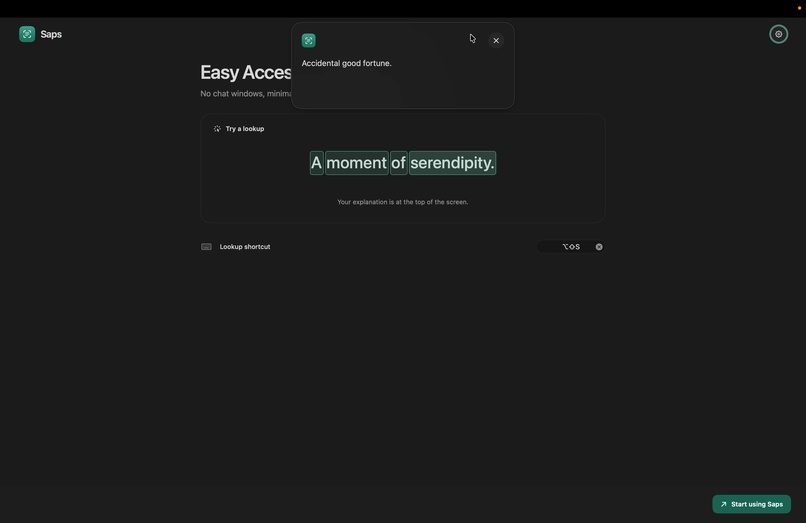
Minimalist UI
-
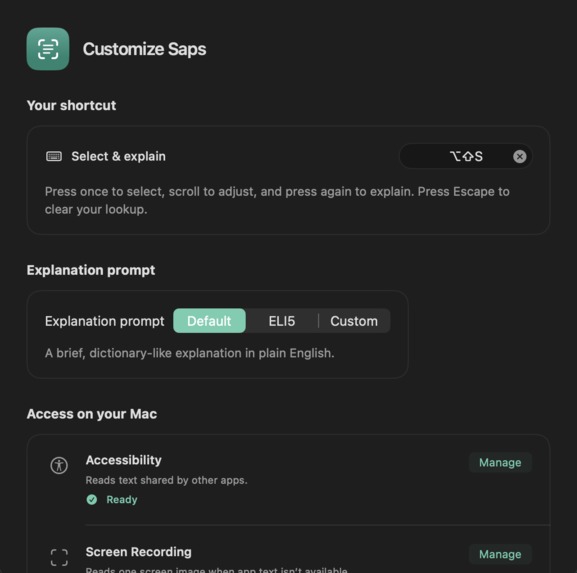
Customizable Prompts and Shortcut key
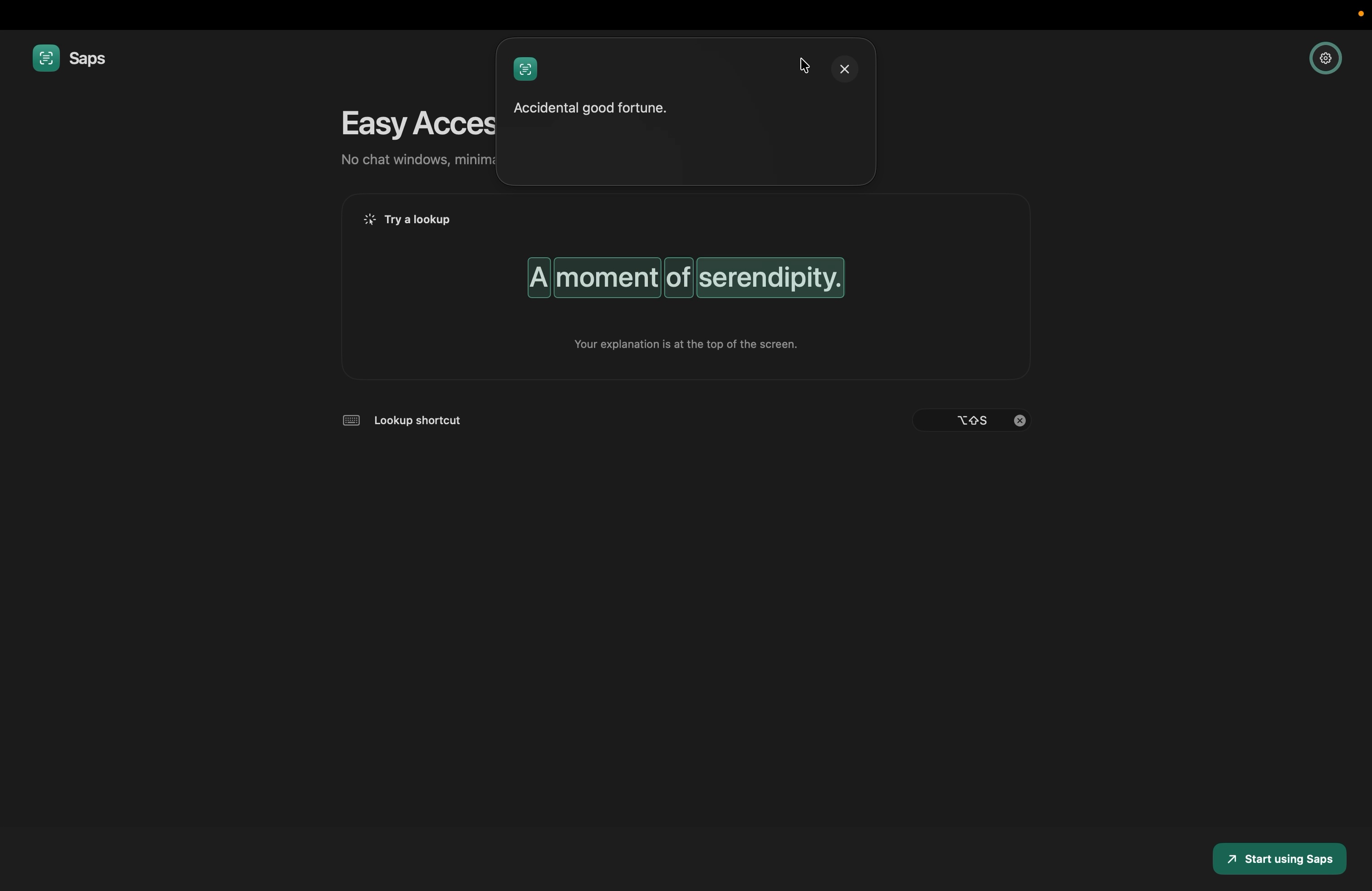
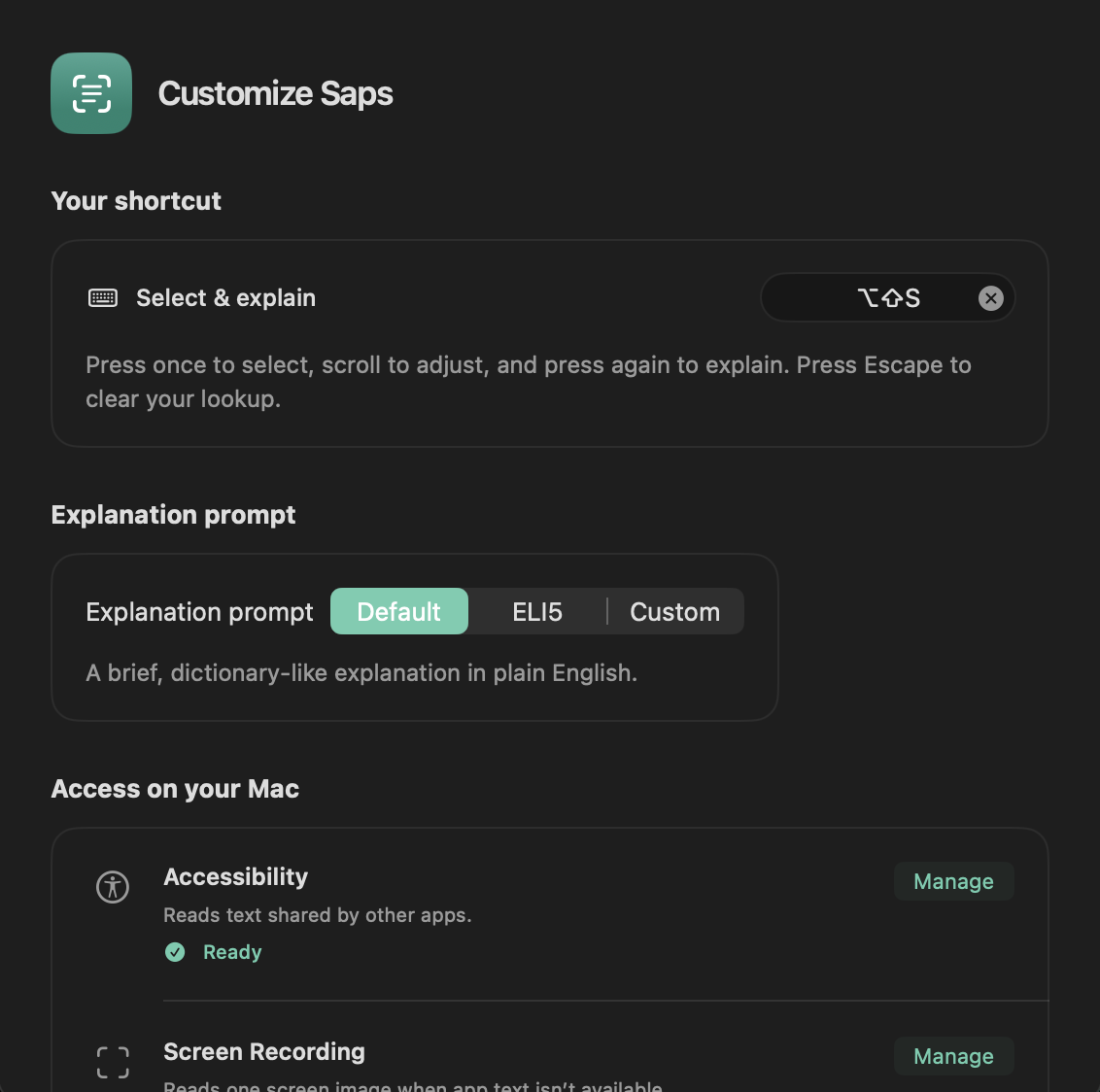
Inspiration
I kept running into unfamiliar words and phrases while reading or watching something. Looking them up usually meant copying the text, opening a browser or chatbot, and losing my place in whatever I was doing.
I wanted a faster kind of lookup: something I could use for a moment, get a clear explanation, and then close without leaving anything behind. I first imagined triggering it with a three-finger gesture. As I worked through the macOS interaction details, that idea became a configurable keyboard shortcut that is easier to set up and use consistently.
What it does
Saps is a native macOS menu bar companion for quick, temporary explanations.
- Place the pointer over text and press the shortcut.
- Saps recognizes and select the nearby word when the current app makes that text available.
- If it cannot read the text that way, it captures one frame and uses OCR to recognize the visible text.
- Scroll to expand the selection from a word to a phrase, clause, sentence, or nearby text.
- Pressing the shortcut again opens a concise, on-device explanation.
- Closing the panel clears the selection, explanation, and temporary session.
There is no account, chat history, database, or network request. The lookup is meant to be useful and then disappear.
How I built it
I used SwiftUI and AppKit for the macOS interface, menu bar behavior, and floating lookup panel. KeyboardShortcuts handles the configurable global shortcut.
For text selection, Saps first uses macOS Accessibility APIs to read text and find word bounds. When that is not possible, ScreenCaptureKit takes a single frame and Vision performs the OCR fallback. Apple Foundation Models provides the on-device explanation.
The lookup session stays in memory so I can clear it reliably when the panel closes. I also added XCTest coverage for selection levels, scrolling, OCR, permissions, cleanup, and failure states.
Challenges I ran into
The hardest part was making cross-app text lookup feel dependable. Different macOS apps expose text in different ways, and some respond slowly or provide incomplete information.
I also had to work through a few macOS-specific problems:
- Converting text coordinates correctly across Retina displays and external monitors.
- Explaining Accessibility and Screen Recording permissions clearly.
- Keeping scroll input focused on the lookup panel without taking over the app underneath it.
- Supporting apps that expose text differently or respond slowly.
- Handling cases where the on-device Apple Intelligence model is unavailable.
- Making sure closing or cancelling a lookup removes every piece of temporary state.
- Designing a compact floating panel that can resize as the explanation loads.
Accomplishments I am proud of
I completed the full flow from shortcut to selection to explanation to cleanup. Saps now has both an Accessibility path and an OCR fallback, and selection expansion feels progressive while still being reversible.
I also added Default, ELI5, and bounded custom explanation styles, along with clear permission recovery and unavailable-model states. Focused tests cover the parts most likely to break.
Most importantly, I kept the product small and focused. Saps is meant to be a quick lookup, not another persistent chat app.
What I learned
Cross-app macOS interactions involve much more than the visible interface. Permissions, focus, coordinates, timing, and different app behaviors all affect whether a small interaction feels reliable.
I learned that even a simple lookup has a surprising number of state transitions. Accessibility should be the preferred path when an app exposes useful text, while OCR is a valuable fallback with its own permission and layout challenges.
I also learned that temporary data needs an explicit cleanup path. Prompt boundaries and output limits matter when the goal is a short explanation, and testing state transitions is just as important as testing the interface itself.
What is next for Saps
- Improve support for more apps and complex layouts.
- Make text recognition and selection more reliable across languages.
- Continue refining the floating panel and its interaction animations.
- Handle long explanations and difficult text layouts more gracefully.
- Explore optional follow-up questions without turning Saps into a persistent chat.
- Package the app as a signed and notarized download.
- Gather feedback from people using it during real reading and viewing tasks.
Built With
- accessible-api
- ai
- appkit
- apple-foundation-models
- macos
- productivity
- swift
- vision

Log in or sign up for Devpost to join the conversation.