-
-
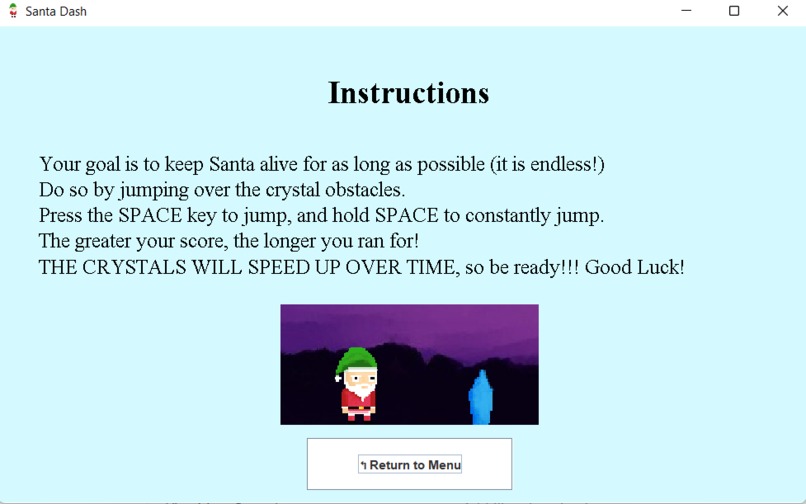
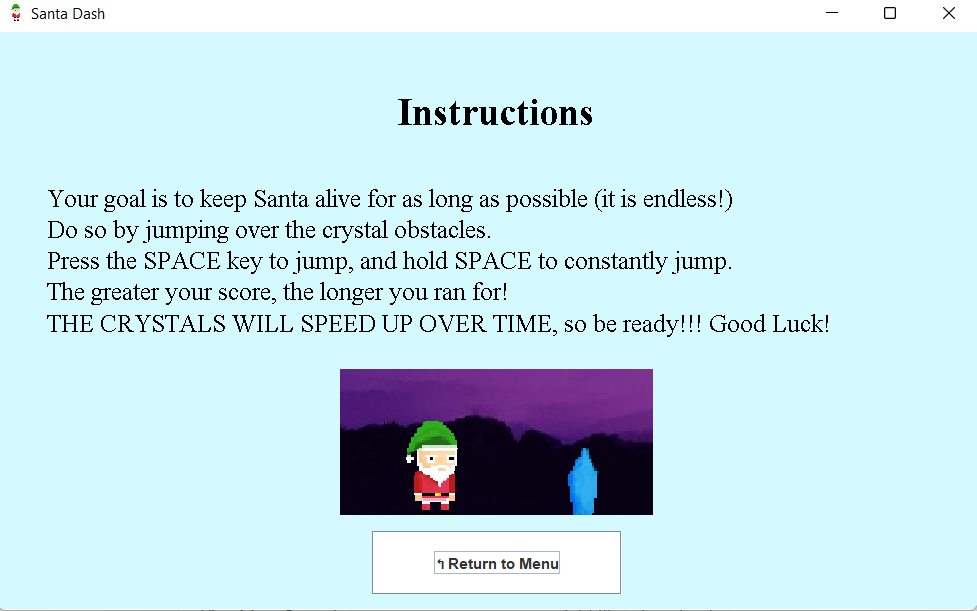
Instructions
-
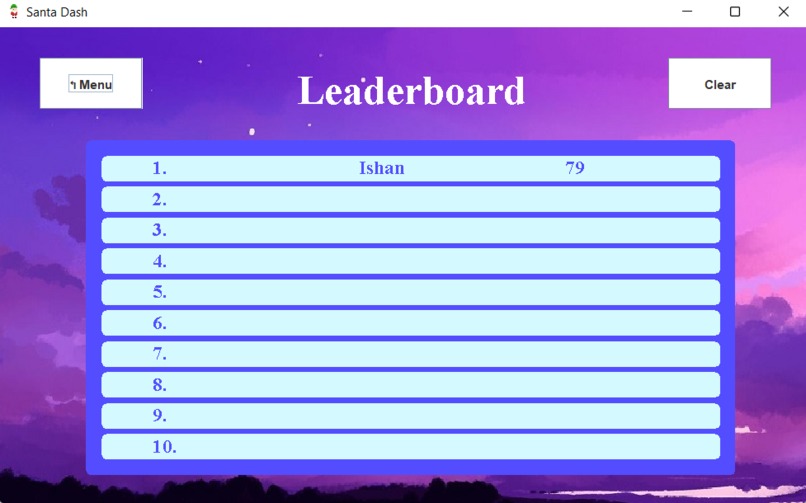
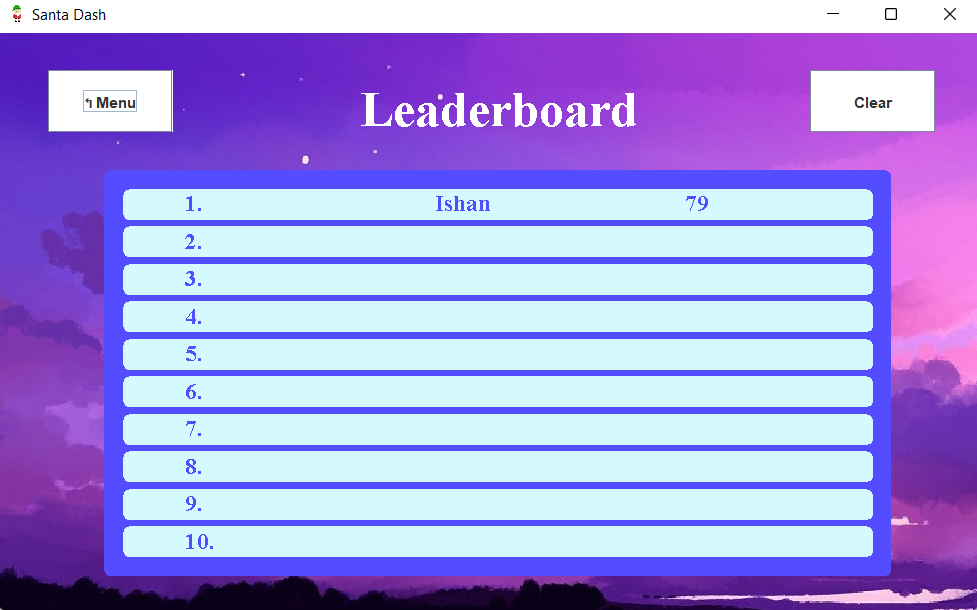
Leaderboard
-
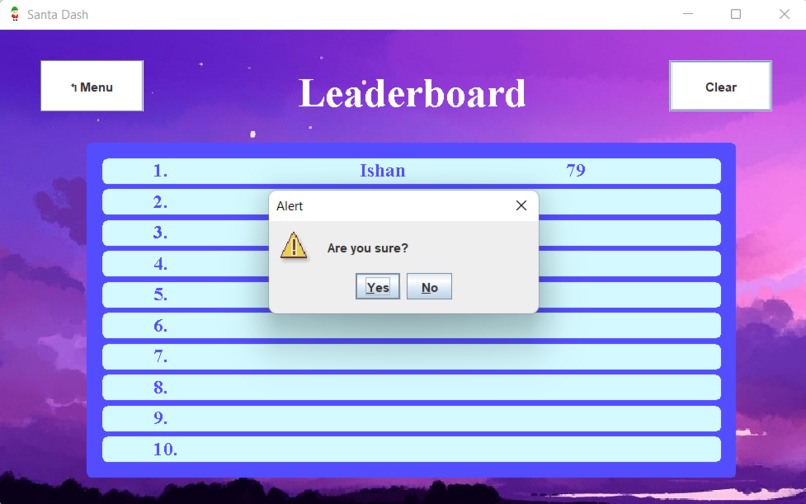
Leaderboard
-
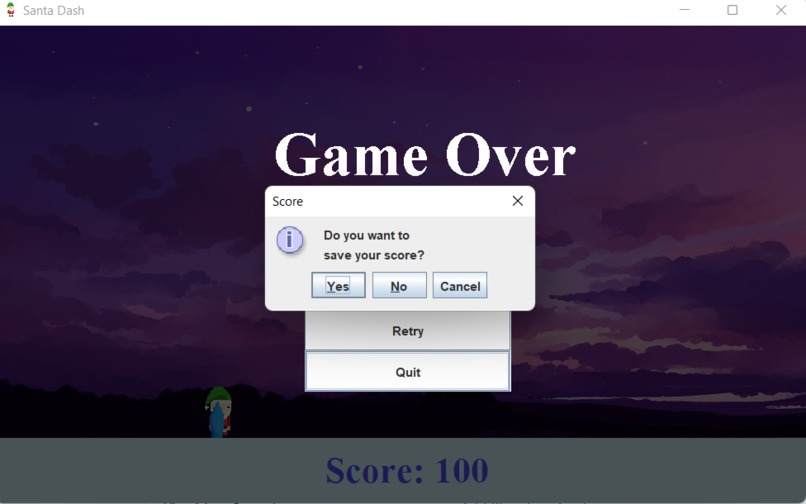
Game over screen with options to quit and save, or retry (highly replayable)..
-
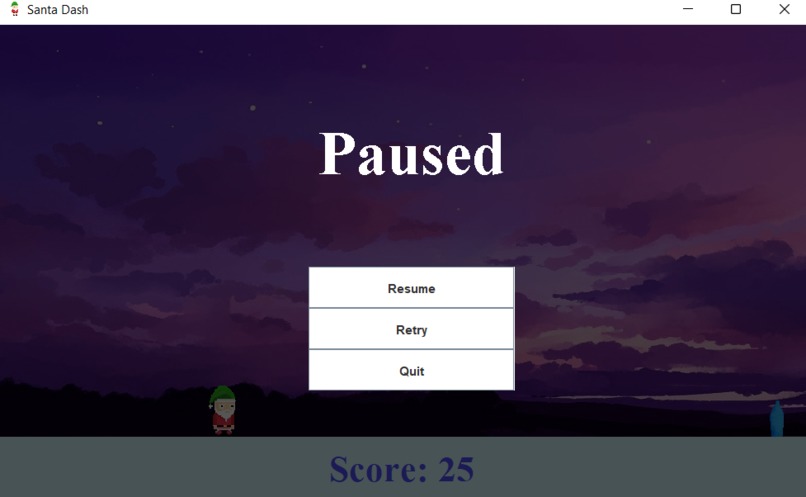
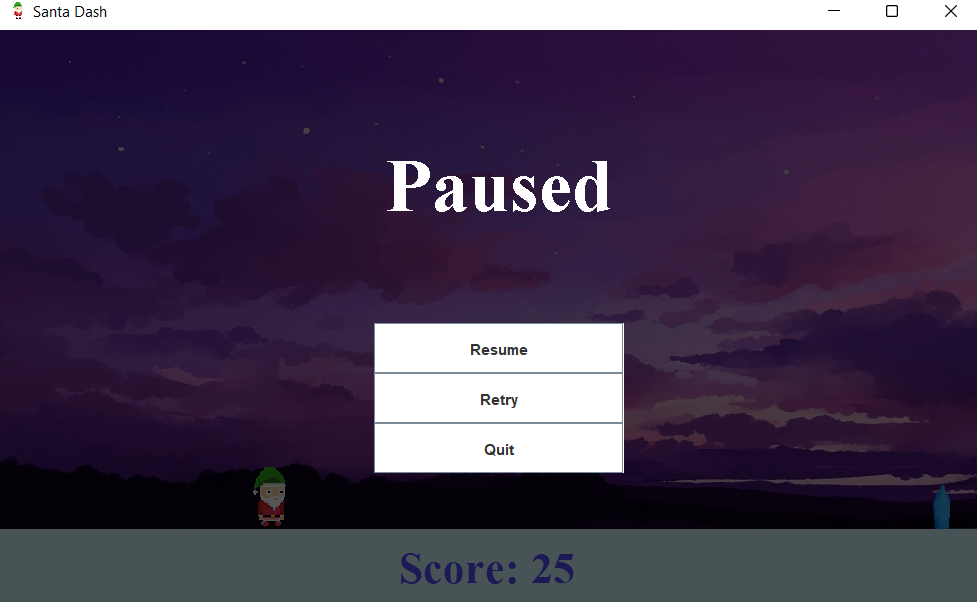
Pause Screen with retry option
-
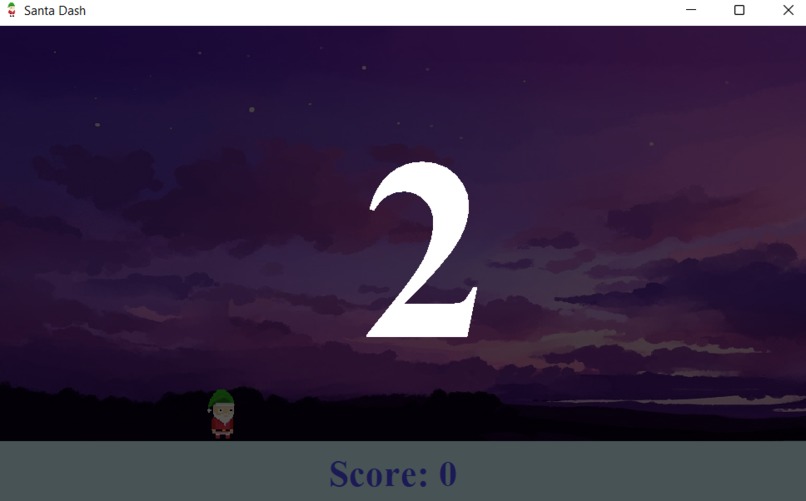
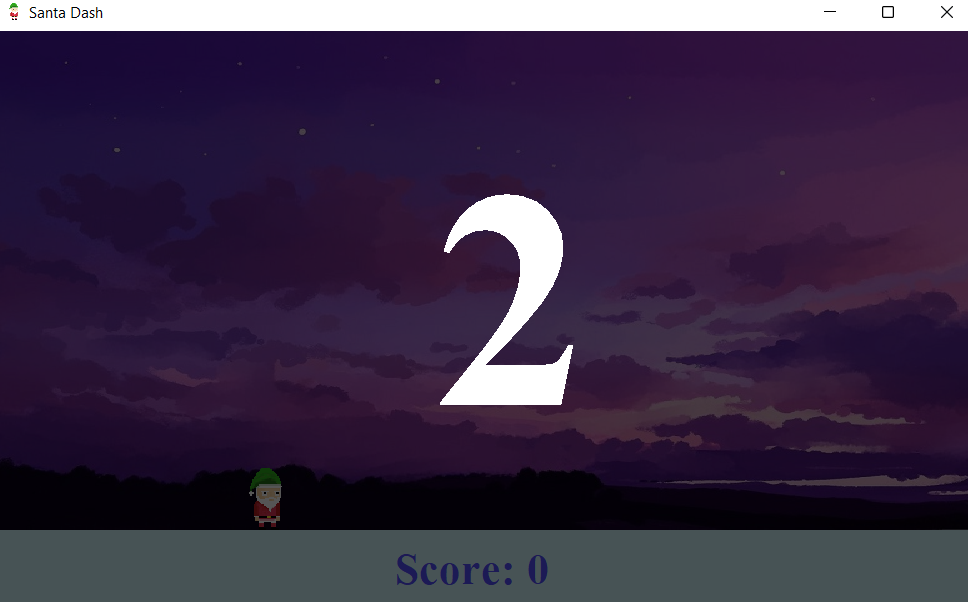
3..2..1 Countdown to start
-
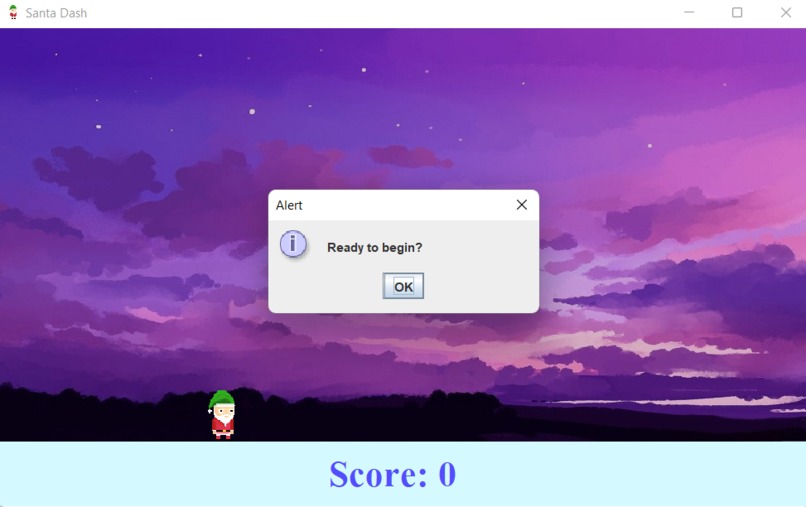
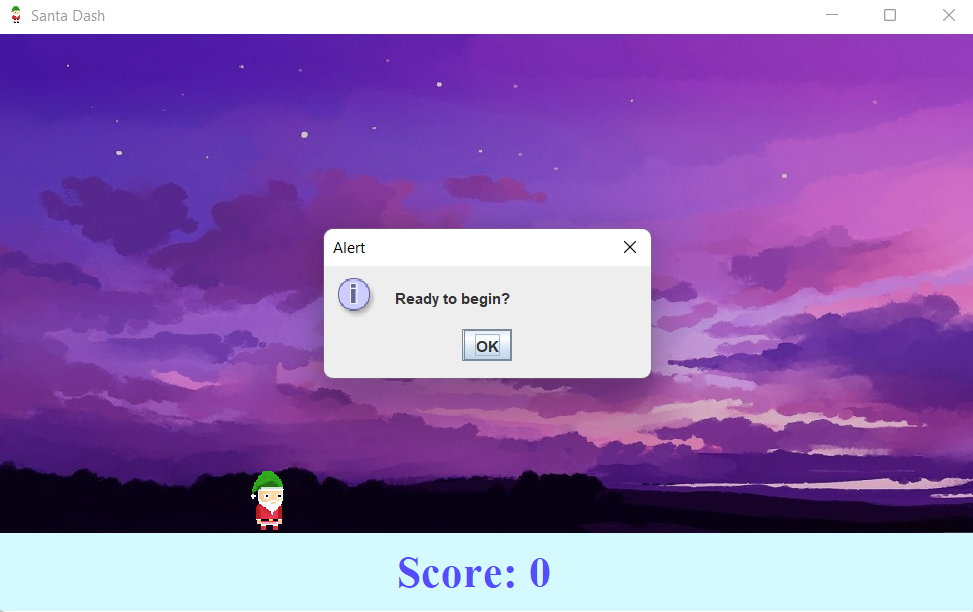
Friendly to the user - lets them choose when to start
-
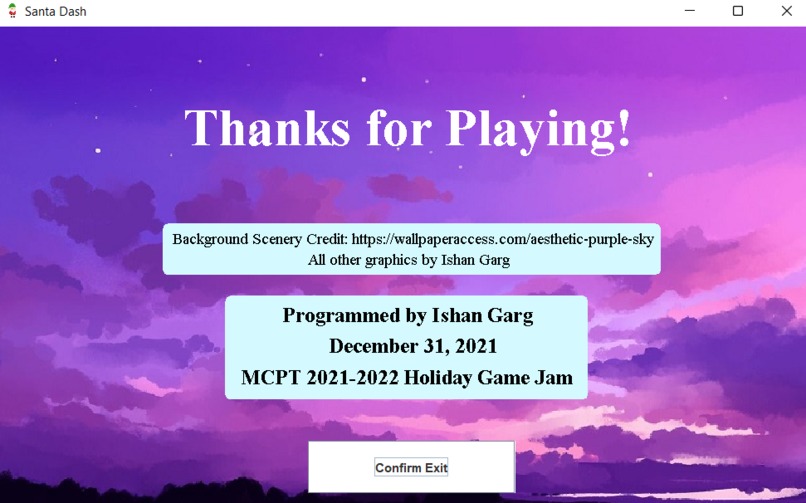
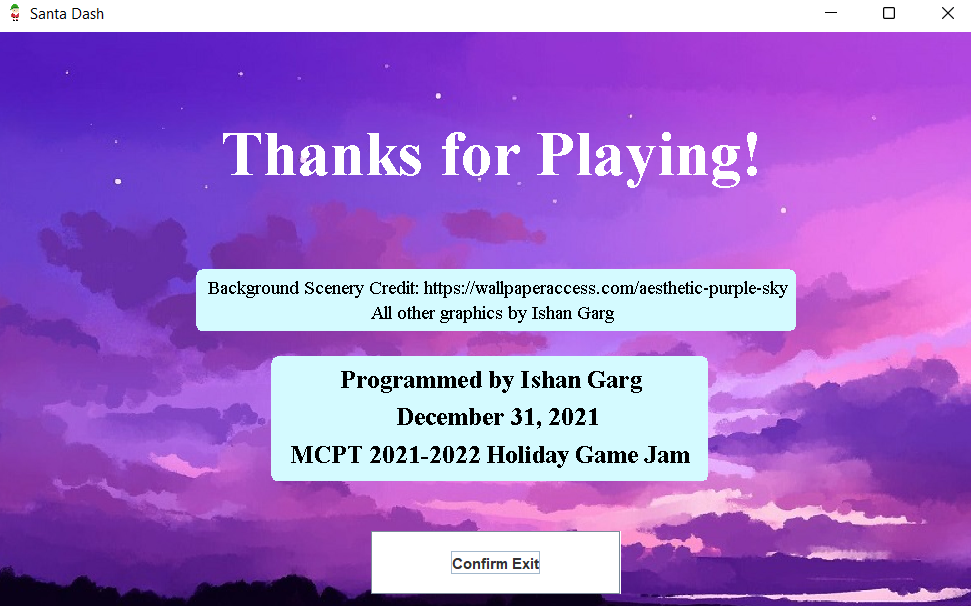
Exit Credits
-
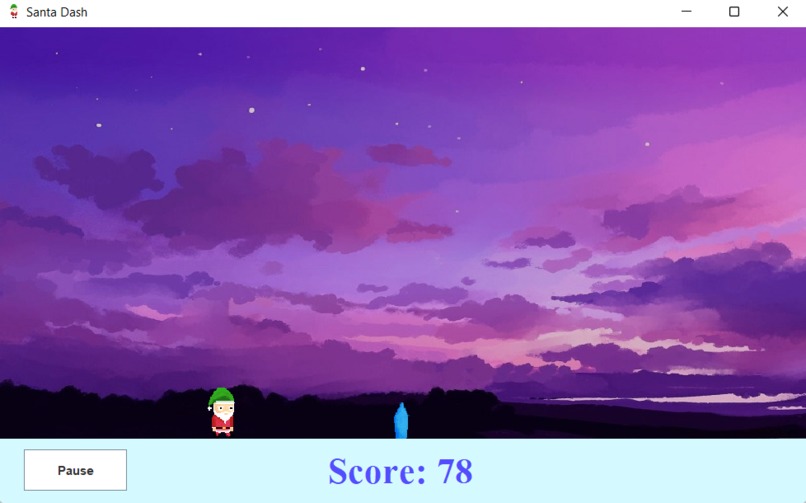
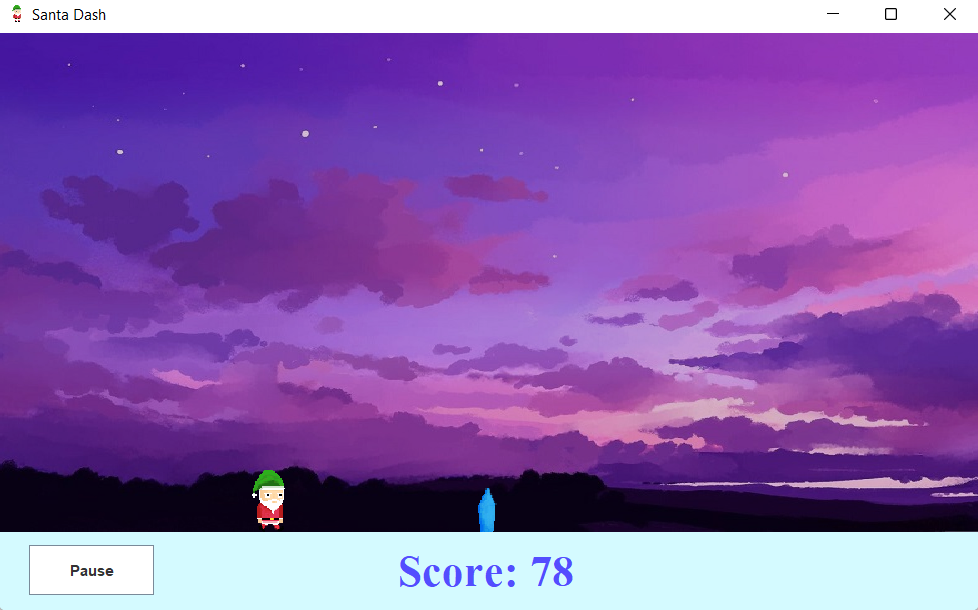
Gameplay
-
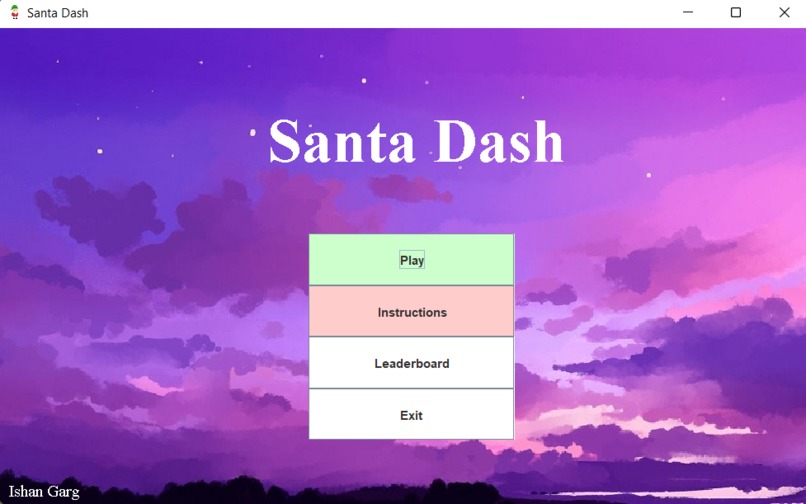
Game menu and starting page



Inspiration
I was inspired by the Google Chrome No Internet Dinosaur game, which also involves keeping a dinosaur alive for as long as possible. As that game is enjoyable — especially when there's no internet — I decided to make my own endless runner game with Santa. In other words, I made a game I would want to play.
What it does
Santa Dash has instructions to inform the user how to play, a .txt-file-stored leaderboard to add a competitive aspect, and gameplay with pause/resume, retry, and quit options. The user must press SPACE to jump over the crystals, which will move towards the player horizontally at increasingly fast speeds. The longer the player stays alive, the greater the score, and colliding with a crystal ends the game. The crystals also do not spawn at a constant distance away — it varies — which prevents a "rhythm" from being created with the jumping.
How we built it
I built the game using NetBeans with Java SE and JDK 14. I decided to create a class for every scene — one each for the Menu, Play, Instructions, Scoreboard, and Exit. Then, I made one class for the Player and another for a Crystal. I followed object-oriented programming principles, using getter/setter methods and keeping all global variables private as well. Then, I programmed scene-by-scene, starting with the menu and gameplay and ending with the scoreboard/instructions/exit.
Challenges we ran into
Updates to numerous components (jumping, moving crystals, etc) at once severely slowed down the program and made it borderline unplayable due to lagging jumps and crystals changing speeds - they do not use a wall-clock timer. Checking for a collision between two JComponents was also difficult due to the lack of a native intersects() method. To overcome the first challenge, I combined all the timers into one primary game timer so that there was only one active thread and smooth gameplay. For the collision, I just resorted to comparing coordinates.
Accomplishments that we're proud of
I am proud of the smooth gameplay and user interactivity, as the user can choose any possible option at any point in the game. The player jumps smoothly and the crystals move smoothly as well, while pausing is instant. I am also proud of successfully making a distributable game using stock Java, rather than HSA console or Processing — both of which are significantly easier and oriented towards graphical design.
What we learned
This is my first application made using the Java GUI — specifically with Java Swing classes. I learned how to use Timers for multithreading, create a game with buttons, use ActionListener, and use inner classes to draw components onto the GUI.
What's next for Santa Dash
Right now, Santa just jumps, but a ducking element can also be added for even more entertaining gameplay. Another level can also be added with everything upside down, which would be more difficult. An option to customize the player jumping key bind (SPACE by default) would also make the program even more user-friendly.


Log in or sign up for Devpost to join the conversation.