-
-

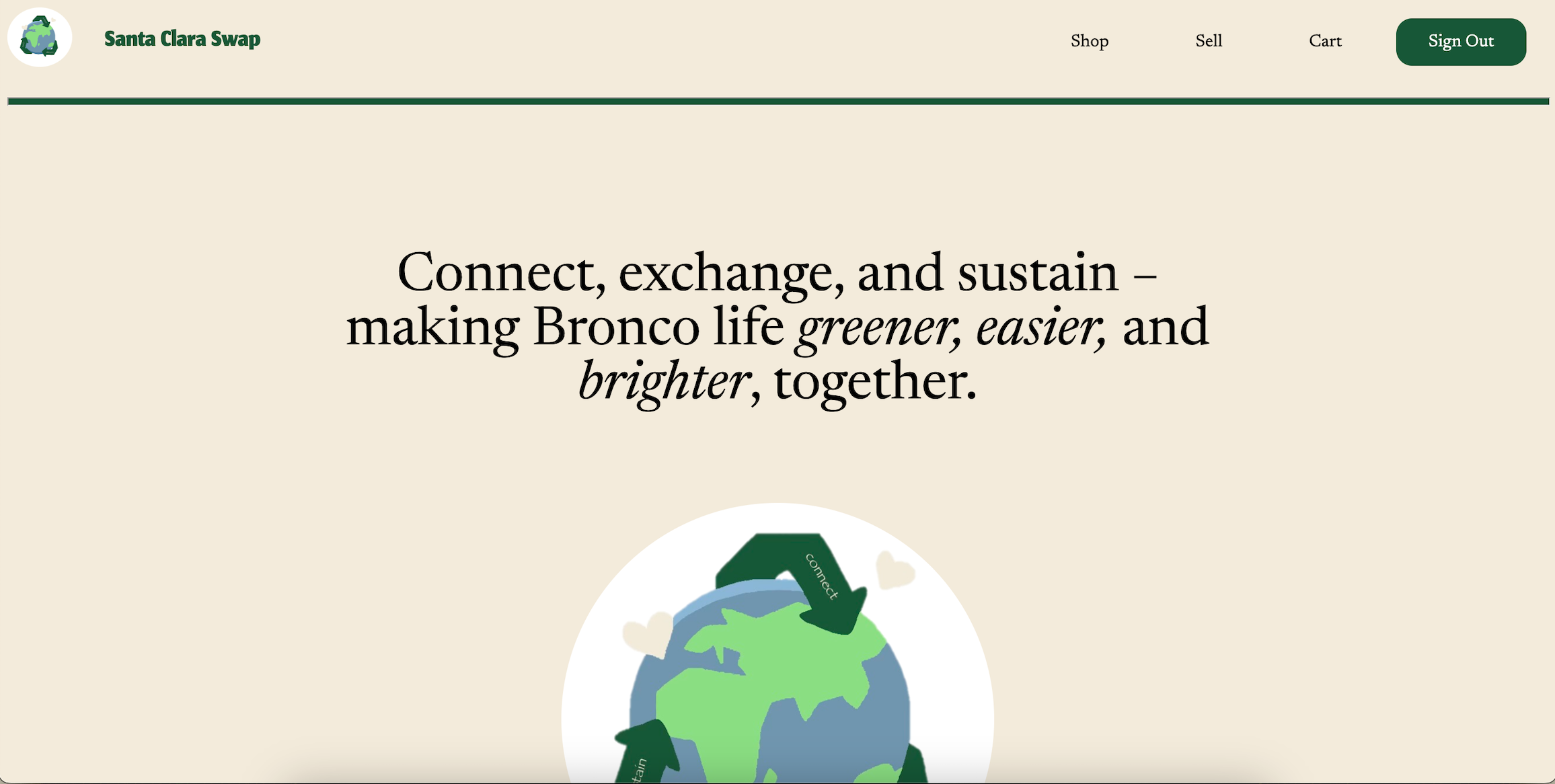
Home Page
-

Santa Clara Swap Logo
-
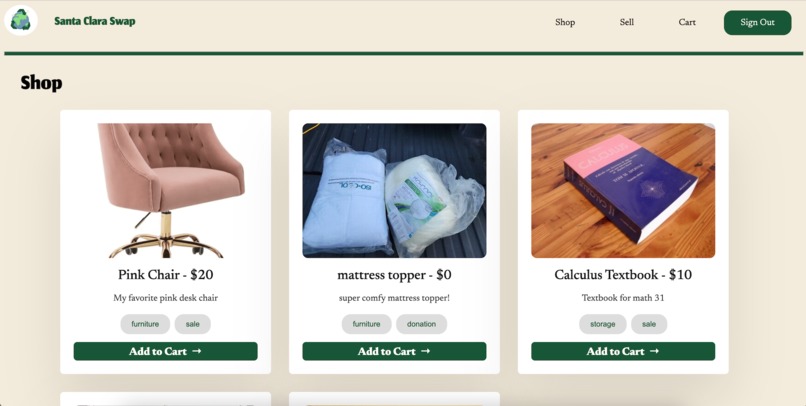
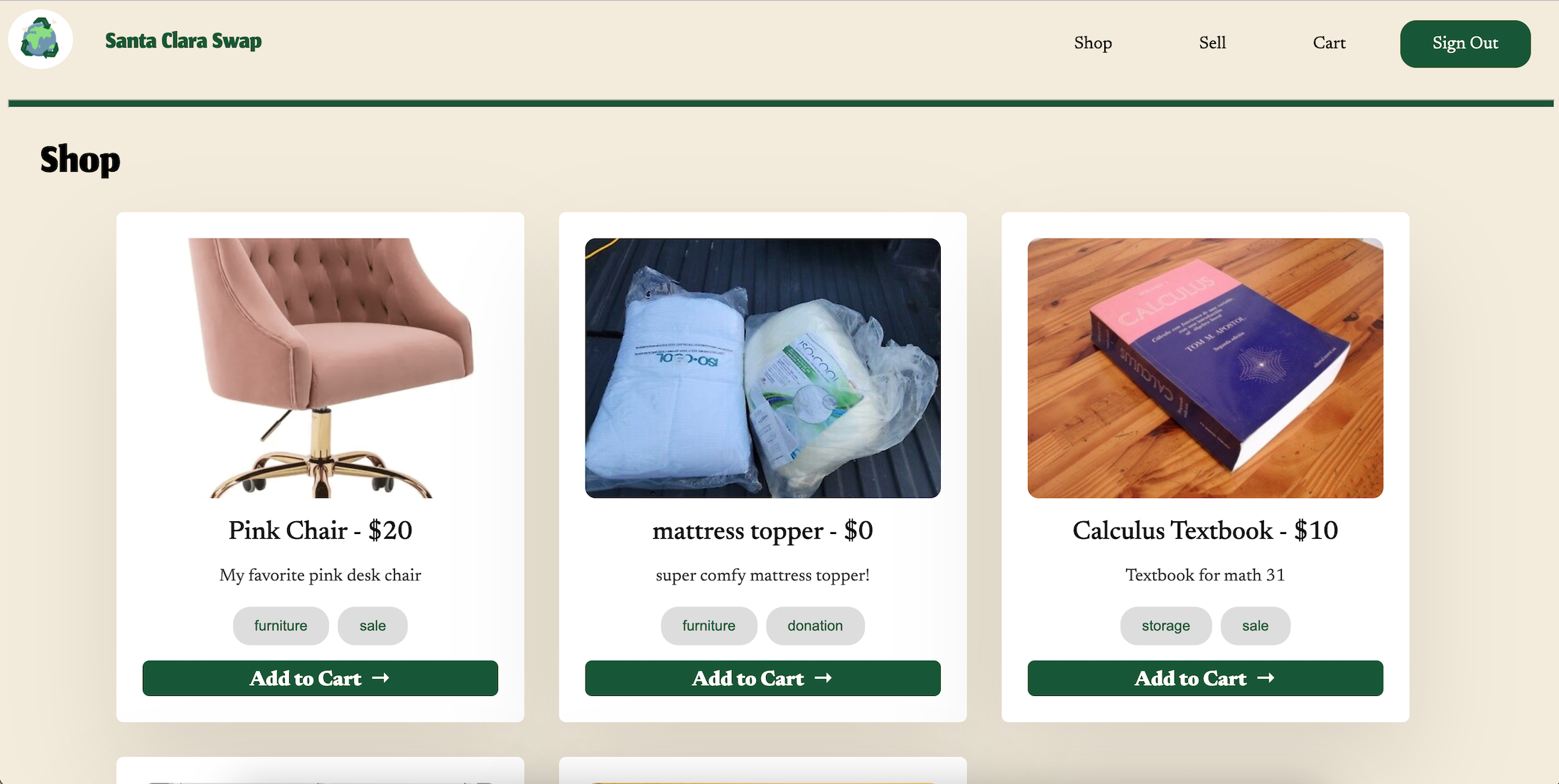
Shop Listings Page
-
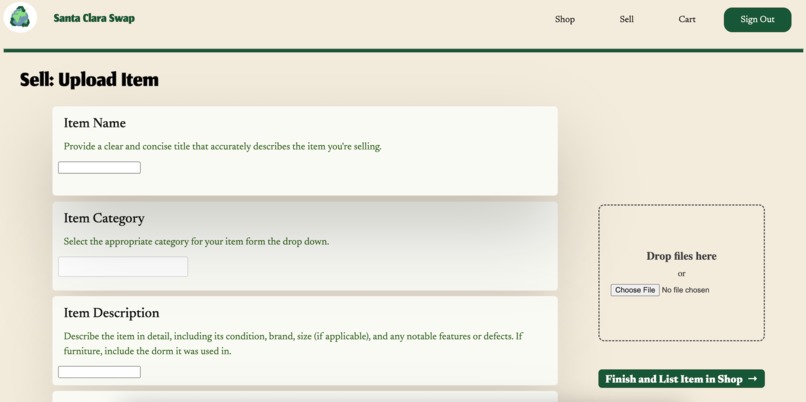
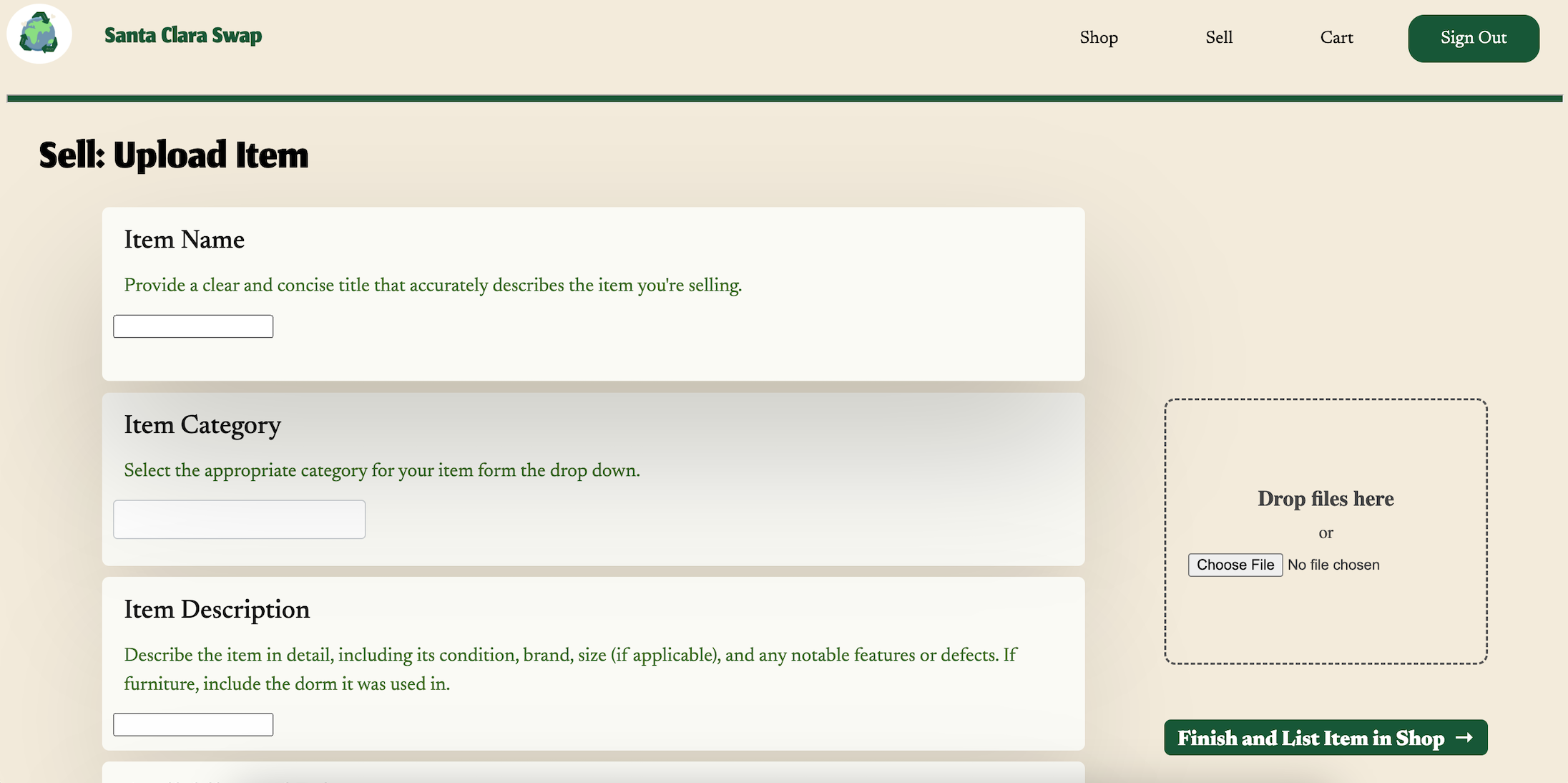
Sell: Upload Item Page
-
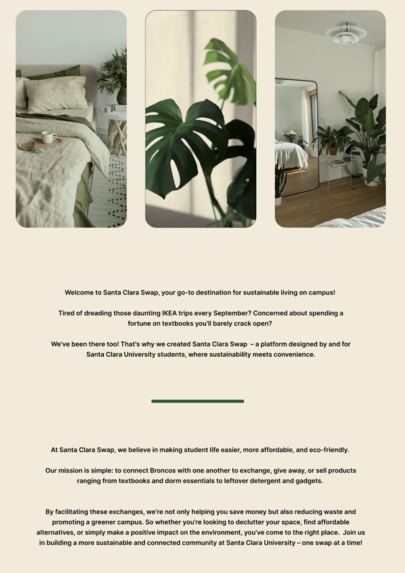
Home Page (About Info)
-
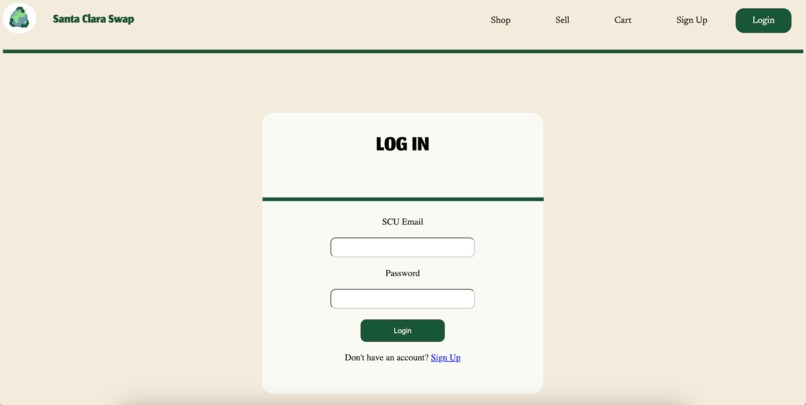
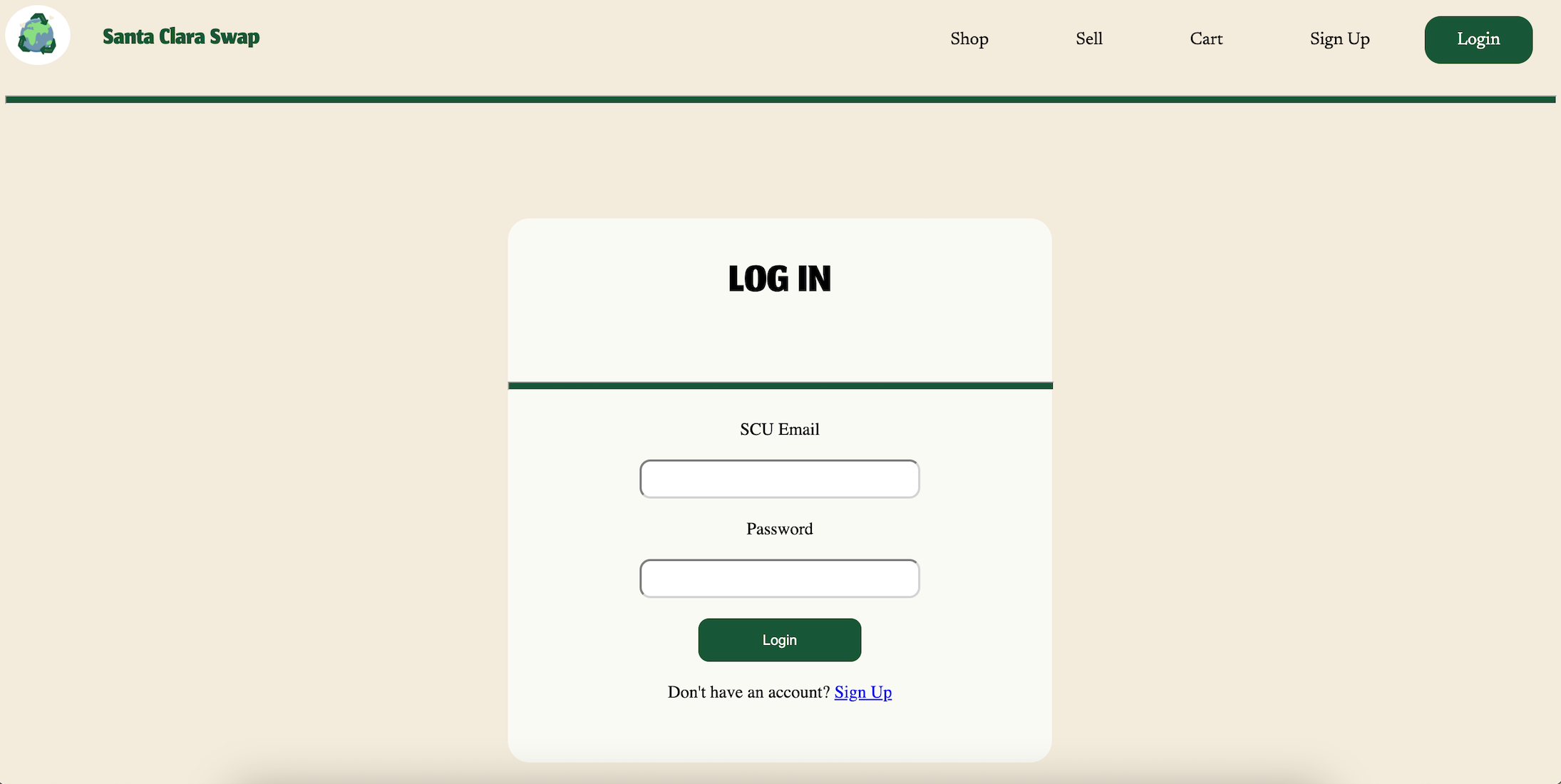
Log In Page
-
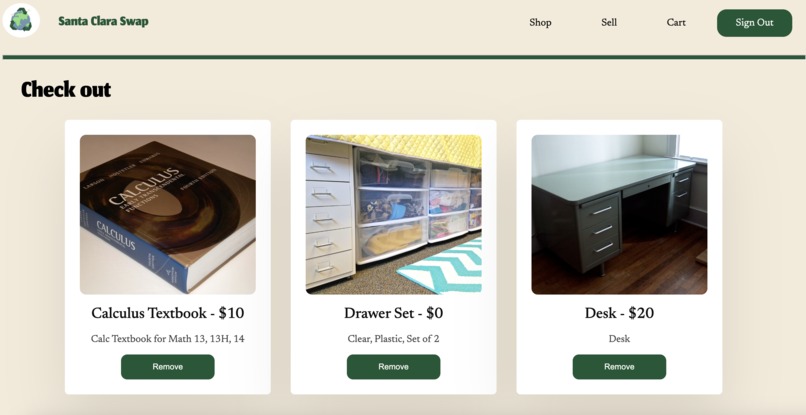
Cart and Check-Out Page
-
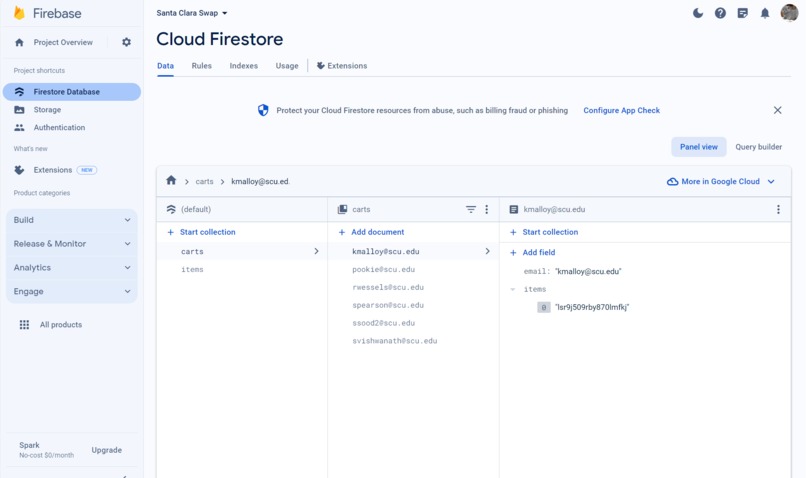
Firebase Firestore
-
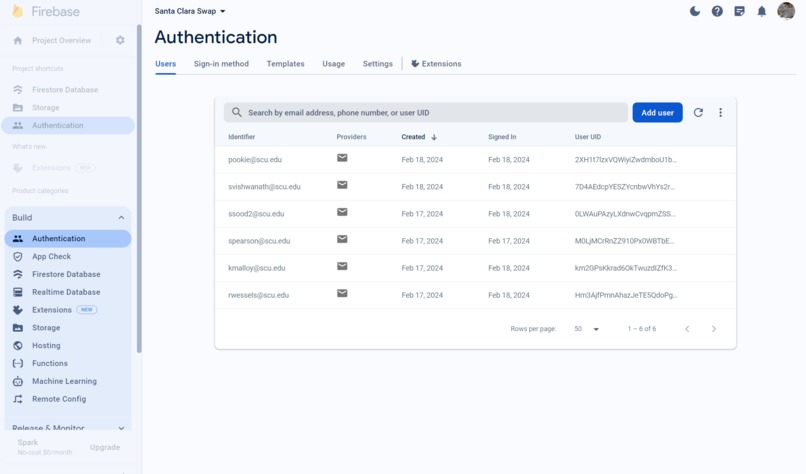
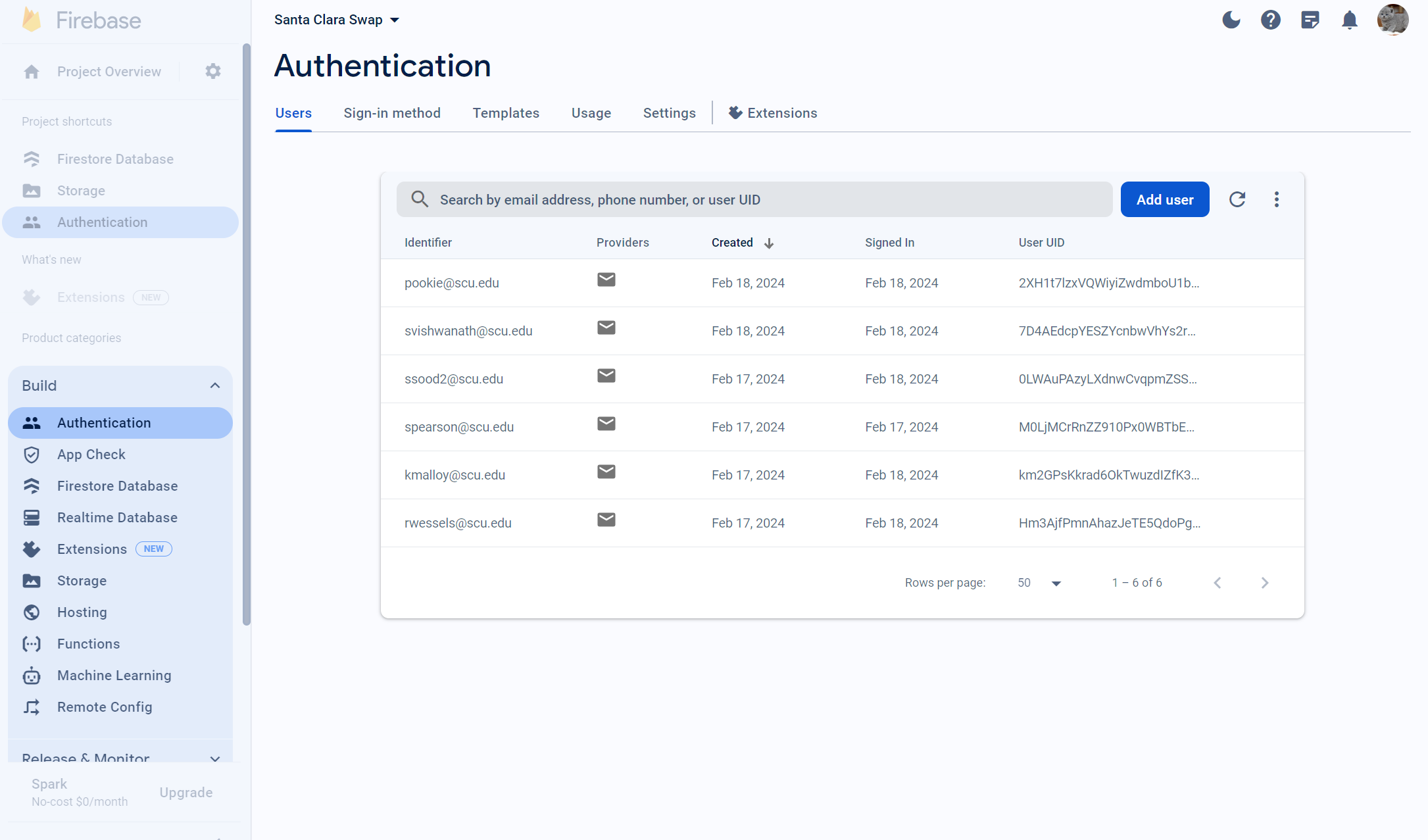
Firebase Authentication
-
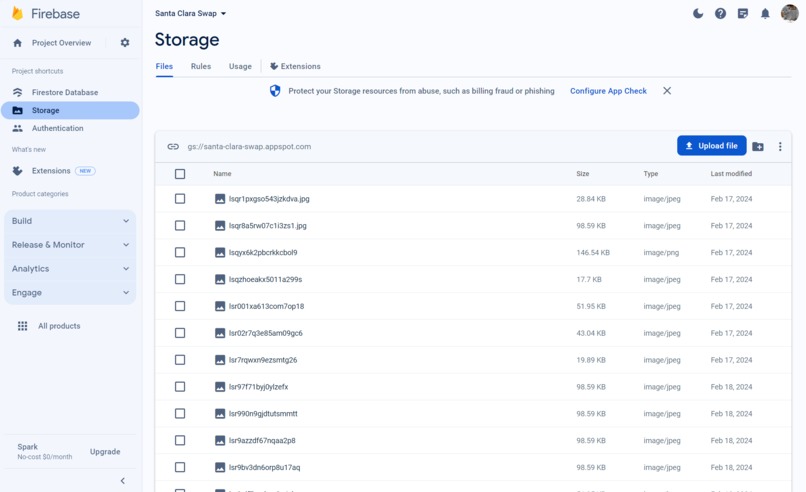
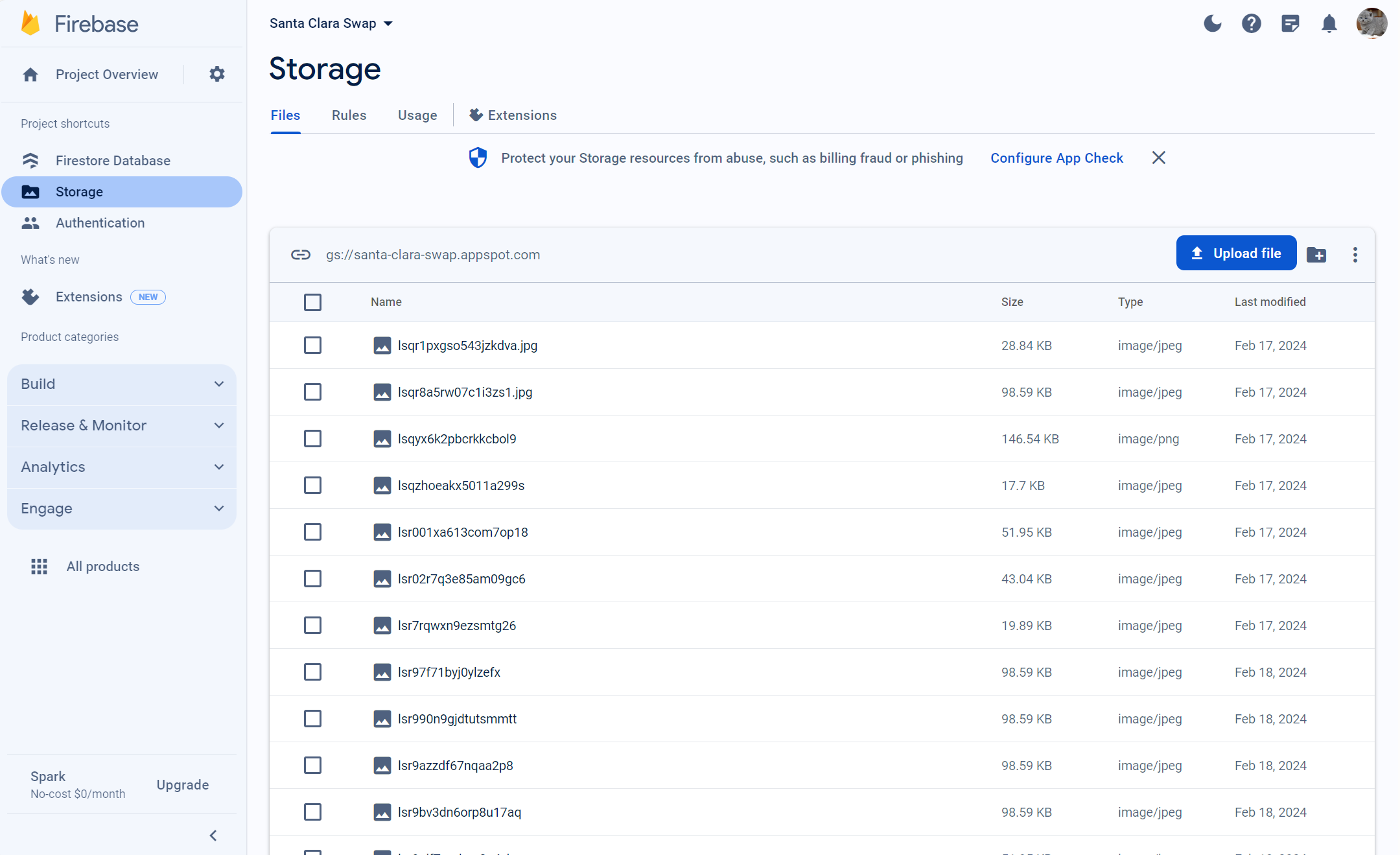
Firebase Storage




Inspiration
In college, student’s living situations change year by year, requiring different furniture, appliances, and other items depending on their space. These students generally end up buying new decor at the beginning of the year which then becomes obsolete when their living situation inevitably changes. However, these items are still in great condition, and deserve a new home, instead of being tossed in the dump. College students struggle to sort through endless listings on general second-hand sites, which is why Santa Clara Swap is tailored specifically to the needs of students. By connecting buyers and sellers within the college community, we're not just reducing waste — we're fostering a culture of sustainability and sharing. Santa Clara Swap allows these college essentials to be passed down to new loving homes each year, reducing unnecessary waste and leaving a positive impact on the environment and community!
What it does
Santa Clara Swap allows SCU students to make an account to find secondhand items and post listings. Students can sort through their feeds to find amazing items or post their own via the “Sell” page. After adding items to their cart, students can see their total price and check out!
How we built it
We built Santa Clara Swap using HTML, CSS, and Javascript. In designing our website, we used Figma, creating a beautiful and simple design. We utilized Firebase to store the student’s emails and passwords, listing information, and checkout information (cart). So, we are using Firebase Authentication (to log in users), Firebase firestore ( to store listings as well as user carts), and Firebase storage (to store uploaded images). The website is fully responsive, and saves a user's cart across devices based on their account. This is a second-hand site, especially for SCU, we made sure that only users with an email address ending in “@scu.edu” could make an account.
Challenges we ran into
Kayla, Sanjna, Shreya, and Sienna all worked on the front-end development of the website. We learned to use Figma, allowing us to outline our design before attempting to implement it. It was our first time fully developing a website using HTML, CSS, and Javascript, so it was initially a challenge coding in a new language. However, we worked hard to develop our new skills, and were able to develop the website. I, Rosalie, worked on all the Firebase integration and dynamically uploading items, showing listings in the shop view, and showing the cart. Even though I had used Firebase firestore and Firebase authentication before, I learned how to use Firebase storage. I ran into some challenges with uploading files initially (I was using a library Dropzone.js that would not get to work). Also, yesterday night, there was an asynchronous bug in the cart that would make all the items show the same text. So, it was a challenge to debug and figure that out at 12am in the morning, but it got fixed!
Accomplishments that we're proud of
We are proud that we were able to work well together and create our fully functioning final project! This was the first Hackathon most of us participated in, and we didn’t have much prior knowledge of web development before Hack For Humanity. We learned how to use HTML, CSS, and Javascript as we went.
What we learned
We learned how to implement a fully-functioning website, which is both user-friendly and efficient. We saw how HTML, CSS, and Javascript all interact with each other in the creation and design of a website. Additionally, we learned how to use Firebase to securely store user information, login data, and transactional history.
What's next for Santa Clara Swap
We hope to add more specified categories for listings, as well as a way for buyers and and sellers to interact. This would make our website much more realistic and practical for use, as people could negotiate prices, and discuss exchange spots. We also plan to expand Santa Clara Swap to other schools to make it more applicable.


Log in or sign up for Devpost to join the conversation.