-
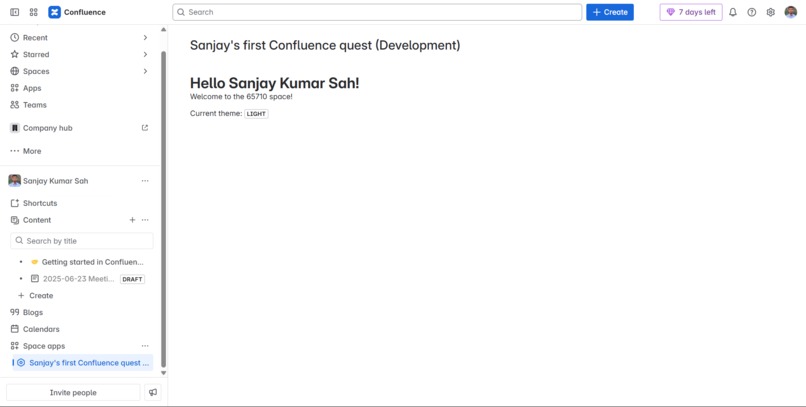
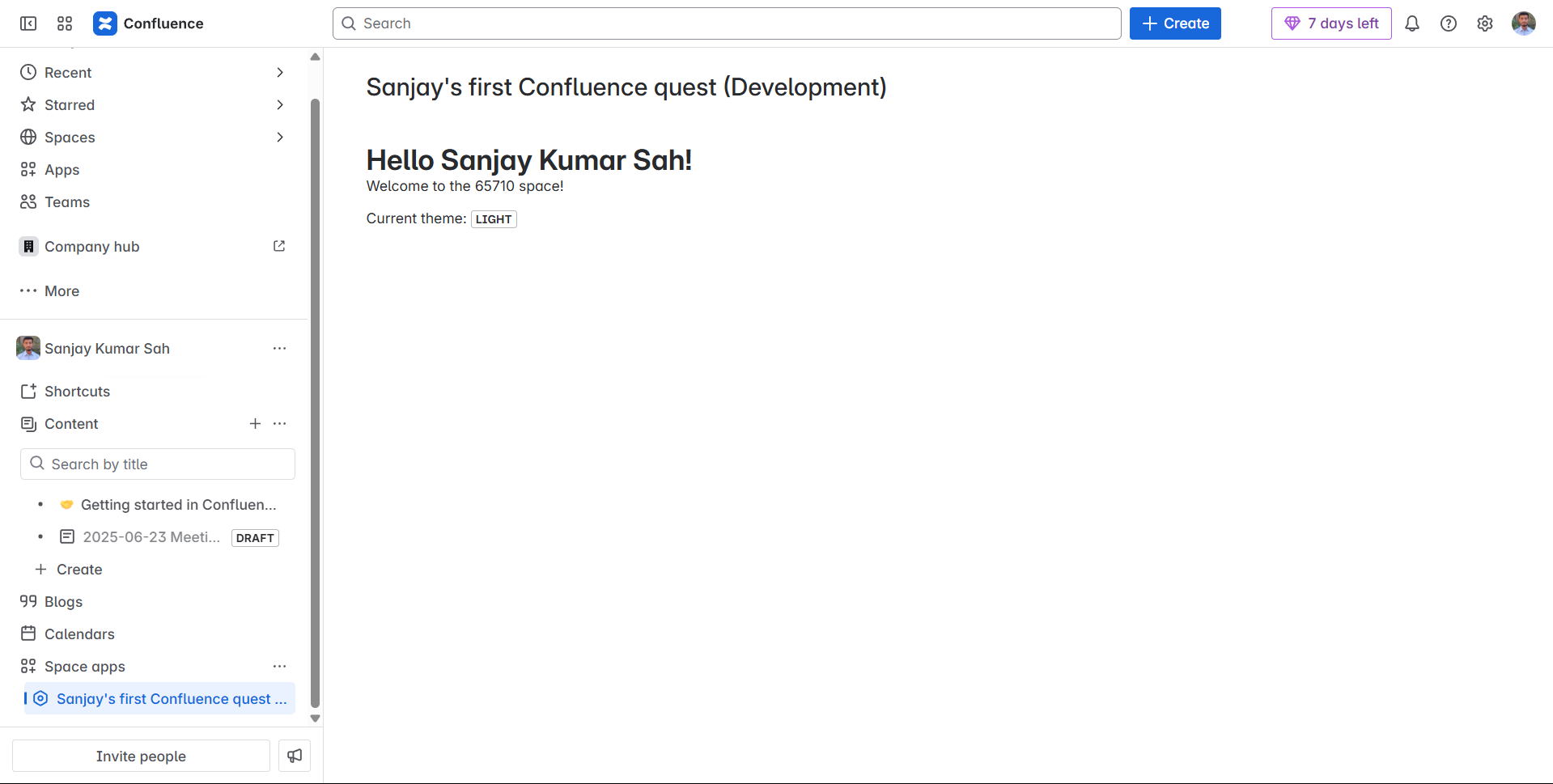
Screenshot of the app in action
Inspiration
As a developer new to Atlassian Forge, I wanted to explore how easy it is to extend Confluence functionality using Forge. This project was my personal challenge to go from zero to a live Forge app.
What it does
The app adds a custom Confluence macro that dynamically displays content based on user input. It enhances collaboration by bringing interactive elements directly into the Confluence page.
How we built it
I used Atlassian Forge with Custom UI (React), connected it to Confluence via Forge APIs, and deployed the app using the Forge CLI. The entire app runs serverlessly in Atlassian’s infrastructure.
Challenges we ran into
- Understanding Forge's permission model and manifest configuration
- Dealing with deprecated dependencies during CLI installation
- Learning the difference between UI Kit and Custom UI
Accomplishments that we're proud of
- Successfully deployed my first Forge app
- Gained hands-on experience with Confluence APIs and Forge hosting
- Completed the full development and deployment cycle
What we learned
- How Forge simplifies app development for Atlassian products
- How to build and deploy serverless apps inside Confluence
- Best practices for manifest configuration and API usage
What's next for Sanjay's first Confluence quest
I plan to add more interactivity, data fetching from external APIs, and deeper integration with Confluence spaces. I’d also like to open-source the app and explore Forge for Jira next.

Log in or sign up for Devpost to join the conversation.