The Problem
Every developer has done this at least once:
// Pushed to git by accident
const stripe = new Stripe("sk_live_xK92mNkAp3...");
console.log("User login:", user.email, user.phone);
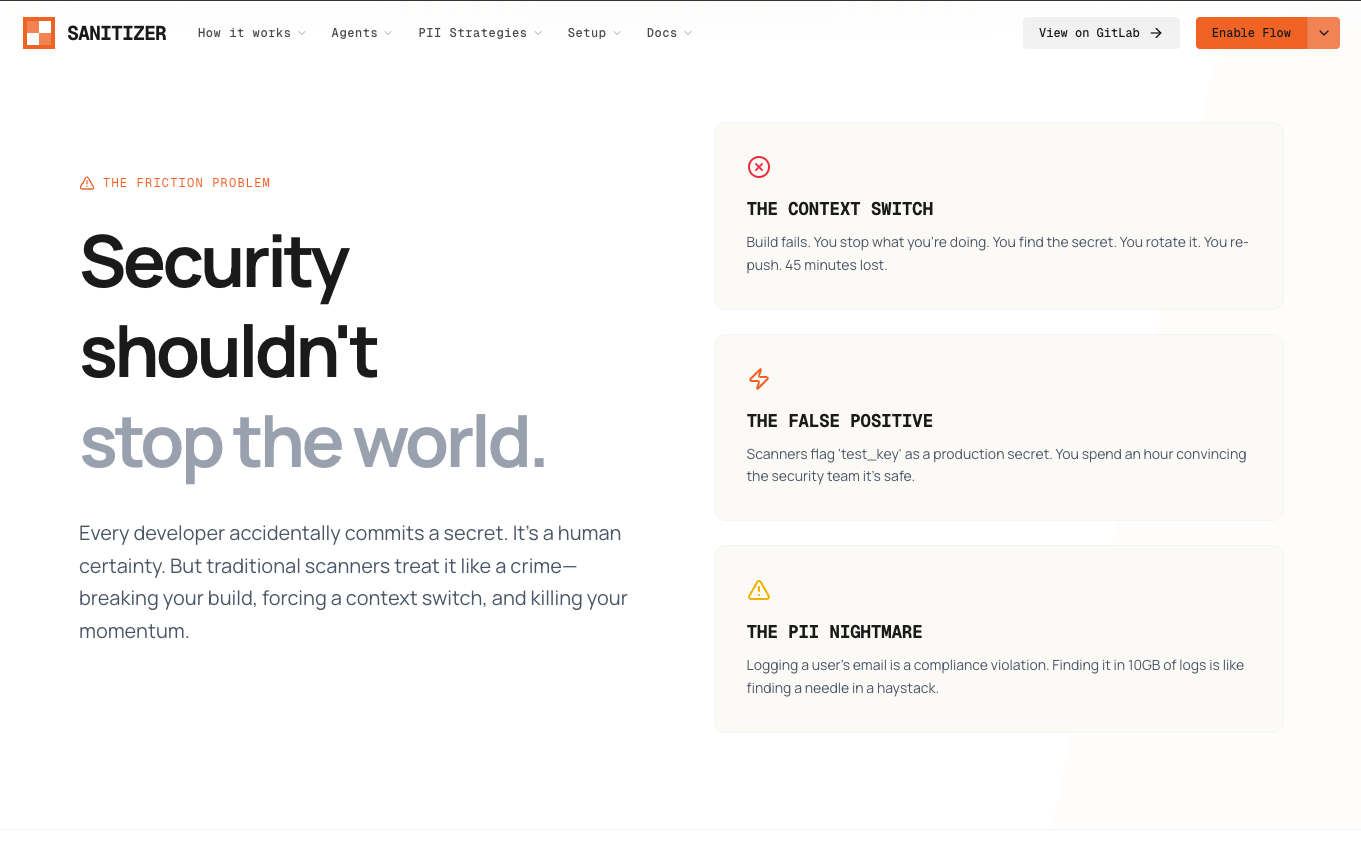
Traditional secret scanners break your pipeline and stop there. You get a red CI job, a Slack ping, and a forced context switch. You drop what you're doing, find the file, fix it manually, push again. Thirty minutes gone. Every time.
And it's not a small problem. In 2024, over 39 million secrets were leaked on GitHub alone. The average data breach costs $4.45 million. Automated bots scan every public push in real time — by the time you notice the alert, someone may already have your key.
What We Built
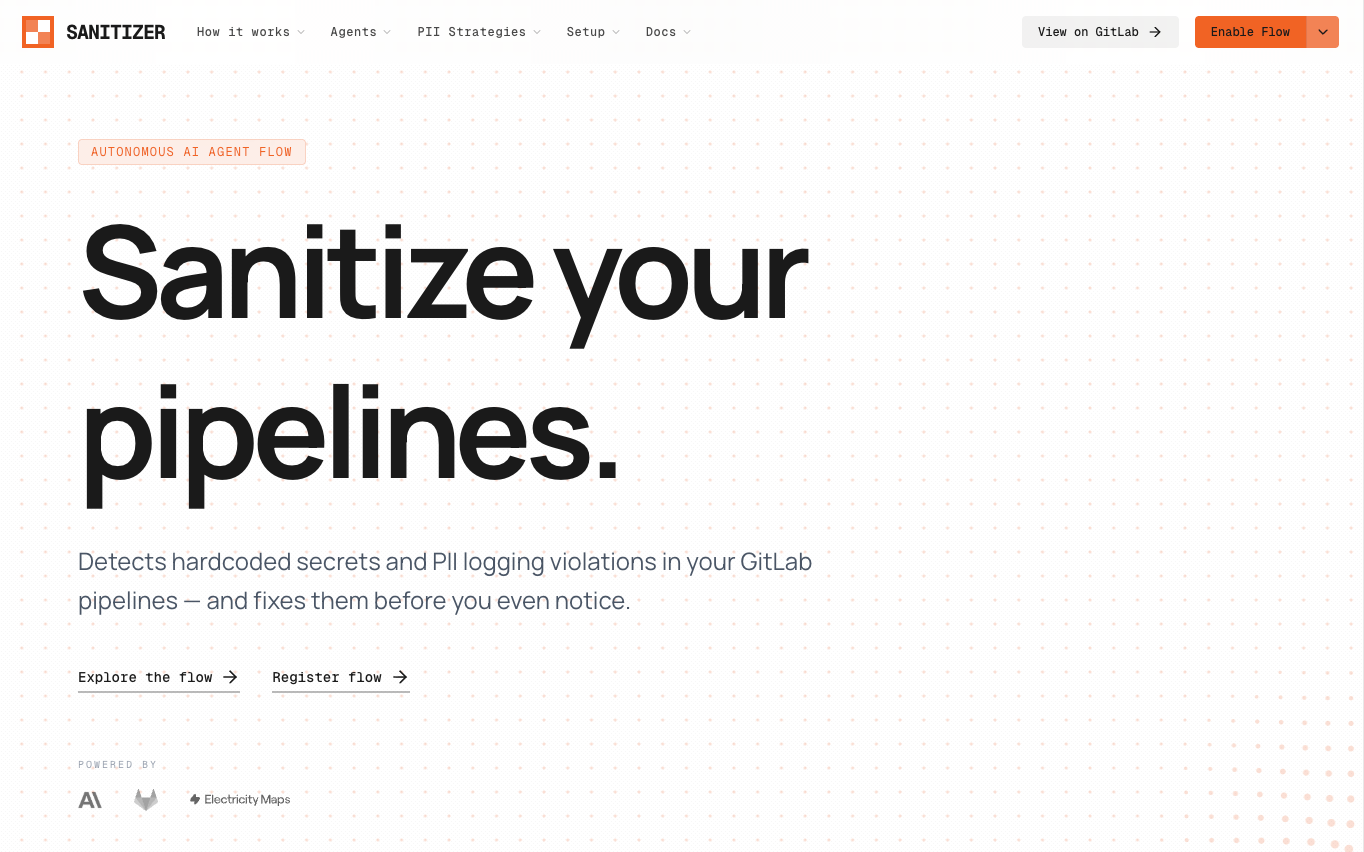
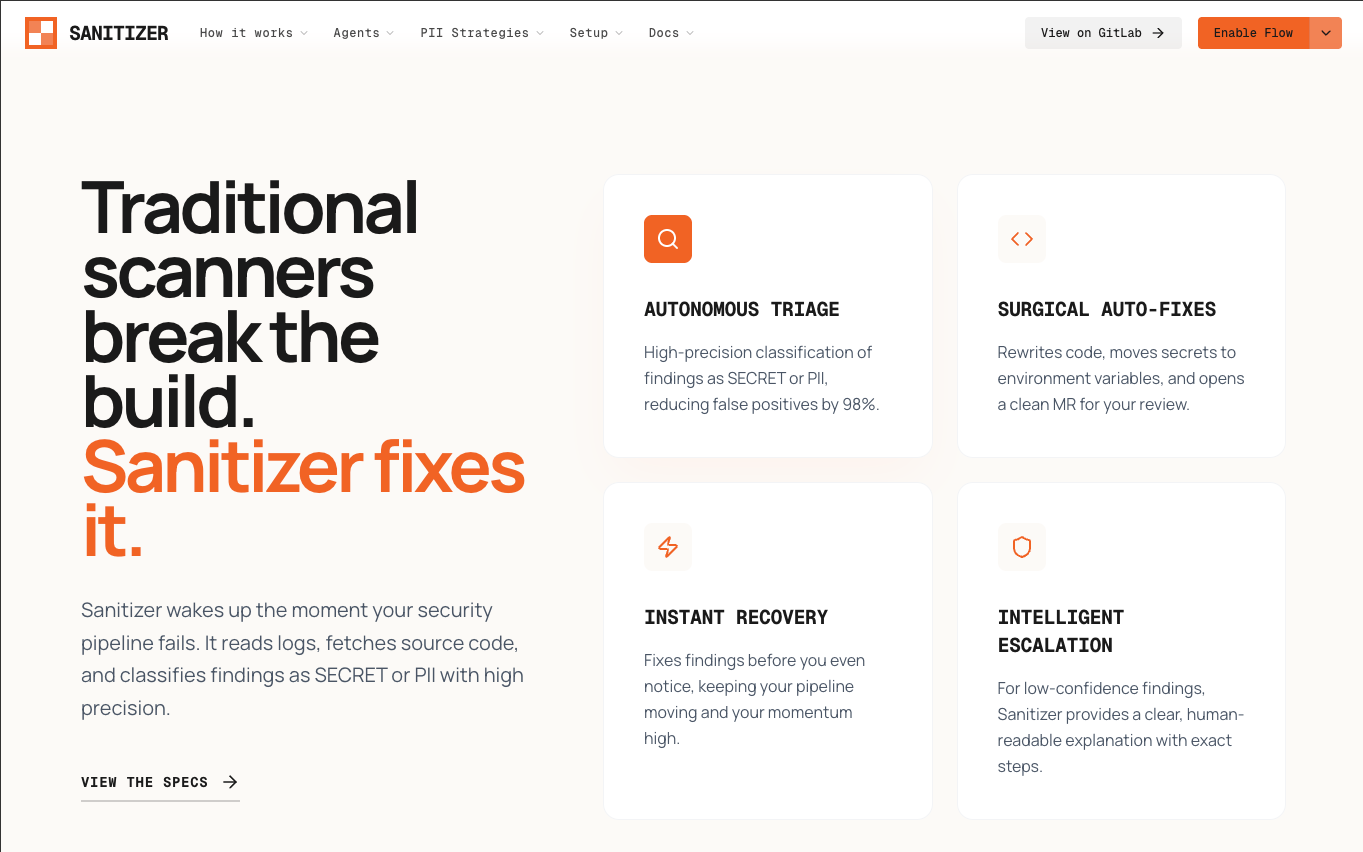
Sanitizer is an autonomous 4-agent AI flow built on the GitLab Duo Agent Platform, powered by Anthropic Claude. It detects hardcoded secrets and PII logging violations the moment code is pushed — and fixes them automatically, without any developer intervention.
GitGuardian tells you about the fire. Sanitizer puts it out.
How It Works
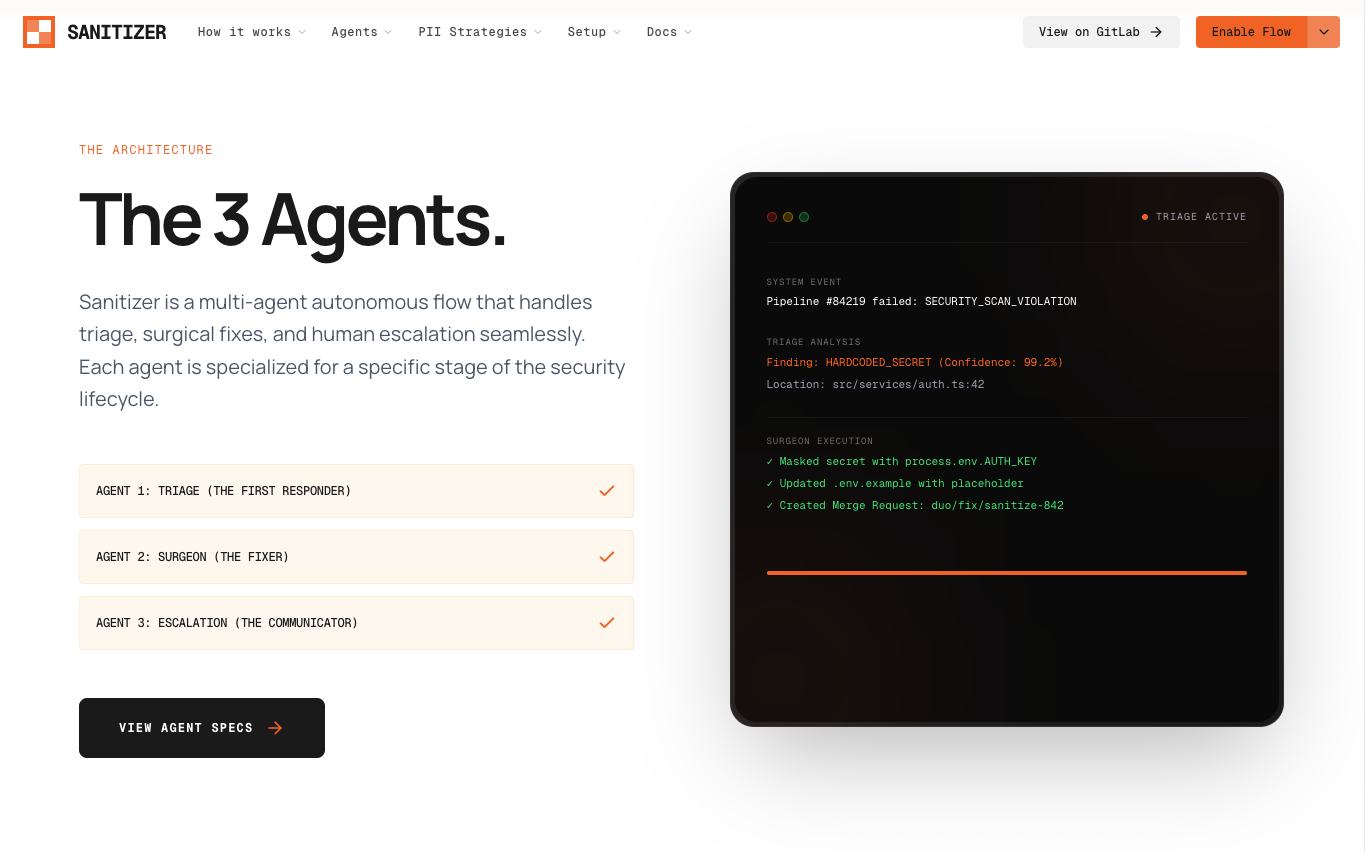
Every push to any branch triggers Sanitizer automatically via .gitlab-ci.yml. The flow runs four agents in sequence:
🔍 Agent 1 — Triage Agent
Reads the MR diff, fetches the changed source files, and uses Claude to classify every finding:
HARDCODED_SECRET— real API key, token, password, or connection stringPII_LOGGING— user email, phone, SSN, or card number passed to a loggerFALSE_POSITIVE— test key, placeholder, or example value
Assigns a confidence level (HIGH or LOW) and creates a GitLab Issue immediately to notify the team.
🔧 Agent 2 — Surgeon Agent
For every HIGH confidence finding, applies surgical fixes and commits them directly to the developer's branch:
- Replaces hardcoded secrets with
process.env.VAR_NAME - Creates or updates
.env.examplewithREPLACE_MEplaceholders - Rewrites PII logging calls using the correct masking strategy (hash, redact, partial mask)
- Creates
src/utils/sanitizer.jswith masking utilities if it doesn't exist
All changes land in a single atomic commit using create_commit — the only tool that actually writes to the GitLab repository.
📢 Agent 3 — Escalation Agent
Handles LOW confidence findings with clear, non-alarming guidance. Posts exact verification steps and suggested fixes for anything it wasn't confident enough to auto-fix. Always ends with a completion summary.
🌱 Agent 4 — Green Agent
Reports on the environmental impact of every Sanitizer run:
- Estimates tokens used and energy consumed (~0.0005 kWh per 1000 tokens)
- Uses live carbon intensity data from Electricity Maps (Southern India grid, IN-SO zone)
- Calculates CO₂ emitted vs. compute saved by avoiding manual debugging and pipeline re-runs
- Audits
.gitlab-ci.ymlfor inefficiencies: missing cache, no timeouts, heavy Docker images, no artifact expiry
The Intelligence Layer
What makes Sanitizer different from regex-based scanners is Claude's contextual reasoning:
| Scenario | Static Scanner | Sanitizer |
|---|---|---|
const key = "test-key-for-demo" |
❌ False alarm | ✅ Recognised as placeholder — ignored |
const key = "sk_live_xK92..." |
✅ Flagged | ✅ Flagged + auto-fixed + commit made |
console.log(user.email) |
❌ Missed | ✅ PII logging — masked |
| Same pattern 3 lines below flagged line | ❌ Missed | ✅ Caught proactively in same commit |
No .env.example in repo |
❌ Doesn't care | ✅ Creates it |
| Secret already in git history | ❌ Silent | ✅ Warns developer to rotate credentials |
The Git History Problem
We built Sanitizer to be honest about something most tools ignore: removing a secret from code doesn't remove it from git history. The moment it was pushed, it should be treated as compromised.
Every fix MR from Sanitizer includes:
⚠️ Even though the secret has been removed from the code, the original commit still exists in git history. Treat the exposed secret as compromised and revoke it at the provider immediately.
With exact instructions for git filter-repo and links to the provider's credential revocation page.
What We Learned
create_commitis the only GitLab Duo agent tool that actually writes to the repository —edit_fileonly modifies the agent's local workspace and is never committed- CI/CD variables are not available inside the agent's sandboxed shell environment — we solved this by fetching carbon intensity data in the CI job and embedding it in the trigger message
gitlab_api_gethangs on external URLs — it's designed for GitLab's own API, not third-party endpoints- The
run_commandtool works for shell operations but cannot access project CI/CD variables - Confidence scoring is essential — an agent that auto-fixes everything it's uncertain about causes more damage than it prevents
Challenges
The commit problem — Early versions of the Surgeon Agent were using edit_file which only changed the agent's workspace. Changes looked correct in logs but never appeared in the repository. Switching to create_commit with a complete file actions array solved this entirely.
The carbon data problem — The Green Agent needed live carbon intensity data but couldn't make external HTTP calls from inside the flow environment. We solved this by fetching the data in the CI pipeline (where network access works) and passing it to the agent embedded in the trigger message.
False positives — Claude would occasionally flag test keys and documentation examples. We solved this with explicit FALSE_POSITIVE classification rules in the Triage Agent prompt, covering placeholder strings, AWS documentation examples, and values in test files.
Built With
- anthropic
- claude
- electricitymaps
- gitlab
- yaml

Log in or sign up for Devpost to join the conversation.