Inspiration
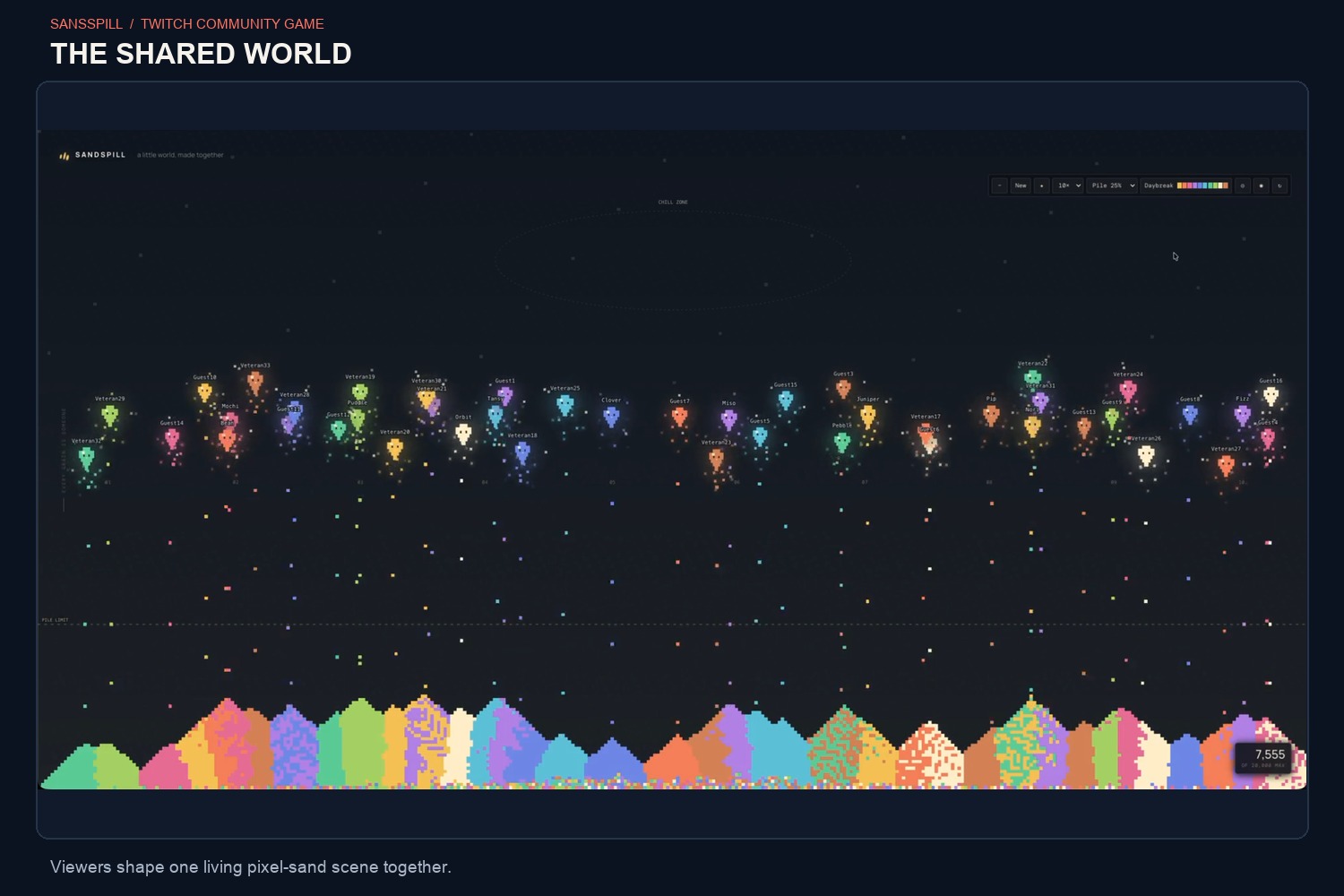
I wanted to make a Twitch chat experience that feels satisfying to watch even when nobody is actively steering it. Pixel sand offered a simple visual idea: each viewer adds a little, and the scene changes as the pixels fall and pile up.
What it does
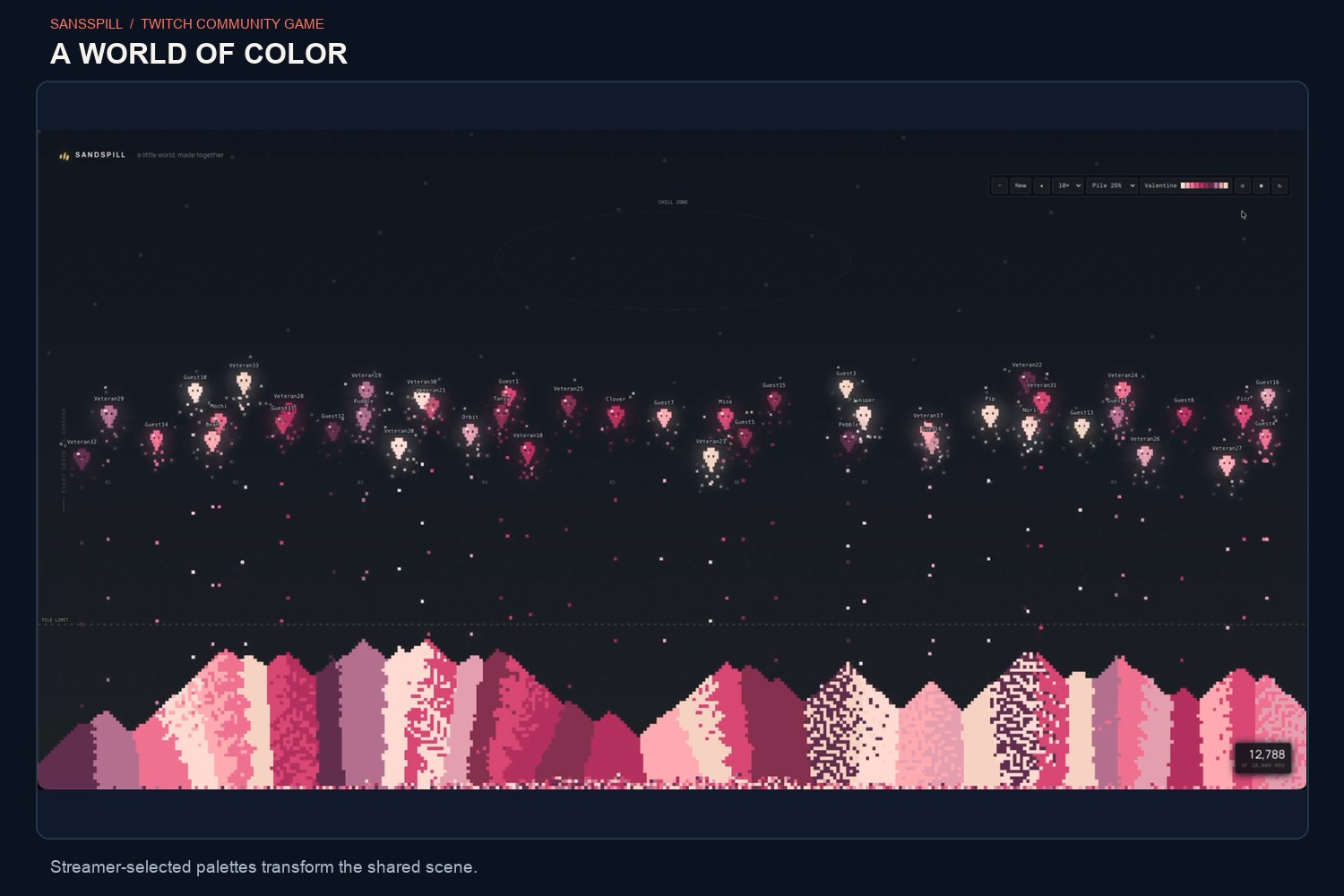
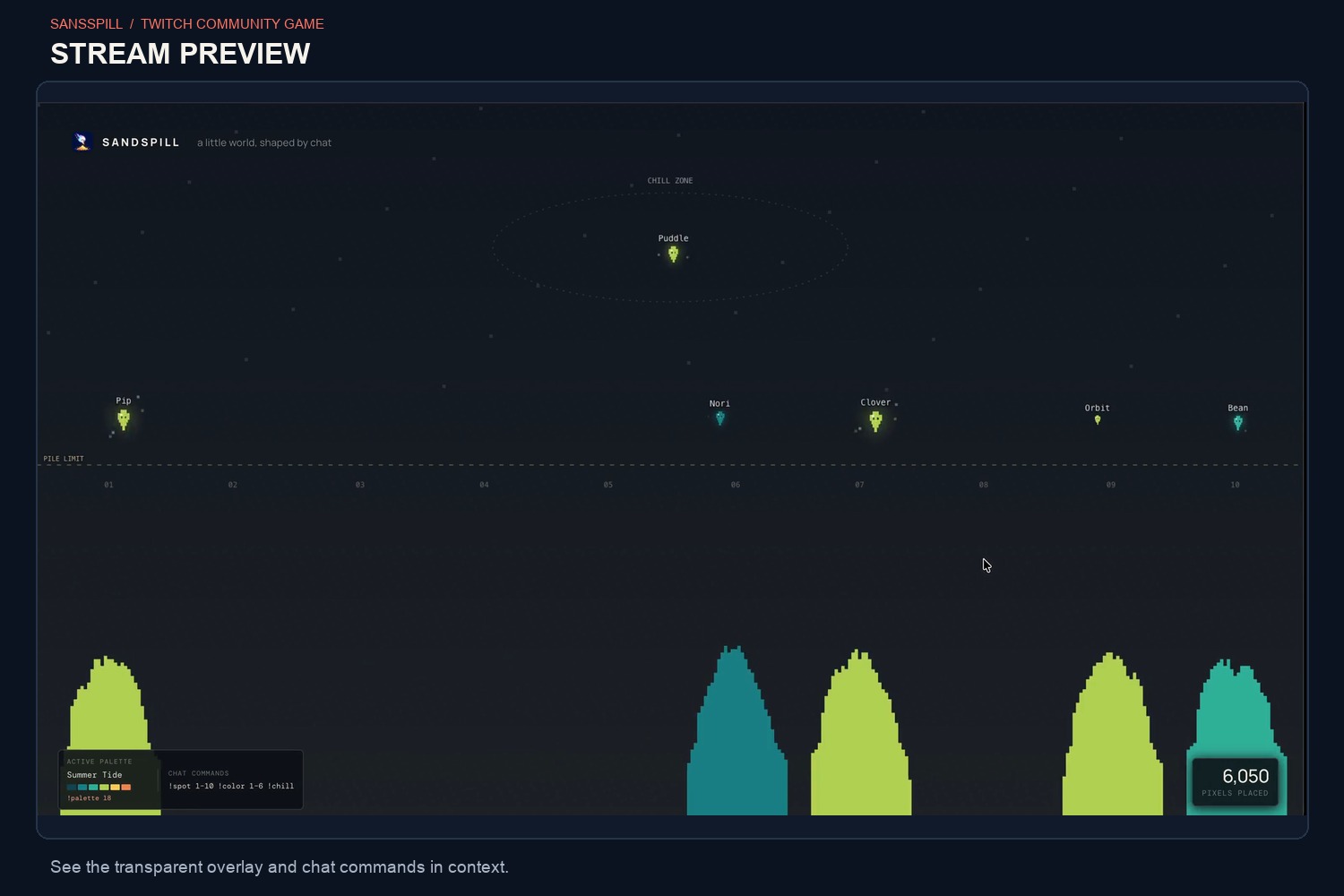
Sandspill turns Twitch chat into a shared pixel-sand world. Viewers choose a location and a color; their wisps drop pixels that tumble into the scene. They can change location or return to Chill Zone with !chill. Player identity and growth carry across channels.
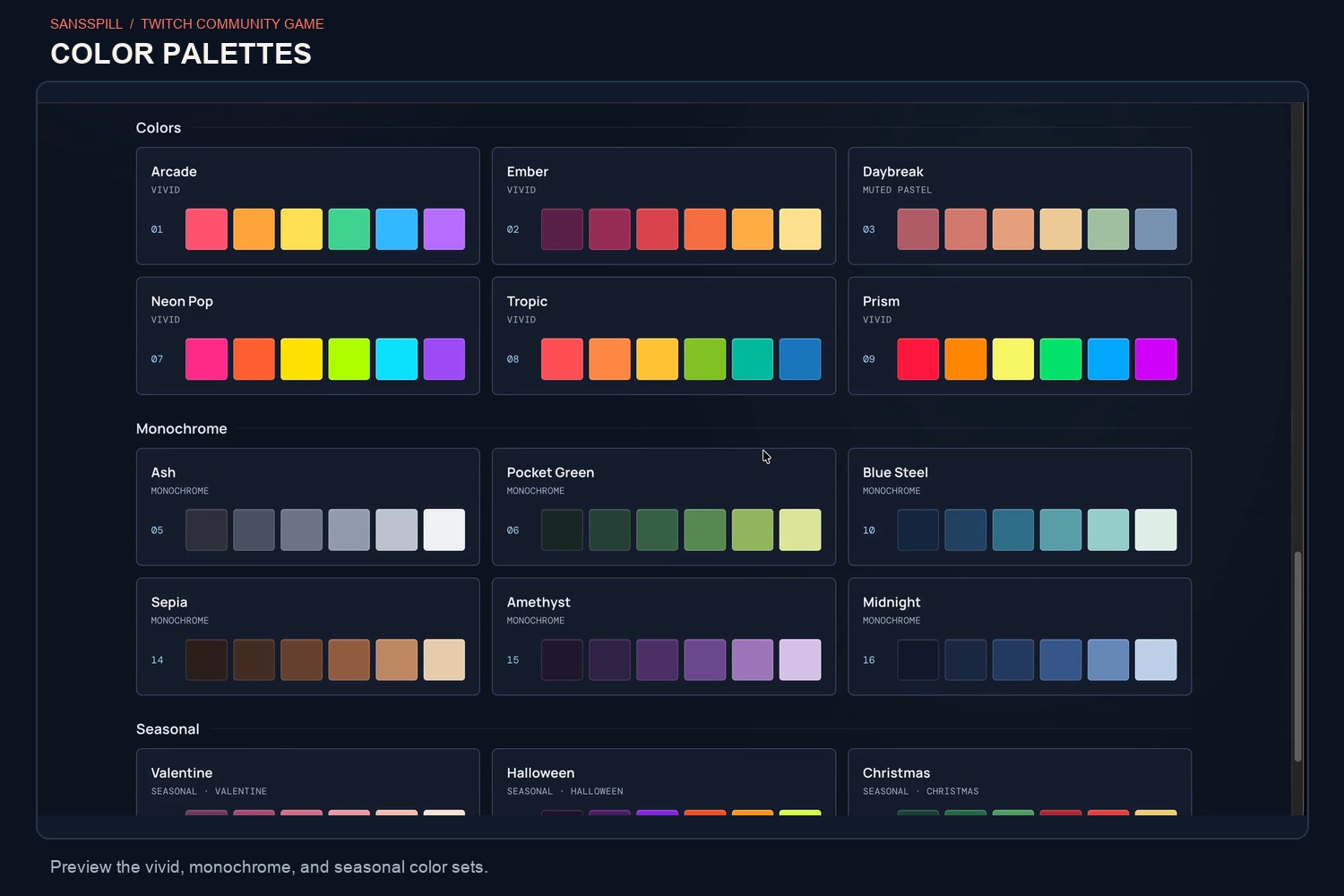
Streamers connect their channel and add Sandspill as an OBS Browser Source. Chat commands control participation, while broadcaster commands set the palette, speed, pile height, and other scene settings.
How I built it
I built Sandspill with TypeScript, Twitch chat and EventSub, SQLite, and a WebGL 2 renderer. The browser renders the falling pixels and scene; the server handles Twitch connections, player identity, channel state, and persistence. I used Codex to develop the concept, implement the Twitch integration and simulation, refine the visuals, and troubleshoot deployment.
Challenges I ran into
I had to make the sand feel lively while keeping the experience practical to synchronize. The browser handles pixel movement, while the server owns player and channel state. I also needed persistent player identity across channels while keeping each streamer’s world separate.
I also iterated through 3 full projects but only this one made it through.
Accomplishments I'm proud of
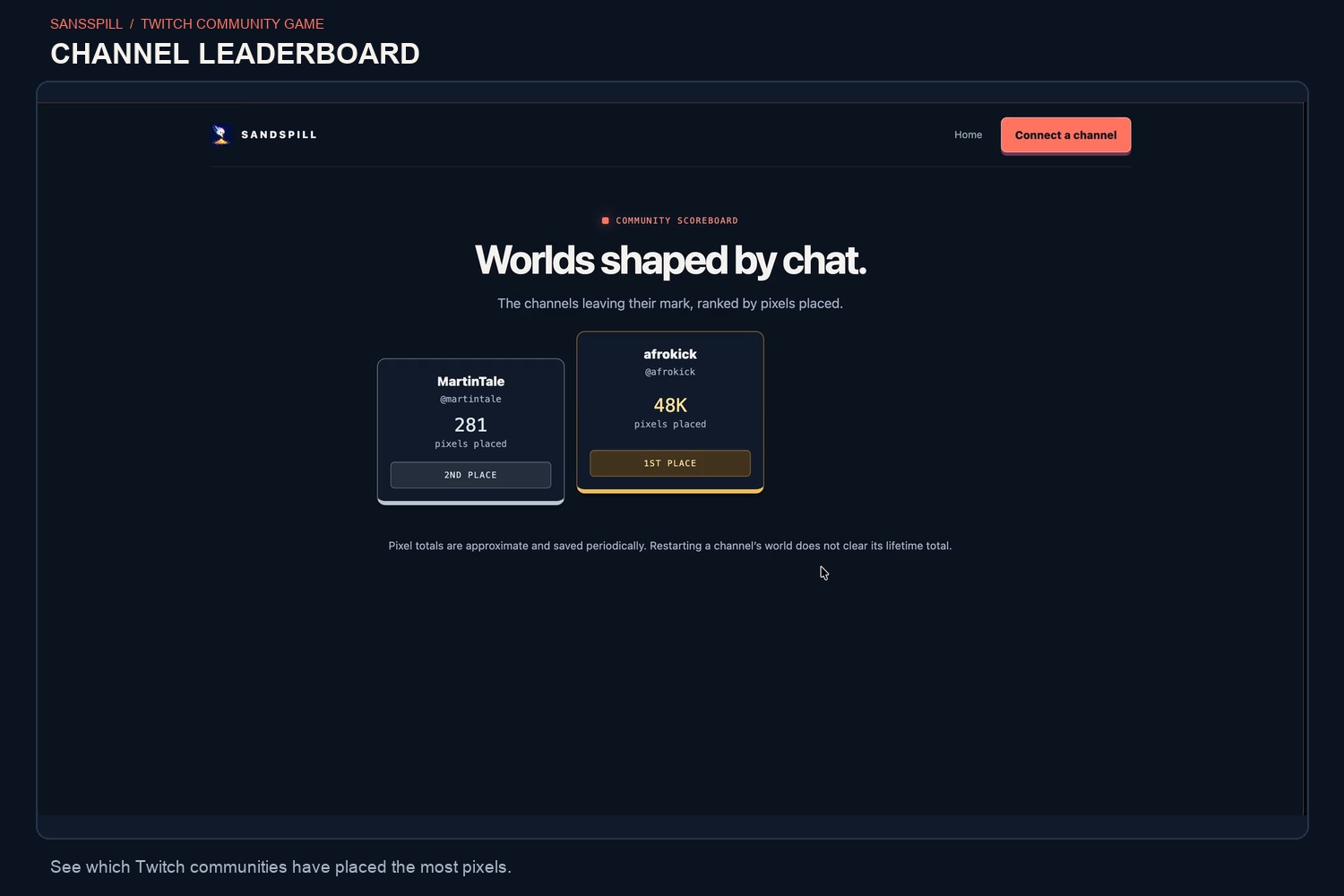
I made chat commands create visible contributions to a shared stream scene. Player identity carries across channels, while each channel keeps its own world and leaderboard.
What I learned
Building with Codex taught me how quickly an idea can become a working prototype and how much I can do with Twitch API - wish I had more time to explore and experiment with even more features.
What's next for Sandspill
I’d like to add more features like new mechanics that come from follows/subs. Improve the presentation, give streamers more ways to personalize their worlds, and learn from communities using Sandspill live.


Log in or sign up for Devpost to join the conversation.