-
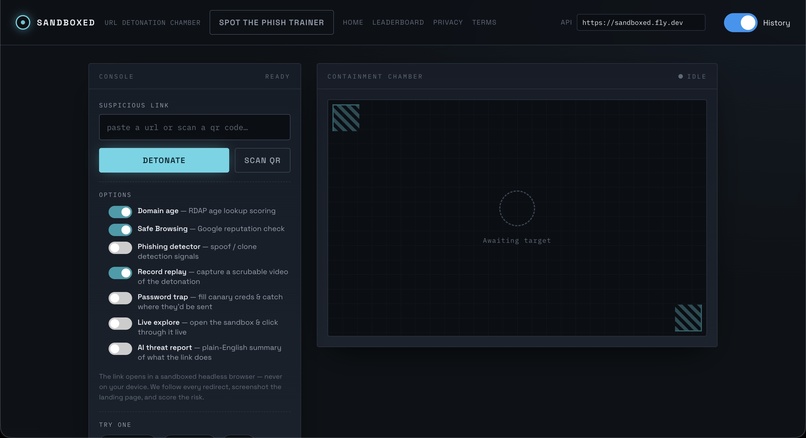
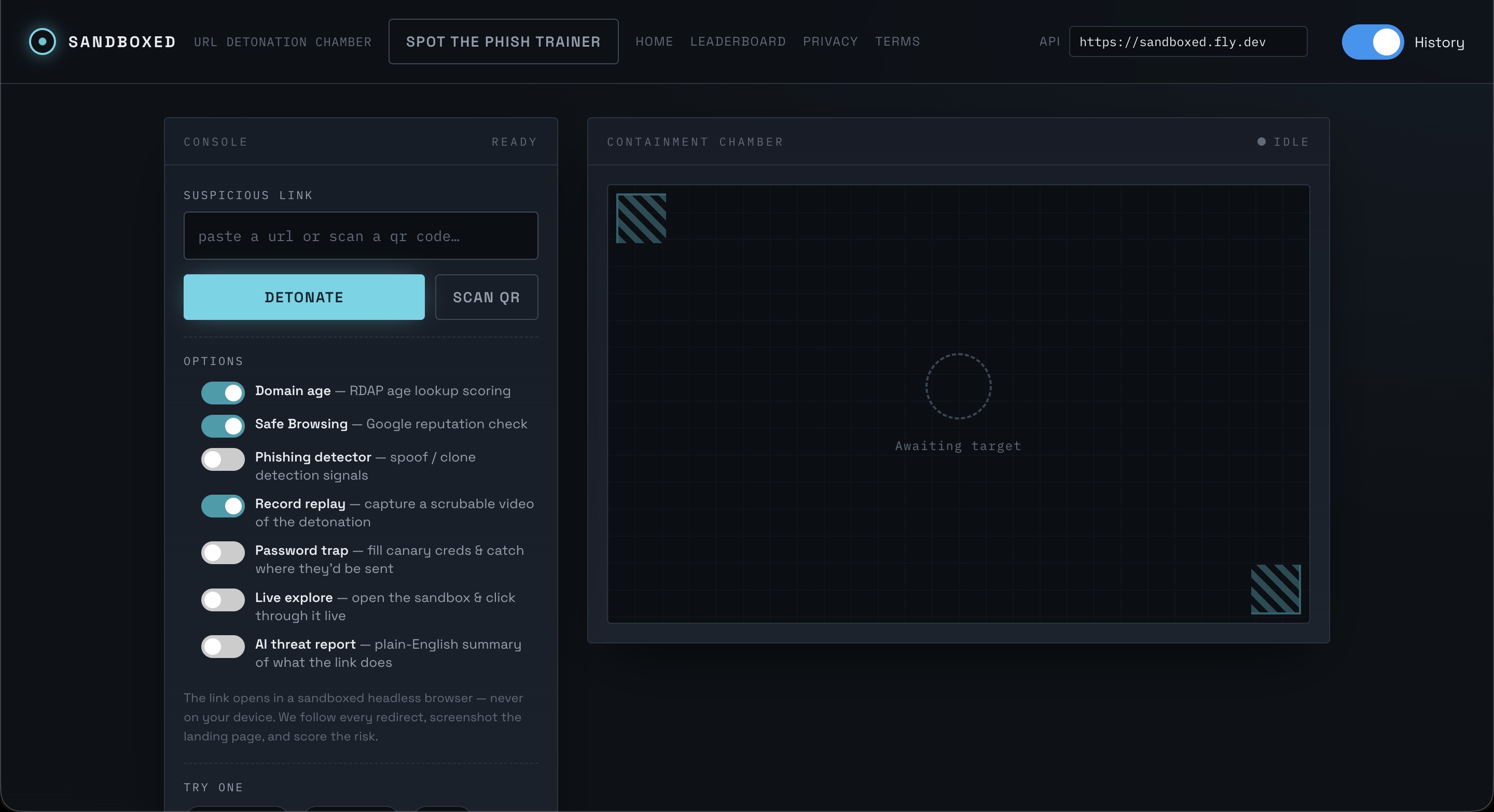
Main app page
-
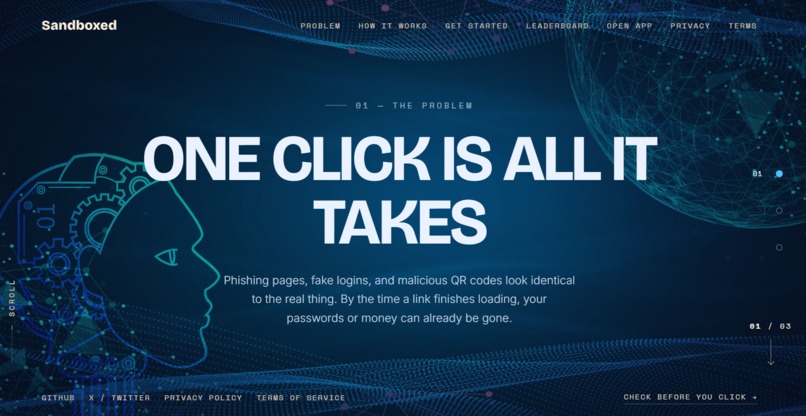
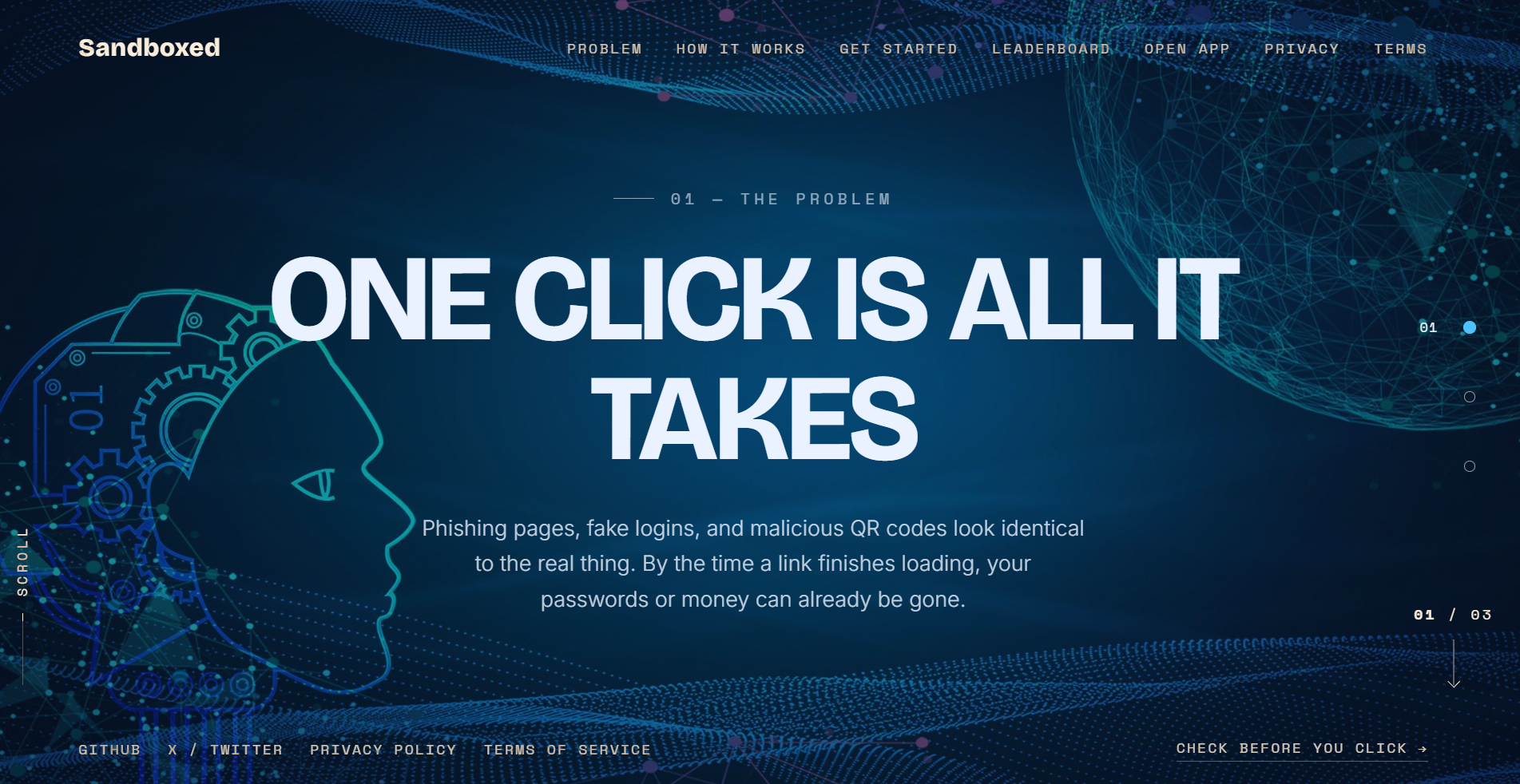
Homepage
-
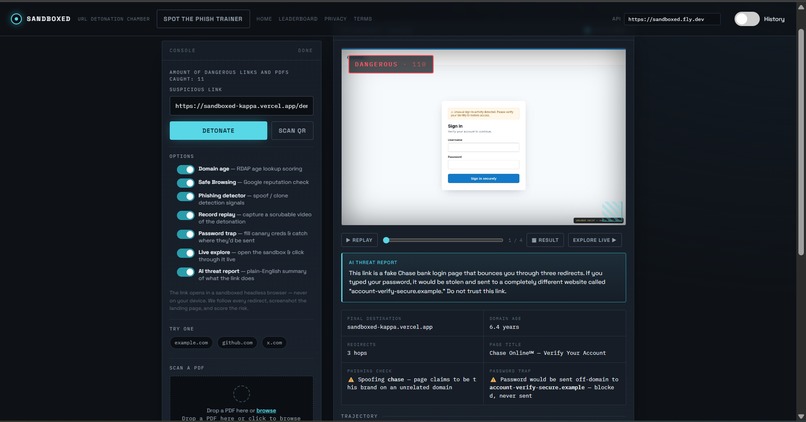
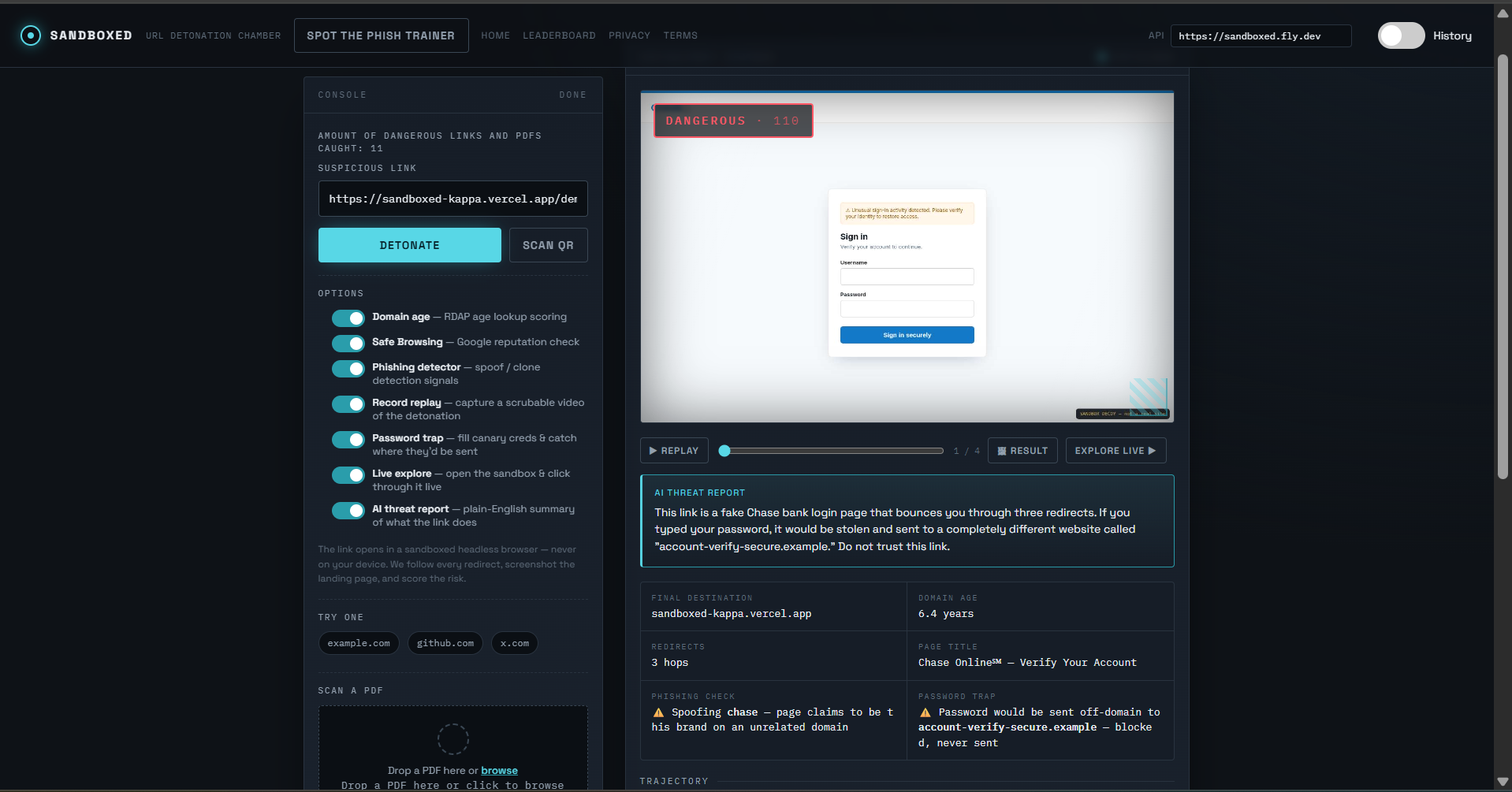
Dangerous link entered, with an AI overview, safe navigation of the site, and detailed description points.
-
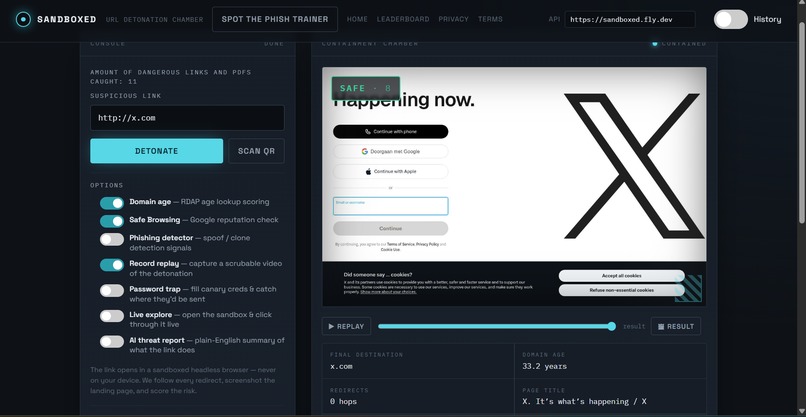
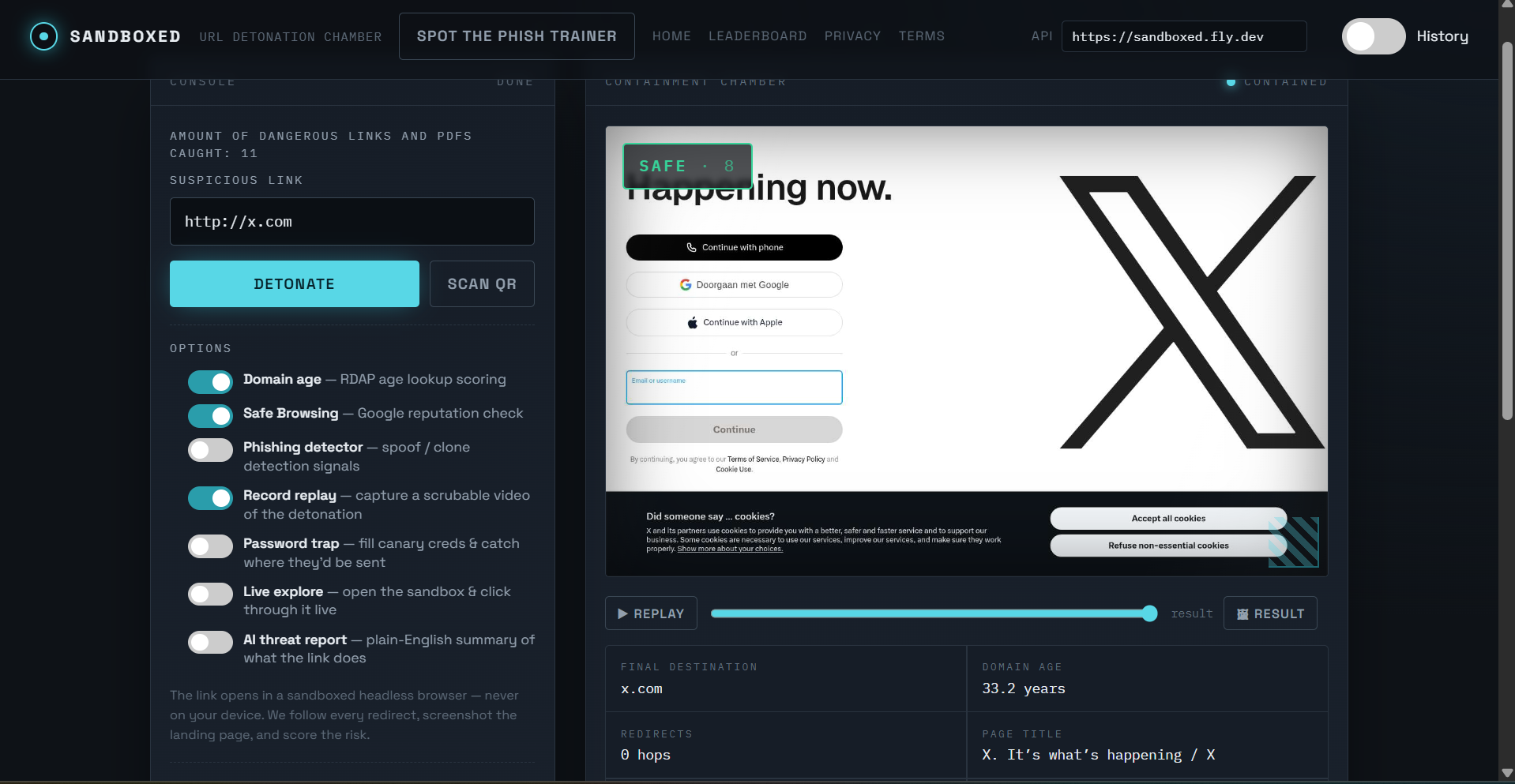
Safe link entered
Inspiration
Hundreds of thousands of users per year fall for phishing scams, getting their data and money stolen. Intrusive pop-up ads can deceive visitors into clicking on them, which may expose their devices to malware or unwanted downloads. When searching for more obscure websites, there may also be many duplicate or fake versions of the same site. This makes it difficult to know which website is legitimate and safe to use. To fix these issues, we created Sandboxed.
What it does
Sandboxed is a program used to check links, files, and QR codes for any malicious intent.
How we built it
The program is both an extension and a PWA, utilizing HTML, CSS, and JS. It uses Docker to boot up VMs that it can shut down and restart in a matter of seconds. We used Fly to host our backend, and Vercel for the frontend. The project has a multitude of layers, including SSRF, scanning of pdfs/downloads, phishing detection, live analysis, and safe browsing. This is further explained in later questions.
Challenges we ran into
We ran into complications with ClamAV for the PDF & download scanner. ClamAV often failed to connect to the server didn’t work unless we ran it locally. The issue was that ClamAV was too large, taking up 3-4GBs worth of space, which would crash our VM as the VM wasn’t large enough. The reason it took us so long to fix this was that we were unfamiliar with both Docker and ClamAV. The fix was to give the Docker instance more storage.
Accomplishments that we're proud of
We're proud of building a fully functional security sandbox that can suppress suspicious links, detect phishing through favicon and keyword comparison, and let users explore malicious sites live. All without anything ever touching their device. Getting every layer of the stack working together, from the Dockerized Chromium pipeline to the real-time WebSocket streaming, was a significant achievement for our team.
What we learned
We learned about Docker, Puppeteer, and Chromium, which were tools we had little knowledge about before this project. Through practice, we became more familiar with how these tools work and how they are used to run, automate, and test web applications. Overall, this project helped us build confidence with new technologies and improve our technical understanding.
What's next for Sandboxed
We want to extend support to mobile as both an Android and Apple app, and we have already submitted it as an official Chrome Web Store extension.
Built With
- chromium
- css
- docker
- fly
- html5
- javascript
- puppeteer

Log in or sign up for Devpost to join the conversation.