Inspiration
Modern software can look completely fine during development and still fail badly once it reaches production. A small security issue, database bottleneck, traffic spike, or poorly designed dependency can turn into a much larger failure.
We wanted to build something that helps developers see those failures before they happen.
That idea led to SANDBOX — instead of simply scanning code and listing warnings, we wanted to create an interactive environment where developers can upload their project, understand its architecture, identify deployment risks, and simulate how the system could fail under real-world conditions.
The "sandbox" concept came from the idea of safely breaking a system in a controlled environment before it has the opportunity to break in production.
What it does
SANDBOX is an AI-powered deployment risk simulation engine.
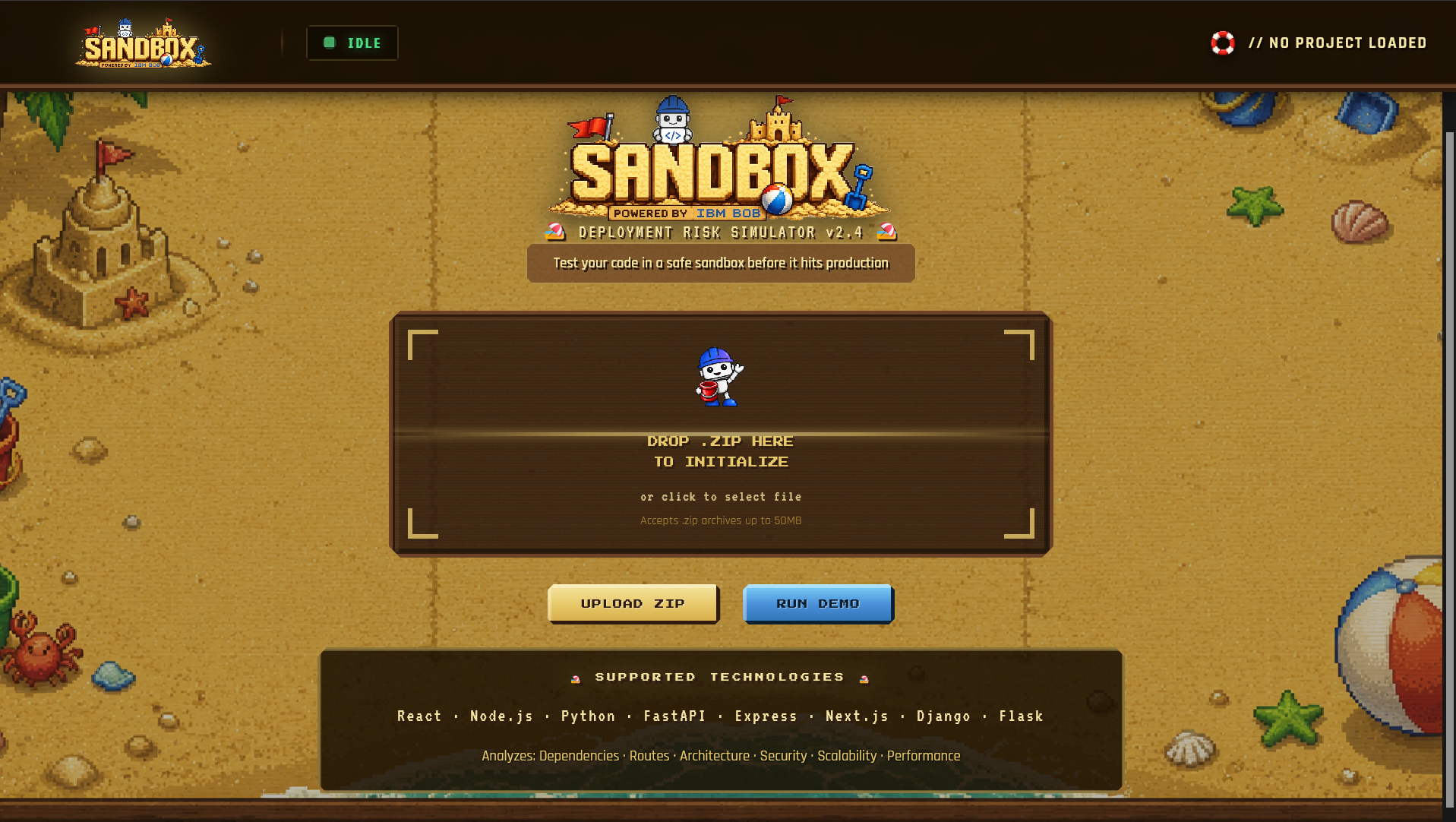
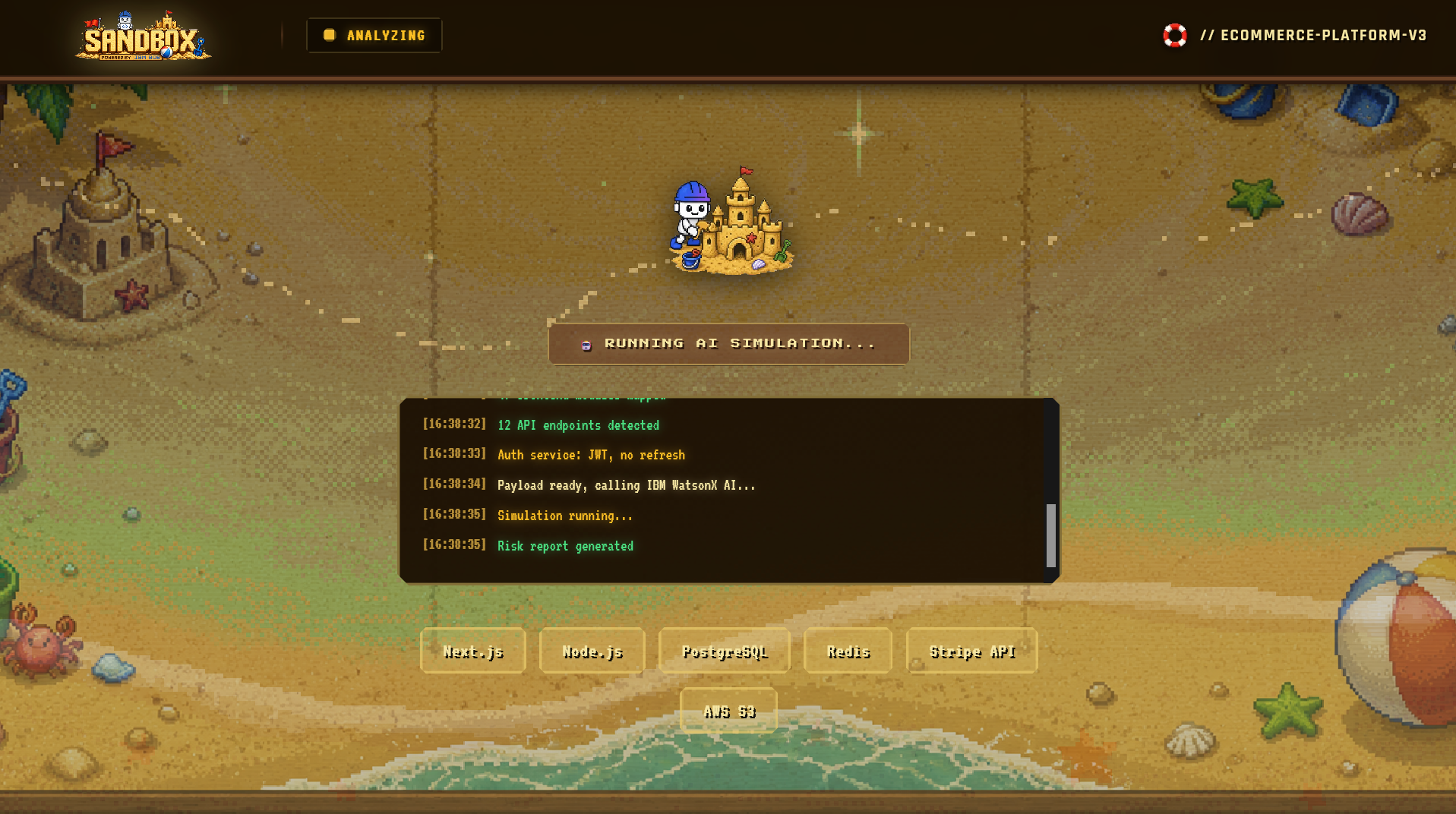
Users can upload their project as a ZIP file, and SANDBOX analyzes the codebase using IBM watsonx AI to identify potential deployment risks.
It then turns the analysis into an interactive experience:
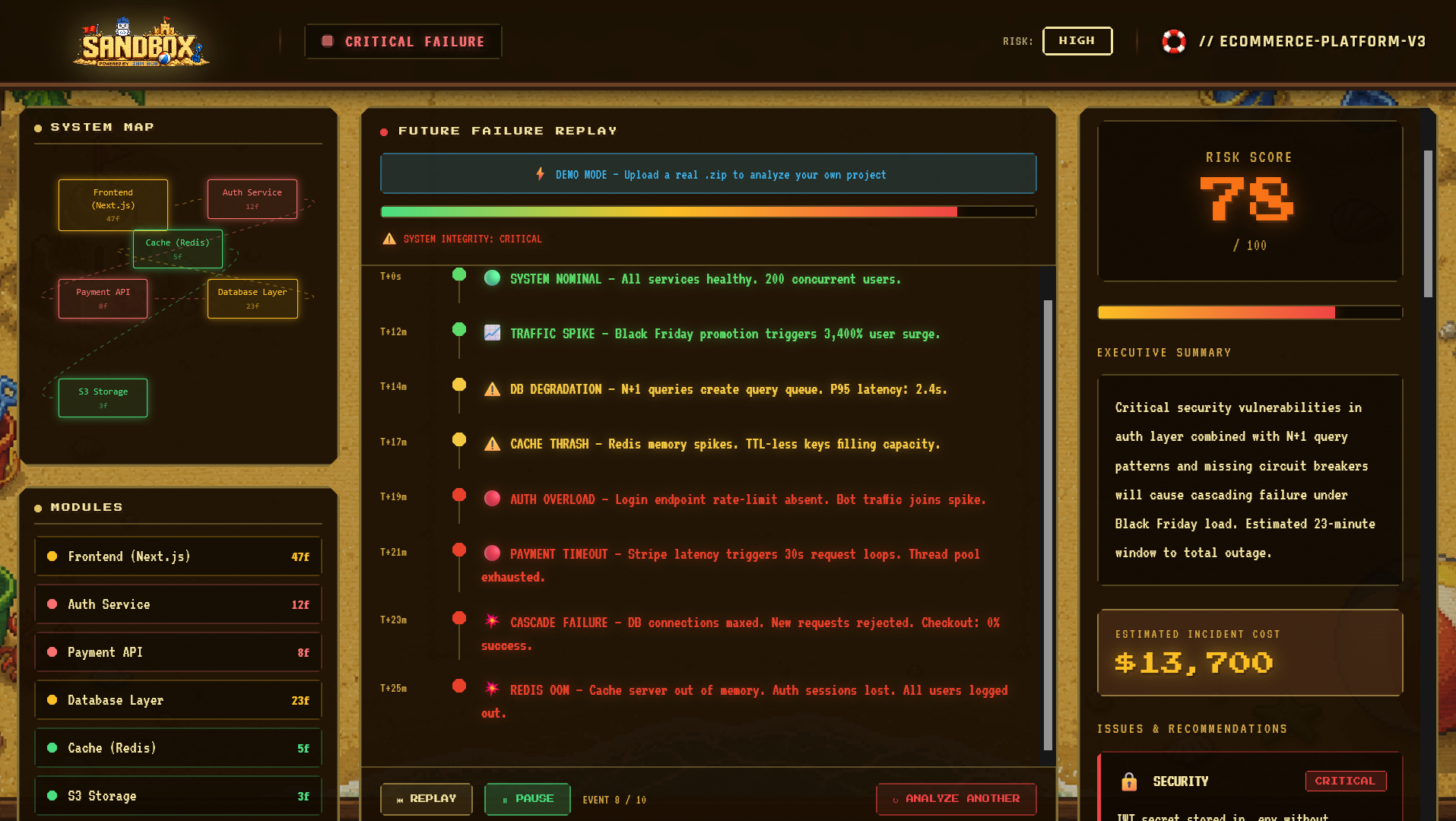
Risk score showing the overall deployment risk System map showing important modules and their risk levels AI-generated issues with technical recommendations Future Failure Replay showing a simulated sequence of failures Damage meter showing how system health degrades Interactive logs and timeline Demo mode for exploring the platform without API credentials
Instead of just saying "your application has problems," SANDBOX tries to show developers what could happen if those problems reach production.
How I built it
I built SANDBOX using Next.js, React, TypeScript, Tailwind CSS, React Flow, Framer Motion, and IBM watsonx AI.
The application accepts a ZIP file and processes the codebase on the server. The extracted project structure and relevant information are passed to IBM watsonx AI, which produces a structured risk assessment.
The frontend then converts that response into an interactive dashboard containing the system architecture, risk report, and simulated failure timeline.
I also focused heavily on the user experience. Rather than creating another traditional developer dashboard, I designed SANDBOX around a retro pixel-art sandbox/beach theme with animations and interactive elements so that the process of analyzing a codebase feels more like entering a simulation than running a static scanner.
Challenges I ran into
One of the biggest challenges was turning an AI-generated analysis into something that was actually useful and understandable to a developer.
It wasn't enough to receive a list of potential issues. The results needed to be structured into meaningful categories such as severity, affected modules, impact, recommendations, and a possible failure sequence.
Another challenge was building the interactive system visualization while keeping the interface responsive and easy to understand.
I also had to deal with practical problems such as:
Processing uploaded ZIP files safely Connecting the frontend to the AI backend Maintaining structured AI output React hydration issues Animation and viewport optimization Keeping complex visualizations performant Providing a useful demo experience even without API credentials
The biggest lesson was that AI is only part of the product. The real challenge is designing a system that turns AI output into something people can actually use.
Accomplishments that I'm proud of
I'm most proud that SANDBOX goes beyond being a conventional code-analysis tool.
The Future Failure Replay is the feature I'm particularly proud of. Instead of giving developers a static list of warnings, it creates a simulated timeline showing how a system could move from a healthy state to degraded performance and eventually to failure.
I'm also proud of the interactive system map, where users can explore different modules and understand which parts of their application carry the highest risk.
Other accomplishments include:
Building a complete ZIP-to-AI analysis workflow Integrating IBM watsonx AI into the application Creating a structured risk-scoring system Building an interactive React Flow architecture map Creating an animated failure simulation Adding a functional demo mode Building the entire experience with a consistent visual identity Turning a technically complex process into something visually understandable What I learned
This project taught me that building an AI application is not just about connecting an API to a frontend.
I learned how important structured AI output, system architecture, error handling, and user experience are when building an AI-powered product.
I also learned a lot about working with codebases programmatically, processing uploaded files, building interactive visualizations with React, and integrating AI into a real application rather than treating it as a standalone chatbot.
Most importantly, I learned that a good developer tool should not only tell users that something is wrong — it should help them understand why it matters and what they can do about it.
What's next for SANDBOX
The next step is to make SANDBOX move from a simulation tool into a continuous deployment-risk platform.
Some of the features I want to explore next are:
GitHub integration so repositories can be analyzed directly Multi-version comparison to show whether a new commit increases or decreases deployment risk AI attack mode where autonomous agents attempt to identify weaknesses in an application Deployment risk forecasting to estimate how risk changes as a system scales PDF reports for sharing risk assessments with teams Team collaboration for assigning and tracking fixes Real-time monitoring to compare predicted risks with actual production behavior
The long-term vision is for SANDBOX to become a kind of "flight simulator for software" — a place where developers can test how their systems might behave under stress and failure before deploying them to real users.
Built With
- ai
- api
- css
- flow
- framer
- ibm
- javascript
- motion
- next.js
- react
- tailwind
- typescript
- watsonx


Log in or sign up for Devpost to join the conversation.