-
-
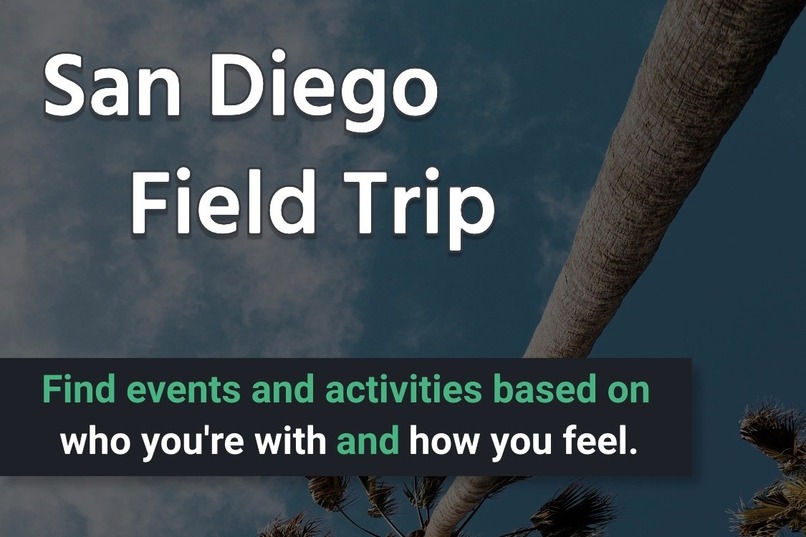
Screen shot from the login/launch page. Includes the elevator pitch/tag line of the app.

Inspiration
Living in San Diego, my friends and I feel like we are always looking for new, fun things to do. I always hear my friends talk about how we need an app that shows users what there is to do locally (both places and events). So this is my solution, which as a San Diegan, would be something I would most definitely use.
What it does
The app shows users things to do locally, based on their context - who they're with, how active they are feeling, and whether they want to be indoors or out. It also allows local businesses and event planners to be "featured", where they can make a pitch to users to explain what makes their business or event unique or fun. Local businesses and event planners can also advertise deals through the app (think Groupon). Deals is a good opportunity for businesses to get visibility to their targeted consumer (local San Diegans looking for things to do), but also gives users another reason to find things to do through the app.
How we built it
I developed the app with QML and Javascript in AppStudio using the ArcGIS Runtime API for Qt/QML.
I designed the main feature of the app (finding things to do based on the user's context) in the PS Skills Pathway for UI UX Design I attended with Mike Gaigg and Kevin Gao. A considerable amount of UX research went into the app design. You can scroll through the design portfolio for the app presented through this Story Map. A combination of Balsamiq and Figma were used to design the low fi and high fi mockups.
The data used in the app was curated using the Google Paces API. I created the data by running several searches through the Place Search request. I wrote a Python script that looped through an array of things to search - escape rooms, arcades, trampoline parks, mini golf, hop on hop off tours, boat rentals, etc. I appended each key word search with the string " in San Diego" to narrow the results to the local area. The Place Search returned the unique Google Place Id for each result, which I used in a second script to retrieve the details, reviews, and photos for each place. The script I wrote parsed the results (returned as json) and saved them to an Excel spreadsheet, which I converted to an x/y event layer, saved as a feature class, added to a map and published to ArcGIS Online so it could be consumed in the app.
Challenges we ran into
The challenges I ran in to were mostly related to the data. I wasn't able to get all of the elements I had used in the original design. Attributes like price level and woman/minority/veteran owned were pieces of information I would have liked to include for each place, as well as to the filter functionality. I also was unable to collect event data, which is something I'd ultimately want the app to include.
Accomplishments that we're proud of
Beyond the development of the app, I'm very proud of the design. I was able to apply the skills I learned in both the UI/UX Skills Pathway, as well as a UX certificate that Esri reimbursed me for through the Tuition Reimbursement program last year. I am also proud of the data I was able to create. Without the data, I wouldn't be able to develop a finished product. And finally, I'm proud of all of the development I was able to accomplish in such a short amount of time.
What we learned
Trying to develop an app in just over a week leaves you completely exhausted and socially unavailable.
What's next for San Diego Field Trip
Tapping into event data - whether it's from Eventbrite or somewhere else - is a big piece of the app that I would like to add to the results returned by the app based on the user's selections.
How to run the app
I hope you will test the app for yourself! To do so, download the ArcGIS AppStudio Player app to your phone from Google Play or the Apple Store. Once installed, launch the app and click on the search icon at the top right of the screen in the Cloud tab. Search for "San Diego Field Trip". You should see the app item in the results. Click on the icon to download the item. Once downloaded tap the item to launch and run the app on your mobile device.
Built With
- agol
- appframework
- appstudio
- esri
- javascript
- qml
- runtime


Log in or sign up for Devpost to join the conversation.