-
-
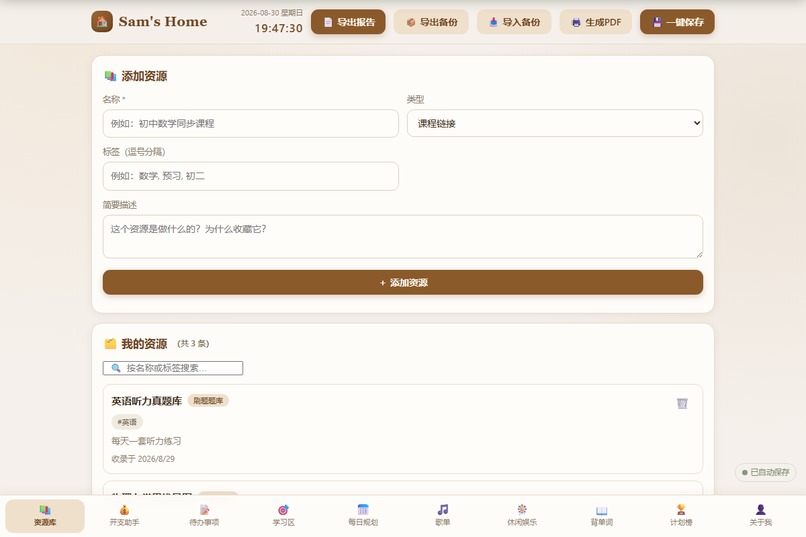
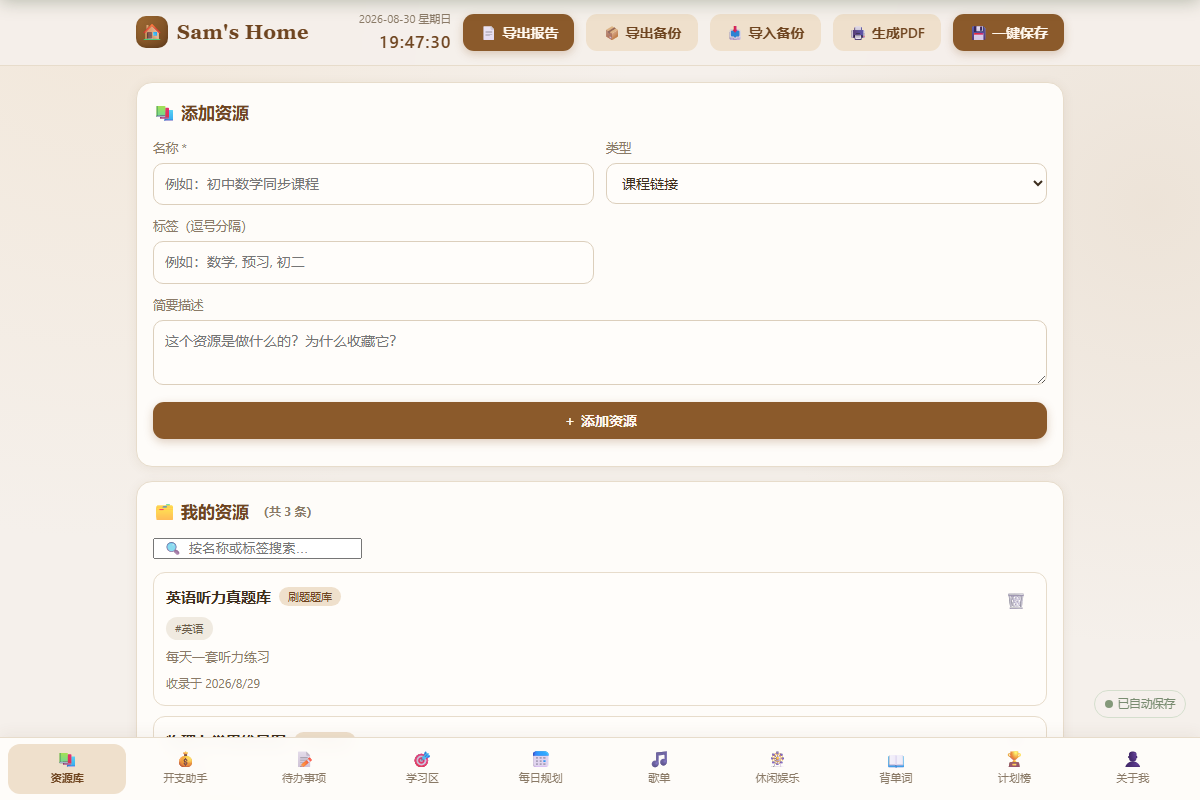
资源库
-
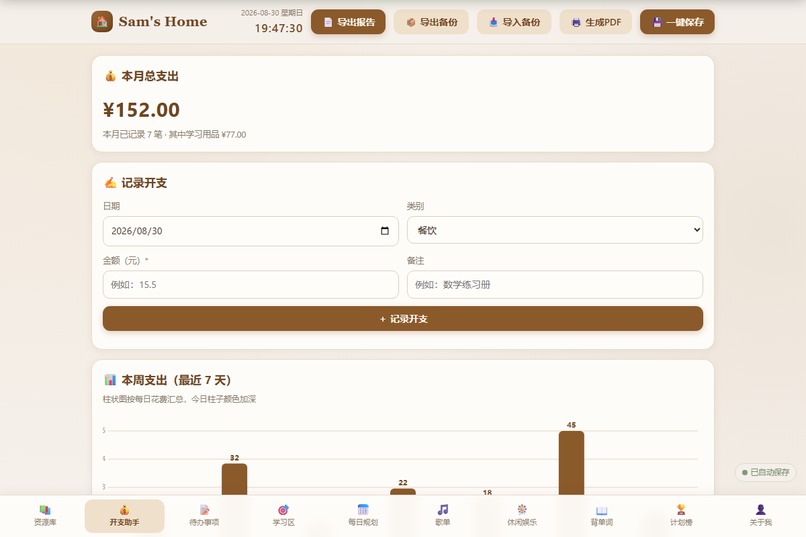
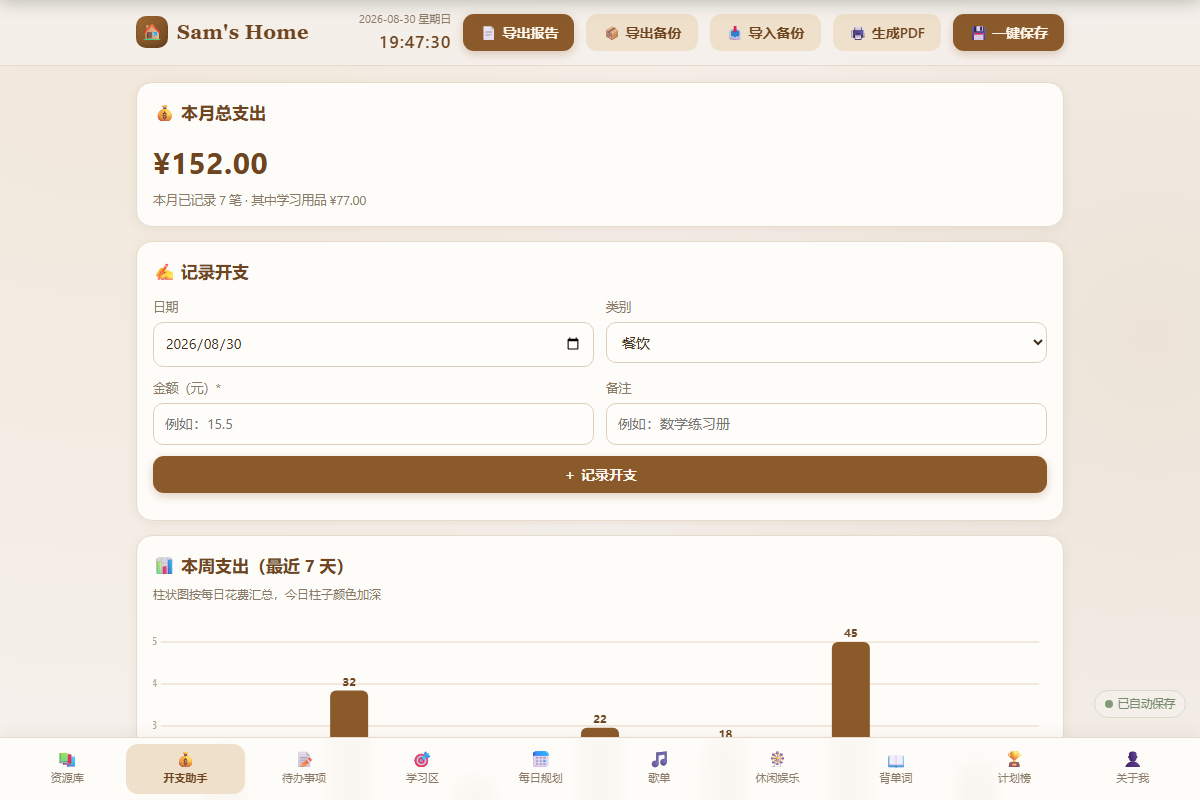
开支助手 + 本周柱状图
-
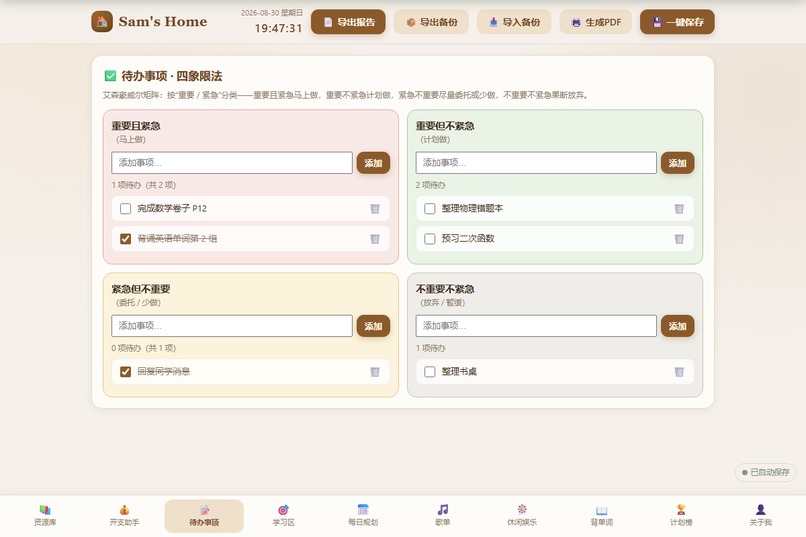
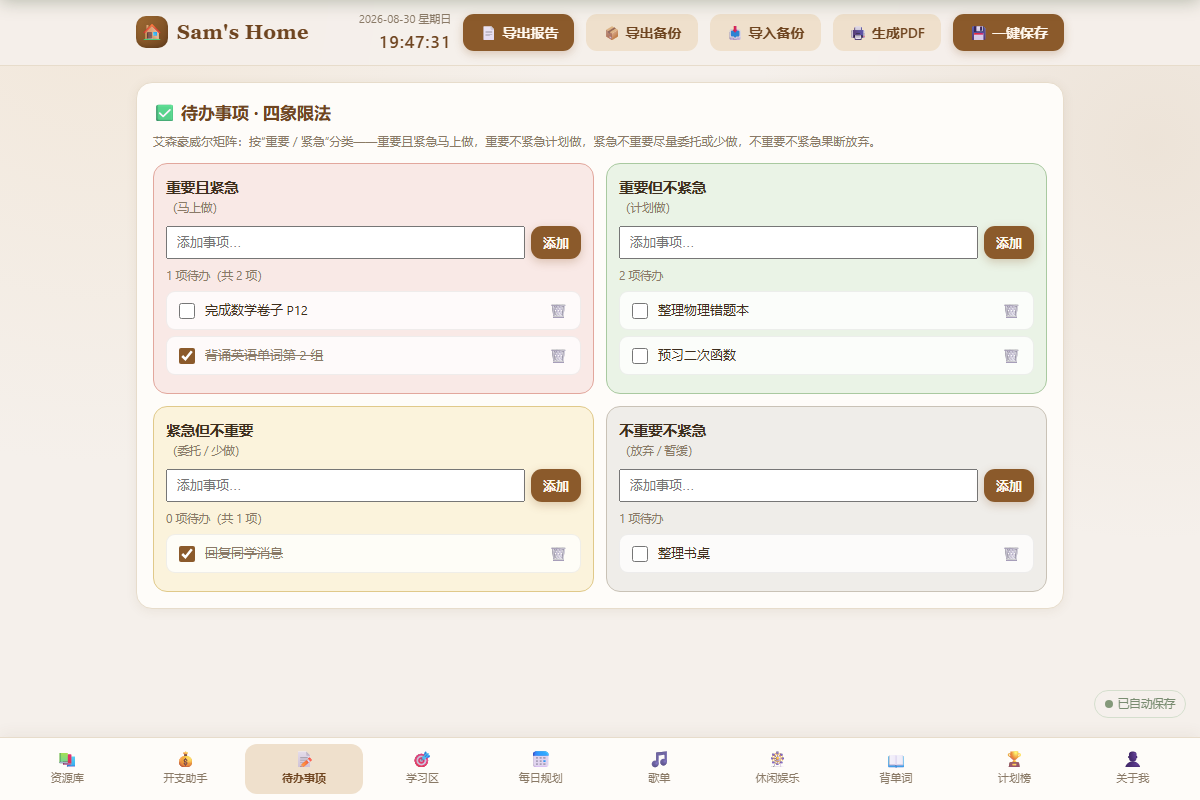
四象限待办
-
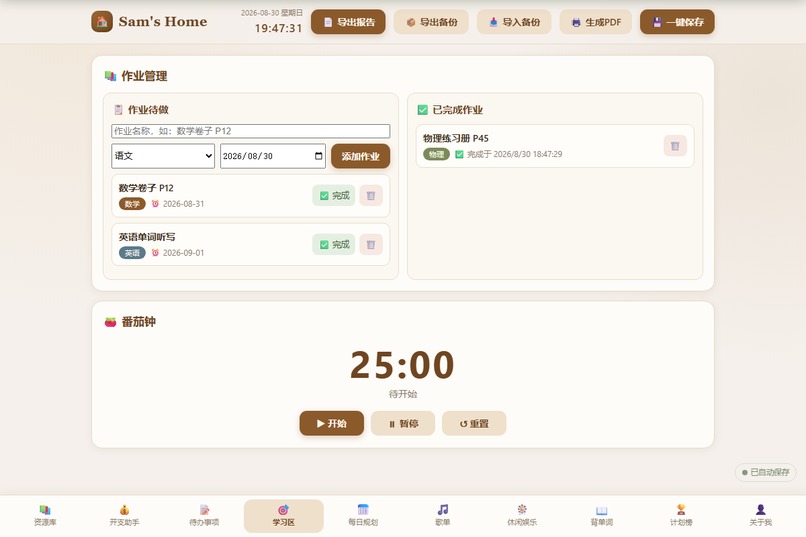
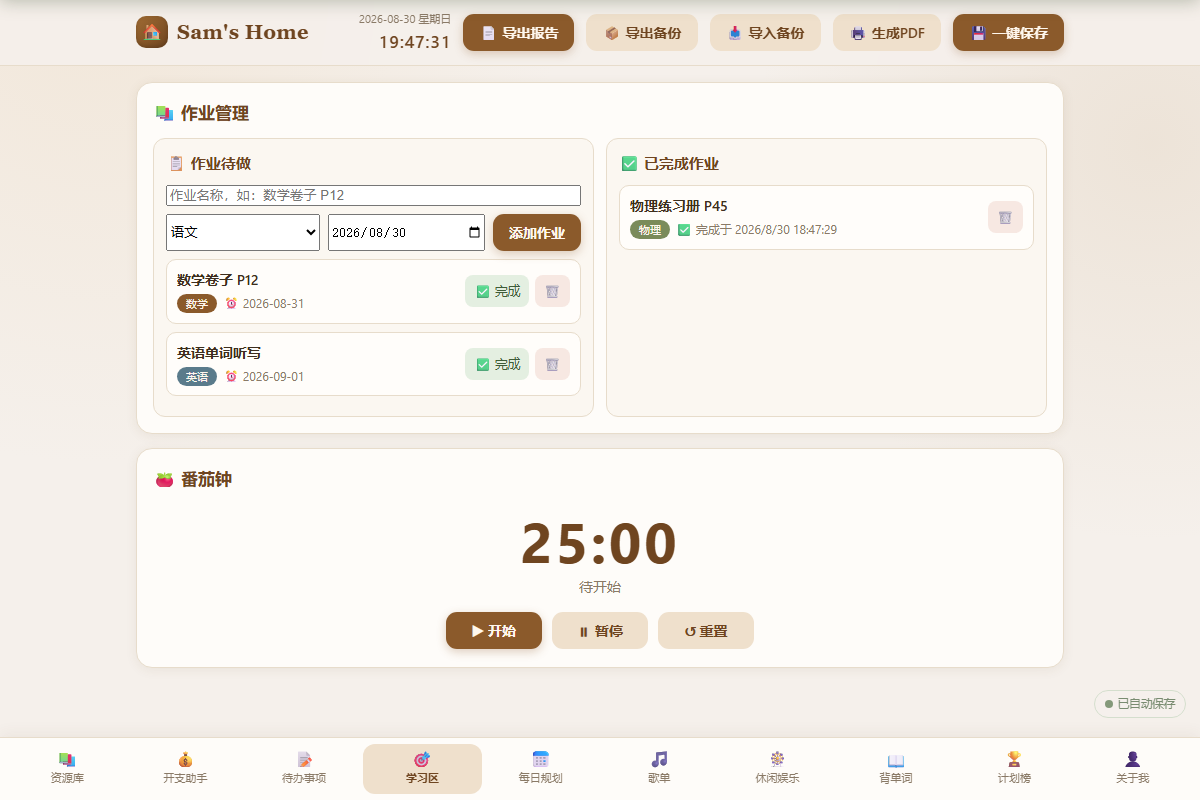
学习区:作业 + 番茄钟
-
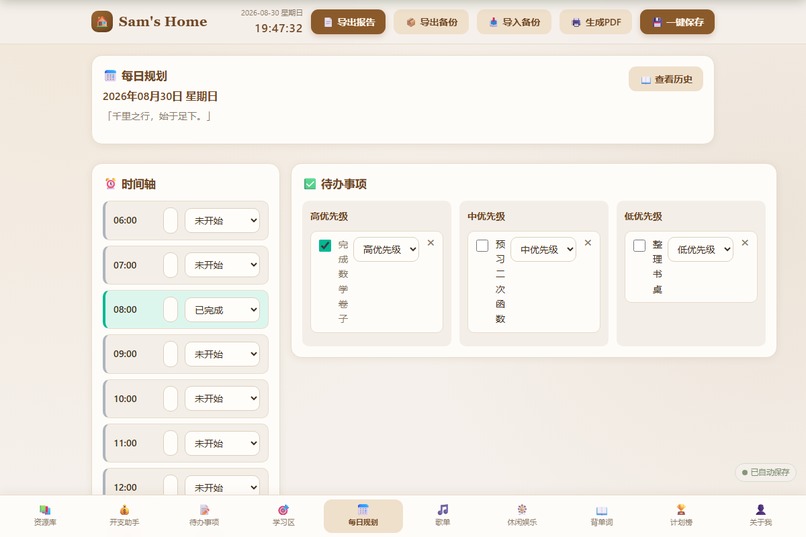
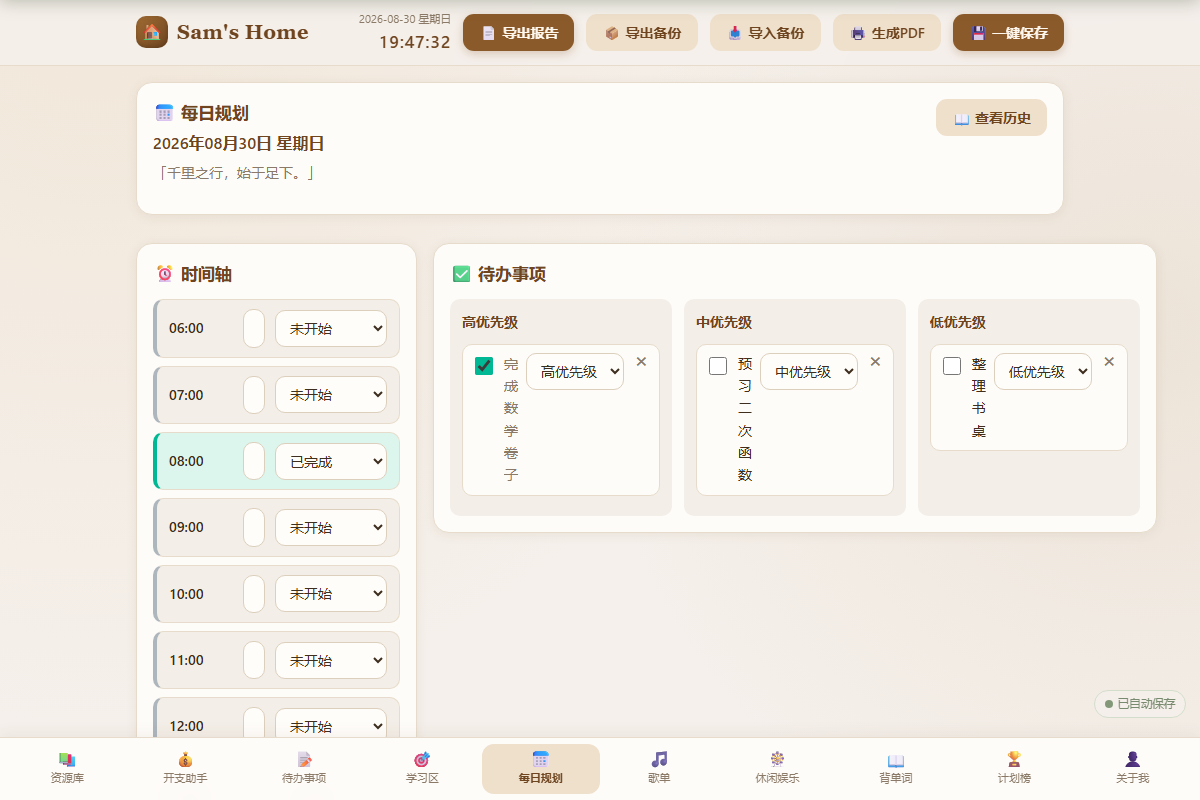
每日规划:时间轴 + 待办 + 进度
-
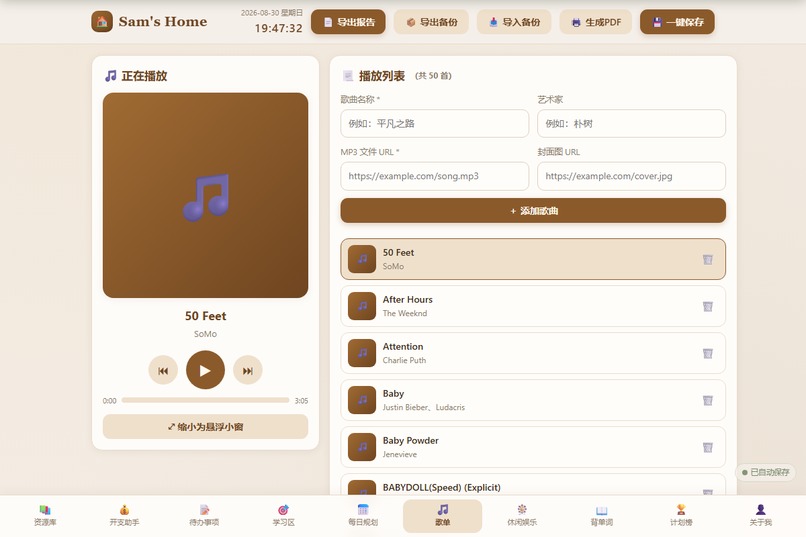
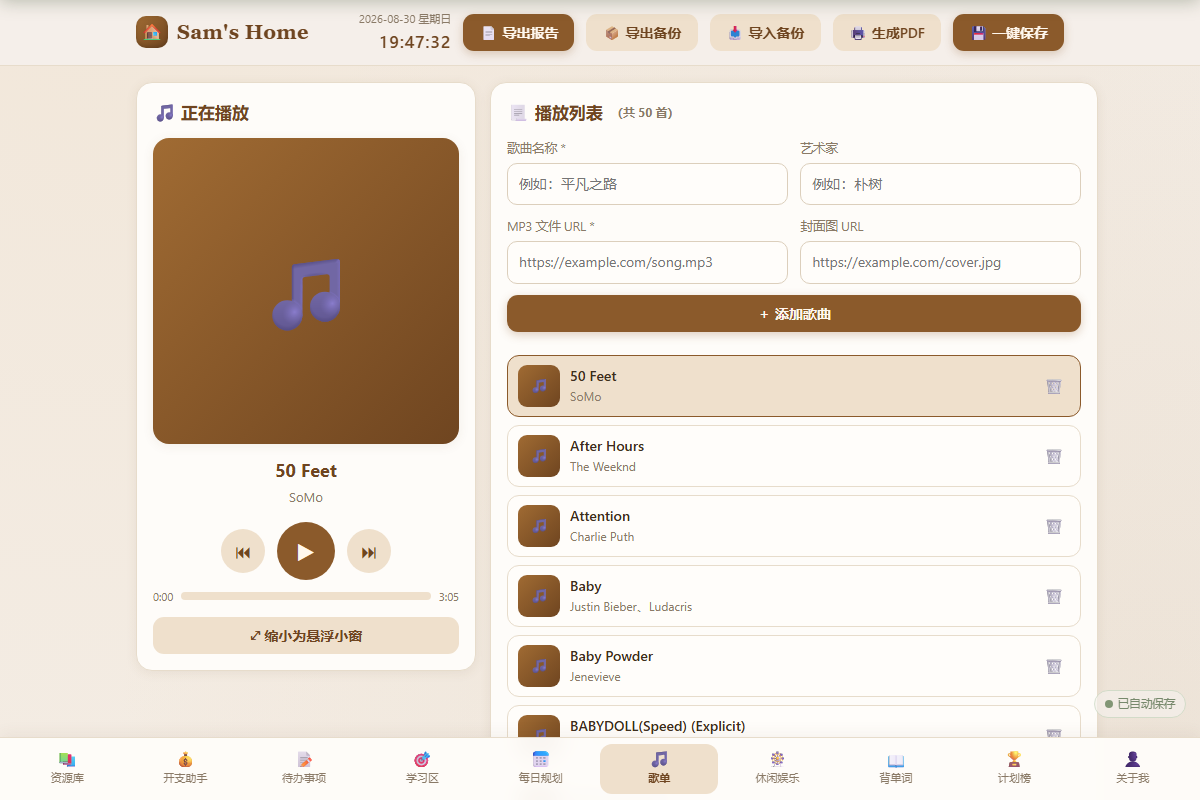
歌单播放器
-
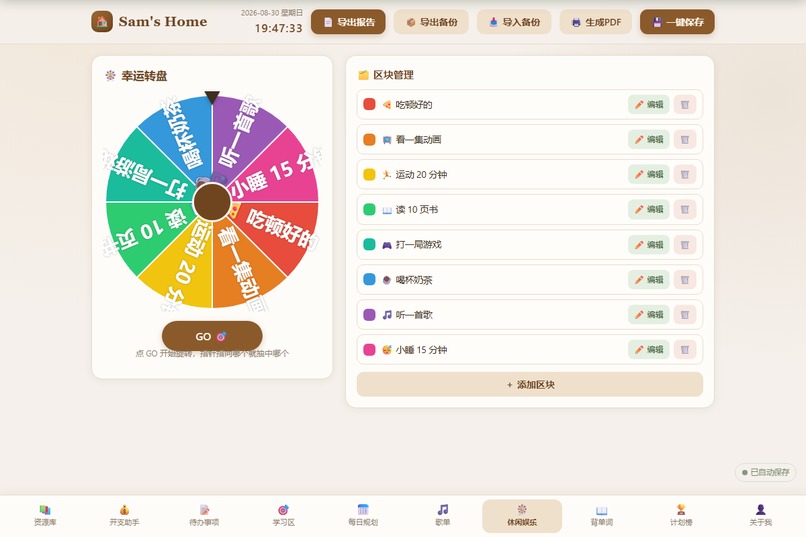
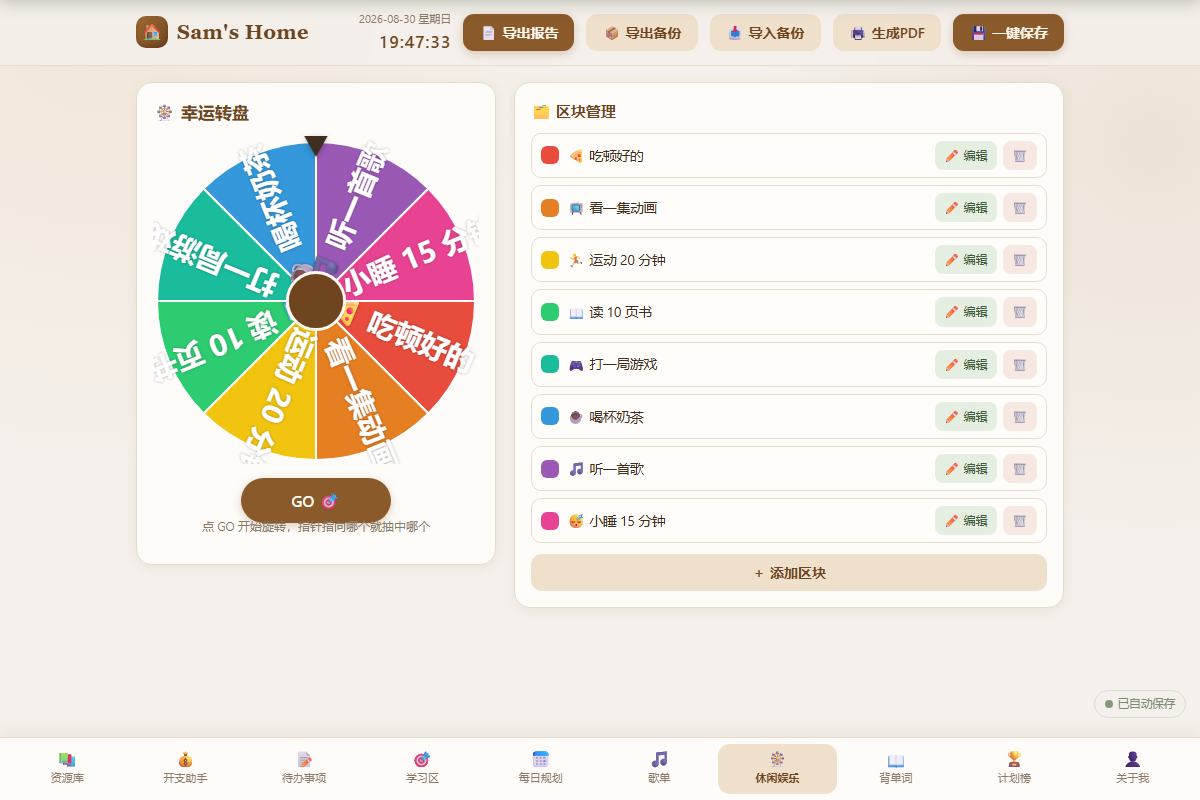
幸运转盘
-
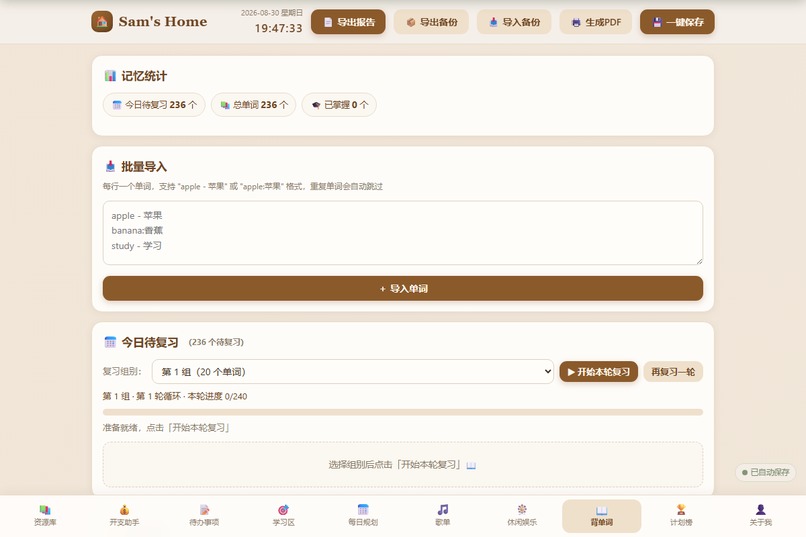
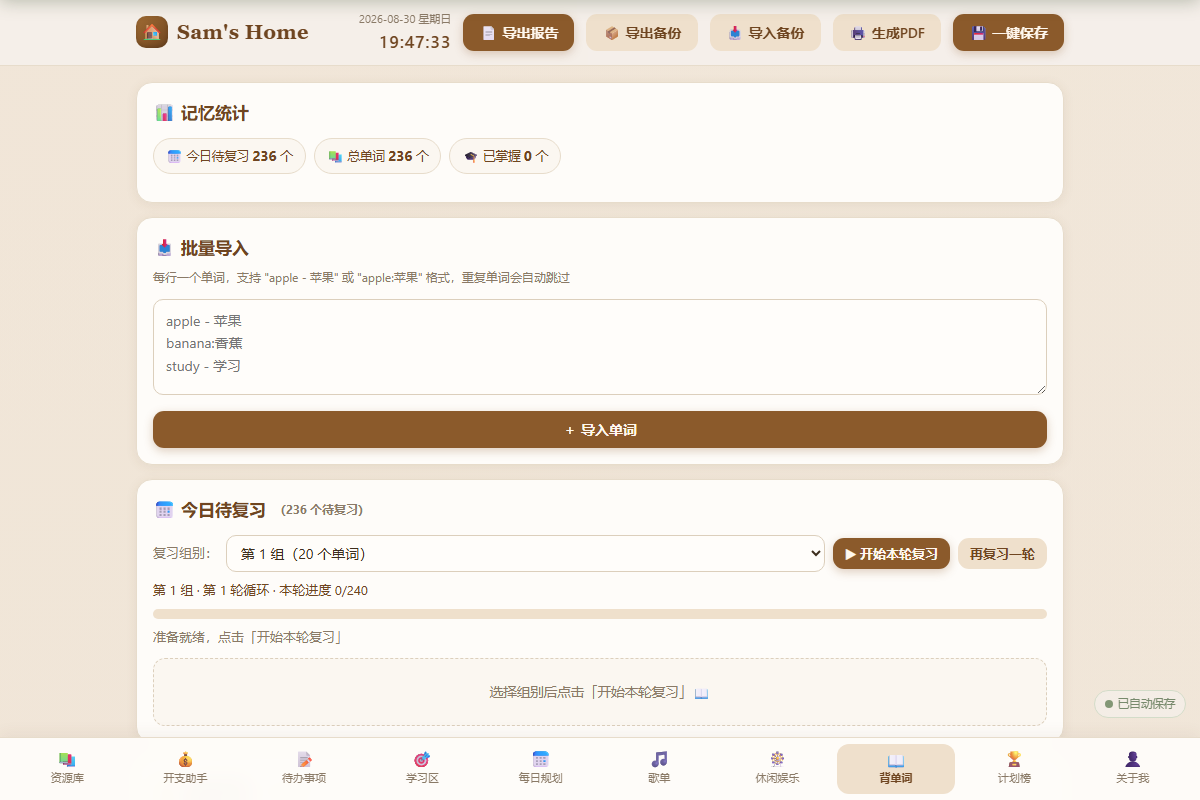
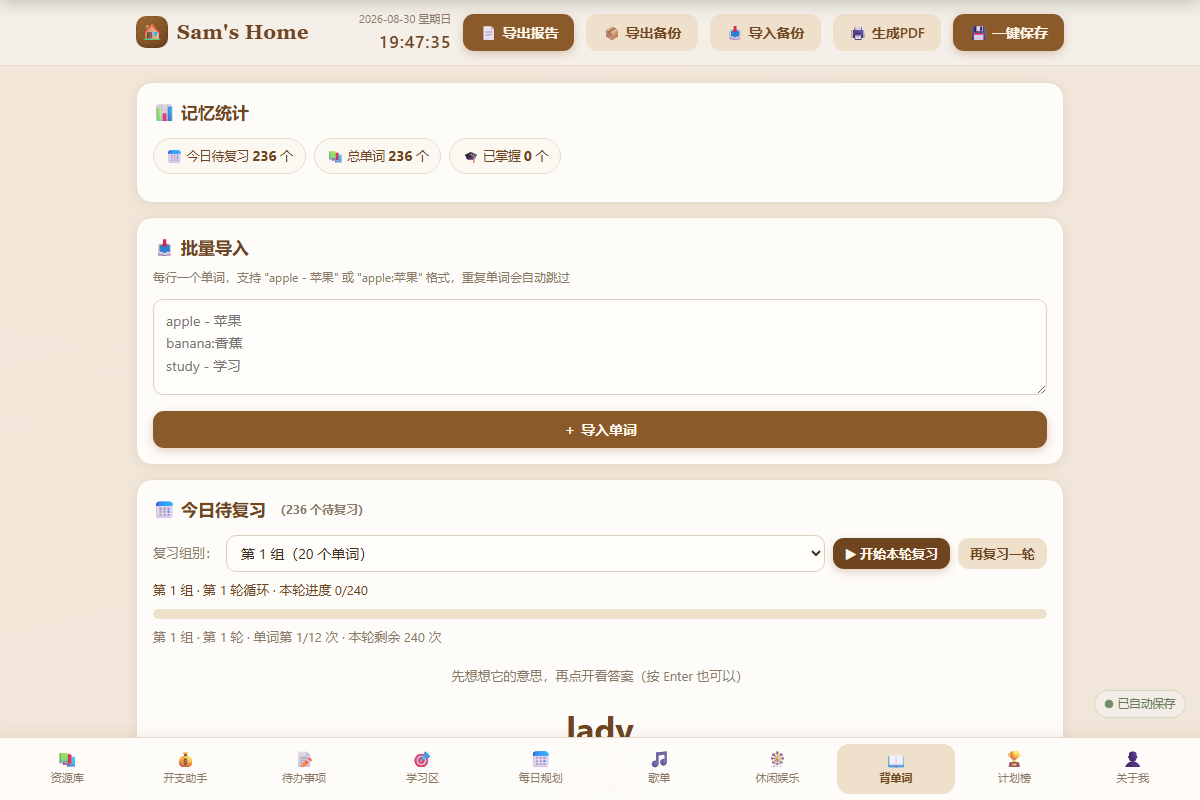
背单词主页:分组循环复习与统计
-
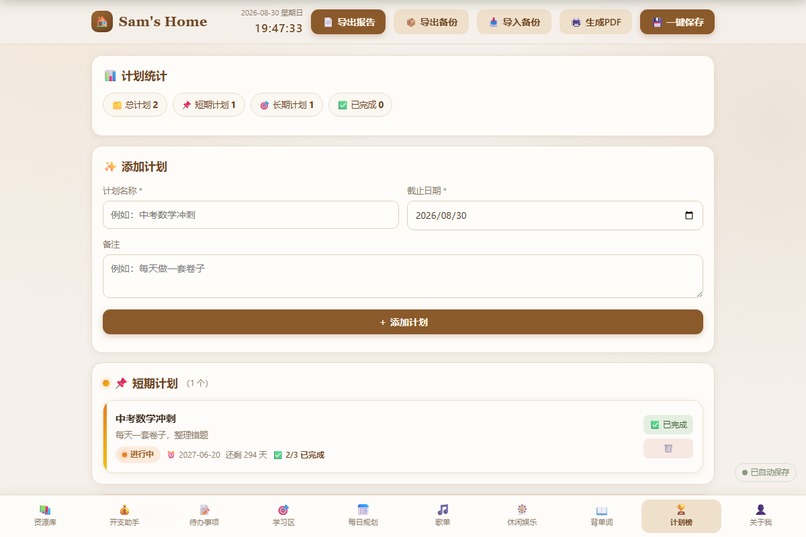
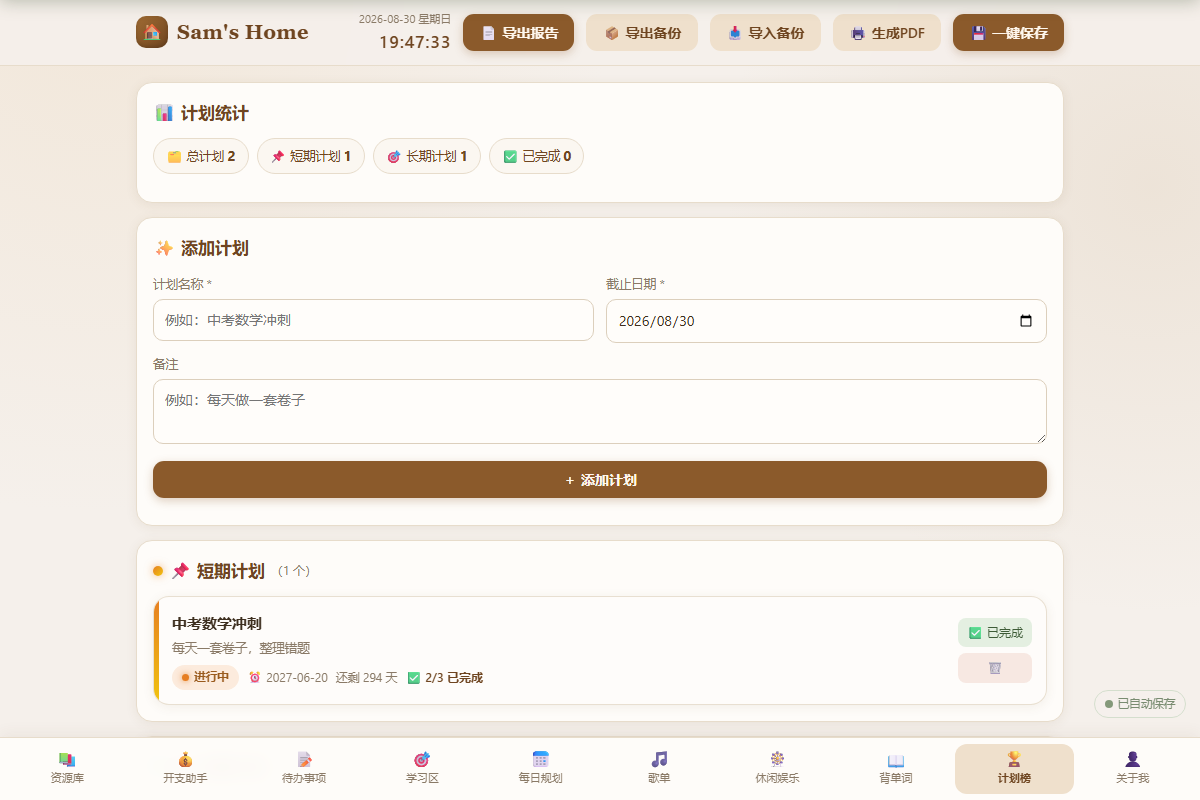
Plans Board:短期/长期计划 + 毛玻璃卡片(适合做封面)
-
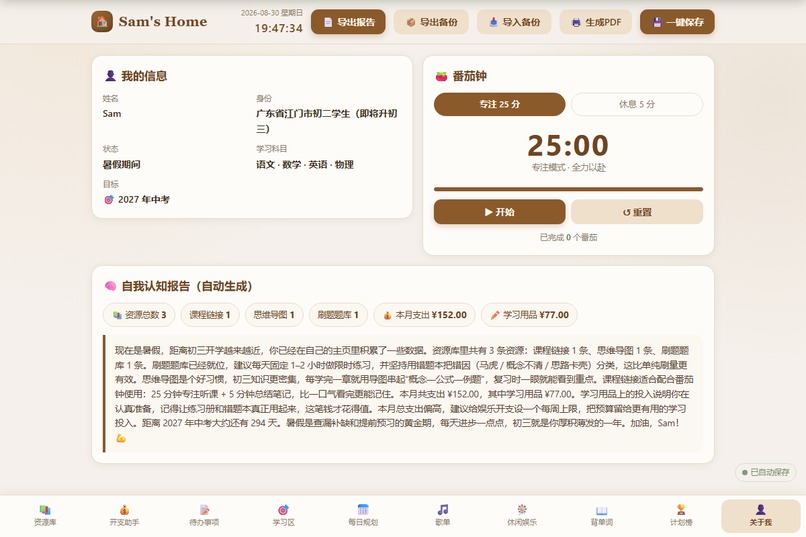
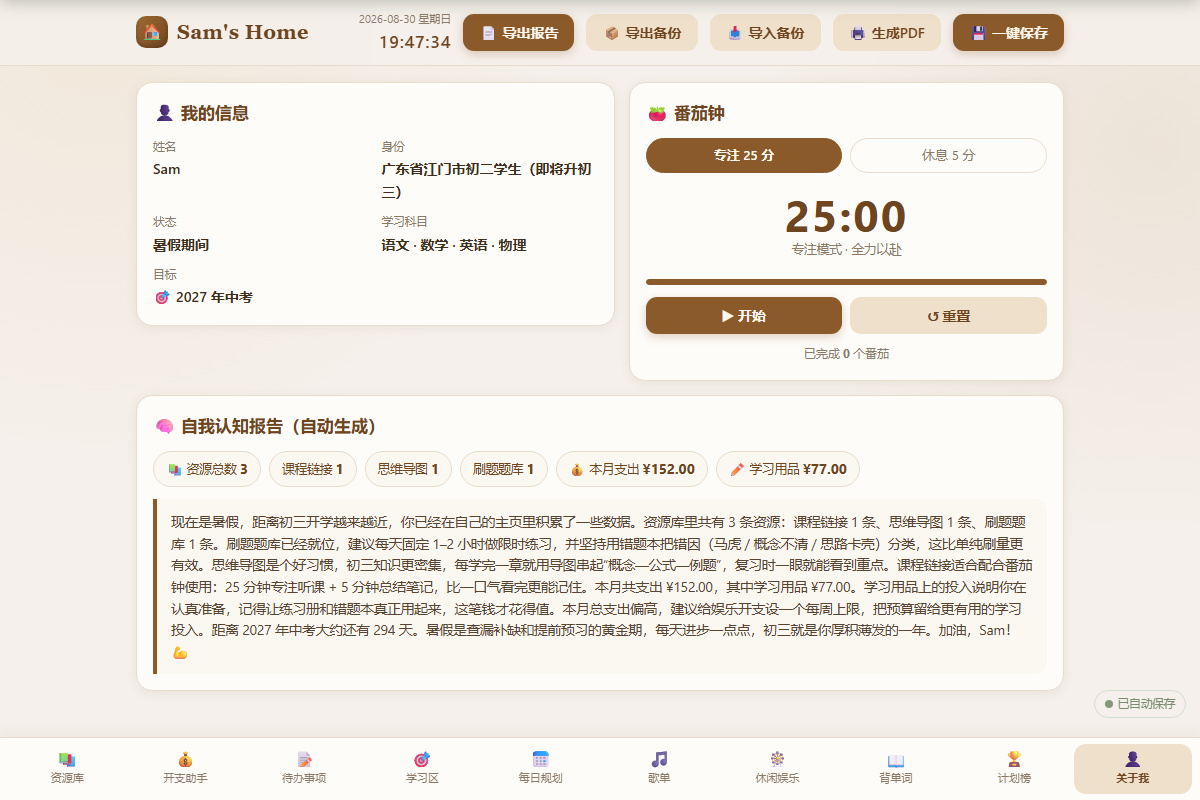
关于我:自我认知报告
-
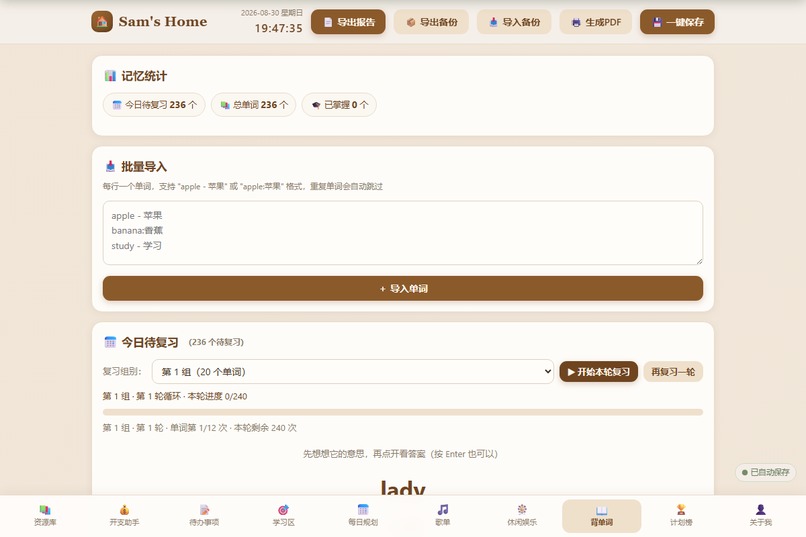
单词复习会话(lady → 显示释义/拼写)
-
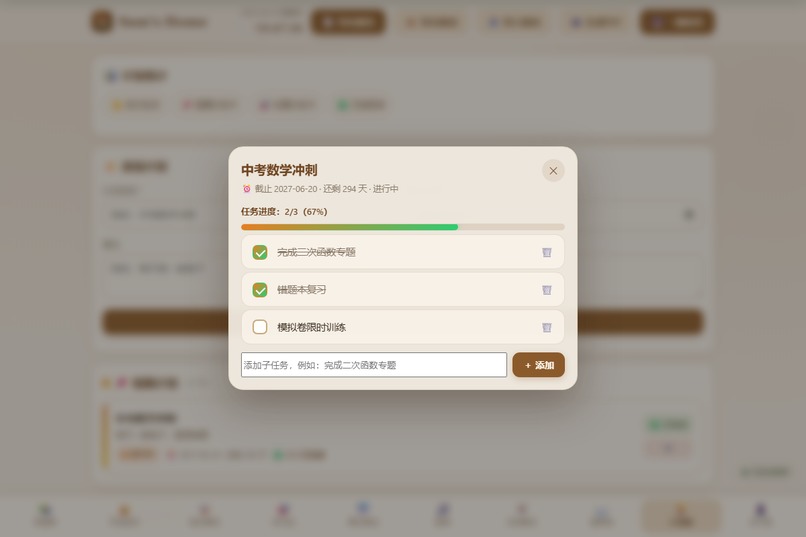
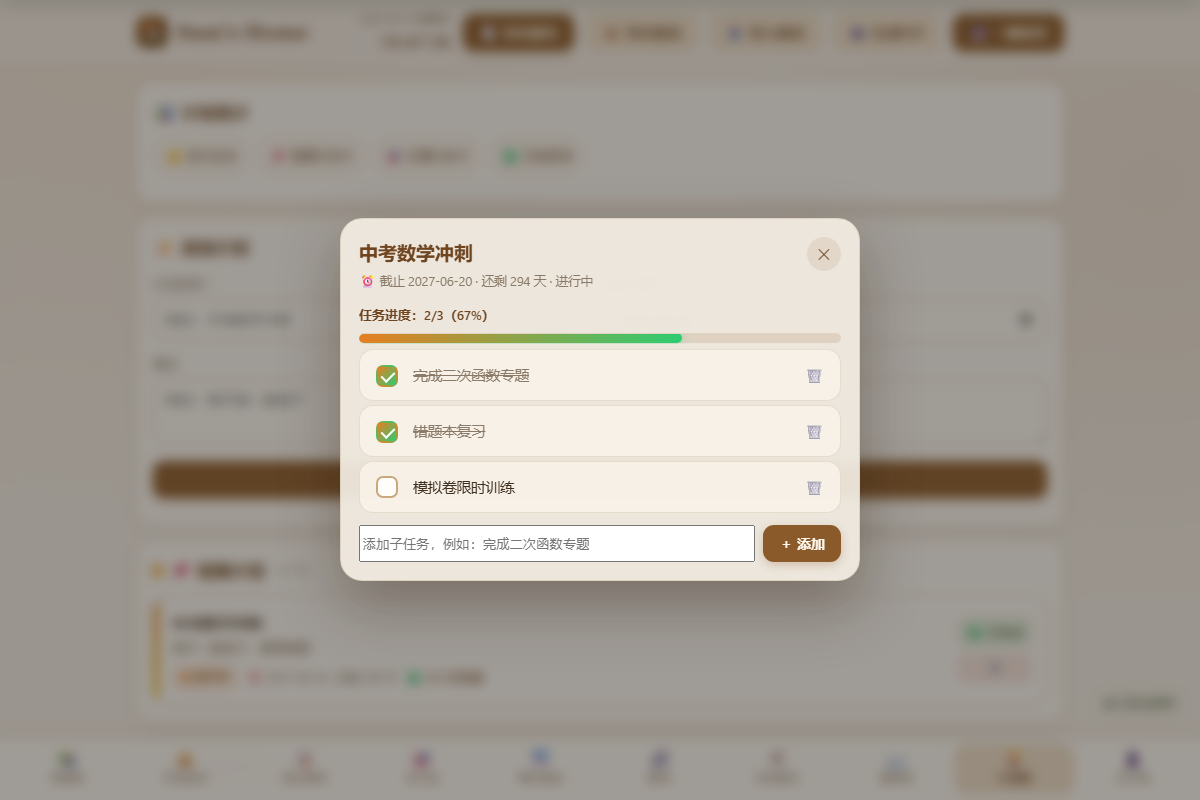
点击计划弹出的任务清单弹窗
Inspiration
I'm Sam, a middle school student in Jiangmen, Guangdong, about to enter Grade 9 (初三). During summer vacation I kept bouncing between notebooks, apps, and browser tabs — study materials, homework, spending, to-do lists, daily plans, and vocabulary all lived in different places. I wanted one calm, personal space to manage my study and life. Instead of buying another app, I decided to build my own — with the help of AI.
What it does
Sam's Home is a single-file, offline personal homepage. Everything lives in one index.html with zero dependencies, and all data is stored in the browser's localStorage — refresh and nothing is lost. It includes 10 tools in one place:
- 📚 Resource Library — save courses, PDFs, mind maps, tools and practice banks, with live search
- 💰 Expense Tracker — monthly totals and a weekly spending bar chart
- 📝 Eisenhower To-Do Board — urgent/important quadrant matrix
- 🎯 Study Zone — homework manager + 25/5 Pomodoro timer
- 📅 Daily Planner — timeline, priorities, progress, and history
- 🎵 Music Player — local playlist with a draggable floating mini-window
- 🎡 Lucky Wheel — customizable spin for fun breaks
- 📖 Vocabulary Trainer — Ebbinghaus spaced repetition in groups of 20, each word drilled 12 times per cycle, with weighted difficulty and spelling practice
- 🏆 Plans Board — short-term/long-term plans with glassmorphism task-checklist modals
- 👤 About Me — an auto-generated self-awareness report
How I built it
I built the entire app with Codex (OpenAI) as my pair programmer, iterating feature by feature in vanilla HTML/CSS/JavaScript. Key technical choices:
- One self-contained file, all CSS and JS inline — works offline by double-clicking
- localStorage as the "database", with a one-click save, JSON backup/import, and data integrity verification
- Web Speech API for English pronunciation, Web Audio API for a "ding" sound, Canvas for the wheel and charts
- A real spaced-repetition engine. The review interval follows the Ebbinghaus curve:
$$d(n) = \begin{cases} 1, & \text{level } 1 \to 2 \ 2, & \text{level } 2 \to 3 \ 4, & \text{level } 3 \to 4 \ 7, & \text{level } 4 \to 5 \end{cases} \text{ (days)}$$
- Automated E2E testing with Playwright at 375px mobile and desktop widths on every release
Challenges I faced
The biggest challenges were all about staying simple and robust:
- No backend, no dependencies. Every feature — charts, modals, audio, a spinning wheel — had to be built with pure browser APIs. That forced me to think carefully about data flow and state.
- Getting the review algorithm right. Making sure hard/wrong words appear more often, easy words less, while every word still completes 12 drills per cycle, took several rounds of design and testing.
- One nasty data-loss bug. My
index.htmlonce got corrupted (its encoding was scrambled and Chinese text broke). I recovered the full project from git history — which taught me to always commit. - Mobile-first layout. Ten tabs and rich interactions had to stay usable on a 375px phone screen.
What I learned
I learned that AI doesn't replace understanding — it accelerates it. I had to understand every line to debug it, and testing taught me more than building. I also learned real product thinking: localStorage instead of a server, Ebbinghaus instead of cramming, and calm warm design instead of flashy noise. Most importantly, I learned that your own tools work better than anything you can buy — especially when you build them for yourself, with AI by your side.
Built With
- canvas-api
- css3
- git/github
- html5
- javascript
- localstorage
- openai
- playwright
- web-audio-api
- web-speech-api


Log in or sign up for Devpost to join the conversation.