-
-
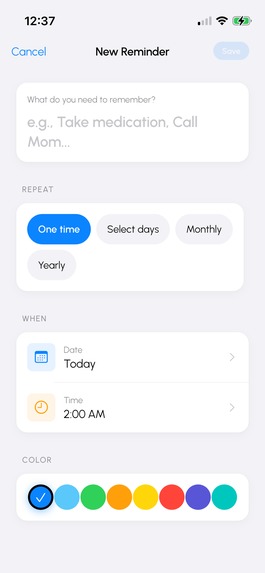
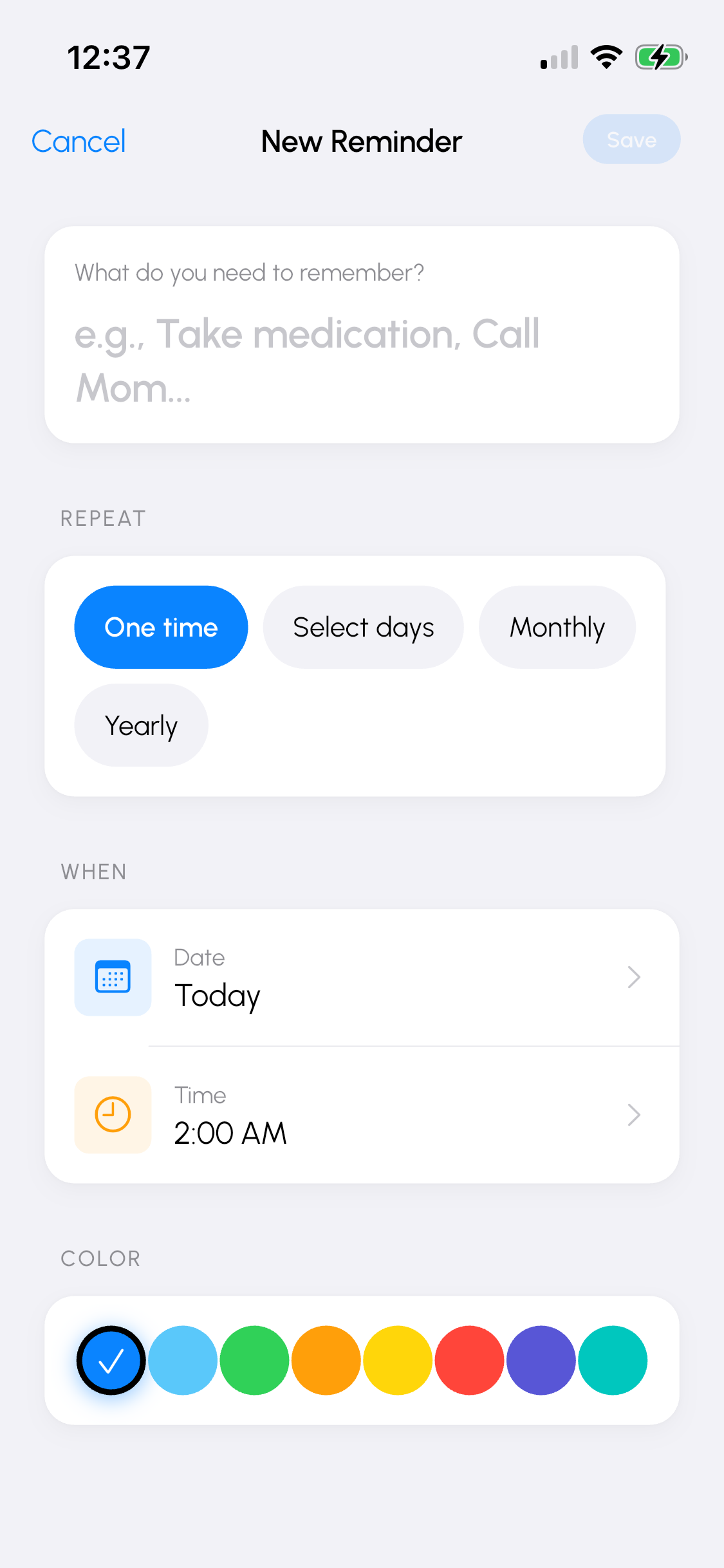
Create Reminder Page
-
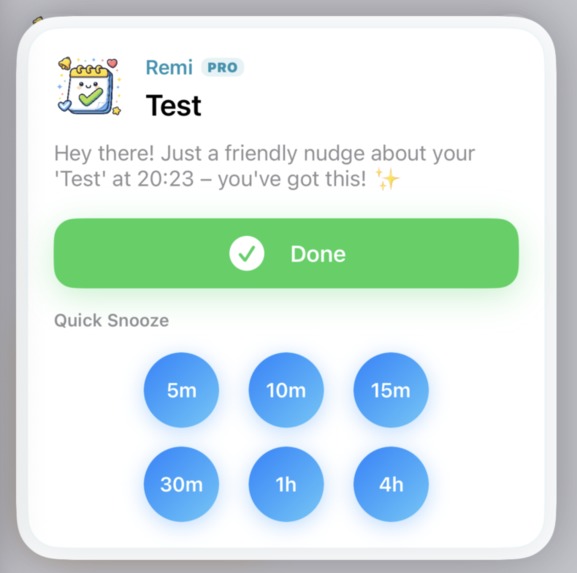
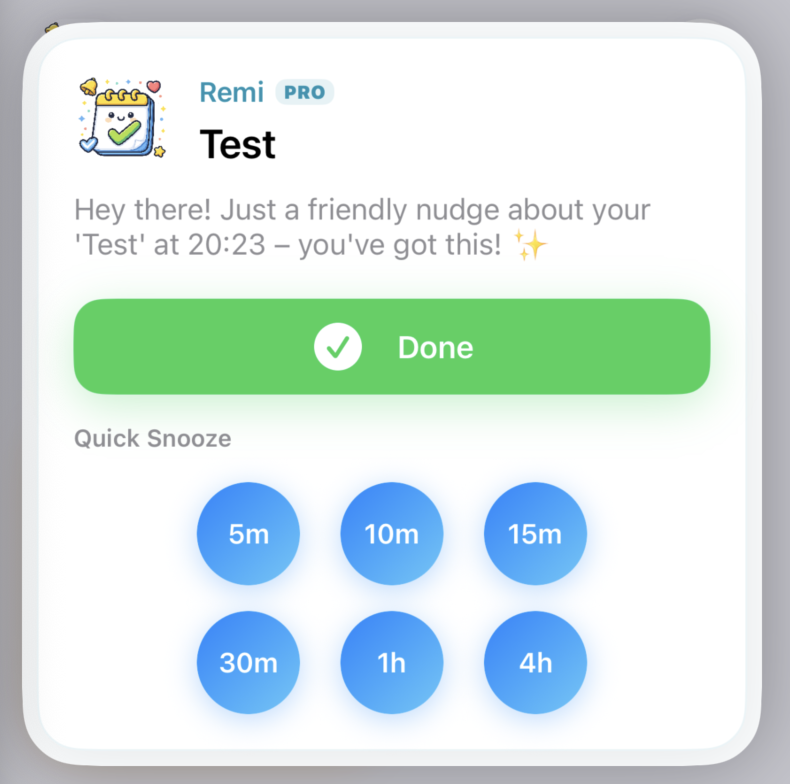
Custom notification
-
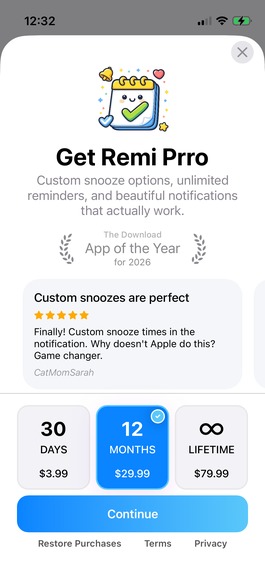
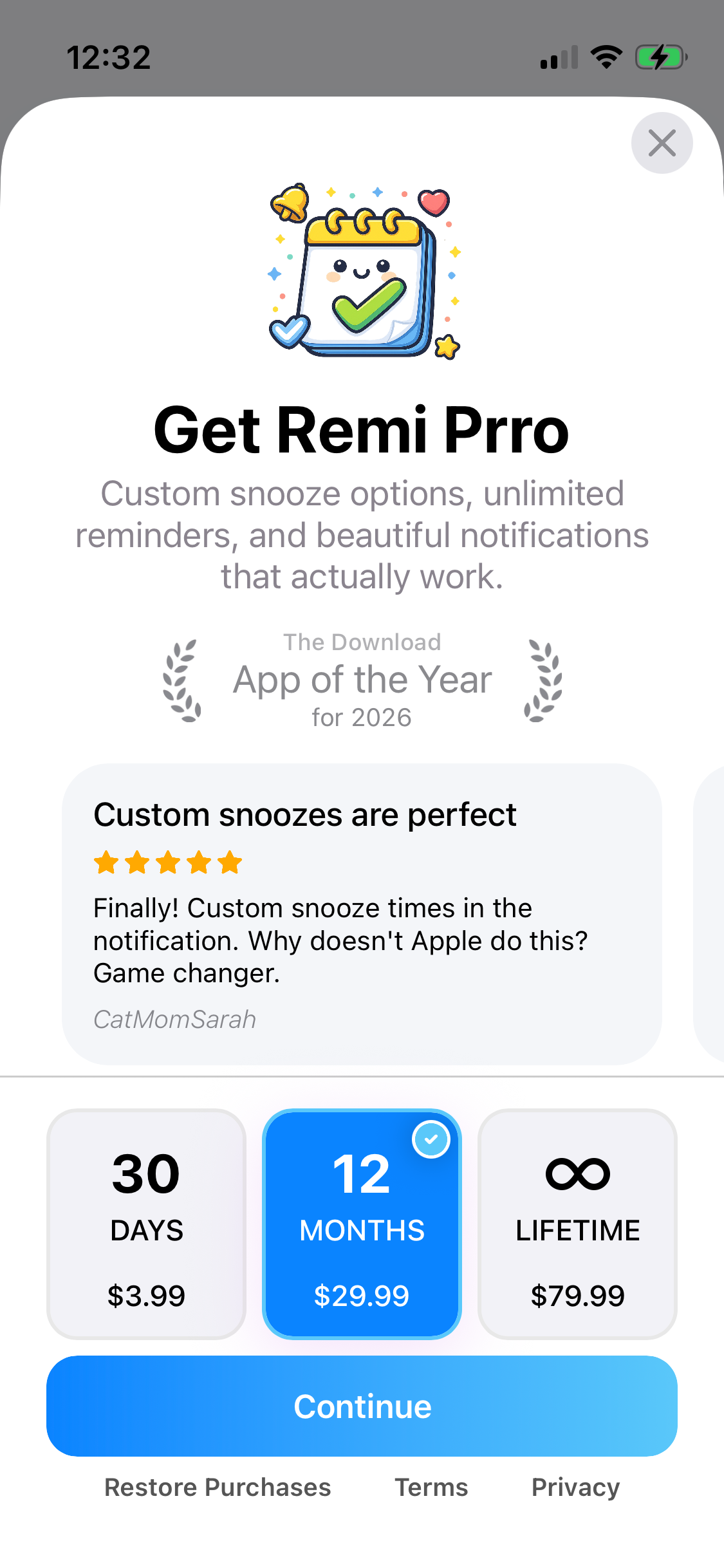
Paywall
-
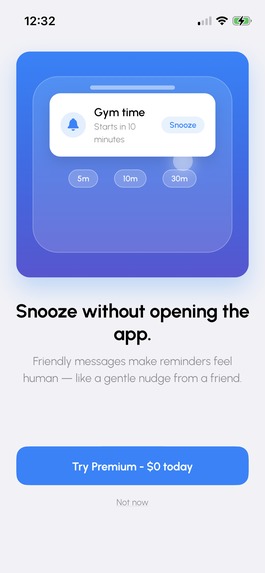
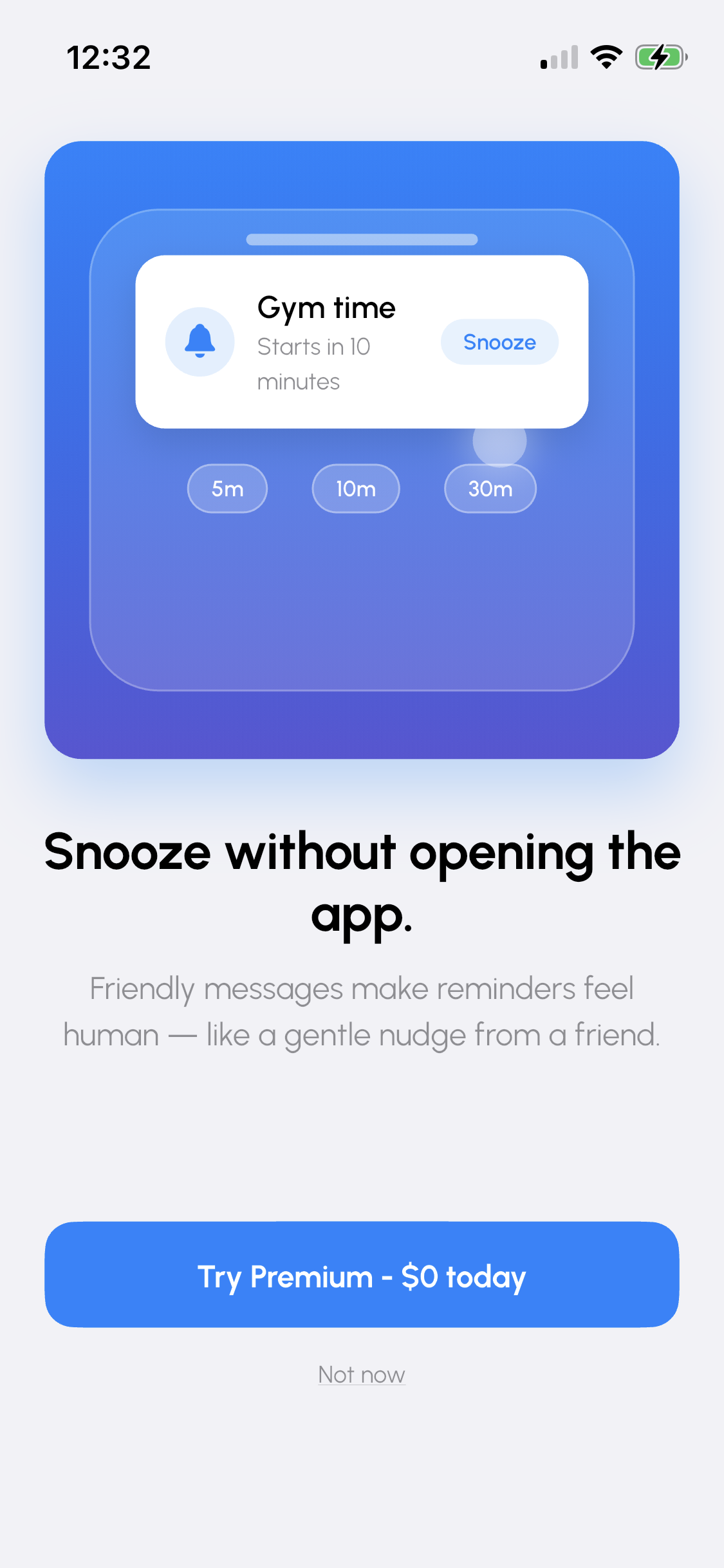
Onboarding Pre Paywall
-
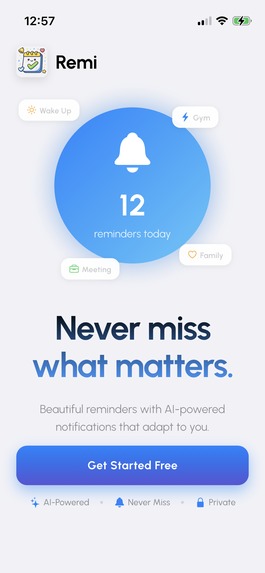
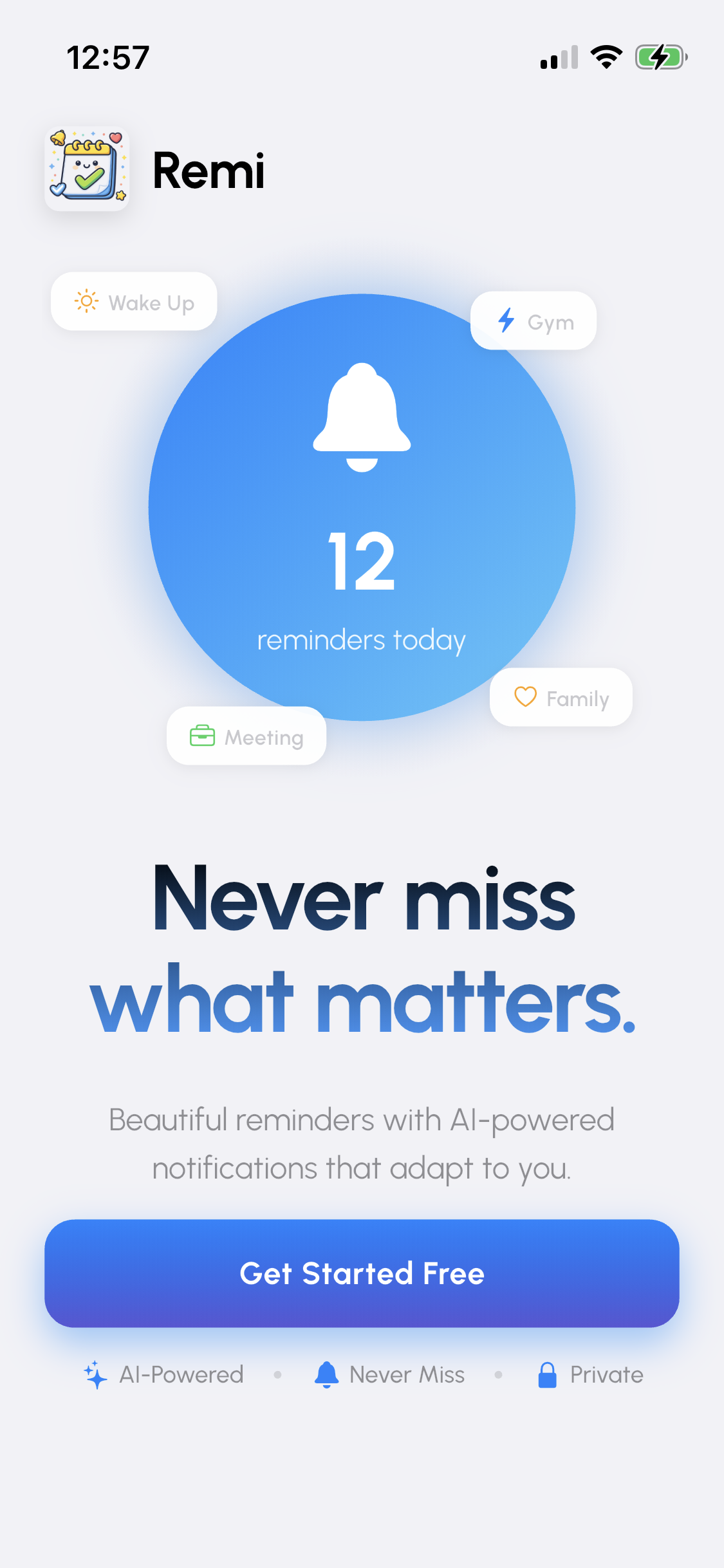
Landing Page
-
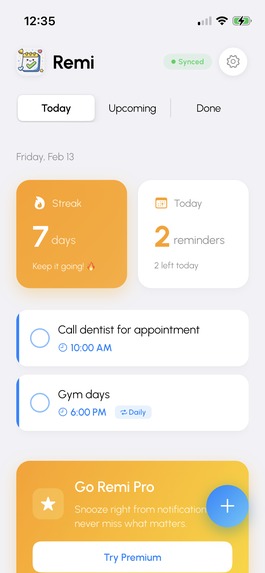
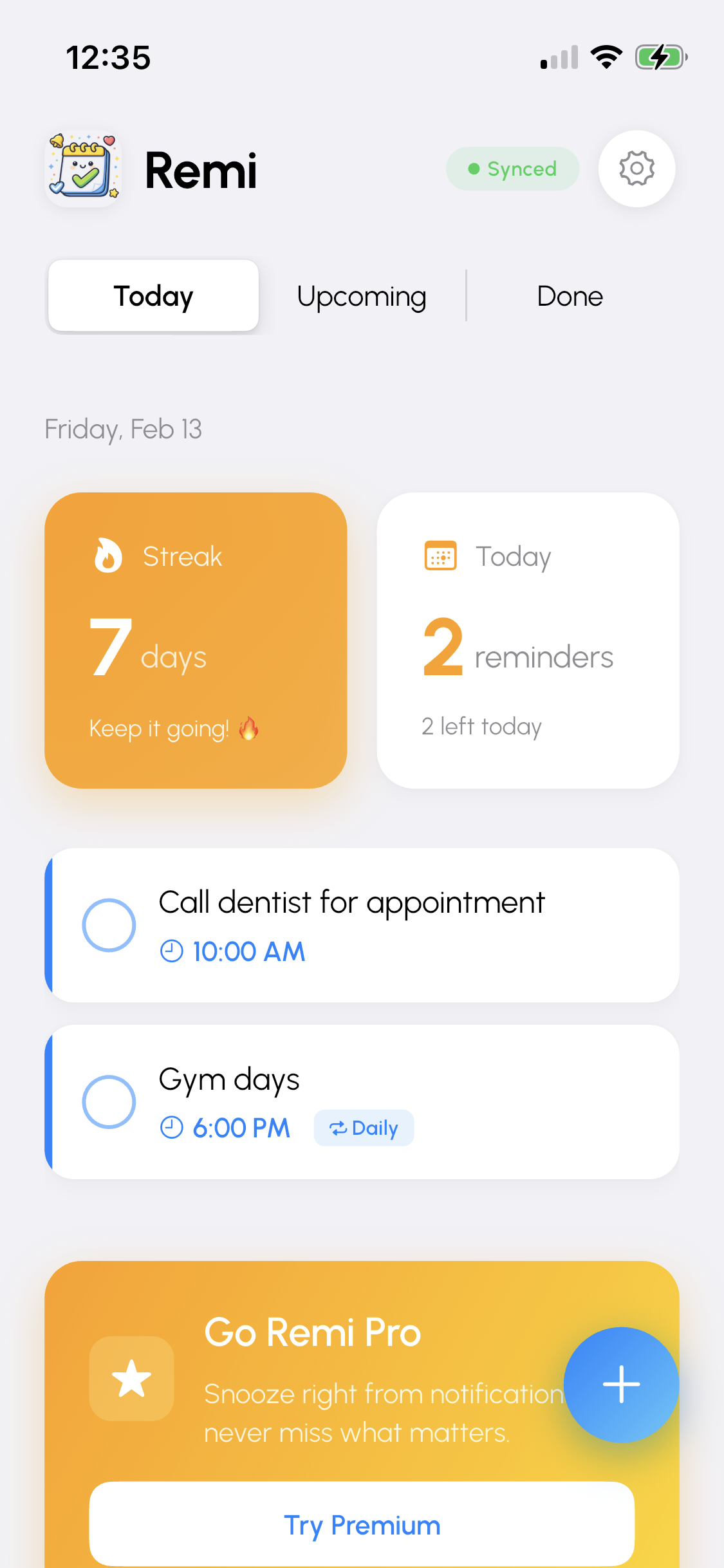
Home Page
-
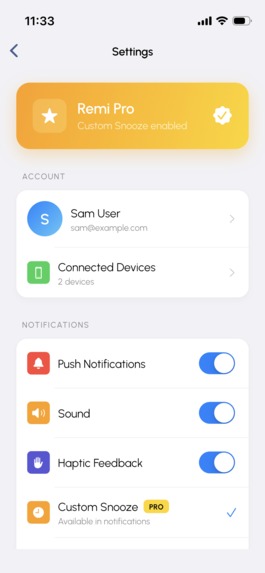
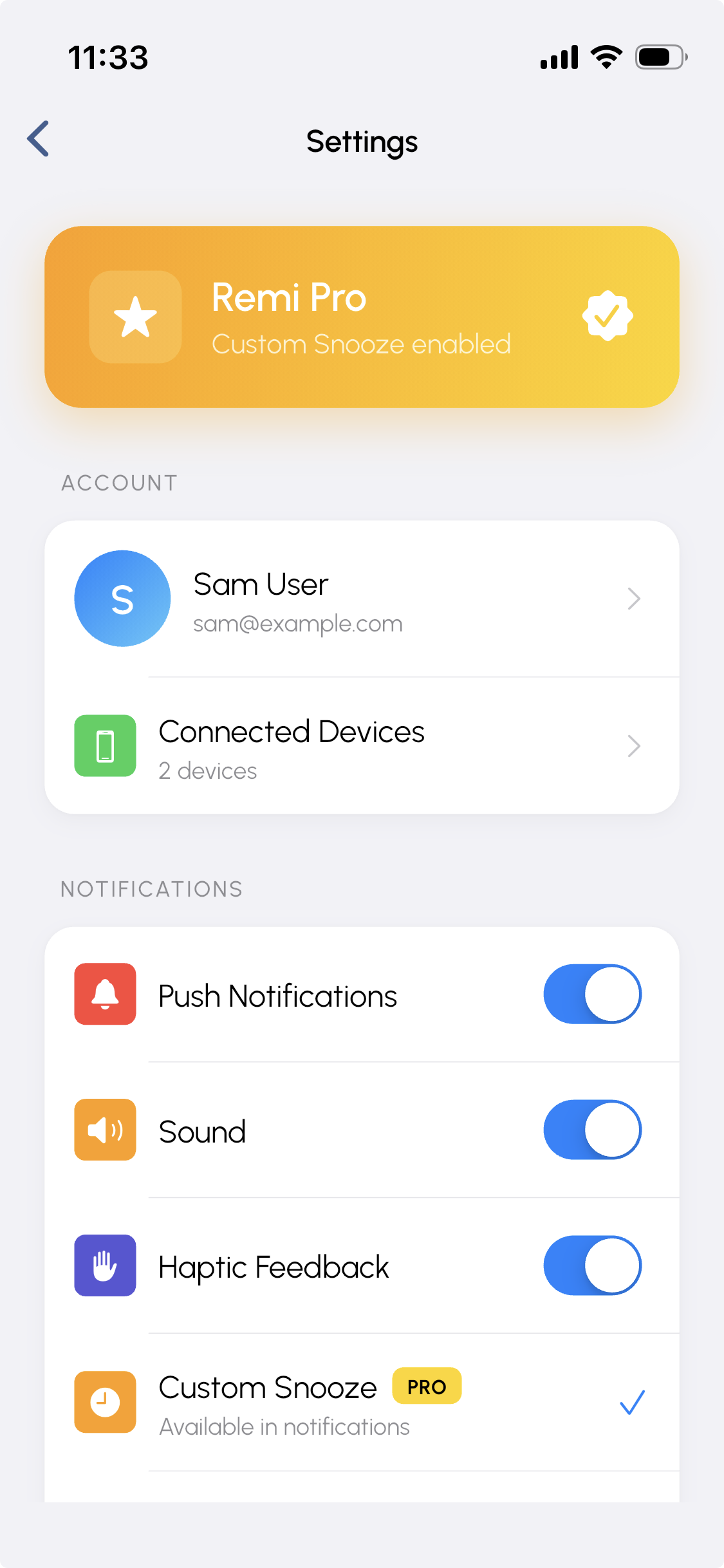
Settings Screen
Inspiration
When Sam said "switching between Android and iOS means rebuilding my entire reminder system from scratch," we knew exactly what he meant. We built ReminderCall (10,000+ users), so we've done reminders before. But we'd never built one that actually worked seamlessly across platforms. Sam's brief was the perfect challenge.
What it does
Remi solves the cross-platform reminder problem:
- Real sync: Dismiss on iPhone, clears on Android instantly
- Custom iOS notification UI: Six snooze buttons (5m, 10m, 15m, 30m, 1hr, 4hr) right in the notification—no need to open the app
- Recurring reminders: Every Mon/Wed/Fri at 2:30 PM, monthly on the 15th, you get it
- Smart month-end: Jan 31st reminder auto-adjusts to Feb 28/29
- Works offline: Reminders fire without internet, sync when connected
- Clean design: Ocean blue theme, minimal UI
Premium unlocks unlimited reminders and all snooze options via RevenueCat.
How we built it
Flutter for cross-platform. Local-first architecture—reminders schedule locally on each device, Firestore only handles sync. This means instant notifications, zero cost per reminder, and offline support.
The iOS notification UI is native Swift—you can snooze or complete reminders without ever opening the app. When you dismiss a reminder, Firestore updates and triggers other devices to cancel their local notifications. Sub-200ms sync.
Challenges we ran into
iOS 64-notification limit: iOS caps pending notifications at 64. Users with daily reminders would hit this limit in 2 months. We built a rolling scheduler that schedules 50 at a time and refreshes weekly via background tasks.
Custom notification UI without opening the app: Building a native notification extension that lets users snooze or complete reminders directly from the notification—without launching the app—required native Swift code and proper communication between the extension and main app.
What we're proud of
The iOS notification looks genuinely premium. Clean gradients, proper design language, feels native but special.
Sub-200ms sync between devices. Dismiss on one, clears on the other almost instantly.
Custom snooze directly in the notification—no need to open the app.
We handled edge cases: month-end dates, timezone transitions, notification limits.
Zero missed reminders in testing, even with airplane mode and timezone changes.
Most importantly: we built something we'd actually use. Would you trust it with important moments? We do.
What we learned
Local notifications are complex. Platform limits (iOS: 64 max), timezone math, background constraints—not obvious until you build it.
Native notification extensions unlock powerful UX but require platform-specific code. Worth it for the experience.
RevenueCat just works. Spent 2 hours on subscriptions instead of 2 days.
What's next
Note: This MVP is iOS-only as a proof of concept. We focused on nailing the custom notification UI and sync architecture. Android is absolutely doable with the same architecture—Flutter makes it straightforward.
Short-term:
- Android version with matching notification UI
- Shared lists for families
- Voice input: "Hey Remi, remind me to call mom tomorrow at 3 PM"
- Widgets and Apple Watch support
Long-term:
- Smart scheduling with AI
- Location triggers
- Analytics and insights
- Template library (medication, workouts, etc.)
Real talk: Very few teams here have shipped production reminder systems. We have. If Sam picks Remi, we'll build the full cross-platform version and turn this into the reminder app that actually works everywhere and never lets you down.
Built for Sam's productivity community.

Log in or sign up for Devpost to join the conversation.